Best for stand adjustability
InnoCN GA27S1Q
5.0 feature score
Highest scored product for this feature based on supporting review evidence.
Highest scored product for this feature based on supporting review evidence.
Balances feature score, supporting reviews, and overall product strength.
Has the broadest review evidence for this feature.
Strongest overall product among items with scored evidence for this feature.
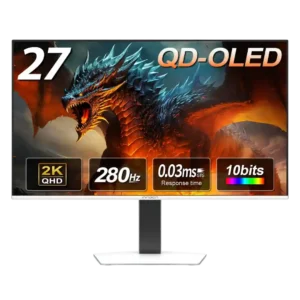
The stand is a major strength, offering height, tilt, swivel, and pivot adjustments with sturdy construction and a desk-friendly base.
Pros: screen size, panel type
Cons: KVM switch performance, USB hub functionality
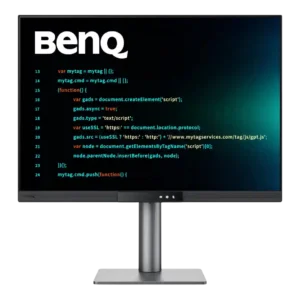
The stand offers generous height, tilt, swivel, and portrait rotation, with smooth movement and a stable base. Rotating the display requires enough cable slack to avoid stressing rear-facing connections.
Pros: VESA mount compatibility, productivity versatility
Cons: HDR performance, local dimming performance
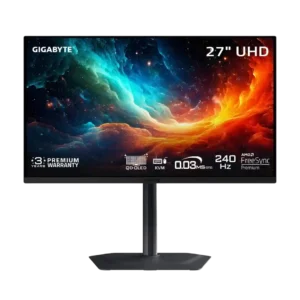
The compact stand offers height, tilt, swivel, and pivot adjustment while taking up little desk space. Its flat base also leaves room for accessories.
Pros: input lag, viewing angles
Cons: color accuracy, software support
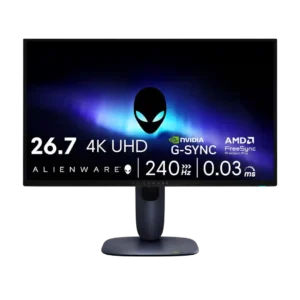
Stand adjustability was praised for stability, small footprint, and full ergonomic movement.
Pros: response time, contrast
Cons: built-in speakers, software support
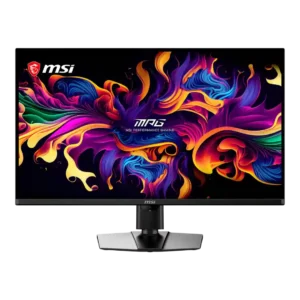
The stand provides smooth height, tilt, and swivel adjustment and feels unusually sturdy for a 32-inch display. Rotation is limited and full portrait orientation is not available.
Pros: panel type, response time
Cons: built-in speakers, curved screen immersion
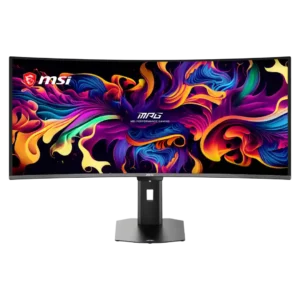
The compact stand offers good height, tilt, swivel, and limited pivot adjustment while occupying less desk space. It cannot rotate fully into portrait orientation.
Pros: screen size, panel type
Cons: Resolution, cable management
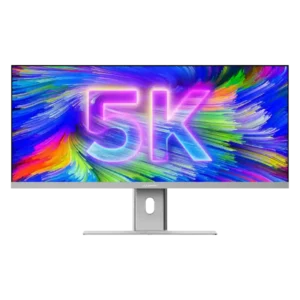
Height, tilt, swivel, and in some accounts rotation make the stand unusually flexible. Some units or setups showed wobble, and the screen may not lower enough for shorter users.
Pros: productivity versatility, aspect ratio
Cons: HDR performance, HDMI 2.1 support
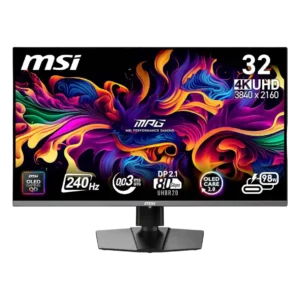
The stand is sturdy and offers height, tilt, and swivel adjustment with smooth movement. Limited pivot and lack of full portrait rotation are the main ergonomic drawbacks.
Pros: response time, motion clarity
Cons: warranty and support service, sleep and wake behavior
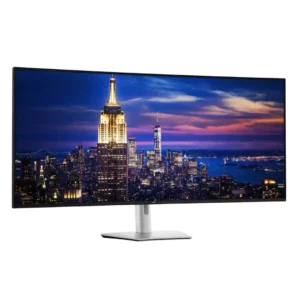
Height, tilt, swivel, and slight slant adjustments are generally smooth and useful for positioning the enormous panel. The range is limited by size, there is no pivot, and one tested...
Pros: input lag, backlight bleed control
Cons: overdrive tuning, ghosting control