Best for tilt gesture controls
Razer Basilisk V3 Pro 35K
4.8 feature score
Highest scored product for this feature based on supporting review evidence.
Highest scored product for this feature based on supporting review evidence.
Balances feature score, supporting reviews, and overall product strength.
Has the broadest review evidence for this feature.
Strongest overall product among items with scored evidence for this feature.
Showing Razer only. Switch back to all brands anytime.
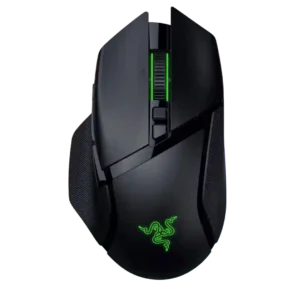
Tilt controls are strongly supported by the four-way wheel and left/right horizontal inputs, which reviewers found useful for extra functions.
Pros: programmable buttons, Bluetooth support
Cons: handedness options, firmware reliability
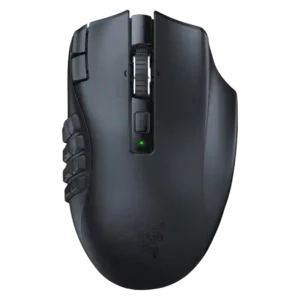
Tilt gesture controls are consistently supported by left/right scroll-wheel tilt and side-press functions that reviewers liked for shortcuts.
Pros: DPI range, Accuracy and tracking precision
Cons: handedness options, cable flexibility
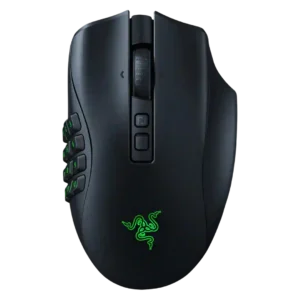
Tilt controls are present and programmable through left/right scroll-wheel tilt clicks.
Pros: click latency, switch durability
Cons: handedness options, weight
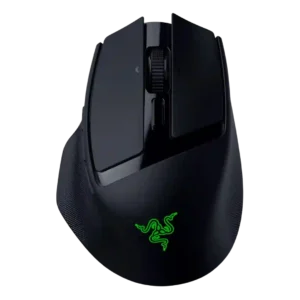
Tilt controls were useful for horizontal scrolling and sensitivity actions, but several reviewers found the tilt interaction awkward.
Pros: ecosystem integration, sensor performance
Cons: AI Prompt Master, durability over time
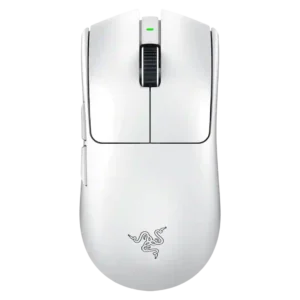
Tilt gesture controls are effectively absent, with reviewers noting the scroll wheel cannot tilt or that tilt would have added extra inputs.
Pros: DPI range, weight
Cons: Bluetooth support, RGB features
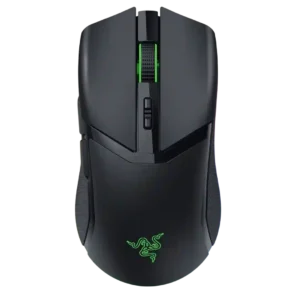
Tilt controls are essentially absent; reviewers explicitly note there is no tilt wheel or left/right scroll-wheel push.
Pros: surface compatibility, sensor performance
Cons: tilt gesture controls, MOBA gaming suitability
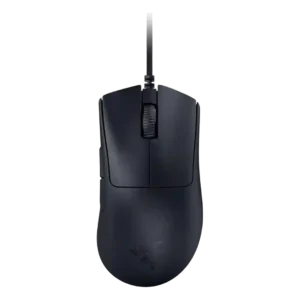
Tilt gesture controls are absent, with reviewers noting the scroll wheel does not support tilt functionality.
Pros: battery life, charging convenience
Cons: weight tuning, handedness options