Best for tilt gesture controls
Razer Naga V2 HyperSpeed
5.0 feature score
Highest scored product for this feature based on supporting review evidence.
Highest scored product for this feature based on supporting review evidence.
Balances feature score, supporting reviews, and overall product strength.
Has the broadest review evidence for this feature.
Strongest overall product among items with scored evidence for this feature.
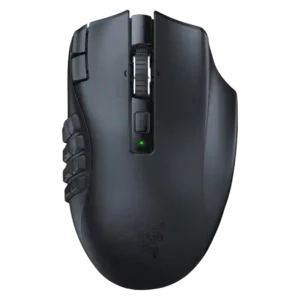
Tilt controls were praised as quick, easy, comfortable shortcuts on the scroll wheel.
Pros: Accuracy and tracking precision, sensor performance
Cons: handedness options, fingertip grip comfort
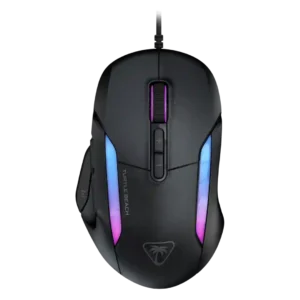
Tilt gesture controls were praised as fresh, useful, and easy to flick, giving the mouse extra functions beyond a standard wheel.
Pros: click latency, motion consistency
Cons: handedness options, portability
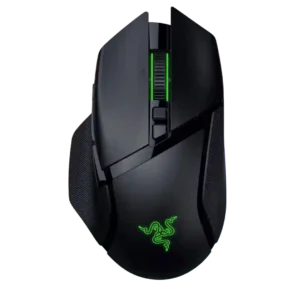
Tilt controls were useful for horizontal scrolling, extra inputs, lean functions, and productivity workflows.
Pros: lift-off distance, motion consistency
Cons: cross-platform compatibility, handedness options
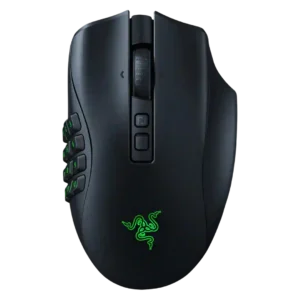
Tilt controls were positively received as useful extra inputs, especially for spreadsheet navigation or in-game shortcuts.
Pros: sensor performance, click latency
Cons: software stability, Bluetooth support
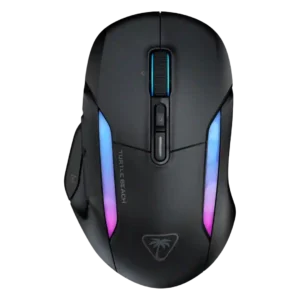
Tilt gesture controls received positive limited evidence because the 4D wheel tilt added another layer of control for navigation.
Pros: left and right click quality, software stability
Cons: polling rate, cross-platform compatibility
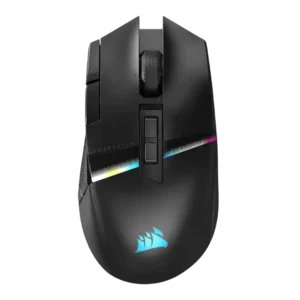
Tilt gestures are a standout but divisive feature: several reviewers love or rely on them, while others report sensitivity, calibration, or reliability issues.
Pros: long-session comfort, sensor performance
Cons: handedness options, software stability
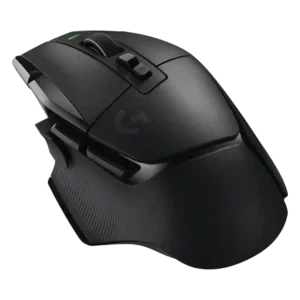
Tilt gesture controls had limited but positive evidence as extra left-right scroll-wheel actions and keybind functionality.
Pros: click latency, motion consistency
Cons: software stability, cross-platform compatibility
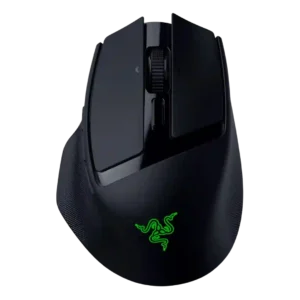
Tilt controls were useful for horizontal scrolling and sensitivity actions, but several reviewers found the tilt interaction awkward.
Pros: ecosystem integration, sensor performance
Cons: AI Prompt Master, durability over time
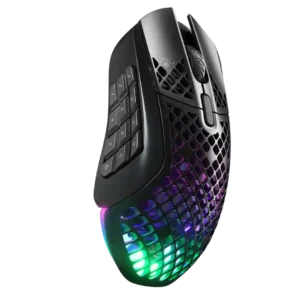
Tilt gesture controls were mixed: some reviewers liked the extra inputs, while others found the wheel too low or hard to use.
Pros: motion consistency, surface compatibility
Cons: onboard memory, handedness options
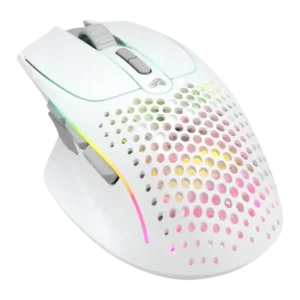
Tilt controls were a limitation because reviewers missed left-right tilt or more advanced wheel behavior.
Pros: skate durability, cross-platform compatibility
Cons: handedness options, click noise
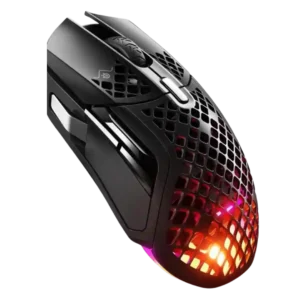
Tilt/flick gesture controls were widely criticized as stiff, awkward, or hard to use under pressure despite occasional novelty value.
Pros: motion consistency, connection stability
Cons: weight tuning, fingertip grip comfort
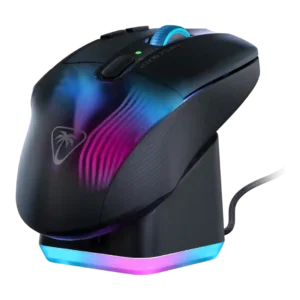
Tilt gesture controls were mixed-negative overall, with several reviewers finding 4D tilt stiff, awkward, or hard to use despite some functional praise.
Pros: click latency, motion consistency
Cons: firmware reliability, weight tuning
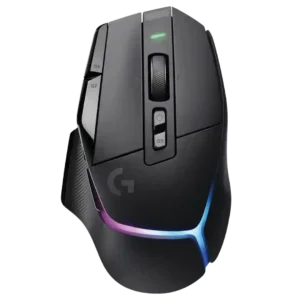
Tilt controls were criticized because side-scrolling could require extra force or cause accidental scroll-wheel side inputs.
Pros: Accuracy and tracking precision, motion consistency
Cons: handedness options, lift-off distance
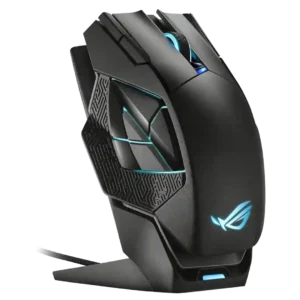
Tilt controls were a weakness in the only opinionated mention because a proper tilt scroll wheel was missing.
Pros: motion consistency, 2.4GHz connectivity
Cons: fingertip grip comfort, cross-platform compatibility
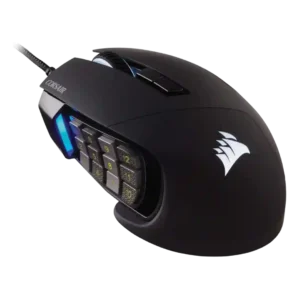
Tilt controls were a noted limitation in one review, which said the absence of tilt scroll could be a deal breaker for editing use.
Pros: button responsiveness, long-session comfort
Cons: handedness options, switch durability
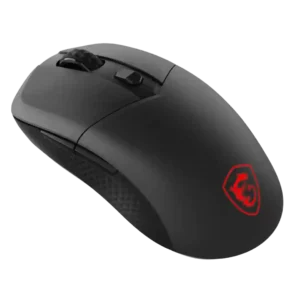
There is no tilt-scroll function, an omission that stands out against some more expensive gaming mice.
Pros: Accuracy and tracking precision, click latency
Cons: software stability, profile switching
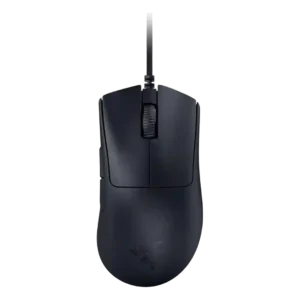
Tilt gesture control support was a weakness because one reviewer specifically wished the scroll wheel had tilt functionality.
Pros: Accuracy and tracking precision, sensor performance
Cons: handedness options, tilt gesture controls
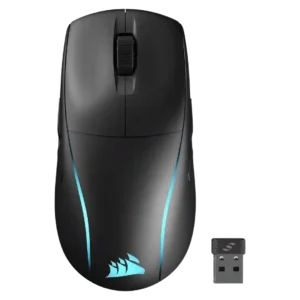
Tilt gesture controls were a weakness because one reviewer specifically expressed disappointment that tilt controls were absent.
Pros: handedness options, Accuracy and tracking precision
Cons: tilt gesture controls, software stability
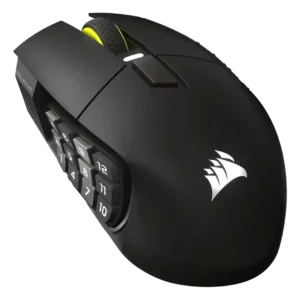
Tilt-style controls were criticized in the one relevant review, which found the left-clicking wheel input unnatural and not usable.
Pros: click latency, macro support
Cons: firmware reliability, tilt gesture controls