Best for USB hub functionality
Dell UltraSharp 52 Thunderbolt Hub Monitor, U5226KW
4.9 feature score
Highest scored product for this feature based on supporting review evidence.
Highest scored product for this feature based on supporting review evidence.
Balances feature score, supporting reviews, and overall product strength.
Has the broadest review evidence for this feature.
Strongest overall product among items with scored evidence for this feature.
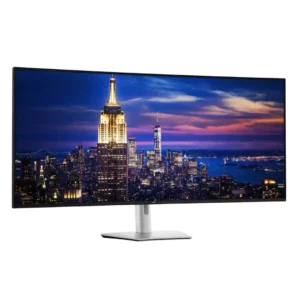
The built-in Thunderbolt and USB hub is one of the monitor's greatest strengths, often replacing a separate dock. High-speed rear ports, front pop-out connections, charging, Ethernet, and laptop power make...
Pros: input lag, backlight bleed control
Cons: overdrive tuning, ghosting control
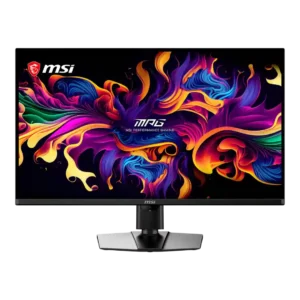
The two-port USB hub and built-in KVM make it easy to share a keyboard and mouse between systems. USB-C also supports a practical single-cable laptop connection.
Pros: panel type, response time
Cons: built-in speakers, curved screen immersion
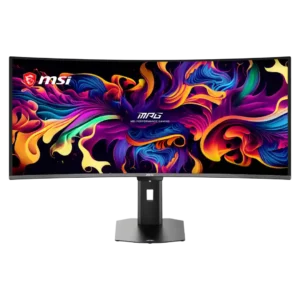
The two-port USB hub and KVM switch make it easy to share peripherals between a desktop and USB-C laptop, though the 5Gbps ports can limit fast external storage.
Pros: screen size, panel type
Cons: Resolution, cable management
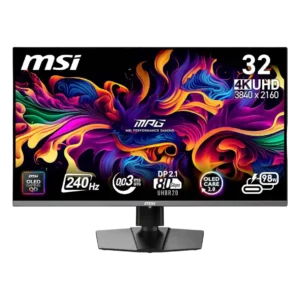
The faster USB hub, USB-C power delivery, and KVM switch are highly useful for sharing peripherals between systems. Some Mac wake behavior and default-disabled USB-C charging reduce polish.
Pros: response time, motion clarity
Cons: warranty and support service, sleep and wake behavior
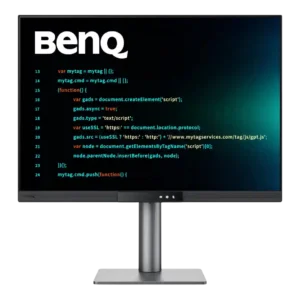
The built-in USB hub is practical, with easily reached USB-A and USB-C ports for peripherals and charging. Placement under the front edge is convenient for temporary devices but awkward for...
Pros: VESA mount compatibility, productivity versatility
Cons: HDR performance, local dimming performance
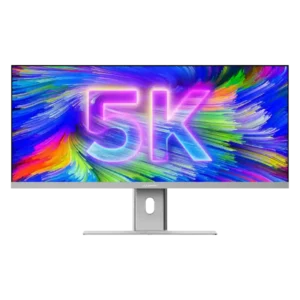
The integrated dock is highly convenient for video, Ethernet, charging, and basic peripherals. Its downstream USB-C ports run at slow USB 2.0 speeds, so it cannot replace a high-performance Thunderbolt...
Pros: productivity versatility, aspect ratio
Cons: HDR performance, HDMI 2.1 support
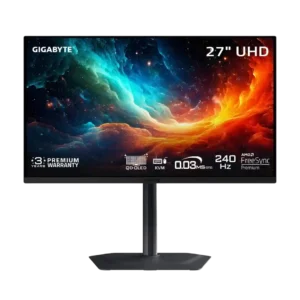
USB-C, upstream USB-B, and downstream USB-A ports provide practical hub connectivity. USB-C power delivery is limited to 18W.
Pros: input lag, viewing angles
Cons: color accuracy, software support
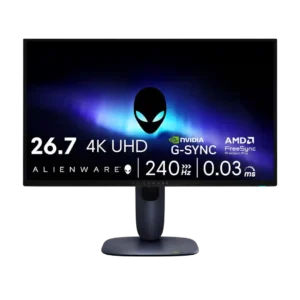
USB hub functionality was mixed to weak: convenient ports helped, but 15W USB-C, no USB-C display input, and no KVM were recurring limits.
Pros: response time, contrast
Cons: built-in speakers, software support
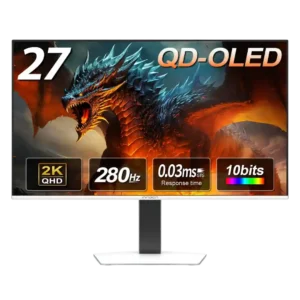
There is no USB hub, a repeated omission that limits peripheral connectivity and weakens the monitor’s productivity appeal.
Pros: screen size, panel type
Cons: KVM switch performance, USB hub functionality