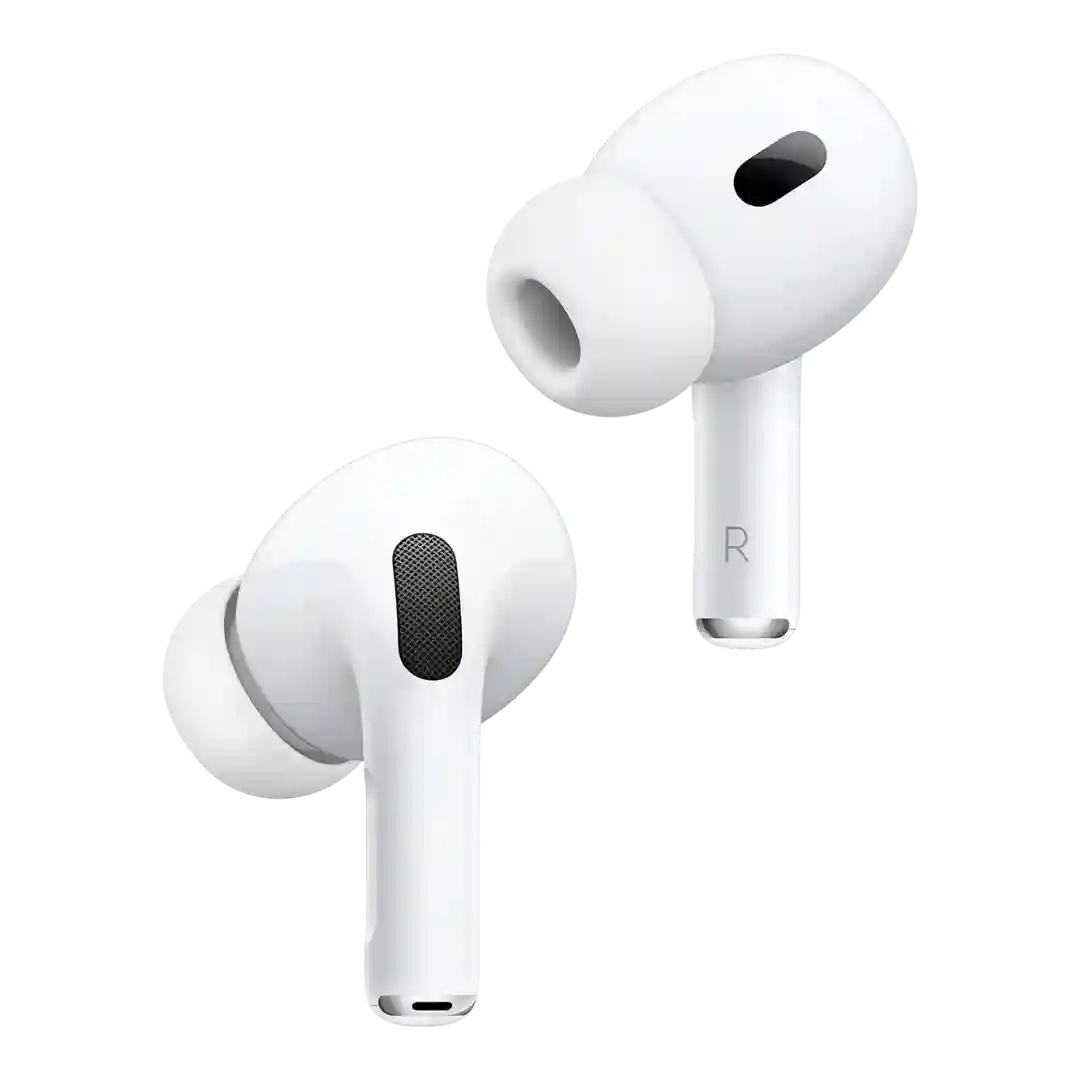
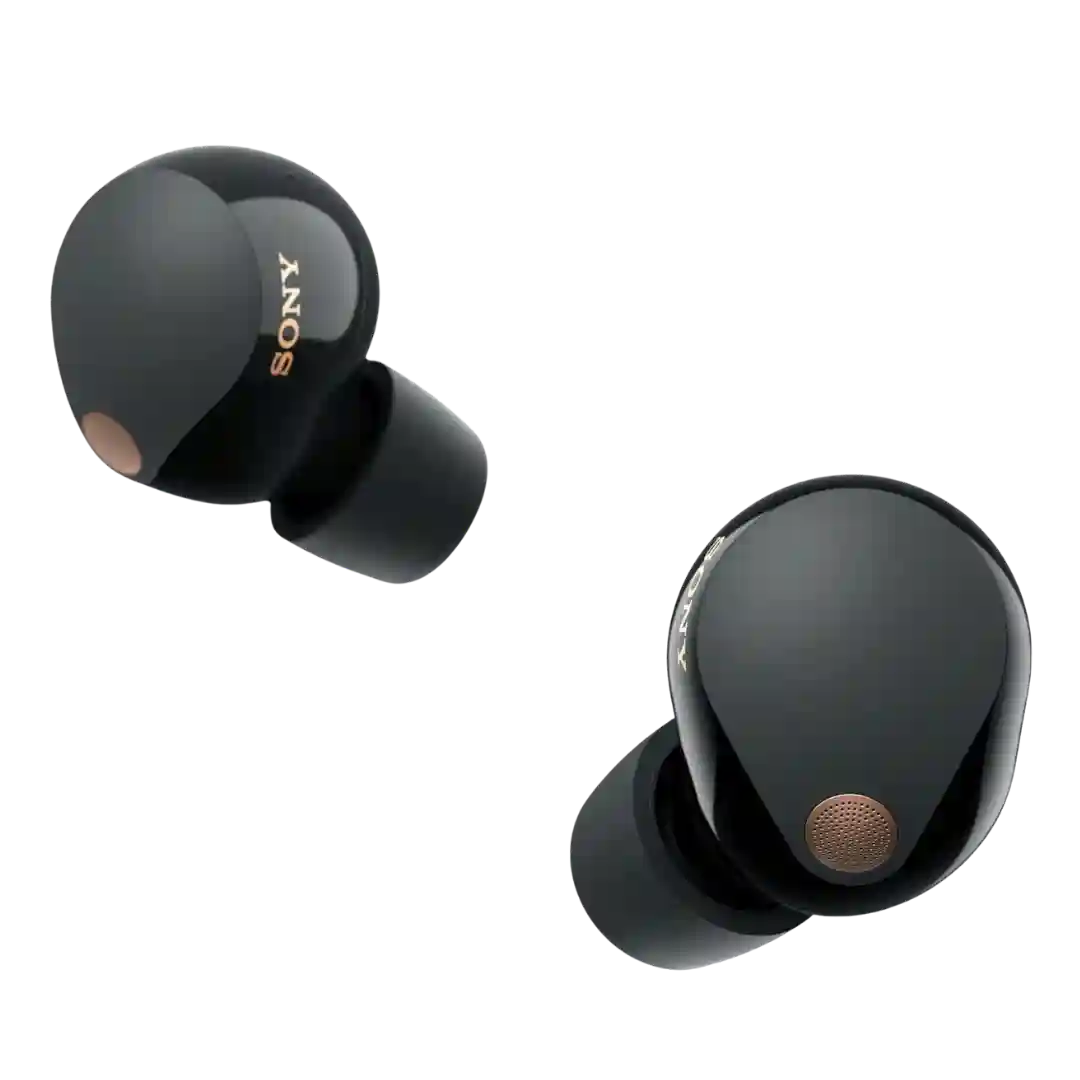
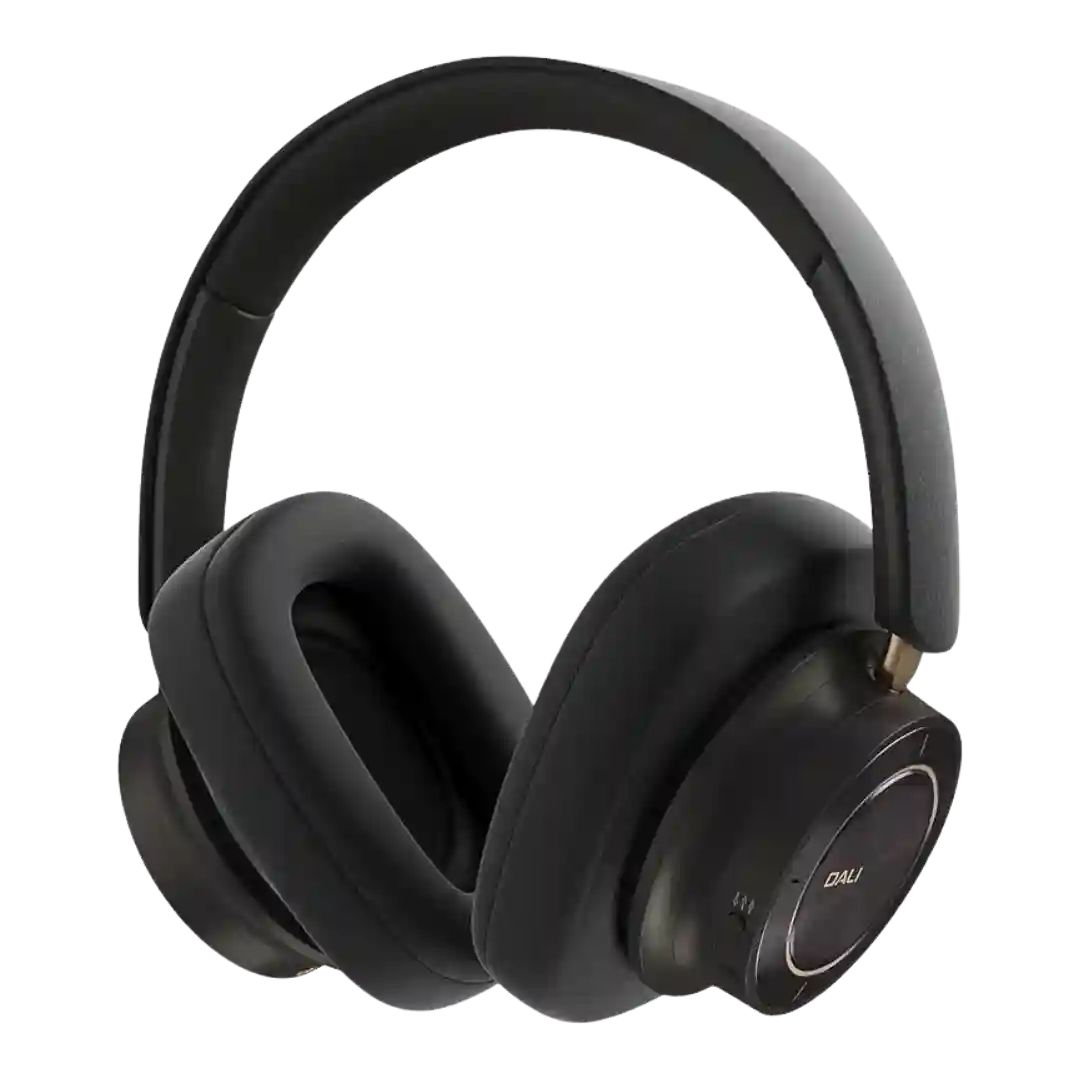
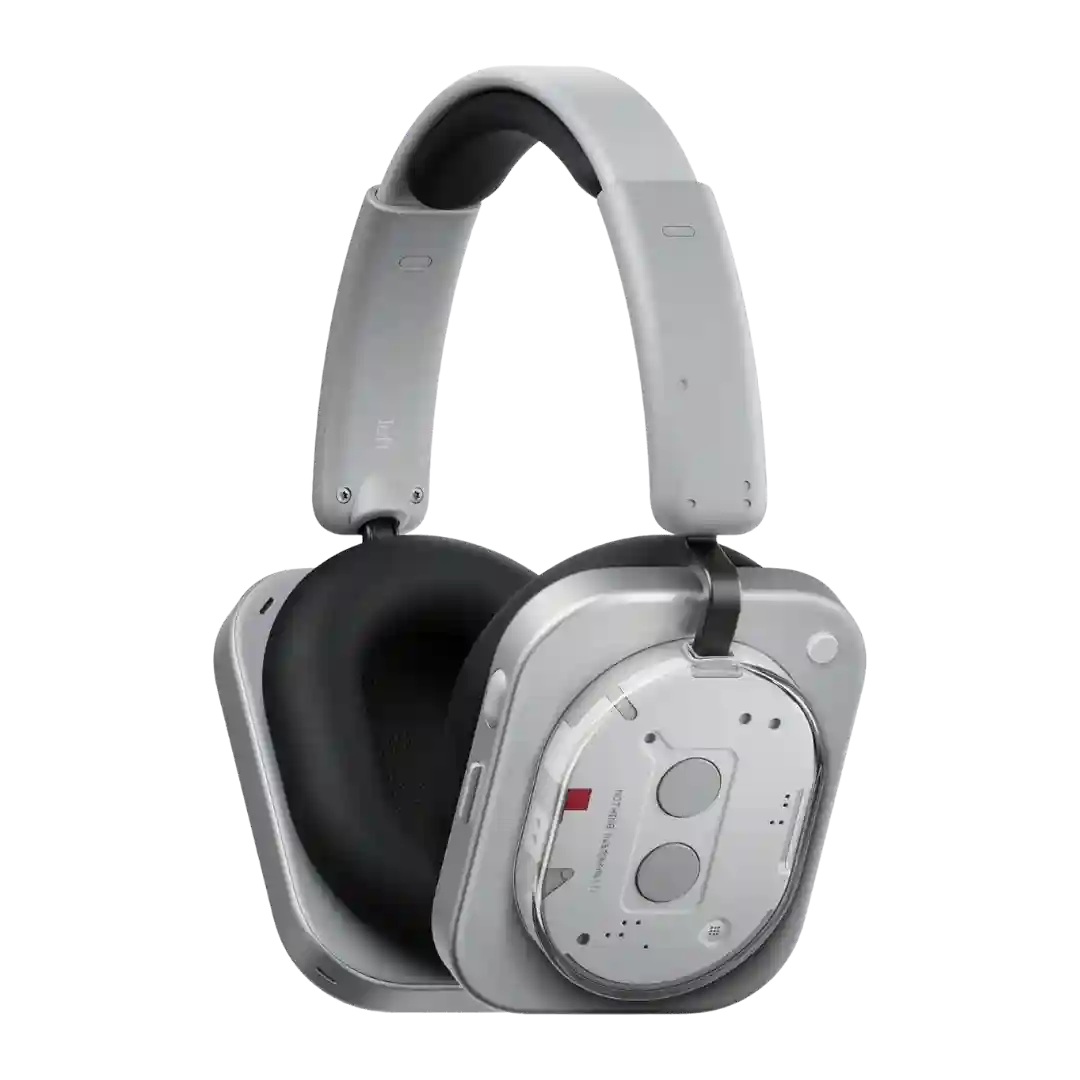
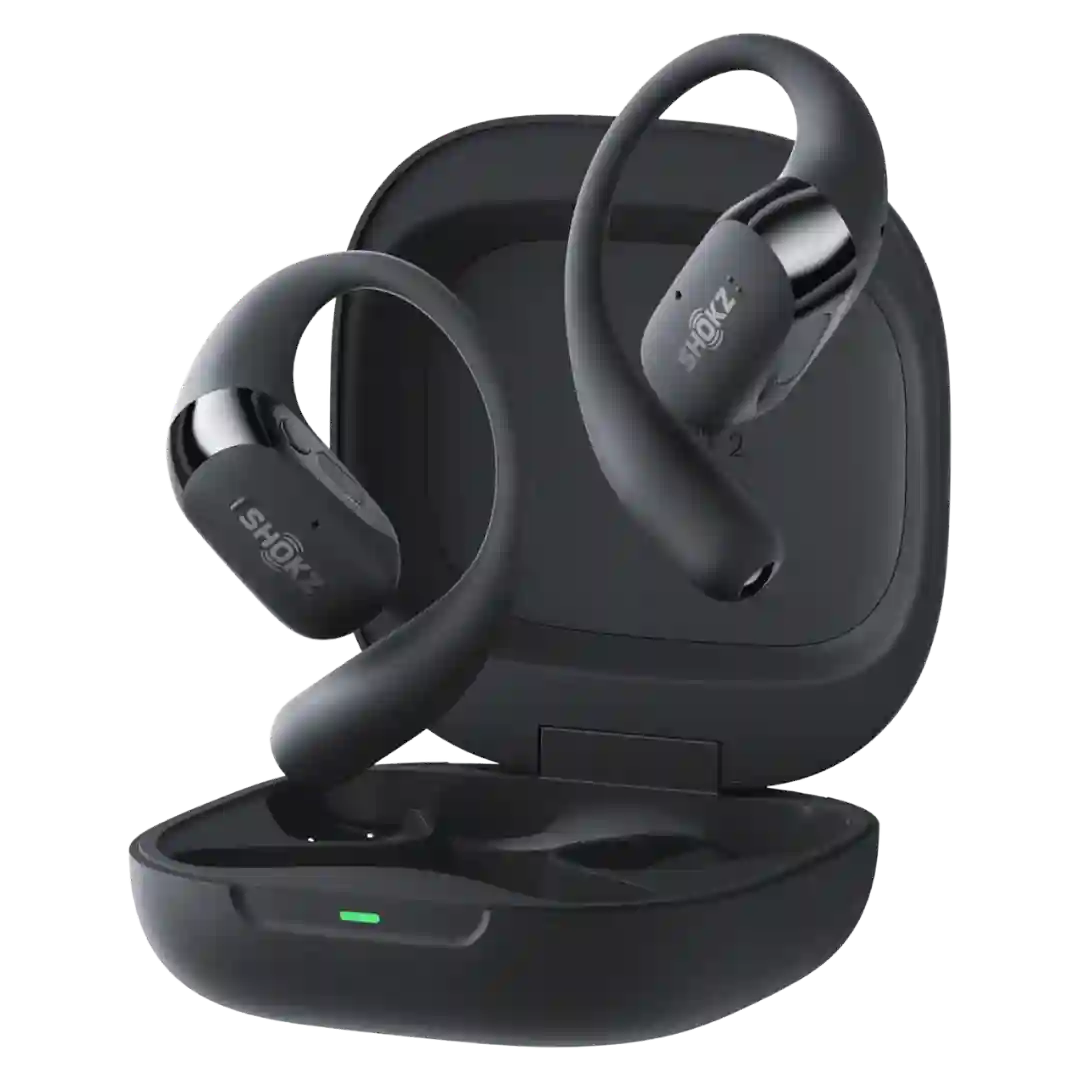
Hands-free Siri integration is fast and convenient for Apple users. A few long-term notes mention it can be intrusive at home when Siri on the earbuds responds instead of room-aware smart speakers.
Voice assistant support is mentioned across reviews (e.g., triggering assistants via button hold), and is treated as a standard convenience feature rather than a headline differentiator.
Gemini and Google assistant features are a core strength, with hands-free access, quick commands, and tight integration on Pixel devices; usefulness is high if you are already in the Google ecosystem.
Voice assistant features (Siri, Google Assistant, Alexa depending on device) are supported via gestures or settings, and are commonly treated as a solid bonus feature.
Voice controls and assistant integration are widely mentioned, including hands-free commands. Reliability is often praised, but setup and feature depth can vary by device and preferences.
Voice assistant support is present via shortcut customization, with practical use reported (including Google Assistant), though it is not typically positioned as a headline differentiator.
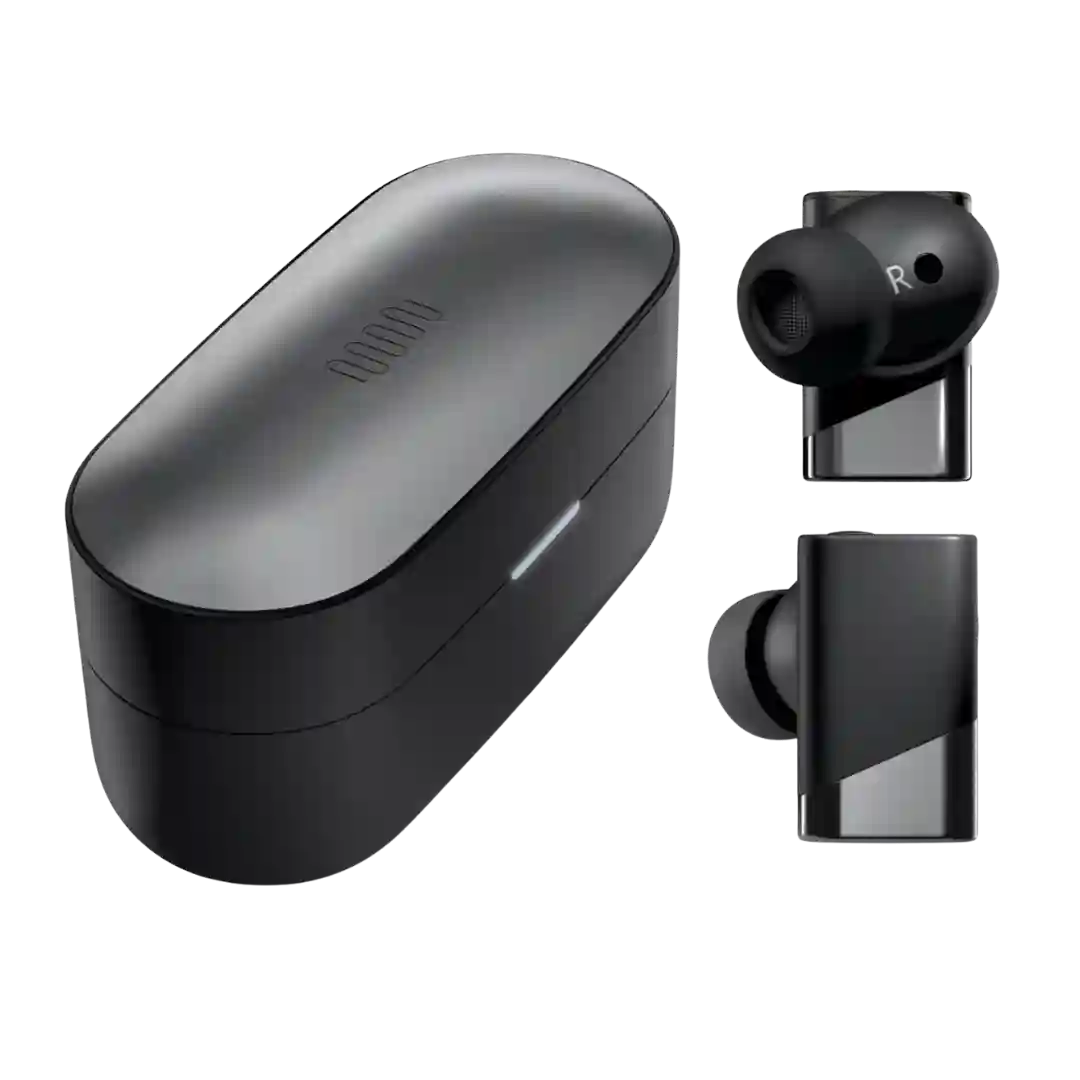
Voice assistant hooks and programmable button behavior are widely mentioned, with extra integrations for Nothing phones and more basic assistant triggering on other devices.
Hands-free Siri is commonly mentioned as working well for iPhone users, and voice assistant access is generally available via the on-headset controls. Android assistant behavior is more phone-dependent than a headline feature.
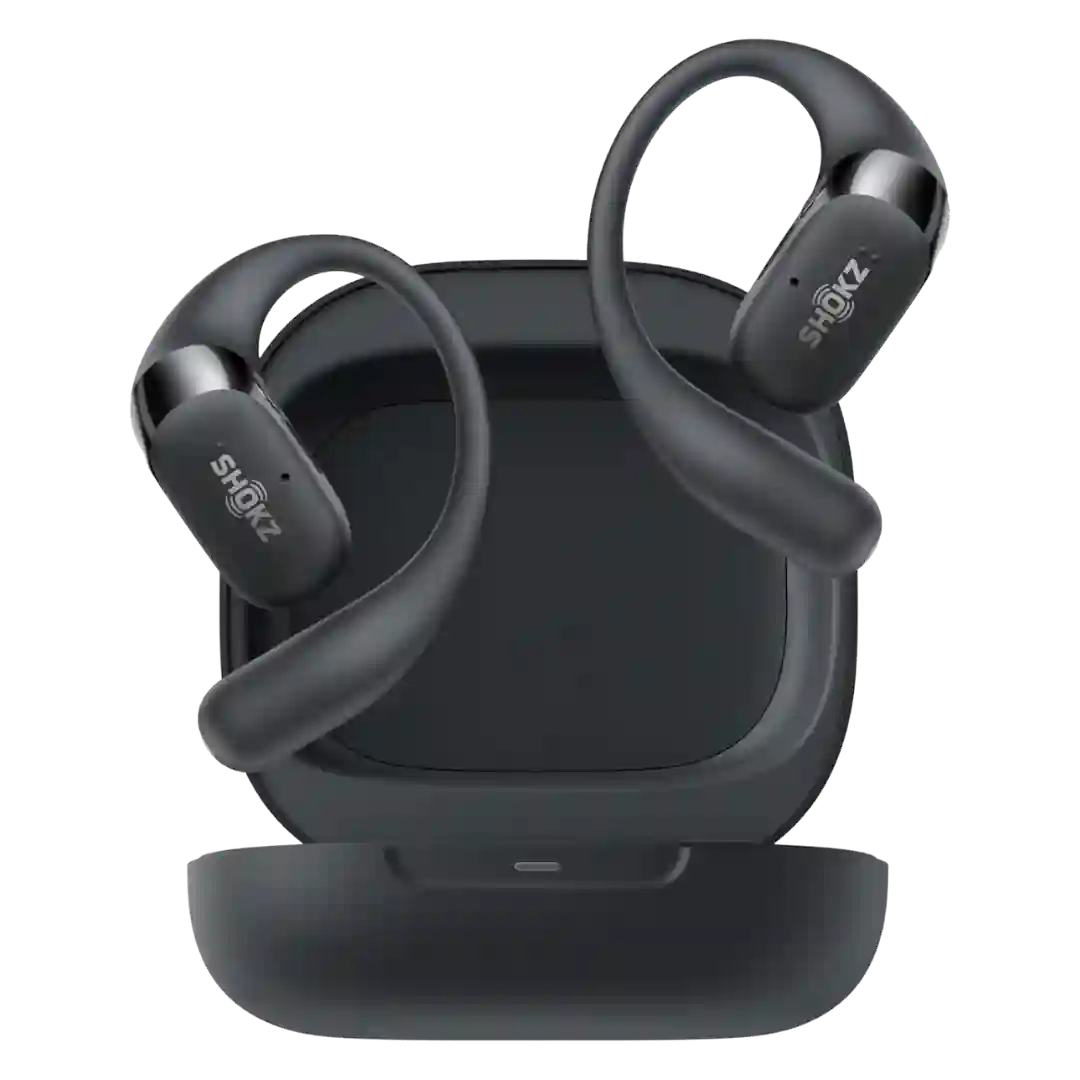
Voice assistant access is supported via shortcuts or touch-and-hold actions in the app, making it easy to trigger assistants without pulling out your phone.
Voice assistant access is supported through the customizable button and app settings, making it easy to trigger assistants or shortcuts without touching your phone.
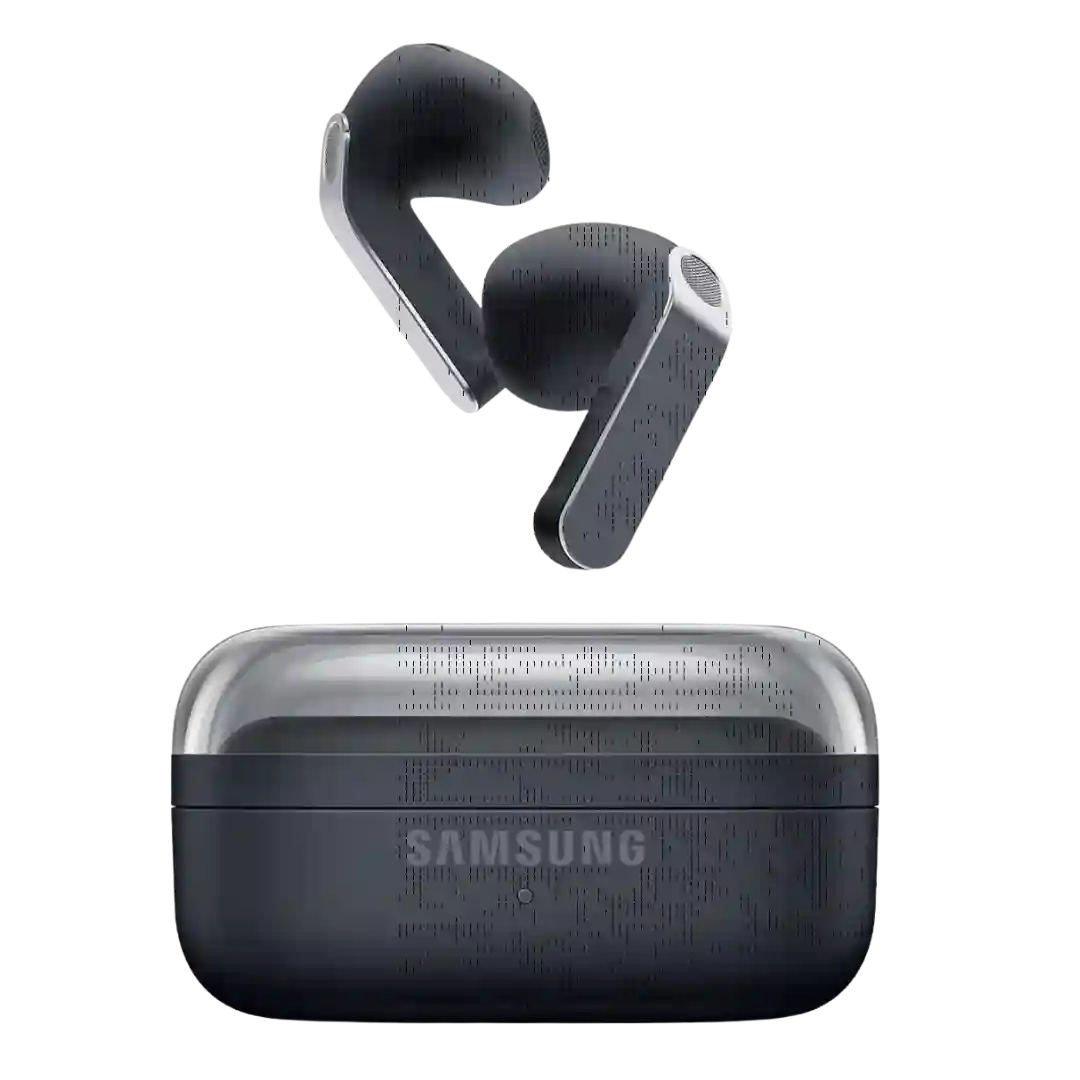
Voice assistant integration is frequently referenced via hands-free Gemini and Samsung Bixby on compatible devices, alongside Samsung/Google AI features like interpreter and translation.
Voice assistant support is solid on paper, with access to Bixby and Gemini plus Galaxy-focused conveniences. It adds real hands-free utility, even if reviewers do not treat it as the product's main selling point.
Voice assistant features range from handy to hit-or-miss: integration for assistants and voice commands is present, but at least one long-term review reports inconsistent recognition.
Voice assistant features are present, but reviewer impressions are mixed, with some noting inconsistent announcements or limited app support. Most reviews treat it as a nice-to-have rather than a primary reason to buy.
Voice assistant control is present via button mapping, but reviewer expectations vary, with some noting missing conveniences like voice-based call answering or caller identification announcements.
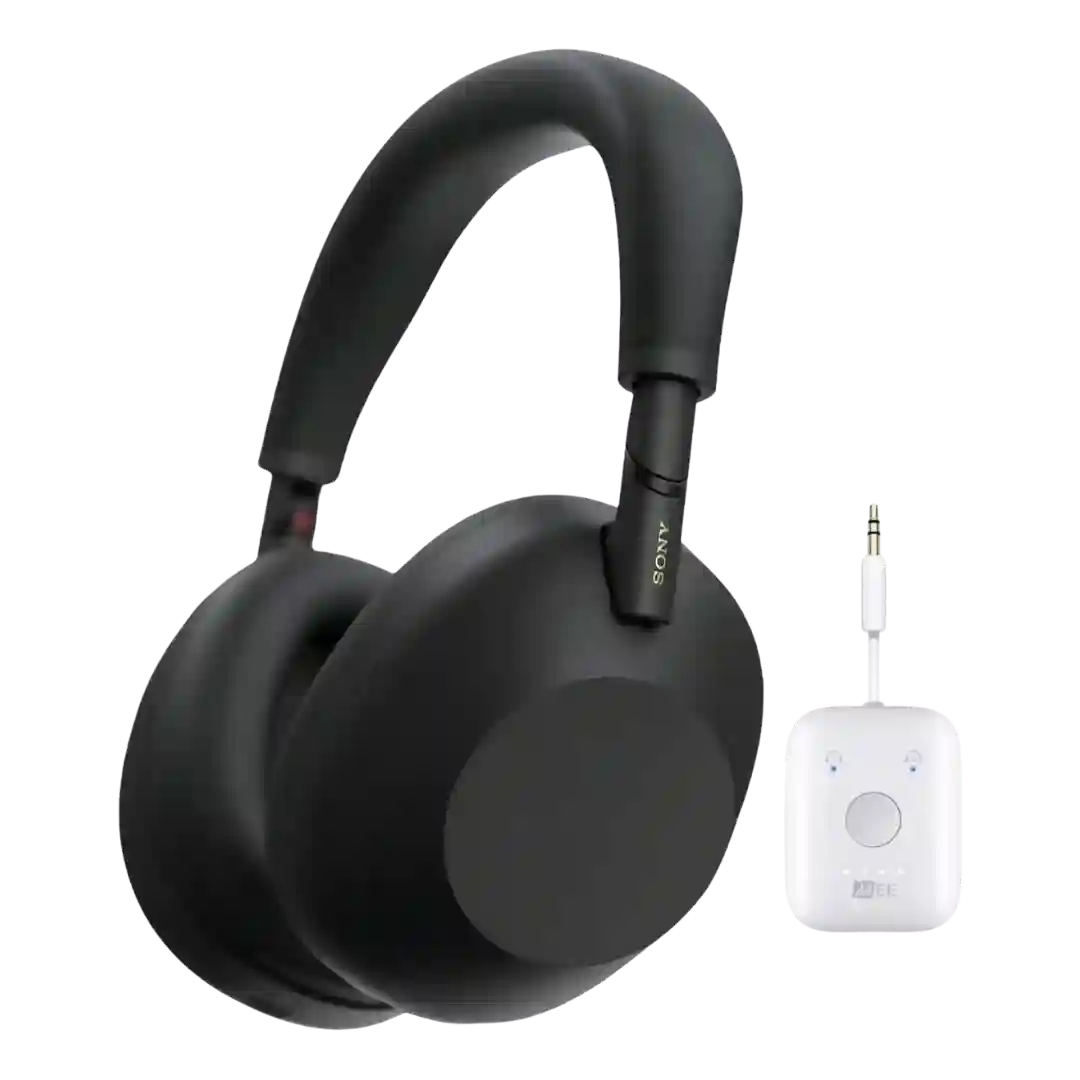
Voice assistant support is limited in some coverage, with at least one review noting a lack of built-in voice-assistant control compared with certain rivals.