Best for VRR compatibility
Alienware 27 4K Gaming Monitor AW2725Q
4.8 feature score
Highest scored product for this feature based on supporting review evidence.
Highest scored product for this feature based on supporting review evidence.
Balances feature score, supporting reviews, and overall product strength.
Has the broadest review evidence for this feature.
Strongest overall product among items with scored evidence for this feature.
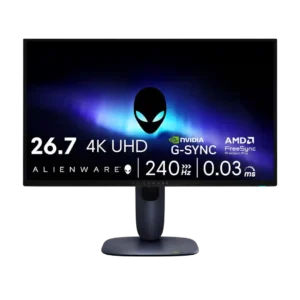
VRR compatibility was strong overall, with broad format support and smooth results, despite one review noting OLED VRR flicker in some dark scenes.
Pros: response time, contrast
Cons: built-in speakers, software support
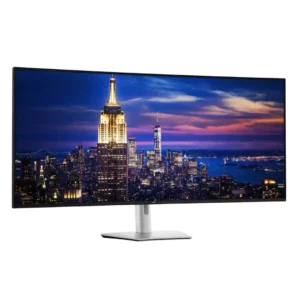
VRR helps maintain smoother motion when frame rates vary and is a welcome addition to the 120Hz panel. Certification and behavior may still depend on the connected system.
Pros: input lag, backlight bleed control
Cons: overdrive tuning, ghosting control
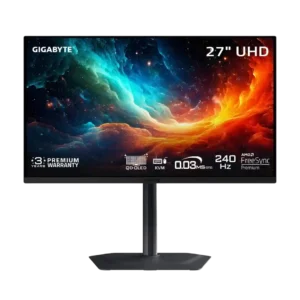
Variable refresh operation is generally smooth and tear-free, with stable OLED response across refresh rates. Flicker can appear when frame rates become low and inconsistent.
Pros: input lag, viewing angles
Cons: color accuracy, software support
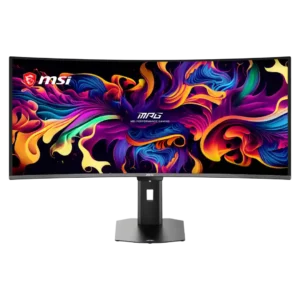
VRR works across Nvidia, AMD, HDMI 2.1 consoles, and a broad 48–360Hz range. Dark-scene brightness flicker remains the main limitation.
Pros: screen size, panel type
Cons: Resolution, cable management
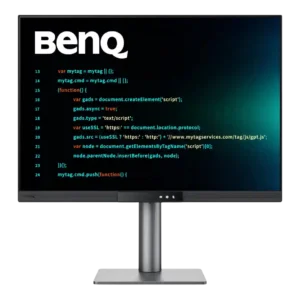
Variable refresh works with AMD FreeSync and has also been reported with unofficial Nvidia G-Sync. That broad compatibility helps casual gaming feel smoother.
Pros: VESA mount compatibility, productivity versatility
Cons: HDR performance, local dimming performance
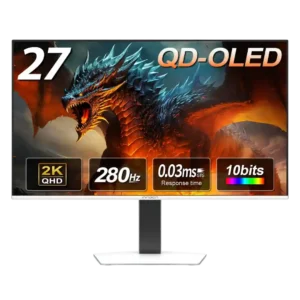
VRR delivers smooth, tear-free play once enabled, but dark scenes and loading screens may show the flicker common to OLED displays.
Pros: screen size, panel type
Cons: KVM switch performance, USB hub functionality
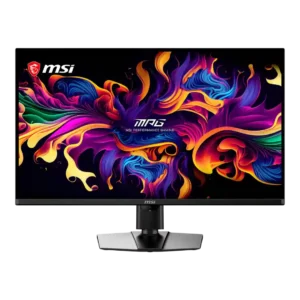
VRR works with compatible Nvidia and AMD hardware across a broad 48–240Hz range. Like other OLEDs, the monitor can show brightness flicker during unstable frame rates, though reviewers generally found...
Pros: panel type, response time
Cons: built-in speakers, curved screen immersion
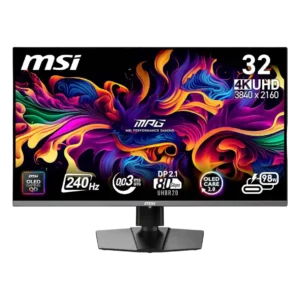
G-Sync and Adaptive Sync support work broadly across PCs and consoles, keeping motion tear-free. Several reviewers still noticed the familiar OLED VRR flicker during loading screens or abrupt frame-rate changes.
Pros: response time, motion clarity
Cons: warranty and support service, sleep and wake behavior