Best for eye comfort features
InnoCN GA27S1Q
5.0 feature score
Highest scored product for this feature based on supporting review evidence.
Highest scored product for this feature based on supporting review evidence.
Balances feature score, supporting reviews, and overall product strength.
Has the broadest review evidence for this feature.
Strongest overall product among items with scored evidence for this feature.
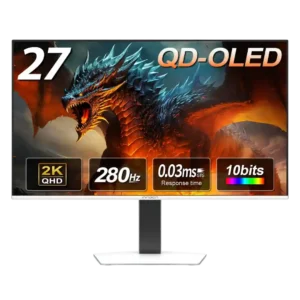
Low-blue-light and flicker-free options are welcome for reducing strain during long sessions.
Pros: screen size, panel type
Cons: KVM switch performance, USB hub functionality
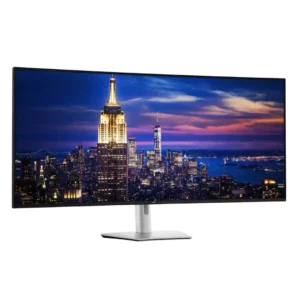
Hardware low-blue-light filtering, flicker-free operation, and ambient sensing make long work sessions unusually comfortable without the yellow cast of software filters. Extended use caused little or no added eye strain.
Pros: input lag, backlight bleed control
Cons: overdrive tuning, ghosting control
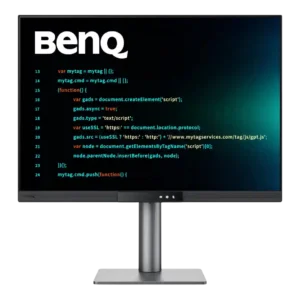
Eye comfort is a standout strength, combining low-blue-light modes, automatic brightness, Paper Color, reminders, and MoonHalo bias lighting. Long-session users repeatedly found the screen comfortable, especially in dim rooms.
Pros: VESA mount compatibility, productivity versatility
Cons: HDR performance, local dimming performance
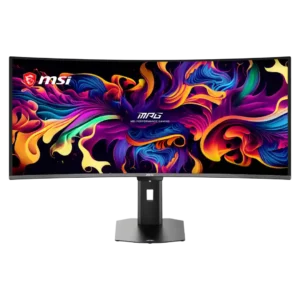
The panel is effectively flicker-free in normal use, and the low-blue-light and monochrome options reduce eye strain without an excessively yellow image.
Pros: screen size, panel type
Cons: Resolution, cable management
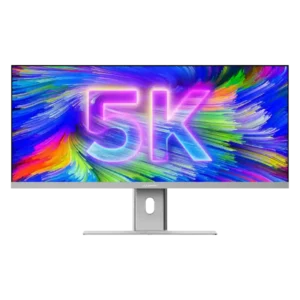
The matte finish, smoother 100Hz motion, and sensible scaling options make long work sessions easier on the eyes. Choosing a readable scaled resolution is important because native 5120×2160 can make...
Pros: productivity versatility, aspect ratio
Cons: HDR performance, HDMI 2.1 support
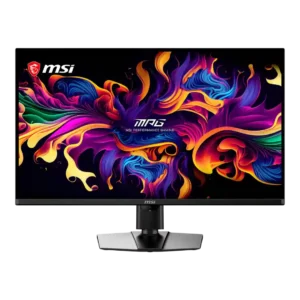
A low-blue-light mode and uniform-luminance control can make long text sessions more comfortable. At maximum output, large white windows may still feel harsh on the eyes.
Pros: panel type, response time
Cons: built-in speakers, curved screen immersion
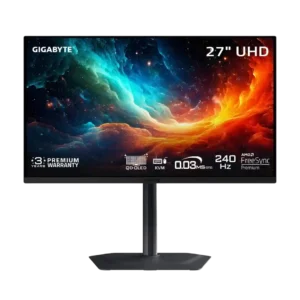
Anti-flicker controls may help with VRR flicker, but availability appears firmware-dependent. A small minority may still notice eye strain from OLED refresh pulsing.
Pros: input lag, viewing angles
Cons: color accuracy, software support
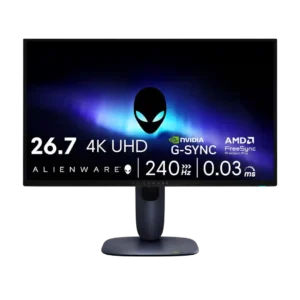
Eye comfort was a caveat because one reviewer warned PWM-sensitive users could still experience fatigue or headaches.
Pros: response time, contrast
Cons: built-in speakers, software support
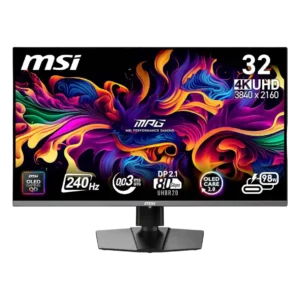
Long sessions can cause fatigue for sensitive users, especially when the large screen is viewed too closely. One reviewer appreciated quick access to blue-light controls, but comfort feedback was limited.
Pros: response time, motion clarity
Cons: warranty and support service, sleep and wake behavior