Best for adaptive sync performance
MSI MPG 322URX QD-OLED
5.0 feature score
Highest scored product for this feature based on supporting review evidence.
Highest scored product for this feature based on supporting review evidence.
Balances feature score, supporting reviews, and overall product strength.
Has the broadest review evidence for this feature.
Strongest overall product among items with scored evidence for this feature.
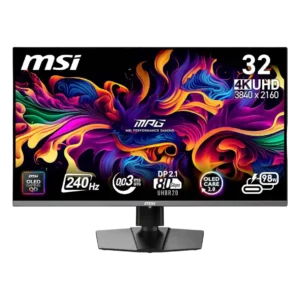
Adaptive Sync and G-Sync keep gameplay free of tearing and stutter in the reviews that tested them. Motion stays especially clean at high frame rates.
Pros: response time, motion clarity
Cons: warranty and support service, sleep and wake behavior
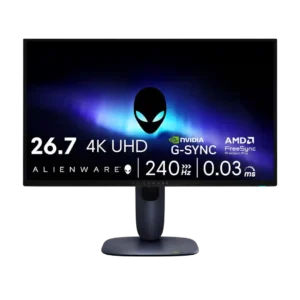
Adaptive sync and G-Sync/FreeSync support were praised for smoothing frames and reducing tearing.
Pros: response time, contrast
Cons: built-in speakers, software support
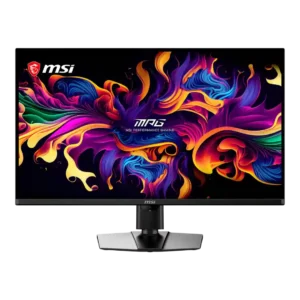
Adaptive Sync works across Nvidia and AMD graphics cards and generally keeps gameplay tear-free. Flicker can still appear in darker scenes when frame rates fluctuate or cross the low-framerate compensation...
Pros: panel type, response time
Cons: built-in speakers, curved screen immersion
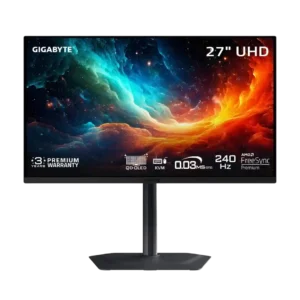
G-Sync and VRR generally prevent tearing and preserve response consistency across refresh rates. Low, unstable frame rates can still produce OLED flicker.
Pros: input lag, viewing angles
Cons: color accuracy, software support
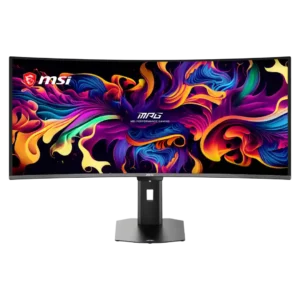
Adaptive Sync works smoothly across Nvidia and AMD graphics cards, keeping gameplay tear-free. OLED VRR flicker can still appear in dark scenes with unstable frame rates.
Pros: screen size, panel type
Cons: Resolution, cable management
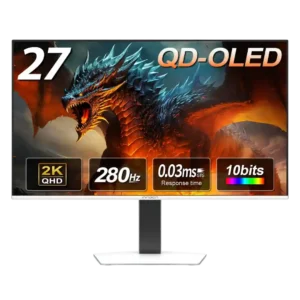
Adaptive sync works well after it is enabled, including high-refresh console output. Setup can require a little menu tinkering.
Pros: screen size, panel type
Cons: KVM switch performance, USB hub functionality
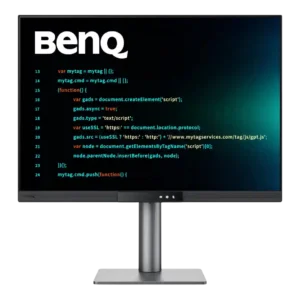
AMD FreeSync worked in testing, and another reviewer reported unofficial Nvidia G-Sync support. Adaptive sync is useful here, but the monitor is still tuned more for work than high-speed gaming.
Pros: VESA mount compatibility, productivity versatility
Cons: HDR performance, local dimming performance
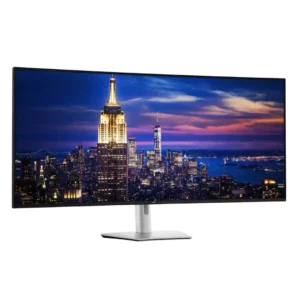
One test system detected variable-refresh behavior even without clear official adaptive-sync certification. Compatibility appears workable but not guaranteed across every GPU or platform.
Pros: input lag, backlight bleed control
Cons: overdrive tuning, ghosting control