Best for motion clarity
MSI MPG 322URX QD-OLED
5.0 feature score
Highest scored product for this feature based on supporting review evidence.
Highest scored product for this feature based on supporting review evidence.
Balances feature score, supporting reviews, and overall product strength.
Has the broadest review evidence for this feature.
Strongest overall product among items with scored evidence for this feature.
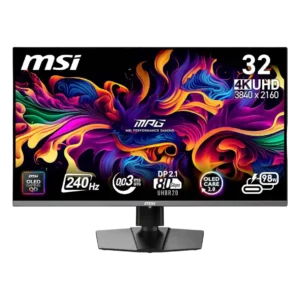
Motion clarity is consistently exceptional, with fast games looking crisp, fluid, and easy to track. This remains one of the monitor’s strongest gaming advantages.
Pros: response time, motion clarity
Cons: warranty and support service, sleep and wake behavior
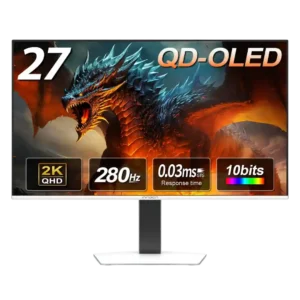
Fast movement stays clean and sharp, with reviewers repeatedly praising the smoothness in both esports and cinematic games.
Pros: screen size, panel type
Cons: KVM switch performance, USB hub functionality
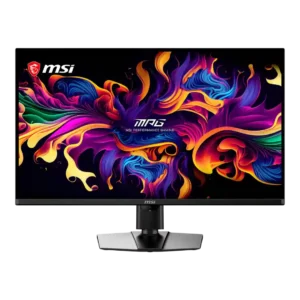
Motion is exceptionally clear and fluid at 240Hz, with near-instant OLED transitions making moving targets easy to follow. Black-frame insertion can improve clarity at lower frame rates but adds setup...
Pros: panel type, response time
Cons: built-in speakers, curved screen immersion
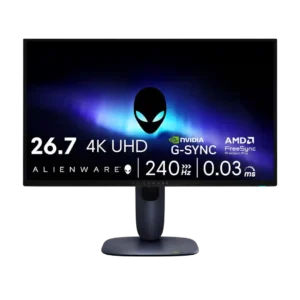
Motion clarity was one of the strongest points, with reviewers repeatedly noting smoothness, minimal blur, and reactive performance.
Pros: response time, contrast
Cons: built-in speakers, software support
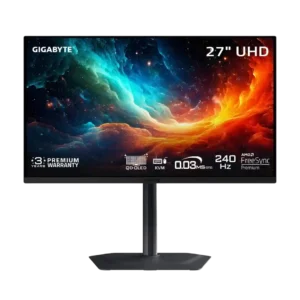
Motion is one of the monitor’s strongest traits, combining 240Hz refresh with near-instant OLED response. Black-frame insertion can sharpen 120Hz play further when available.
Pros: input lag, viewing angles
Cons: color accuracy, software support
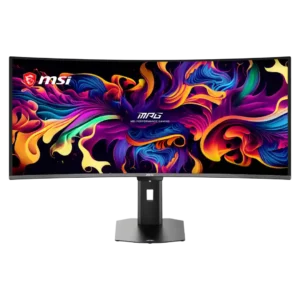
Motion clarity is outstanding at 360Hz, keeping small moving objects and fast camera pans unusually legible. The improvement over 240Hz is visible, though smaller than the jump from 120Hz.
Pros: screen size, panel type
Cons: Resolution, cable management
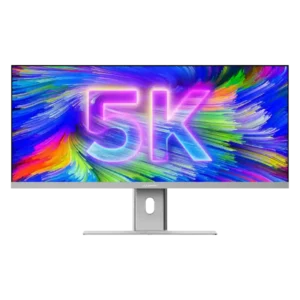
Motion during scrolling and timeline work is consistently described as smooth or fluid, with the 100Hz refresh rate providing an obvious improvement over 60Hz panels.
Pros: productivity versatility, aspect ratio
Cons: HDR performance, HDMI 2.1 support
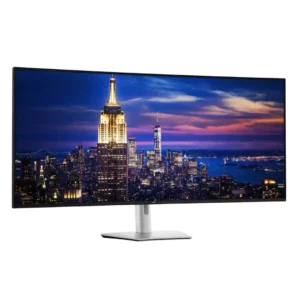
Desktop motion looks fluid and comfortable at 120Hz, even when several inputs run at different refresh rates. The panel handles scrolling and everyday animation far better than conventional office displays.
Pros: input lag, backlight bleed control
Cons: overdrive tuning, ghosting control
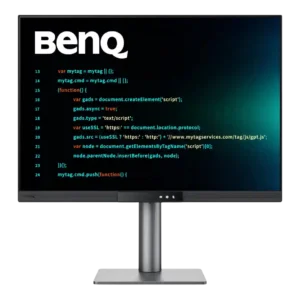
Scrolling and everyday motion look smooth at 120Hz, especially in code, charts, and desktop apps. Games are improved too, though moving objects can still look softer than on a gaming...
Pros: VESA mount compatibility, productivity versatility
Cons: HDR performance, local dimming performance