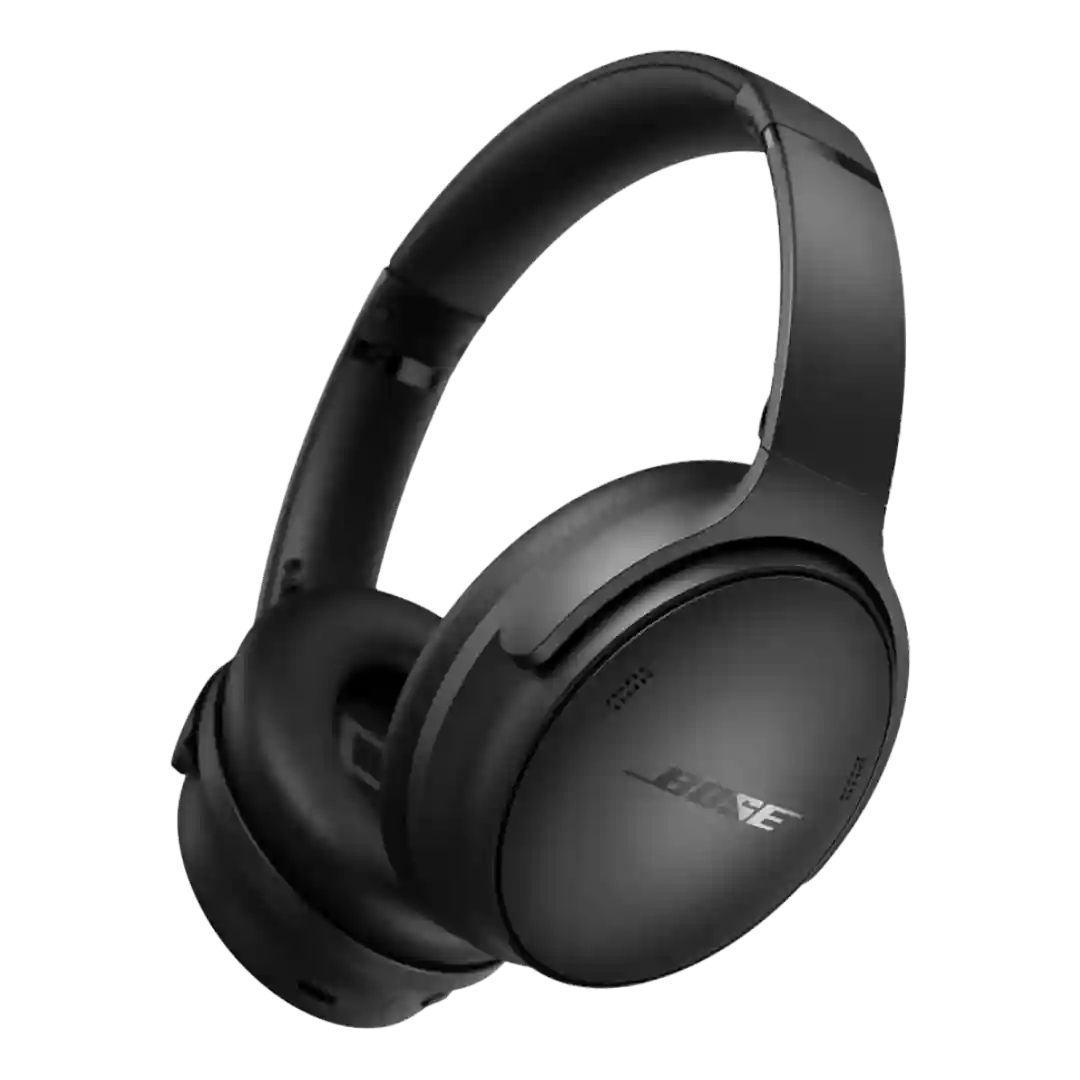
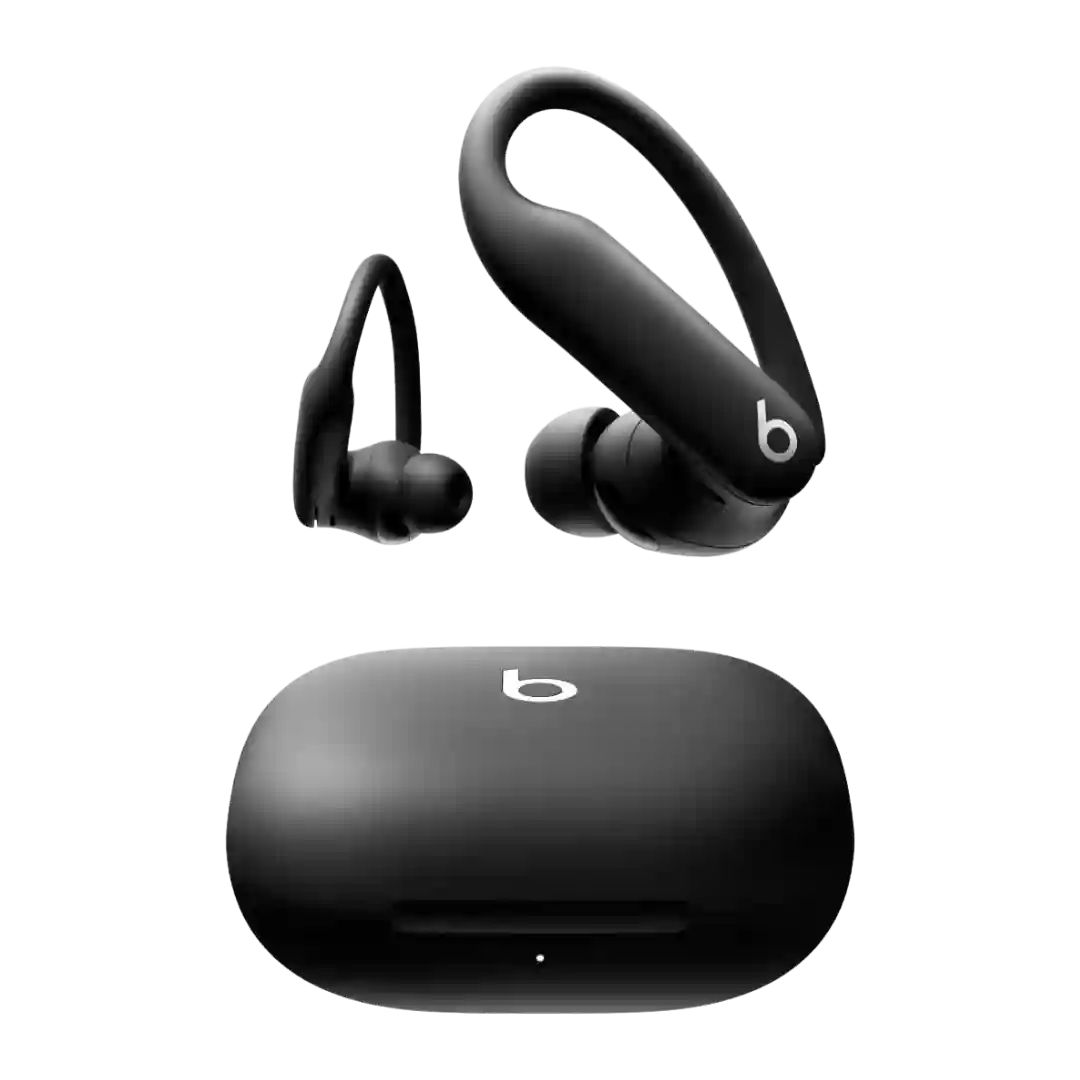
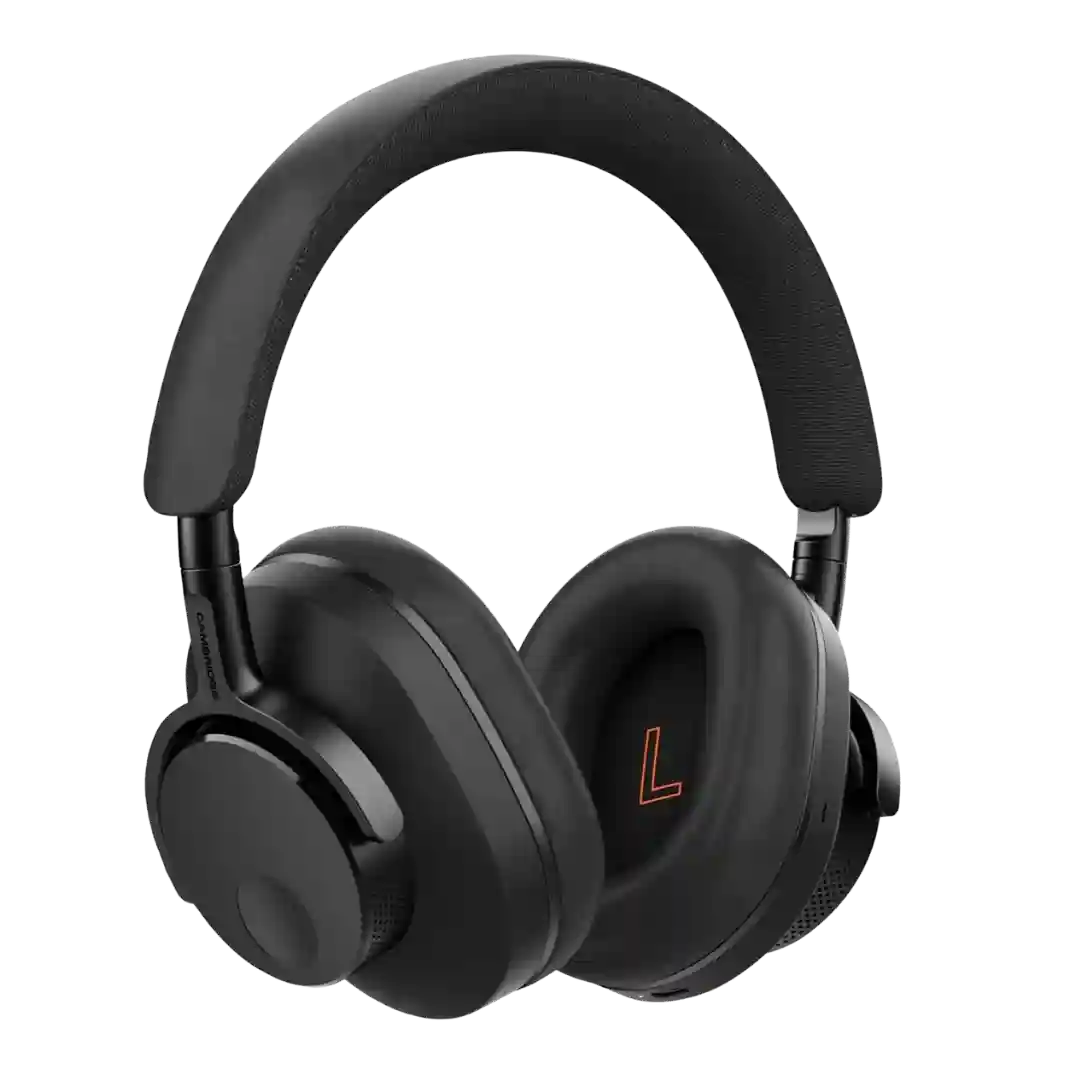
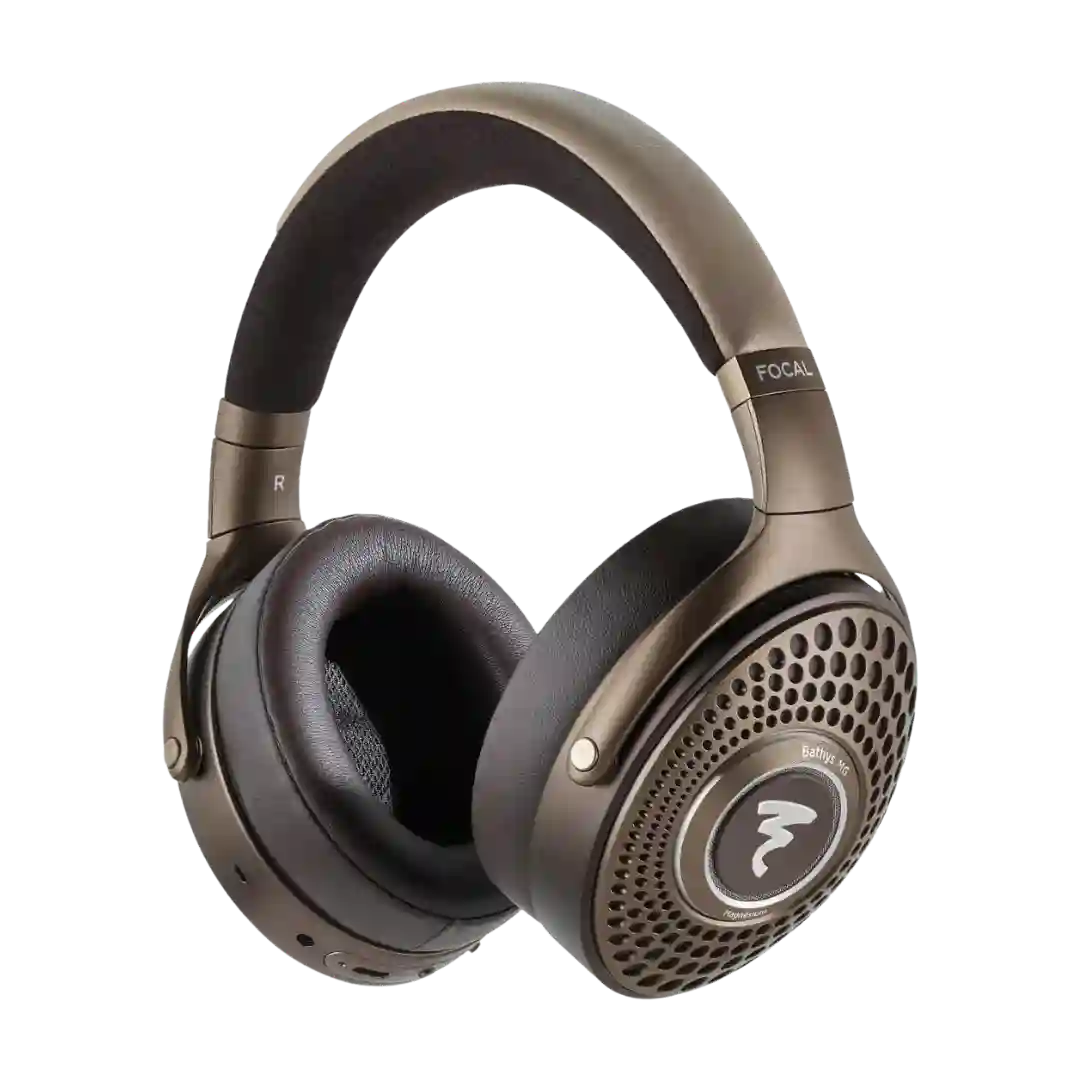
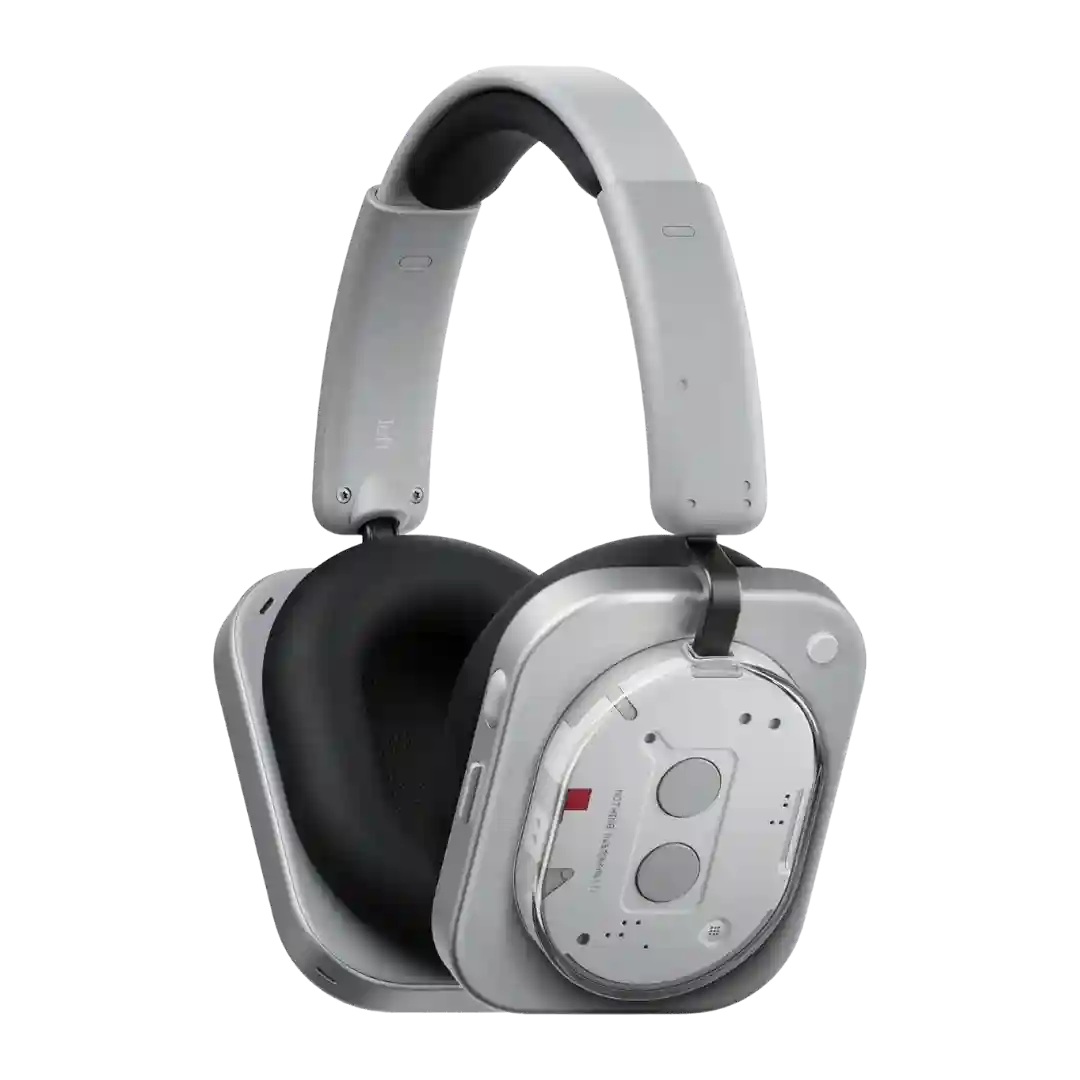
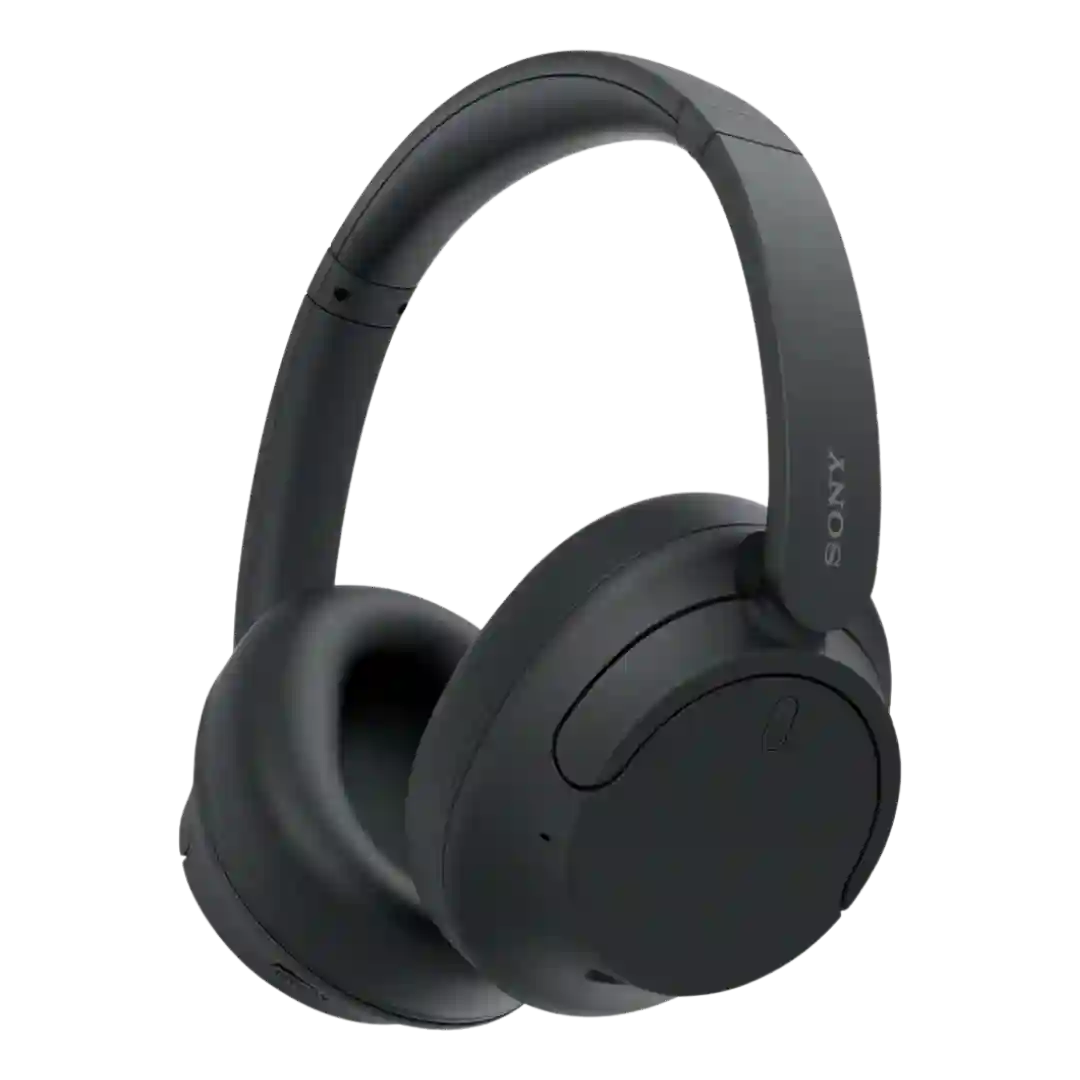
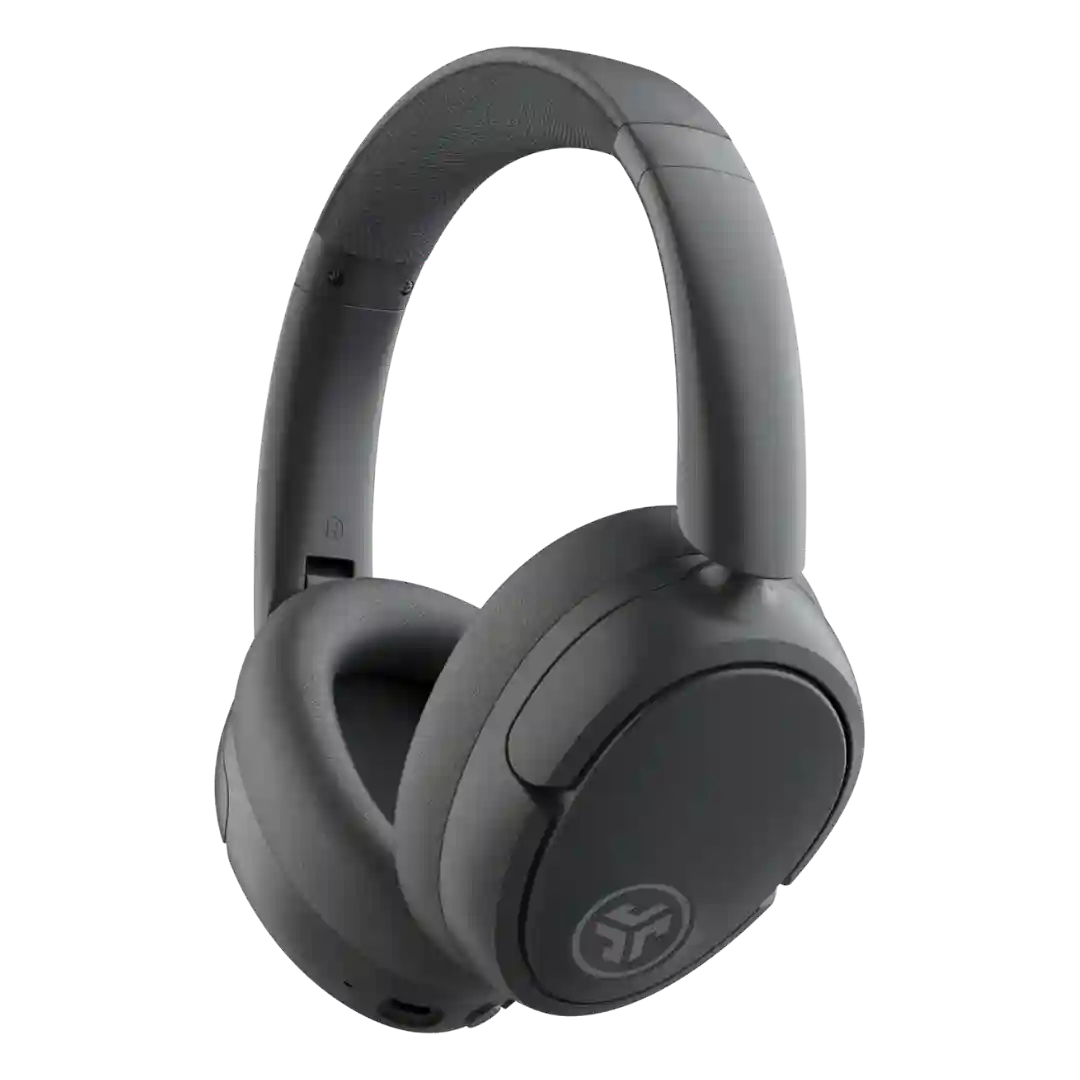
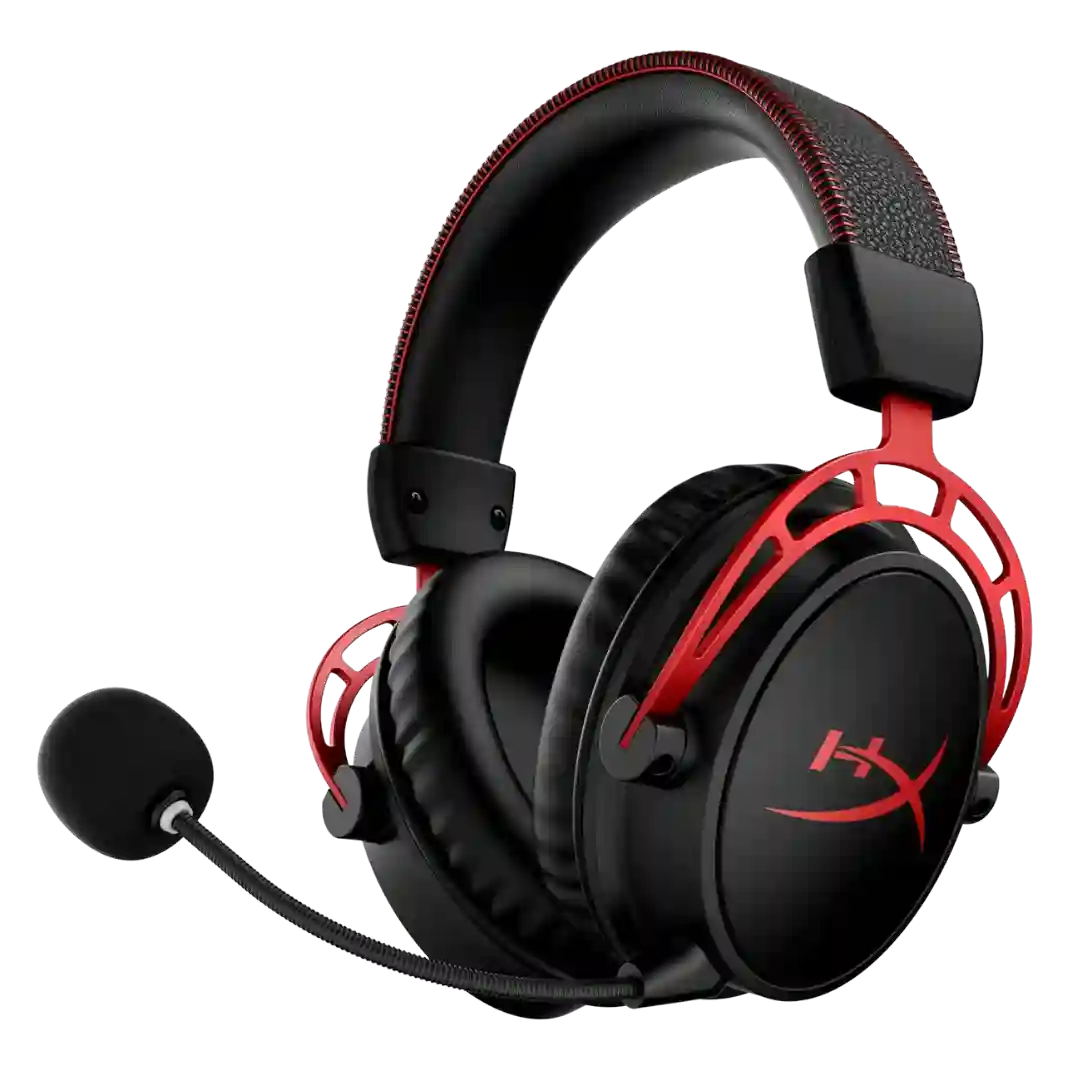
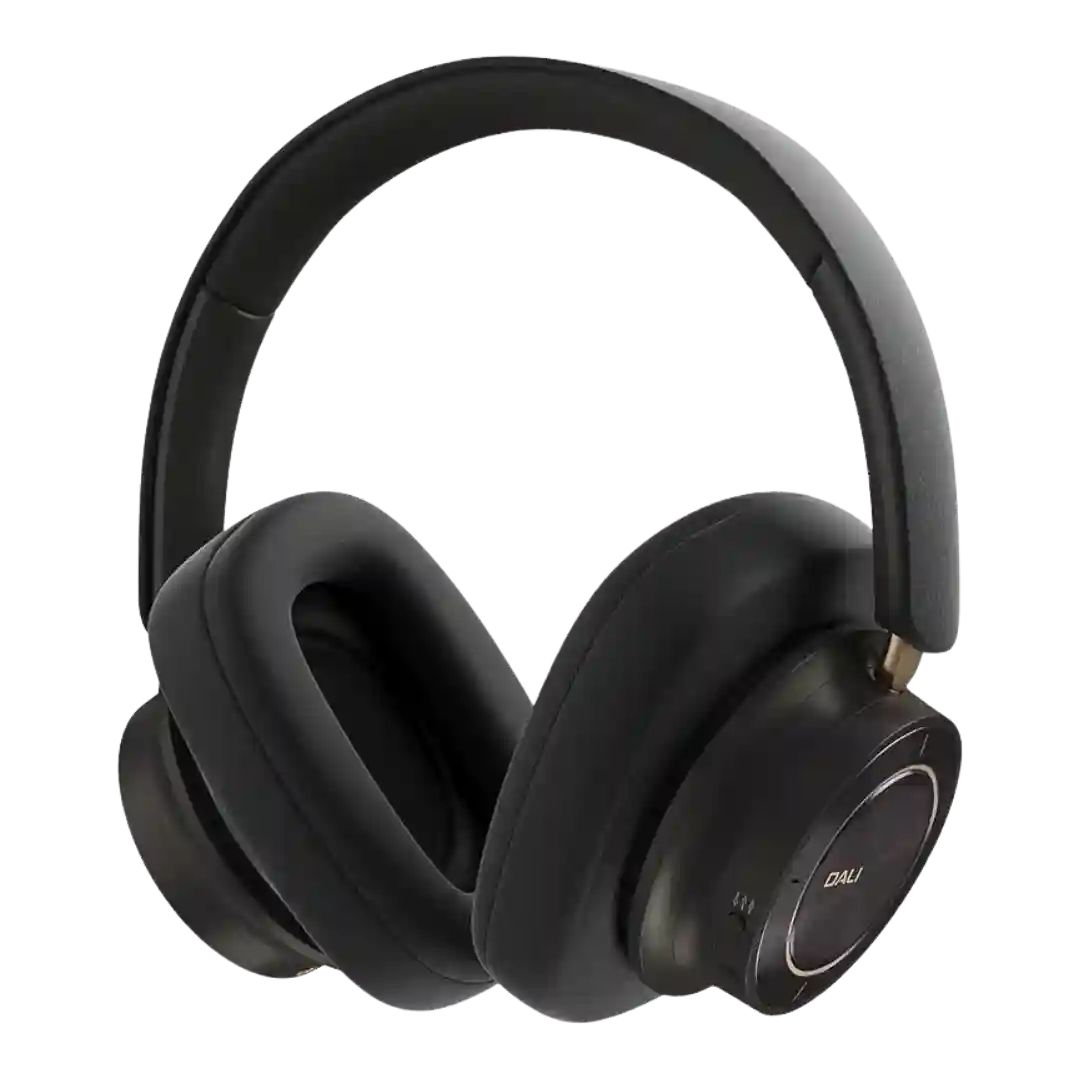
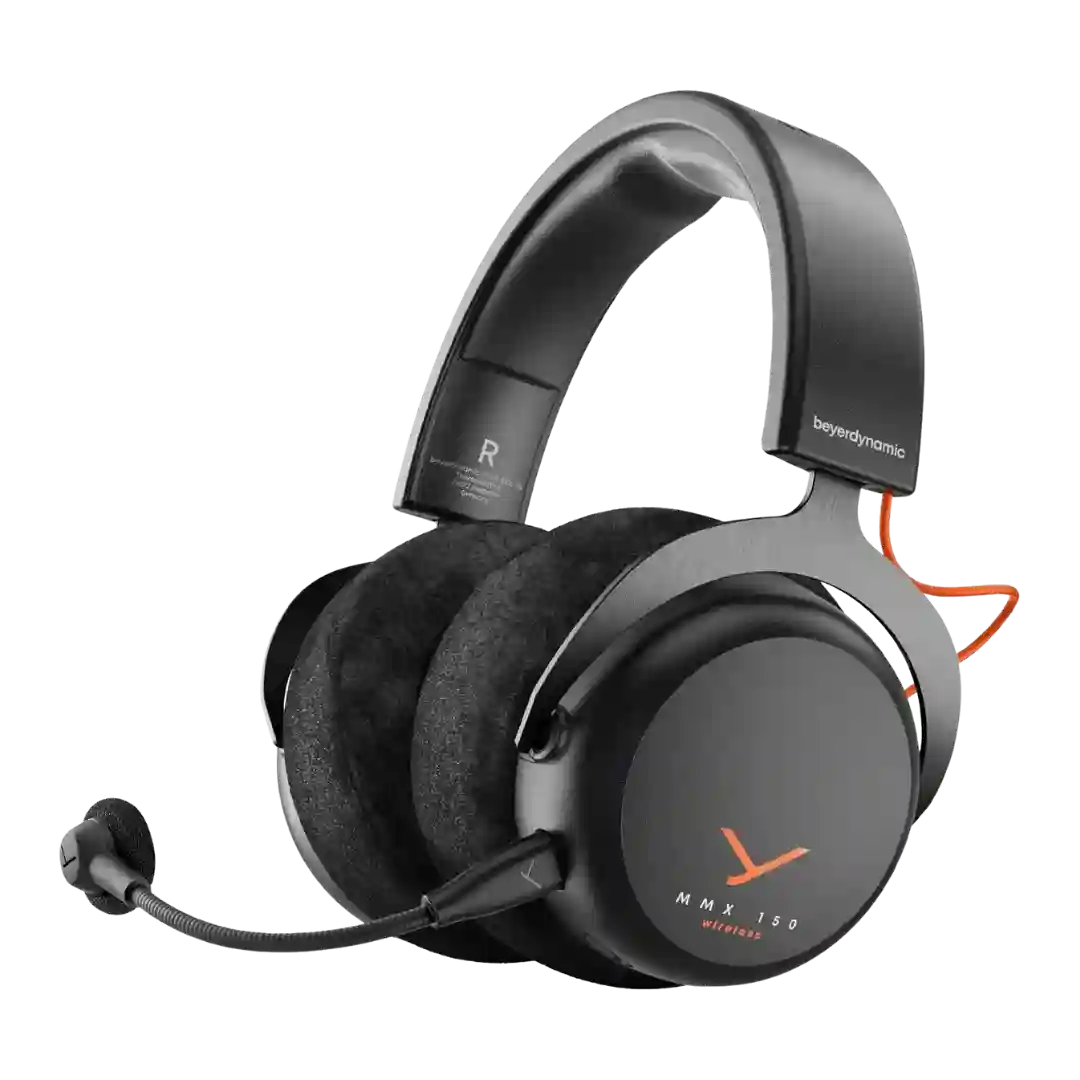
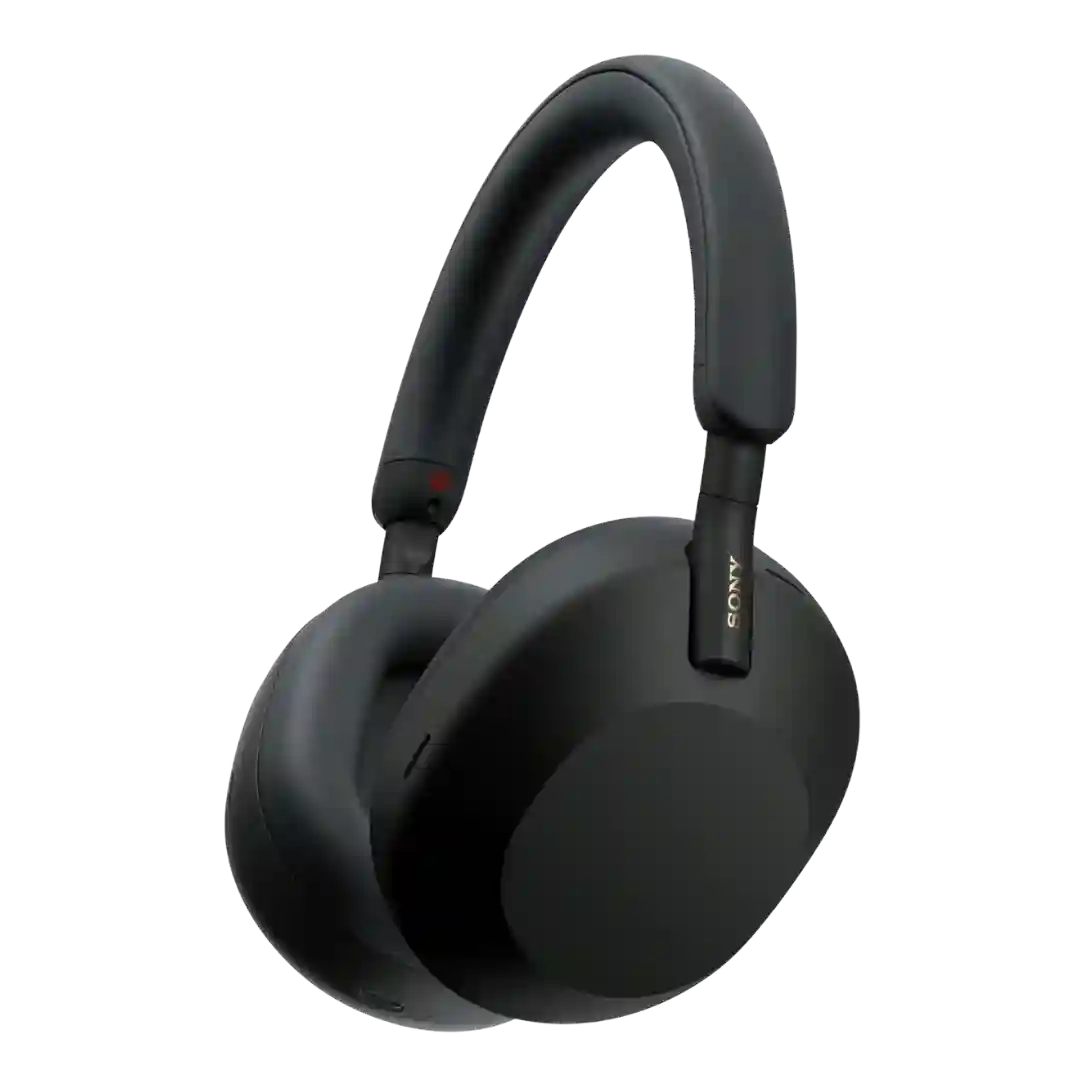
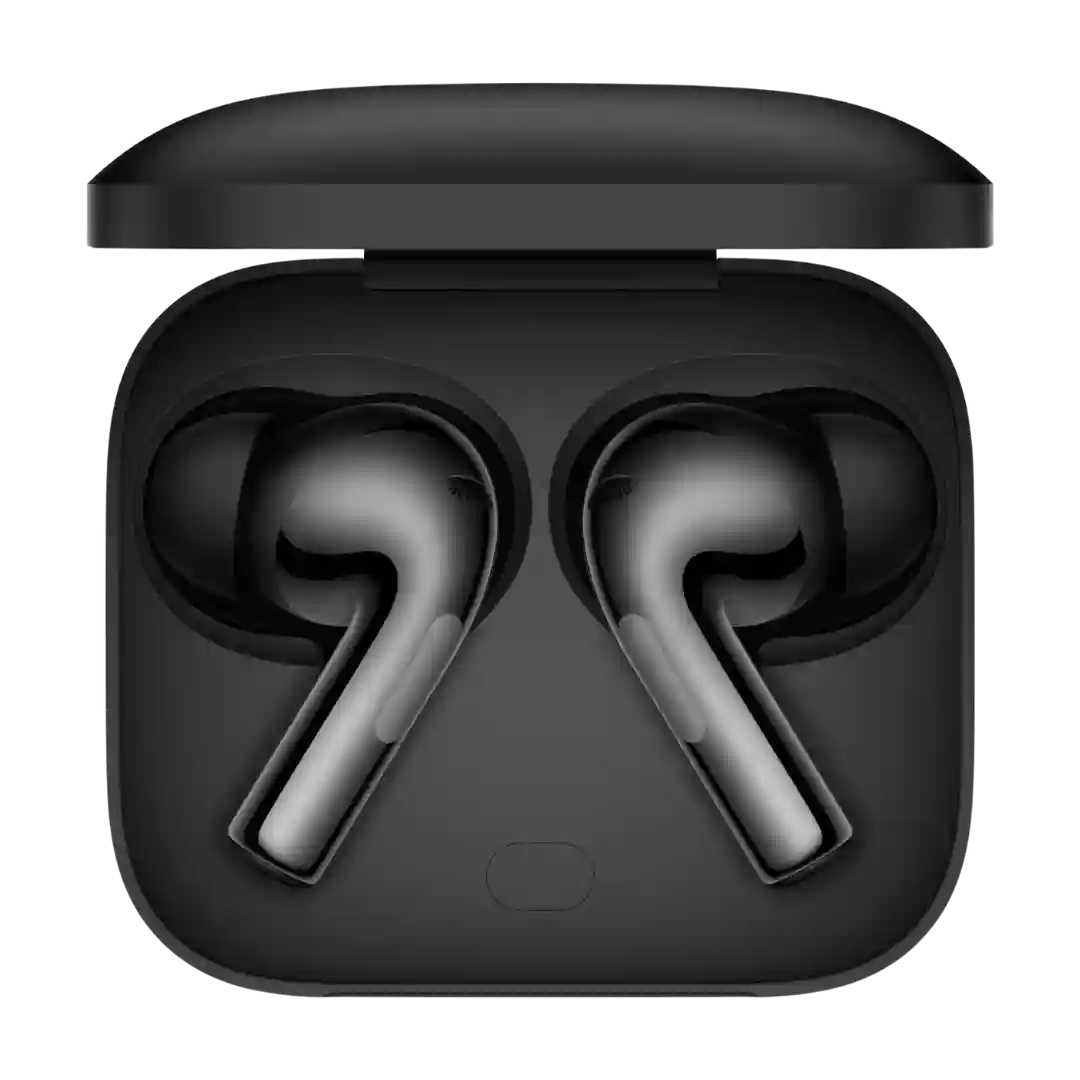
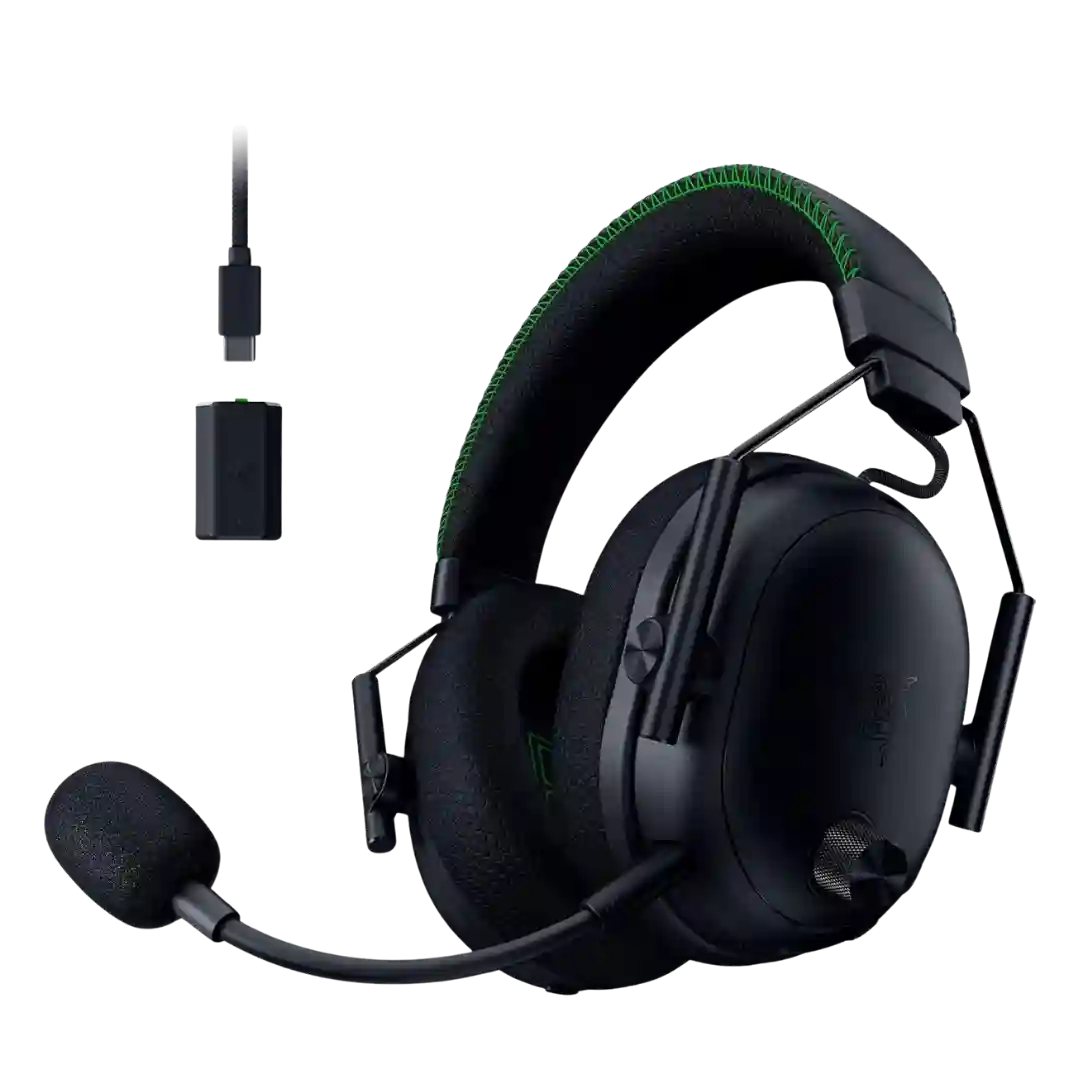
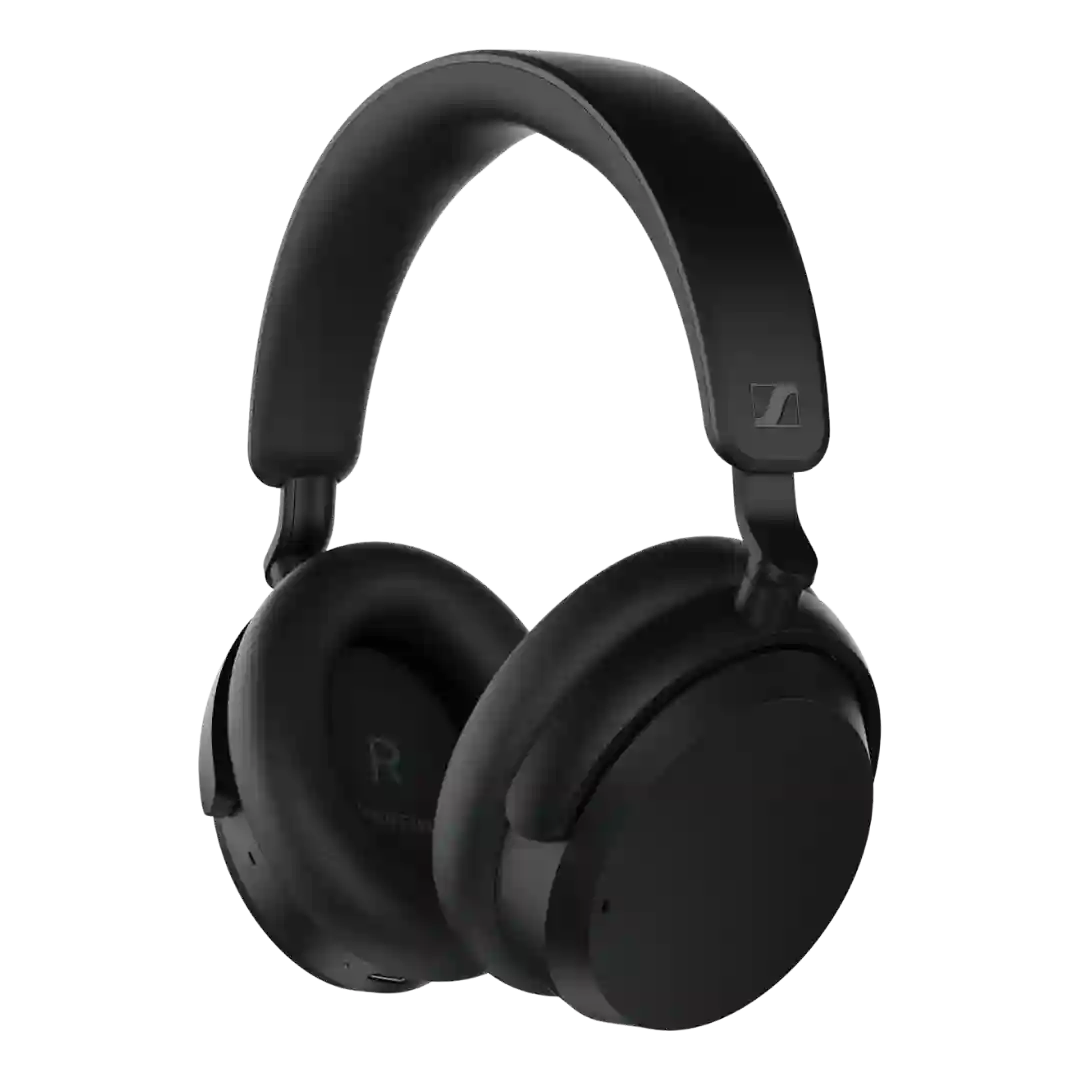
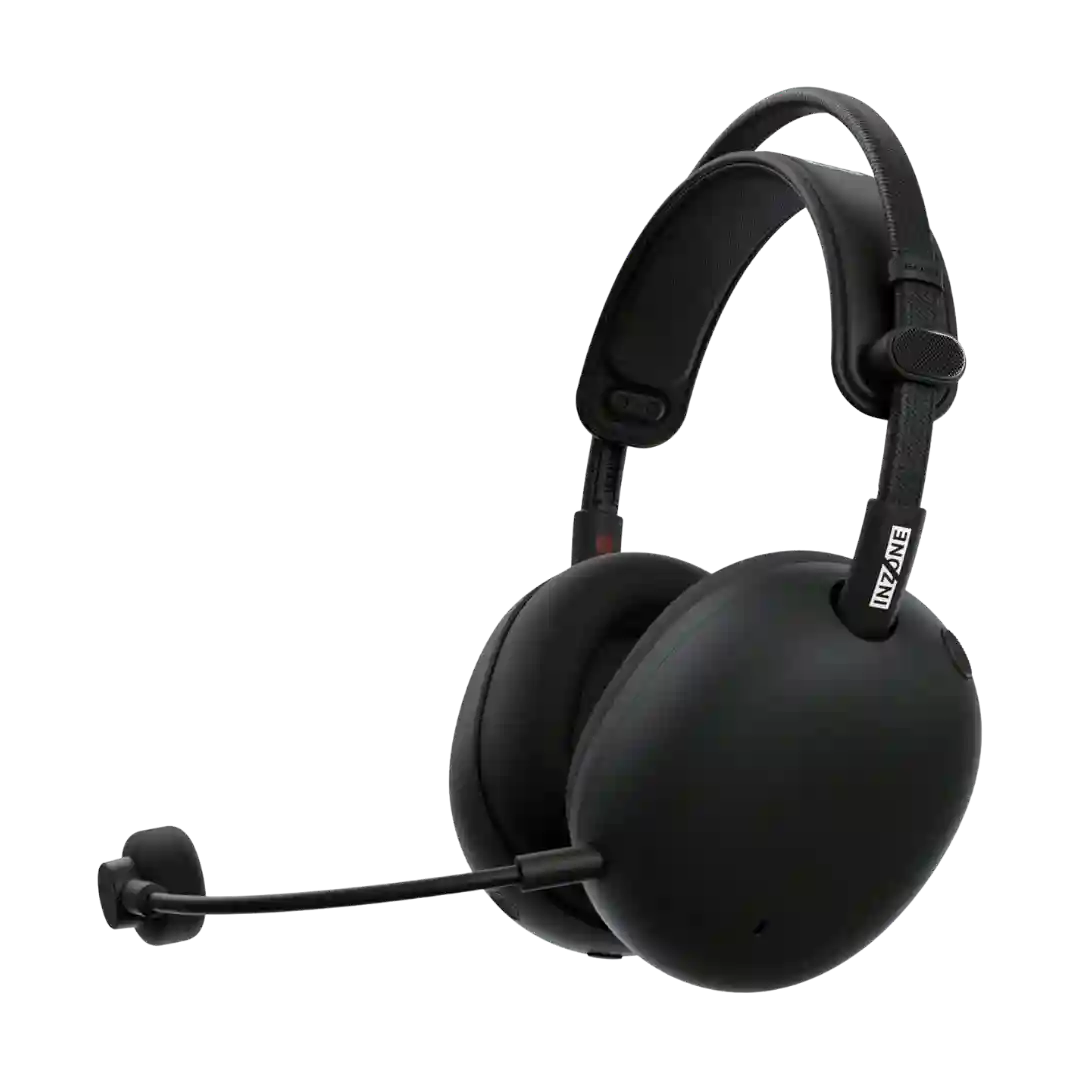
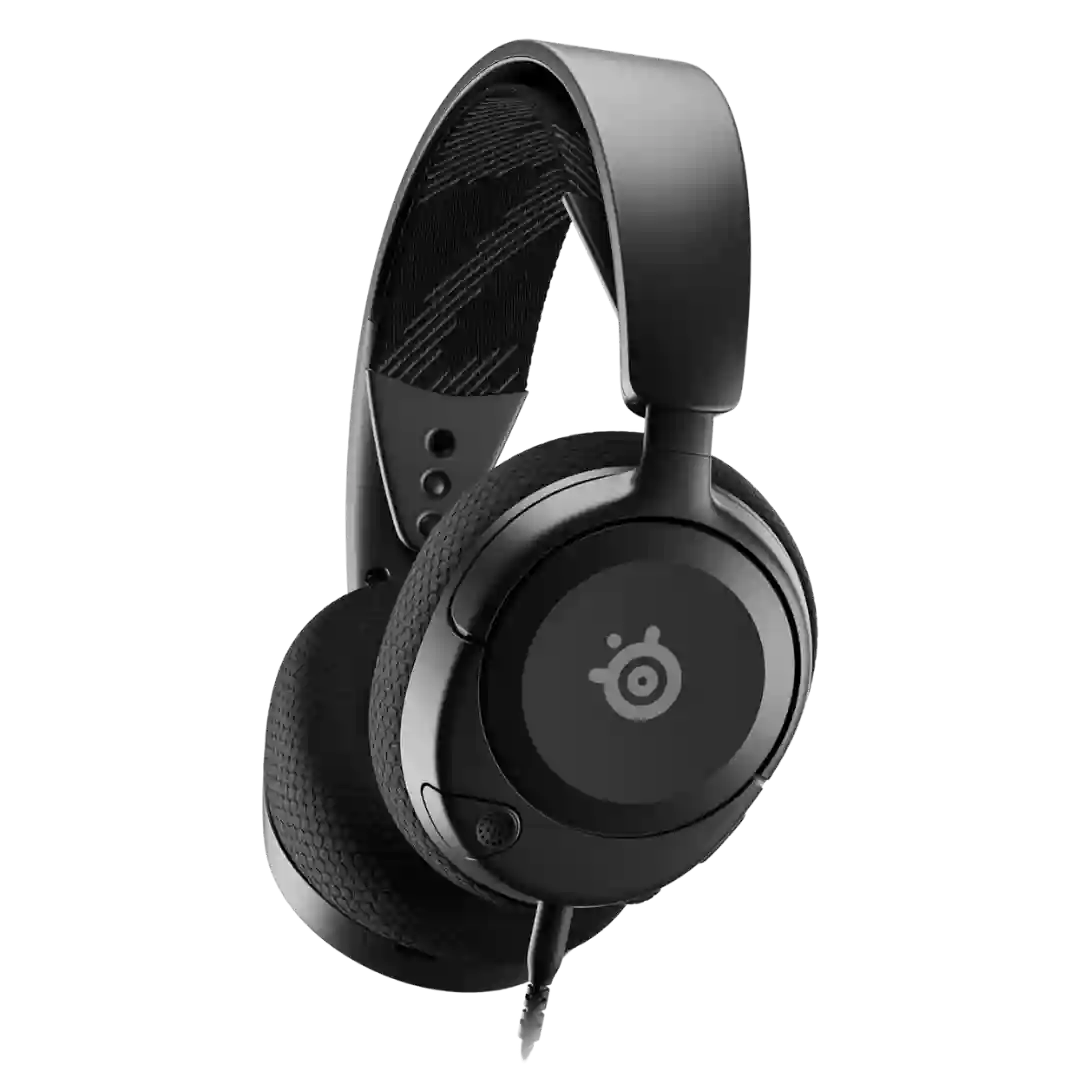
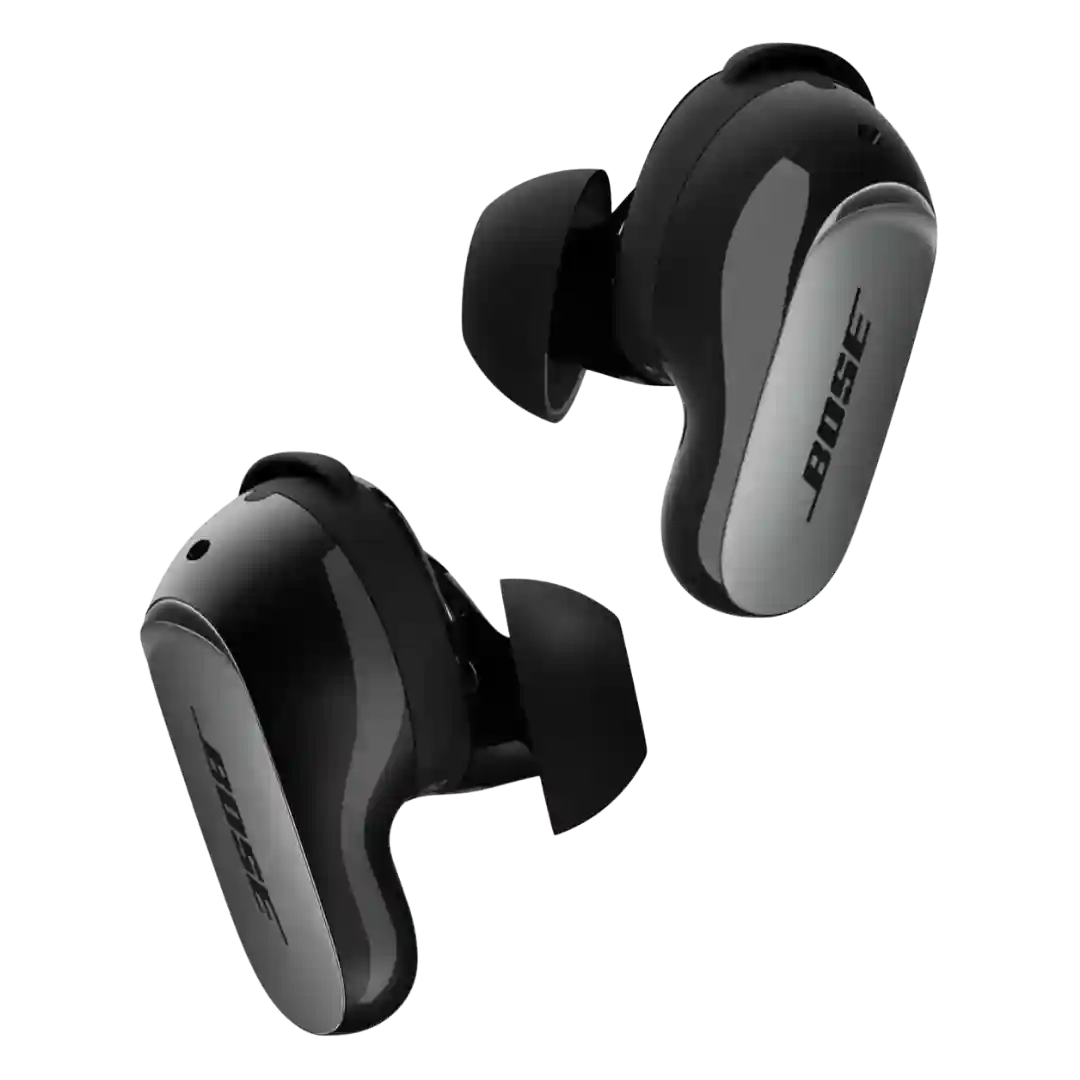
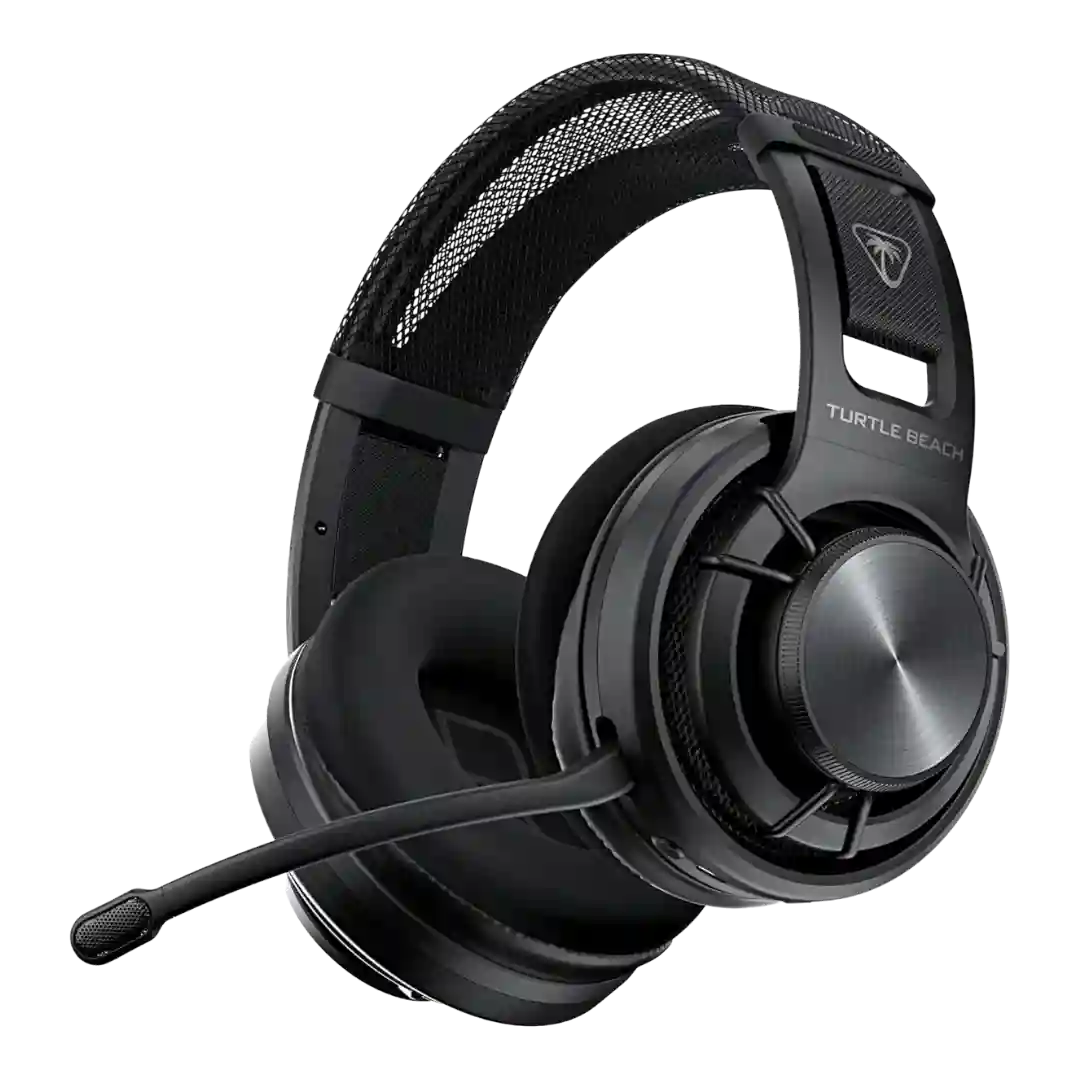
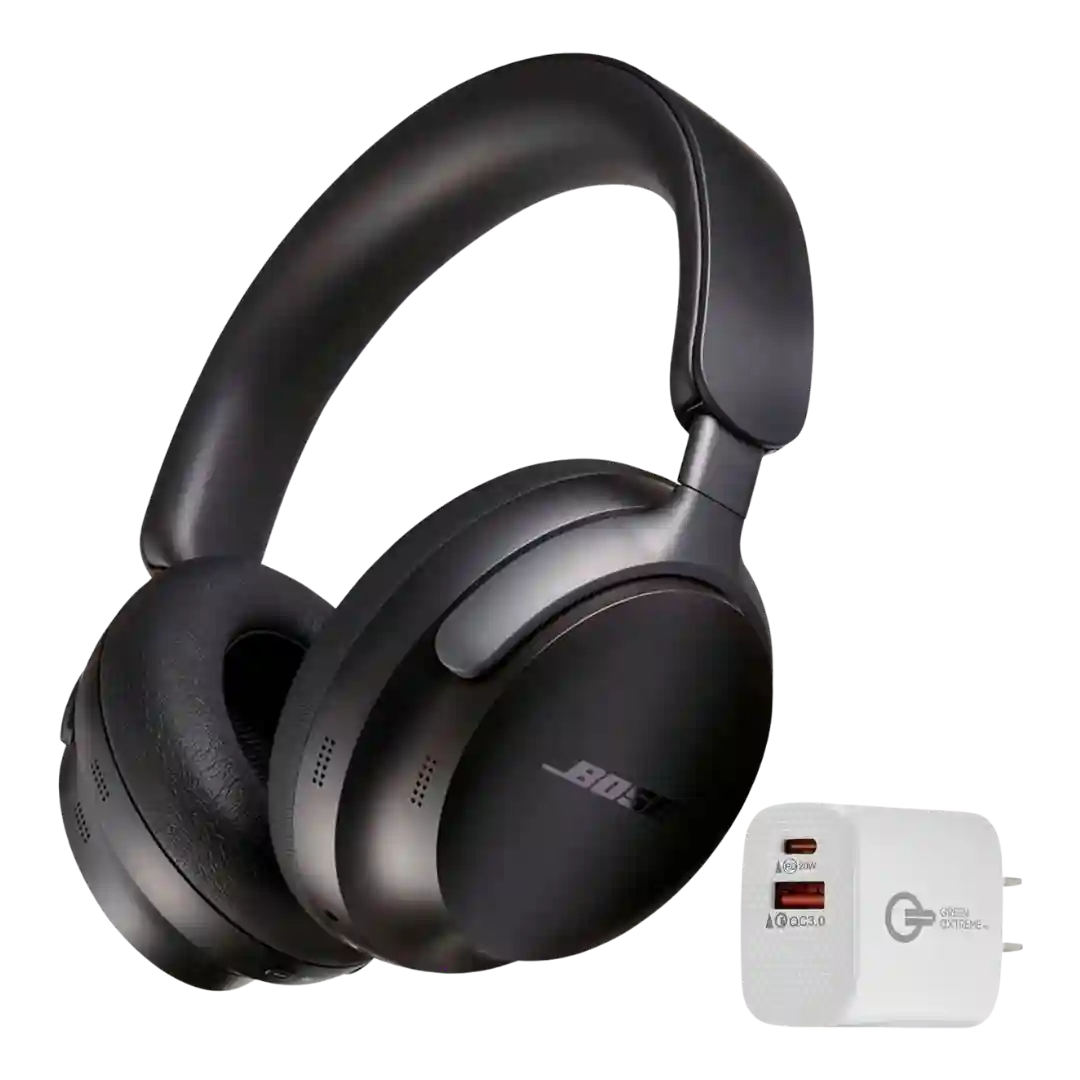
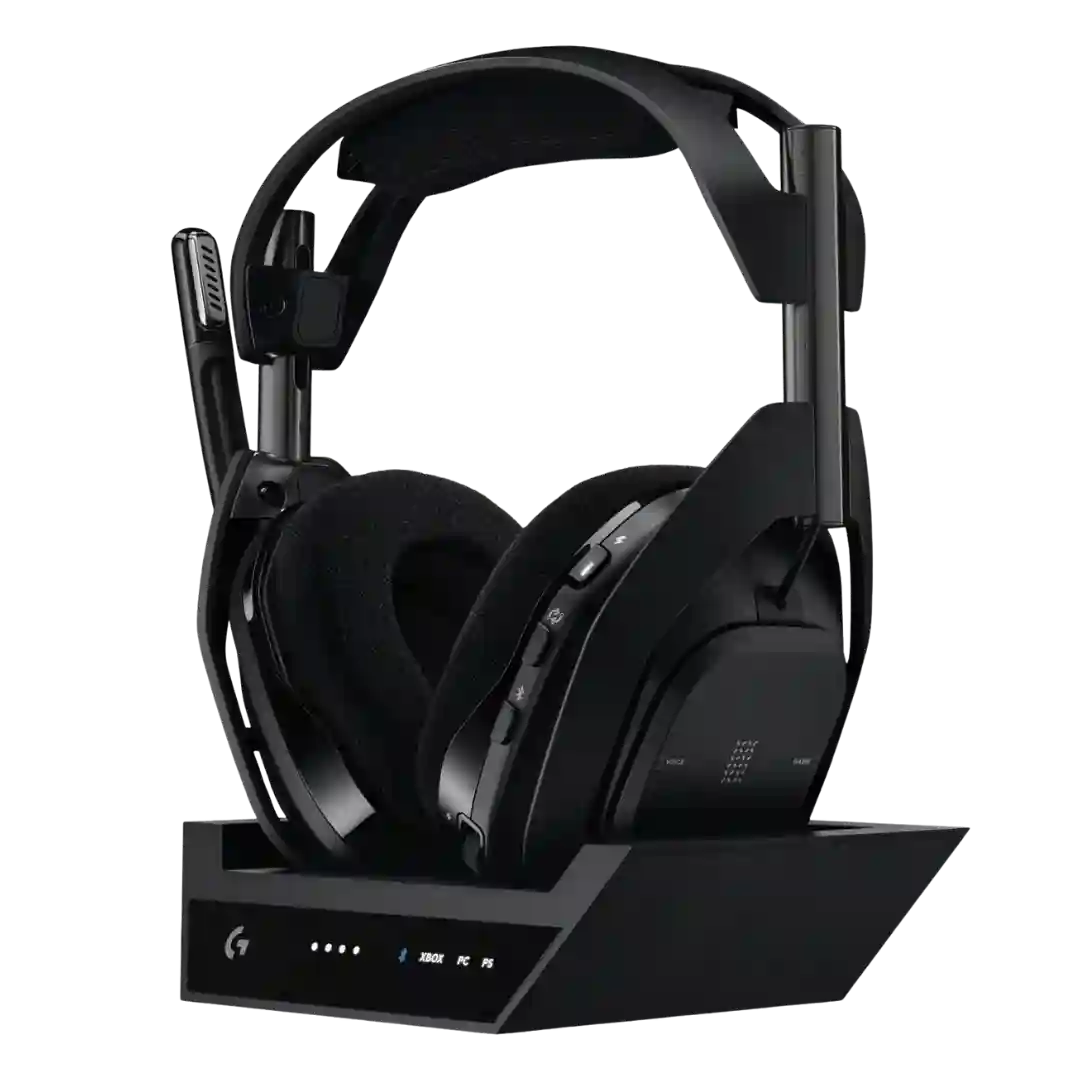
Physical buttons and volume rockers are widely appreciated for workouts (especially with gloves), with easy playback/volume control; a few users report accidental presses while inserting the buds.
Physical button controls are consistently praised for being responsive and reliable, with clear mappings for playback, volume, ANC modes and assistant access.
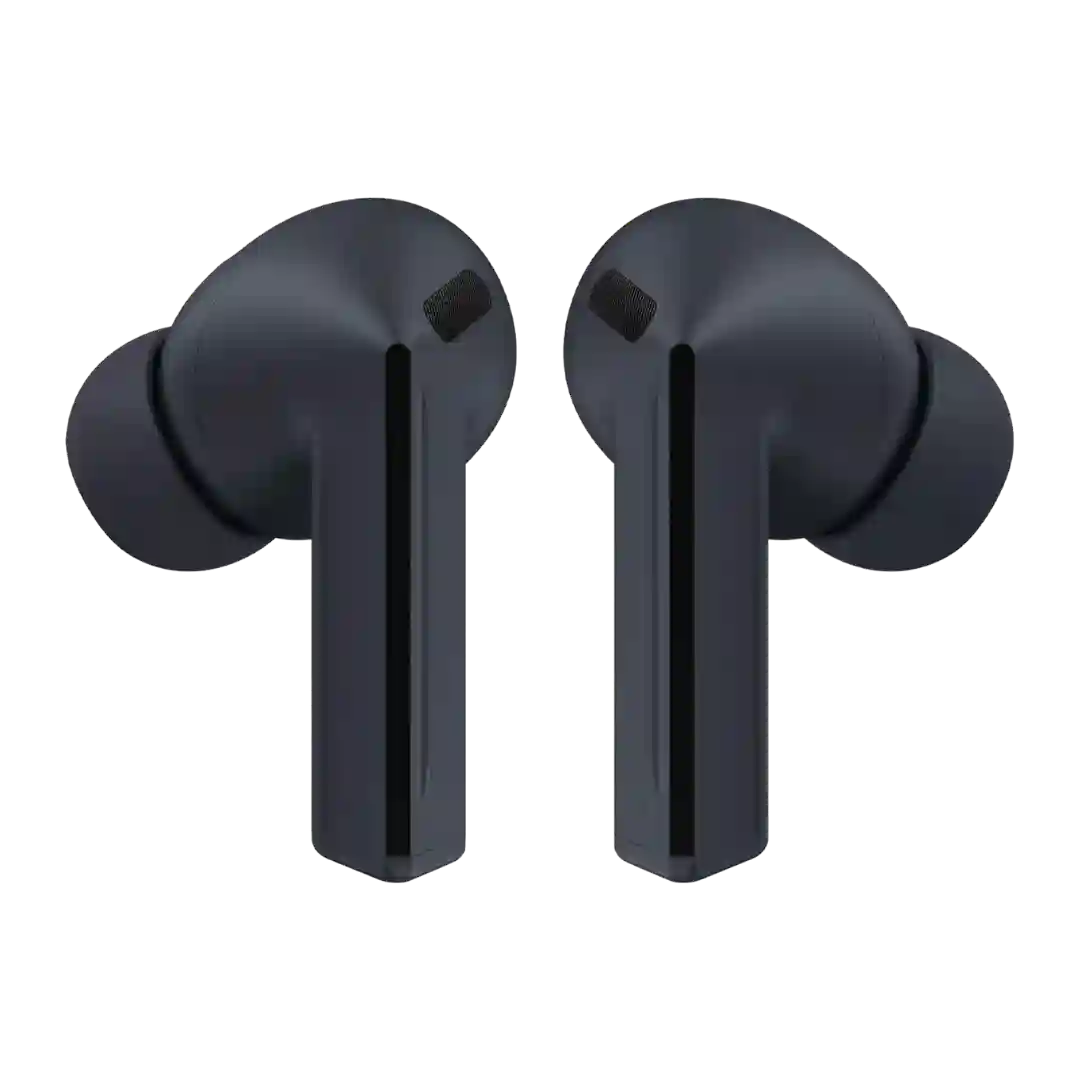
Pinch/press controls on the stems are widely seen as intuitive and less annoying than tapping earbuds. The main nit is that volume swipes can feel slightly fiddly at times, depending on technique.
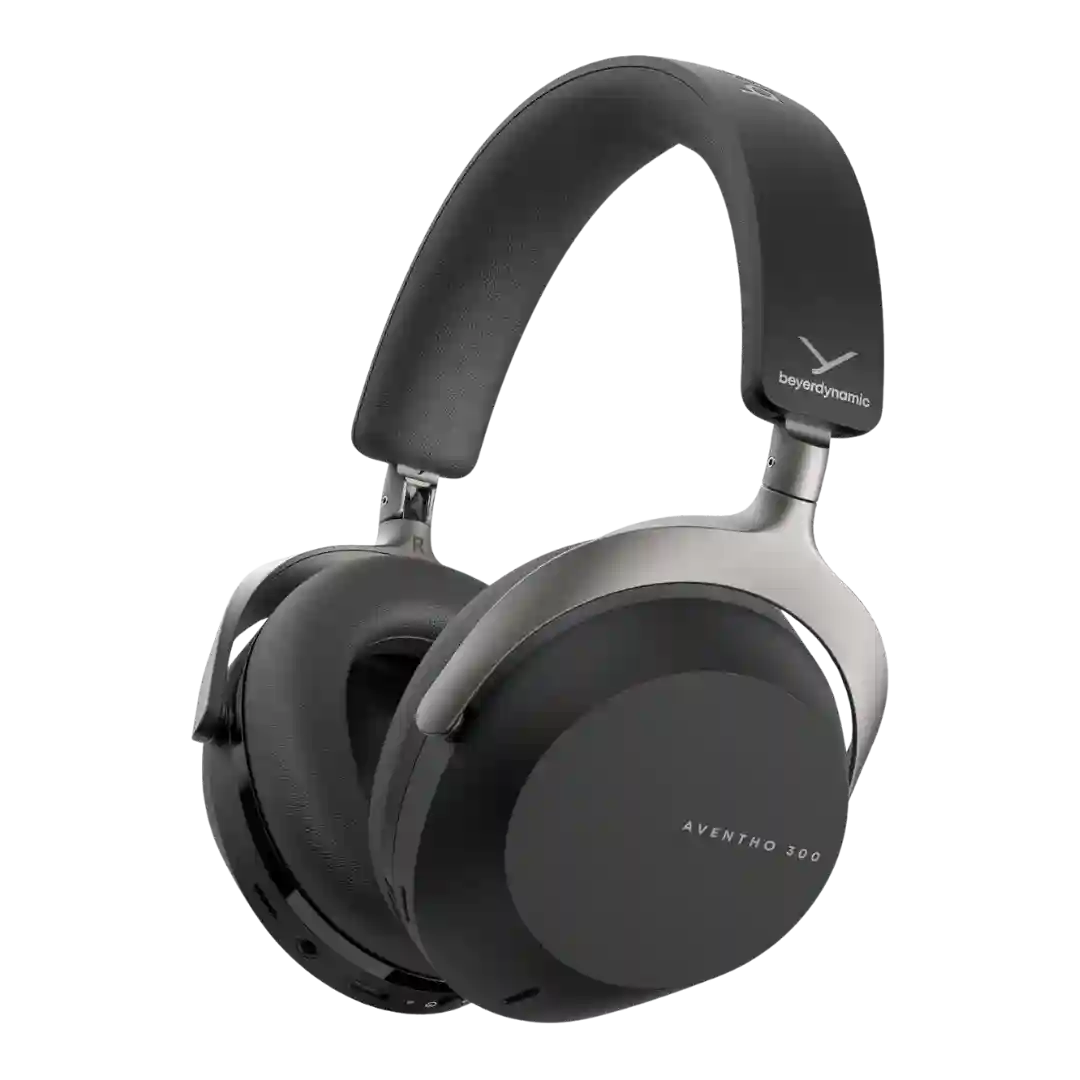
Controls are generally considered well-thought-out, with distinct buttons and an easy-to-use crown/dial. One recurring nit is that some buttons have low travel, making certain combos less satisfying.
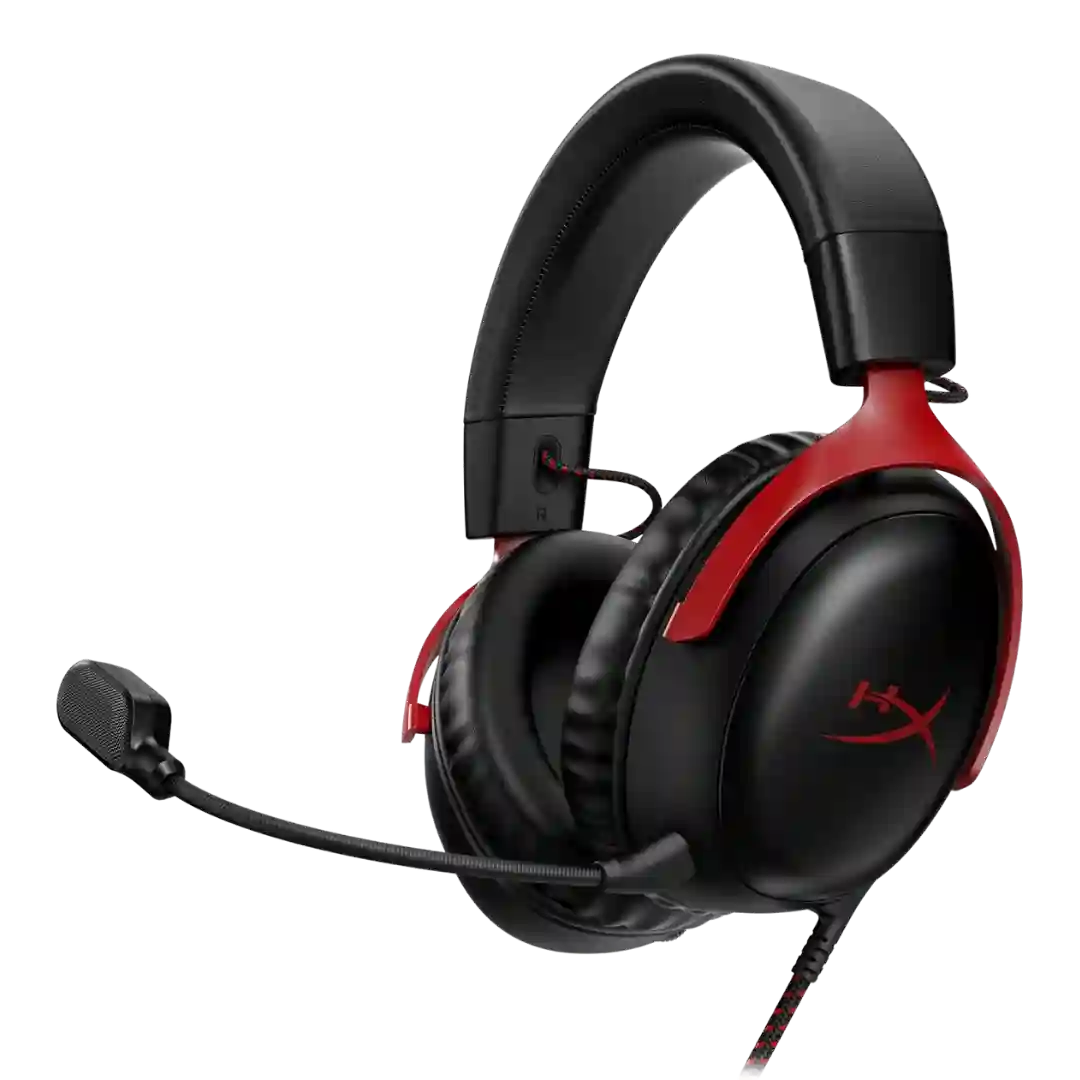
On-head controls are generally praised for being well-spaced, tactile, and easy to find, with a clear mic-mute indicator. A common nitpick is the lack of a quick mute for headset audio on the wireless model.
Controls are one of the more consistently praised usability features. The buttons are distinct, tactile, and easy to locate by feel, though a few reviewers still prefer a volume wheel over the rocker.
Physical controls (roller + paddle + buttons + power switch) are a major highlight for tactility, but a few reviews mention learning curve, finicky behavior, or coarse volume steps.
Physical buttons are broadly seen as reliable and easy to use. Multiple reviewers note the buttons can feel similar, causing occasional mis-presses until you learn them.
Button controls are a highlight: large, tactile, rubberized buttons are easy to find, and many functions can be customized in the app (though some buttons require firmer presses).
Controls are generally described as easy to find and straightforward, with useful mute and volume access and distinguishable buttons on wireless versions.
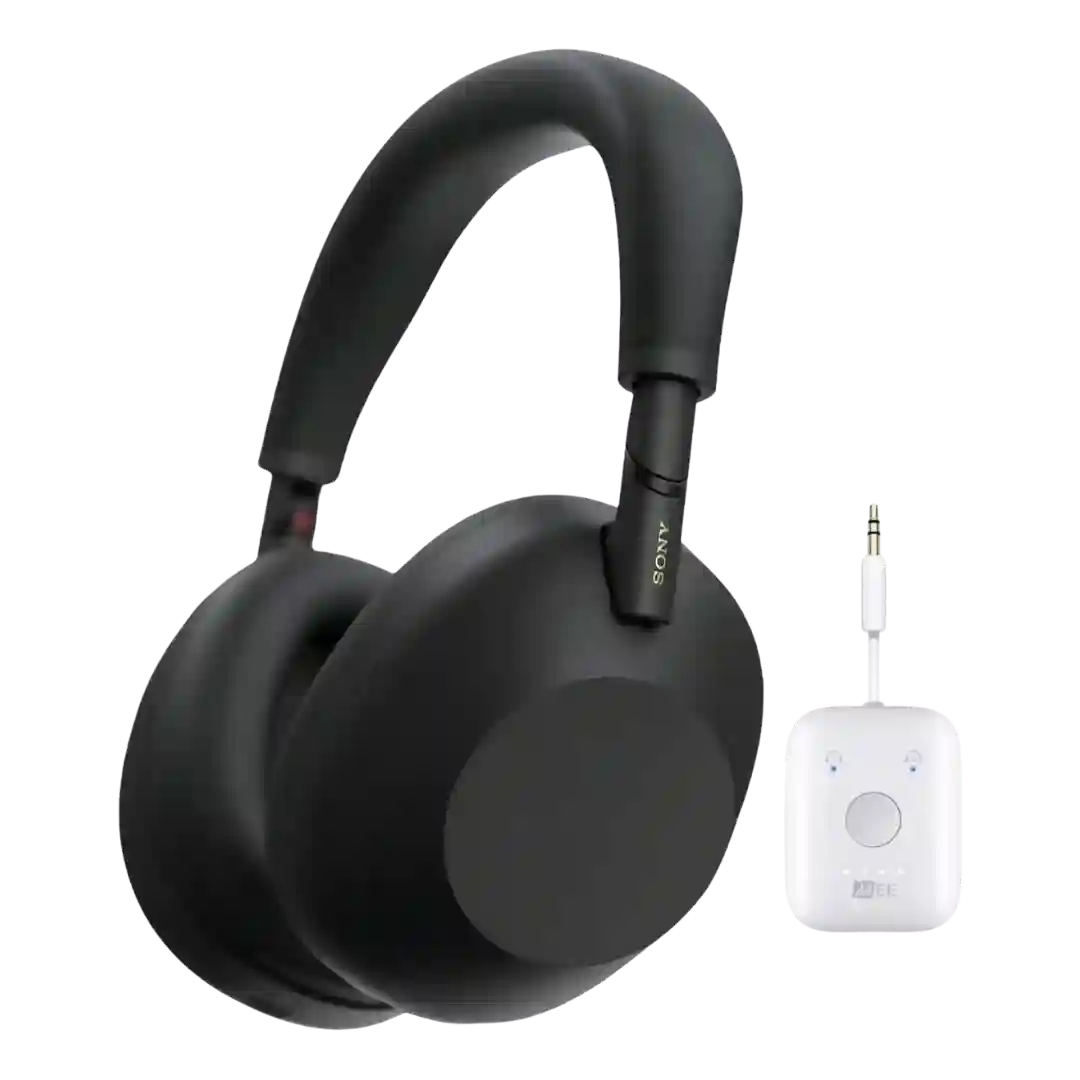
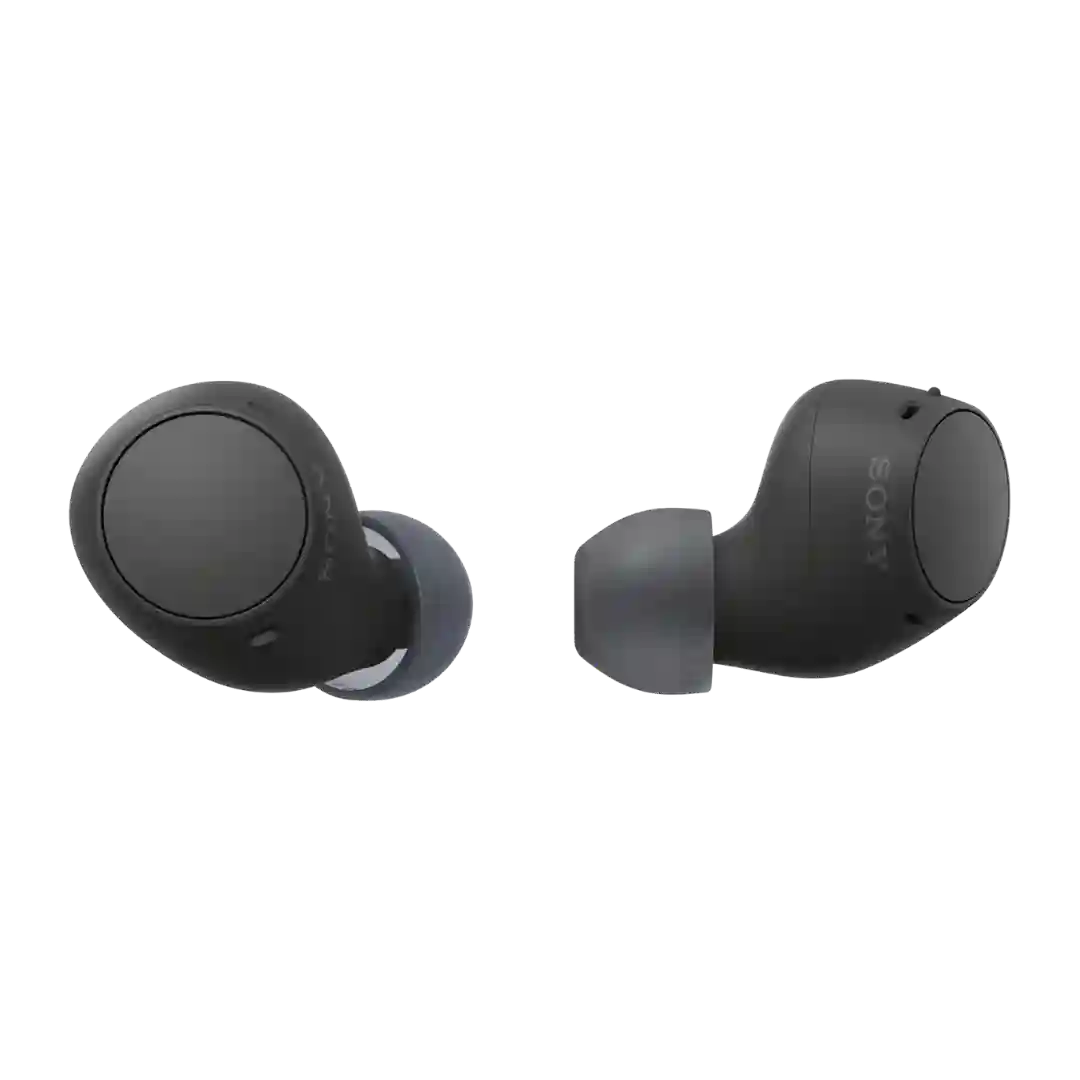
Sony’s two-button layout is praised for being easy to distinguish by feel (especially the redesigned power button), though some users still wish for more physical controls overall.
Physical buttons are a plus for many, with tactile, clicky controls that work with gloves. A few reviews call the buttons small or the control layout limited compared to feature-heavy rivals.
Physical controls are minimal and straightforward, with most interaction handled by touch. Some reviewers wish the lone button were mapped to a different shortcut.
Physical buttons are generally well liked for being easy to find and clicky, but a few users find the track-skip mapping or volume stepping unintuitive.
Controls are repeatedly described as simple and easy to use, with physical wheels or buttons handling volume, mute, power, and surround without much learning curve.
Buttons are often praised for responsiveness and tactile feedback, but a few reviewers mention accidental activation, especially when adjusting volume or leaning against a seat while traveling.
The single wheel/button control scheme is viewed as intuitive (volume, mute, mode toggles), but some reviewers dislike that it feels clicky or that button/wheel noises can carry through the headset or mic.
Stem squeeze and swipe controls are broadly viewed as intuitive, enabling volume and mode changes without reaching for the phone. A few reviewers still mention occasional uncertainty with tap-based case controls or gesture reliability.
Control mapping is flexible in the app and most gestures work reliably. A few reviews dislike the lack of pressure-squeeze controls or note that default mappings may require customization to feel complete.
Physical controls are generally considered comprehensive and responsive, including dedicated ANC and a configurable wheel. Some reviewers find multiple similarly-shaped buttons hard to identify by touch, so there can be a learning curve.
Physical buttons are generally considered reliable and easy once learned, though a few reviewers find them small, plasticky, or confusing compared with touch controls.
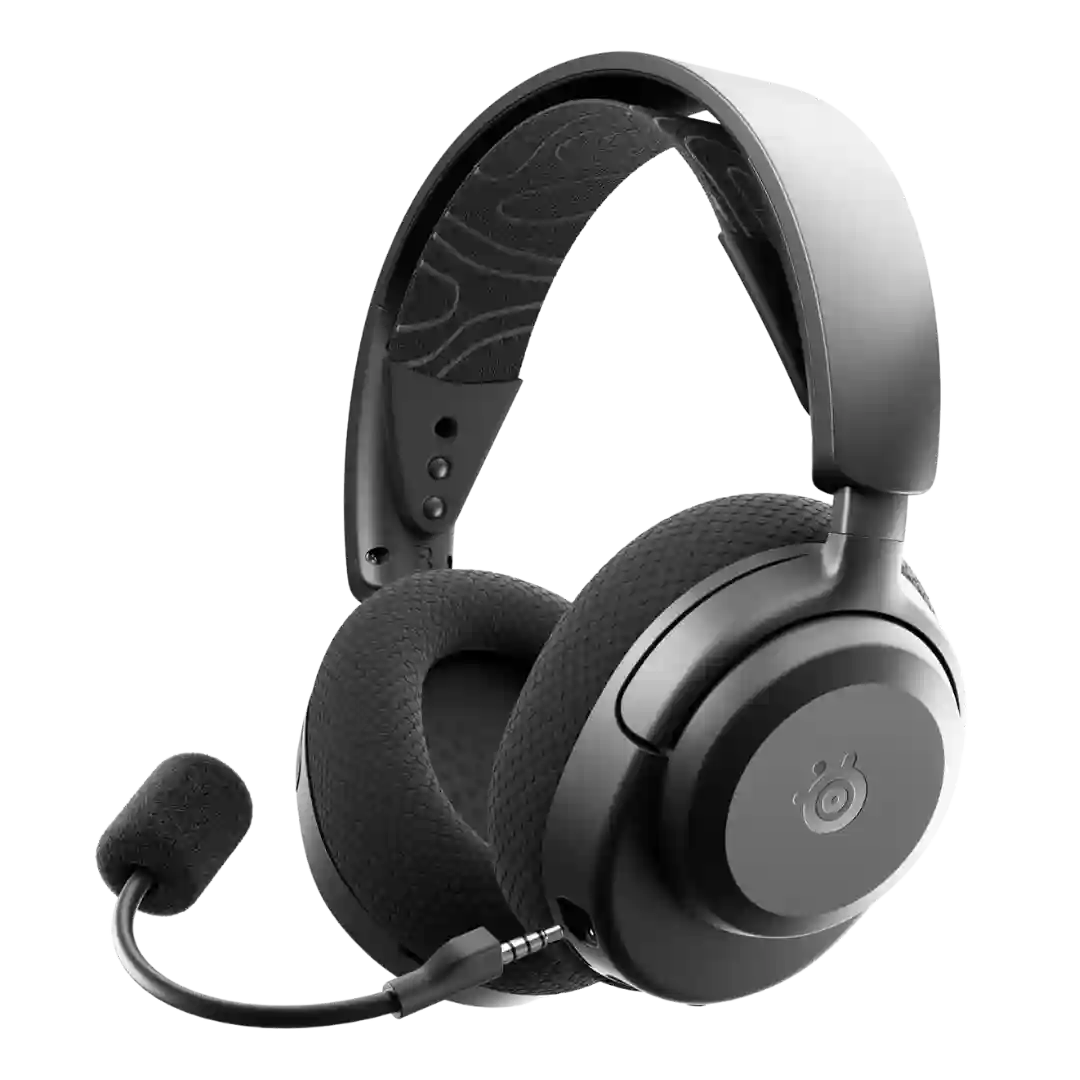
Control usability is mostly praised thanks to distinct shapes, spacing, and tactile buttons, especially for mic mute and game-chat balance. Complaints center on a finicky volume wheel in some contexts and chime-based feedback that can be hard to interpret.
Controls are easy to learn and include useful gestures (notably swipe volume), yet multiple reviews mention finickiness and accidental activations; the ability to disable touch controls is an important mitigation.
Controls are mostly on one earcup with a prominent volume wheel. Some find them easy to locate, while others dislike similarly shaped buttons or coarse volume steps.
On-headset controls are widely praised for being accessible and useful, but some users report accidental presses or easy-to-bump balance/rocker inputs during normal adjustments.
Controls are described as mostly intuitive with good tactile response and glove-friendly usability, though one reviewer mentions slight rattling that feels less premium.
Physical controls are widely considered intuitive and reliable, especially for playback and volume. Common downsides are that clicks can be loud, some buttons feel clunky, and the power or mode button can be small or hard to locate.
Physical button controls are polarizing. Some reviewers like the tactile reliability and customization, while others dislike multi-press complexity, volume-control ergonomics, or the way pressing can push the buds deeper.
Controls cover the essentials (mute, volume, quick-switch), but chat-mix and multifunction control schemes can be less intuitive than headsets with dedicated wheels or simpler routing.
Pinch and swipe controls are generally liked for reducing accidental touches, but the stem shape and required pinch force are cited as less ergonomic than some rivals, and can shift the earbuds slightly in-ear.