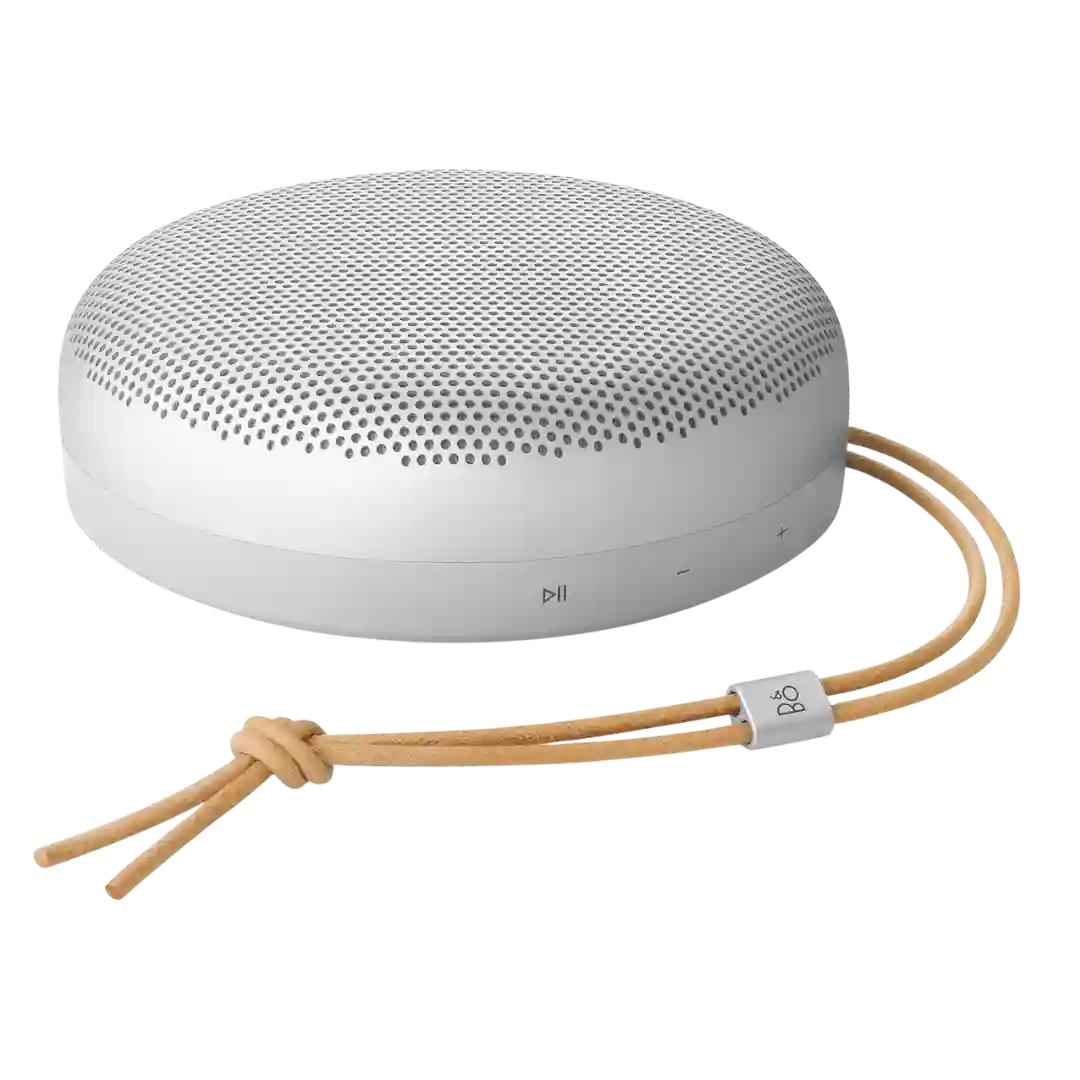
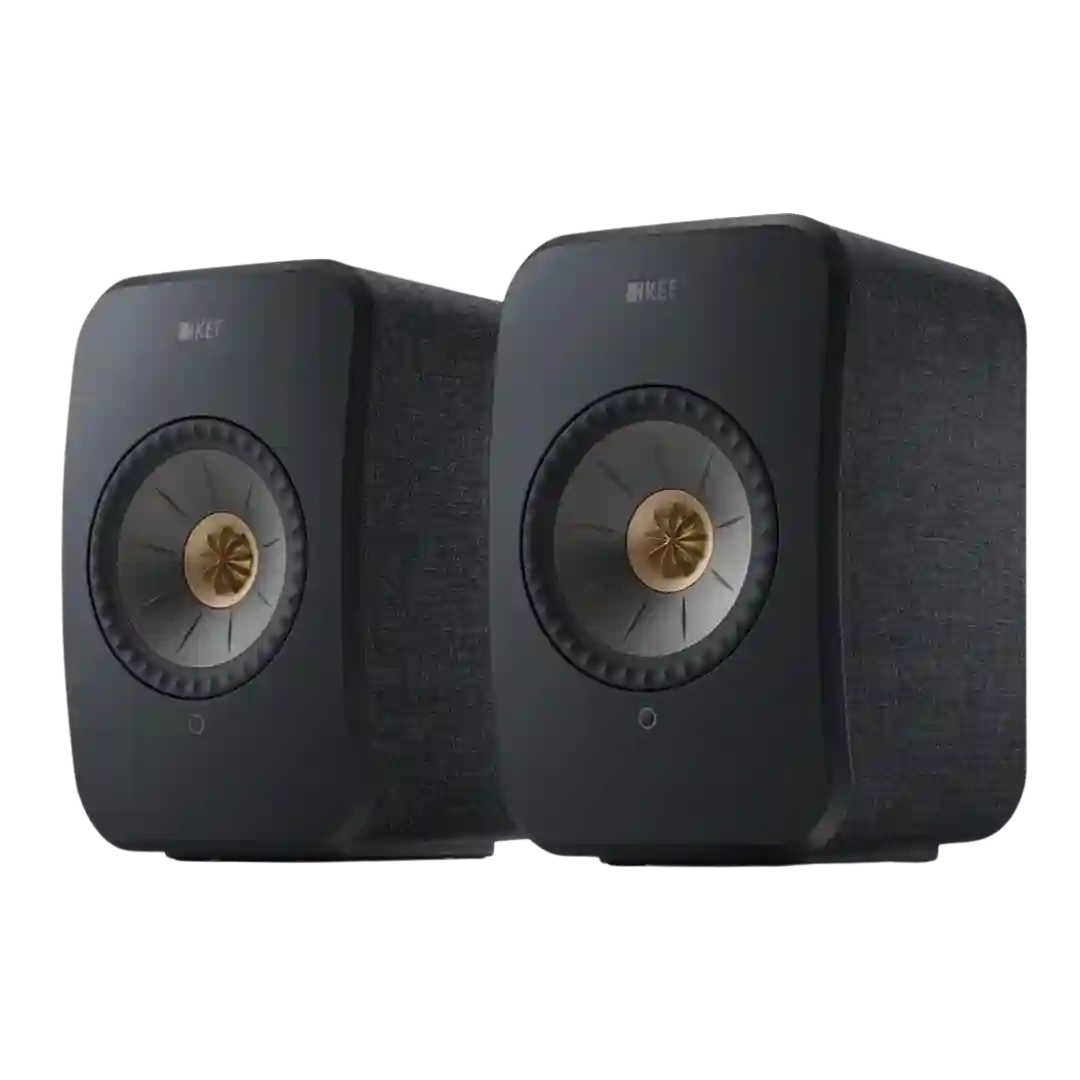
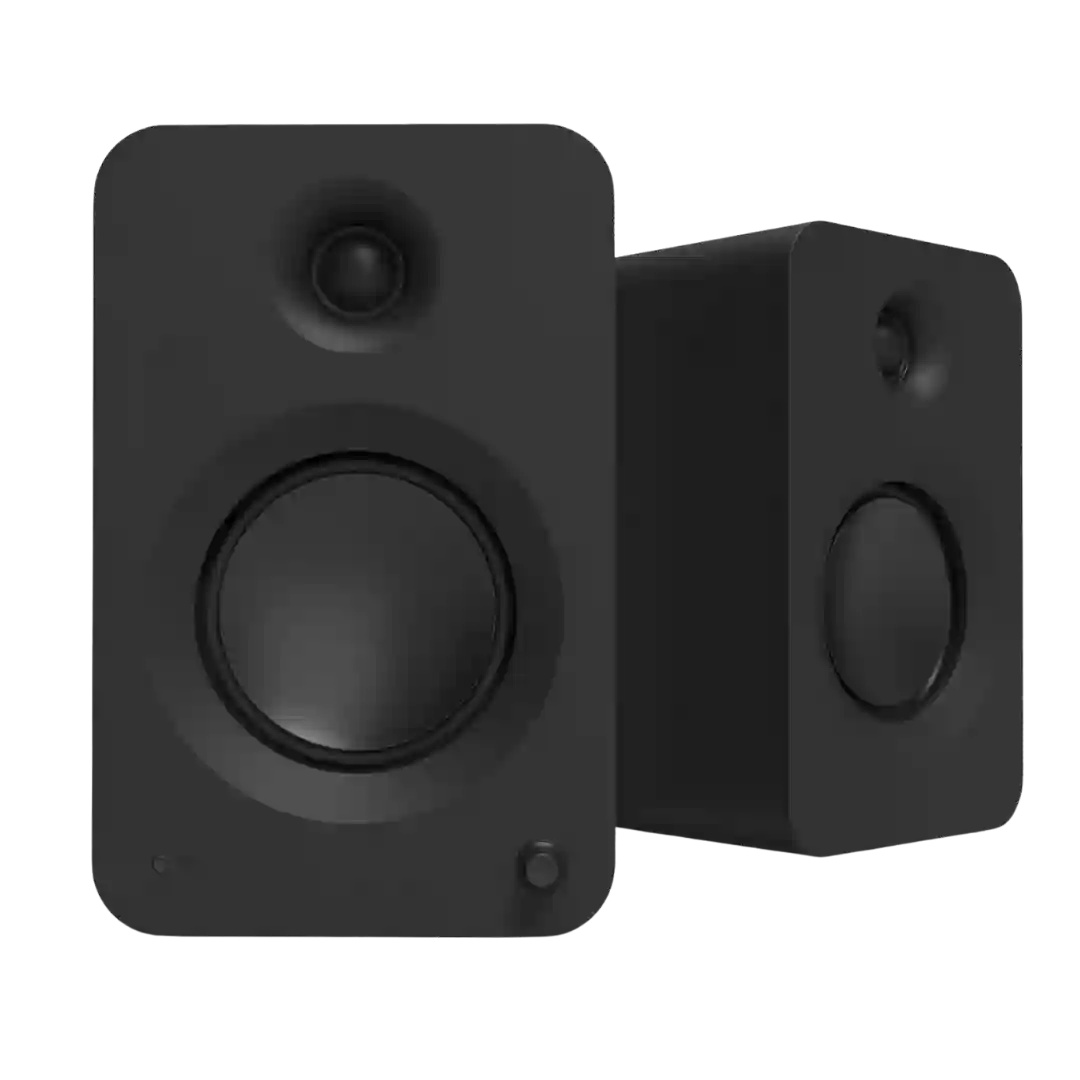
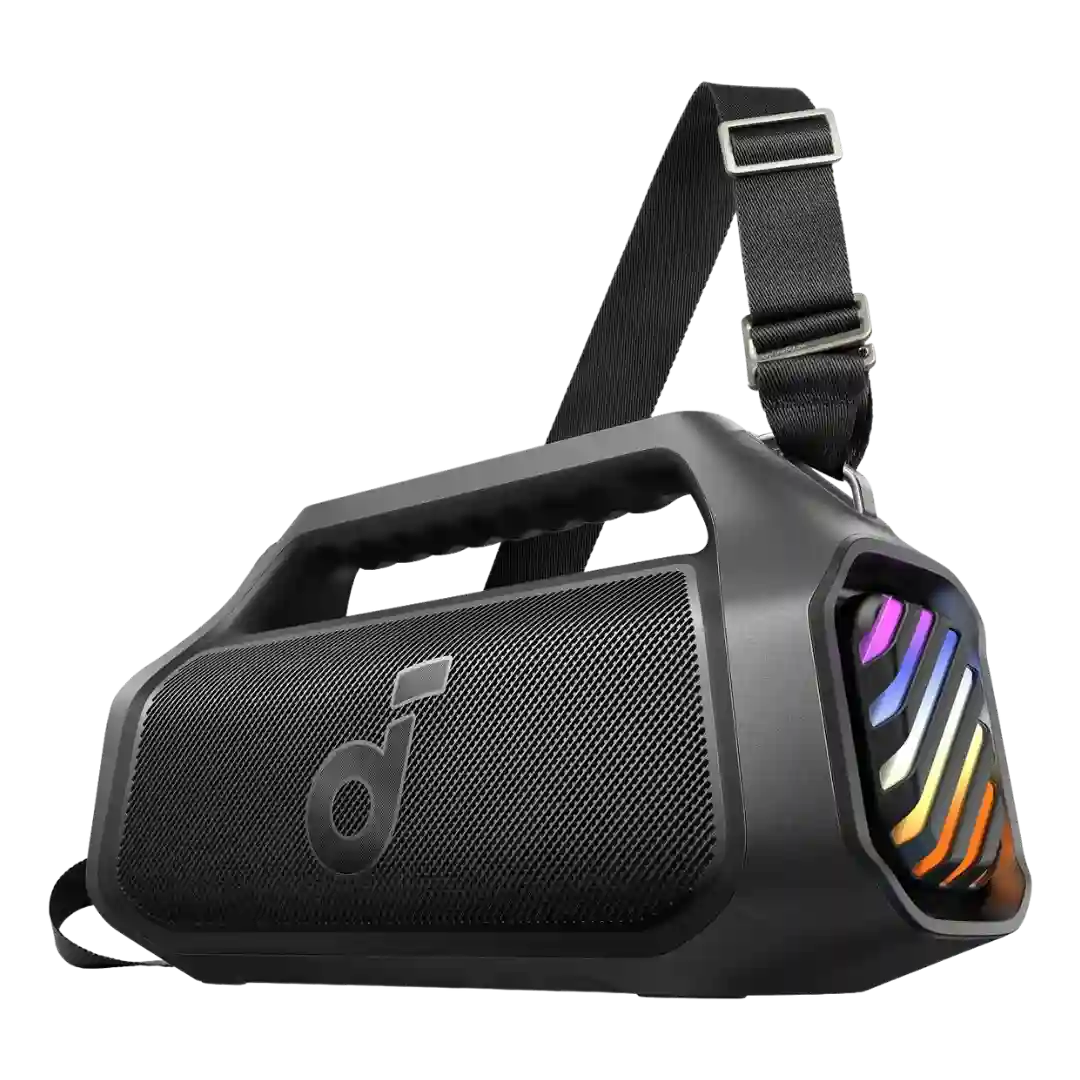
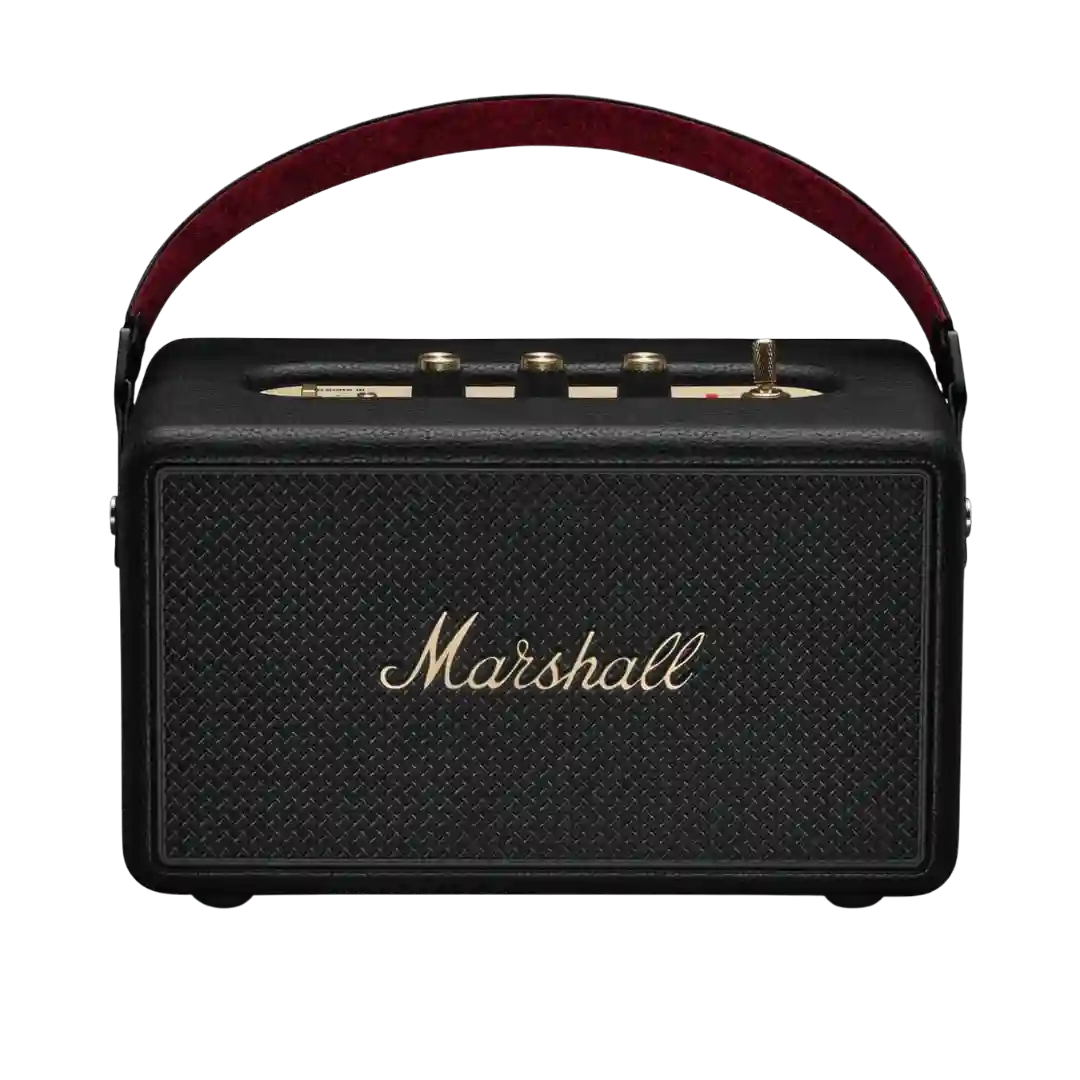
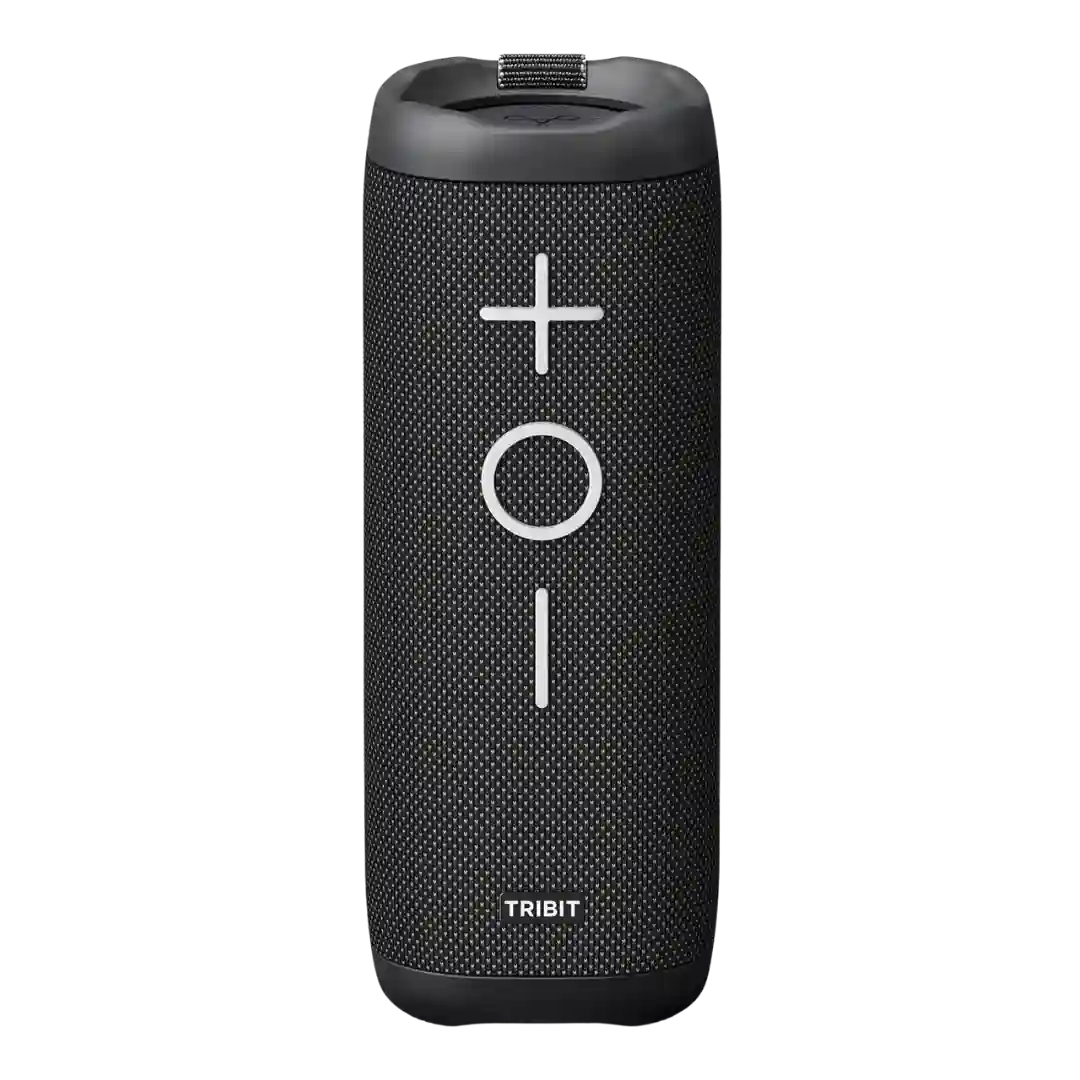
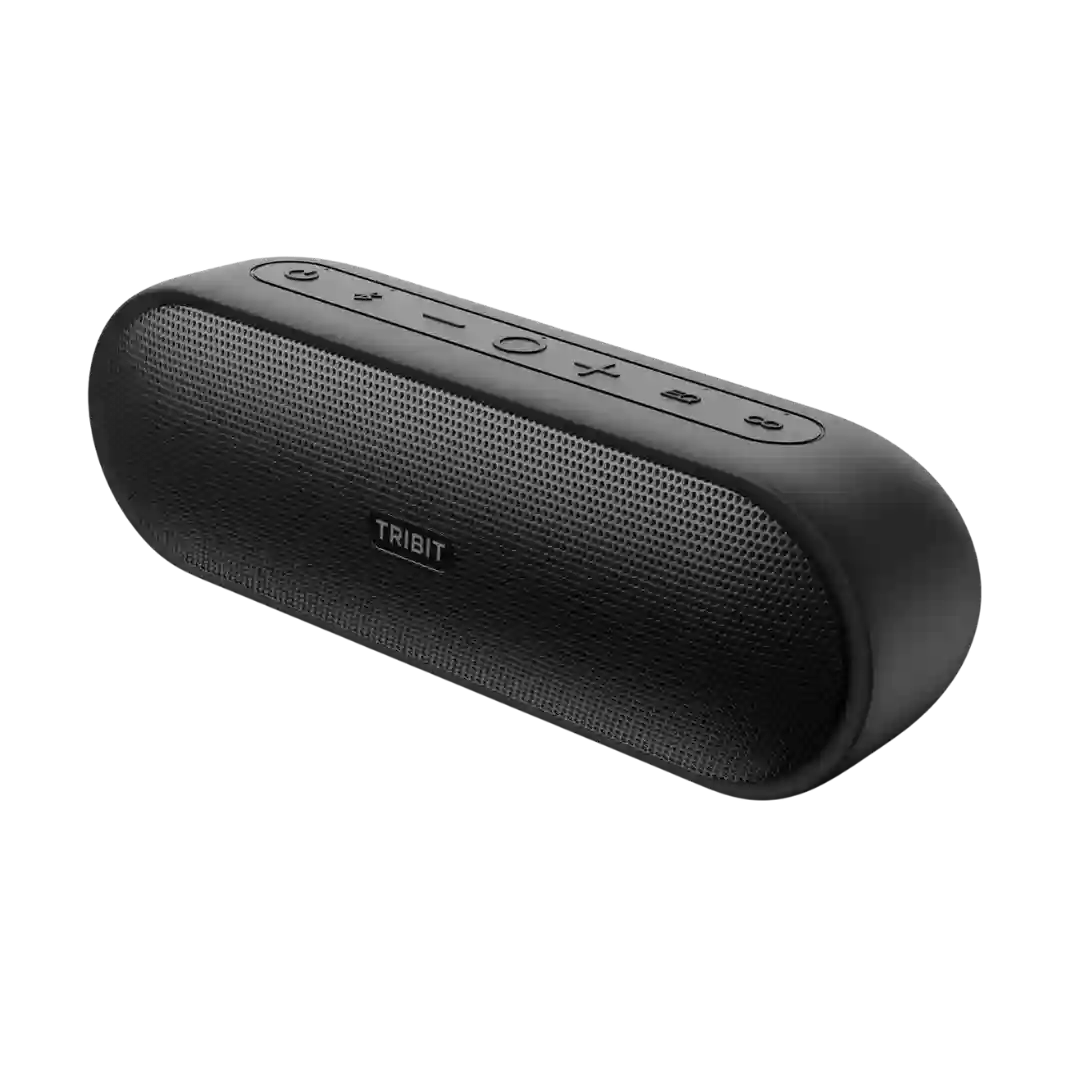
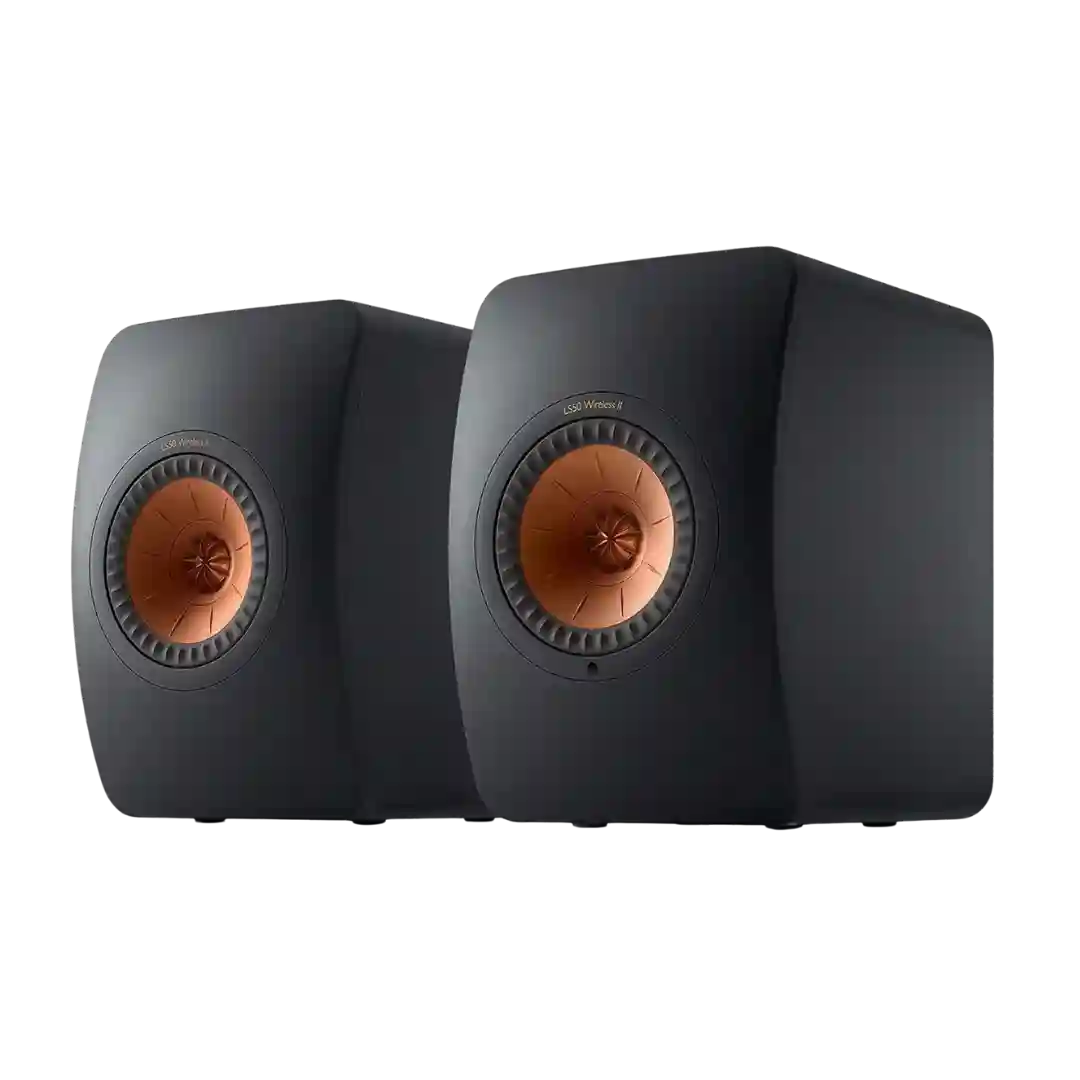
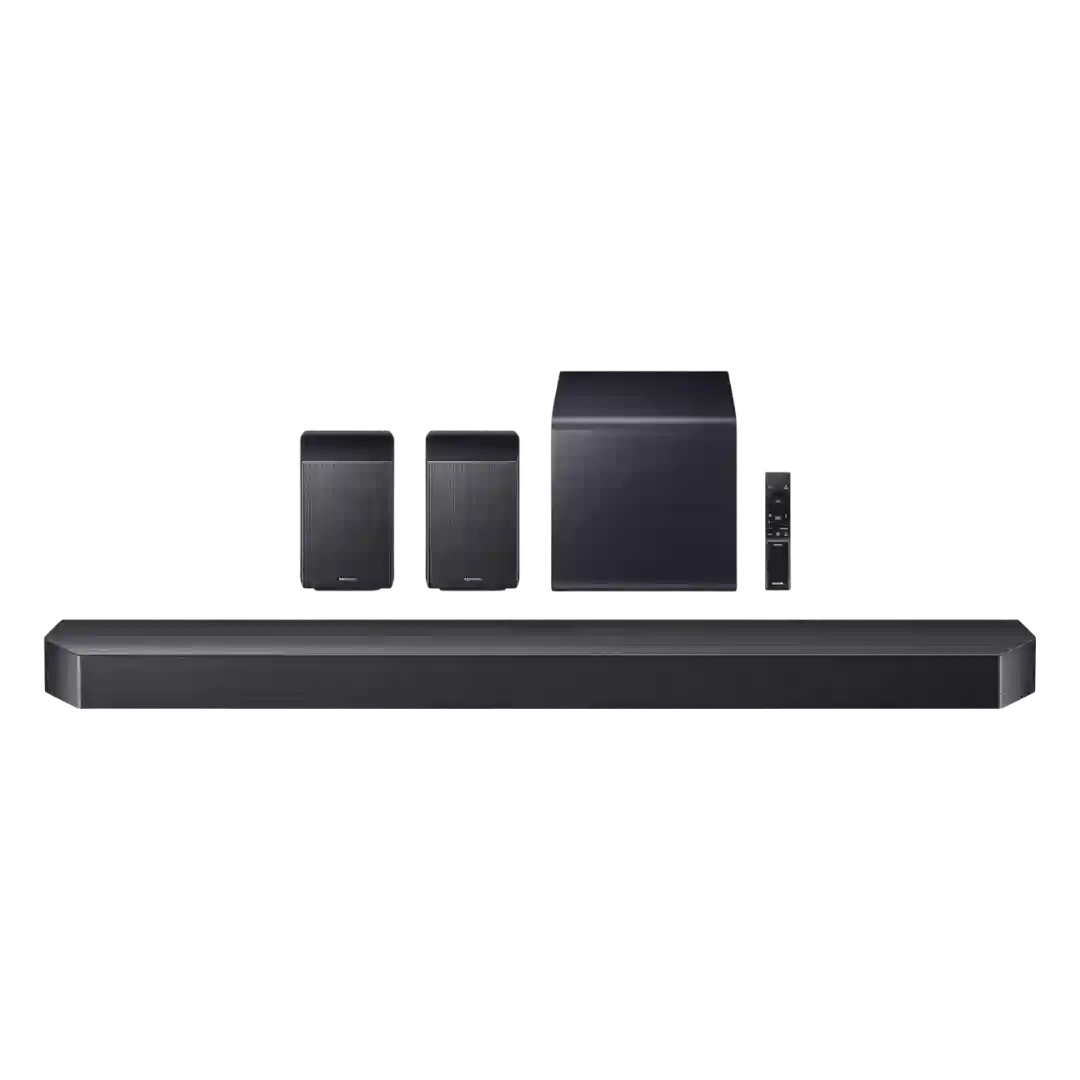
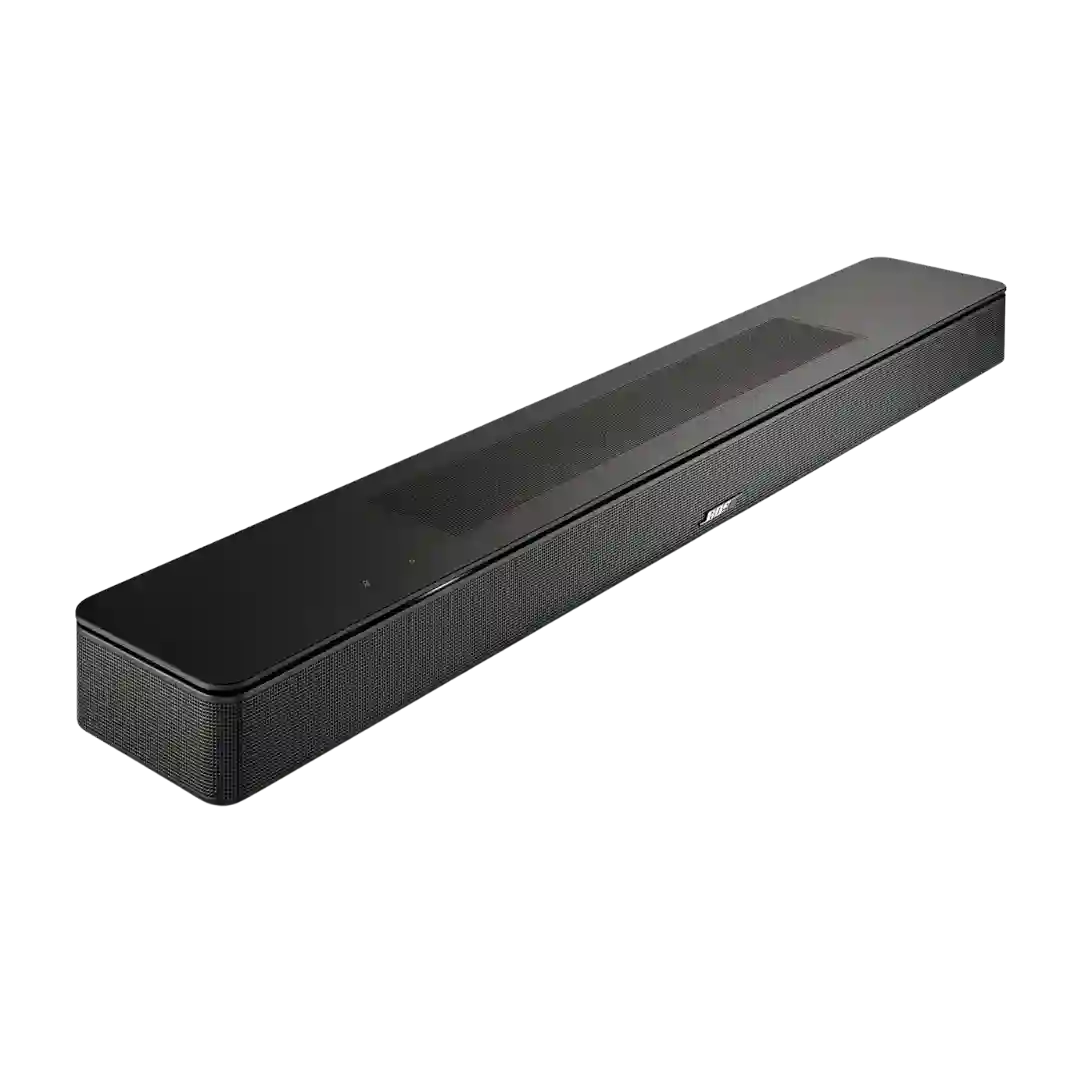
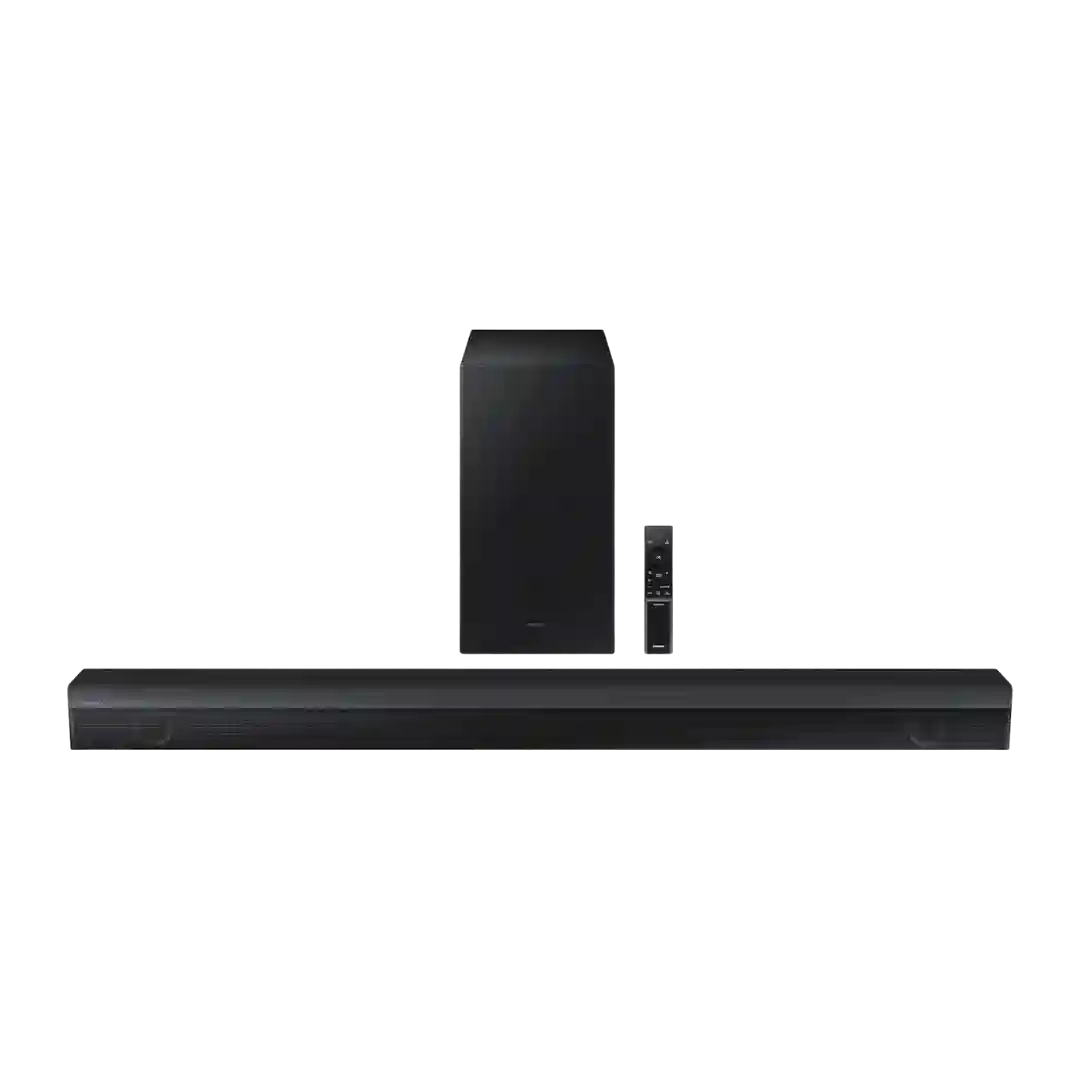
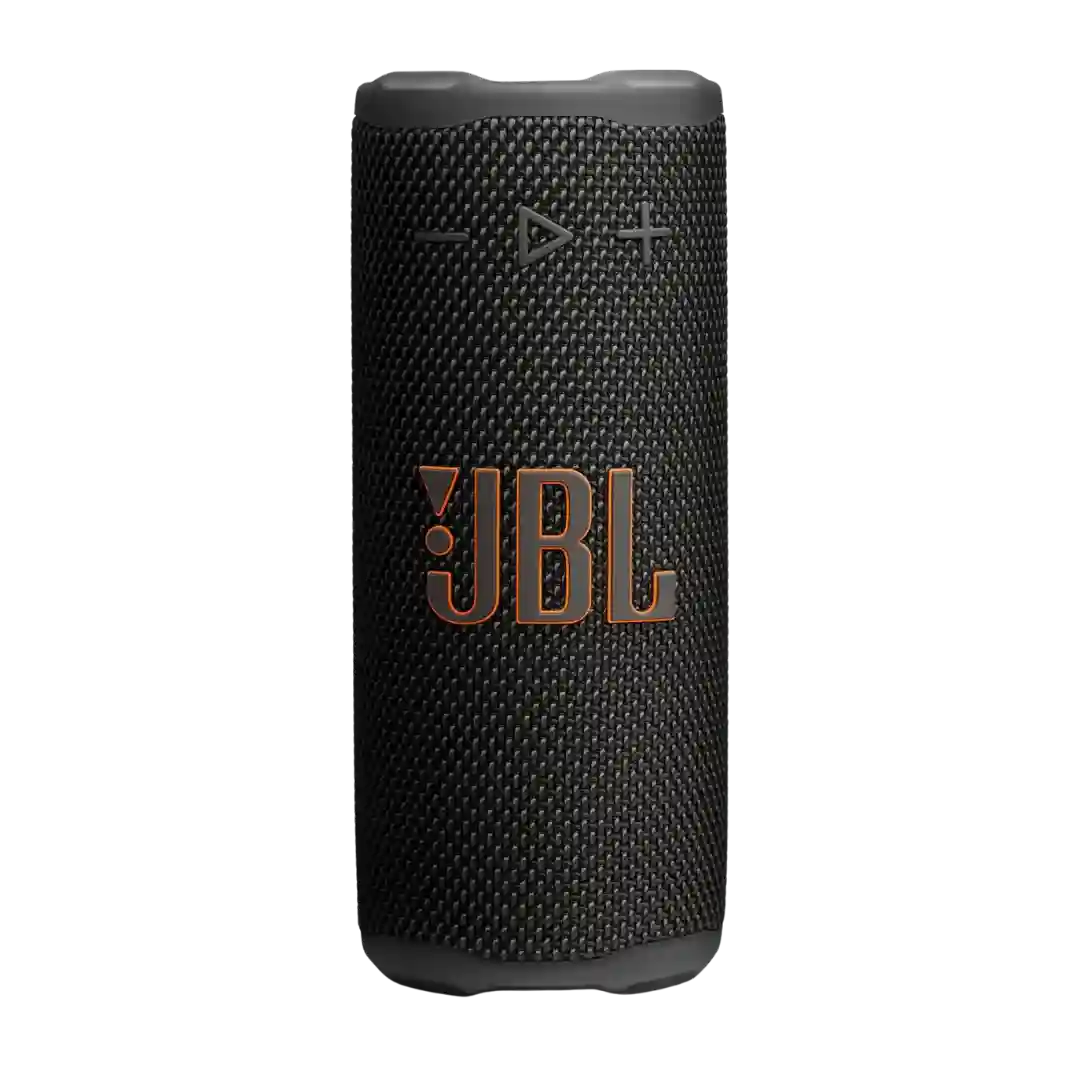
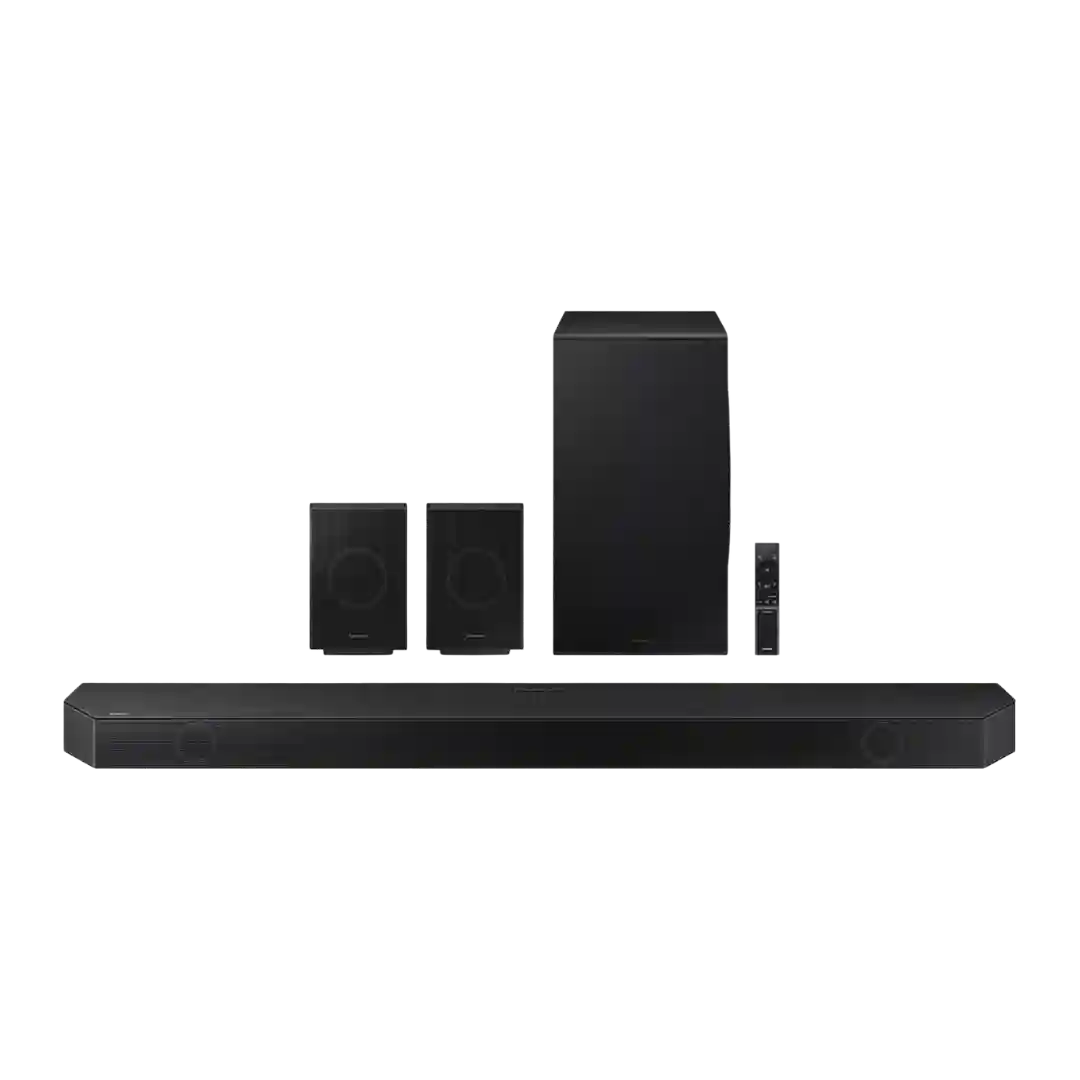
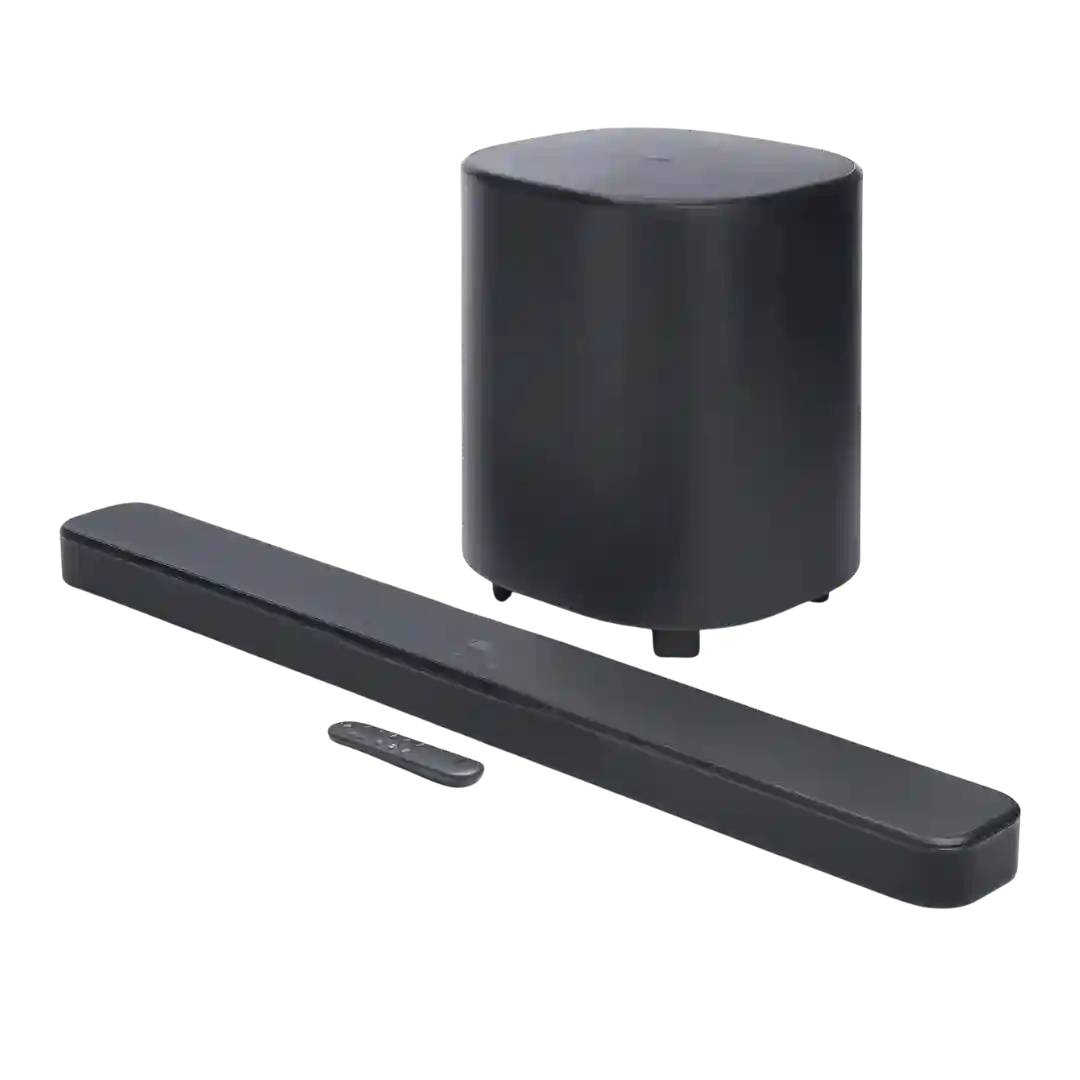
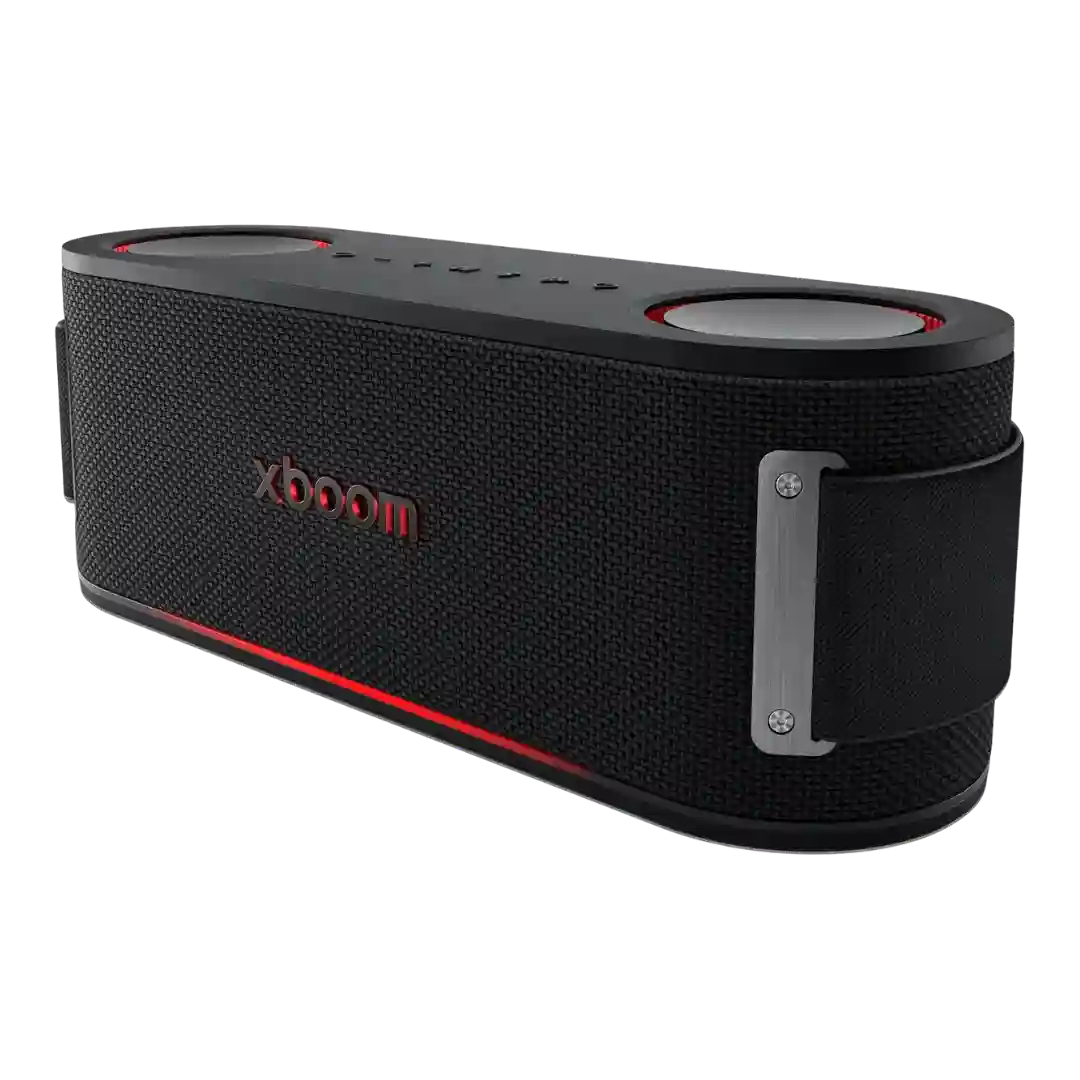
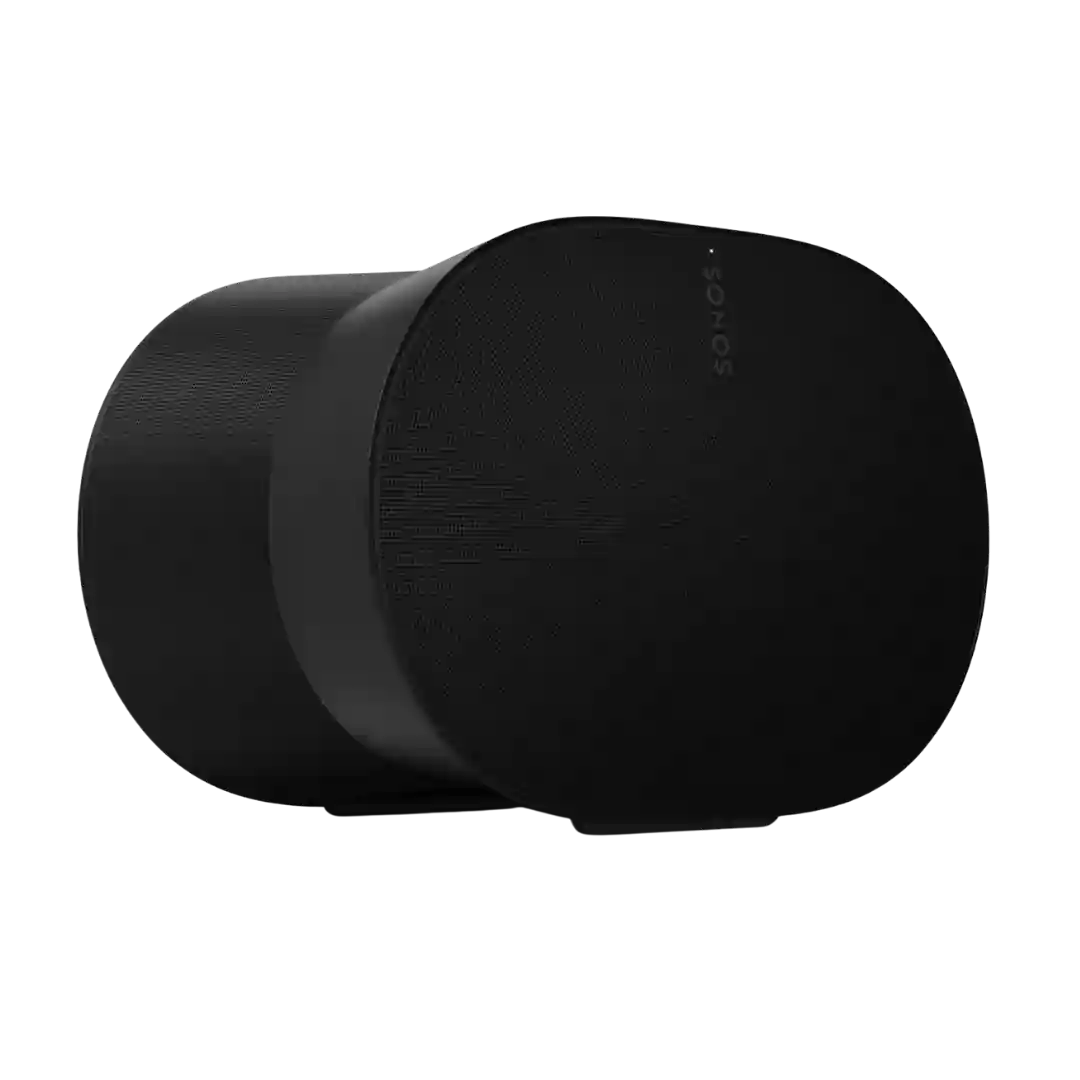
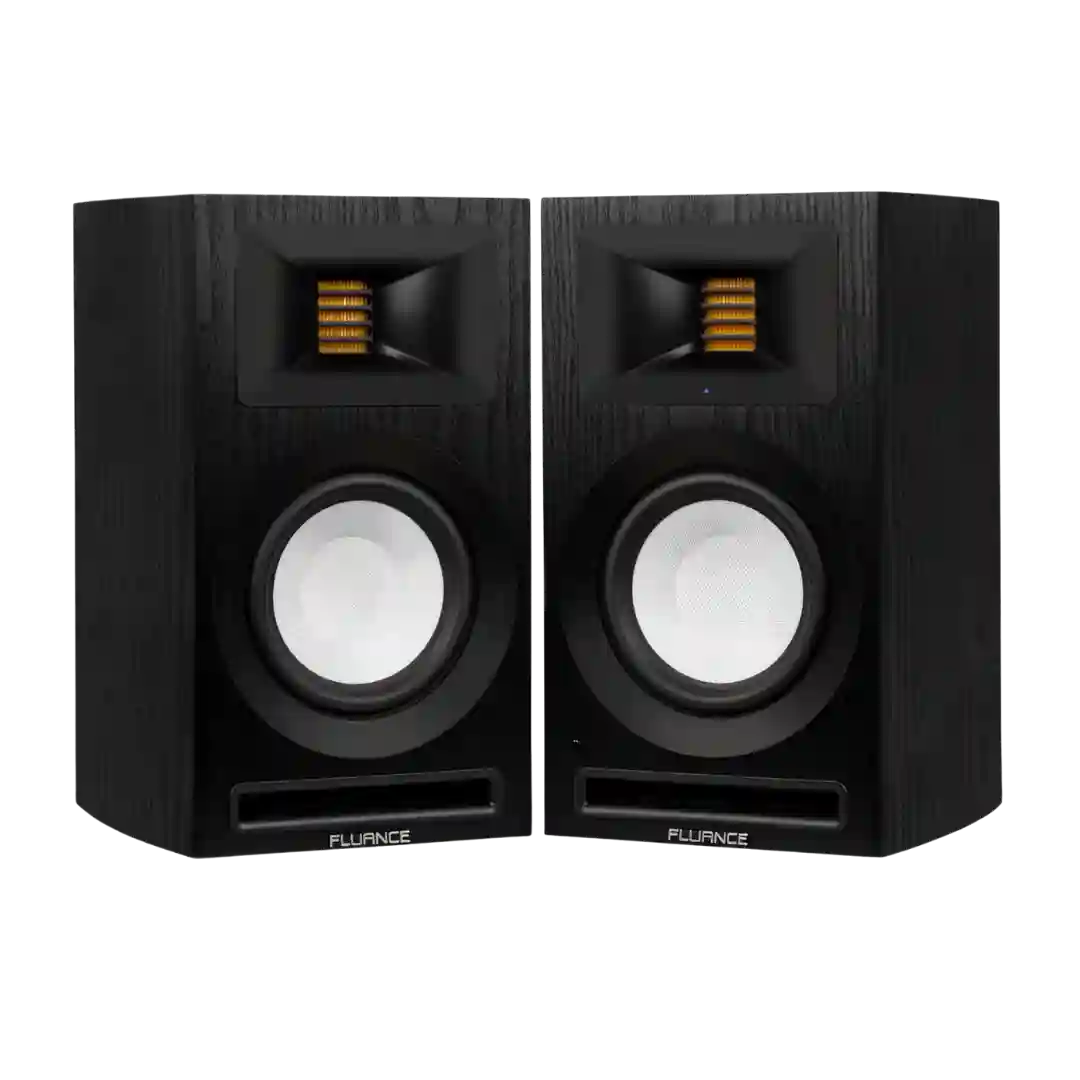
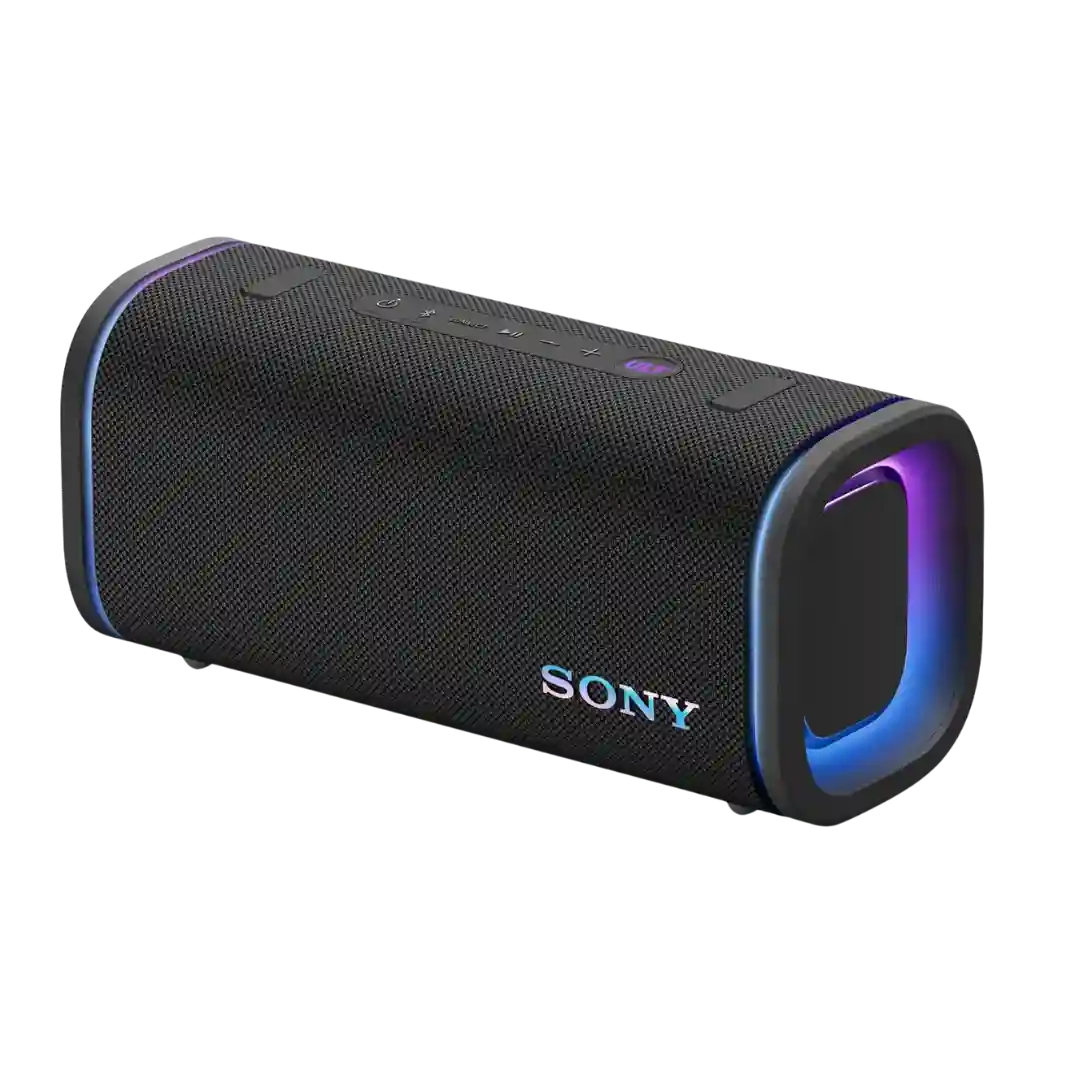
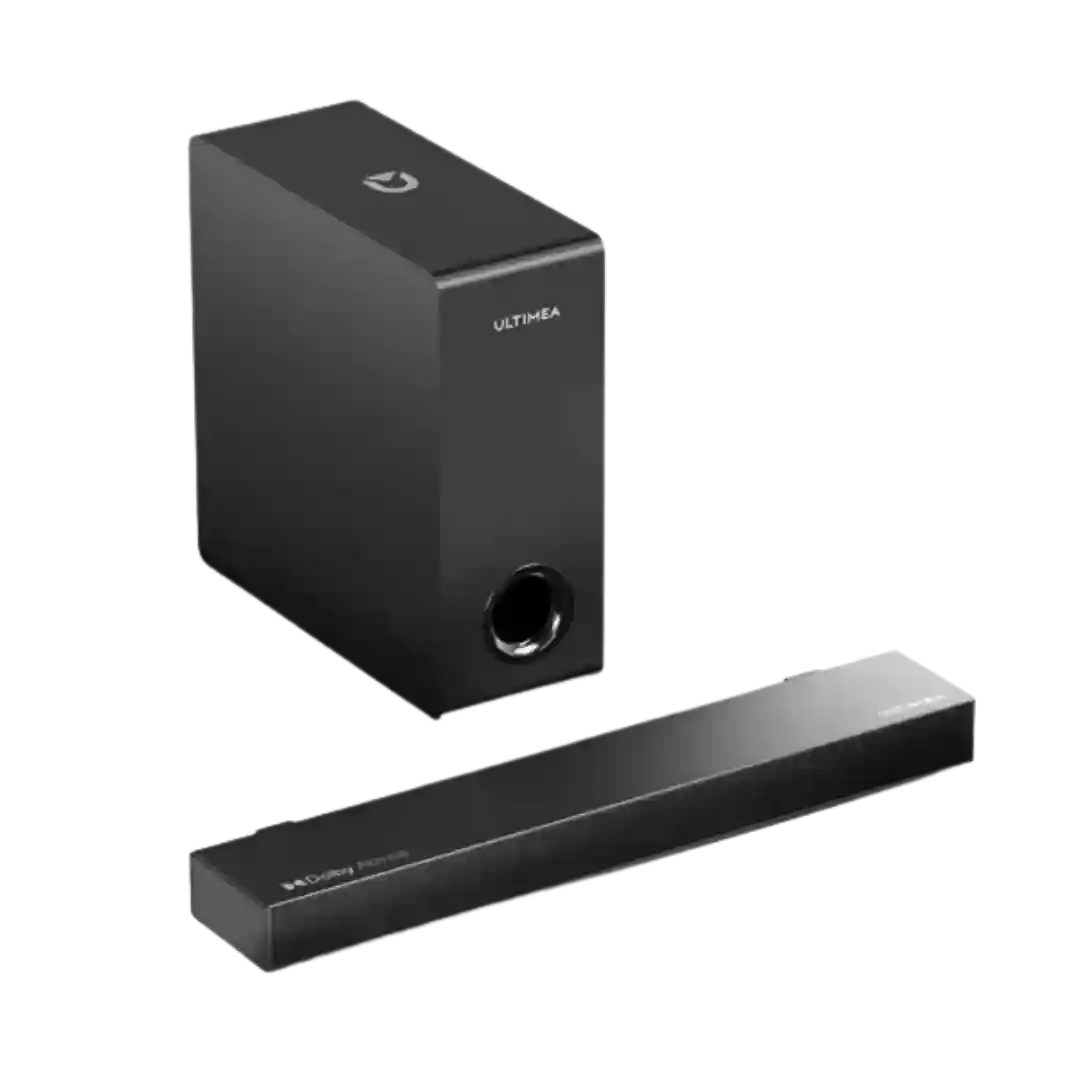
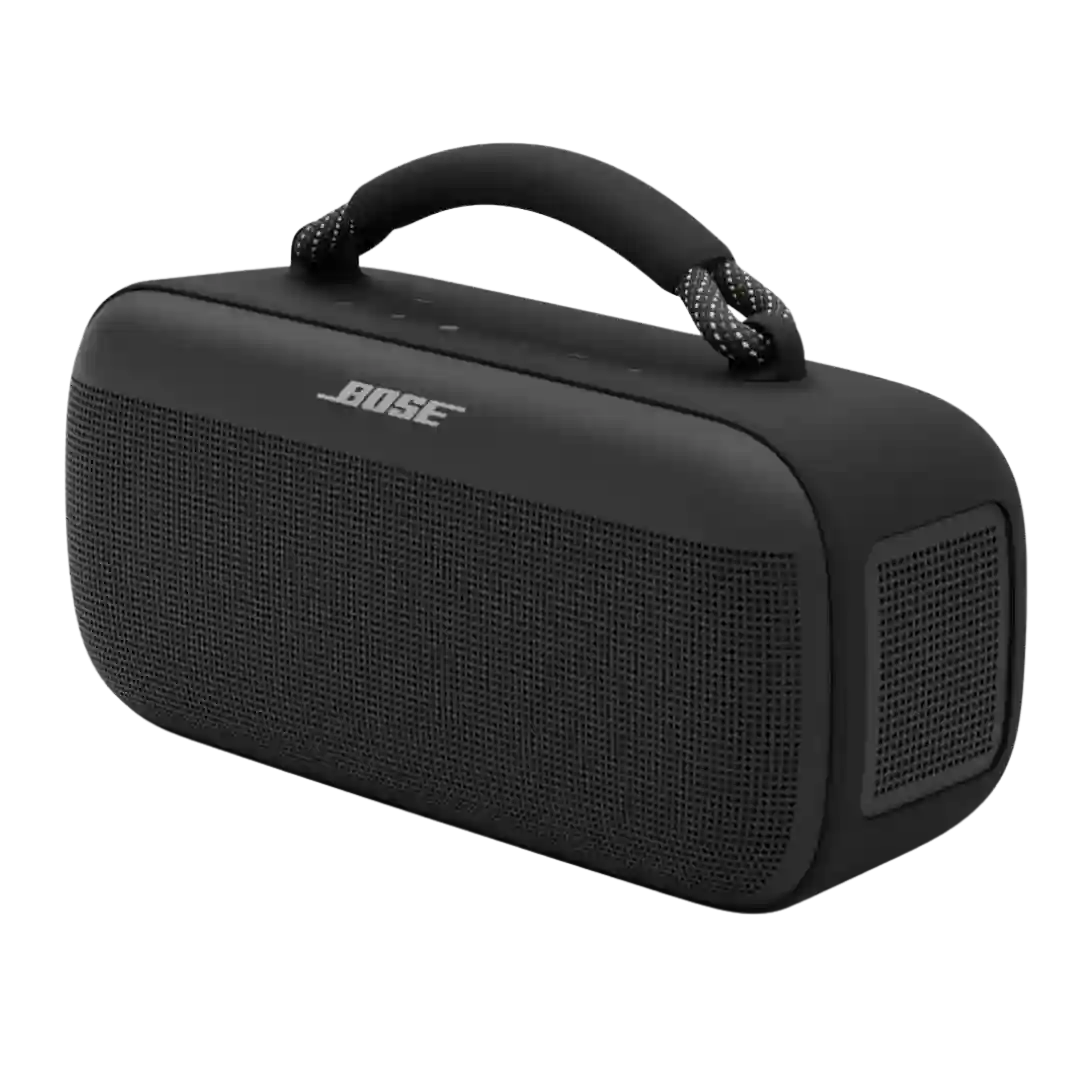
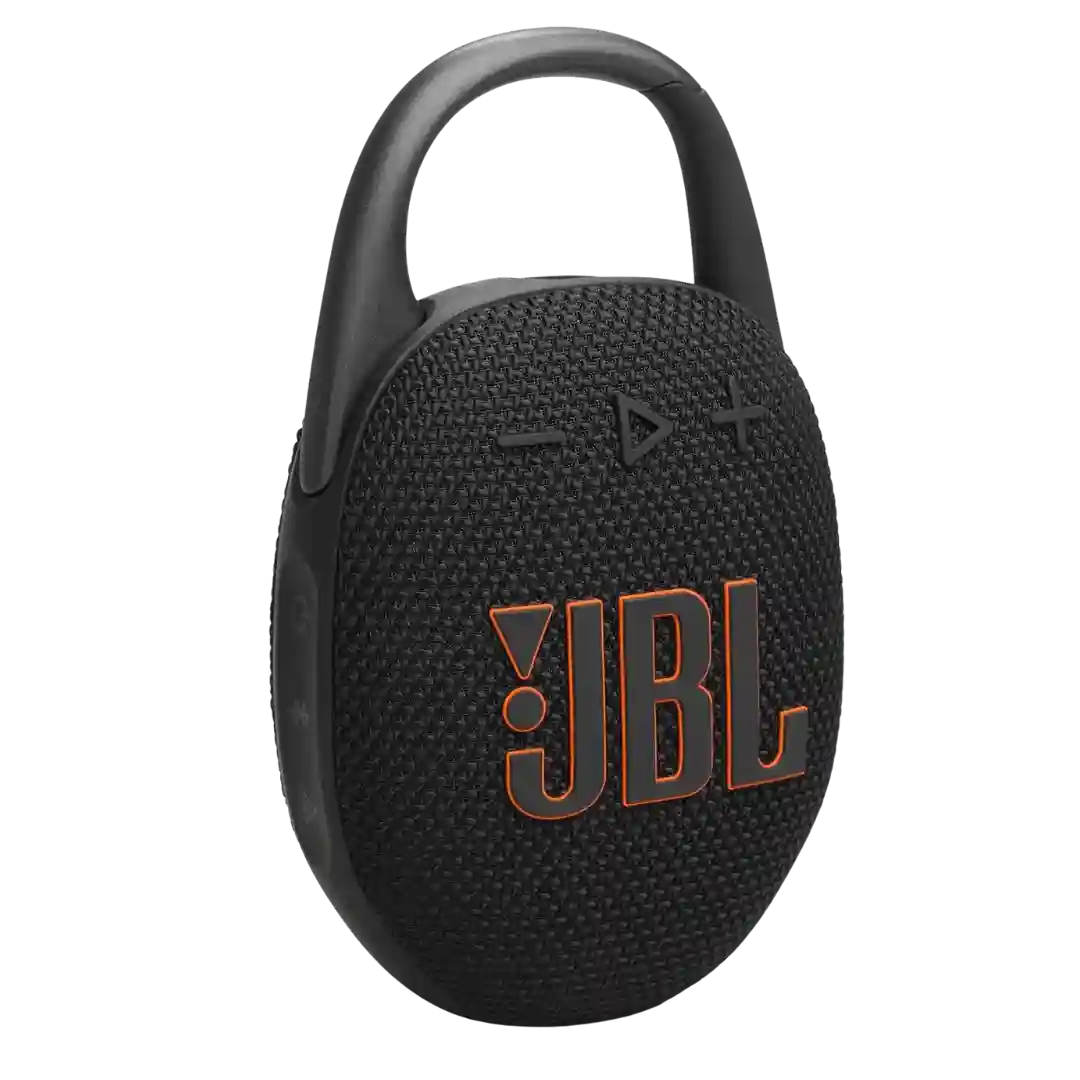
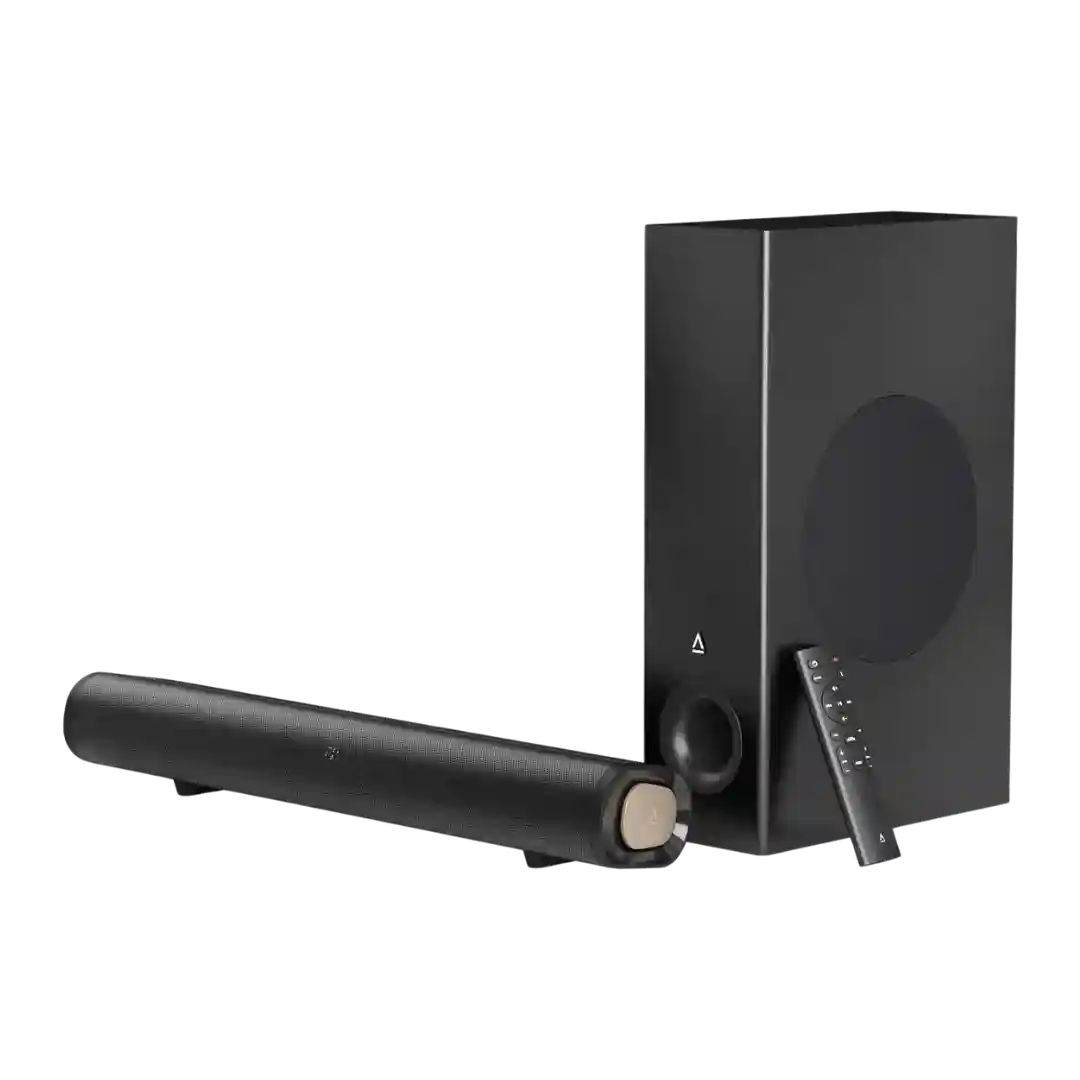
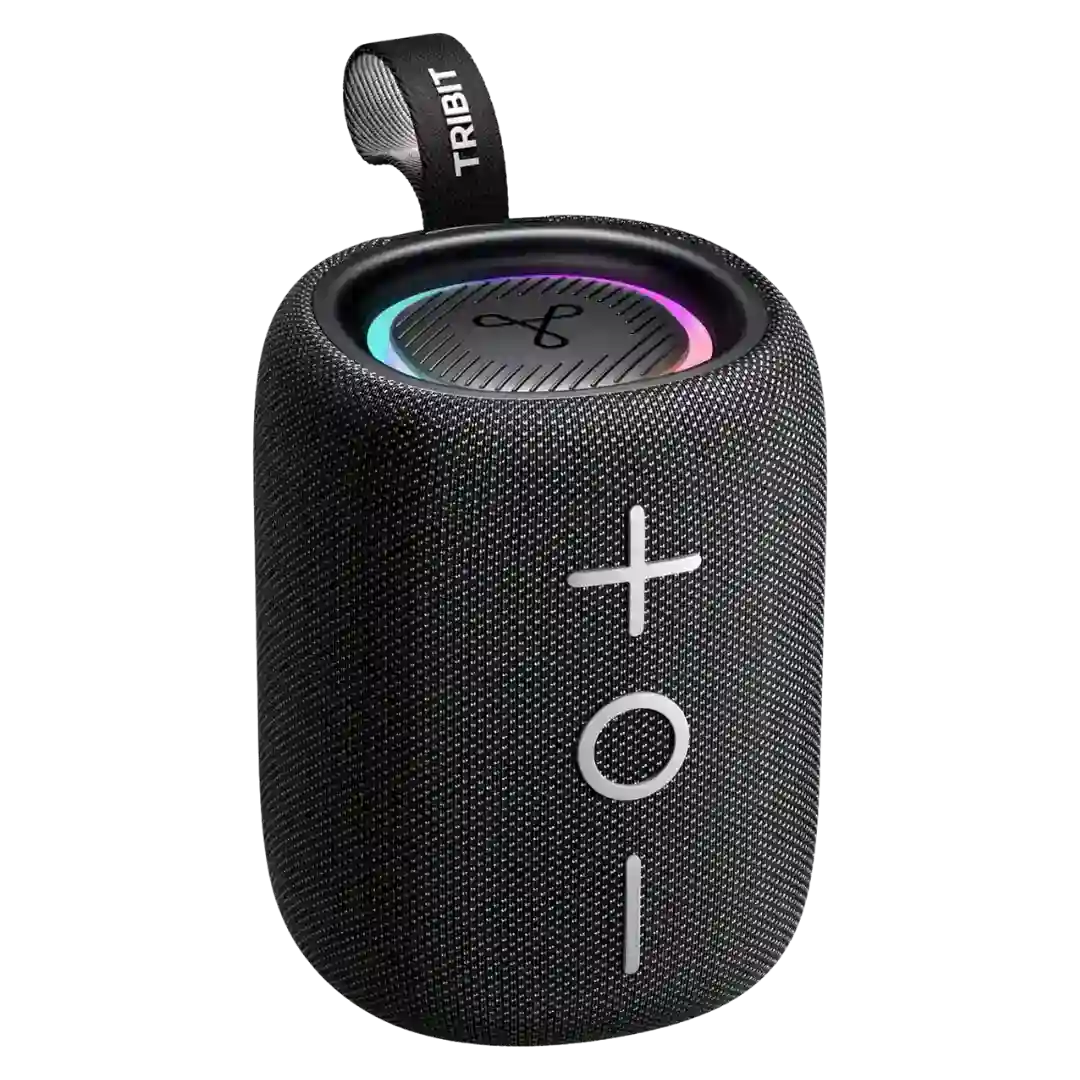
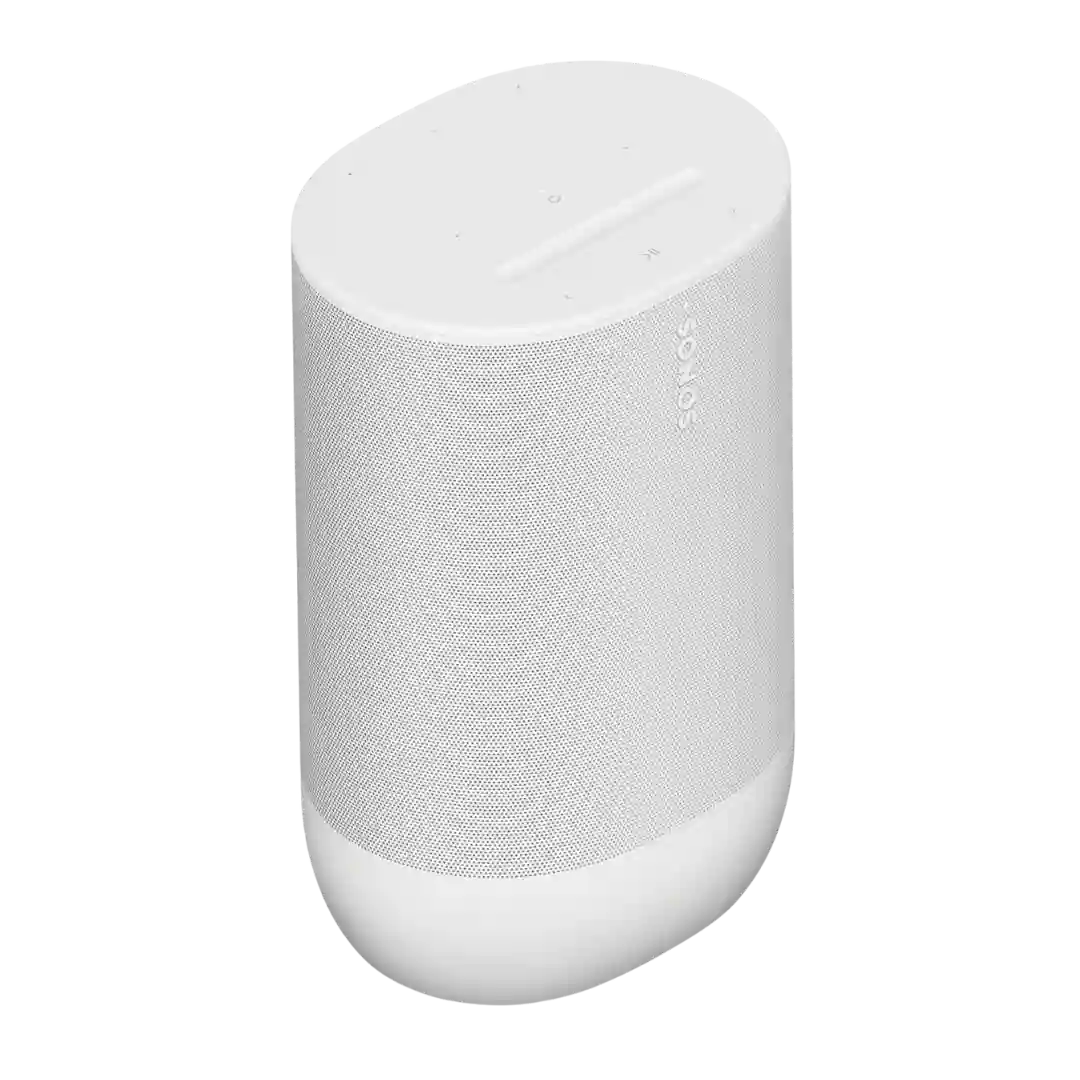
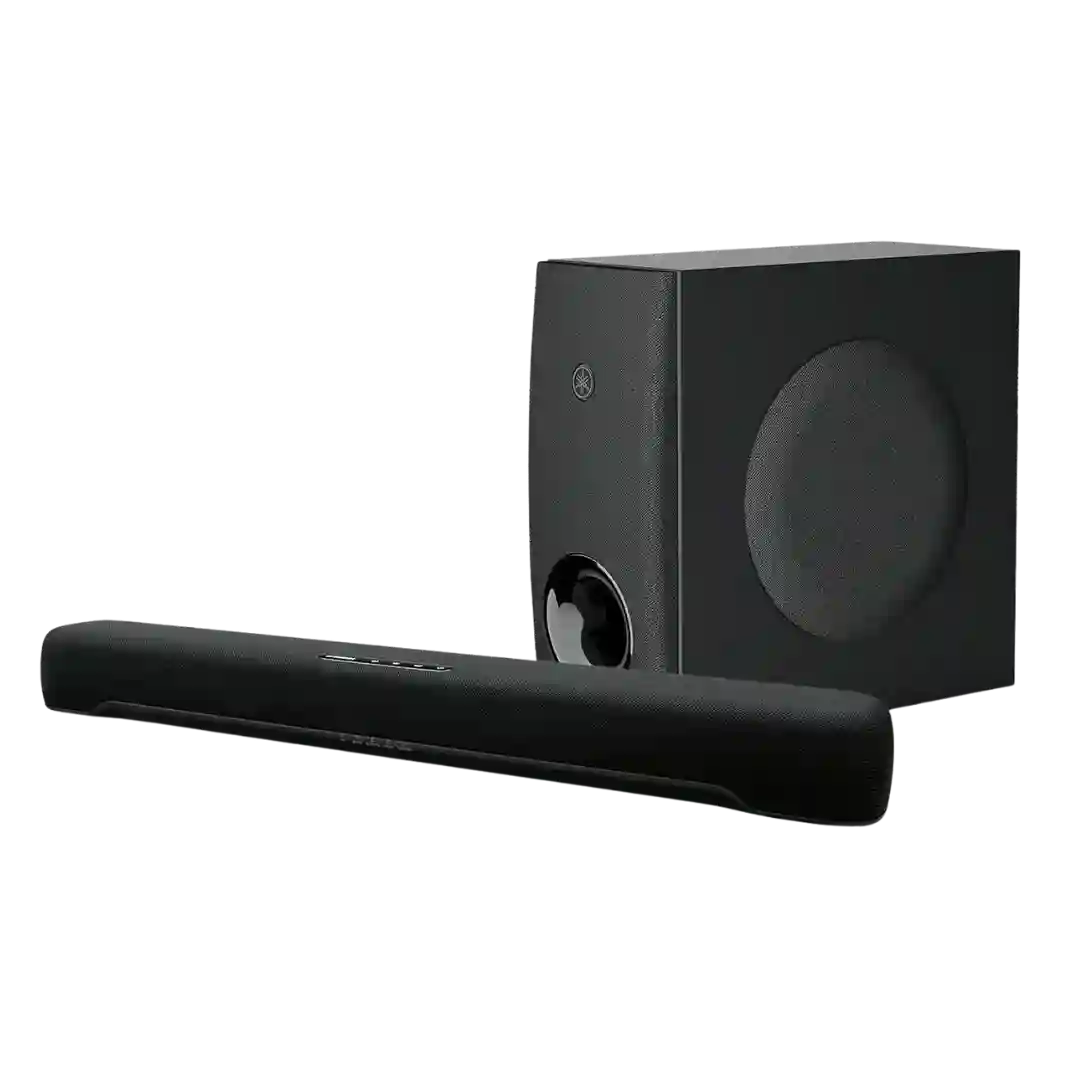
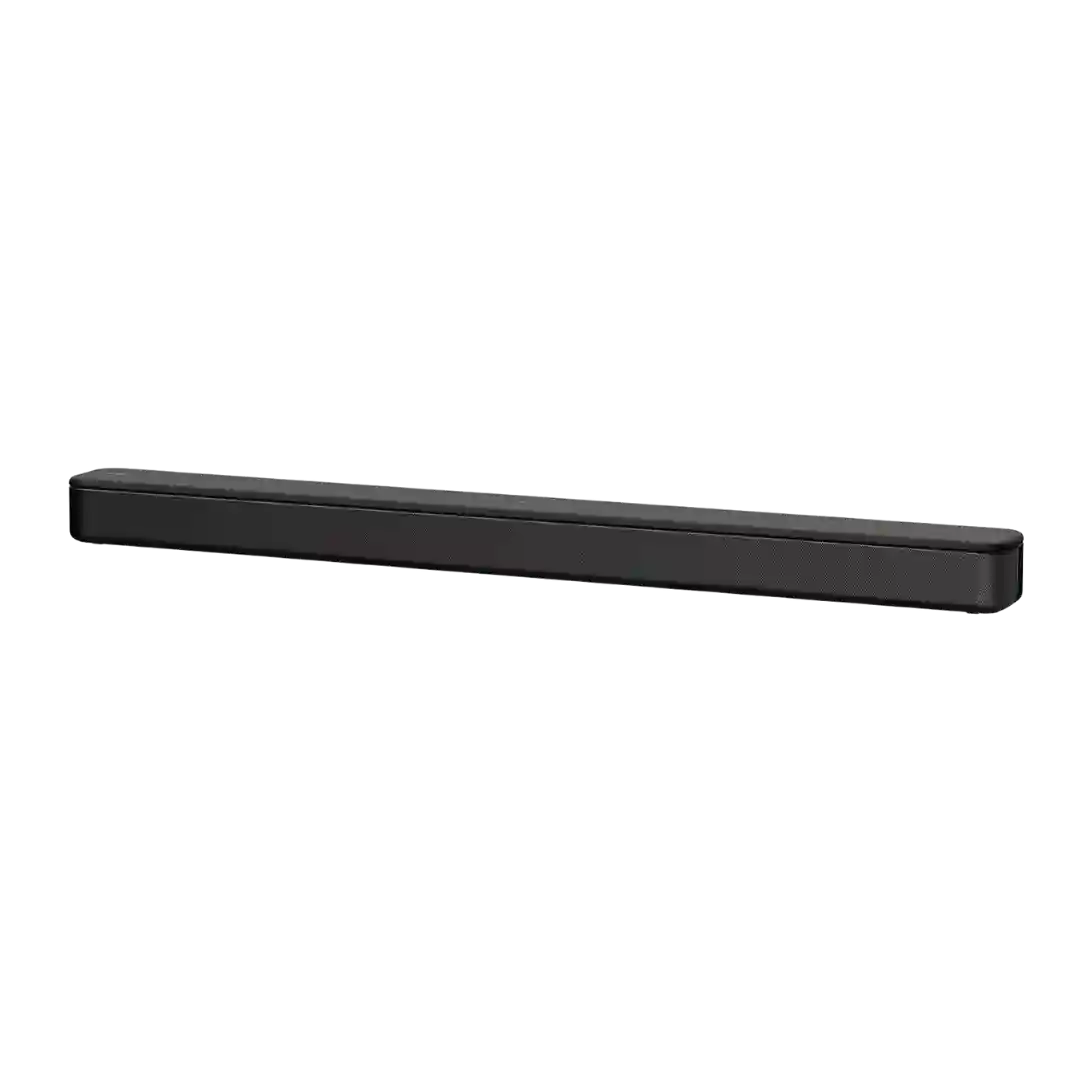
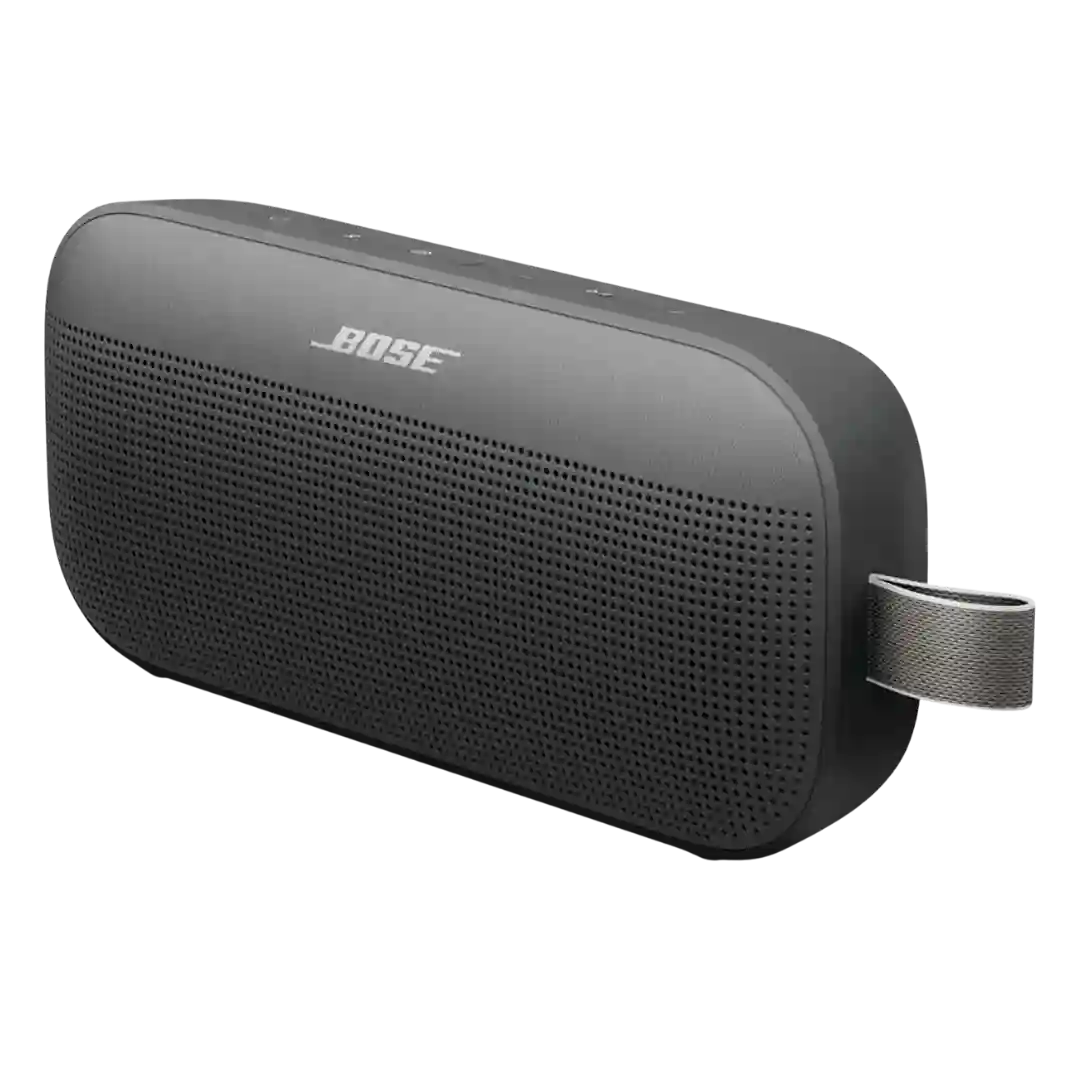
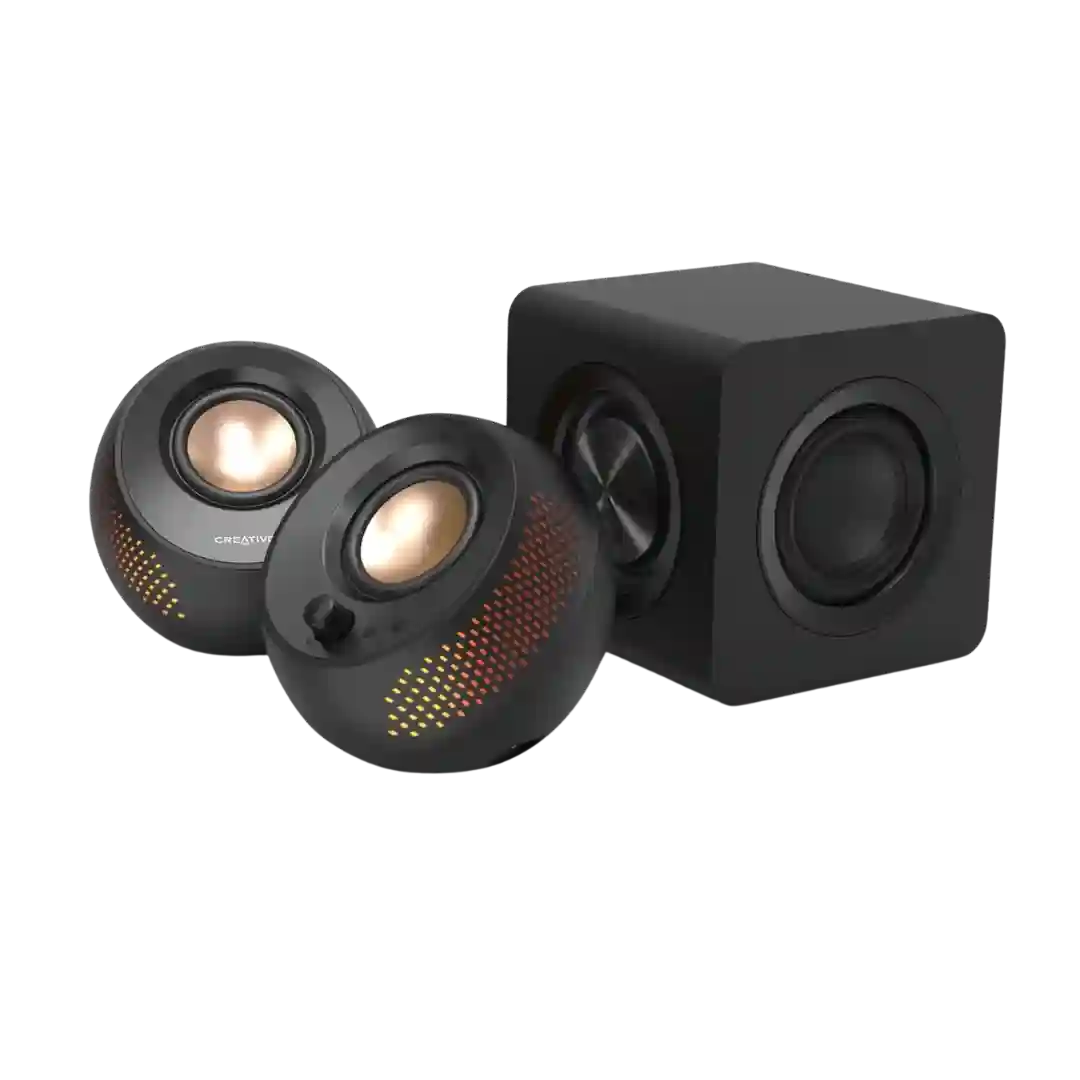
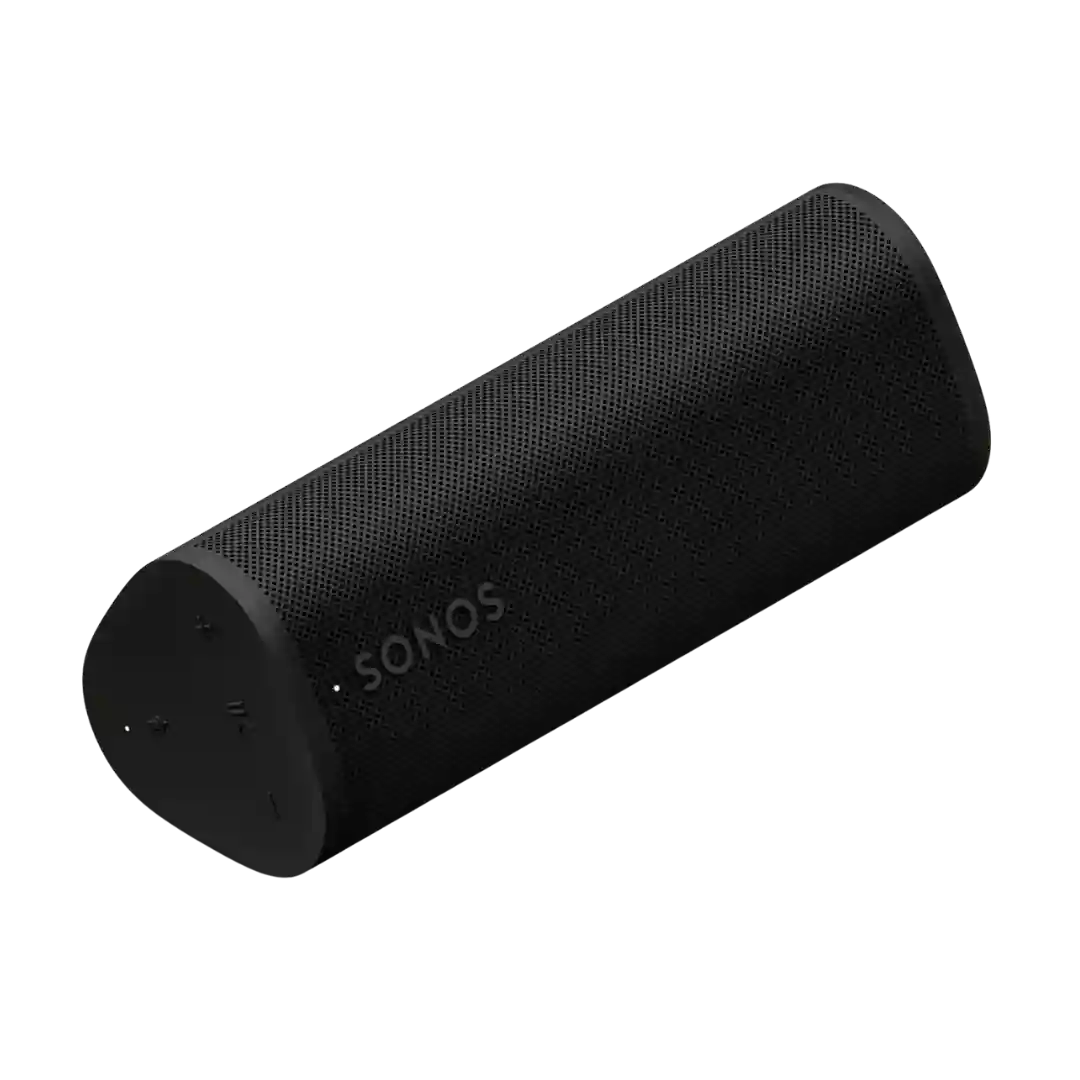
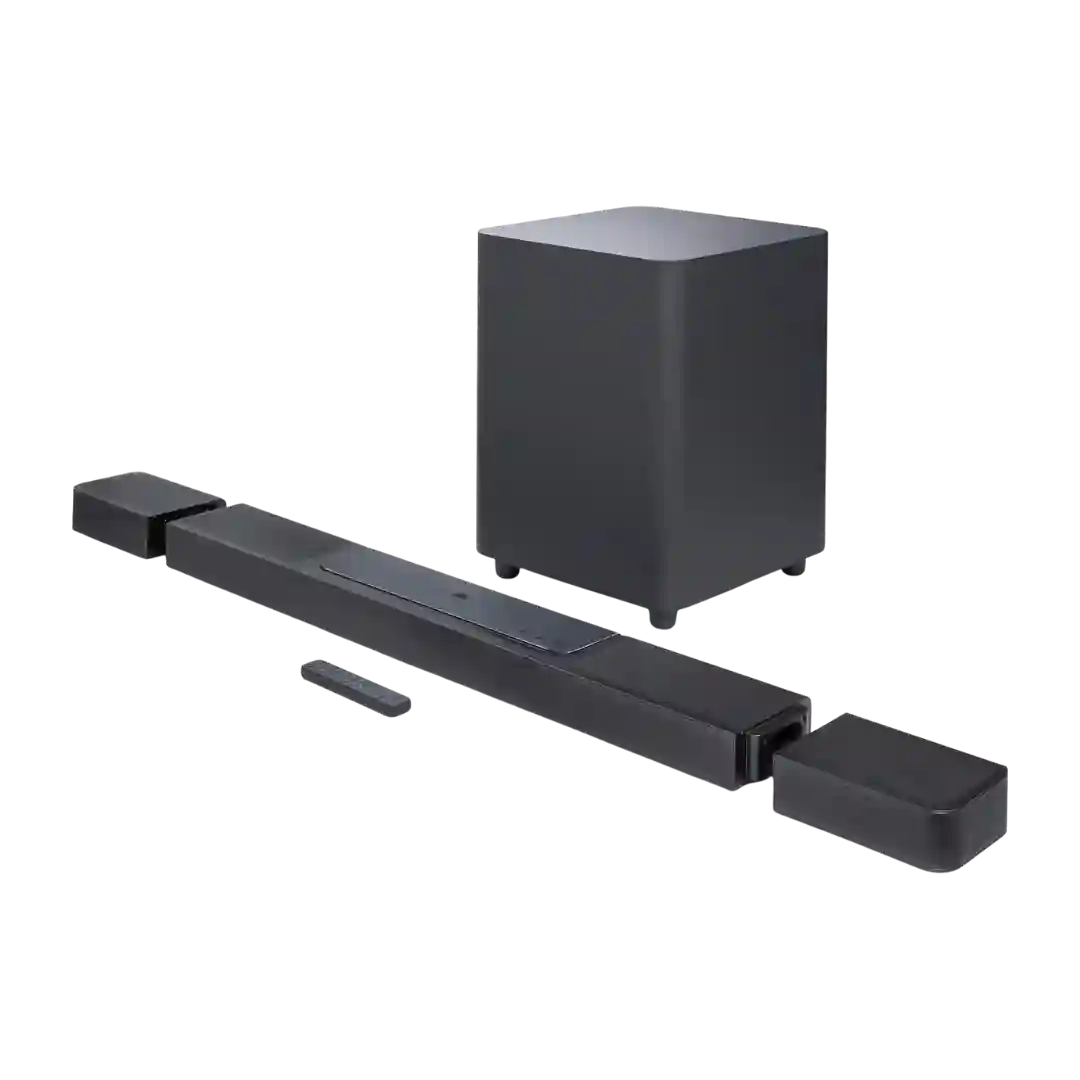
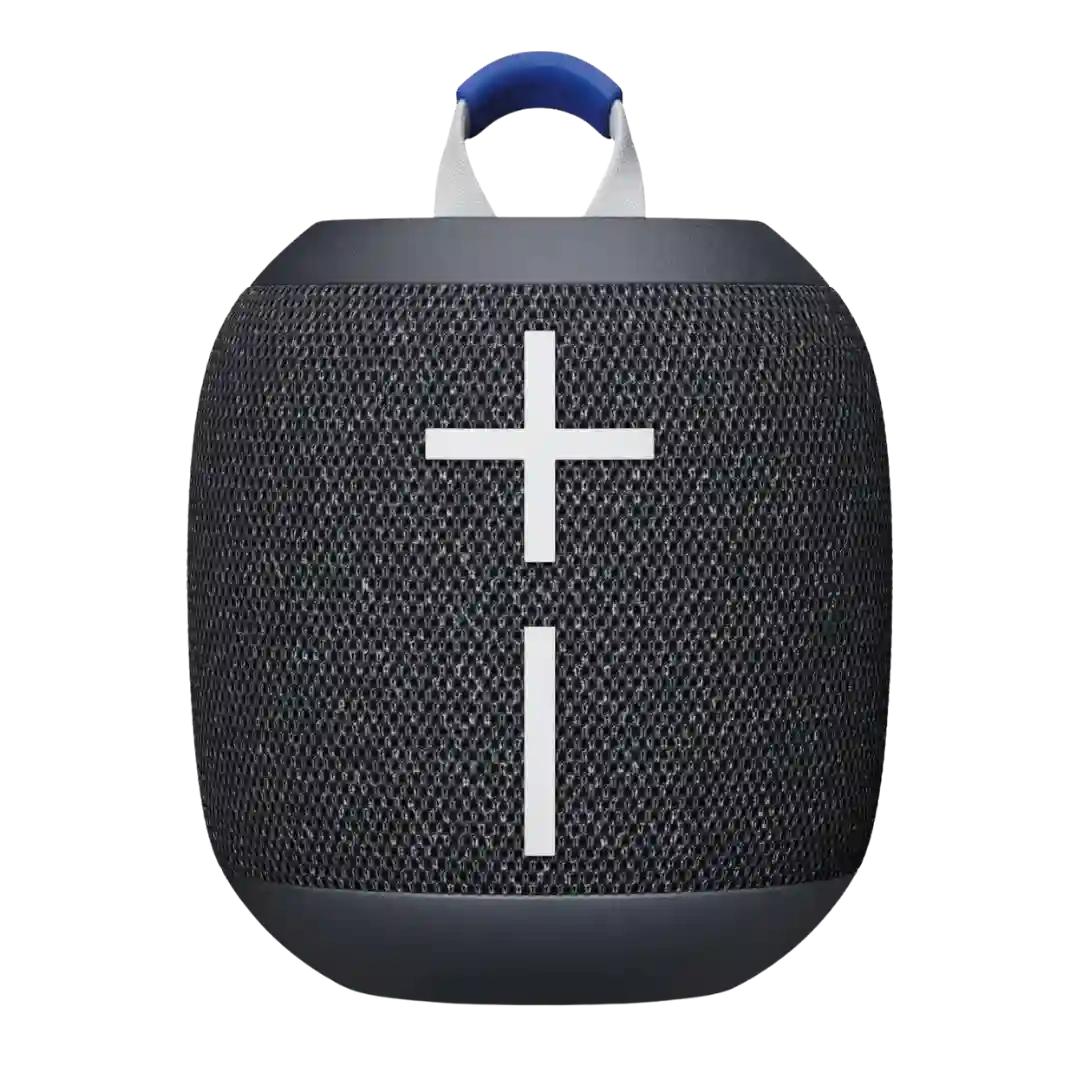
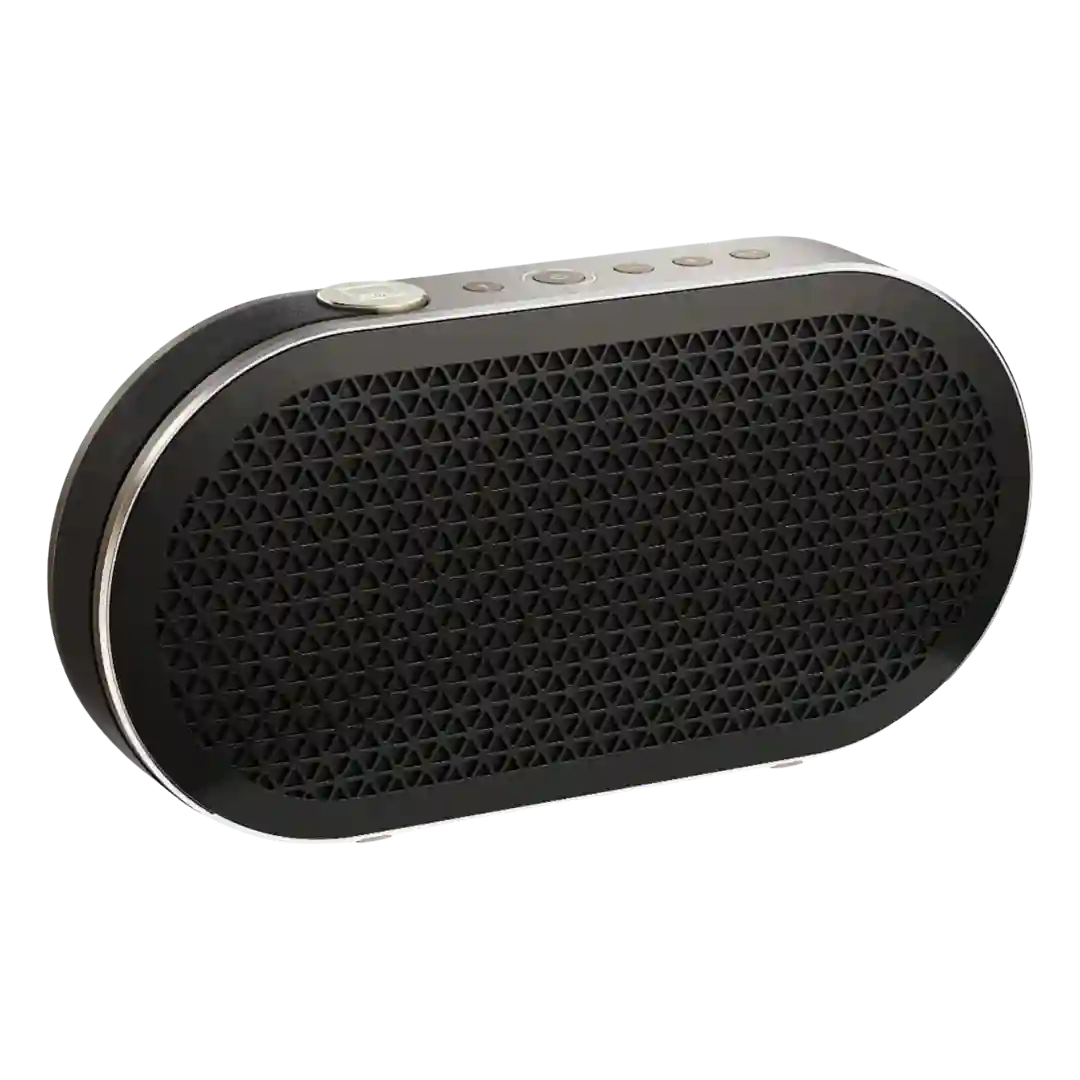
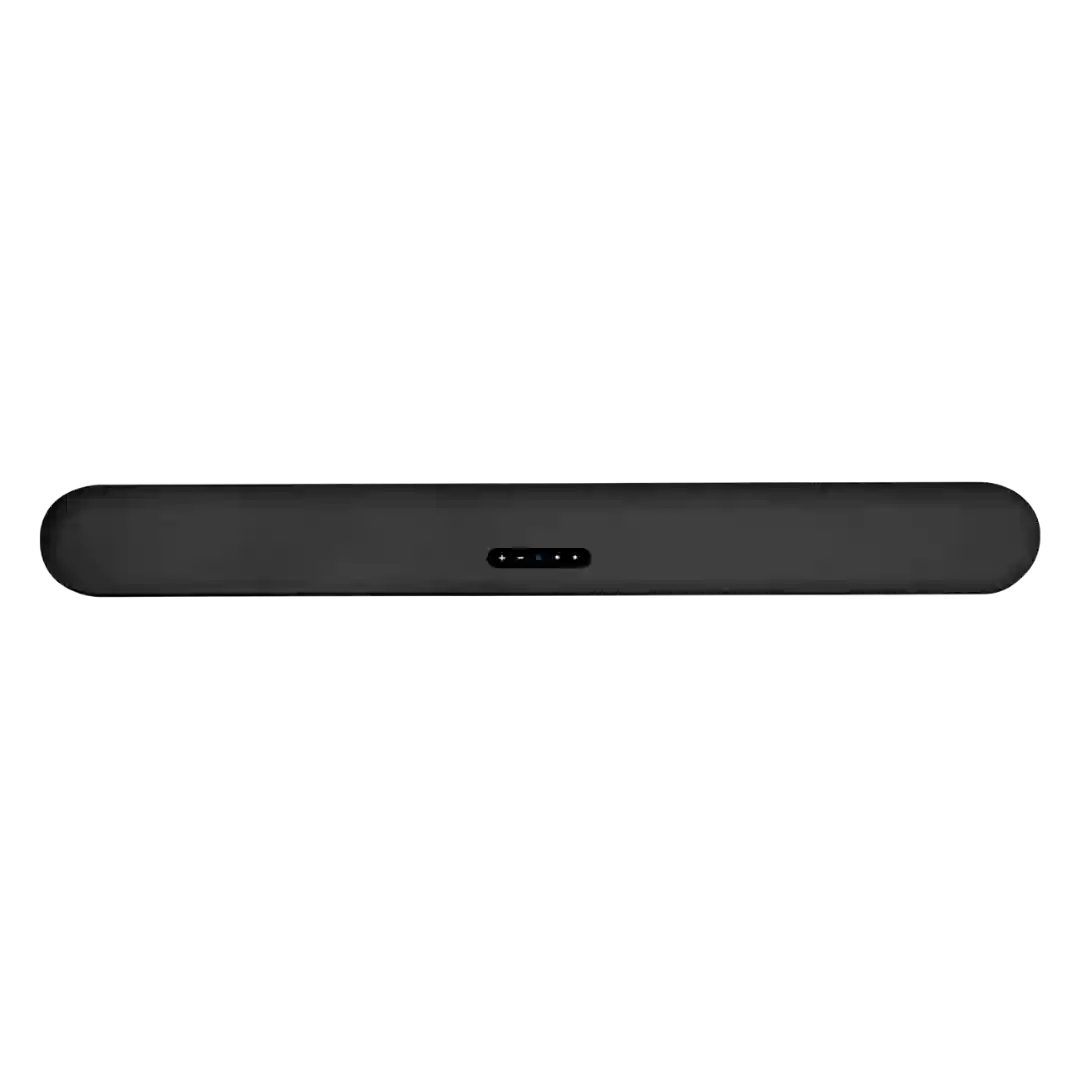
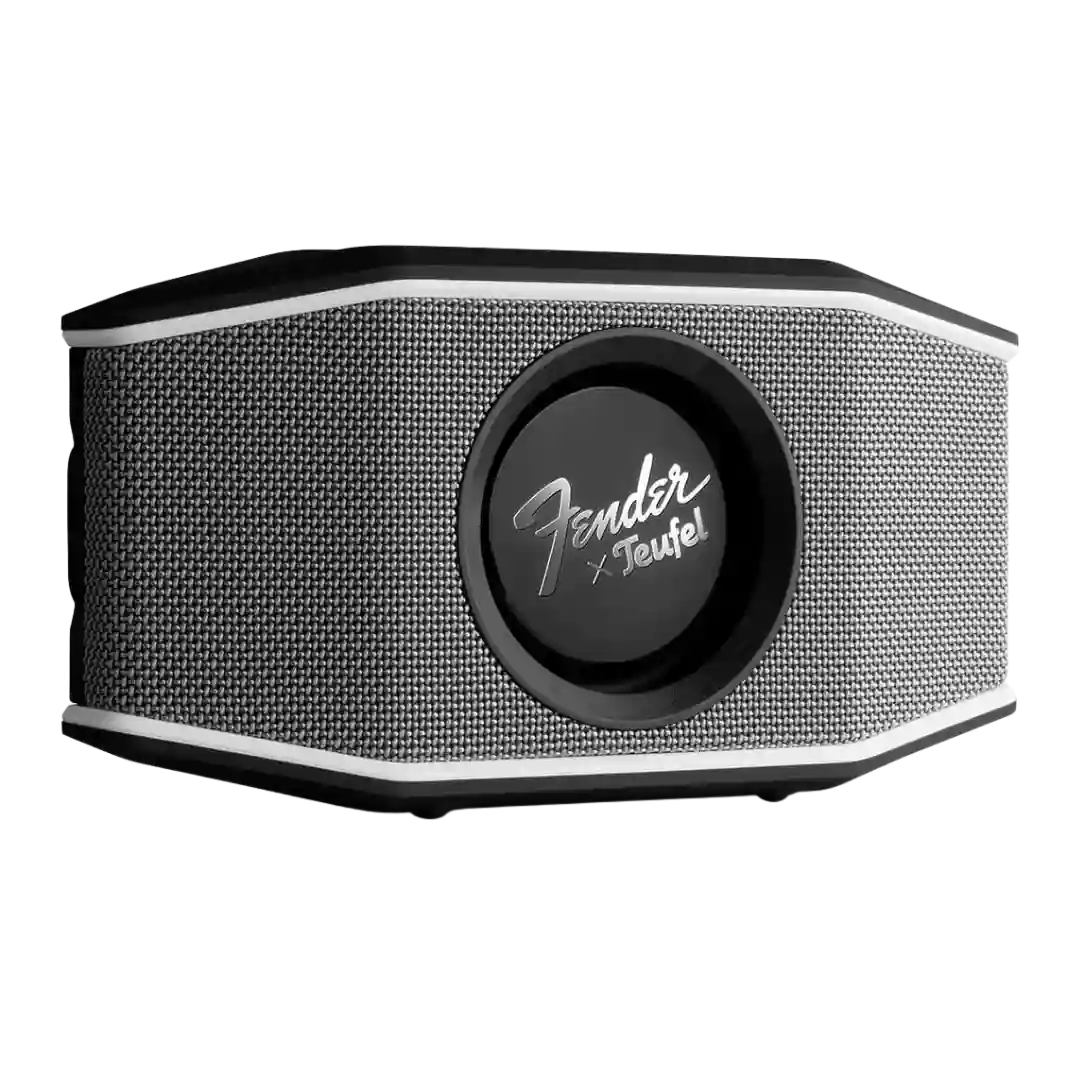
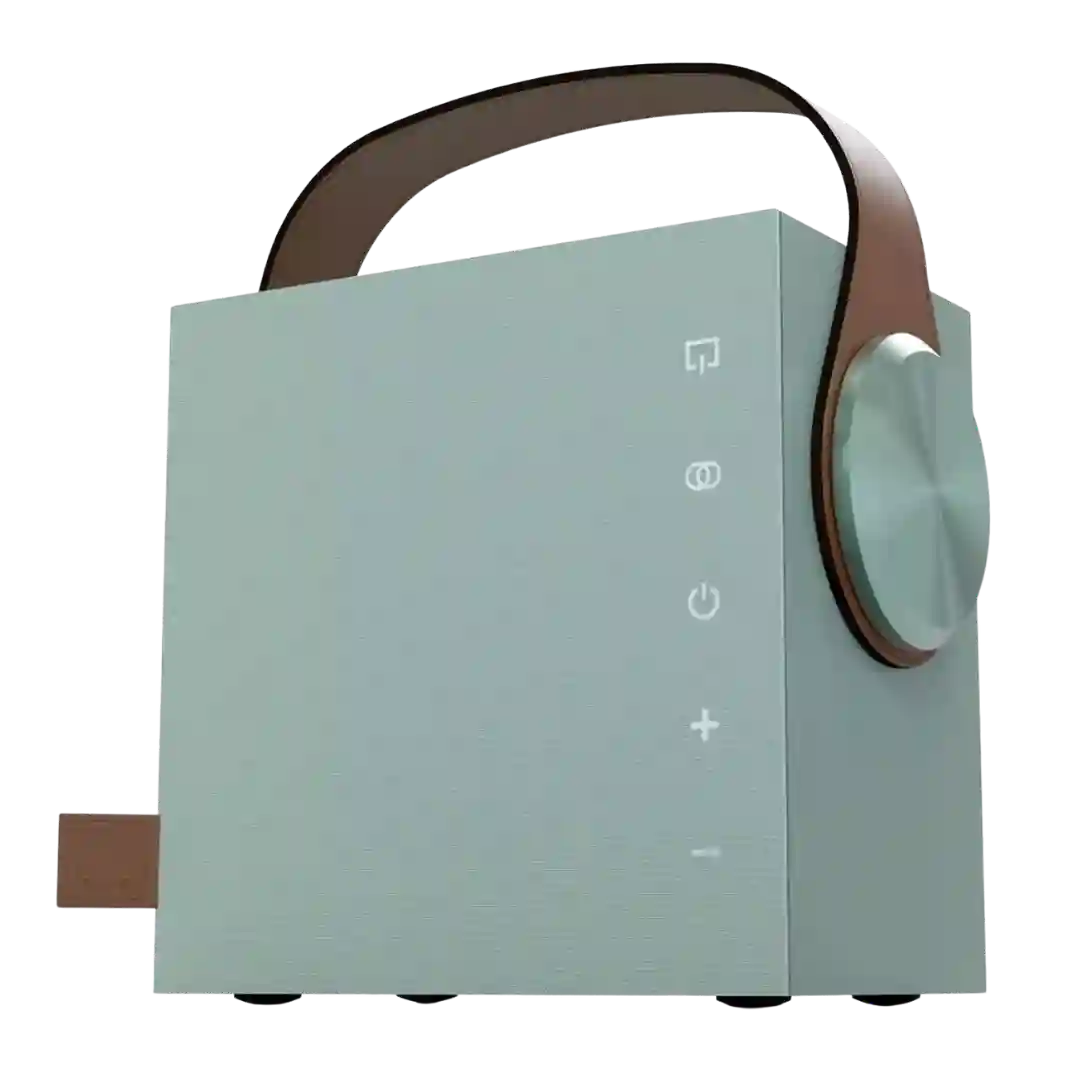
EQ customization is one of the best parts of the experience. The preset system and visual sound control are intuitive, effective and unusually enjoyable to use.
EQ and placement tuning are among the best parts of the package. Reviewers frequently mention that the app-based adjustments are useful, audible, and easy to tailor to desks, stands, walls, and subwoofers.
Bass and treble controls, Vocal Boost, and Night Mode add welcome flexibility. These features are useful rather than gimmicky, especially in TV use or when tailoring bass around a subwoofer or room placement.
EQ flexibility is frequently praised: users can tweak bass/treble with physical knobs and use app-based presets plus a multi-band EQ, with shortcuts like an M button for quick switching.
EQ customization is a major plus. The app's custom EQ and presets are frequently highlighted as useful for dialing in bass, taming treble, or saving preferred profiles, even if the app itself is not perfect.
EQ flexibility is a core differentiator: hardware presets plus app-based multi-band EQ and saved custom profiles are frequently described as key to getting the best sound.
DSP/EQ tools are a major theme: reviewers mention desk/stand/wall modes, bass extension choices, treble trims, room presets, and more advanced Expert controls, with the caveat that dialing it in can take experimentation.
EQ is a strong point: reviewers highlight multiple presets, a detailed 9-band EQ, BassUp, and vocal effects controls that make it easy to tailor both music and karaoke sound.
EQ control is one of the most-praised upgrades: reviewers highlight a 7-band custom EQ plus presets, making it easier to correct the stock tuning and tailor bass, mids, and treble to different music.
The move to a 7-band EQ is a major usability win and is frequently praised; caveats include Playtime Boost disabling EQ adjustments and some complaints about not saving multiple custom profiles.
Tuning flexibility is strong via channel-level controls and multiple sound modes; EQ is present but sometimes limited (often bass/treble only outside Standard), so fine shaping varies by mode.
The app offers genuinely useful tuning options like bass, treble, center, height, and wall EQ adjustments, though deeper EQ tools and presets are absent.
Reviews frequently praise the inclusion of presets plus a 7-band EQ for tuning. Some warn that extreme low-end boosting can introduce distortion or clipping on bass-heavy material.
EQ and channel-level controls are a highlight for tweakers (especially in the app), though a few reviewers want easier presets or broader access to adjustments without mode limitations.
EQ controls (bass/treble and profiles) plus calibration tools are mentioned across reviews. Some users want deeper customization or more persistent presets depending on the generation being discussed.
EQ options are a clear strength: multiple presets plus a custom six-band EQ are repeatedly mentioned. AI Sound is frequently described as hit-or-miss, with some finding it adds depth and others finding it inconsistent or degrading clarity.
EQ options are useful rather than exhaustive, with bass, treble, loudness, and height adjustments giving enough control for most rooms. Power users may still want deeper tuning.
The three sound presets and bass adjustment add useful flexibility, but the tuning is uneven. Most reviewers preferred Movie mode, while Music and sometimes Game mode were described as much less convincing.
EQ control is typically limited to a 3-band system with a few presets, but reviewers still find it useful for dialing back bass or adding treble clarity. Those wanting deep parametric control may find it restrictive.
Bass and treble adjustments on the remote are widely appreciated for quick tuning. Deeper multi-band EQ is not available, and some find the preset modes subtle.
EQ customization is a key upgrade and is repeatedly mentioned as genuinely useful, often with 9-band custom EQ plus presets. Some wish for specific features like stronger bass modes, but the ability to tune and save settings is a strong value add.
EQ customization is limited to presets and toggles (Stereo/Standard/3D Movie/Game, Clear Voice, Bass Extension, and sub level). Reviews note there is no full parametric/graphic EQ, but there is enough control to tailor for different content.
EQ and sound tuning can be genuinely useful when available, mainly on Windows, but several reviewers criticize the weak or missing audio adjustment options on mobile and Mac.
EQ control is mostly limited to preset modes such as Outdoor Boost and Podcast mode, and several reviewers found these modes of limited usefulness. A minority source claims full app-based EQ options, but the broader set of reviews does not support that experience.
Most reviewers note little-to-no EQ and no room correction today, limiting tailoring; a minority mention basic tone or sub controls, suggesting settings may evolve via updates.
EQ customization is one of the clearest weaknesses. Reviewers repeatedly complained that they could not meaningfully tweak the sound profile, which matters because the stock tuning is not universally loved.