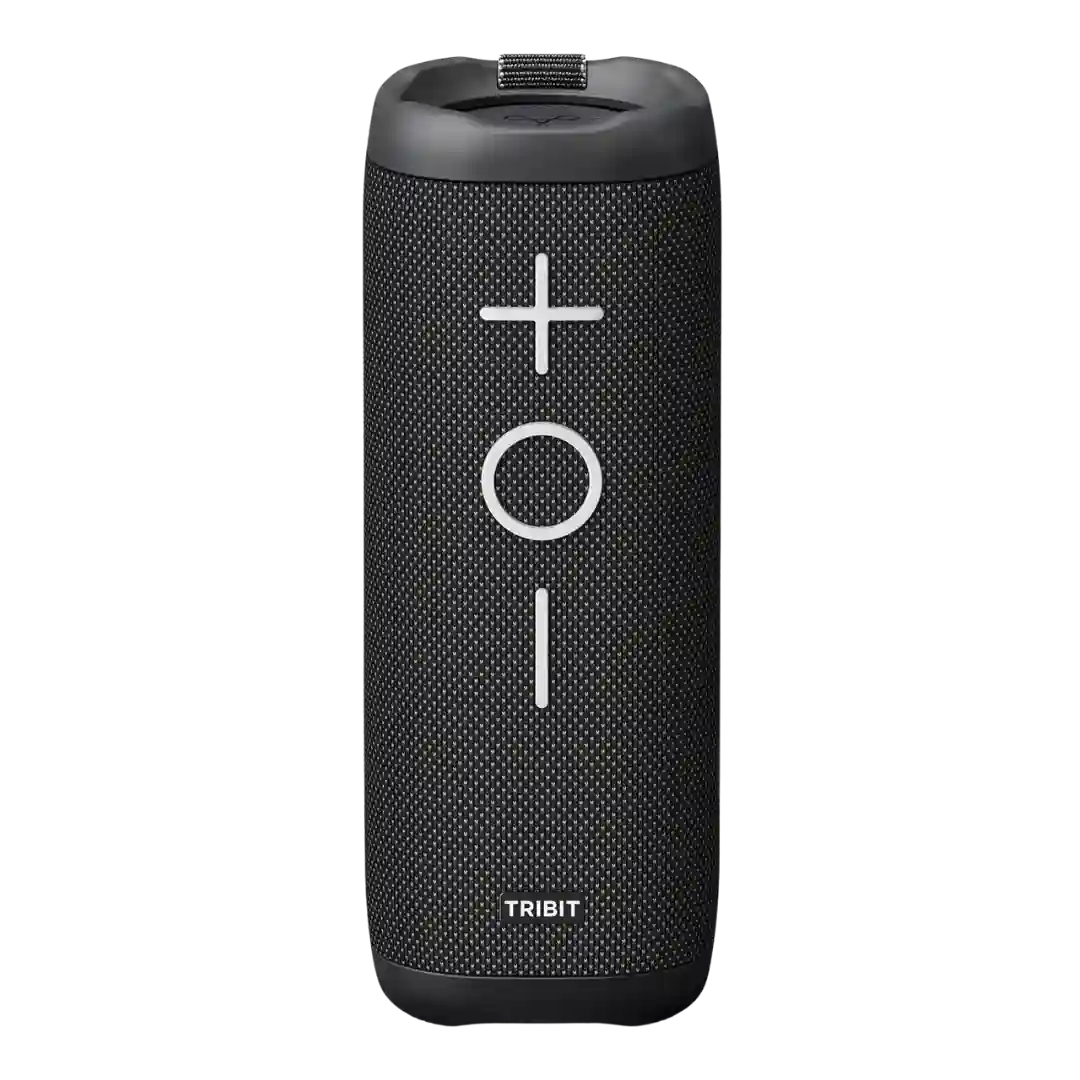
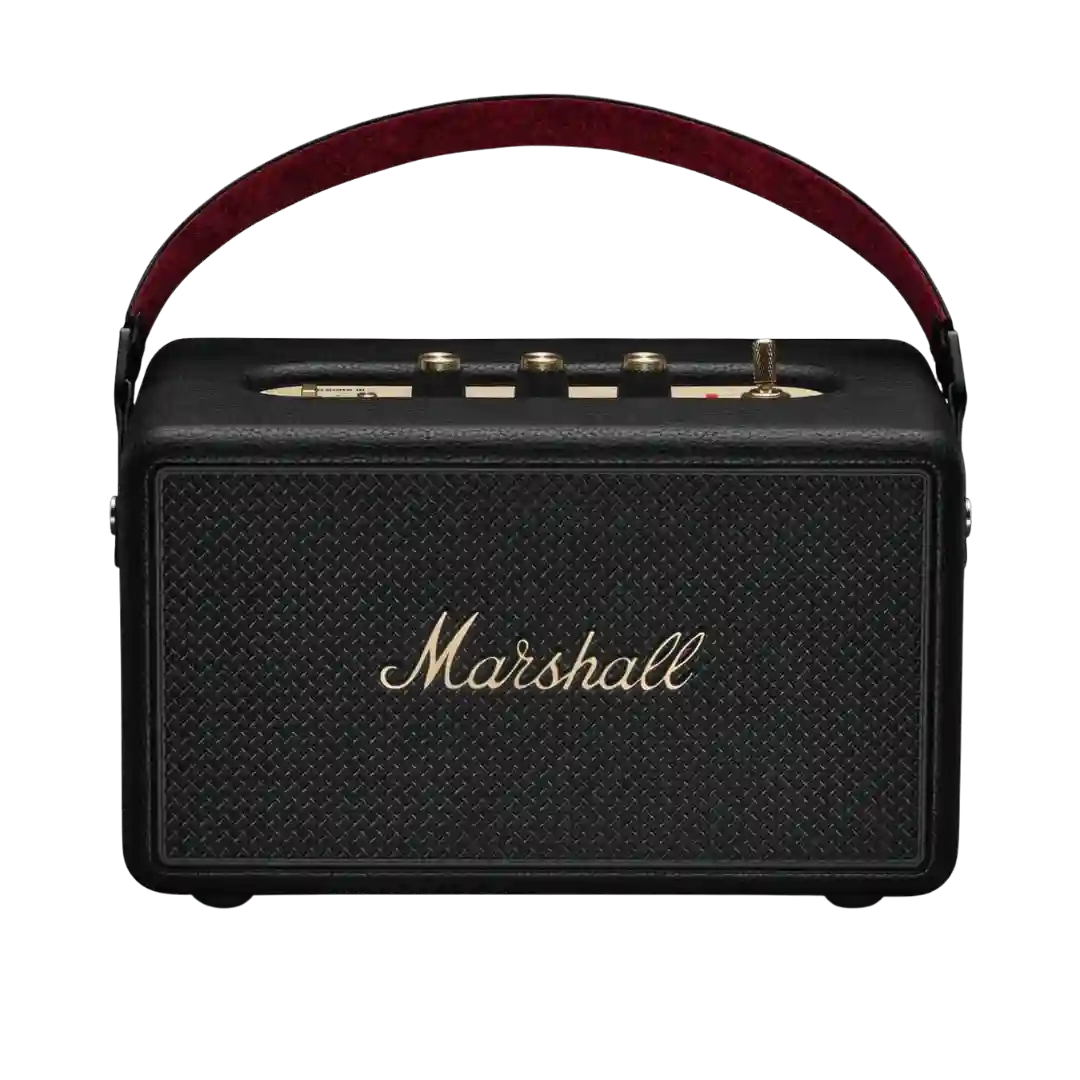
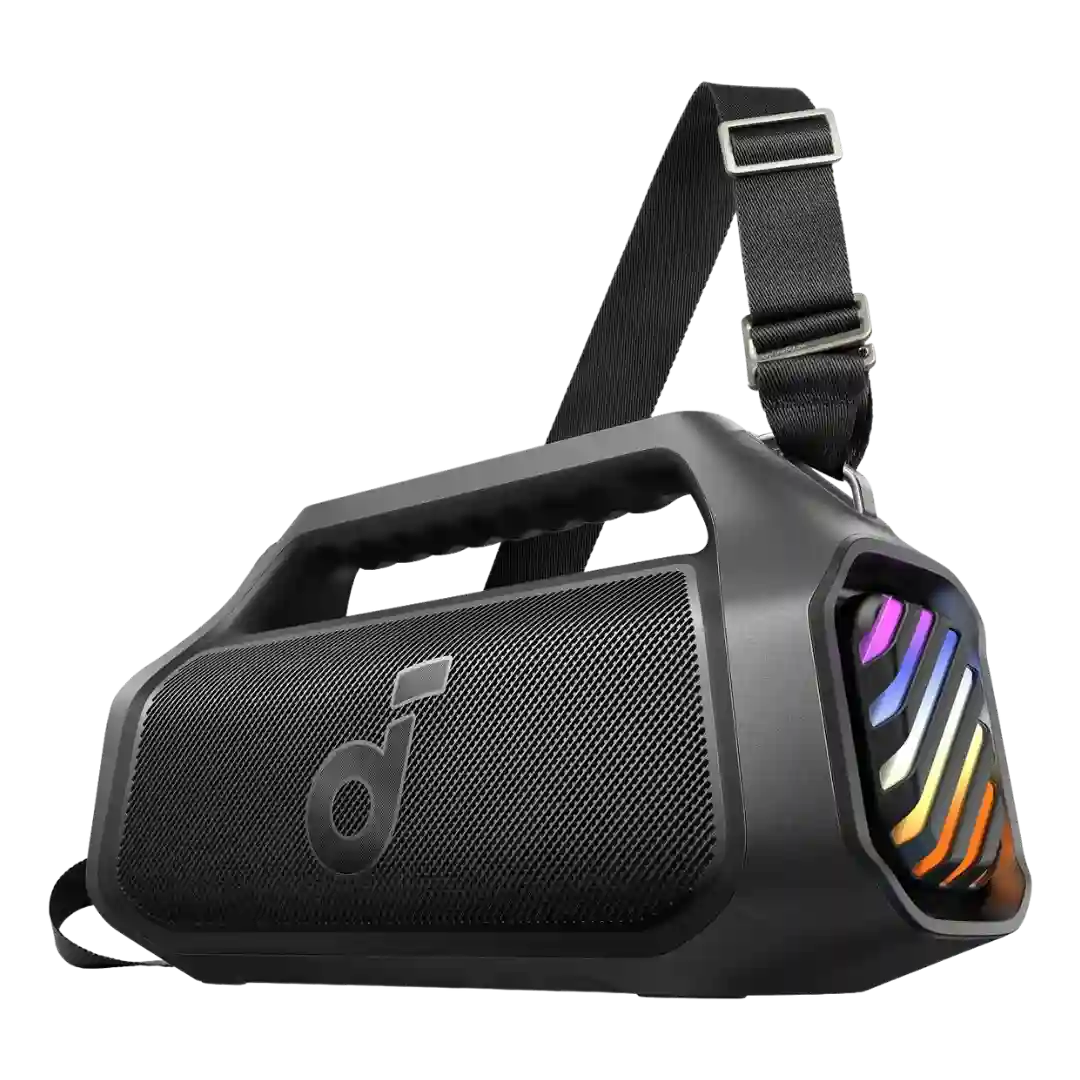
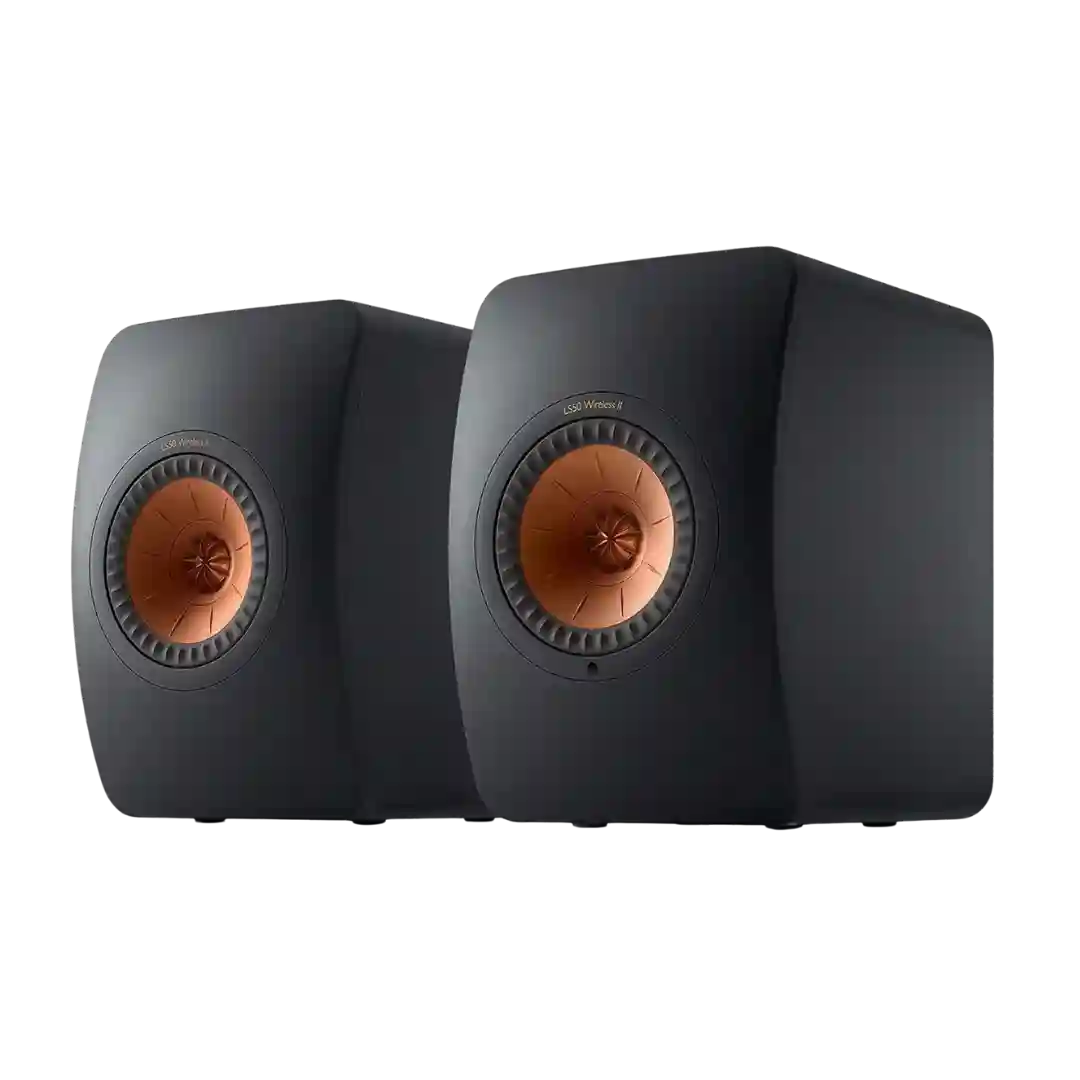
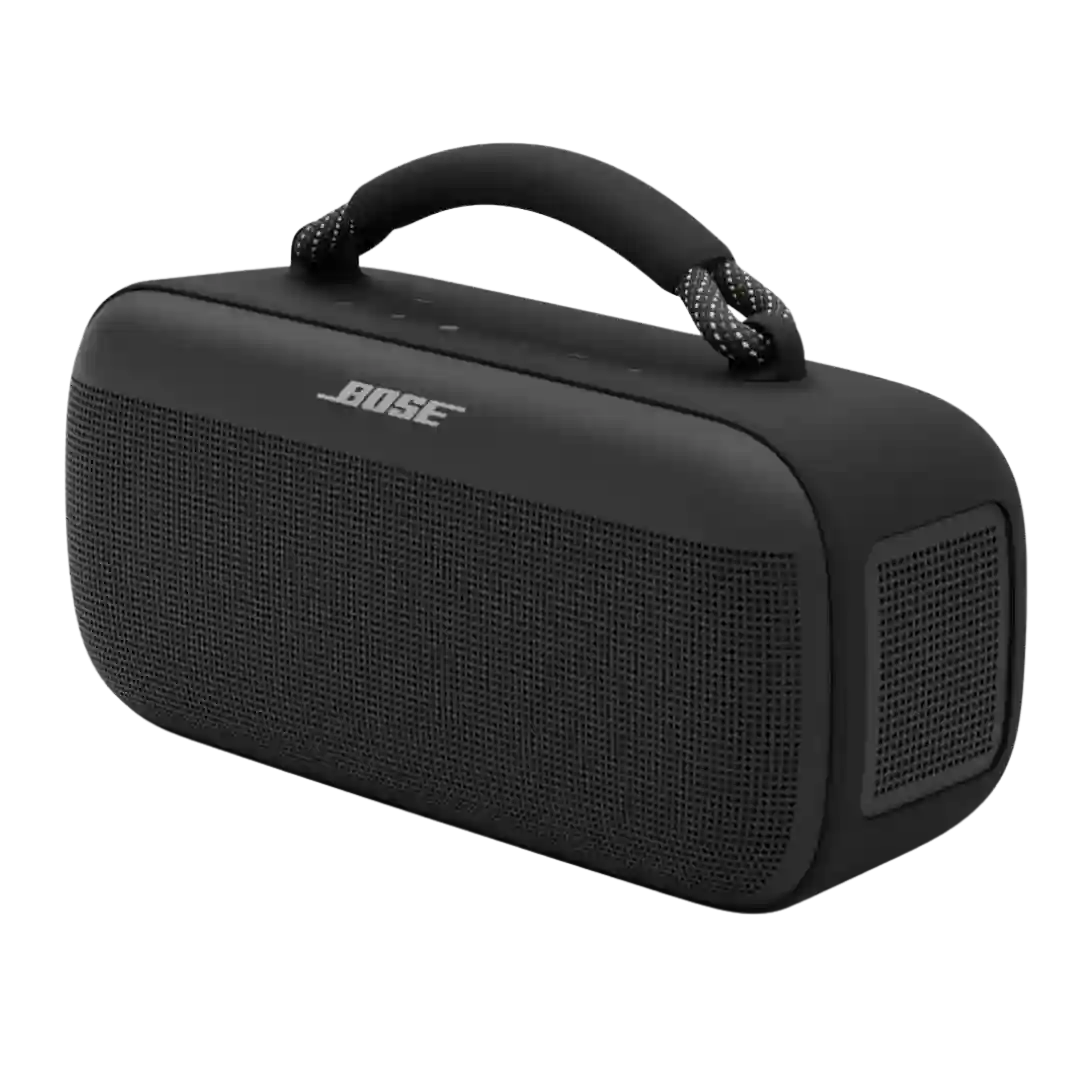
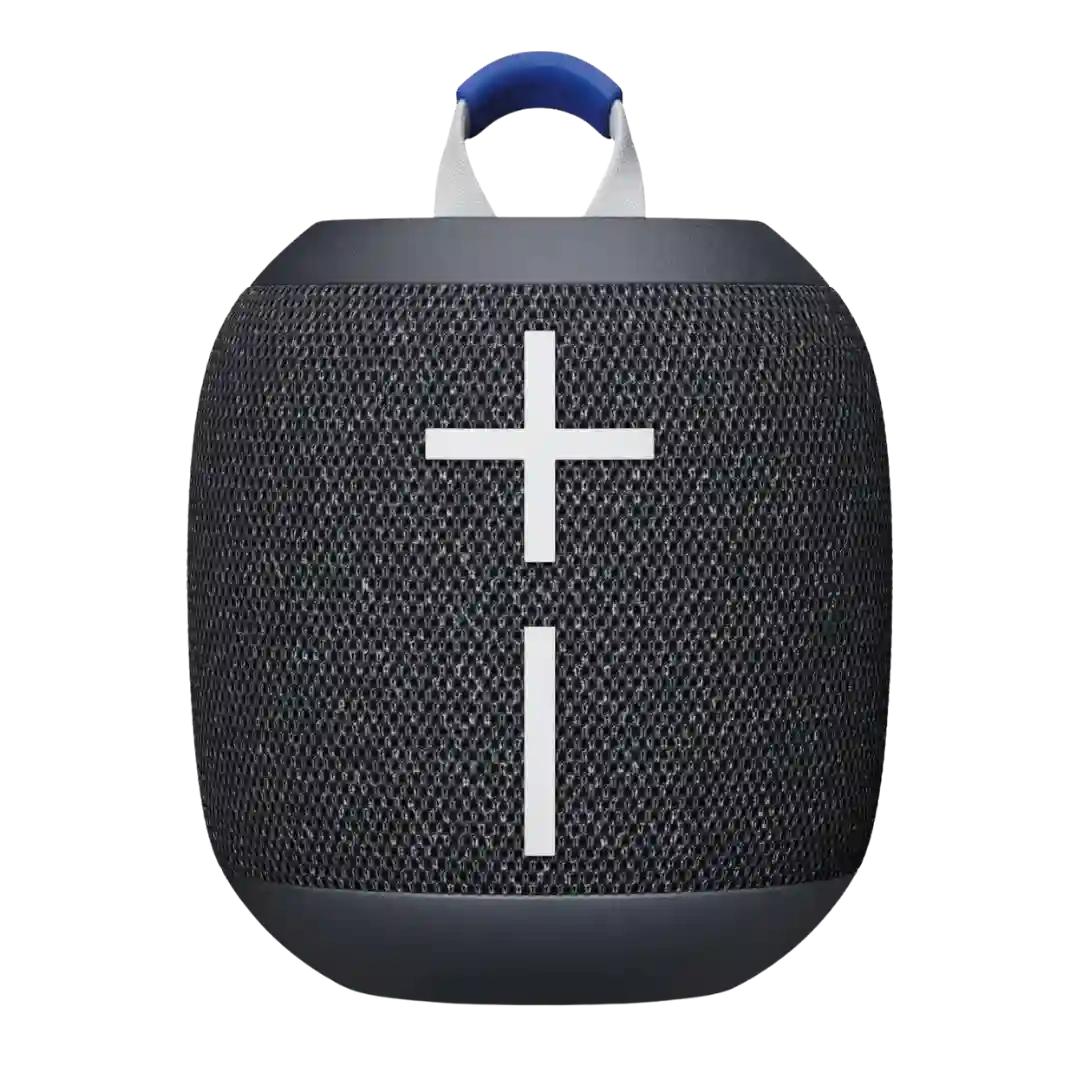
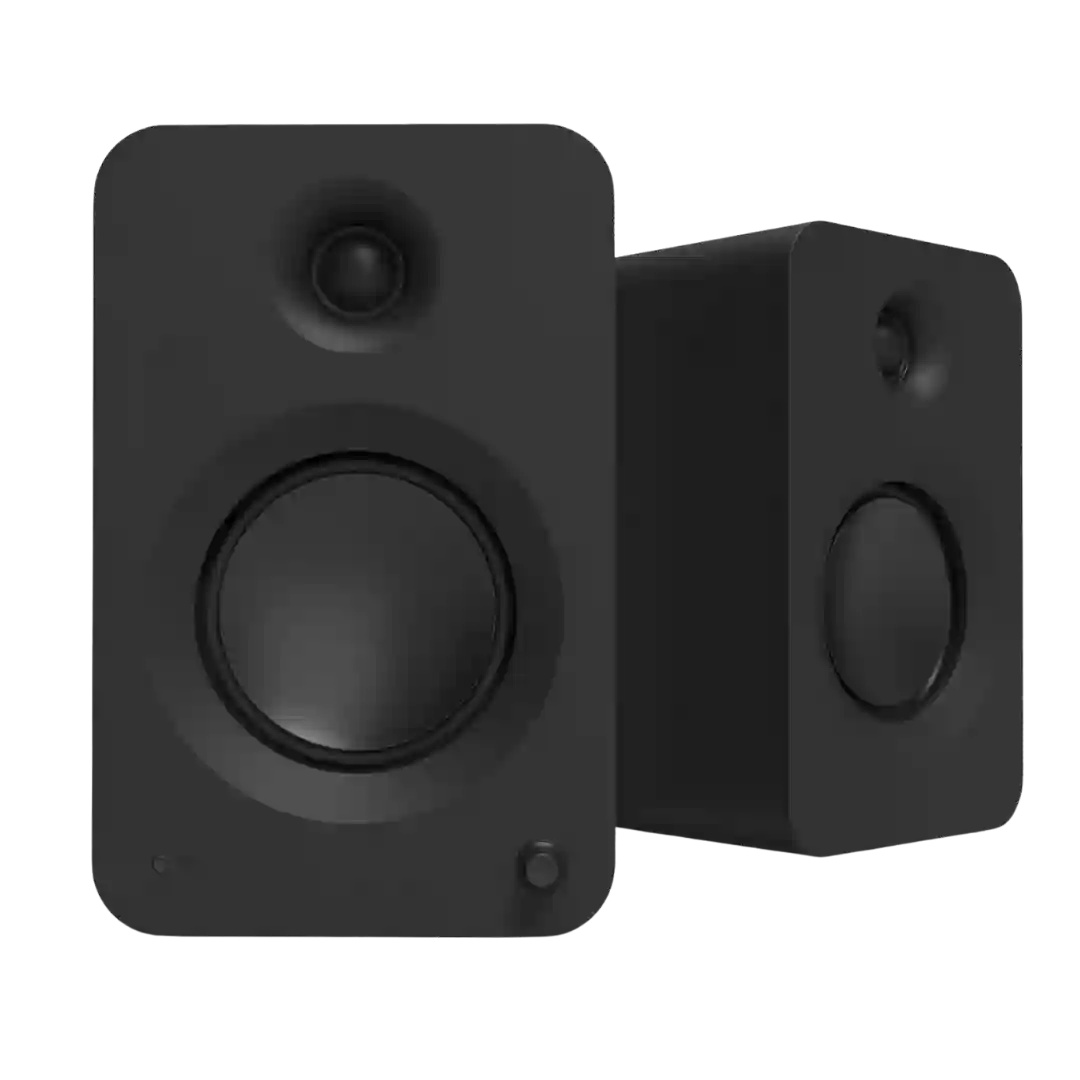
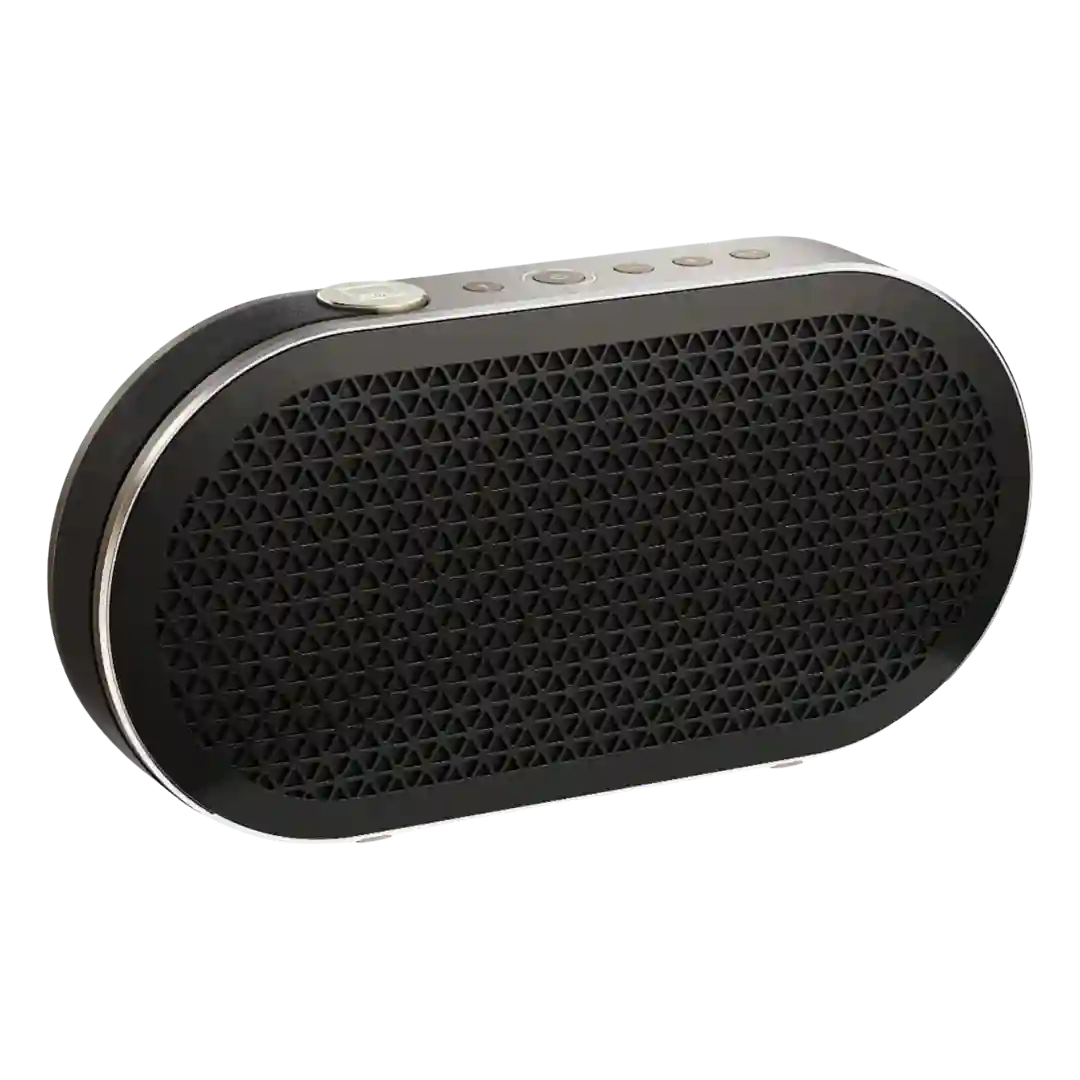
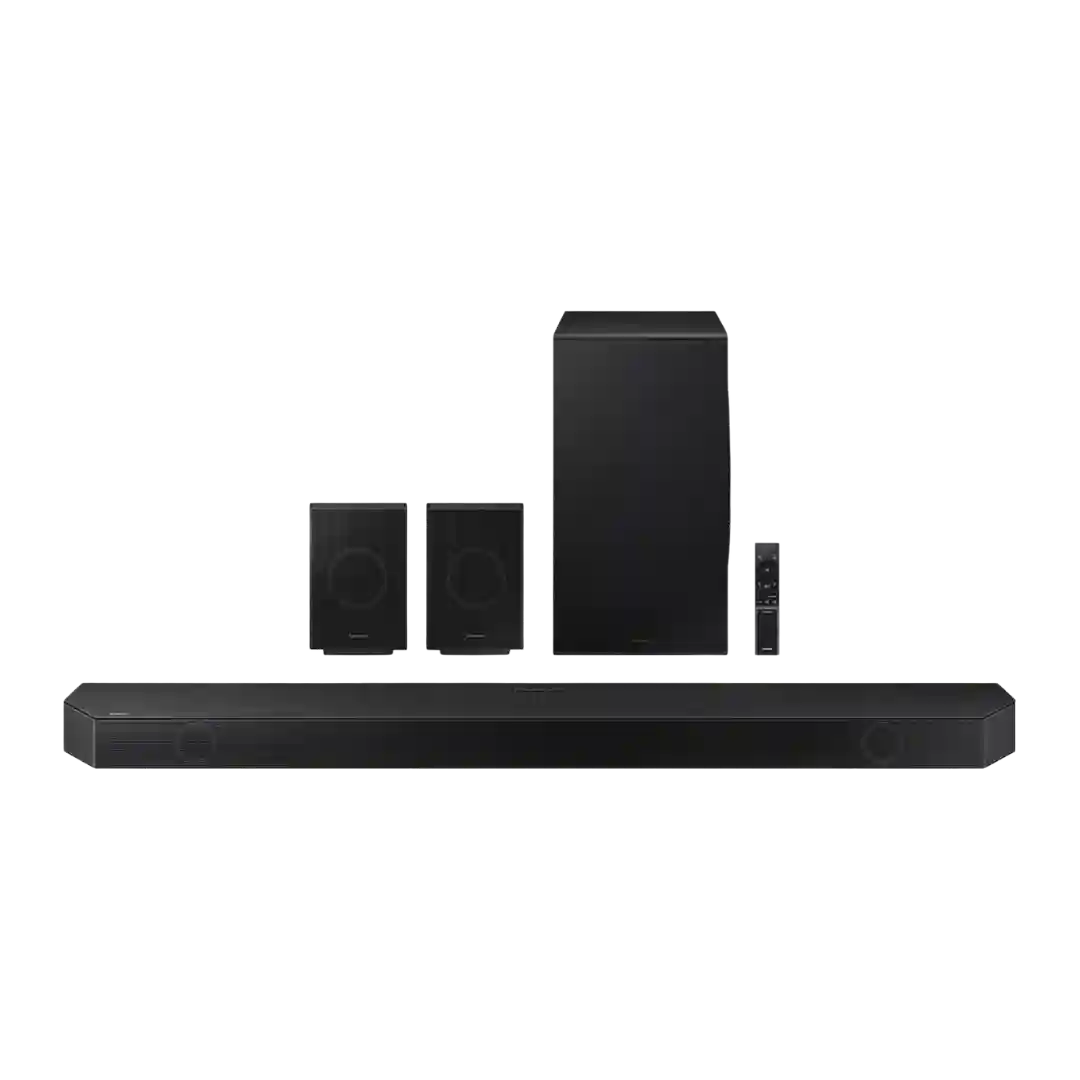
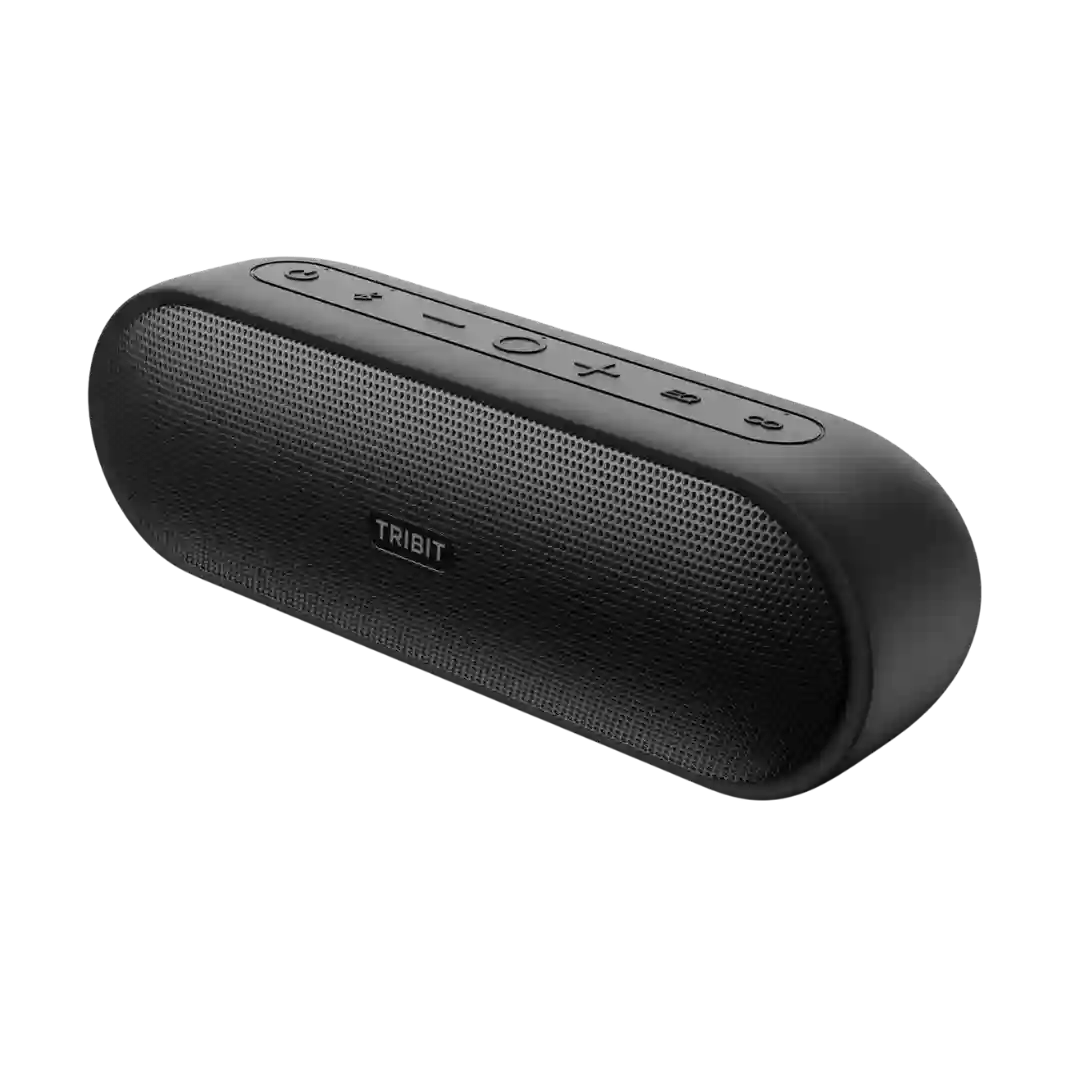
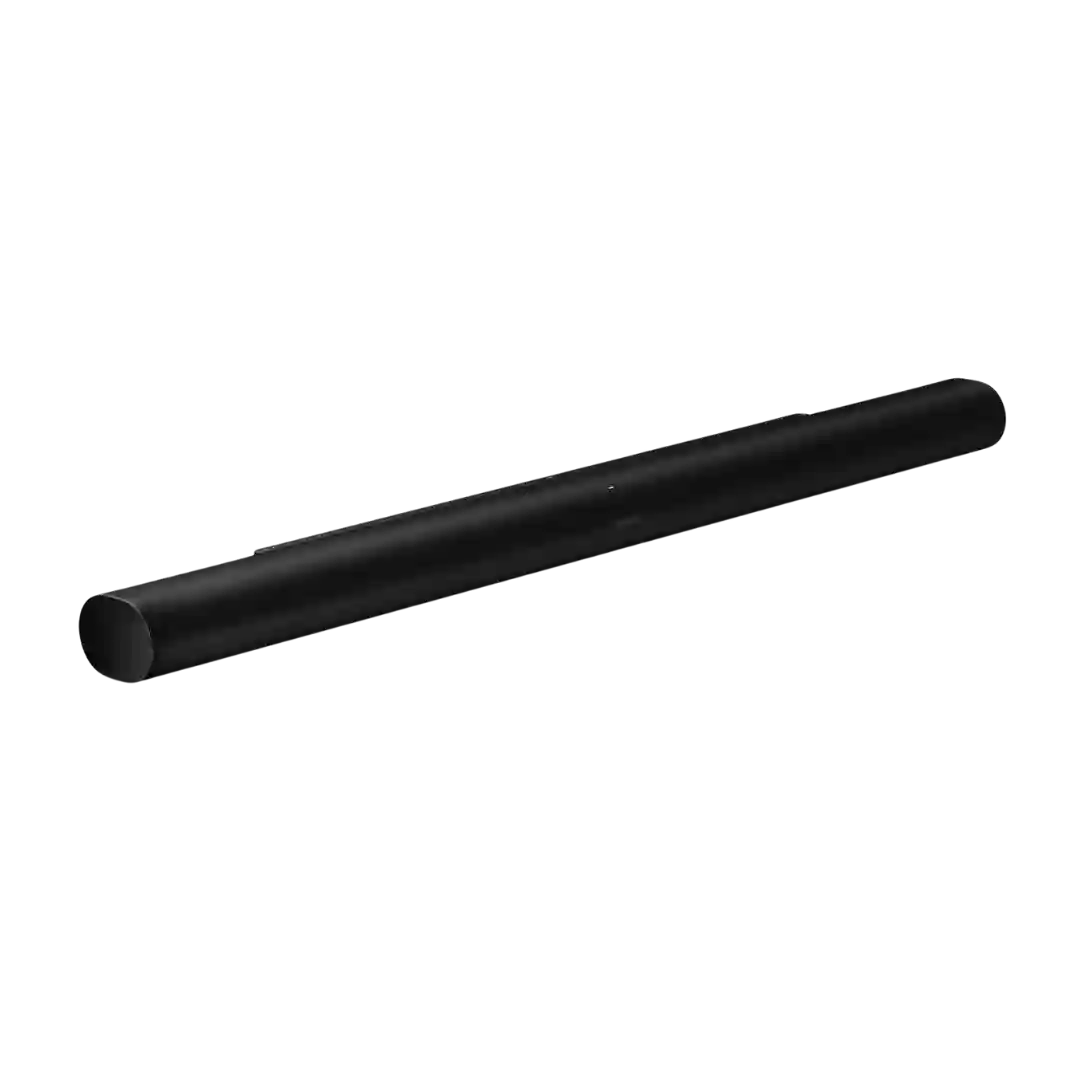
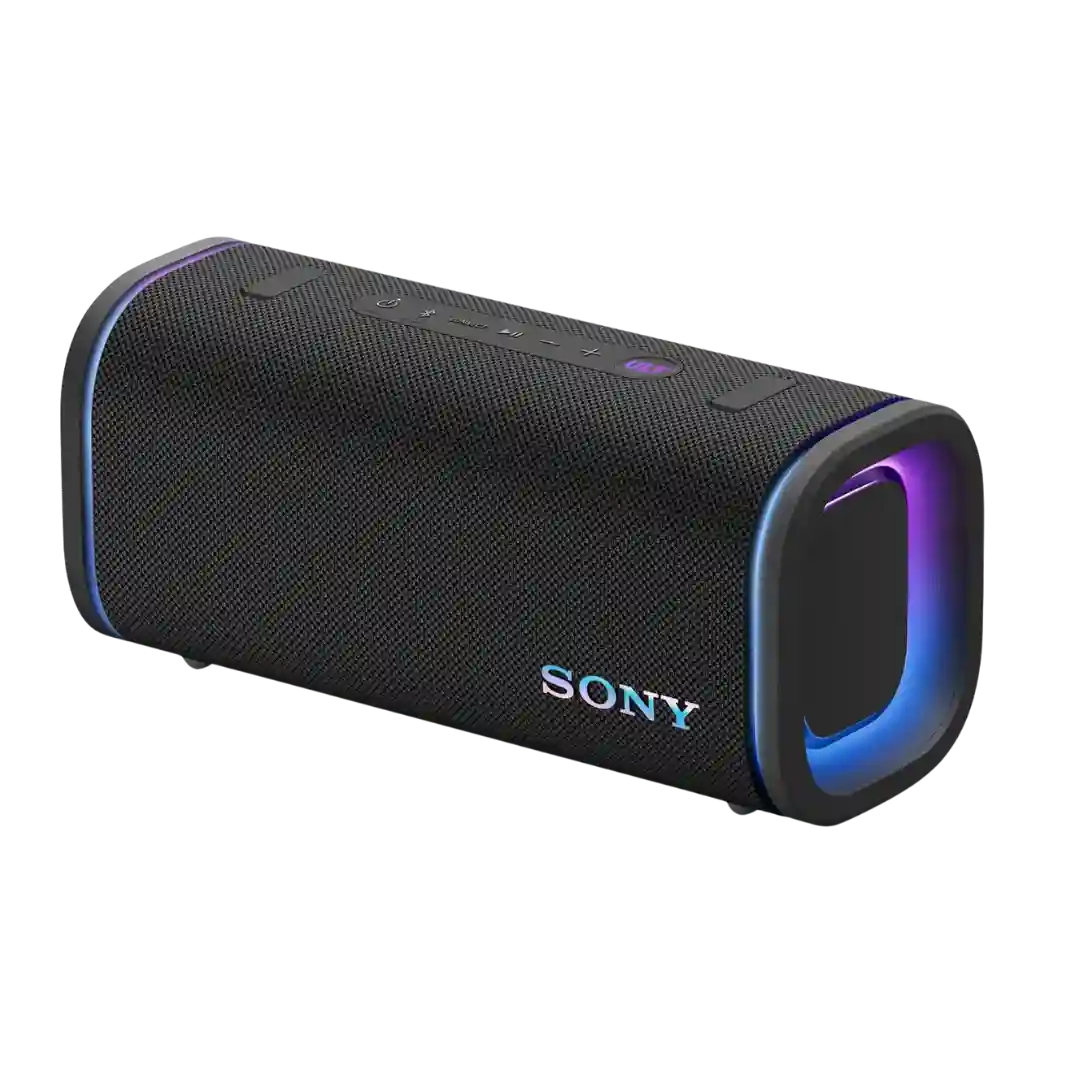
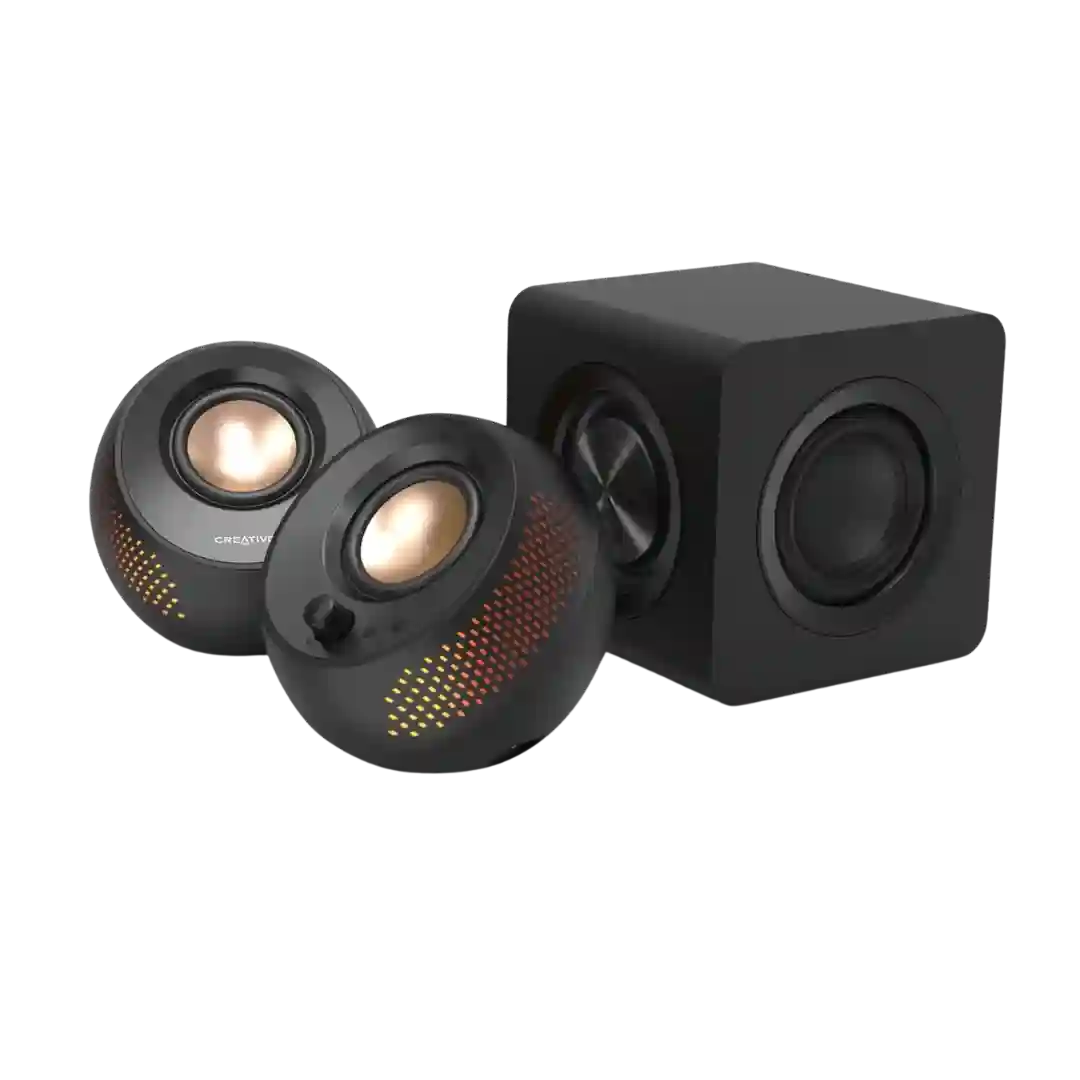
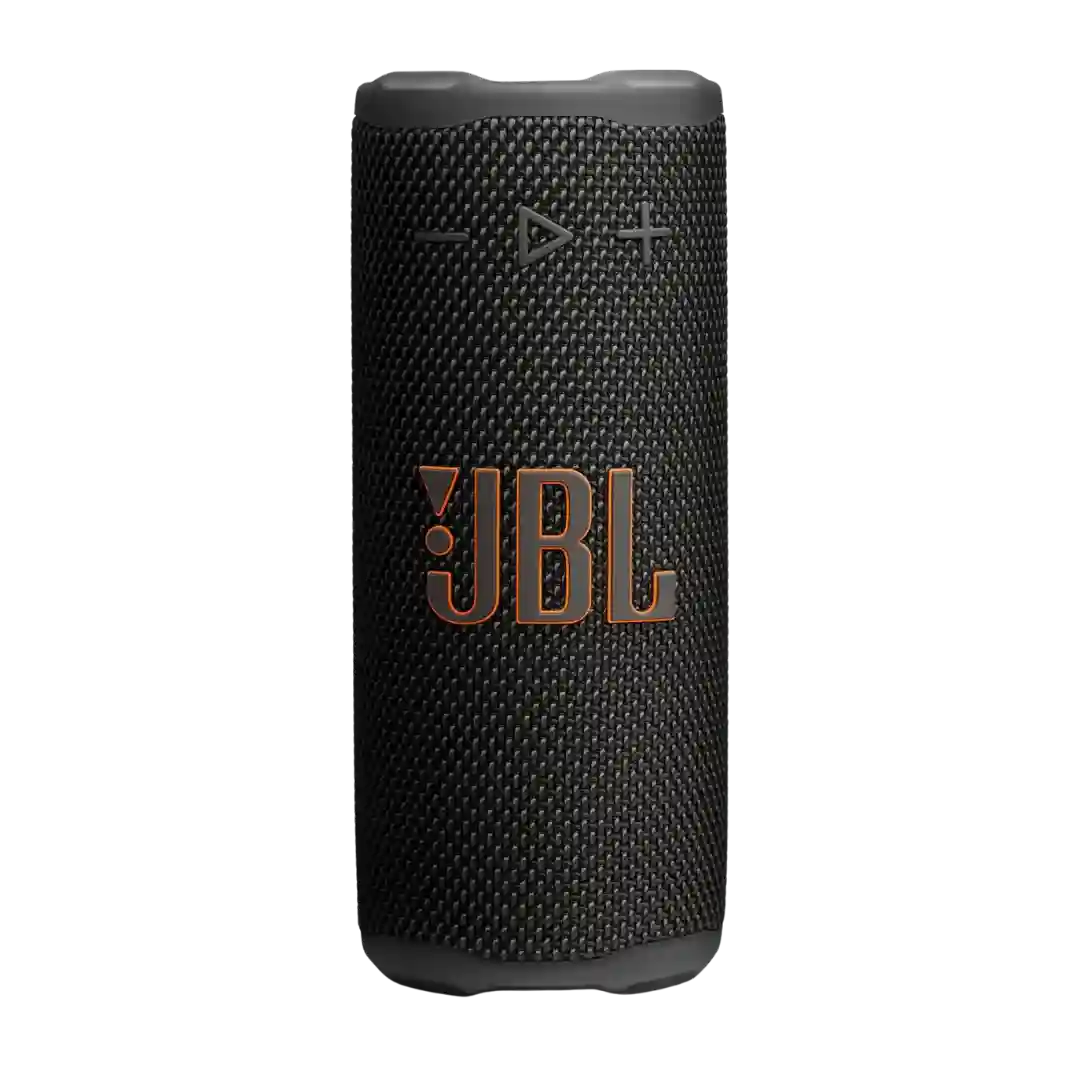
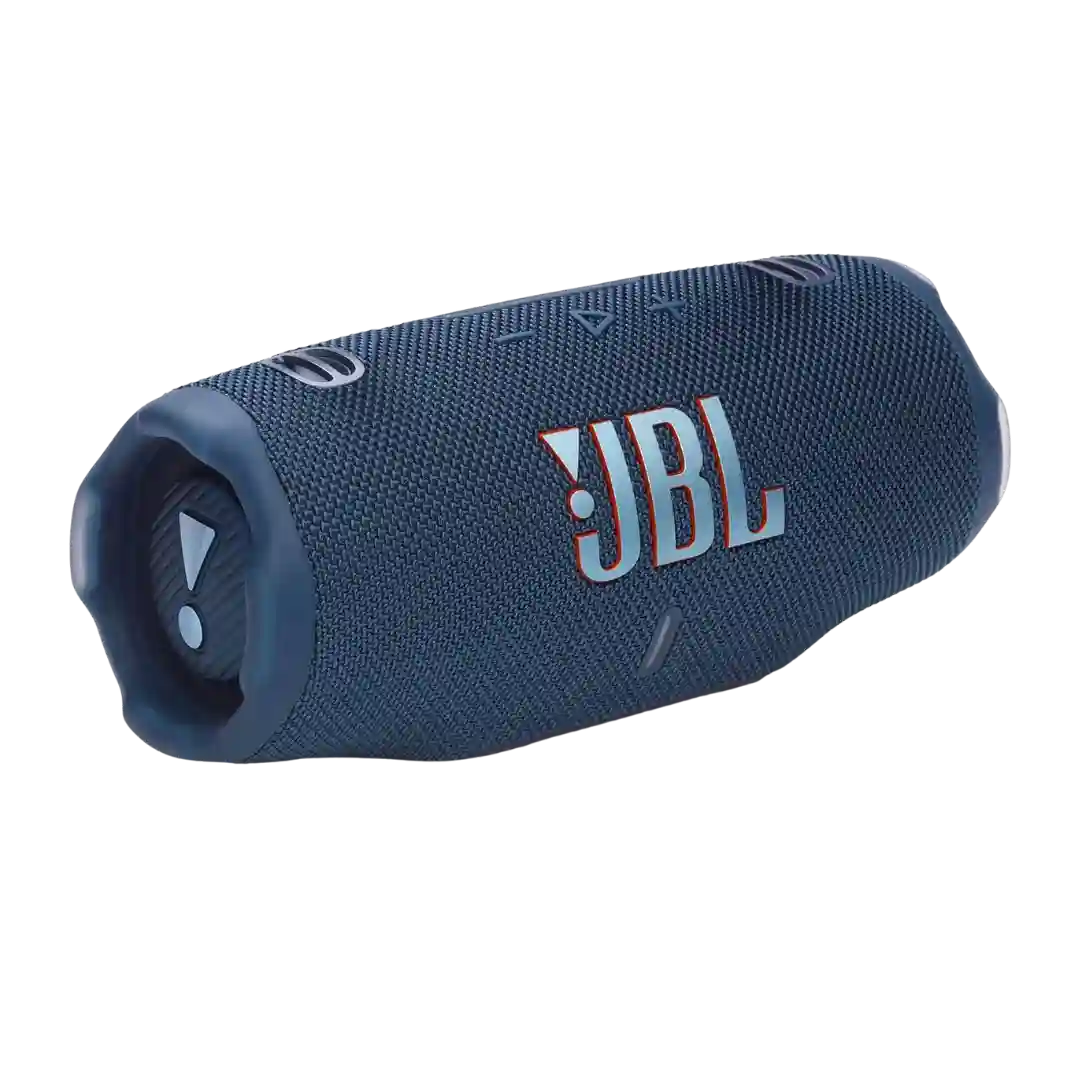
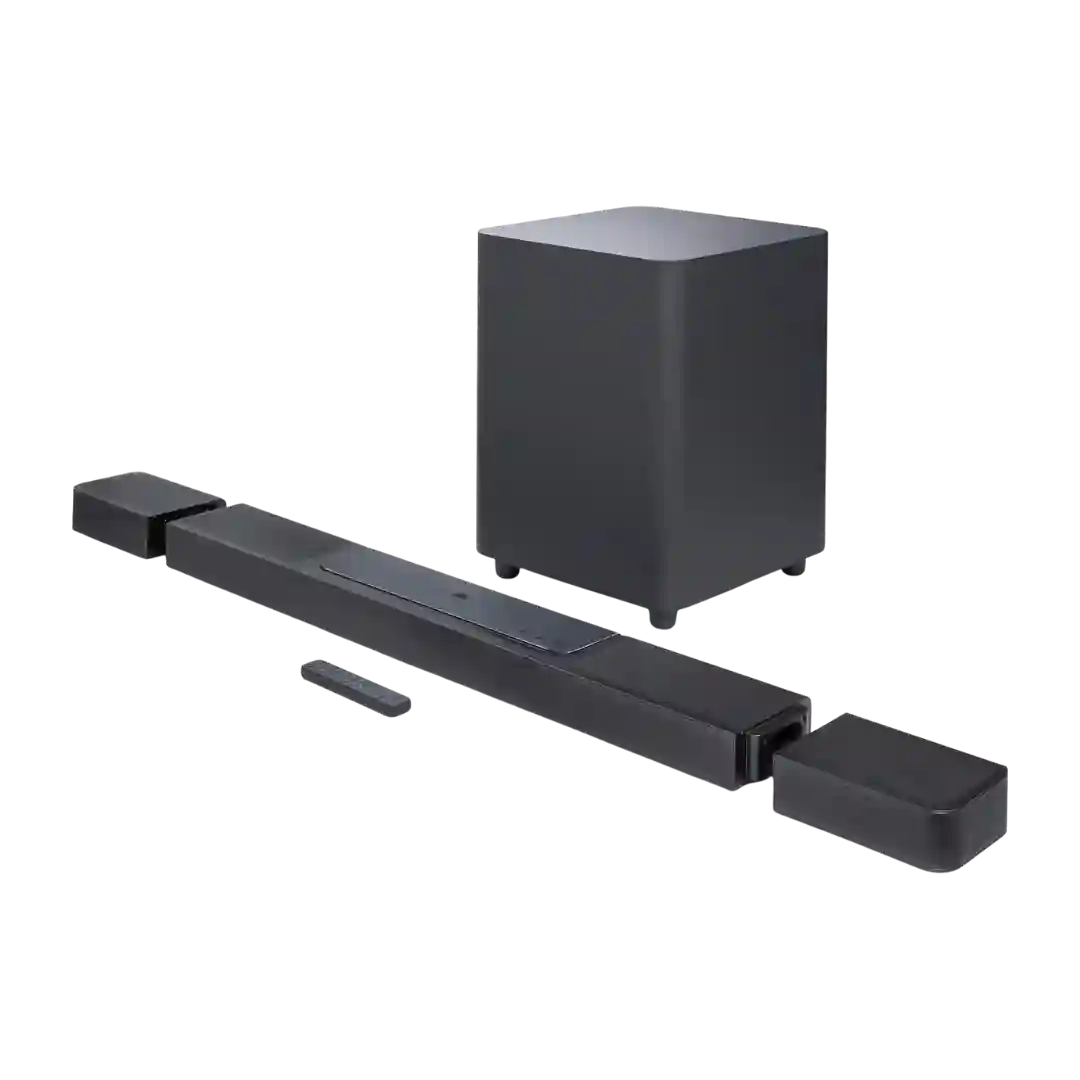
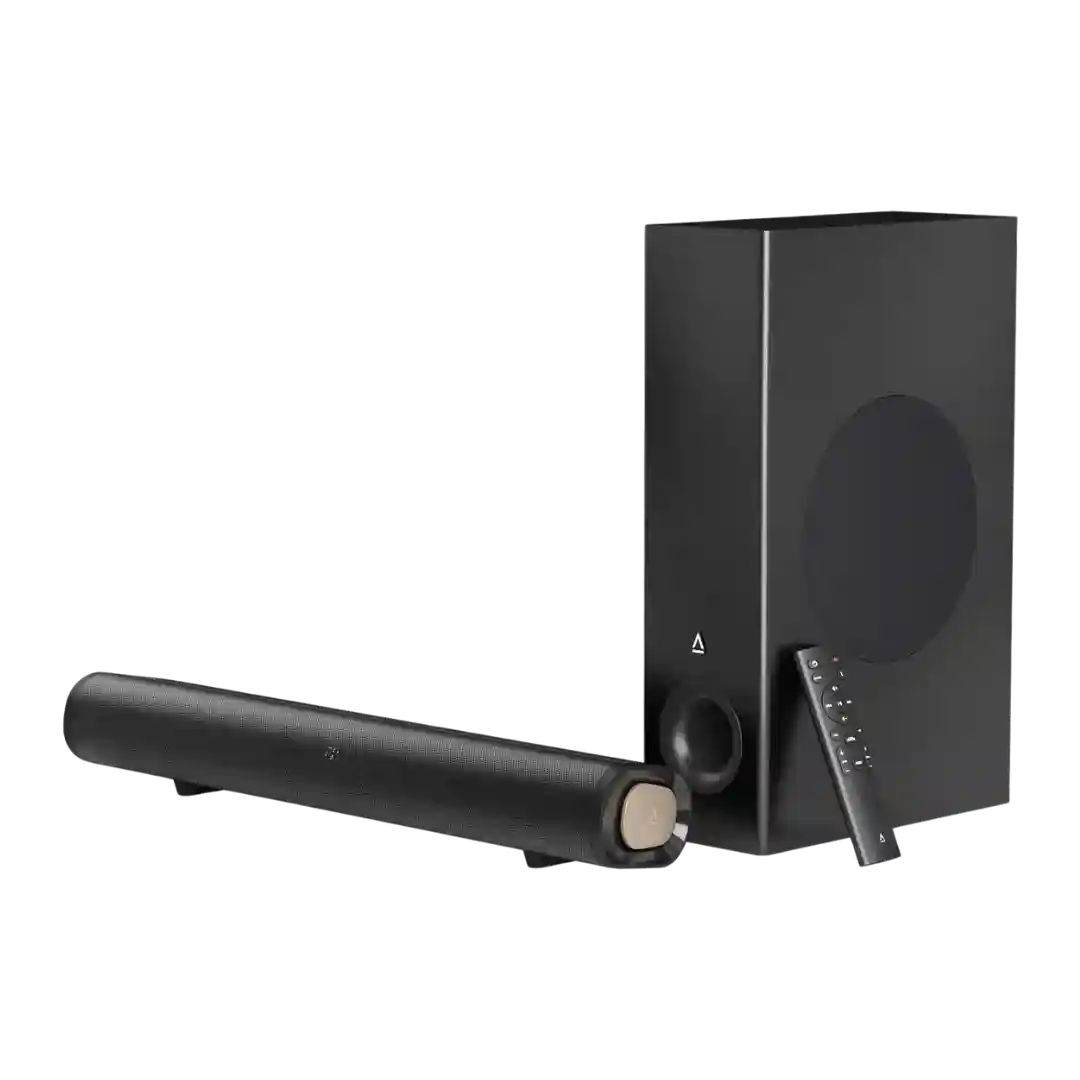
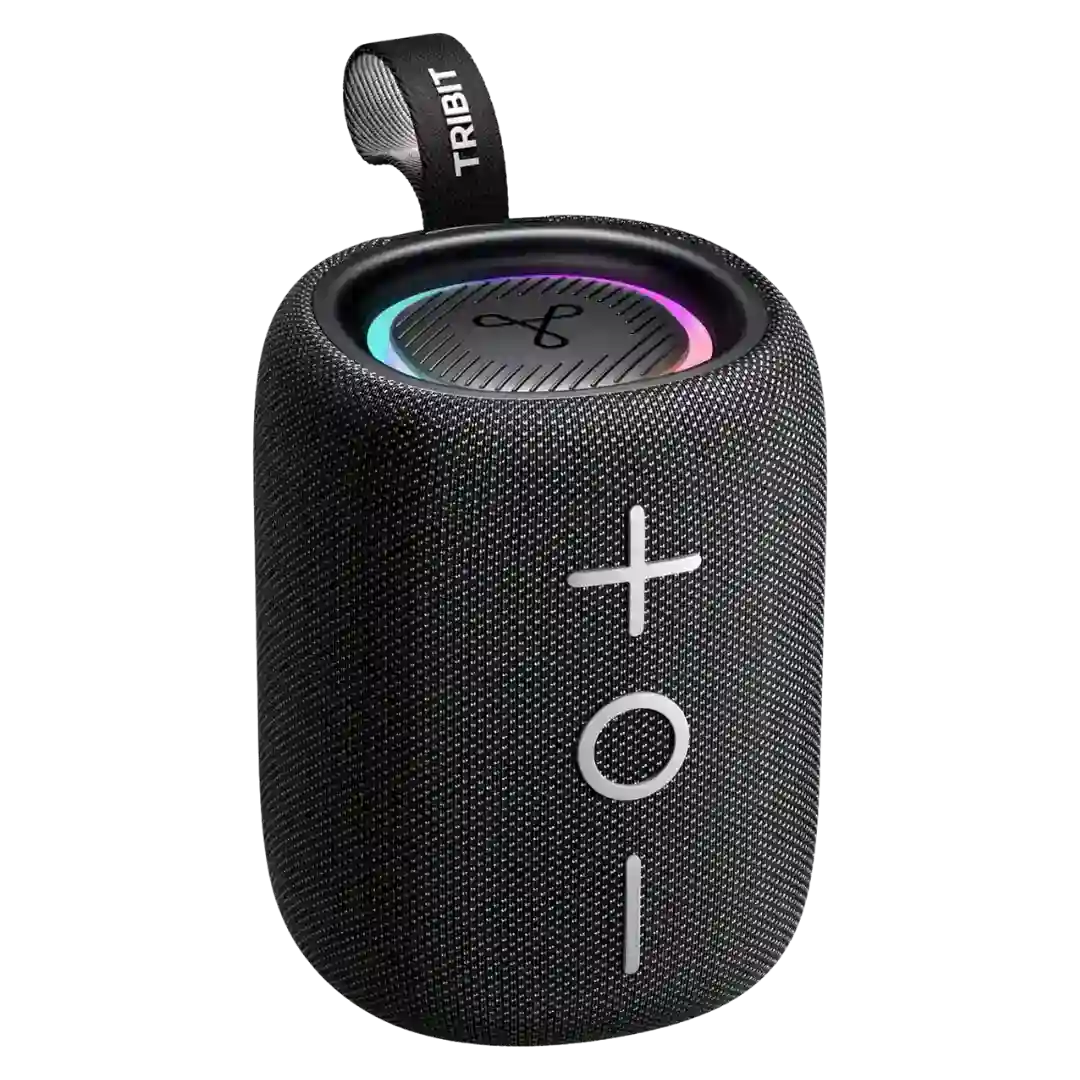
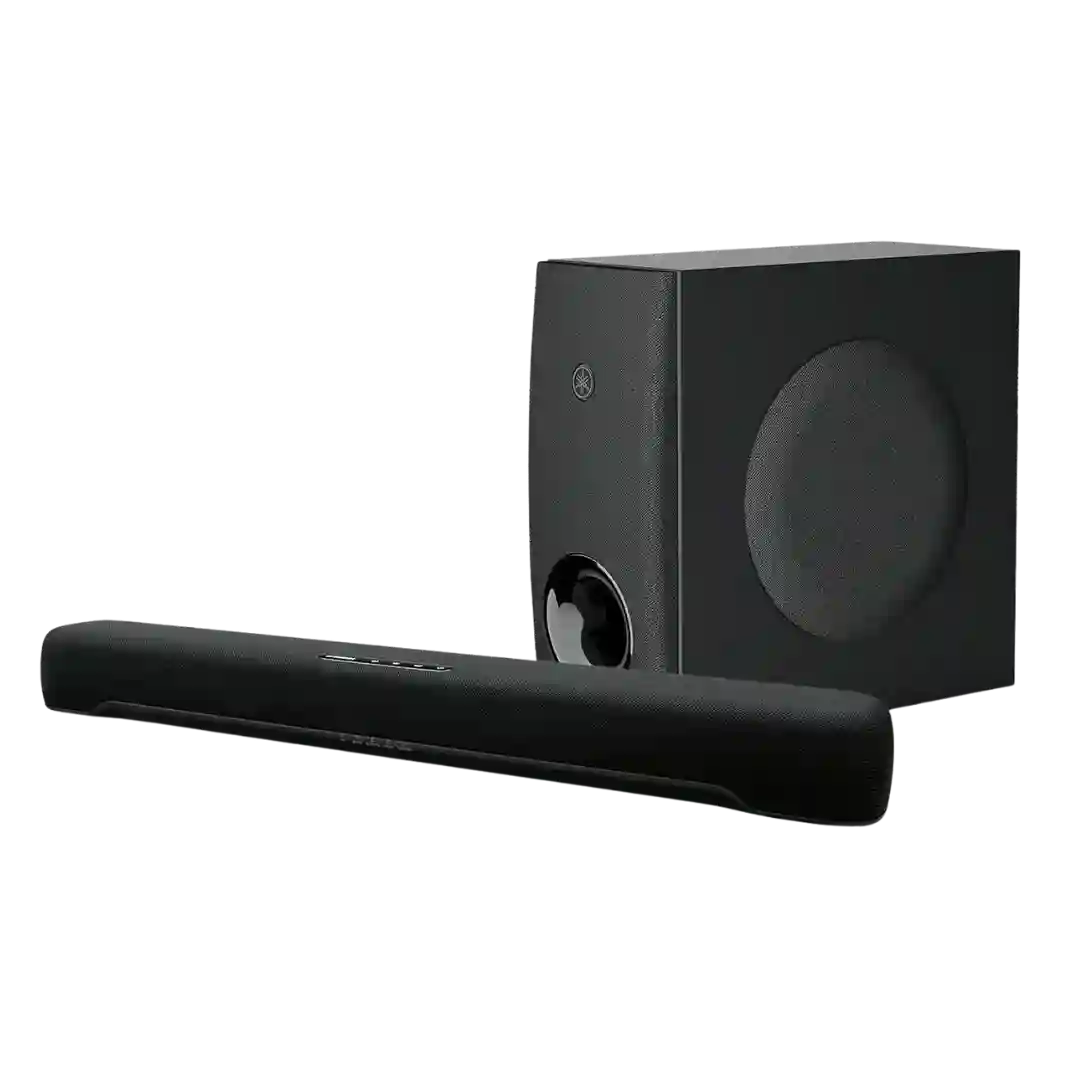
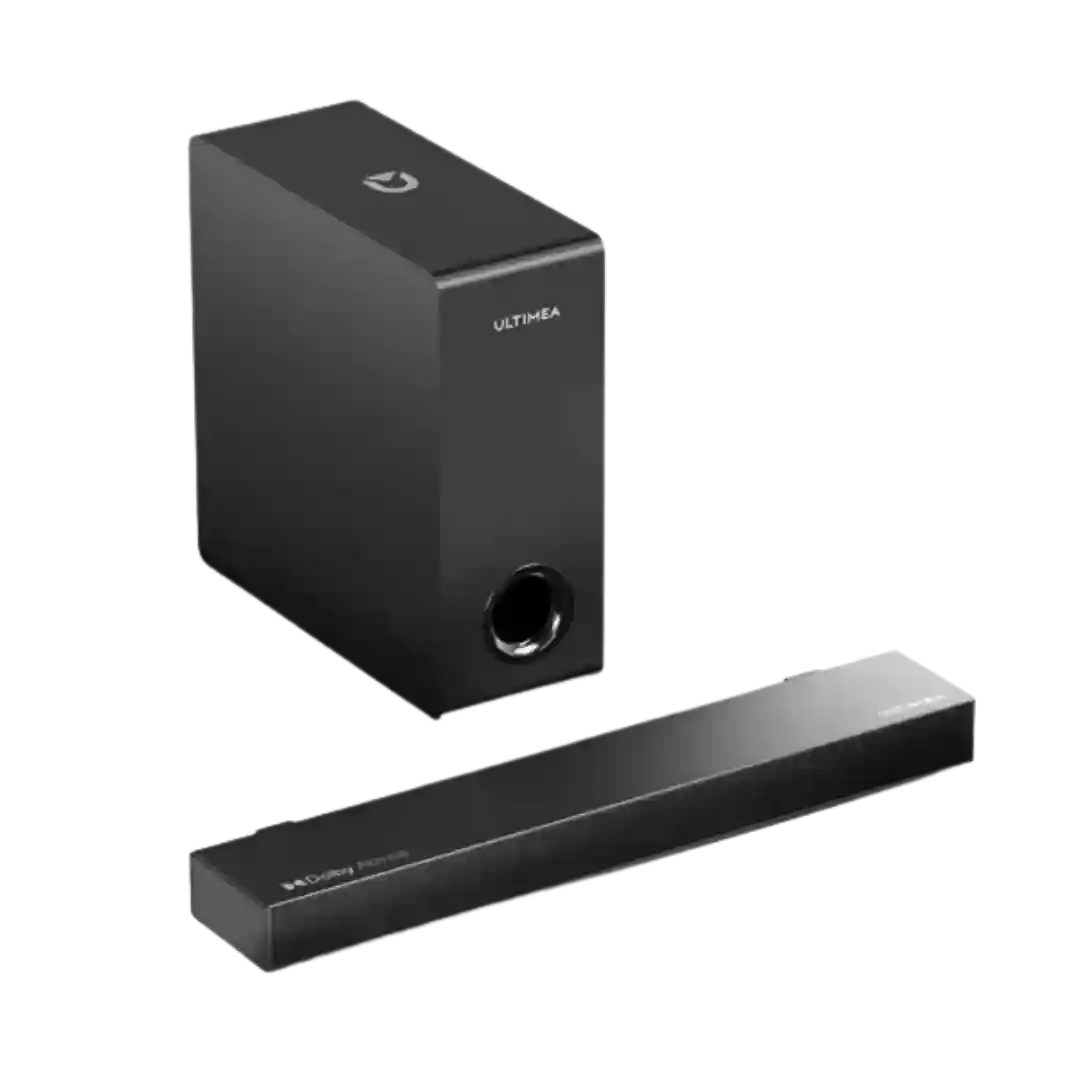
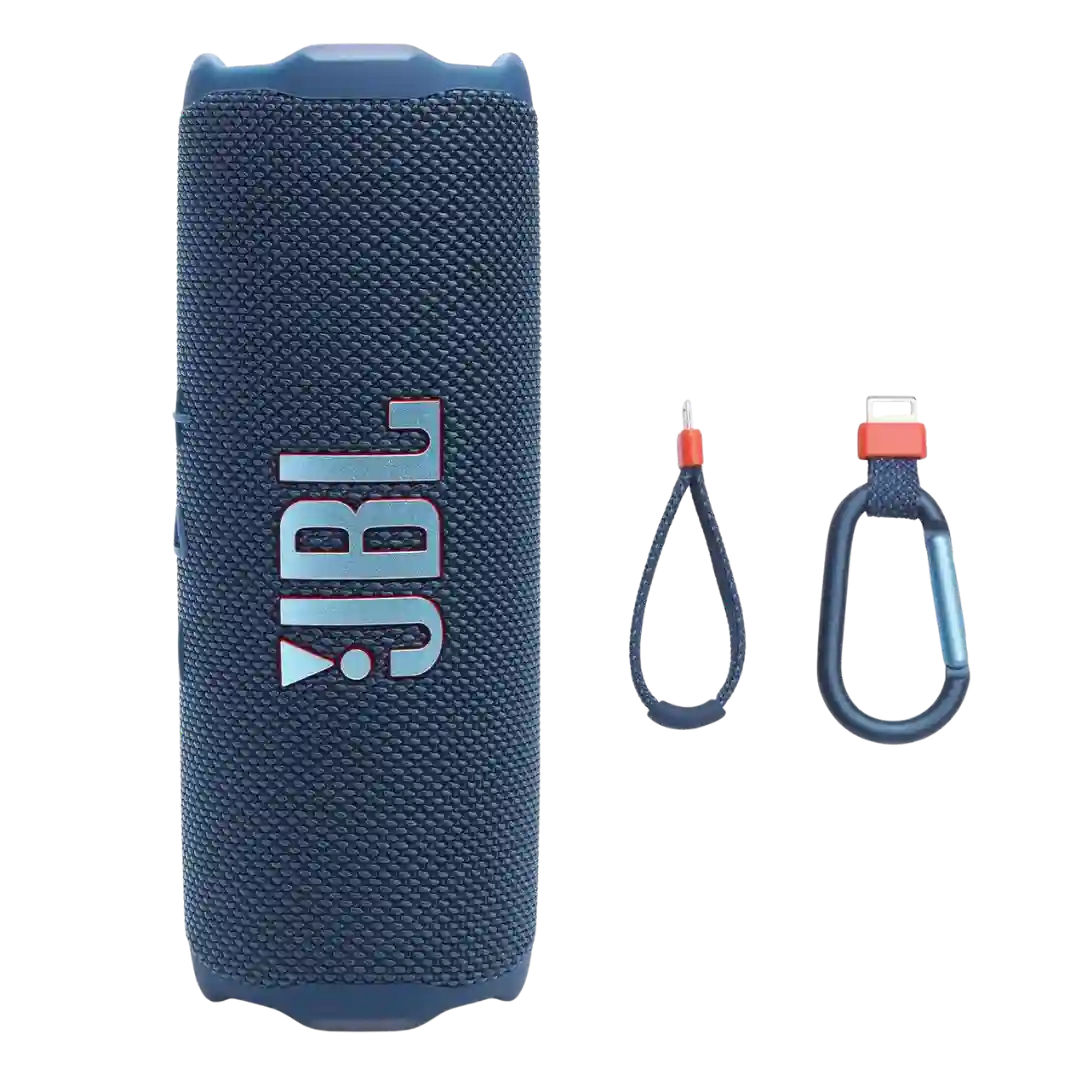
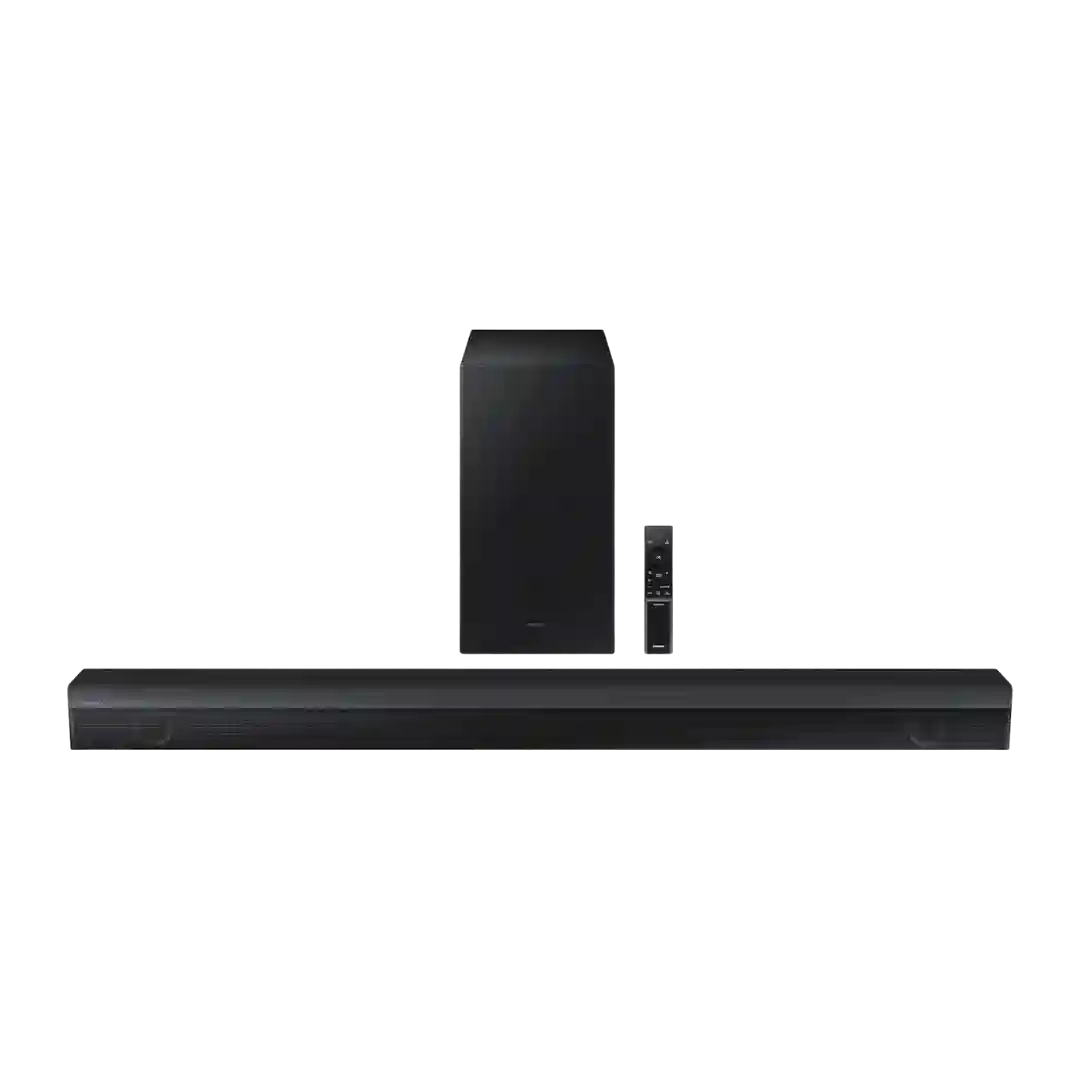
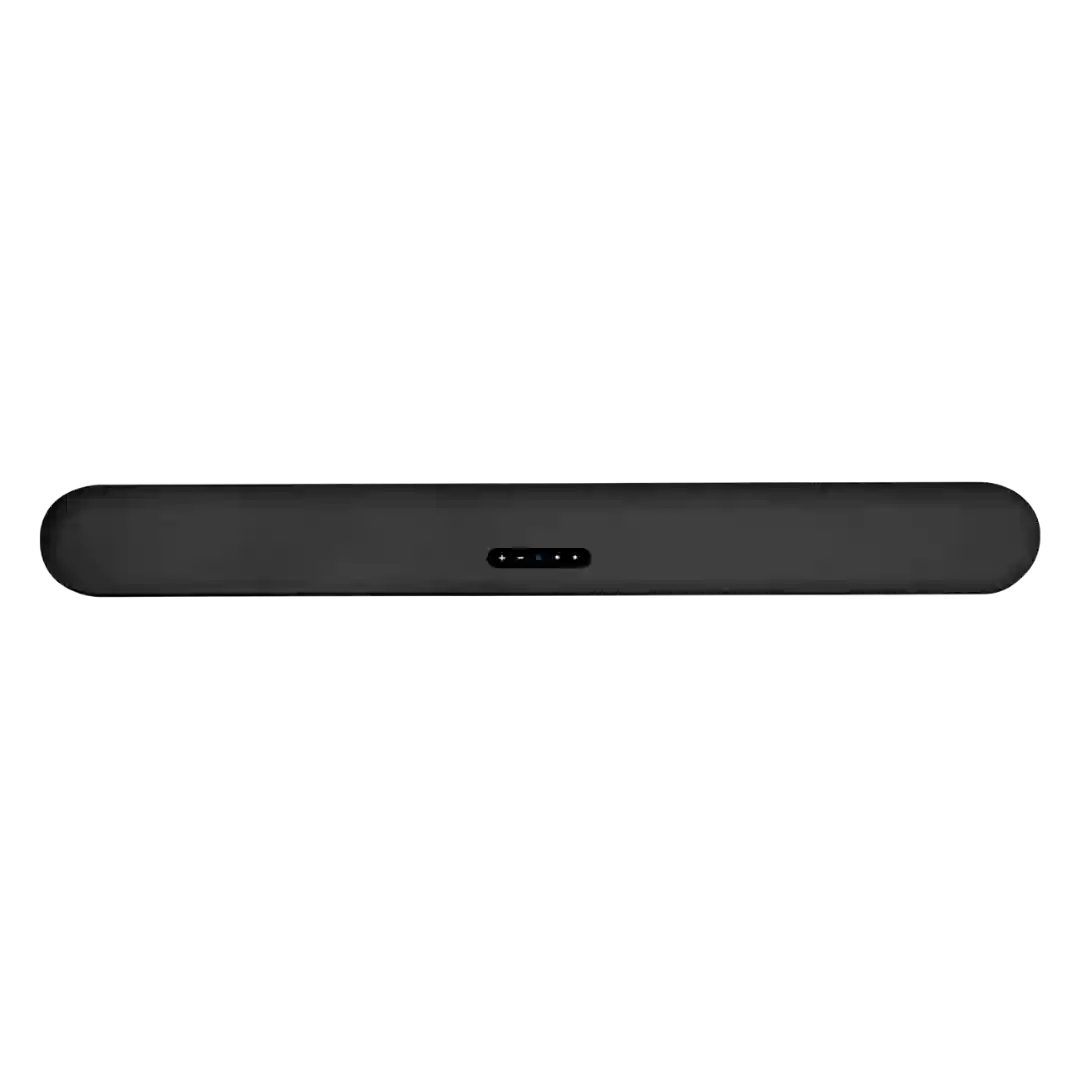
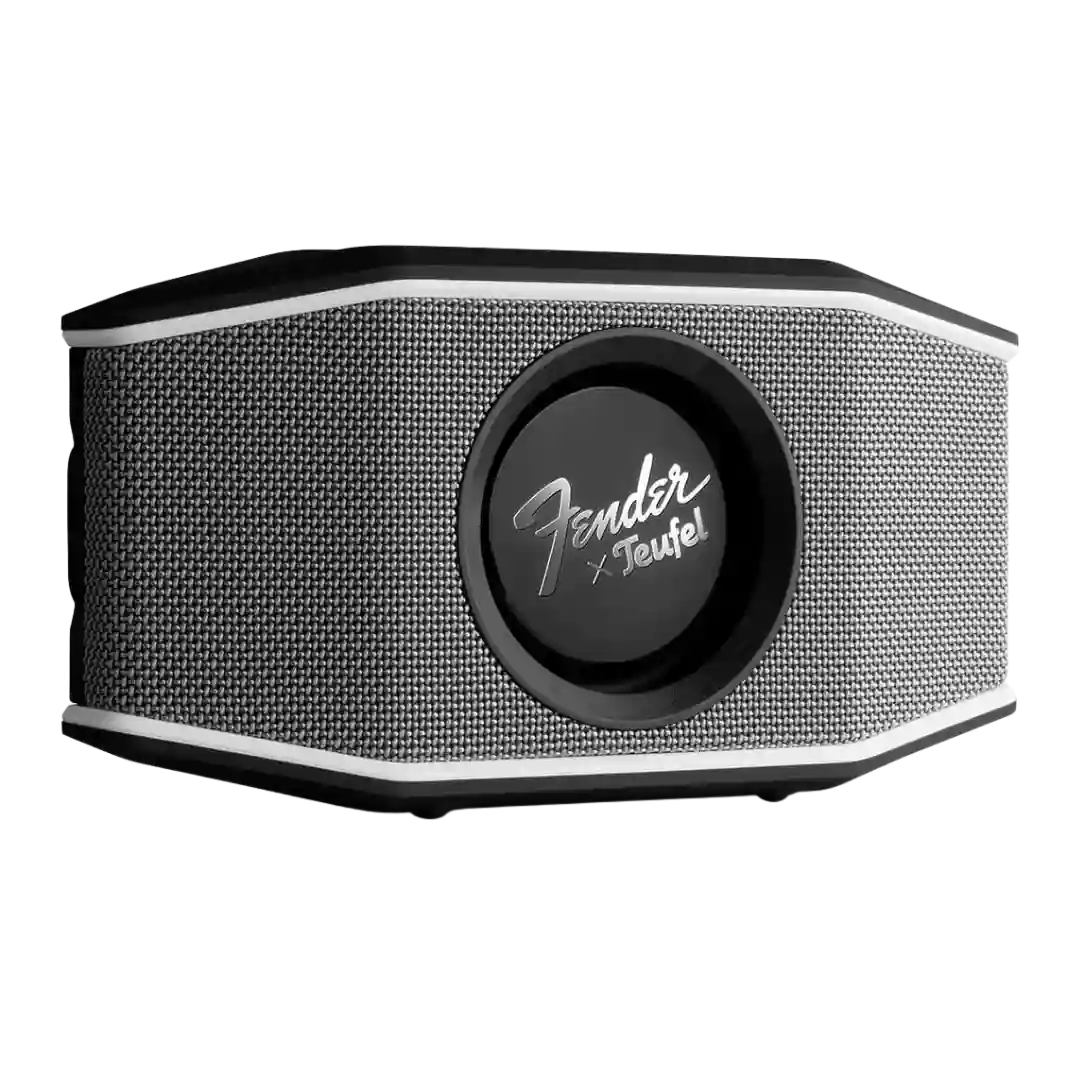
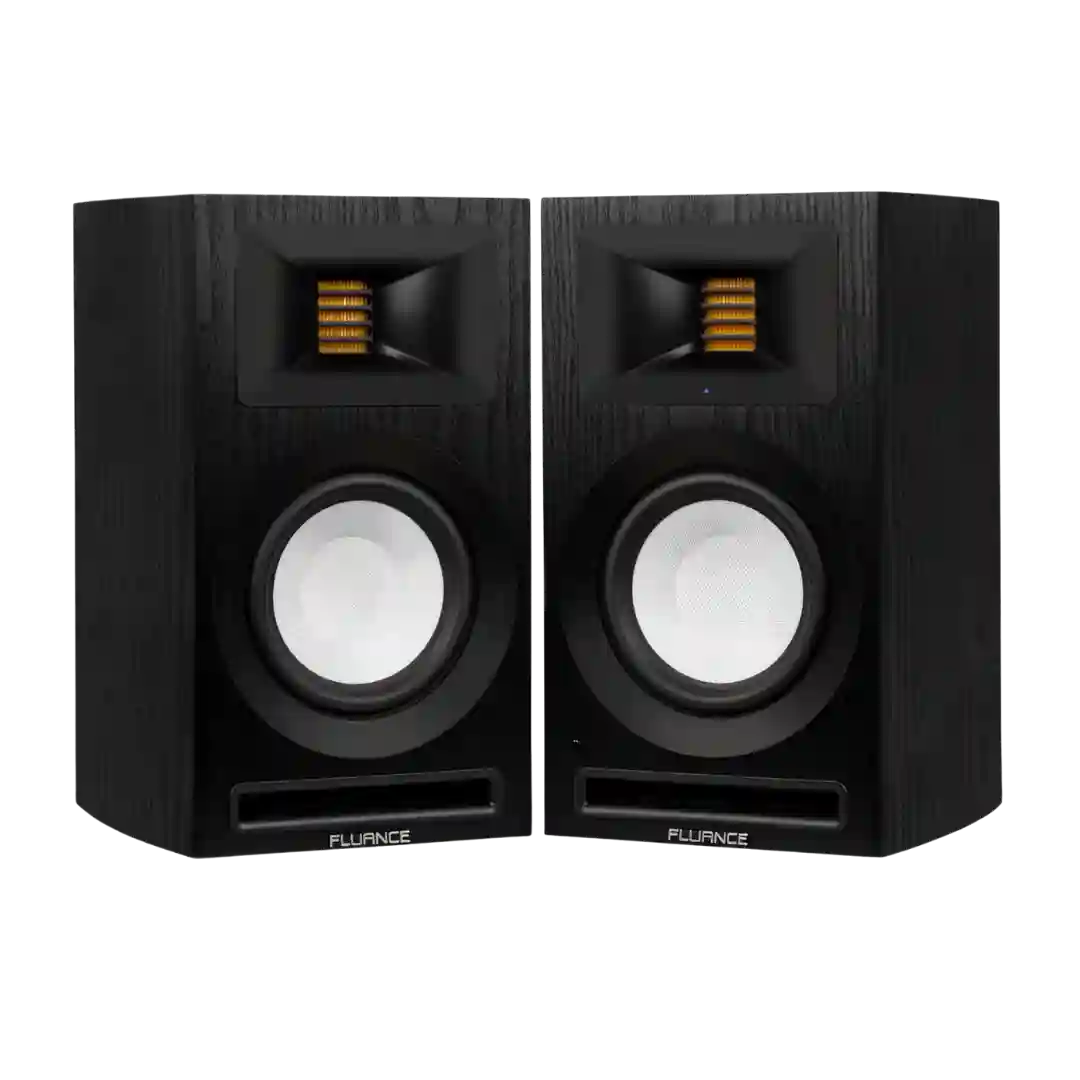
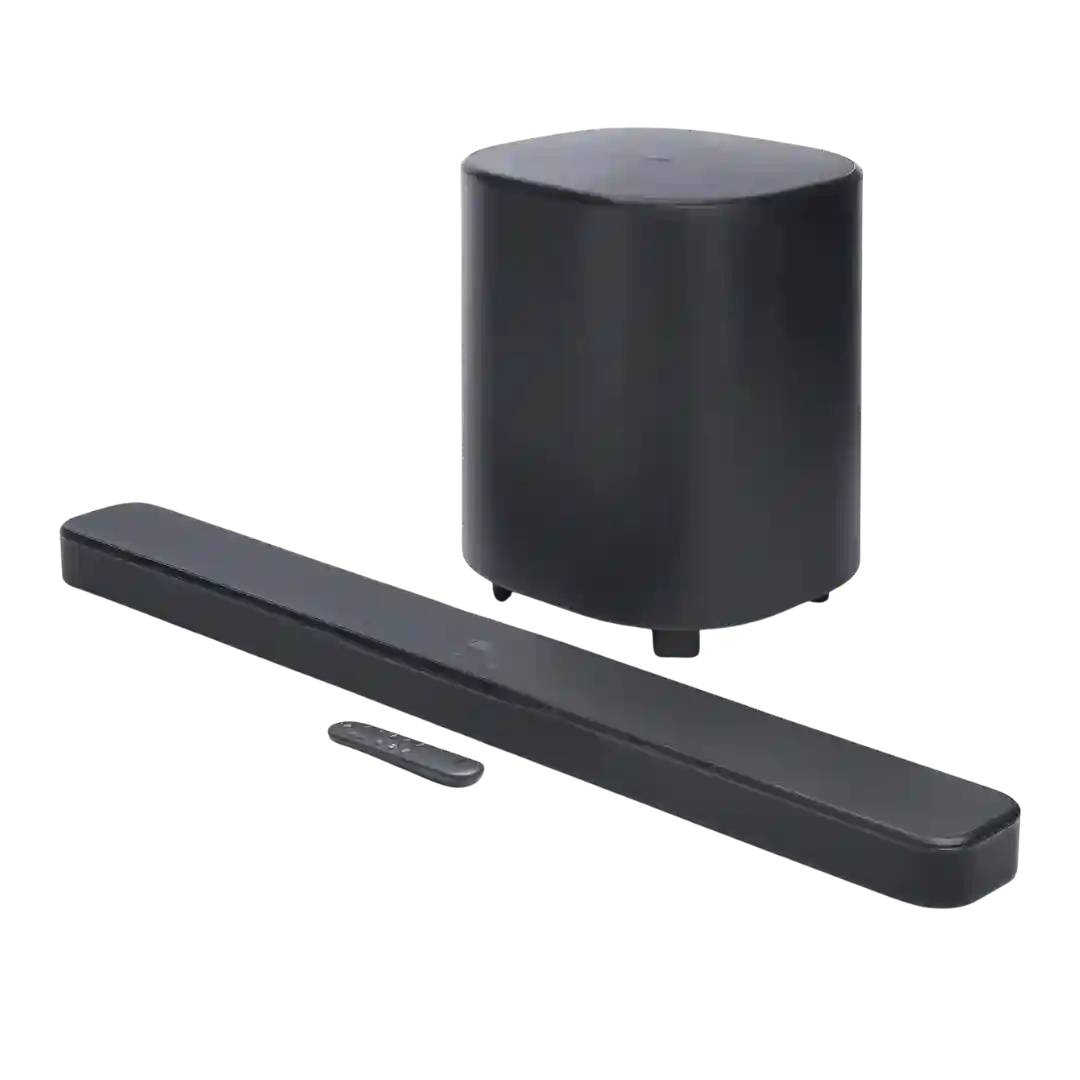
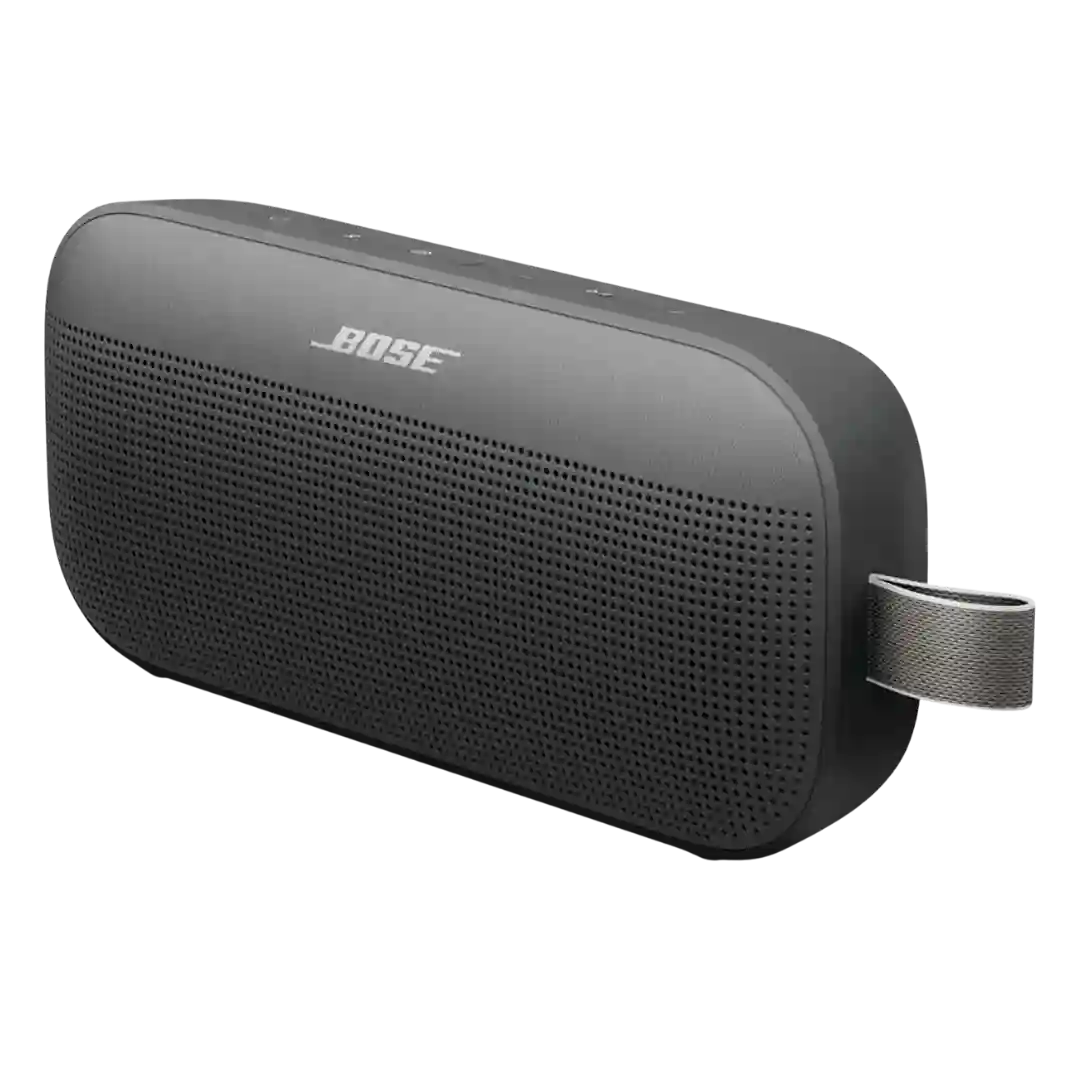
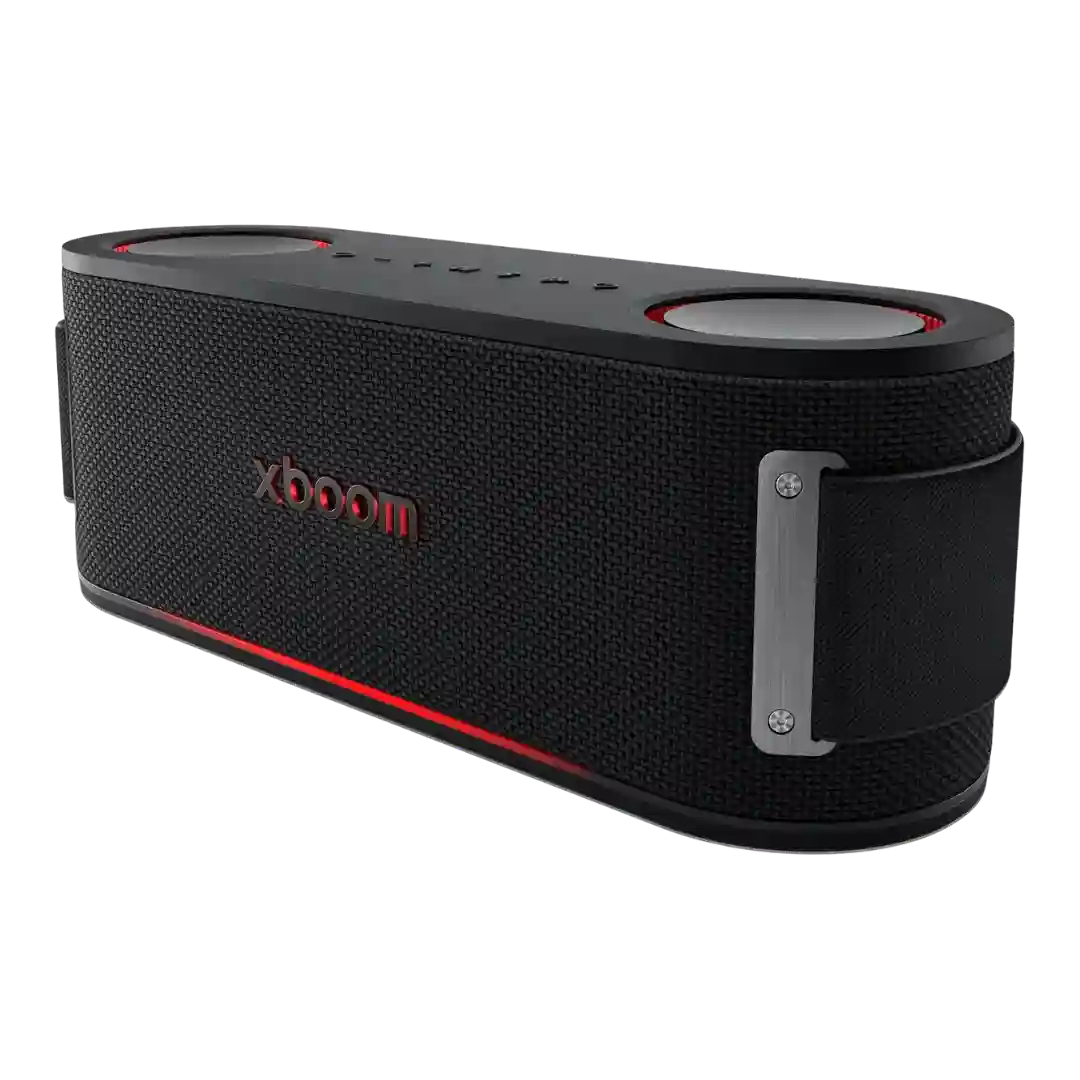
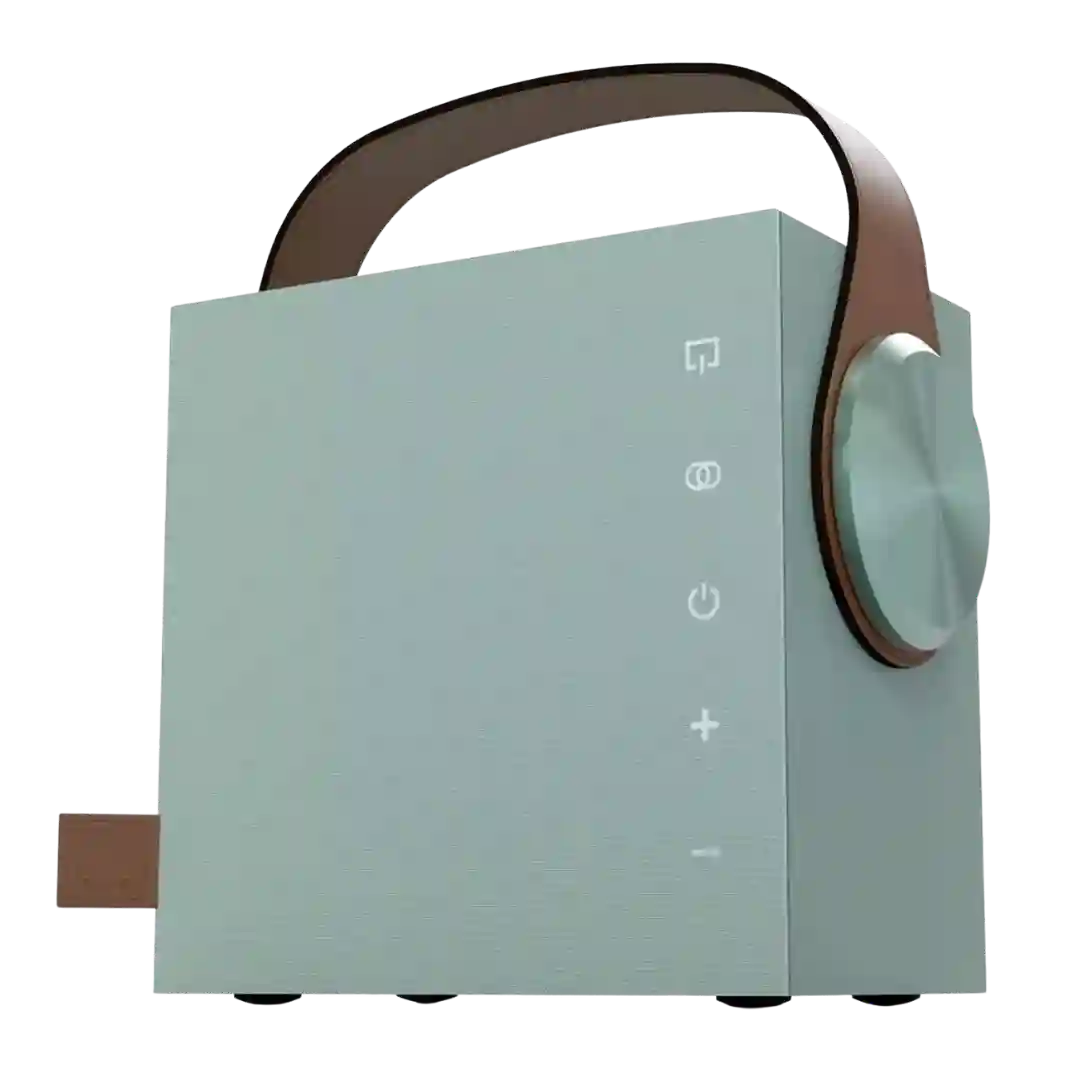
On-device controls are a standout strength. The oversized buttons are repeatedly described as intuitive, easy to find, and simple to use, which makes the speaker approachable even for less tech-savvy users.
On-device controls are repeatedly praised as a major strength: tactile knobs, dedicated playback control, and shortcut buttons reduce reliance on the app and are easy for anyone to use.
On-speaker touch controls and clear source/status indicators are frequently mentioned as genuinely useful for quick input changes and volume, even when most control is done via phone.
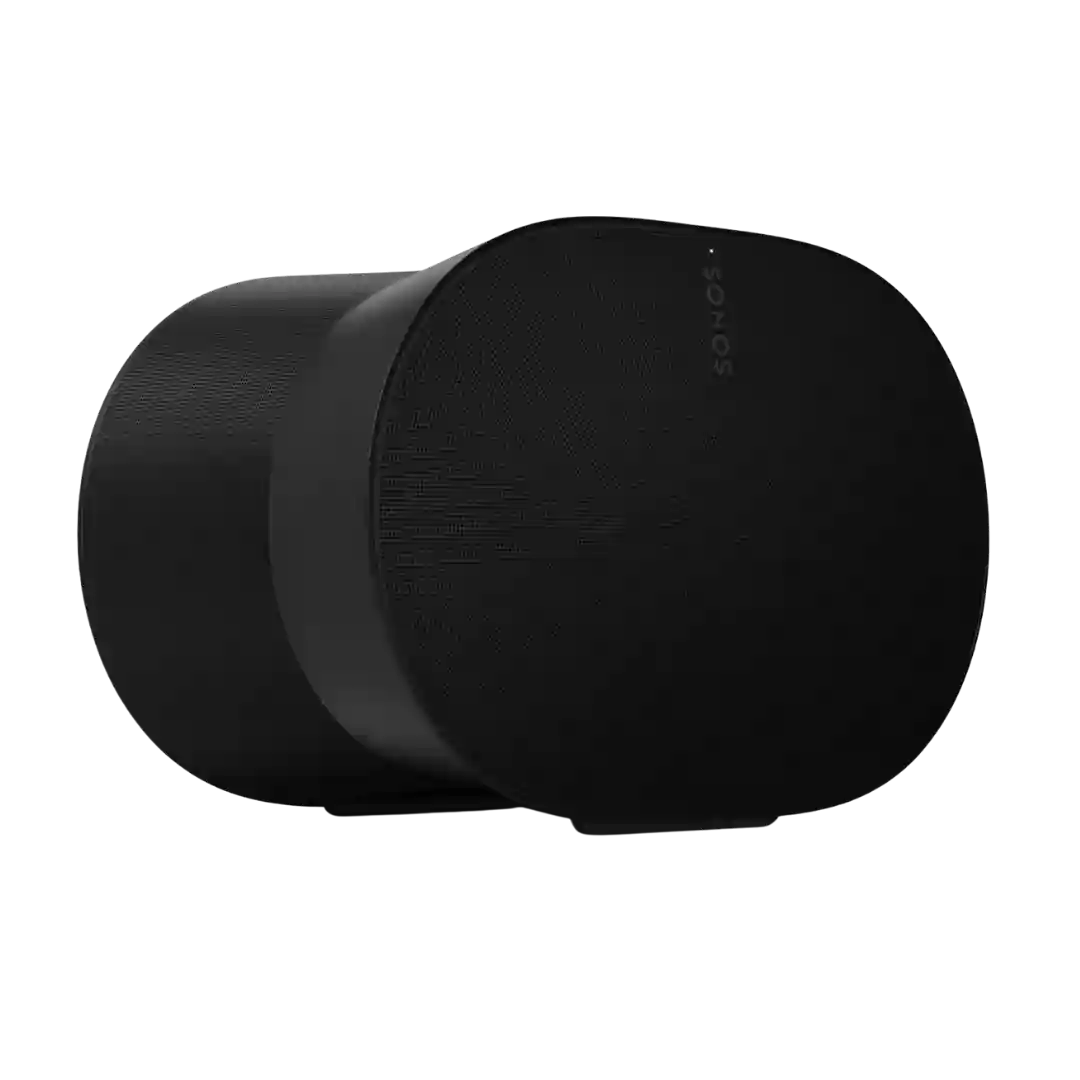
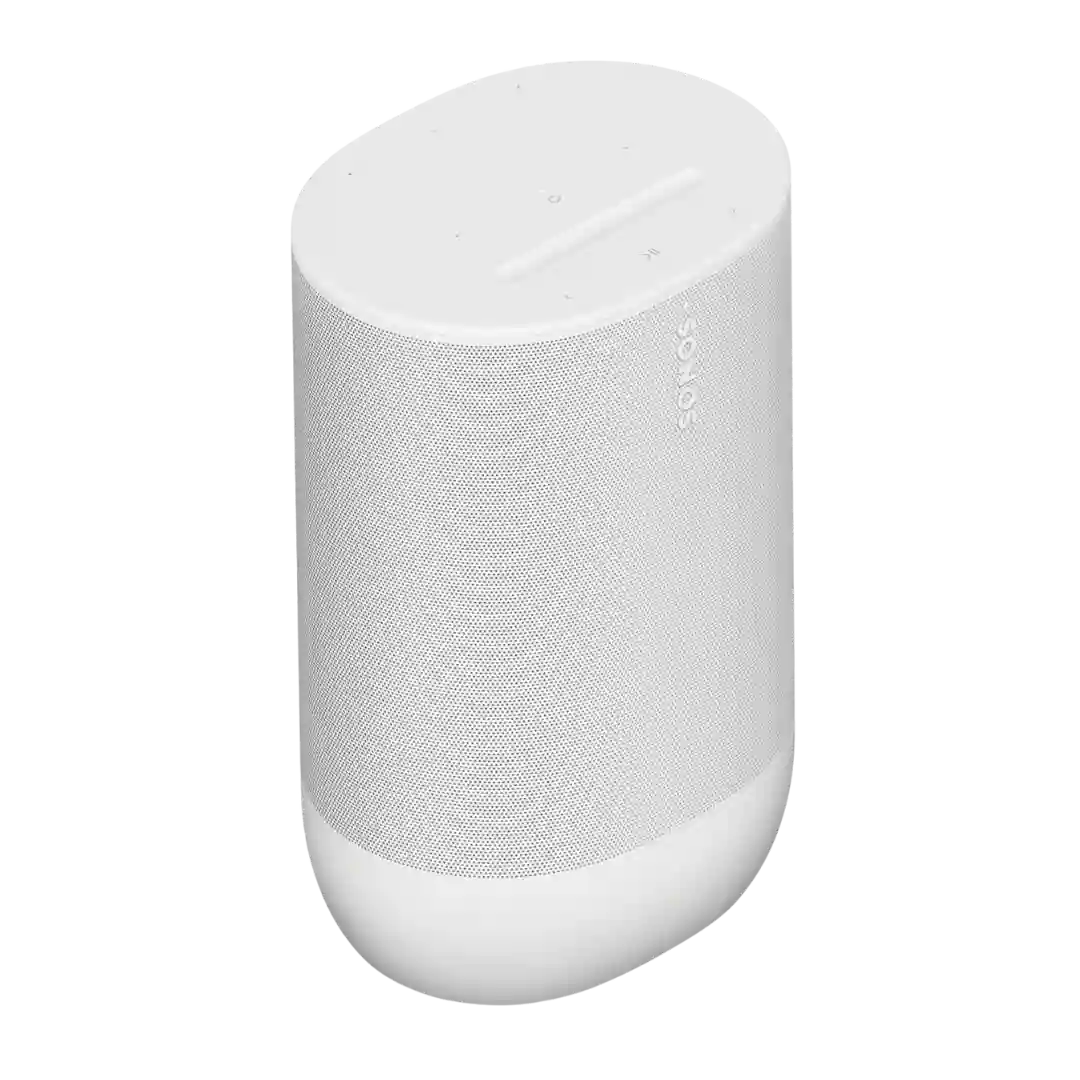
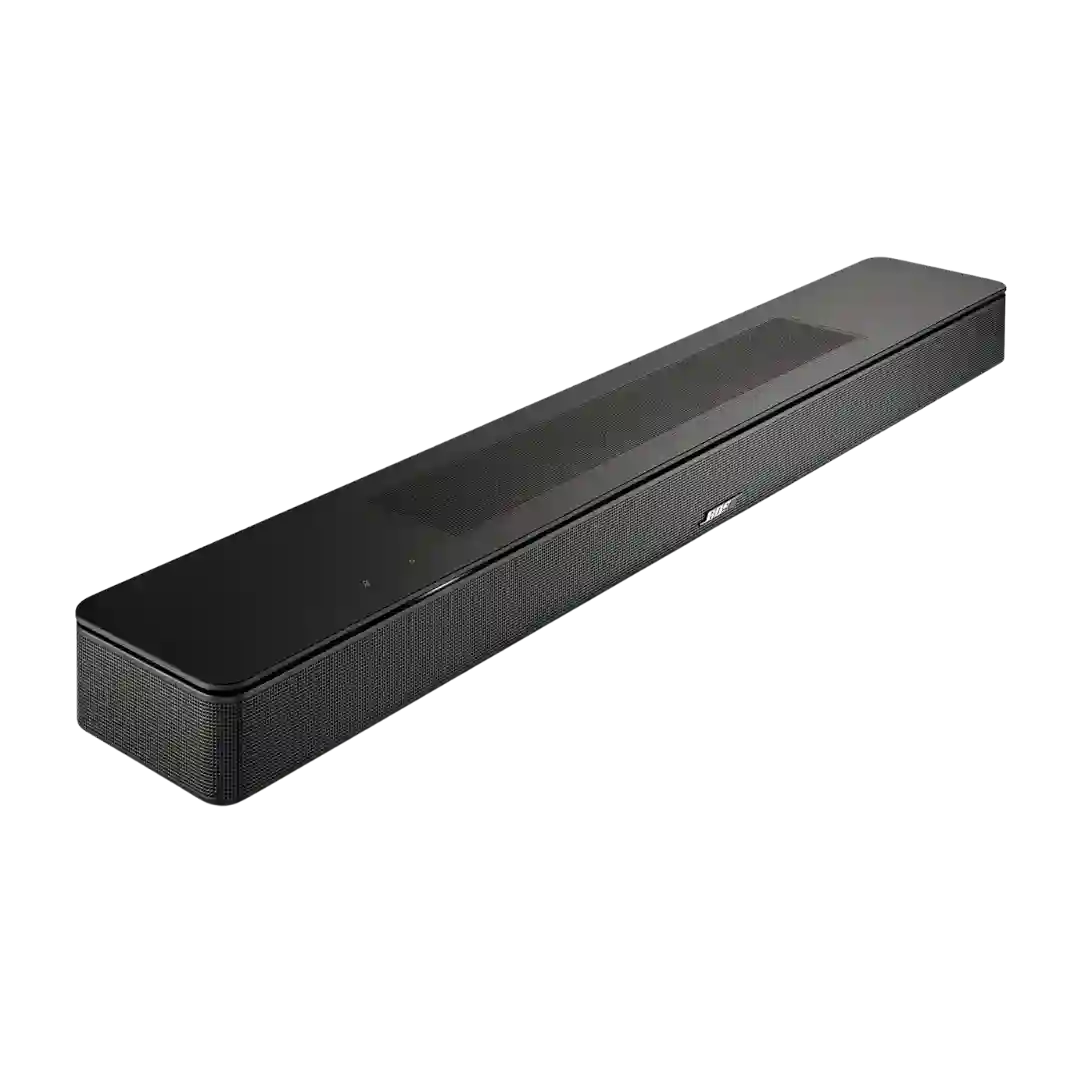
Top-panel controls are easy to use, with the recessed volume slider earning especially positive feedback. Reviewers generally found the touch interface more intuitive than older Sonos control layouts.
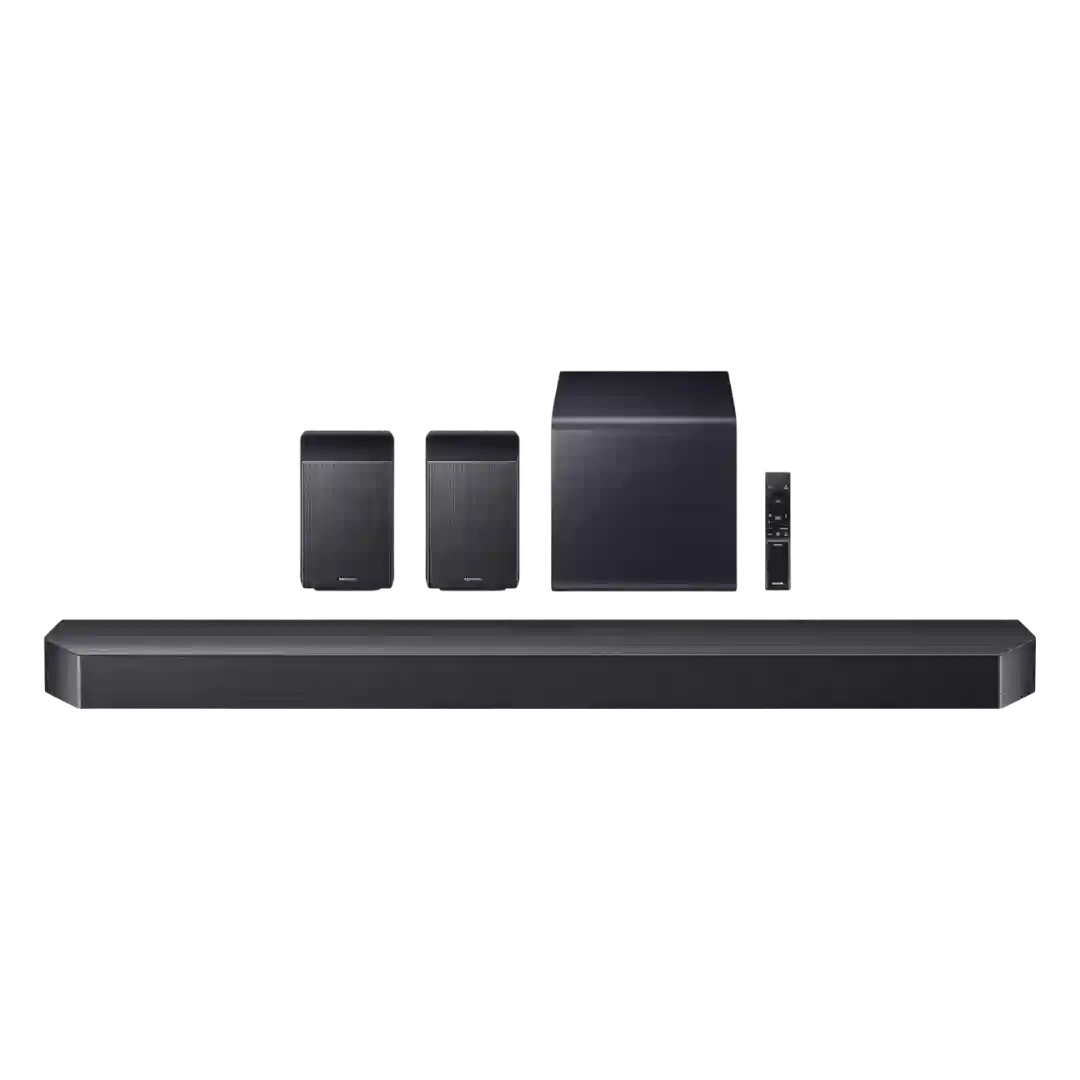
On-device controls (buttons and mic mute) add convenience, though deep settings navigation is easier via SmartThings than via the bar’s small front display.
On-device controls are repeatedly praised for being intuitive and pleasant to use, with a programmable shortcut button and clear playback functions. Lack of backlighting is the main ergonomic complaint.
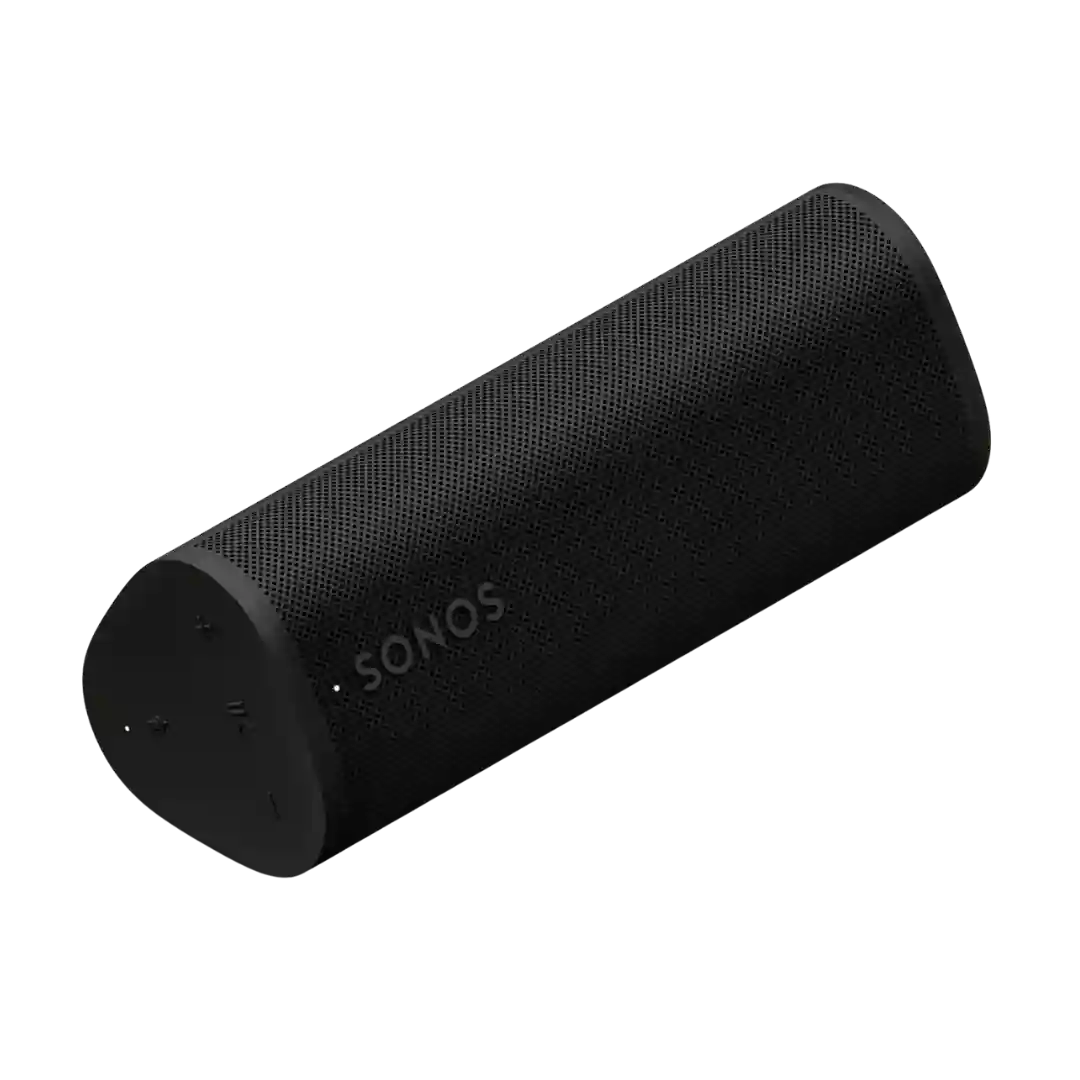
On-device controls cover core needs such as power, pairing, play and pause, track skipping, mode switching, and often a battery check shortcut using the volume buttons.
The single front knob handles core tasks cleanly, but on-speaker controls are intentionally basic. Most reviewers were fine with that because the remote or TV remote handles deeper control.
On-device controls are considered functional and familiar, including track navigation gestures (for example, multi-press controls) and dedicated pairing/power buttons.
On-device controls are generally praised as clear and reliable, including dedicated buttons for Bluetooth pairing, power, playback, volume, and Auracast grouping. A few sources note minor limitations or inconsistencies in track-skip behavior depending on device and gesture support.
On-device controls are widely considered straightforward and usable, with large, tactile buttons and dedicated power, Bluetooth, and lighting controls. Low-light usability varies depending on which buttons are illuminated.
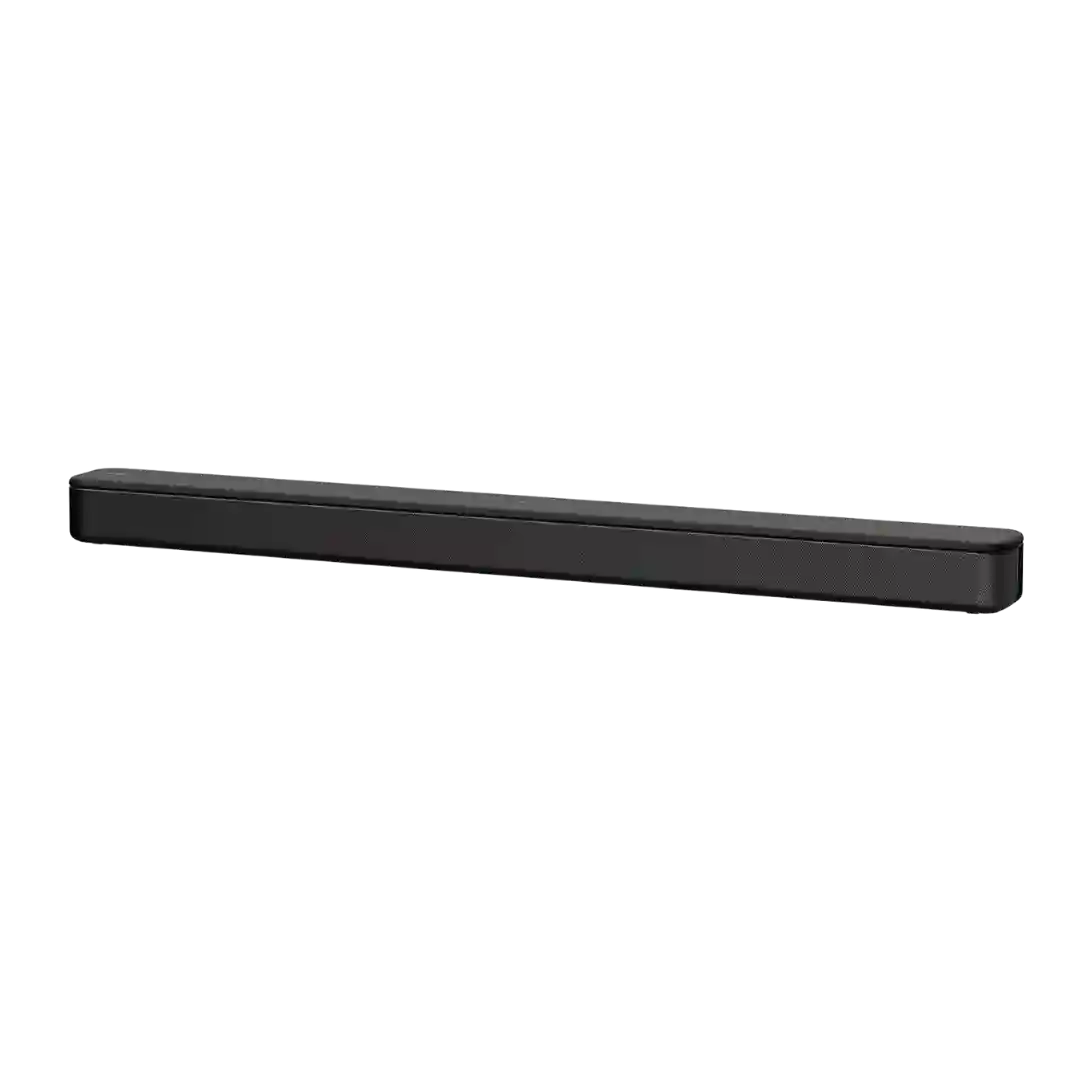
The bar includes usable side-mounted controls, which help for quick adjustments. Still, most reviewers interacted with it primarily through the remote rather than the buttons on the unit.
On-speaker controls are generally straightforward and tactile (play/pause, volume, power, Bluetooth, Auracast); some reviewers also highlight new shortcuts like track navigation and the wired-audio activation via the play button.
Physical controls are mostly clear and responsive, but not perfect. Reviewers generally liked the top-mounted buttons, while some criticized the limited control set or the placement of power and pairing controls on the back.
On-bar controls are intentionally minimal (typically volume and source). Some users appreciate the simplicity, while one reviewer disliked certain button behavior and preferred using the remote/app instead.
On-device controls are simple and mostly intuitive (volume, play/pause, pairing, Auracast), but some advanced features and configuration live in the app.
The control scheme is functional but divisive: buttons themselves feel decent, yet hiding them behind the grille and using awkward battery shortcuts hurts usability.
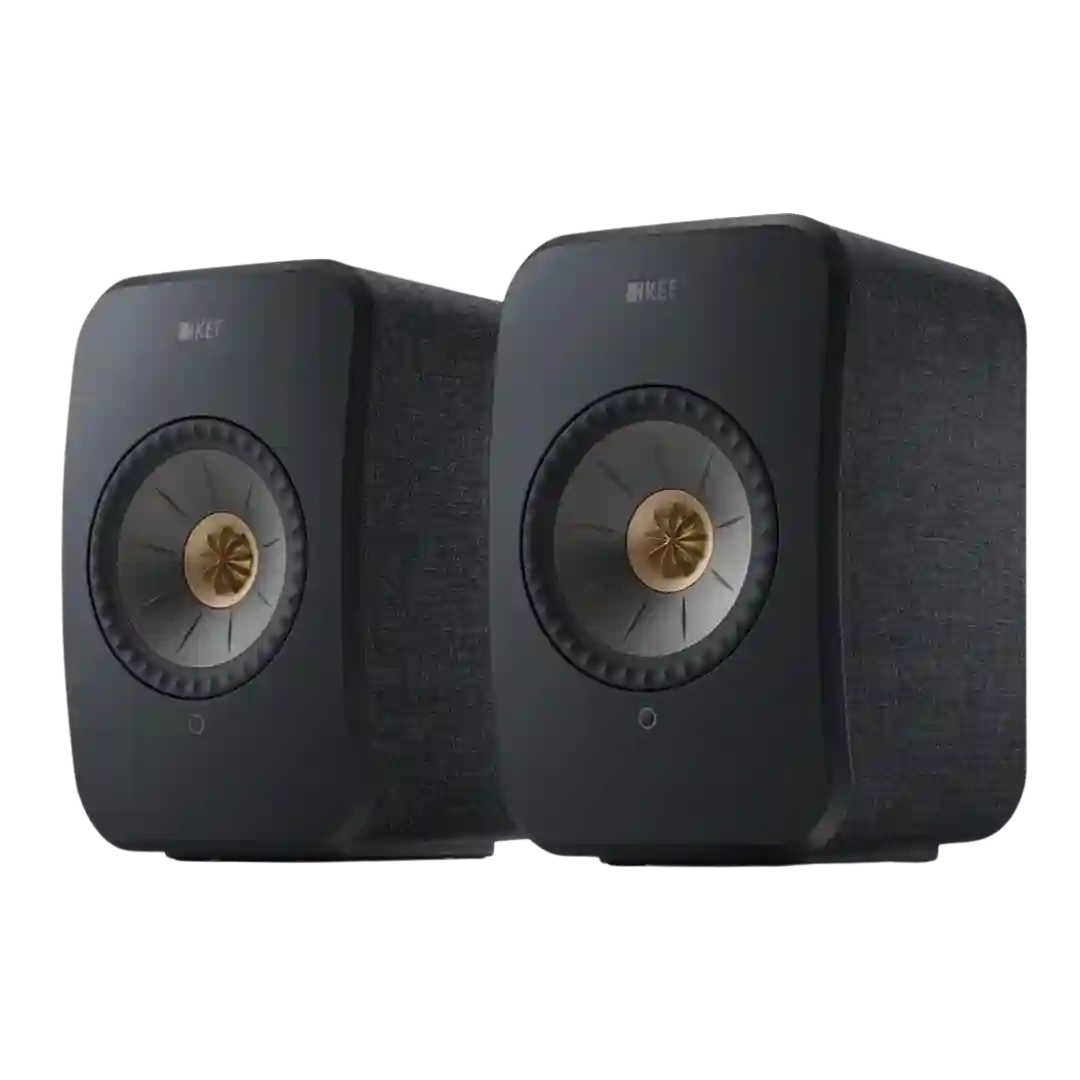
Physical on-speaker control is a weak spot. At least one review specifically criticized the lack of direct controls, reinforcing how app-dependent the system feels.