Best for palm grip comfort
Razer Basilisk Mobile
4.7 feature score
Highest scored product for this feature based on supporting review evidence.
Highest scored product for this feature based on supporting review evidence.
Balances feature score, supporting reviews, and overall product strength.
Has the broadest review evidence for this feature.
Strongest overall product among items with scored evidence for this feature.
Showing Razer only. Switch back to all brands anytime.
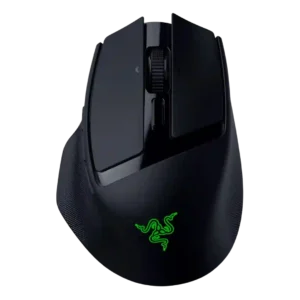
Palm grip comfort was strong for reviewers whose hands matched the smaller body and supported rear hump.
Pros: ecosystem integration, sensor performance
Cons: AI Prompt Master, durability over time
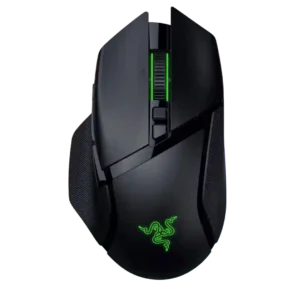
Palm grip comfort is a major strength, with multiple reviewers calling it exceptionally comfortable or clearly palm-oriented.
Pros: programmable buttons, Bluetooth support
Cons: handedness options, firmware reliability
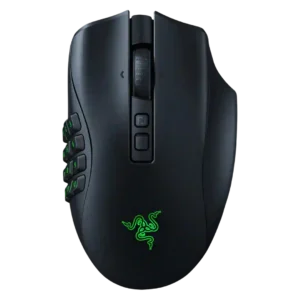
Palm grip comfort is consistently stronger than claw or fingertip support because of the large ergonomic shell.
Pros: click latency, switch durability
Cons: handedness options, weight
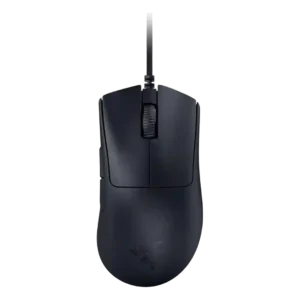
Palm grip comfort was a major positive, especially for medium-to-large or larger hands using the high ergonomic hump.
Pros: battery life, charging convenience
Cons: weight tuning, handedness options
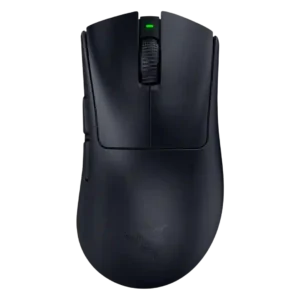
Palm grip comfort is one of the clearest strengths, with the shape repeatedly described as palm-friendly and relaxed.
Pros: Accuracy and tracking precision, sensor performance
Cons: RGB features, dock compatibility
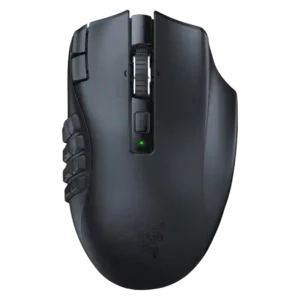
Palm grip comfort is strong, with evidence that the hump and thumb placement fit palm users especially well.
Pros: DPI range, Accuracy and tracking precision
Cons: handedness options, cable flexibility
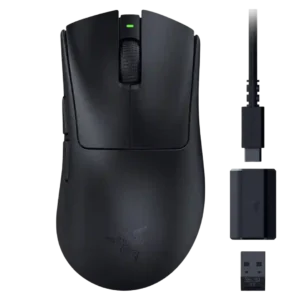
Palm grip comfort is broadly good for small-to-medium hands, though some larger-hand reviewers prefer the bigger DeathAdder V3 Pro.
Pros: click latency, wireless latency
Cons: Bluetooth support, RGB features
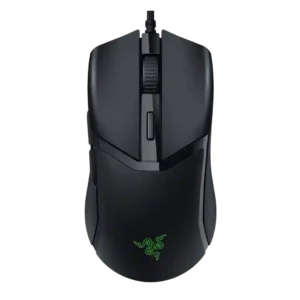
Palm grip comfort is positive in the two reviews that directly tried or named palm grip use.
Pros: switch durability, click latency
Cons: wireless performance, wireless latency
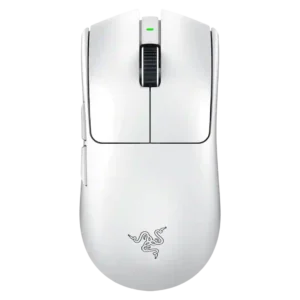
Palm grip comfort is broadly acceptable and sometimes strong, but several reviewers suggest claw grip is the better match and palm comfort can depend on hand size.
Pros: DPI range, weight
Cons: Bluetooth support, RGB features
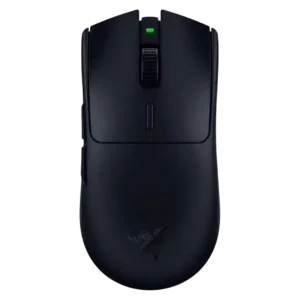
Palm grip comfort improved over older Vipers for many reviewers, but remains hand-size and style dependent.
Pros: DPI range, acceleration control
Cons: RGB features, Bluetooth support
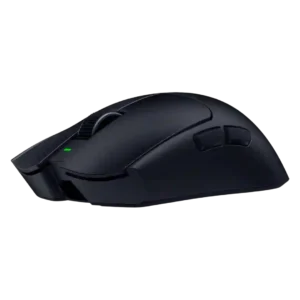
Palm grip comfort was mixed: several reviewers could use it comfortably, but others preferred more ergonomic or vertical shapes.
Pros: balance and weight distribution, build quality
Cons: dock compatibility, Bluetooth support
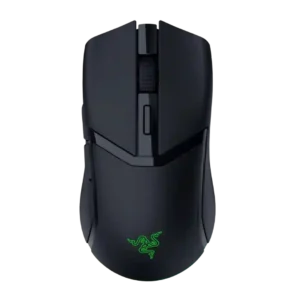
Palm grip comfort is usable but less certain; reviews support all common grips, while large-hand palm users may find the mouse small.
Pros: surface compatibility, switch durability
Cons: click noise, AI Prompt Master
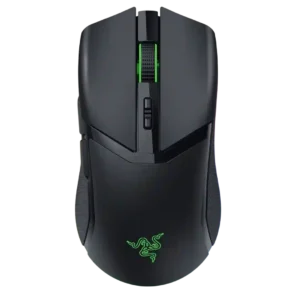
Palm grip comfort is limited to smaller hands; reviewers commonly say claw and fingertip fit better, while palm grip can feel cramped.
Pros: surface compatibility, sensor performance
Cons: tilt gesture controls, MOBA gaming suitability