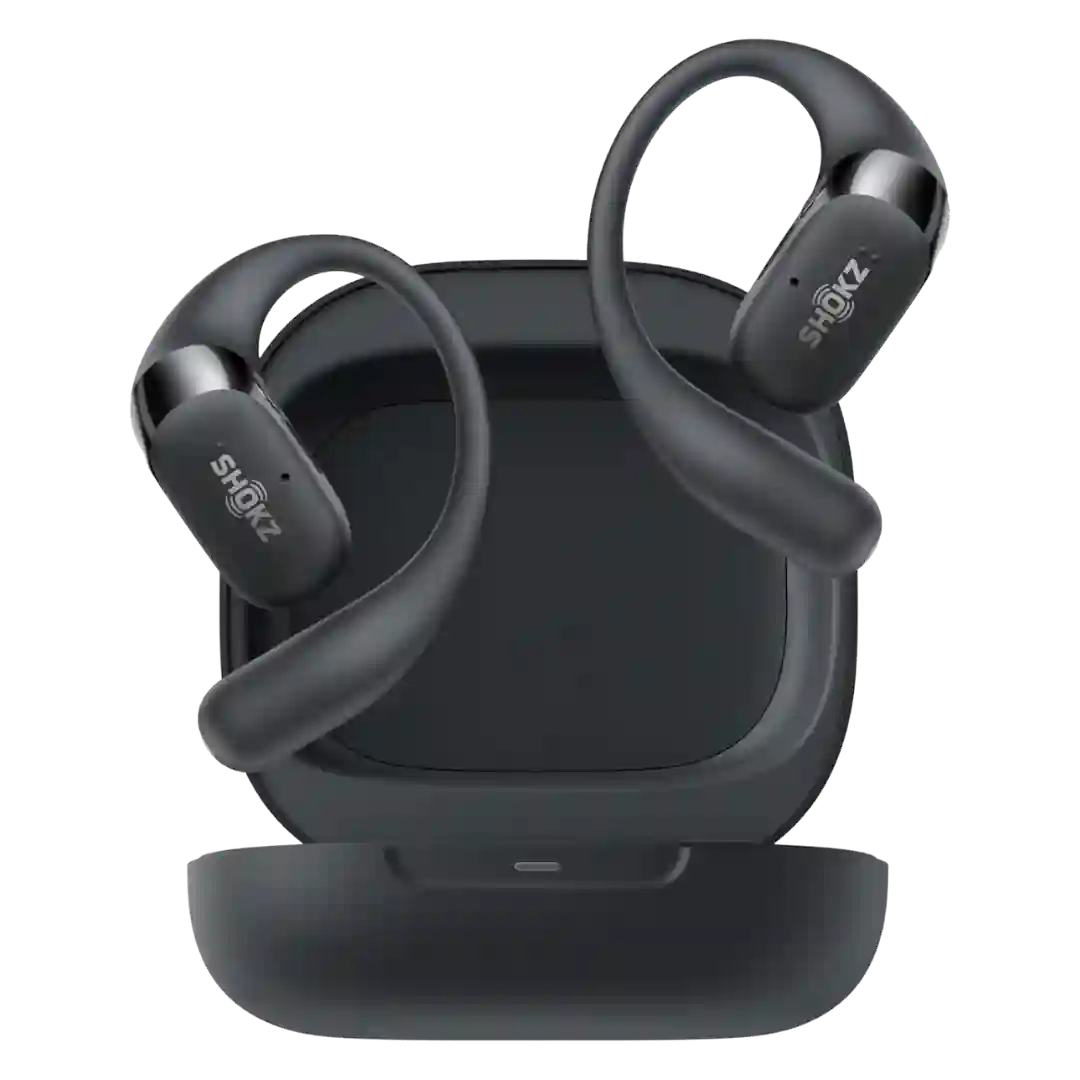
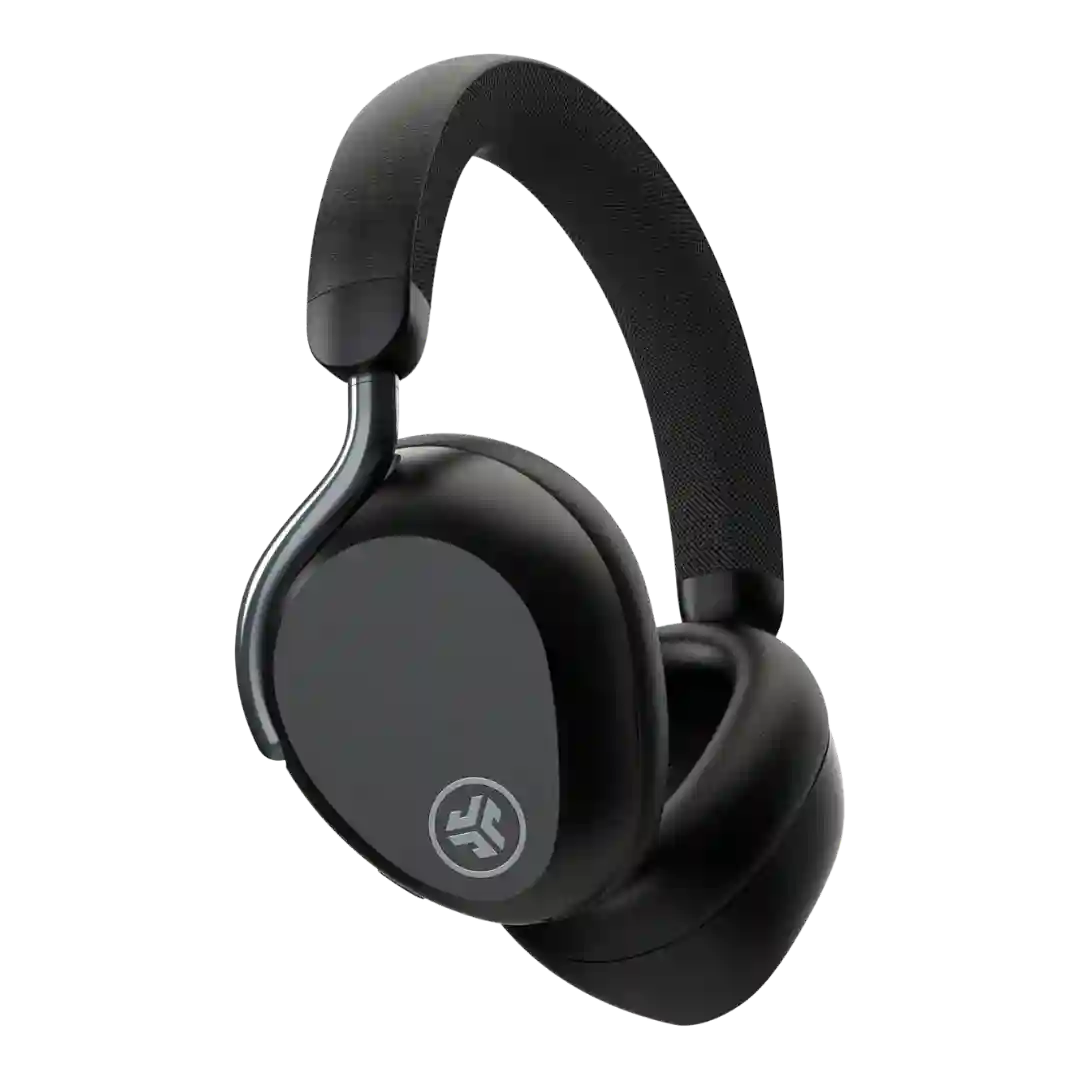
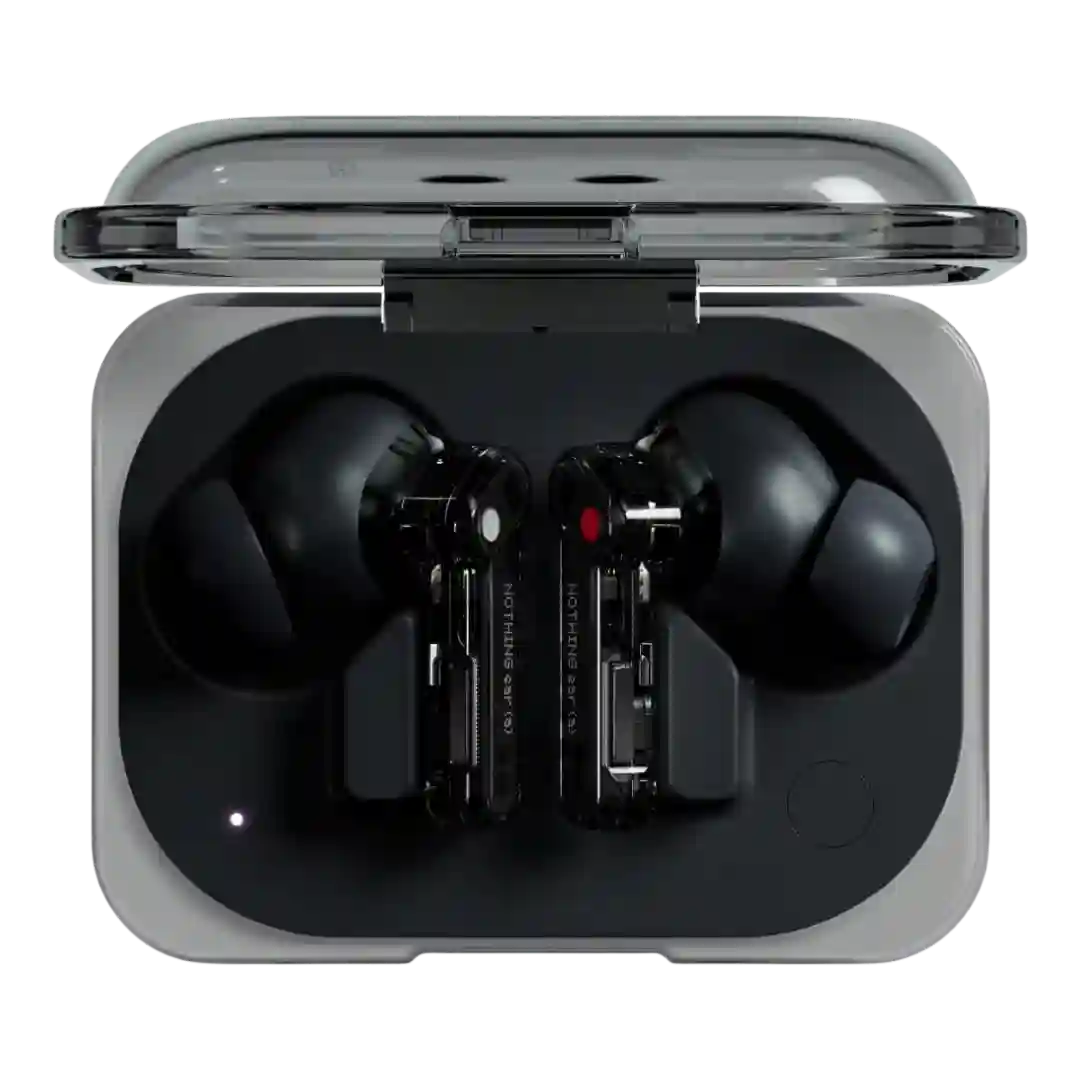
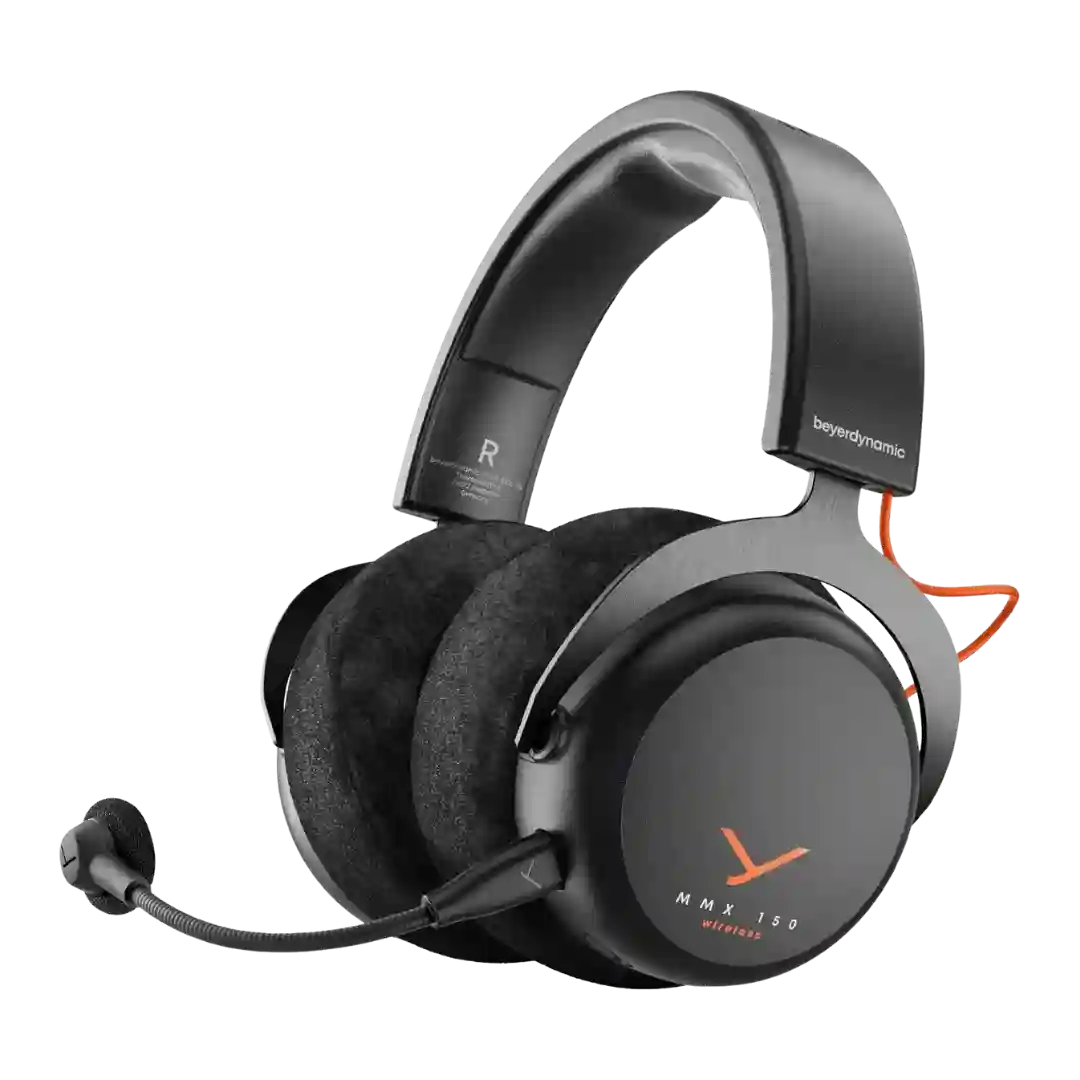
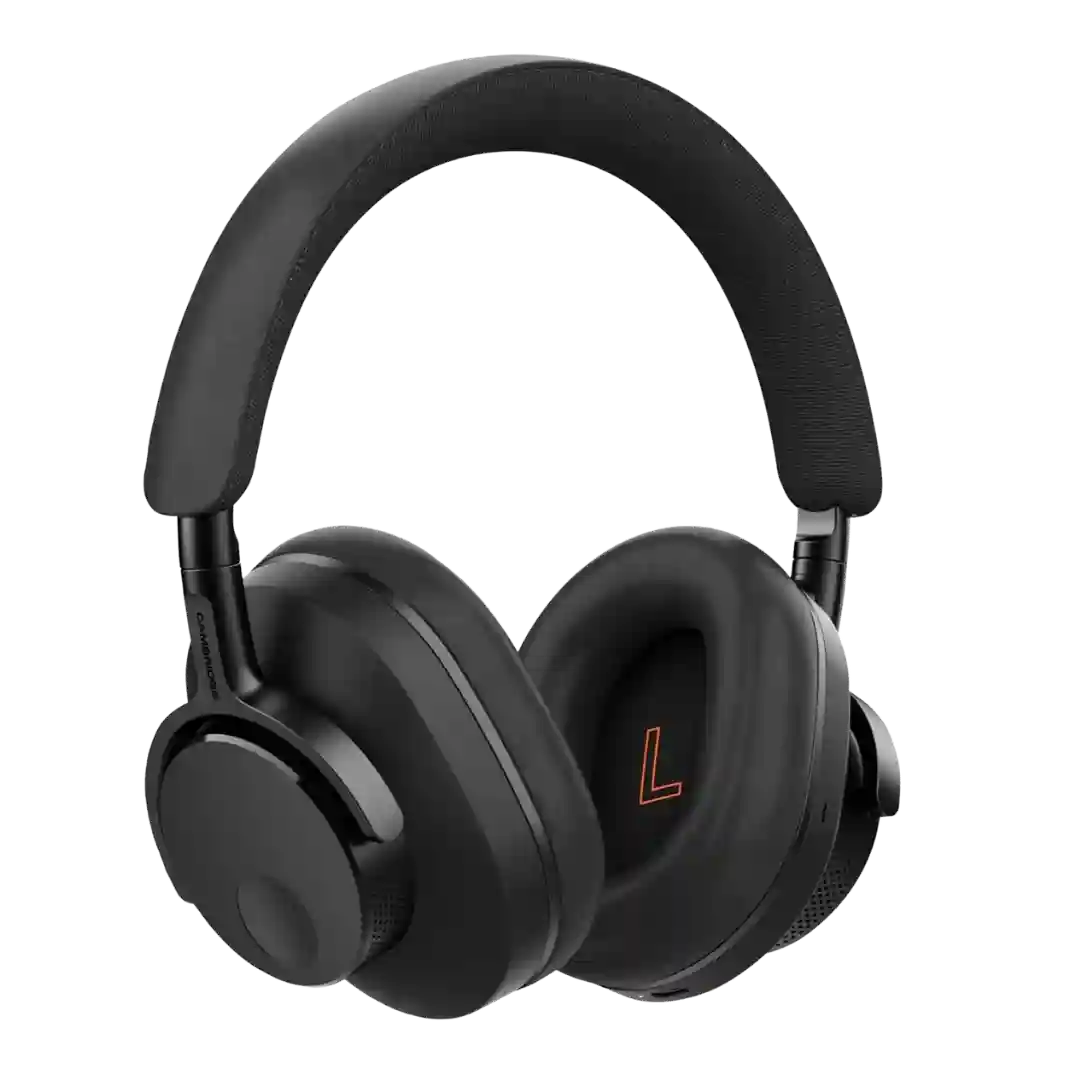
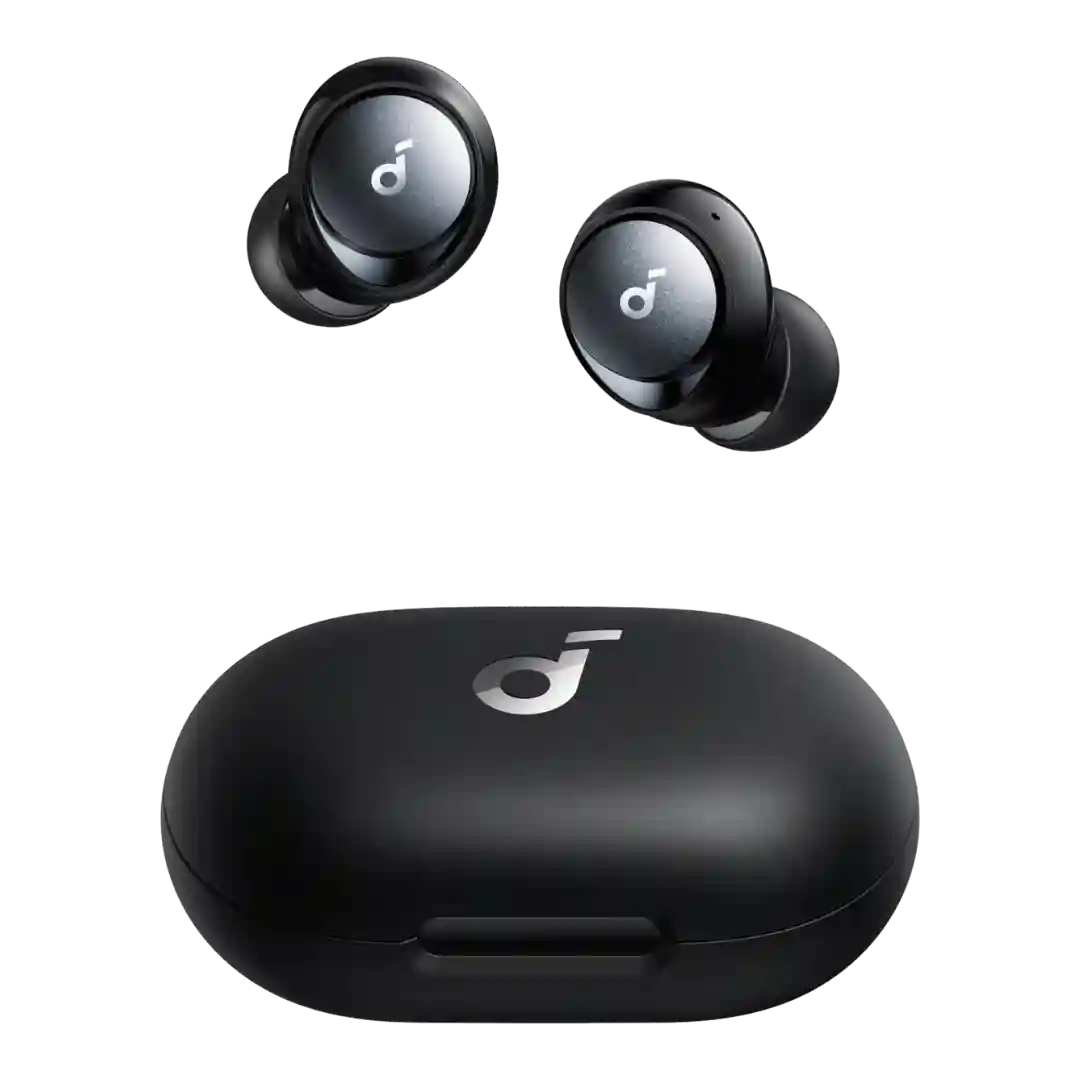
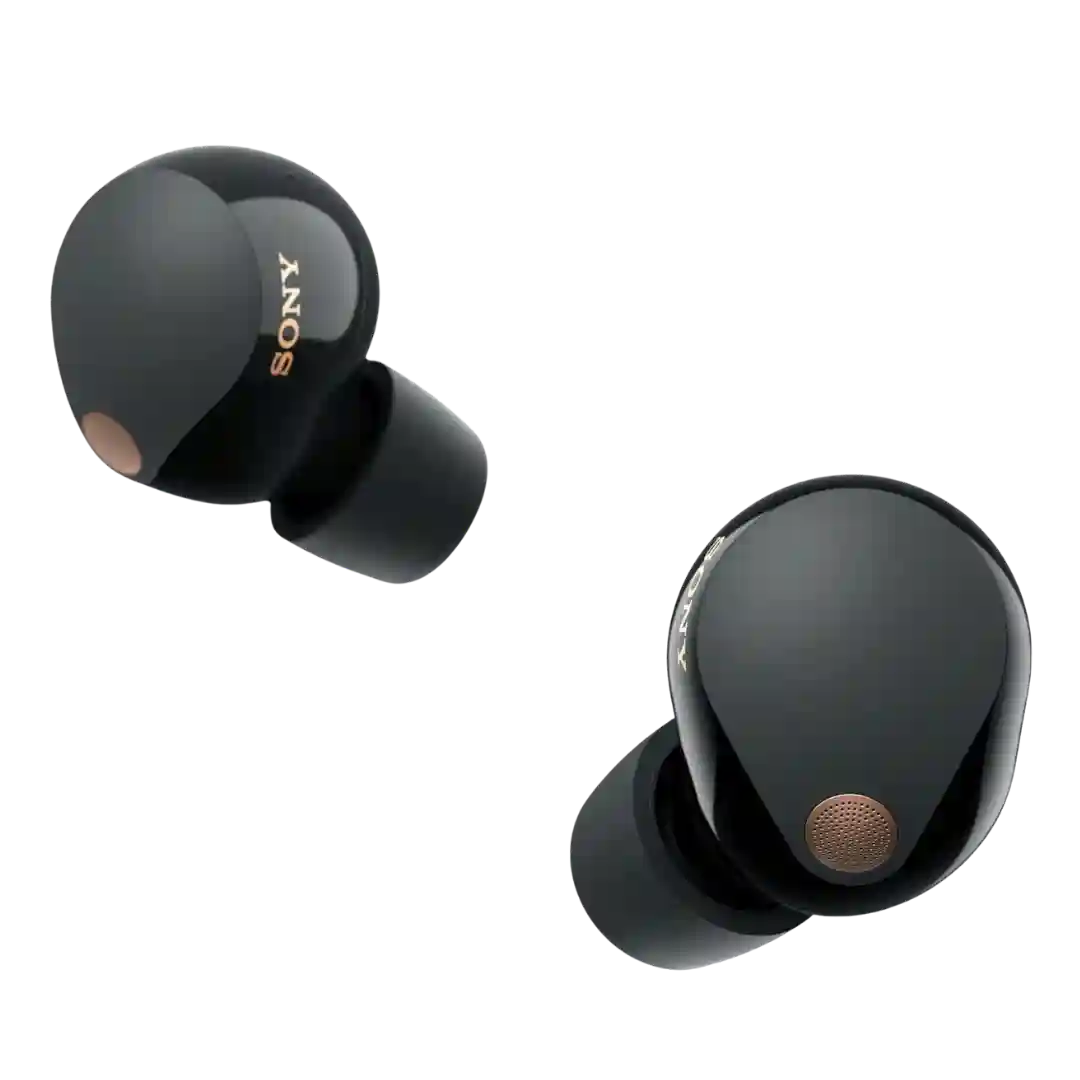
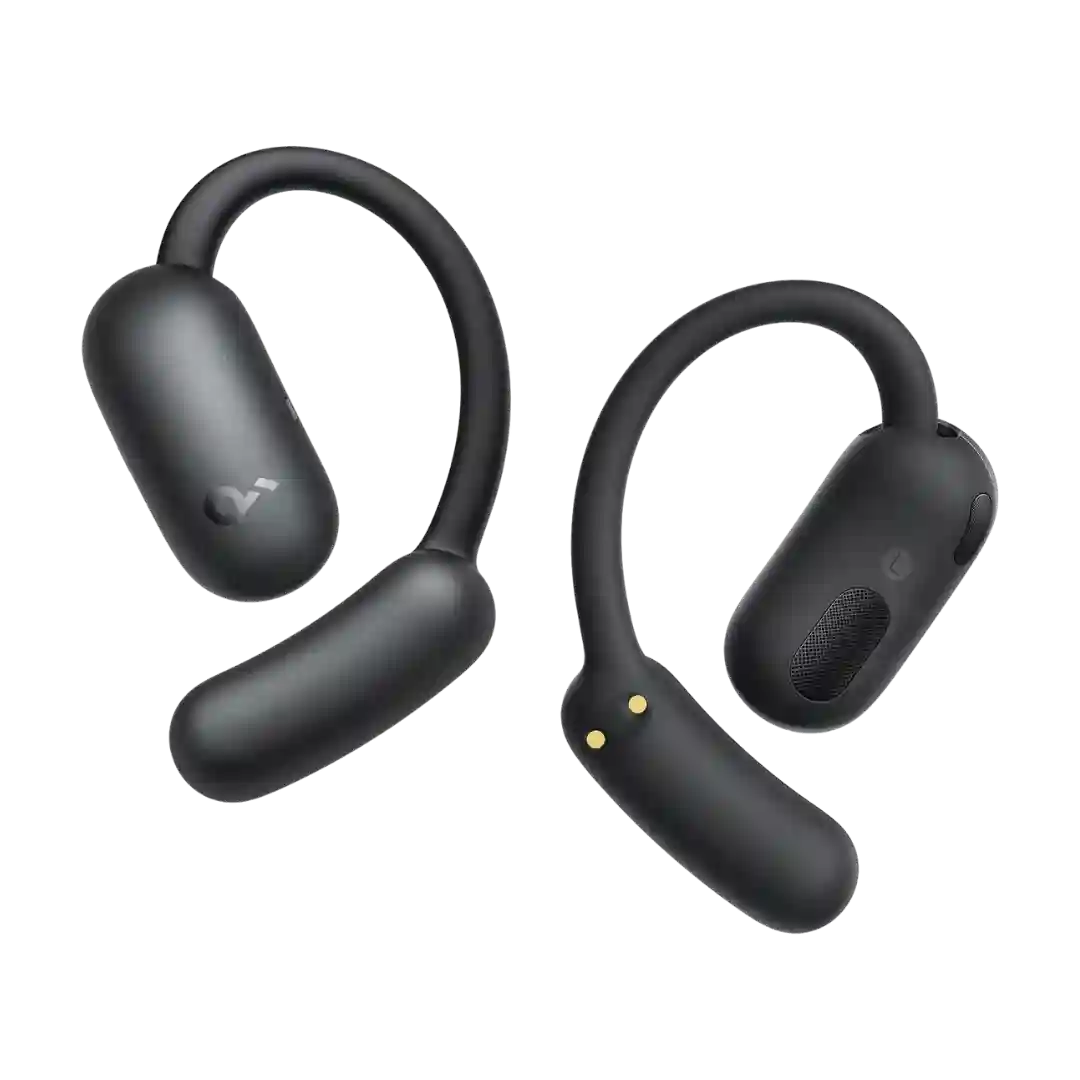
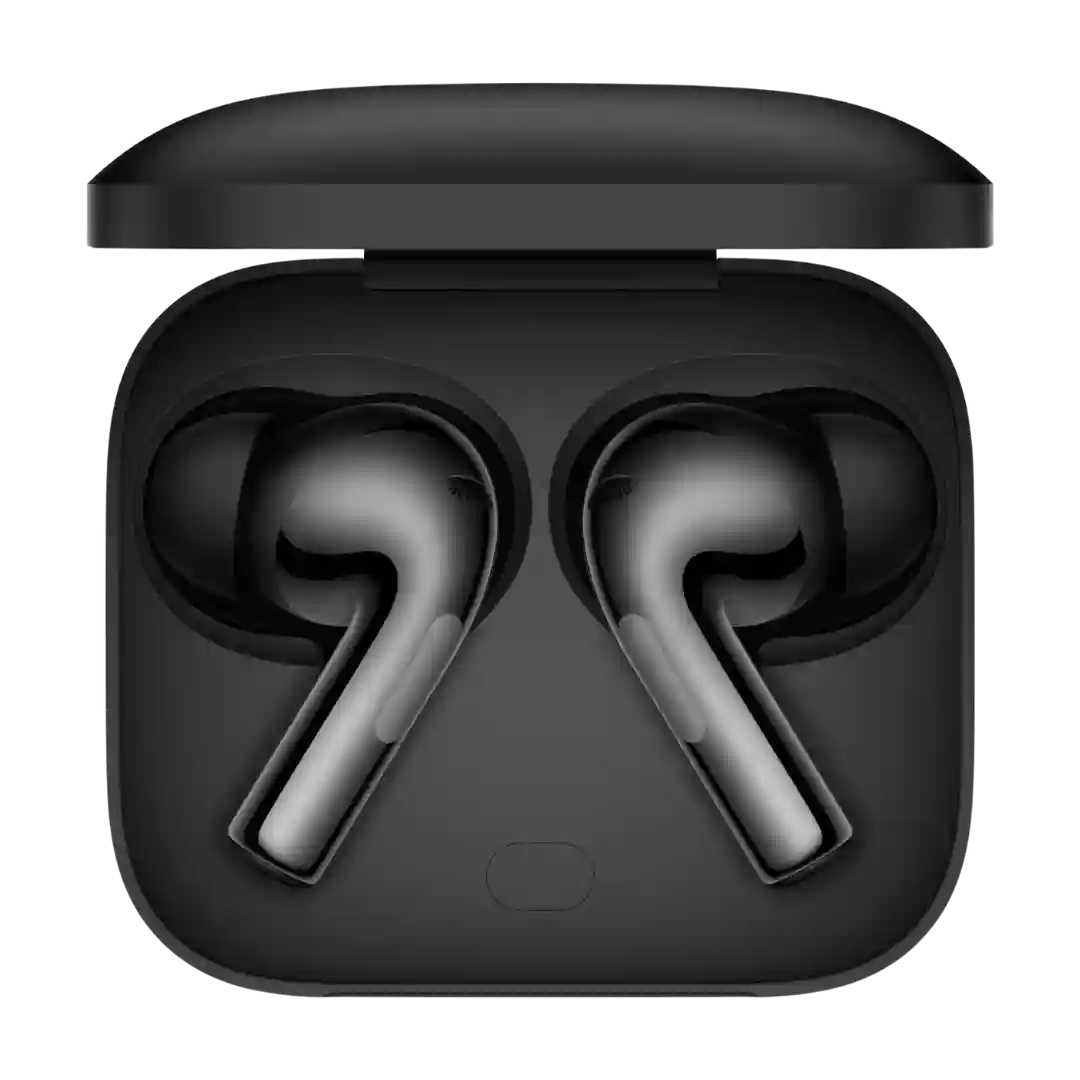
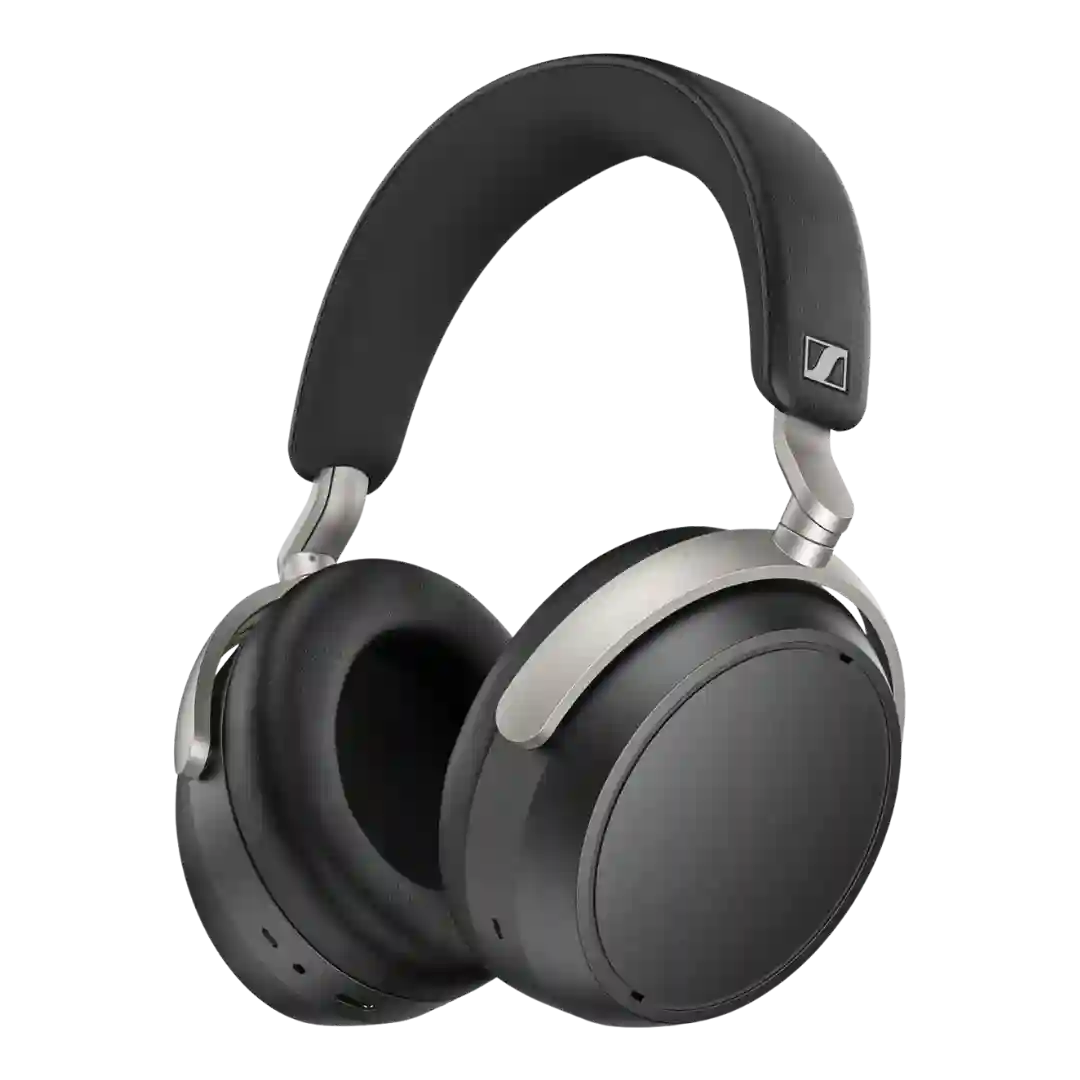
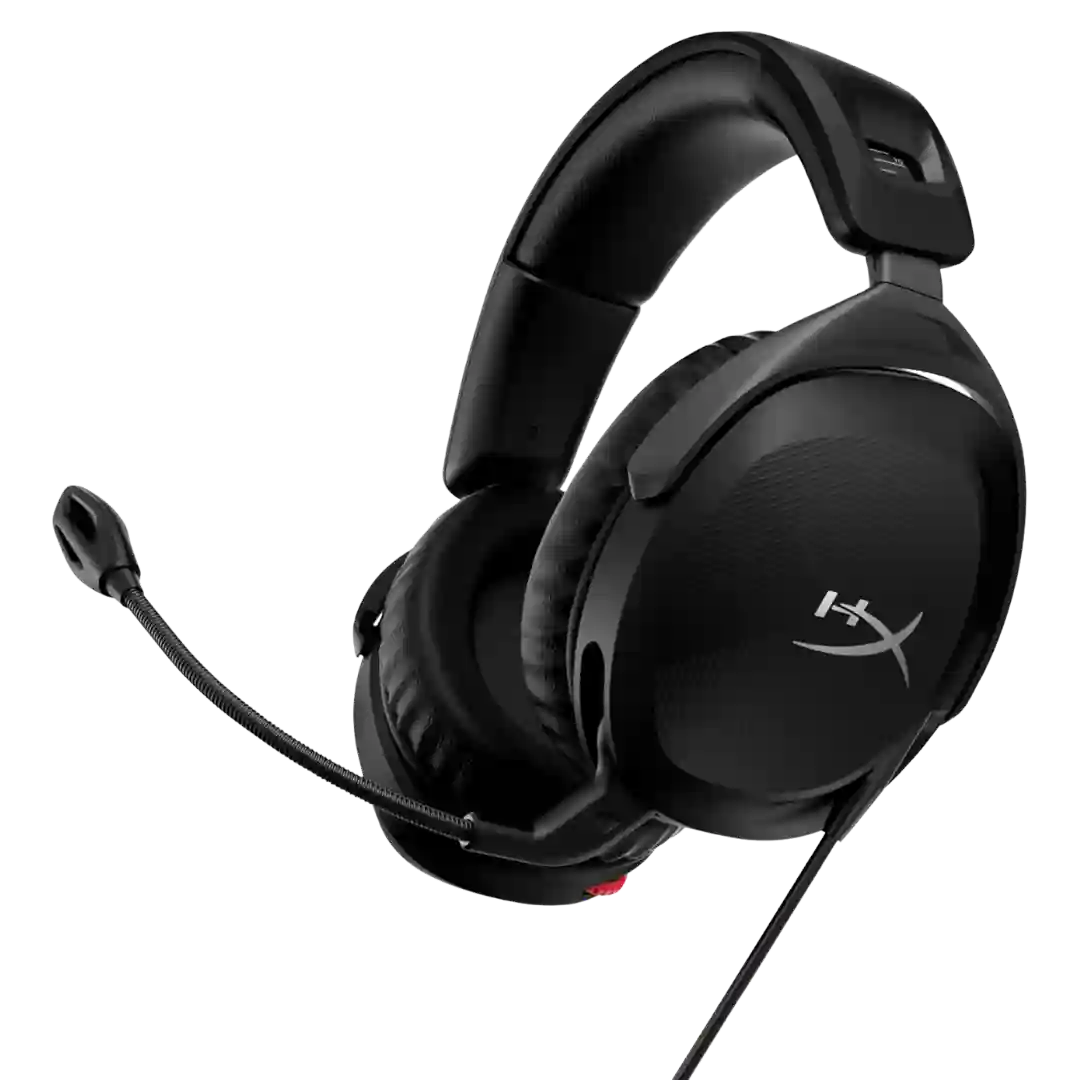
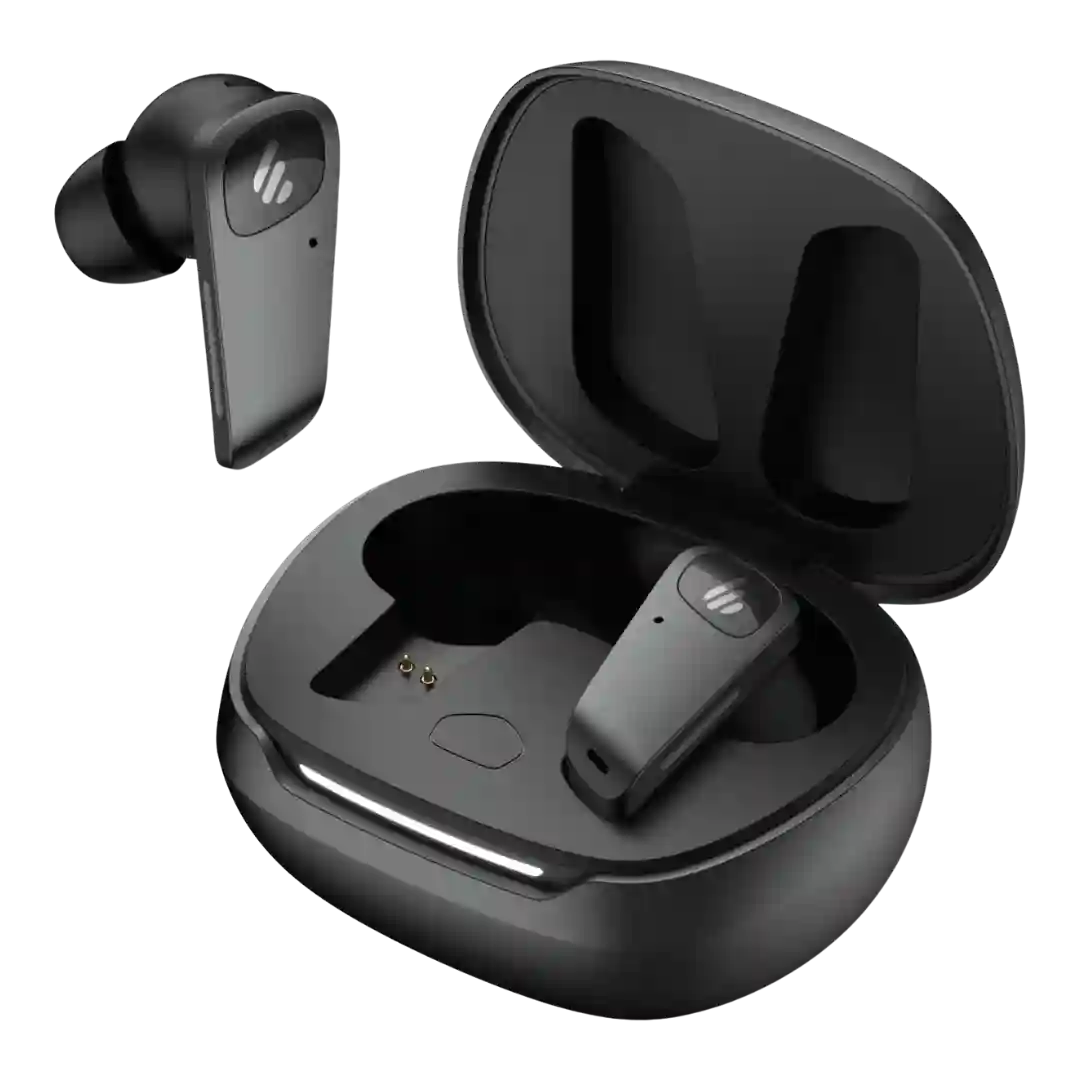
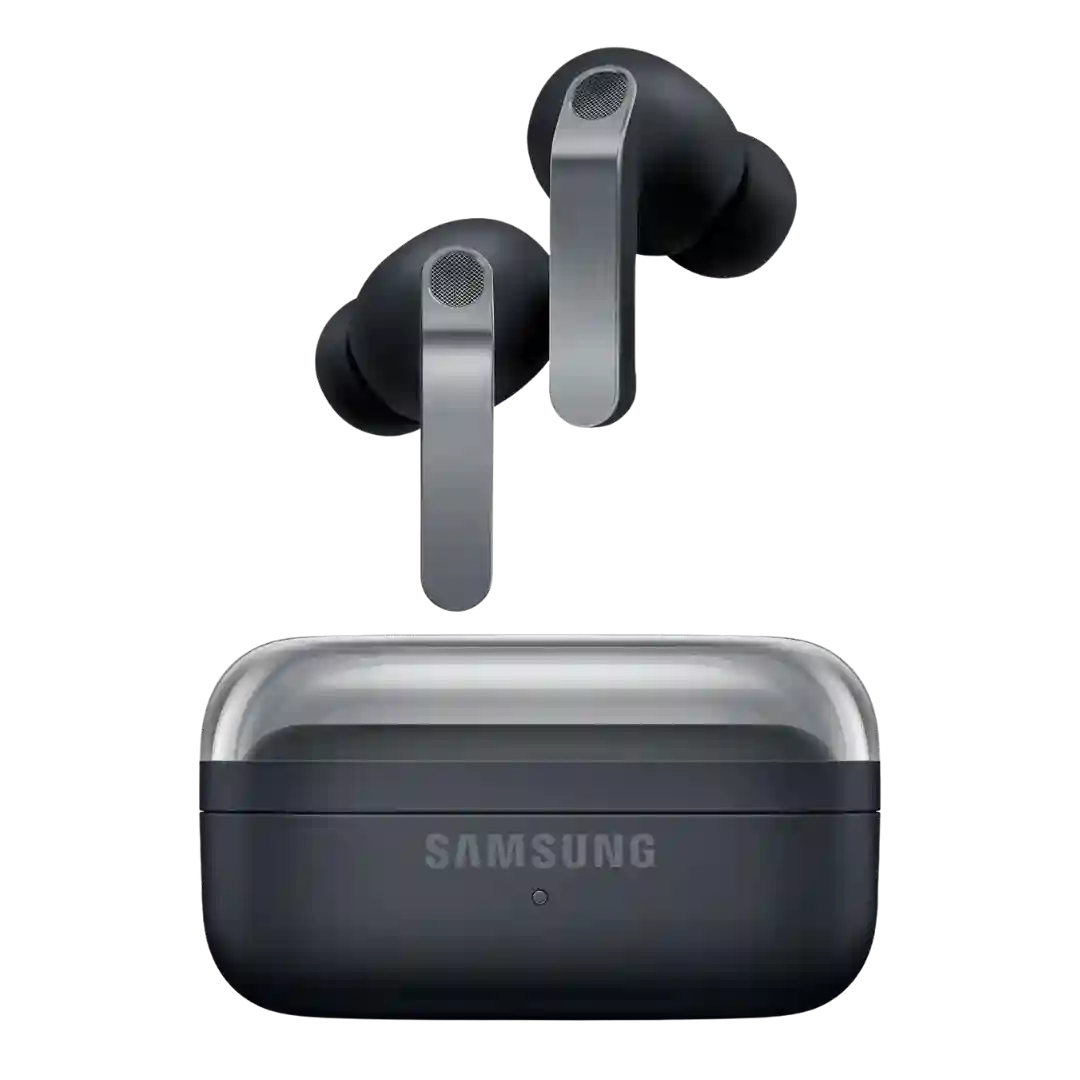
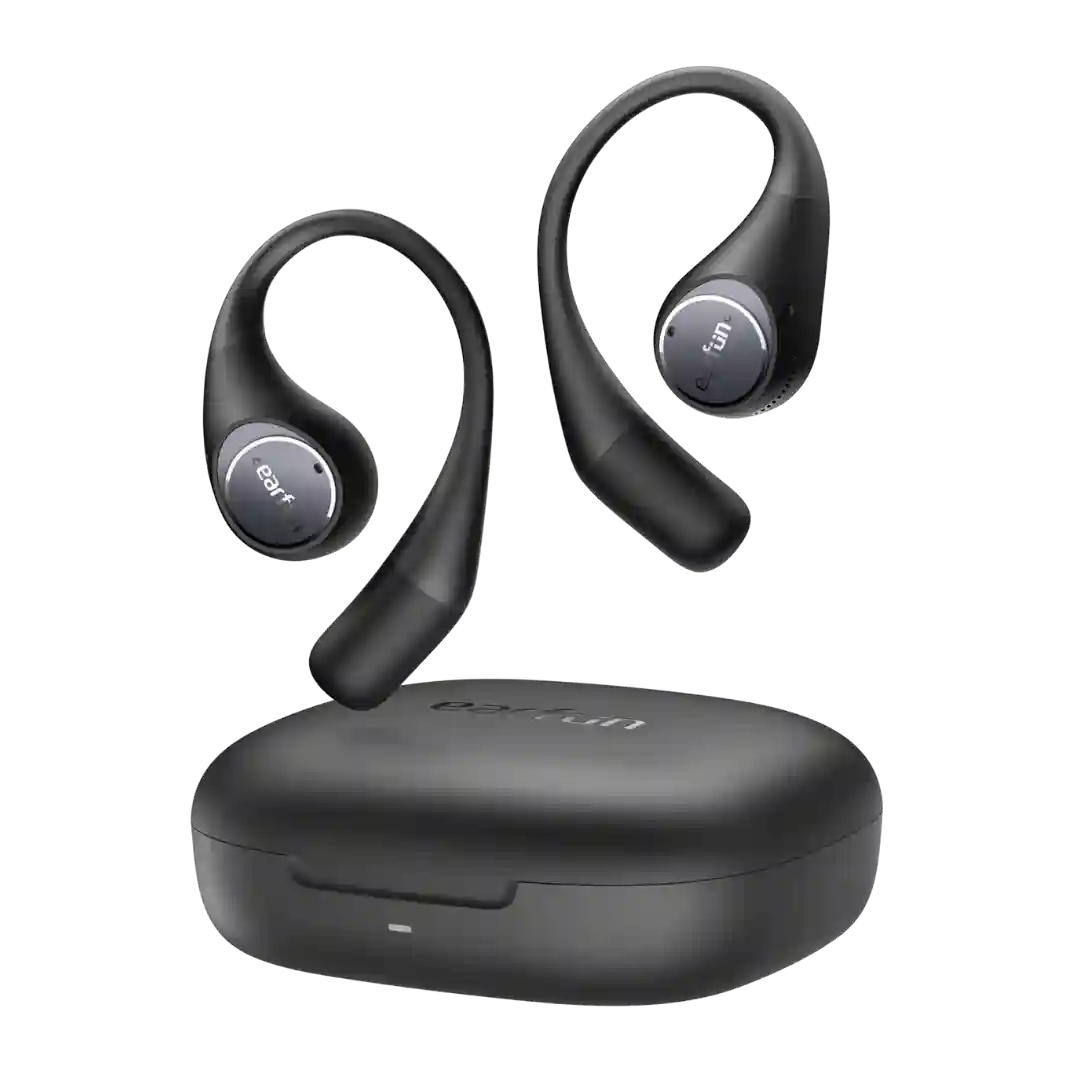
Setup and day-to-day software use are repeatedly described as fast, intuitive, and frustration-free, which helps the earbuds feel polished beyond their price.
Setup is generally described as straightforward and plug-and-play. The main complexity comes from choosing the connection type, since certain functions are reported to depend on USB power and/or the app.
Setup is very easy and plug-and-play friendly. The flip side is that this simplicity comes partly from the lack of companion software and deeper controls.
Setup is widely described as refreshingly simple versus typical gaming-headset software. The flip side is a lean feature set and browser compatibility constraints mentioned by a few reviewers.
Setup and day-to-day operation are usually described as straightforward, aided by physical buttons, simple pairing, and an app that covers the essentials without forcing account creation in at least one review.
Setup and daily use are frequently described as effortless for Apple owners thanks to Magic Pairing and automatic switching. The convenience advantage diminishes on non-Apple devices where features and updates are harder to access.
Setup and customization are straightforward on Galaxy phones and still manageable on other Android devices through Wearables. The biggest friction comes from Galaxy-only options rather than a confusing interface.
Setup is usually straightforward, and firmware updates address some early quirks; most reviewers describe smooth pairing and daily use. A minority report pairing oddities, platform glitches, or UI annoyances that prevent a flawless experience.
Setup is generally easy, with quick pairing and a straightforward app experience. Firmware updates and feature rollouts are occasionally cited as timing-dependent.
Pairing and onboarding are usually straightforward, especially with platform quick-pair features, though app sign-in and tutorials add friction for some.
Setup is repeatedly described as effortless inside the Apple ecosystem with quick pairing and easy mode toggles. A few reviewers still call out certain controls as buried or unintuitive in iOS, especially for advanced audio routing.
Setup is straightforward and the app layout is easy to navigate, but some reviewers note missing premium conveniences like adaptive ANC behavior or deeper device management.
Setup and software are usually described as straightforward, but there are a few reports of pairing or sensor quirks that may require firmware updates or re-pairing.
Setup is generally easy with quick pairing, but the feature set can feel dense; most reviewers suggest using the app to configure controls, codecs, and listening modes early.
Setup is usually straightforward (especially with a case pairing button and guided app flow), though sign-ins, UI complexity, or occasional software hiccups can add friction.
Setup is mostly straightforward once the headset is in the right mode, especially over the dongle. A few reviewers still ran into avoidable confusion around Bluetooth versus Lightspeed behavior on PC.
Setup is usually straightforward, helped by quick pairing and clear in-app controls, but some reviewers find the interface non-intuitive or note feature lock-in outside Samsung.
Setup is usually straightforward with Fast Pair on Android, but a few reviewers report slower pairing or extra friction when installing/using HeyMelody on non-OnePlus phones.
Setup is usually straightforward, but dongle pairing steps and occasional app quirks can add friction. Some advanced features require extra steps (like enabling specific audio modes) depending on device.
Setup was usually easy, but the overall experience ranged from true plug-and-play convenience to limited software flexibility depending on model and platform.
Setup is not difficult, but one review noted a small learning curve because some controls moved from the old app-centered flow into Samsung's system settings.