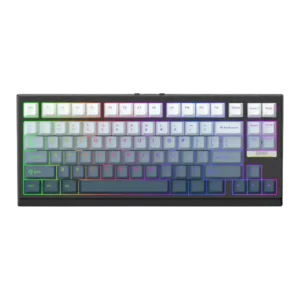
Macro customization was praised where discussed, especially the ability to fully customize layout functions through VIA.
Pros: desk space efficiency, layout options
Cons: compatibility
Macro customization was praised where discussed, especially the ability to fully customize layout functions through VIA.
Pros: desk space efficiency, layout options
Cons: compatibility
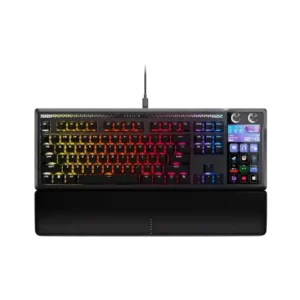
Macro customization is the star feature, with Stream Deck keys, profiles, pages, plugins, and multi-actions offering a huge amount of control. Streamers, creators, sim players, and productivity users get the...
Pros: customization options, ease of switch replacement
Cons: reliability, analog input support
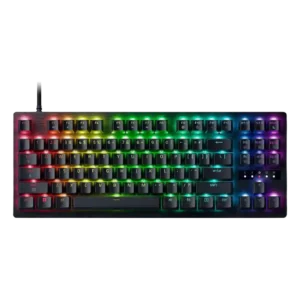
Key assignment depth is strong, including multi-action inputs and dual-step behavior that let players map more than one action to a keypress.
Pros: polling rate, RGB customization
Cons: key stability, typing comfort
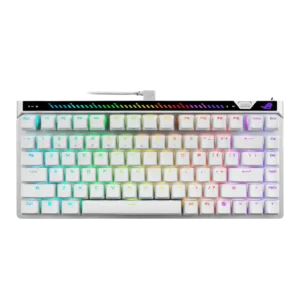
Macro customization was supported by Gear Link's settings coverage, including macros and reliable browser-based configuration.
Pros: key responsiveness, latency
Cons: analog input support, wrist rest quality
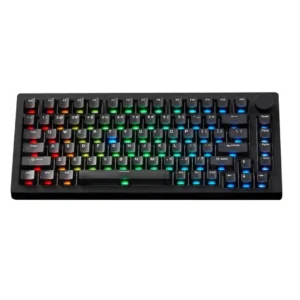
Macro customization is supported through VIA or web software and generally viewed as a useful plus, though most reviewers mention it briefly.
Pros: switch options, hot-swappable switches
Cons: portability, cable quality
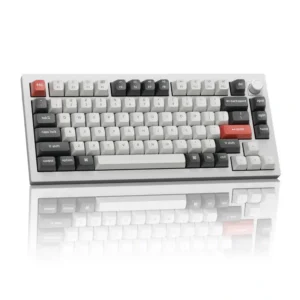
Macros are easy to create in Launcher, but mouse clicks are not captured automatically and must be inserted manually.
Pros: legend visibility, RGB customization
Cons: actuation consistency, rapid trigger support
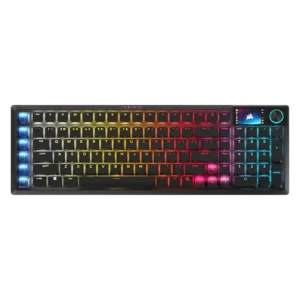
The six SD keys can launch apps, run macros, control media, and access Stream Deck plugins. They are powerful for creators, though separate software, static legends, and occasional persistence issues...
Pros: key stability, stabilizer quality
Cons: analog input support, rapid trigger support
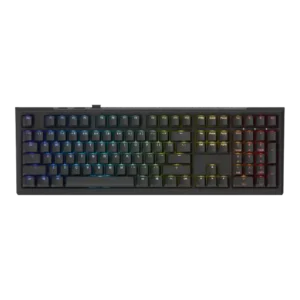
Macro customization was praised in a few reviews for macro support and assigning keys, but one reviewer found multi-point or macro setup confusing.
Pros: typing feel, key stability
Cons: profile management, wrist rest quality