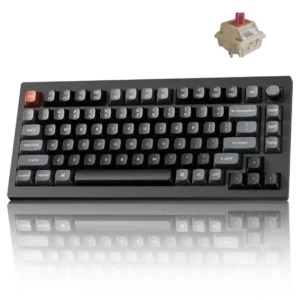
Changes made in the launcher are stored on the keyboard, allowing remaps, lighting, and other settings to carry across devices and connection modes.
Pros: key responsiveness, actuation consistency
Cons: rapid trigger support, analog input support
Changes made in the launcher are stored on the keyboard, allowing remaps, lighting, and other settings to carry across devices and connection modes.
Pros: key responsiveness, actuation consistency
Cons: rapid trigger support, analog input support
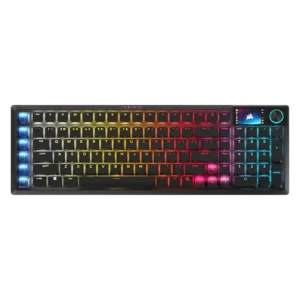
Onboard storage preserves key assignments, lighting, and at least one hardware profile, making configured settings portable across computers and consoles.
Pros: key stability, stabilizer quality
Cons: analog input support, rapid trigger support
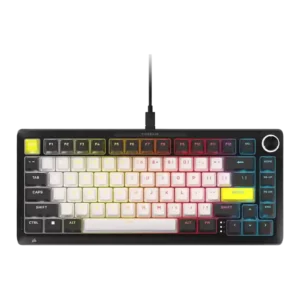
One review praised retained settings through onboard profiles, giving the keyboard useful standalone configuration behavior.
Pros: per-key lighting control, durability
Cons: portability, noise level
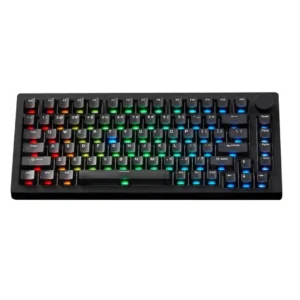
Onboard memory is praised for preserving settings across computers without making PC changes an issue.
Pros: switch options, hot-swappable switches
Cons: portability, cable quality
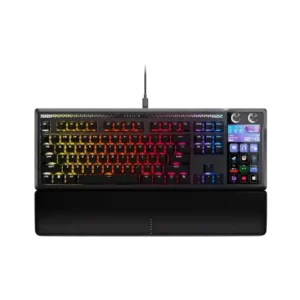
Onboard memory helps the keyboard retain settings and offer useful hardware modes without the full Stream Deck app running. It makes the board more usable on secondary or managed computers.
Pros: customization options, ease of switch replacement
Cons: reliability, analog input support
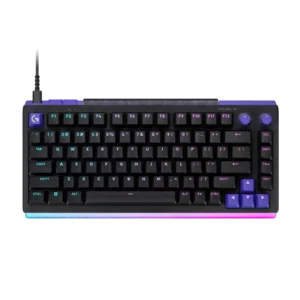
Three onboard profile layers are useful, but one reviewer found that advanced functions still depend heavily on G Hub running, limiting true hardware independence.
Pros: latency, RGB customization
Cons: actuation consistency, connectivity
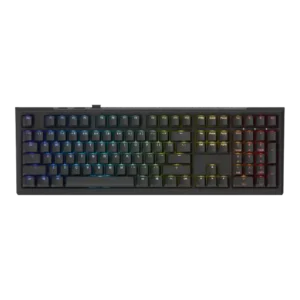
Onboard memory evidence was split: one reviewer praised saved macros/settings, while another criticized the absence of onboard profiles.
Pros: typing feel, key stability
Cons: profile management, wrist rest quality