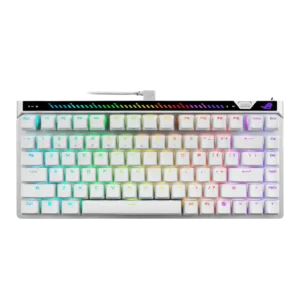
Ergonomics were mostly praised, but the rear touchbar placement was criticized as awkward by one reviewer.
Pros: key responsiveness, latency
Cons: analog input support, wrist rest quality
Ergonomics were mostly praised, but the rear touchbar placement was criticized as awkward by one reviewer.
Pros: key responsiveness, latency
Cons: analog input support, wrist rest quality
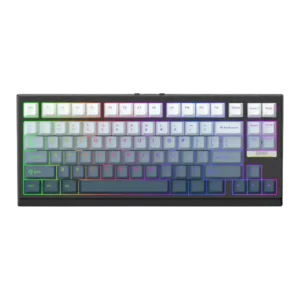
Ergonomics were mixed-to-positive: typing comfort and range were praised, but one reviewer disliked how the slanted front affected wrist-rest placement.
Pros: desk space efficiency, layout options
Cons: compatibility
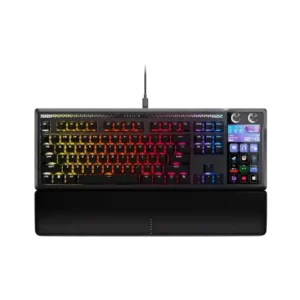
Ergonomics are context-dependent. Some users like having controls closer to their hands, while others find the Stream Deck angle or keyboard legs less comfortable for visibility and reach.
Pros: customization options, ease of switch replacement
Cons: reliability, analog input support
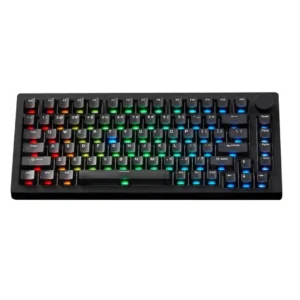
Ergonomics are mixed: the typing angle and slanted case can feel comfortable, but fixed feet, sharp edges, or flatter angles bother some reviewers.
Pros: switch options, hot-swappable switches
Cons: portability, cable quality
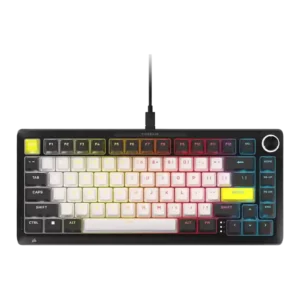
Ergonomic evidence was mixed, with some appreciation for adjustable feet but recurring criticism of stiffness, height, or wrist-angle strain.
Pros: per-key lighting control, durability
Cons: portability, noise level

Comfort is more mixed: the feet help the angle, but the elevated, thick keycaps can make movement and wrist position awkward for typing.
Pros: polling rate, RGB customization
Cons: key stability, typing comfort
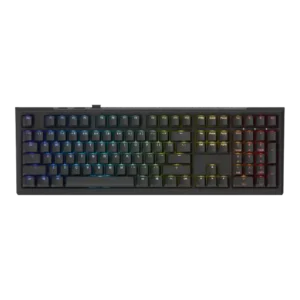
Ergonomics were a concern on taller or full-size versions, with reviewers noting finger strain, missing wrist-rest support, or the need to supply their own rest.
Pros: typing feel, key stability
Cons: profile management, wrist rest quality