Best for ergonomics
Razer Huntsman V3 Pro
5.0 feature score
Highest scored product for this feature based on supporting review evidence.
Highest scored product for this feature based on supporting review evidence.
Balances feature score, supporting reviews, and overall product strength.
Has the broadest review evidence for this feature.
Strongest overall product among items with scored evidence for this feature.
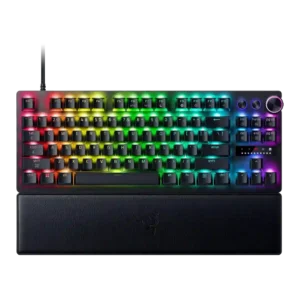
Ergonomics were praised in one 8K review for comfortable spacing, angle, and low-strain long sessions.
Pros: key responsiveness, actuation consistency
Cons: switch options, hot-swappable switches
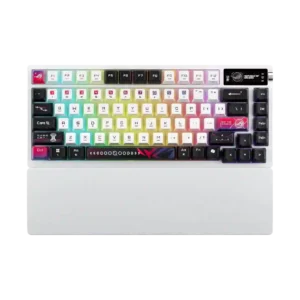
Ergonomics were positive where covered, mainly due to the wrist rest and FR4/typing changes that improved comfort.
Pros: latency, wireless performance
Cons: rapid trigger support, analog input support
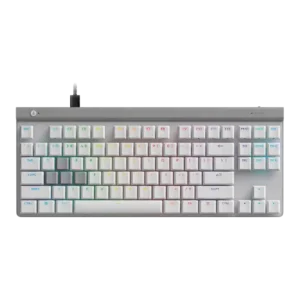
Ergonomics were praised for the low height, adjustable feet, relaxed hand position, and reduced strain over longer sessions.
Pros: key responsiveness, ergonomics
Cons: wireless performance, volume control
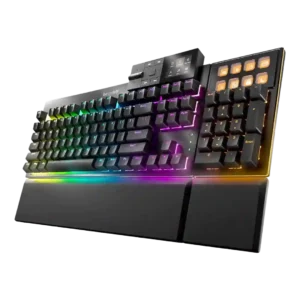
Ergonomics were generally positive thanks to angle adjustment, wrist rests, modular positioning, and reduced reach, though magnetic feet had some robustness caveats.
Pros: key stability, per-key lighting control
Cons: analog input support, wireless performance
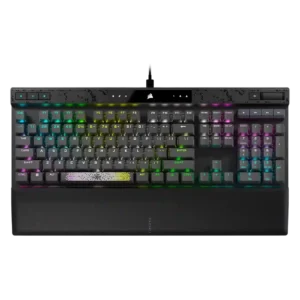
Ergonomics were generally helped by the desk stability, soft palm rest, and incline, though the evidence focused on comfort rather than compactness.
Pros: reliability, key responsiveness
Cons: desk space efficiency, wireless performance
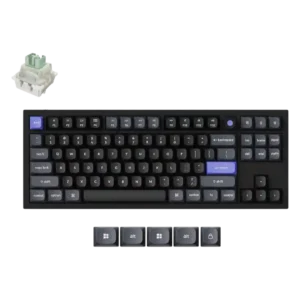
The keycap shaping was praised for creating a more ergonomic feel.
Pros: key responsiveness, polling rate
Cons: switch options, portability
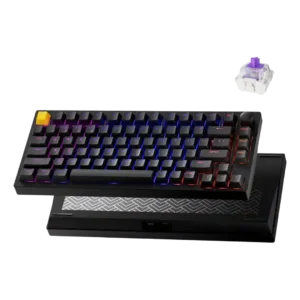
Ergonomics were supported by the lighter switches reducing hand fatigue during use.
Pros: frame rigidity, stabilizer quality
Cons: per-key lighting control, RGB customization
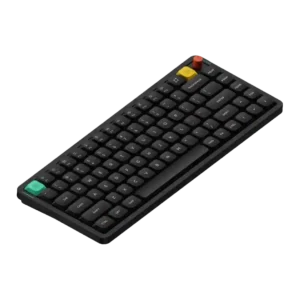
Ergonomics scored well through finger-guiding keycaps, adjustable typing angles, and low-profile comfort for faster typing.
Pros: key responsiveness, typing feel
Cons: per-key lighting control, legend visibility
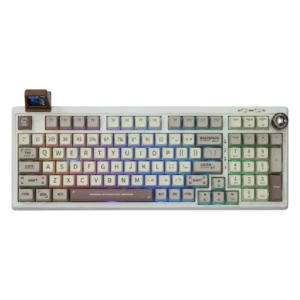
Ergonomics are generally positive due to soft mounting, comfortable key profiles, typing angle choices, and carpal-tunnel-friendly spacing in one review.
Pros: noise level, acoustics
Cons: rapid trigger support, actuation consistency
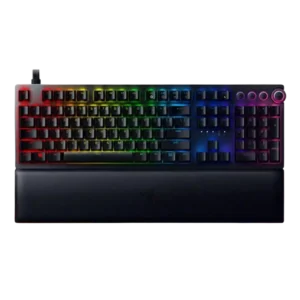
Ergonomics were generally helped by the plush wrist rest and support during long sessions, but one reviewer warned the tall keyboard makes the rest nearly necessary.
Pros: per-key lighting control, wrist rest quality
Cons: polling rate, portability
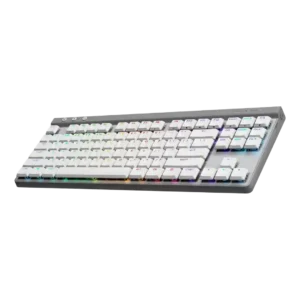
Most ergonomic comments were positive, citing the low profile, usable tilt options, and comfortable angles for typing without a wrist rest.
Pros: latency, wireless performance
Cons: rapid trigger support, ease of switch replacement
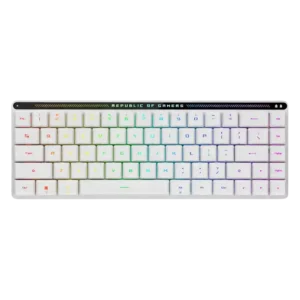
Ergonomics are mostly positive thanks to comfort, height options, and low fatigue, though one reviewer found the stock height very low.
Pros: reliability, typing comfort
Cons: cable quality, wrist rest quality

Ergonomics were positive where reviewers mentioned the typing angle and a wrist position that felt more natural with the setup.
Pros: key stability, frame rigidity
Cons: portability, switch options
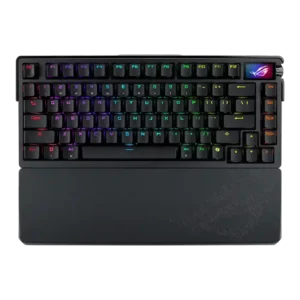
Ergonomics were praised for wrist-rest comfort, softer typing options, and comfortable key spacing, though not every ergonomic element was universally loved.
Pros: key spacing, reliability
Cons: rapid trigger support, analog input support
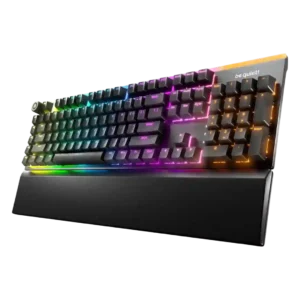
Ergonomics are mostly positive due to adjustable feet and a comfortable magnetic wrist rest, with one reviewer wanting a thicker rest.
Pros: ease of switch replacement, acoustics
Cons: rapid trigger support, analog input support
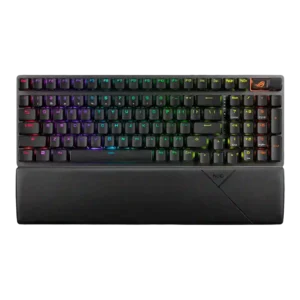
Ergonomics are generally positive thanks to the wrist rest, adjustable angle, and typing comfort, with few direct complaints.
Pros: per-key lighting control, wireless performance
Cons: rapid trigger support, analog input support
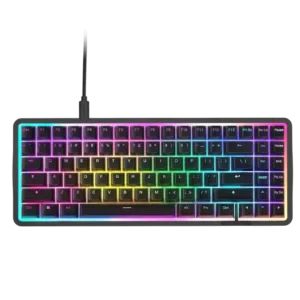
Ergonomics were generally praised for stability, grip, tilt options, and comfortable wrist positioning, though missing accessories limited comfort for some.
Pros: latency, acoustics
Cons: passthrough features, wireless performance
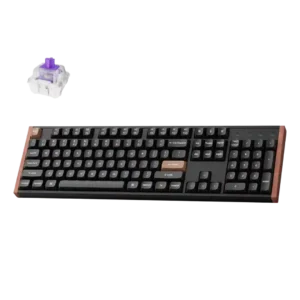
Ergonomics were received positively through comfortable typing angle, adjustable height, and comfort-in-hand comments.
Pros: wireless performance, key responsiveness
Cons: switch options, desk space efficiency
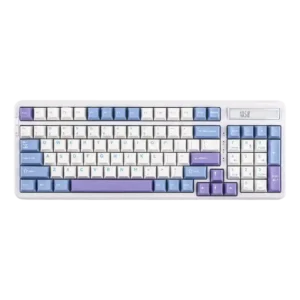
One reviewer directly liked the typing position, supporting a positive ergonomics score.
Pros: ease of switch replacement, typing feel
Cons: key spacing, layout options
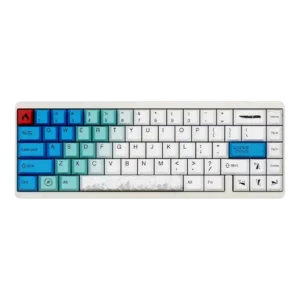
Ergonomics had limited positive evidence because light switches reduced fatigue during longer use.
Pros: durability, key responsiveness
Cons: reliability, RGB customization
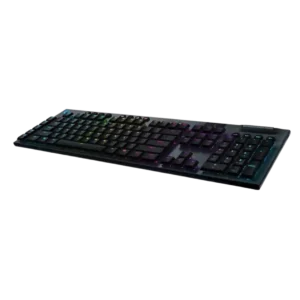
Ergonomics are mostly positive because of the low profile and adjustable feet, though one reviewer felt the keyboard needed tilt to feel right.
Pros: latency, polling rate
Cons: passthrough features, cable quality
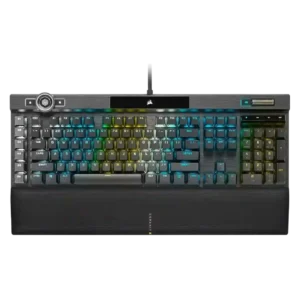
Ergonomics are generally good due to comfort and wrist support, though some reviewers want a better wrist angle or note the large full-size layout.
Pros: actuation consistency, key stability
Cons: hot-swappable switches, switch options
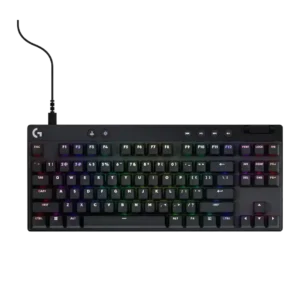
Ergonomics are generally helped by compact layouts and typing-angle feet, though comfort depends on posture and layout familiarity.
Pros: durability, per-key lighting control
Cons: noise level, sound dampening
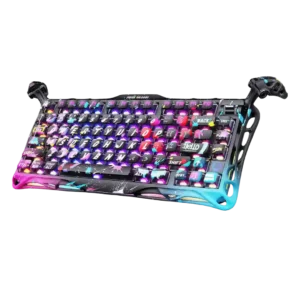
The adjustable legs were viewed positively for typing angle control and satisfying physical feedback.
Pros: legend visibility, key responsiveness
Cons: connectivity, cable quality
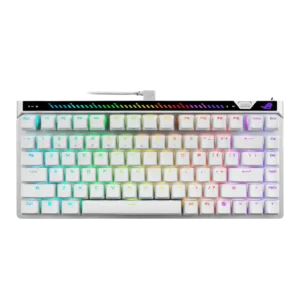
Ergonomics were mostly praised, but the rear touchbar placement was criticized as awkward by one reviewer.
Pros: key responsiveness, latency
Cons: analog input support, wrist rest quality
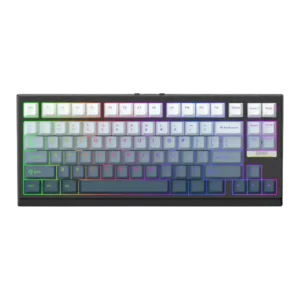
Ergonomics were mixed-to-positive: typing comfort and range were praised, but one reviewer disliked how the slanted front affected wrist-rest placement.
Pros: desk space efficiency, layout options
Cons: compatibility
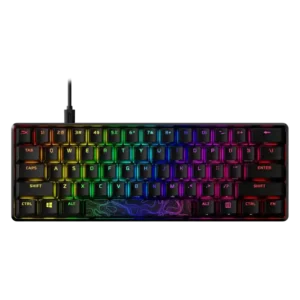
Ergonomics are mixed: adjustable feet and smaller layouts help comfort, but wrist fatigue and the need for a wrist rest appear in several reviews.
Pros: latency, actuation consistency
Cons: ease of switch replacement, reliability

Ergonomics received limited but positive evidence because the fixed typing angle was expected to be comfortable for most people.
Pros: value for money, customization options
Cons: cable quality, portability
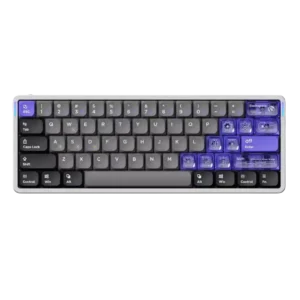
Ergonomics received limited but positive support around comfort adjustments and wrist positioning.
Pros: frame rigidity, rapid trigger support
Cons: switch options, legend visibility
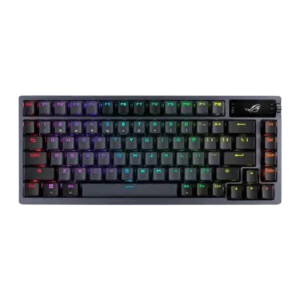
Ergonomics were mixed: adjustable feet and stable placement helped comfort, but the high-profile, heavy design could become tiring without support.
Pros: durability, wireless performance
Cons: passthrough features, onboard memory
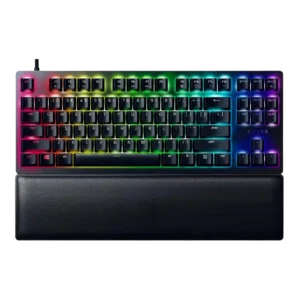
Ergonomics were mostly positive thanks to incline options, centering, and wrist support, with some caveats about feet grip and wrist-rest use.
Pros: key stability, per-key lighting control
Cons: stabilizer quality, media controls
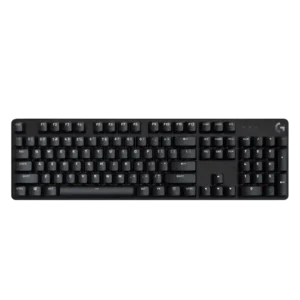
Ergonomics are mixed to positive, with some praise for comfort and adjustable angles but lingering concern about wrist support.
Pros: durability, desk space efficiency
Cons: switch options, onboard memory
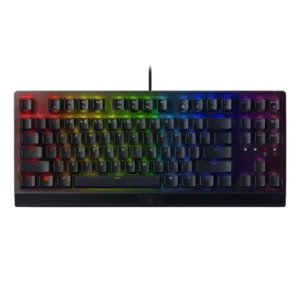
Ergonomics were mixed: the wrist rest, feet, and angled setup helped comfort, but the full-size footprint made positioning difficult for some.
Pros: latency, durability
Cons: sound dampening, passthrough features
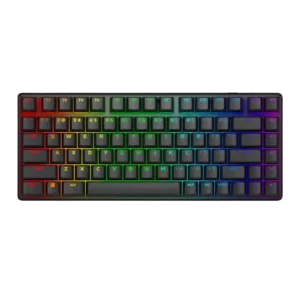
Ergonomics were mixed: the typing angle and comfort could be good, but the lack of a palm rest created issues for some users.
Pros: key stability, backlight brightness
Cons: rapid trigger support, wrist rest quality
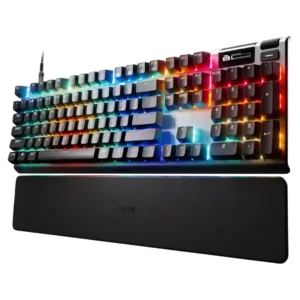
Ergonomics were strong for typing reach and long sessions, but some media-control placement and wrist positioning drew complaints.
Pros: key responsiveness, durability
Cons: passthrough features, analog input support
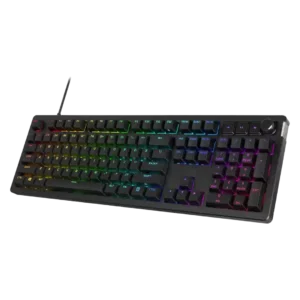
Ergonomics are mixed: compact models are praised for reach and wrist placement, while full-size or tall versions drew complaints about discomfort.
Pros: compatibility, legend visibility
Cons: wrist rest quality, cable quality
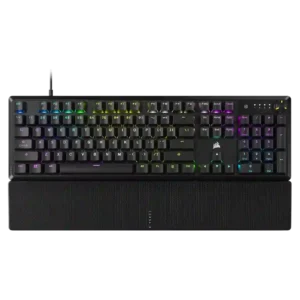
Ergonomics were mixed, with positive comments on height, palm support, and hand comfort but complaints about tall chassis positioning.
Pros: per-key lighting control, compatibility
Cons: ease of switch replacement, hot-swappable switches
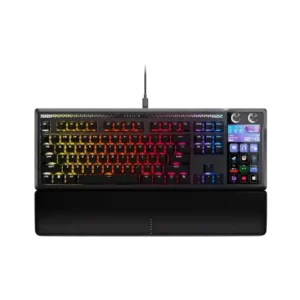
Ergonomics are context-dependent. Some users like having controls closer to their hands, while others find the Stream Deck angle or keyboard legs less comfortable for visibility and reach.
Pros: customization options, ease of switch replacement
Cons: reliability, analog input support
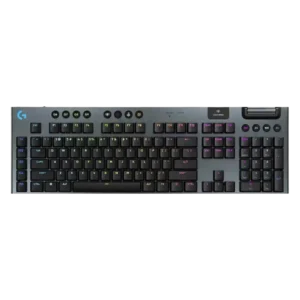
Ergonomics were mixed: low-profile typing and adjustable feet helped some reviewers, while shallow tilt or sensitivity frustrated others.
Pros: stabilizer quality, latency
Cons: ease of switch replacement, hot-swappable switches
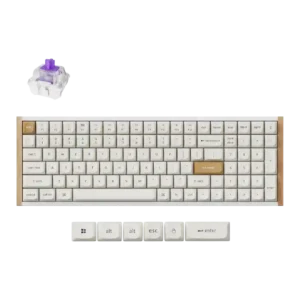
Ergonomics were mixed: one reviewer liked the posture effect, while another disliked the always-angled stance.
Pros: durability, rapid trigger support
Cons: per-key lighting control, stabilizer quality
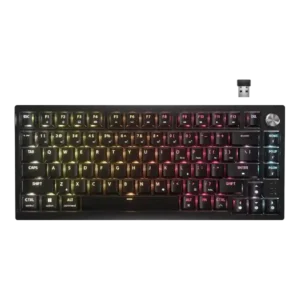
Ergonomic feedback was mixed: adjustable feet helped some reviewers, but sharper edges and the missing wrist rest hurt long-session comfort for others.
Pros: latency, durability
Cons: legend visibility, rapid trigger support
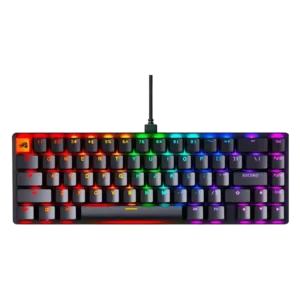
Ergonomics were mixed: some liked the angle and long-use comfort, while others found the height, legs, or lack of wrist support uncomfortable.
Pros: compatibility, key responsiveness
Cons: wrist rest quality, key spacing

Ergonomics were mixed: one reviewer had no hand cramping, while another needed a palm rest because of the fixed angle.
Pros: build quality, extra gaming features
Cons: switch options, hot-swappable switches
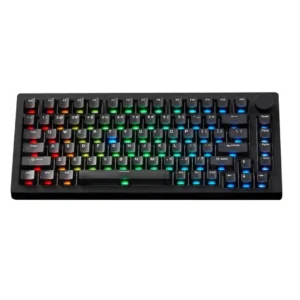
Ergonomics are mixed: the typing angle and slanted case can feel comfortable, but fixed feet, sharp edges, or flatter angles bother some reviewers.
Pros: switch options, hot-swappable switches
Cons: portability, cable quality
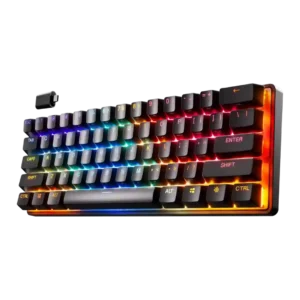
Ergonomics were mixed: the compact shape fit one reviewer very comfortably, but several reviews disliked stability when feet were deployed or noted sliding.
Pros: latency, key responsiveness
Cons: hot-swappable switches, ease of switch replacement
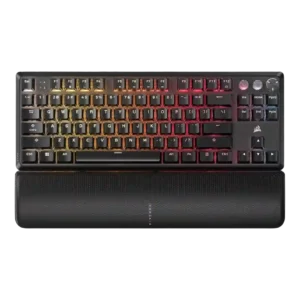
Ergonomics were mixed, with comfortable angle options and wrist slopes offset by palm-rest interference in one review.
Pros: per-key lighting control, key responsiveness
Cons: ease of switch replacement, battery life

Ergonomics were mixed: reviewers liked the angle or typing posture in some cases, but others criticized the high profile and lack of feet or included wrist rest.
Pros: cable quality, typing comfort
Cons: portability, switch options
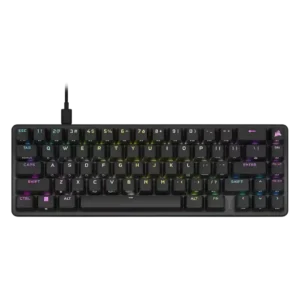
Ergonomics were mixed: some liked the feet and angle, while others wanted more adjustment or found the tall compact body uncomfortable.
Pros: volume control, key responsiveness
Cons: wireless performance, wrist rest quality
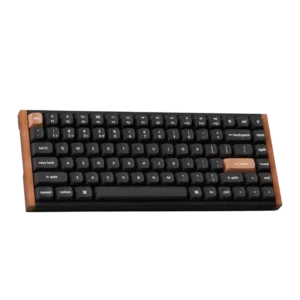
Ergonomics were mixed: adjustable angles helped some reviewers, but keyboard height caused wrist strain for others.
Pros: wrist rest quality, onboard memory
Cons: per-key lighting control, switch options
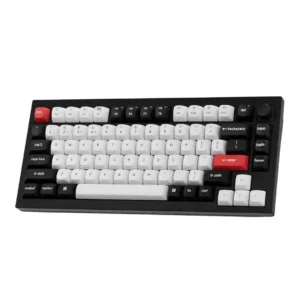
Ergonomic feedback is mixed: typing angle and comfort often worked well, but many reviewers disliked the lack of adjustable feet or found the profile too tall.
Pros: key stability, frame rigidity
Cons: profile management, reliability