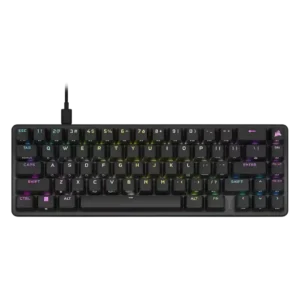
RGB customization was a strength, with reviewers praising iCUE presets, effects, and the breadth of lighting options.
Pros: volume control, key responsiveness
Cons: wireless performance, wrist rest quality
RGB customization was a strength, with reviewers praising iCUE presets, effects, and the breadth of lighting options.
Pros: volume control, key responsiveness
Cons: wireless performance, wrist rest quality
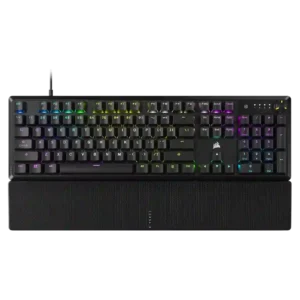
RGB customization was a major positive, with reviewers highlighting deep iCUE control, effects, per-zone options, and ecosystem integration.
Pros: per-key lighting control, compatibility
Cons: ease of switch replacement, hot-swappable switches
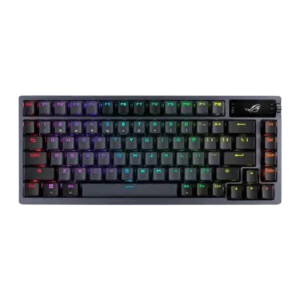
RGB customization was praised for per-key control, presets, custom effects, and broad adjustment options.
Pros: durability, wireless performance
Cons: passthrough features, onboard memory
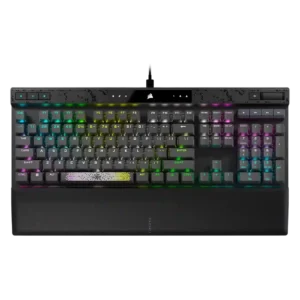
RGB customization was consistently strong, with reviewers praising layered effects, per-key color control, and broad iCUE lighting options.
Pros: reliability, key responsiveness
Cons: desk space efficiency, wireless performance
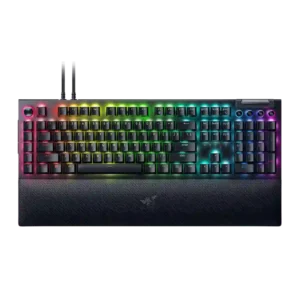
RGB customization was a consistent Razer strength, with reviewers praising complex-to-simple controls, Chroma syncing, and game-reactive lighting.
Pros: key stability, ease of switch replacement
Cons: compatibility, battery life
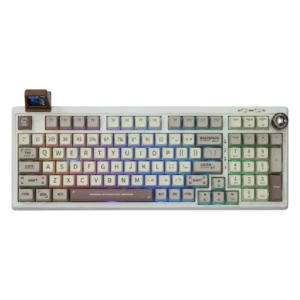
RGB customization is considered useful and reasonably flexible through the driver, with both per-key control and effect customization mentioned positively.
Pros: noise level, acoustics
Cons: rapid trigger support, actuation consistency
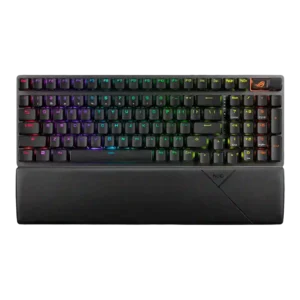
RGB customization is viewed positively, with reviewers noting per-key control, effects, color customization, and software-based sync options.
Pros: per-key lighting control, wireless performance
Cons: rapid trigger support, analog input support