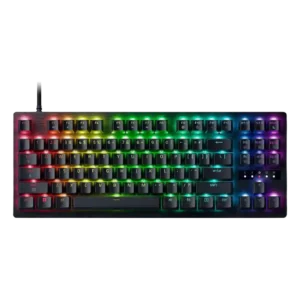
RGB customization is rich, with presets and per-key lighting giving users plenty of room to build a flashy or personalized look.
Pros: polling rate, RGB customization
Cons: key stability, typing comfort
RGB customization is rich, with presets and per-key lighting giving users plenty of room to build a flashy or personalized look.
Pros: polling rate, RGB customization
Cons: key stability, typing comfort
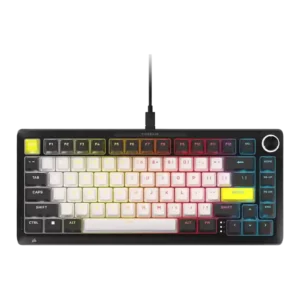
RGB customization was praised for detailed control, per-key programmability, and broad aesthetic tuning.
Pros: per-key lighting control, durability
Cons: portability, noise level
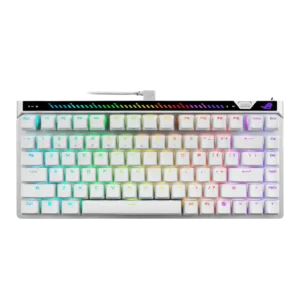
RGB customization was praised through customizable lighting and software control.
Pros: key responsiveness, latency
Cons: analog input support, wrist rest quality
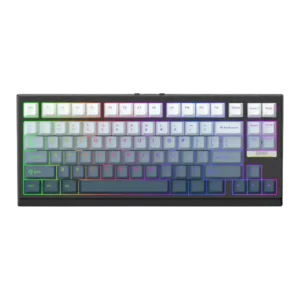
RGB customization was praised for matching setups, turning off cleanly, and fitting the rest of a desk setup.
Pros: desk space efficiency, layout options
Cons: compatibility
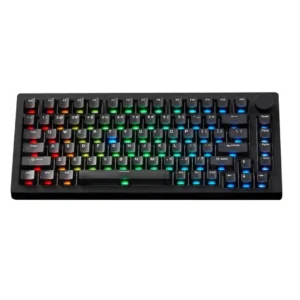
RGB customization is useful through VIA or MonsGeek software, but built-in effects can be standard and small issues such as charging indicators remain.
Pros: switch options, hot-swappable switches
Cons: portability, cable quality
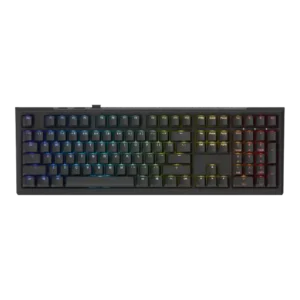
RGB customization was generally available and sometimes praised, but reviewers also flagged unfinished configurator behavior and setup patience.
Pros: typing feel, key stability
Cons: profile management, wrist rest quality
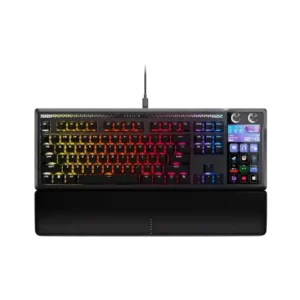
Lighting customization can be deep, with Web Hub controls, effects, themes, and aesthetic changes. Customer complaints focus on software failures that leave them stuck with default colors or unable to...
Pros: customization options, ease of switch replacement
Cons: reliability, analog input support