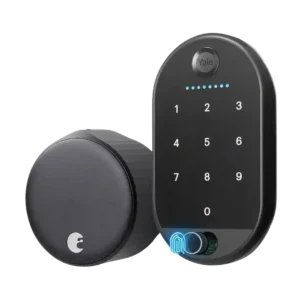
User access management was praised for free virtual keys and scheduled access codes.
Pros: Locking motor, Physical attack resistance
Cons: Fingerprint, Battery
Showing Smart Home only. Switch back to all Smart Locks anytime.
User access management was praised for free virtual keys and scheduled access codes.
Pros: Locking motor, Physical attack resistance
Cons: Fingerprint, Battery
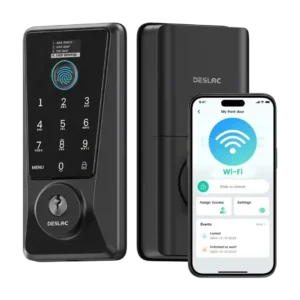
User access management was a strong point, with praise for simple schedules, temporary codes, and control over different users.
Pros: Feature additions via updates, Locking reliability
Cons: Door-sense, Auto-relock after failed attempts
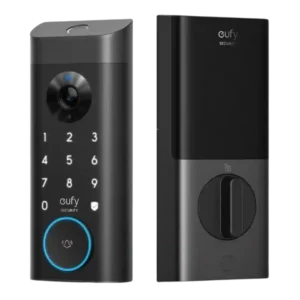
User access management scored well where reviewers valued adding users, codes, and fingerprints with access rules.
Pros: Lock/unlock speed, Security features (encryption)
Cons: Door-sense, Keyway quality
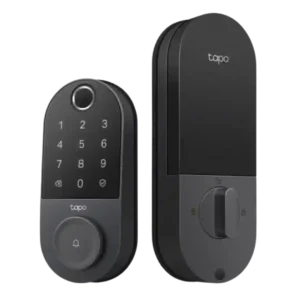
User management was praised for configurable people, fingerprints, PINs, schedules, and control over who can enter.
Pros: Value and Price, Lock/unlock speed
Cons: Existing hardware reuse, Door compatibility (deadbolt fit)
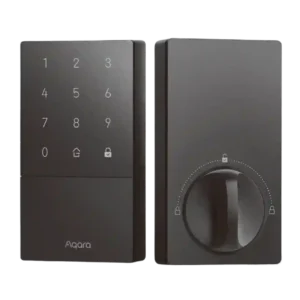
User management is useful for household and guest codes, though Apple Home controls were described as bare-bones compared with Aqara's app.
Pros: Access logs, Value and Price
Cons: Warranty and support, Wi-Fi
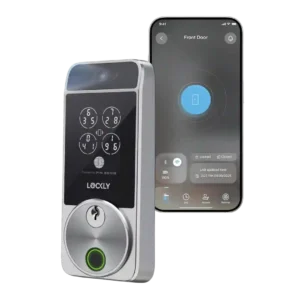
User access management was generally strong after app updates, but initial user setup could be confusing.
Pros: Touchscreen, Hub requirement
Cons: Camera and doorbell performance, Door-sense
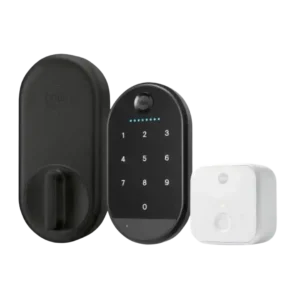
User access management split reviewers: one praised easy sharing and admin/guest levels, while another found adding users and saving codes clunky.
Pros: Key override reliability, Remote access
Cons: Warranty and support, Bluetooth