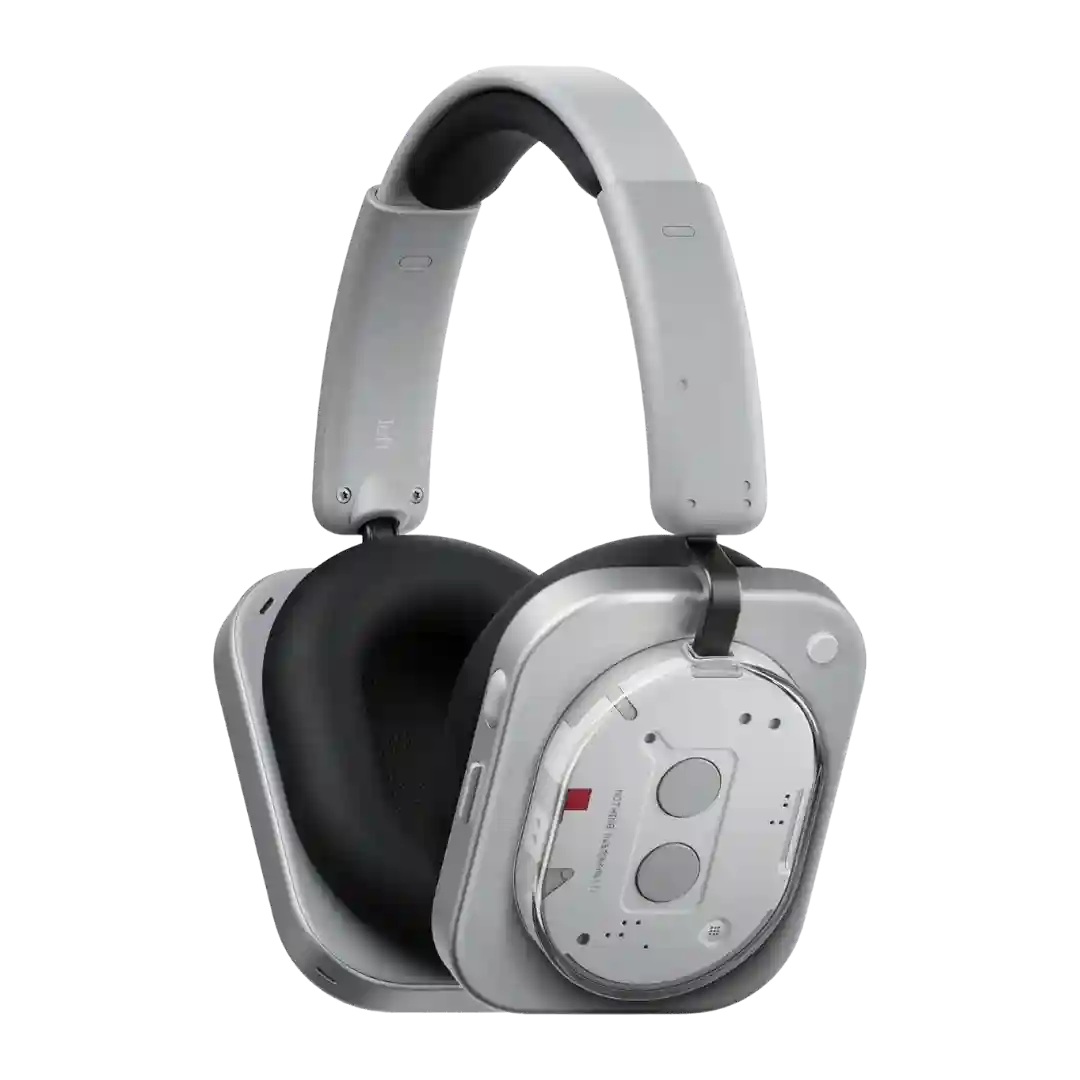
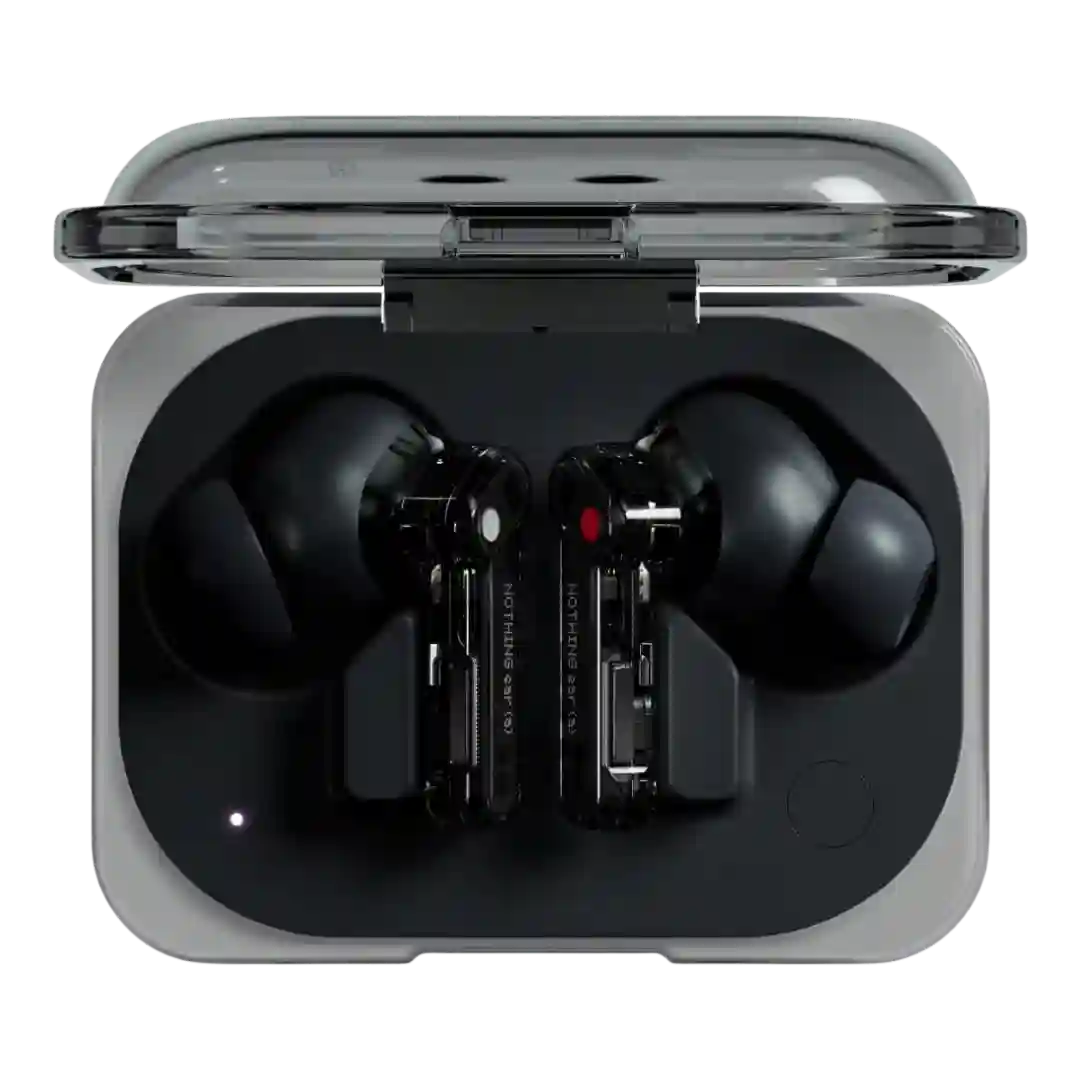
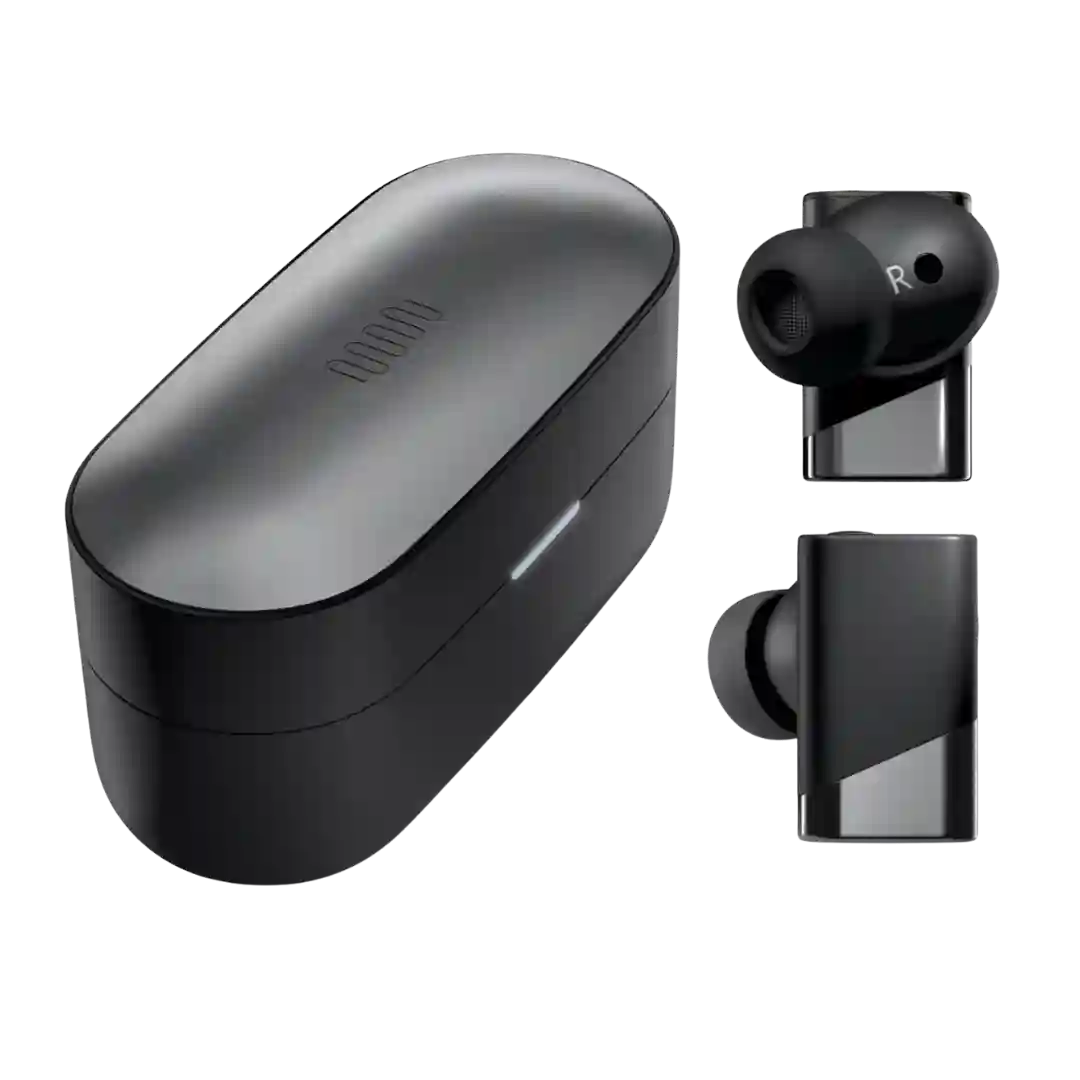
The Nothing X app is repeatedly described as one of the best parts of the experience, with feature access, customization, and settings that help compensate for default tuning.
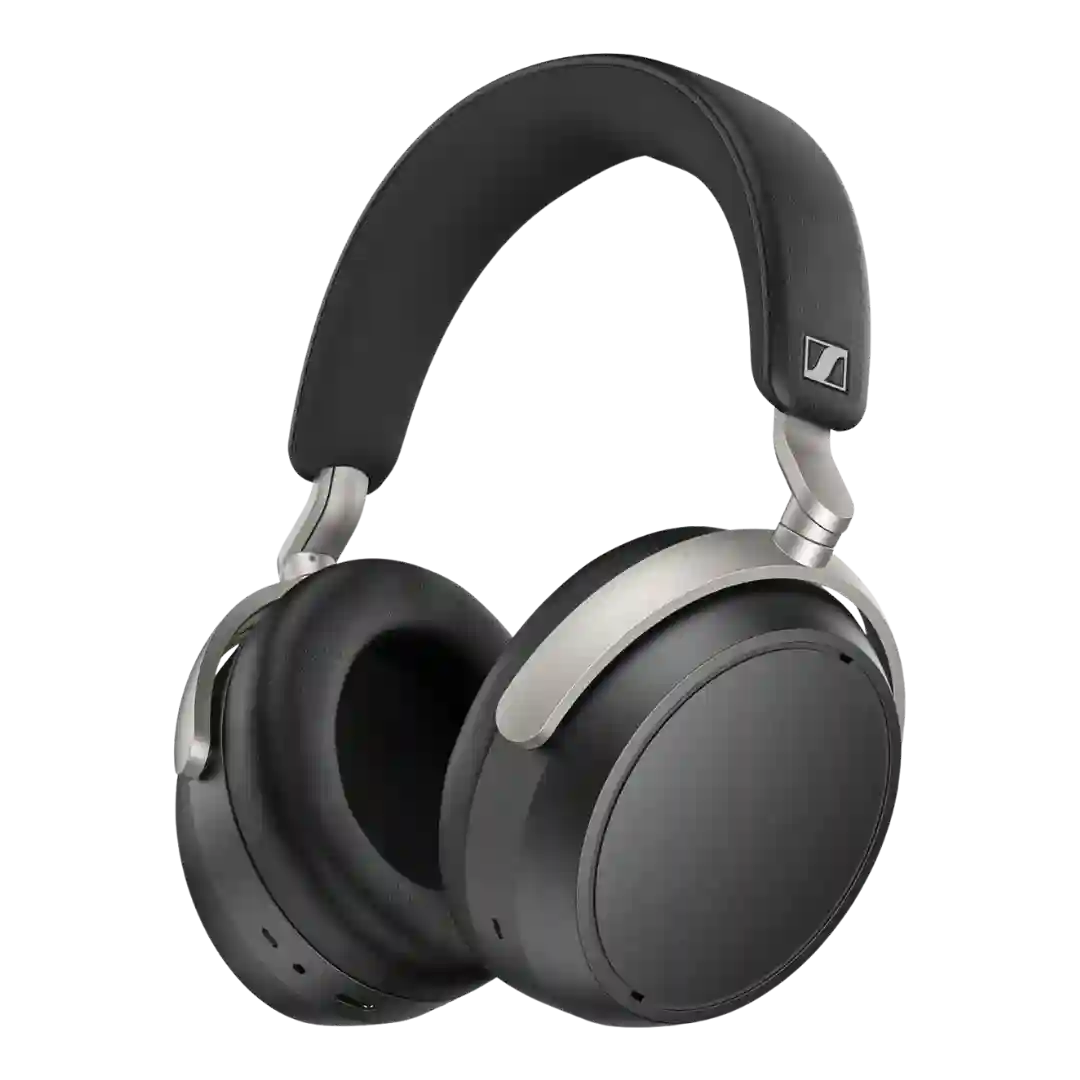
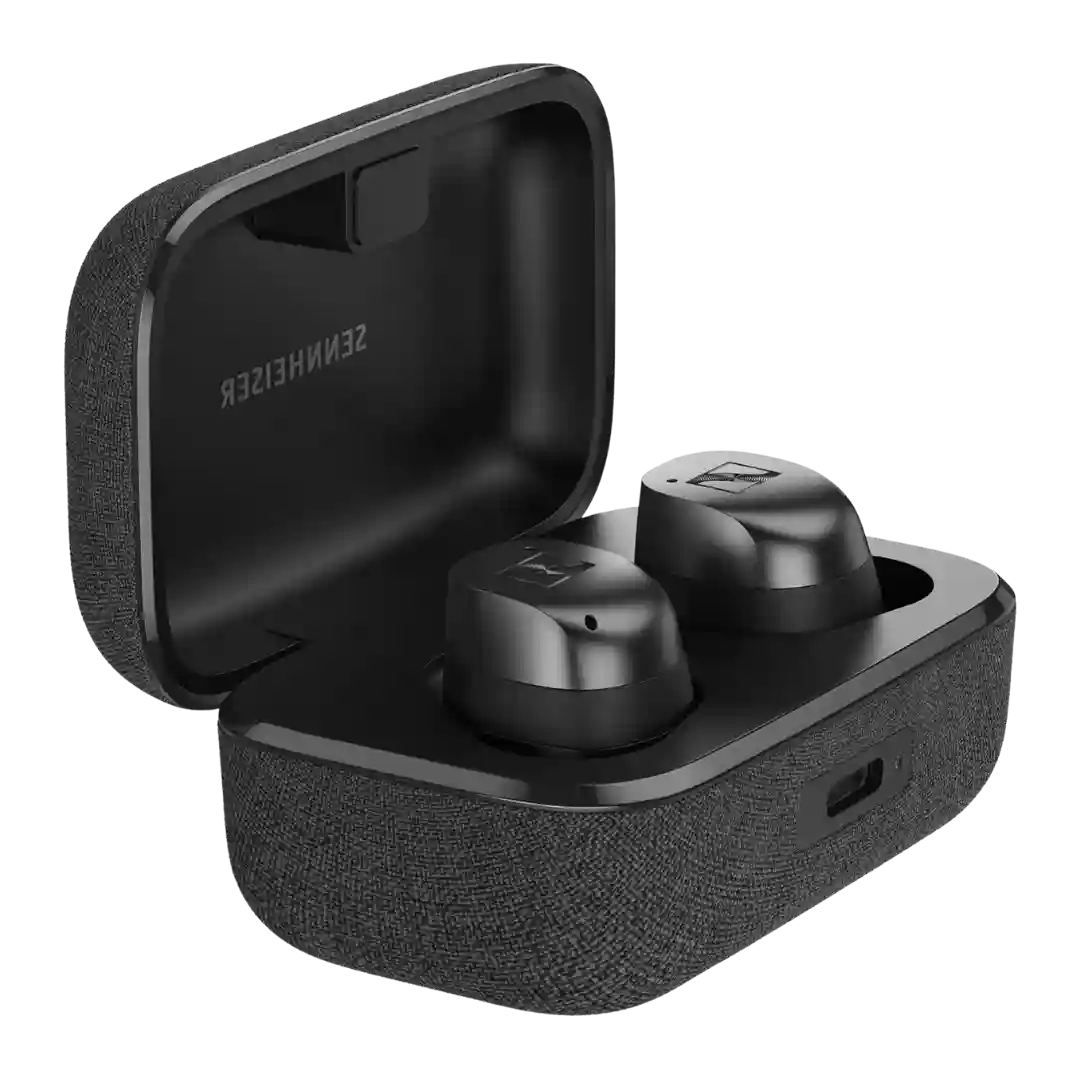
The Smart Control Plus app is repeatedly called a standout, bundling EQ, ANC, connection management, firmware updates, and extras like sound zones and find features. A few reviewers mention occasional glitches, especially when the dongle is connected.
The Smart Control app is widely praised for depth and polish, offering fit tests, customization, updates, and sound tools. The main critique is that it can feel feature-dense or that certain controls (like EQ depth) could be more advanced.
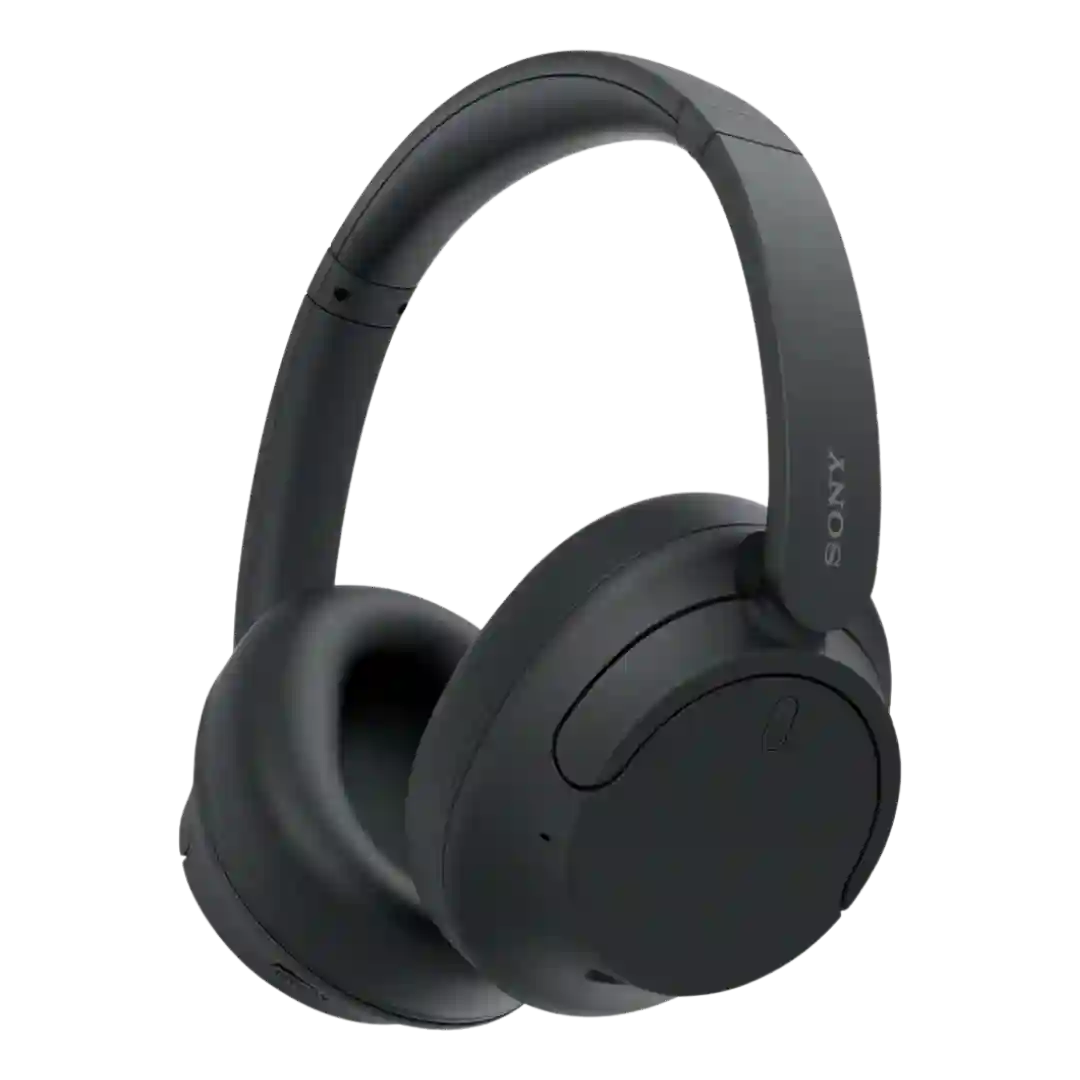
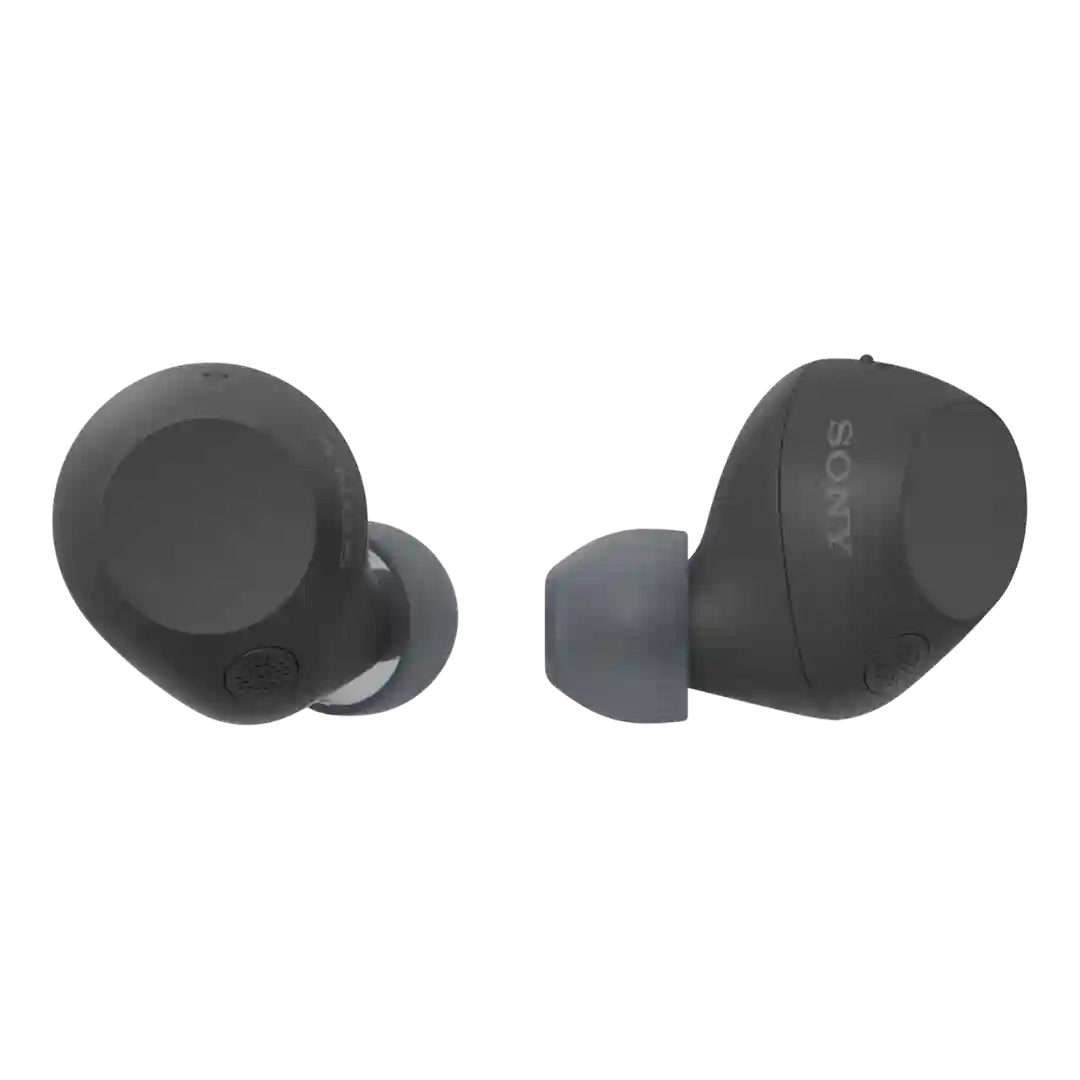
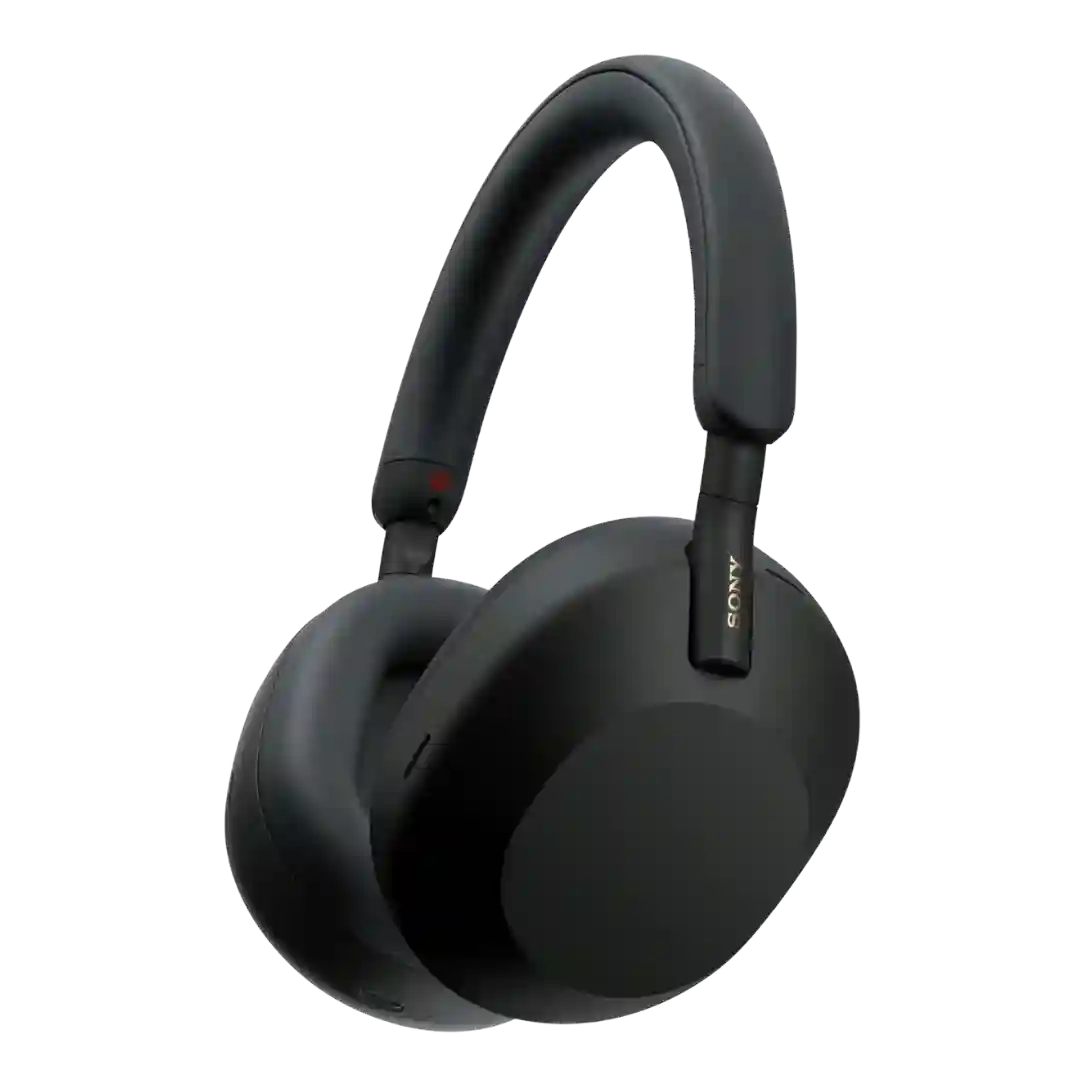
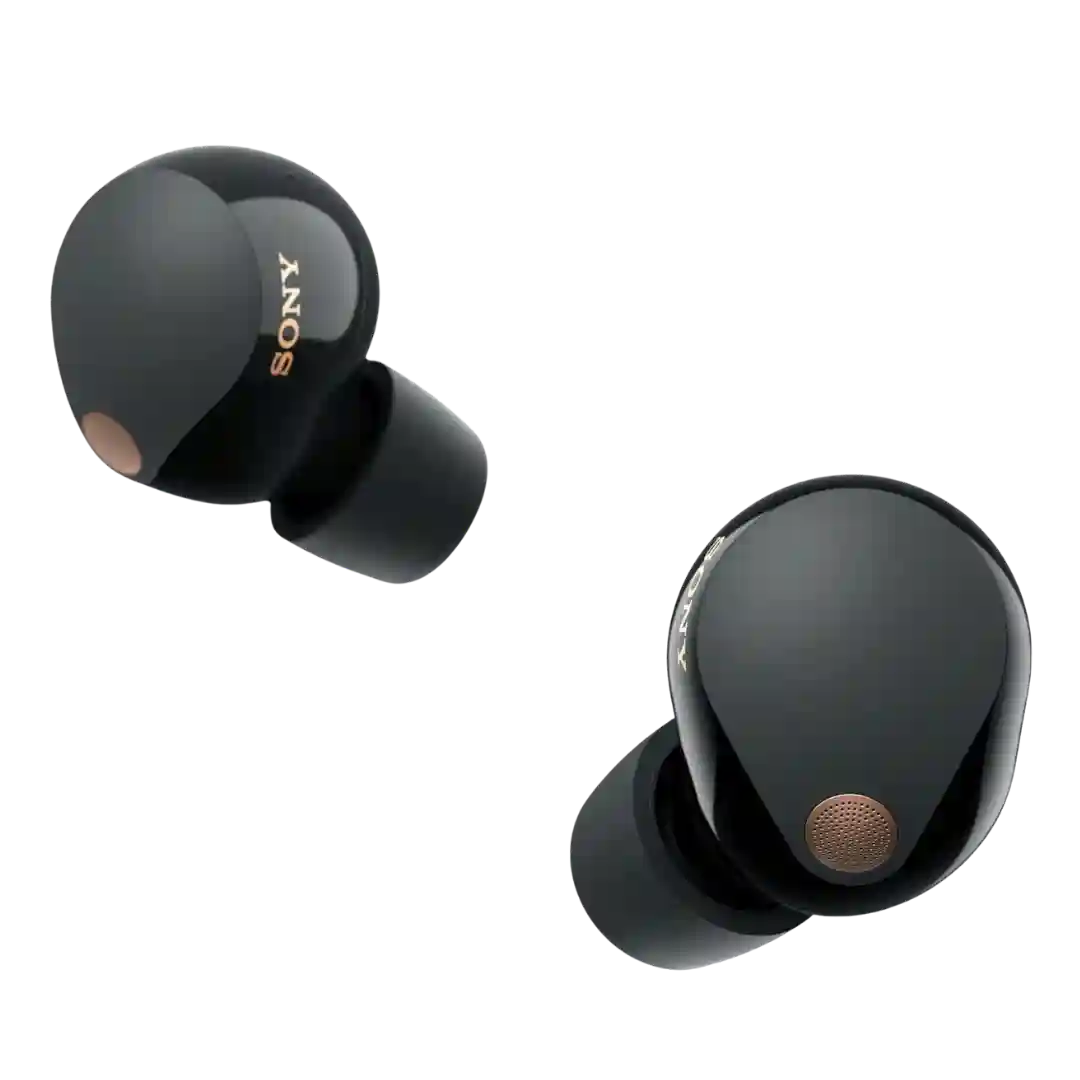
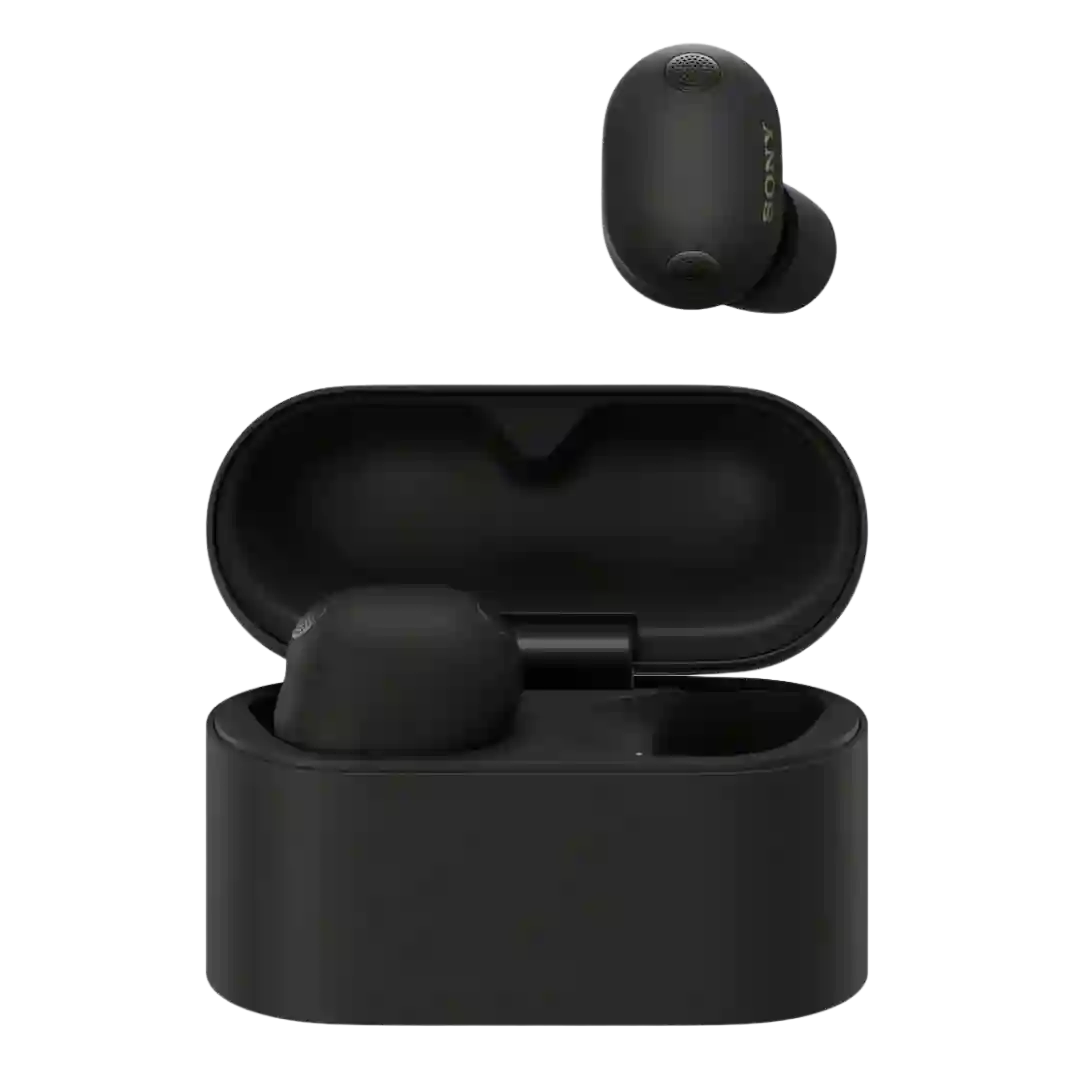
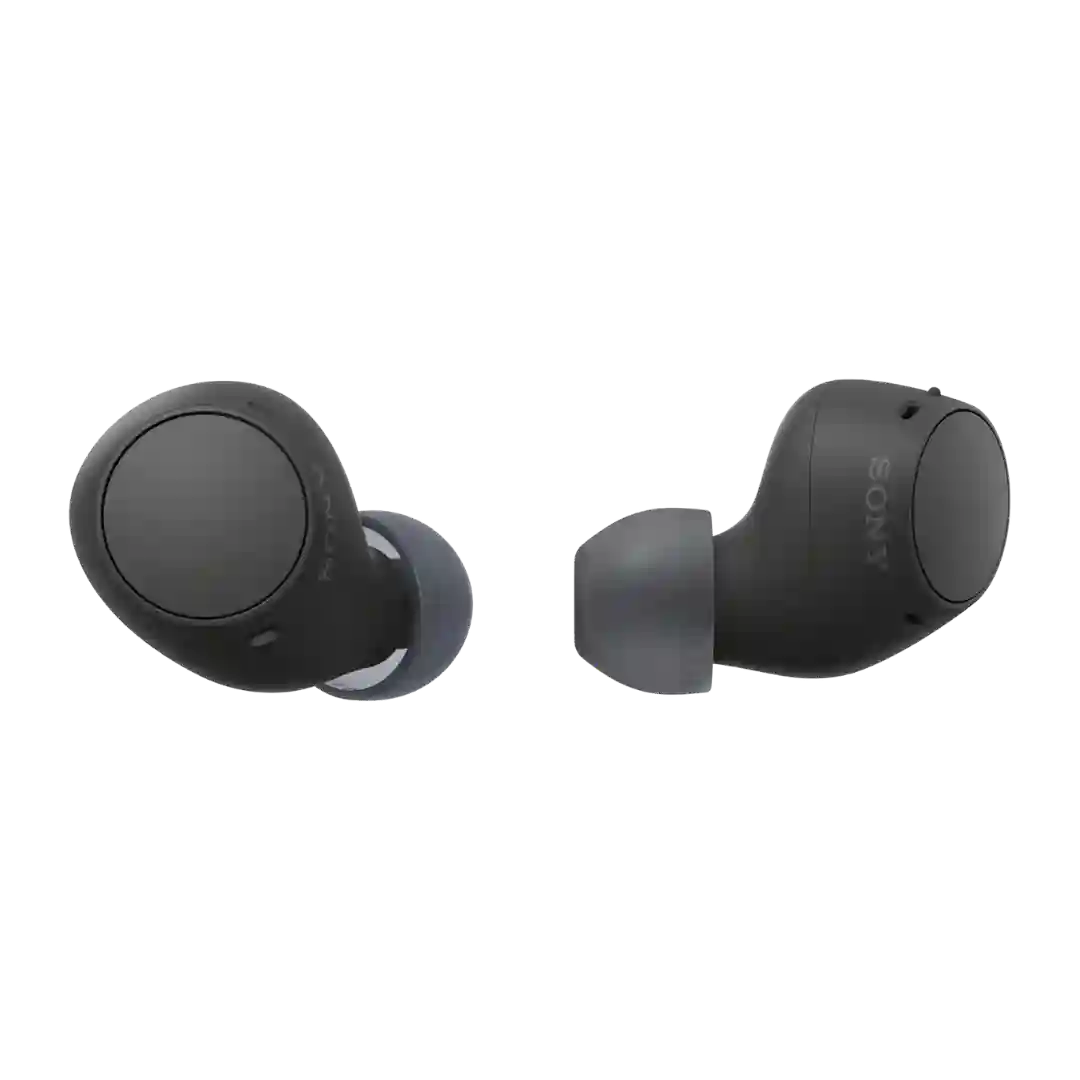
The Sony companion app is repeatedly cited as a major value add, offering EQ, feature toggles, and adaptive behaviors; one review notes account requirements for full access.
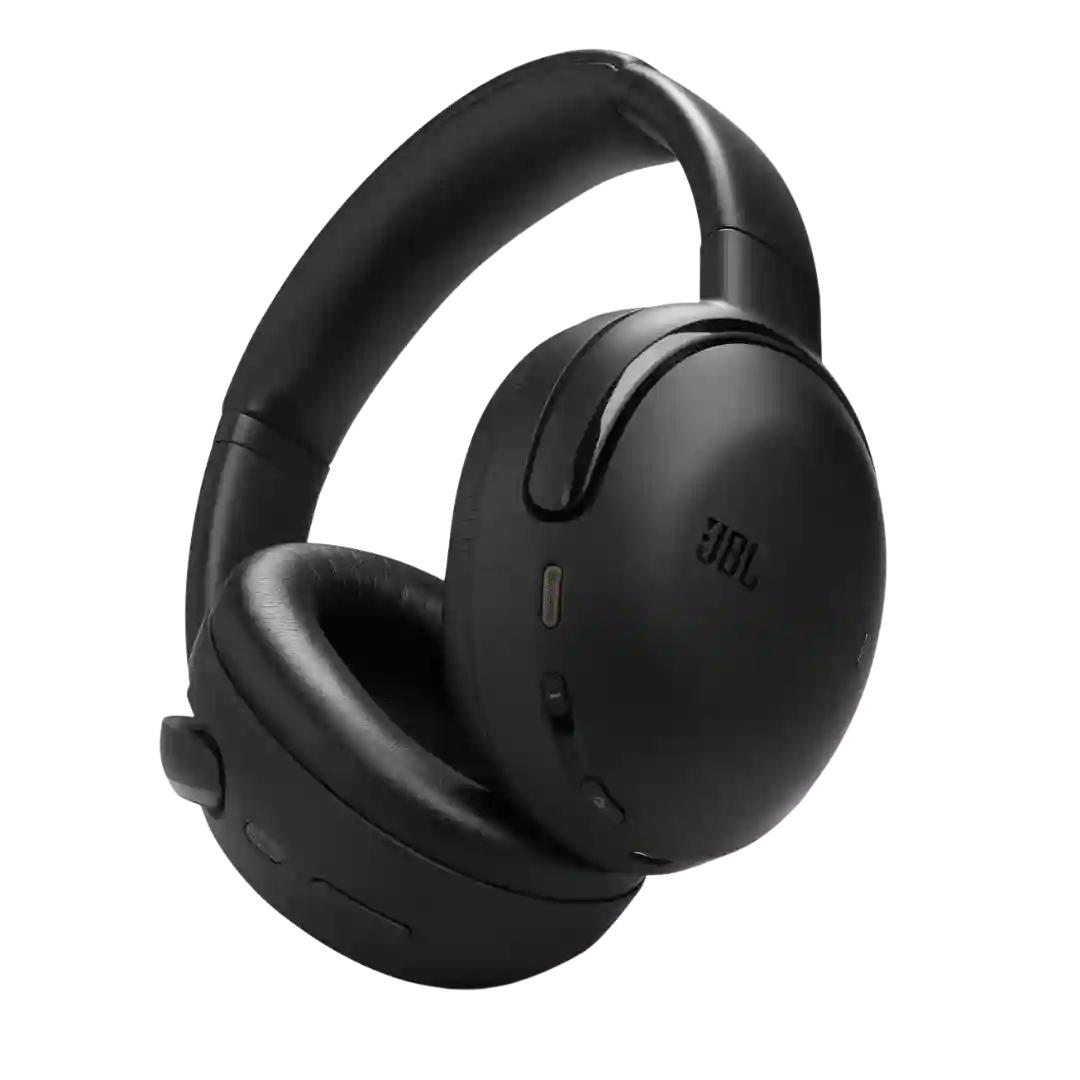
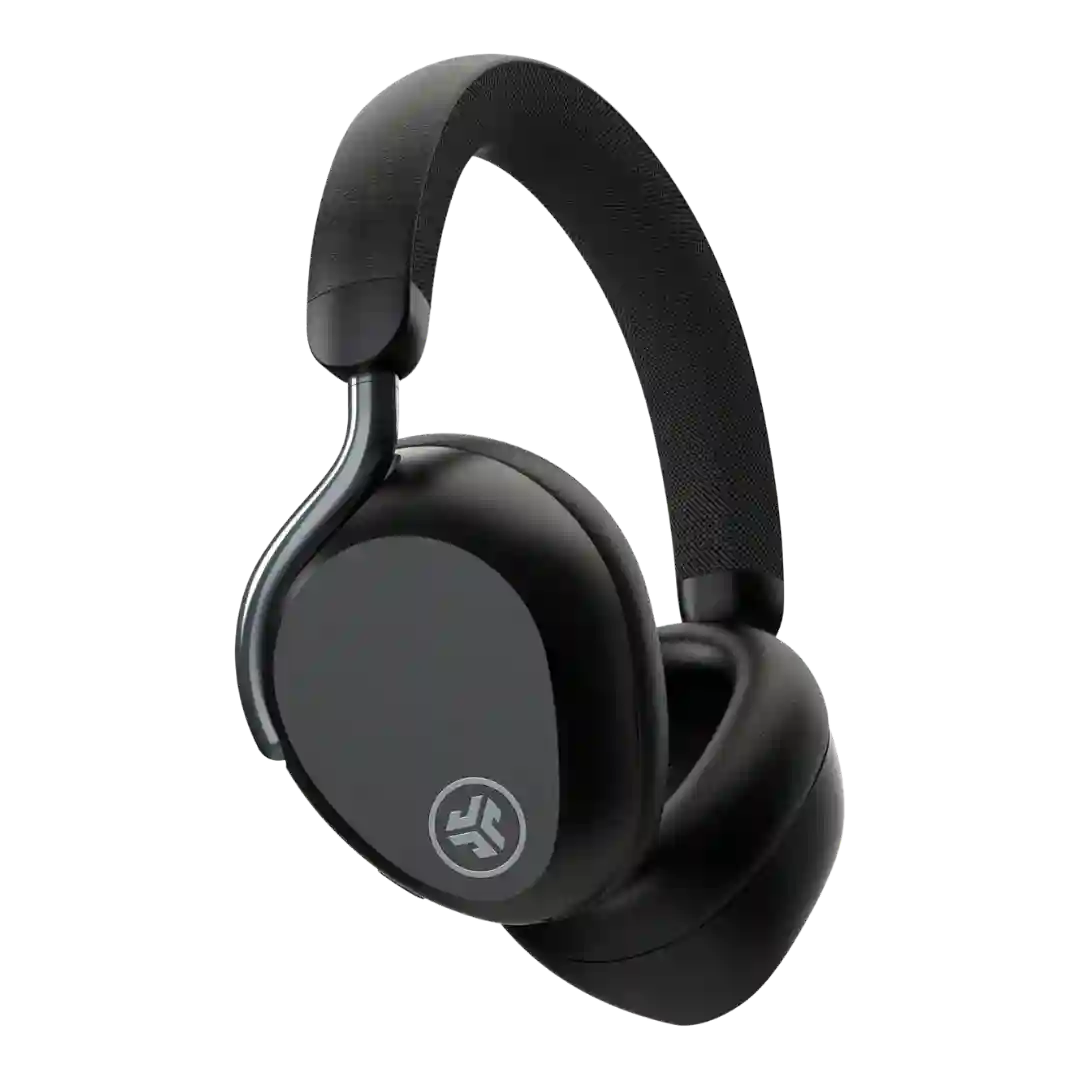
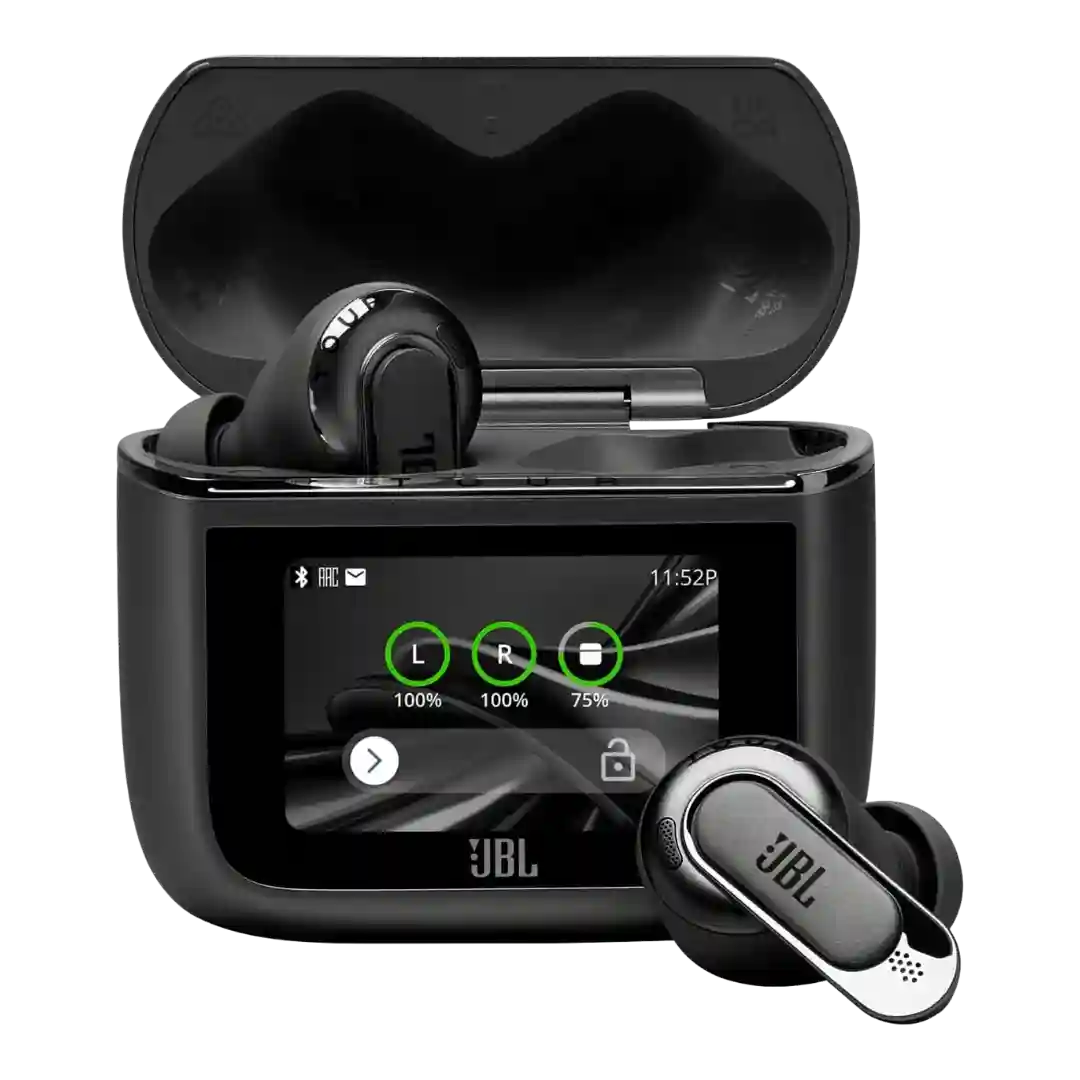
The JBL Headphones app is viewed as central to the experience, enabling firmware updates, mode switching, and deeper personalization. Most find it well organized, though a minority report occasional crashes or flaky connections.
The Melomania app is typically described as clean and functional for firmware, battery, ANC and EQ; the SE adds DynamEQ, and most find it easy to navigate.
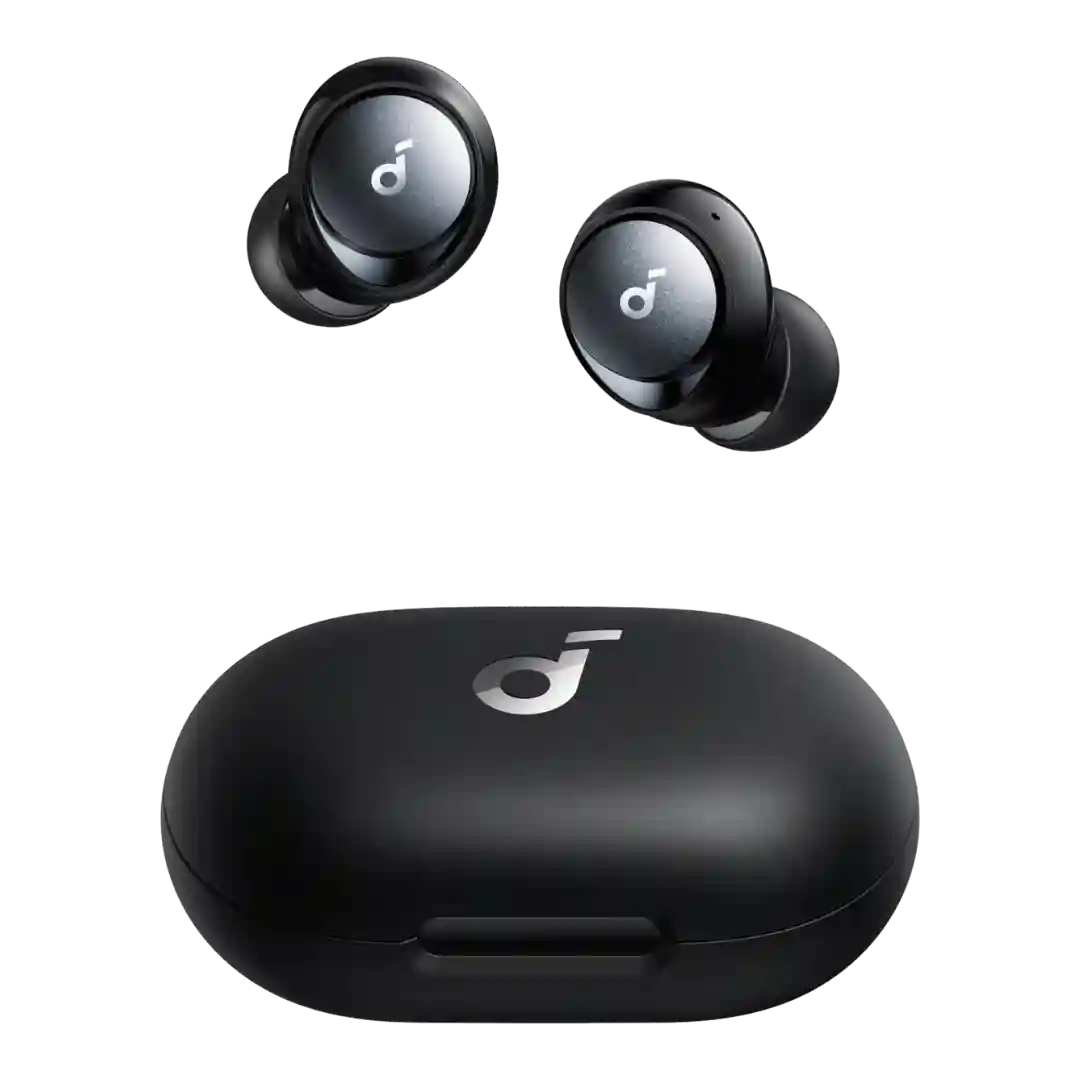
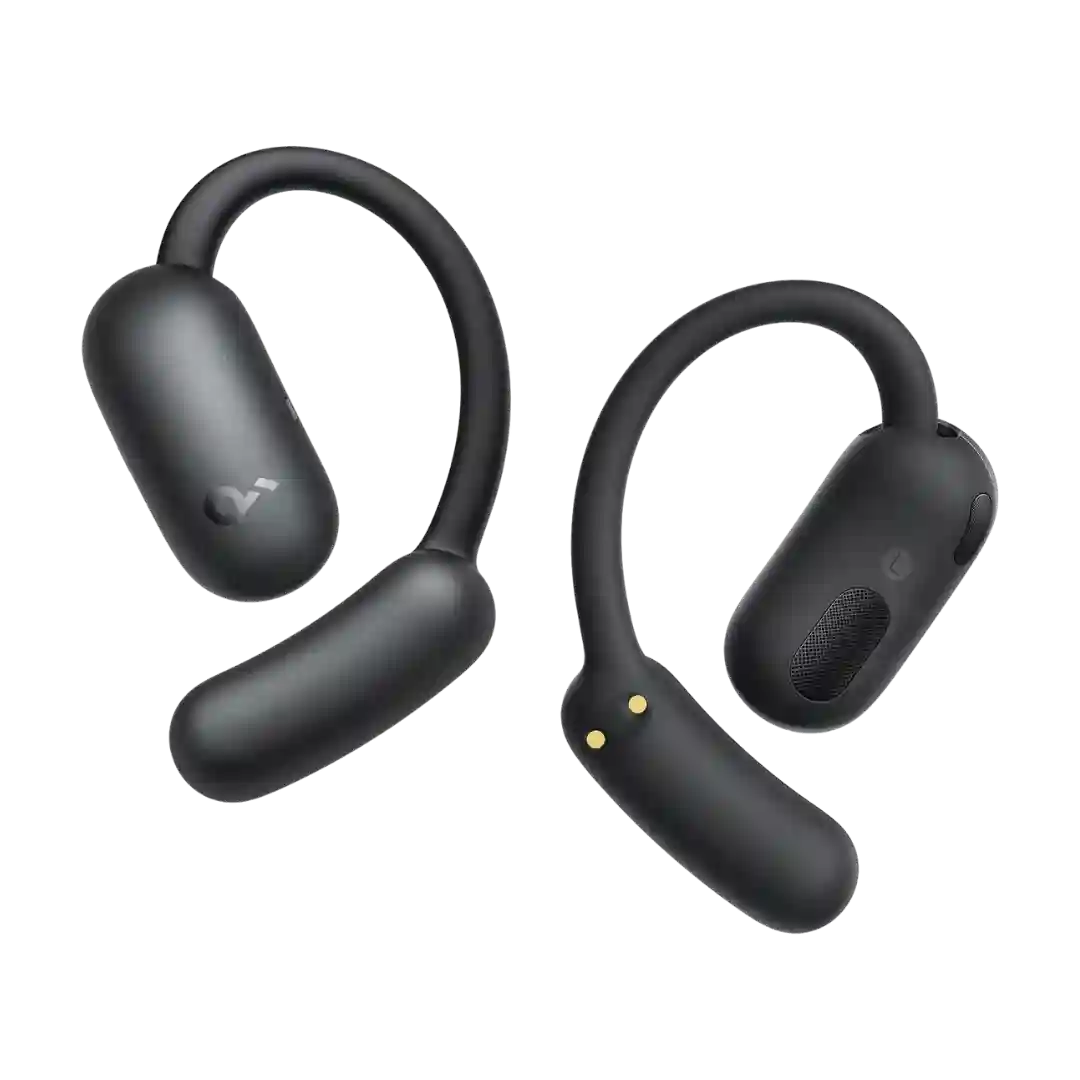
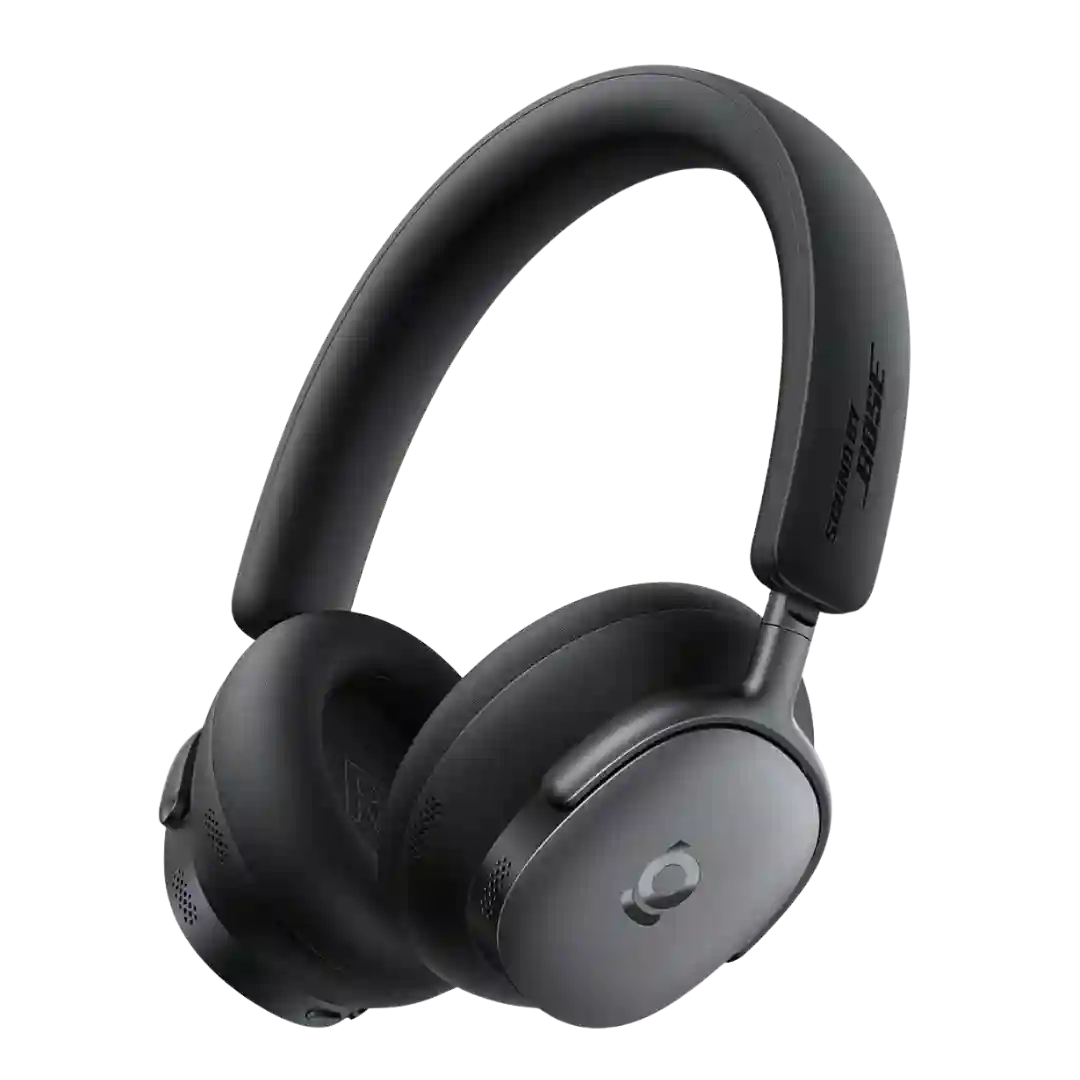
The Soundcore app is repeatedly described as slick, logical, and useful for EQ, control remapping, battery view, device management, and finding lost buds.
There is no traditional companion app; configuration lives inside iOS/iPadOS settings and feels deep and polished for Apple owners. On Android, feature access and management are reduced, making the experience feel clunkier.
The Smart Control app is widely viewed as feature-rich with EQ and zone-based behavior, but some reviewers dislike setup friction, pop-ups, or account requirements for certain features.
The Sony companion app is feature-rich (EQ, adaptive modes, firmware updates), but setup prompts and data permissions can feel heavy for privacy-sensitive users.
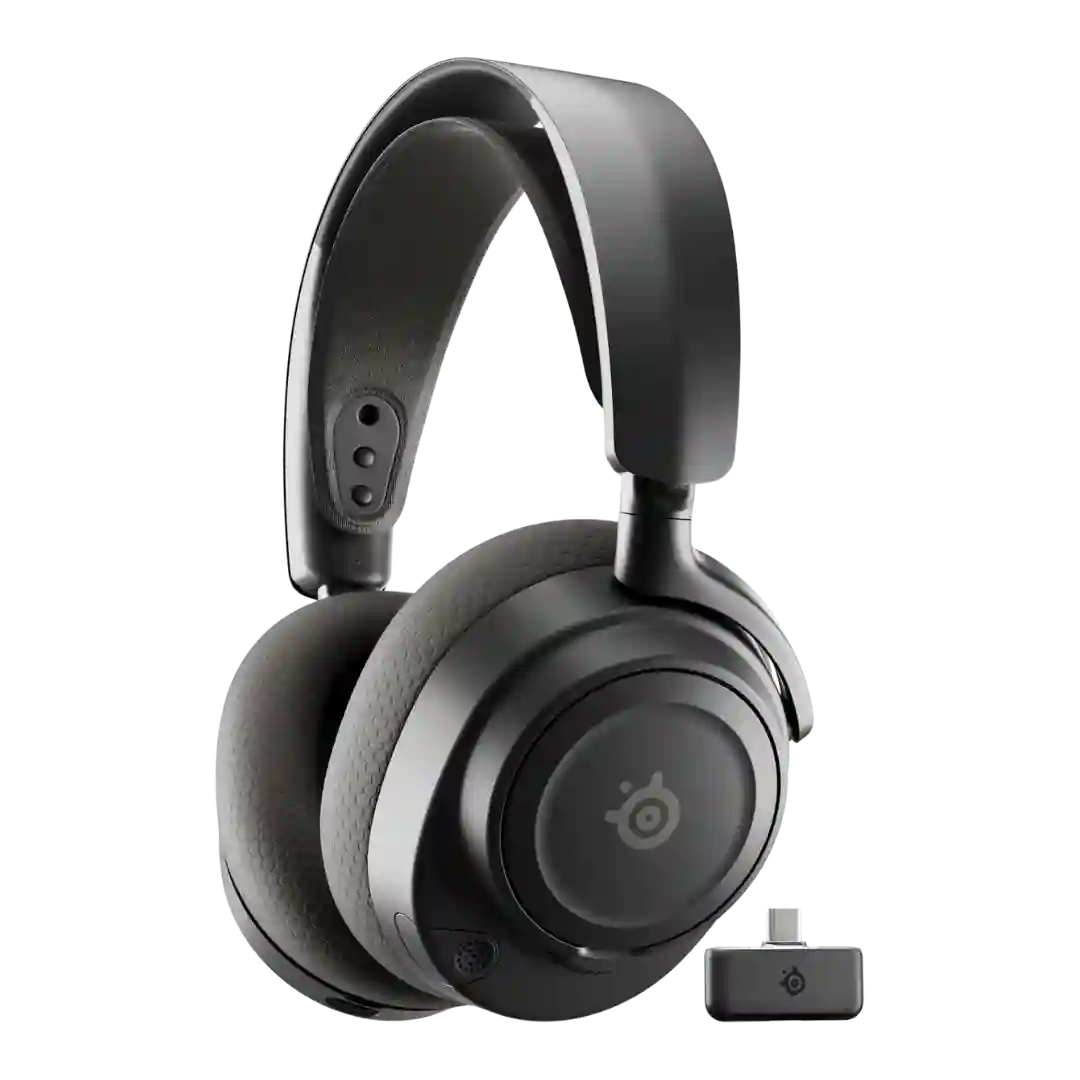
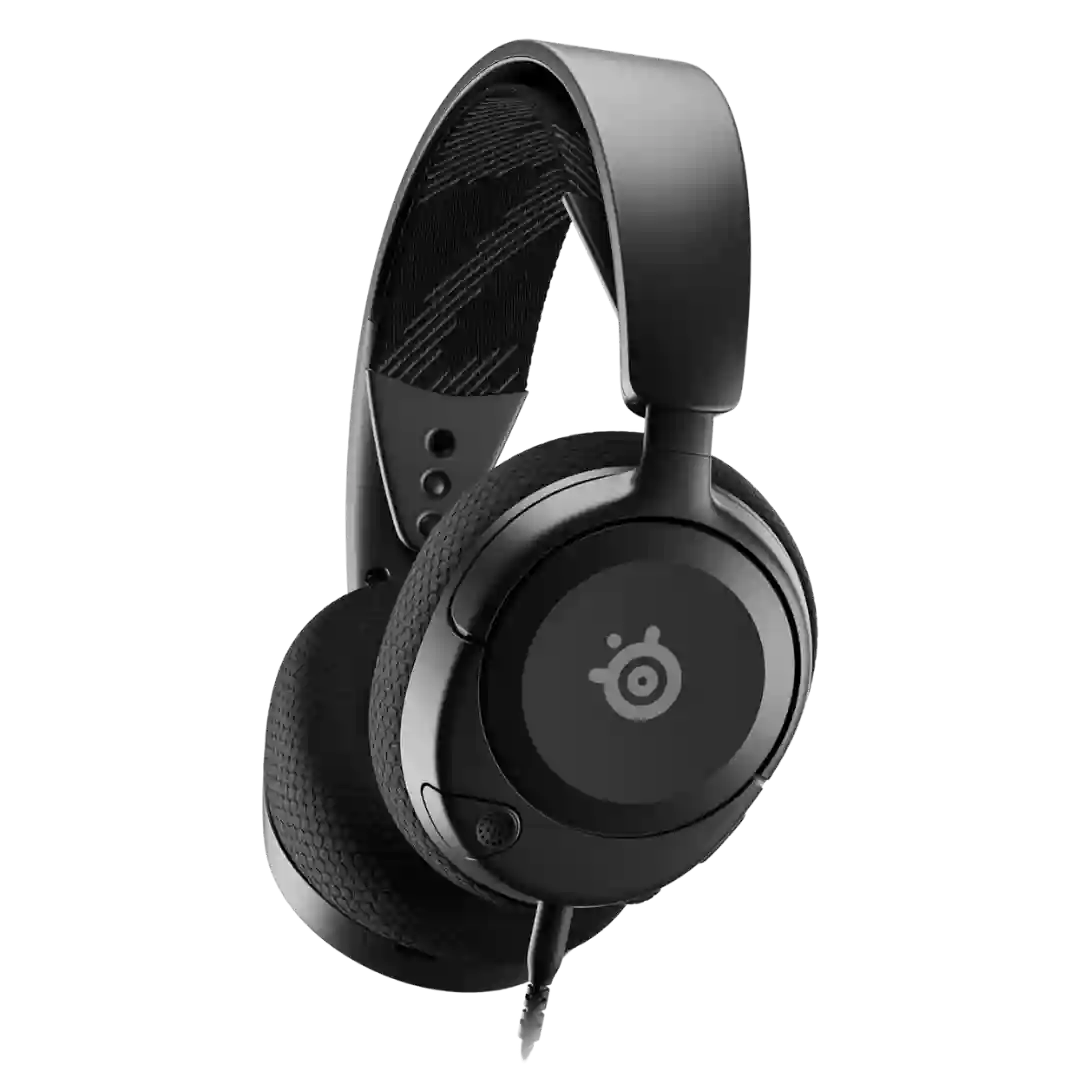
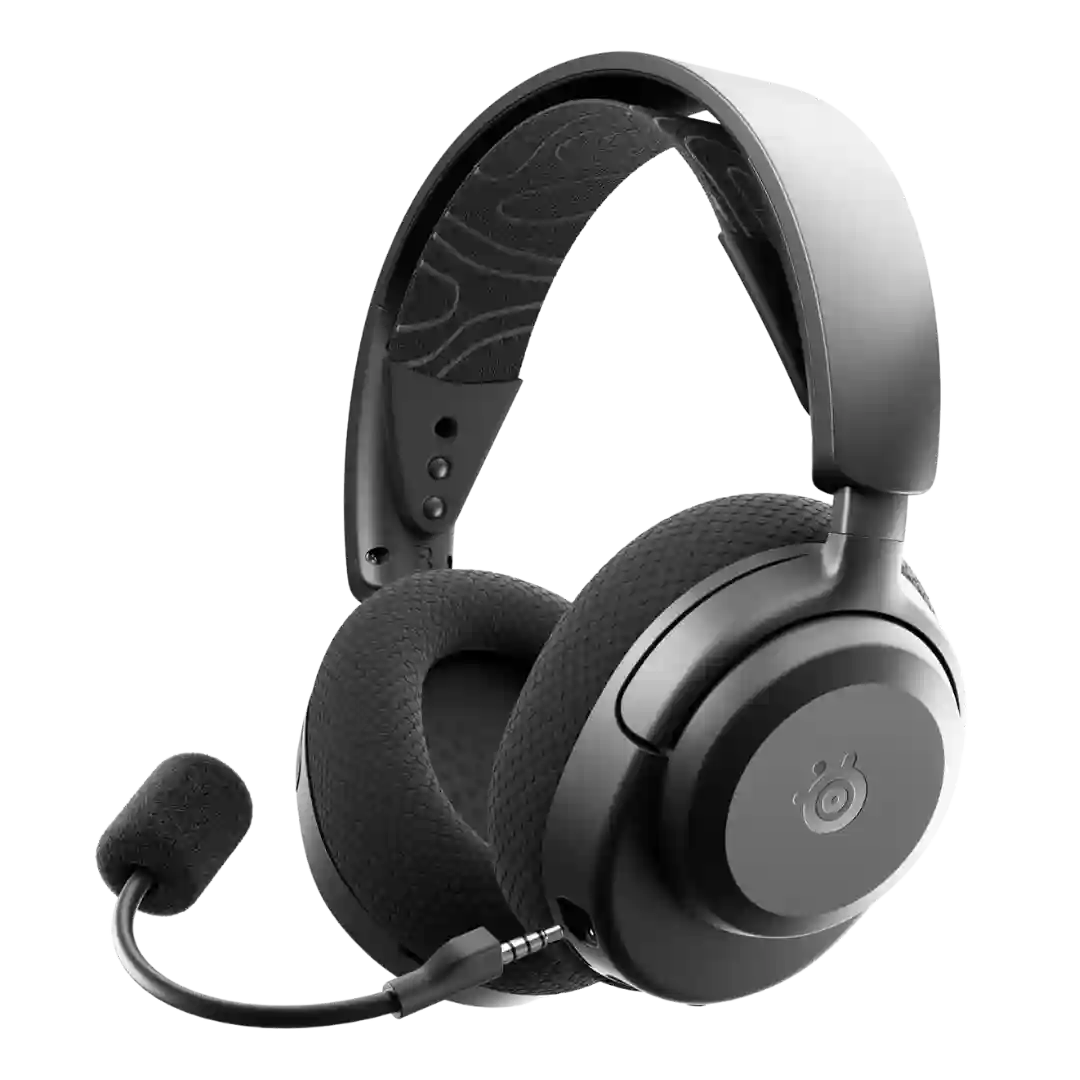
The companion apps (Arctis mobile app and SteelSeries GG/Sonar on PC) are a major differentiator, enabling presets, mic settings, sidetone, and firmware updates; PC features are usually deeper than mobile.
The Sony companion app is feature-rich (firmware, EQ, adaptive sound, 360 features) and often praised, but some find it busy/cluttered or occasionally buggy.
The Soundcore app is a major value add: it is usually described as straightforward, stable, and essential for unlocking features like EQ, control remapping, and firmware.
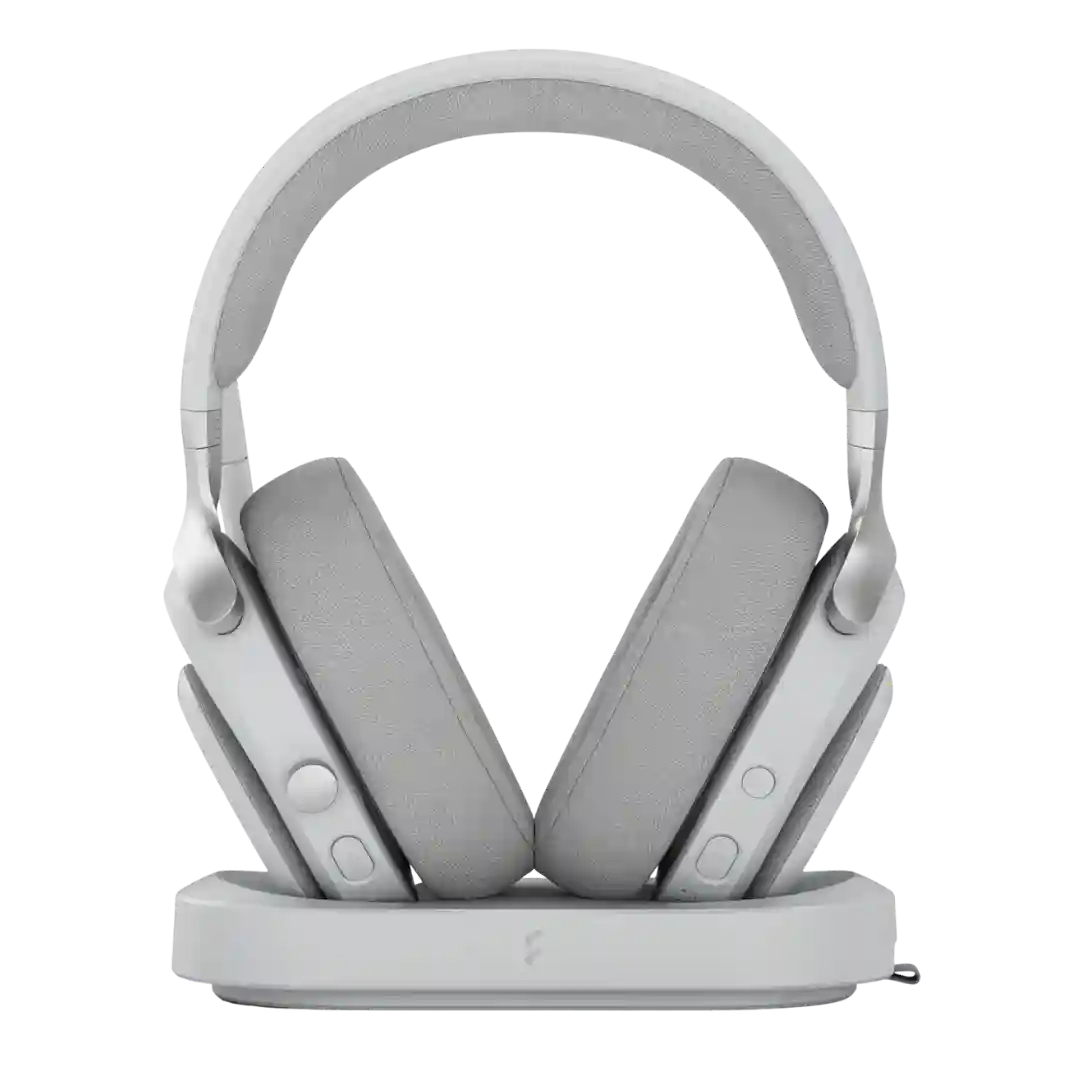
Fractal's Adjust Pro is commonly referenced as a browser-based configuration tool. Several reviewers like avoiding heavyweight desktop utilities, while some note Chromium-based browser requirements or prefer offline access options.
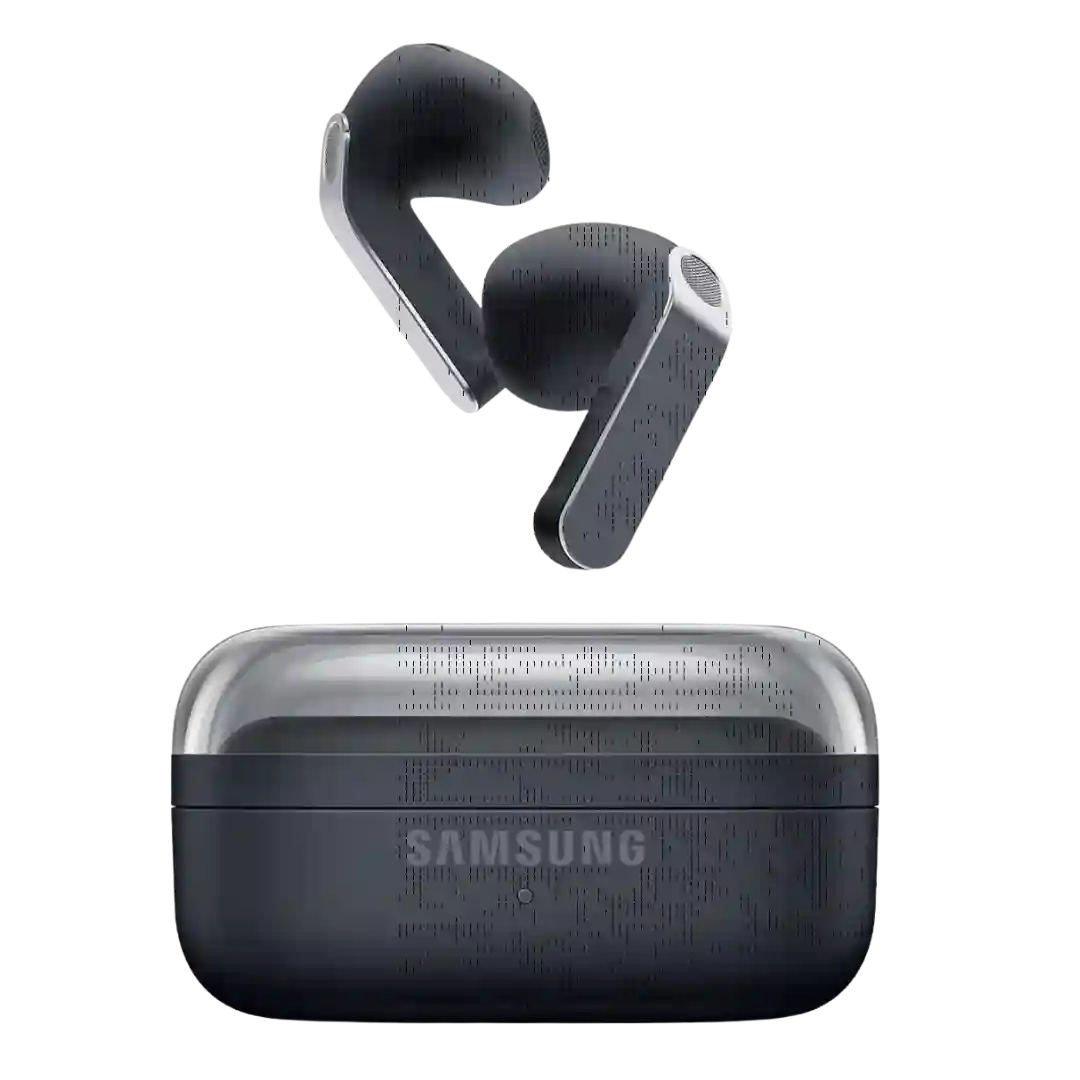
Samsung's settings integration and Wearables app expose useful controls, EQ options, and ANC adjustments. The software feels feature-rich, though some advanced features stay exclusive to Galaxy phones.
The Soundcore companion app is consistently recommended for setup and daily use, enabling control remapping, EQ tweaks, device management, and extra modes like gaming and 3D surround.
The Baseus app is mostly praised as clean and easy, with useful controls and updates, but a few reports mention freezing or crashing when using custom EQ.
Sony’s Sound Connect app is central to the experience, offering seal tests, device priority, EQ, and many feature toggles. It enables deep customization, but some users want a cleaner, more straightforward layout.
The JLab app is repeatedly called useful rather than mandatory, adding firmware updates, EQ, safe-hearing limits, button remaps, and more granular noise-control settings (with a few UI quirks noted on certain phones).
The Pixel Buds software experience is widely praised, especially on Pixel phones where settings are integrated, with useful tools like fit checks, firmware updates, and clear menus.
The Melomania companion app is considered functional with key settings, though a few reviews mention UI quirks such as confusing store listings or limited customization depth.
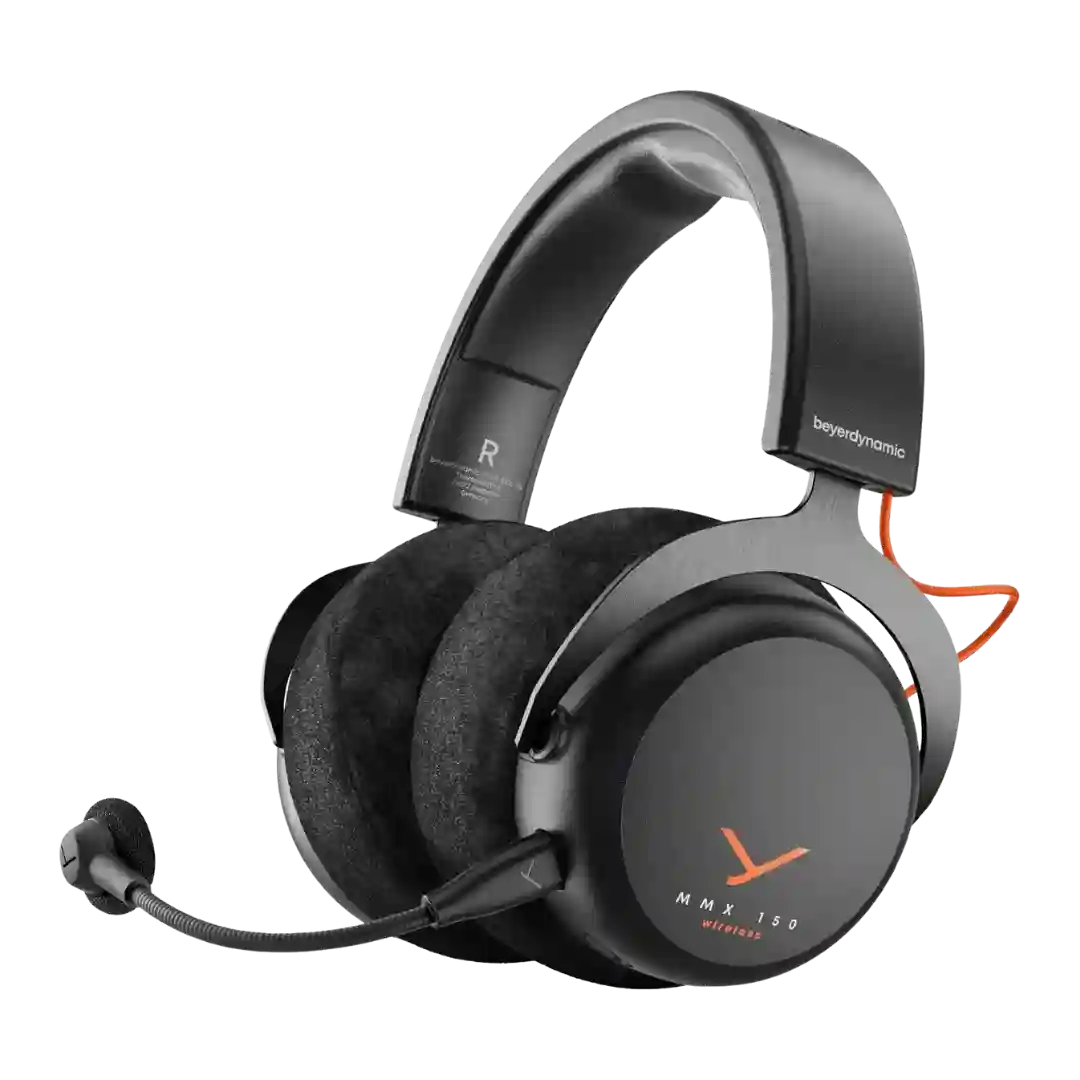
Wireless-focused reviews describe a companion app that manages presets, EQ, button behavior, sidetone toggles, and power settings. Other reviews describe a no-software experience, implying feature depth may vary by model or connection path.
The Connect app is feature-rich (EQ, noise modes, codec selection, updates, extras like soundscapes and ear-profile tools) and is generally reported as stable.
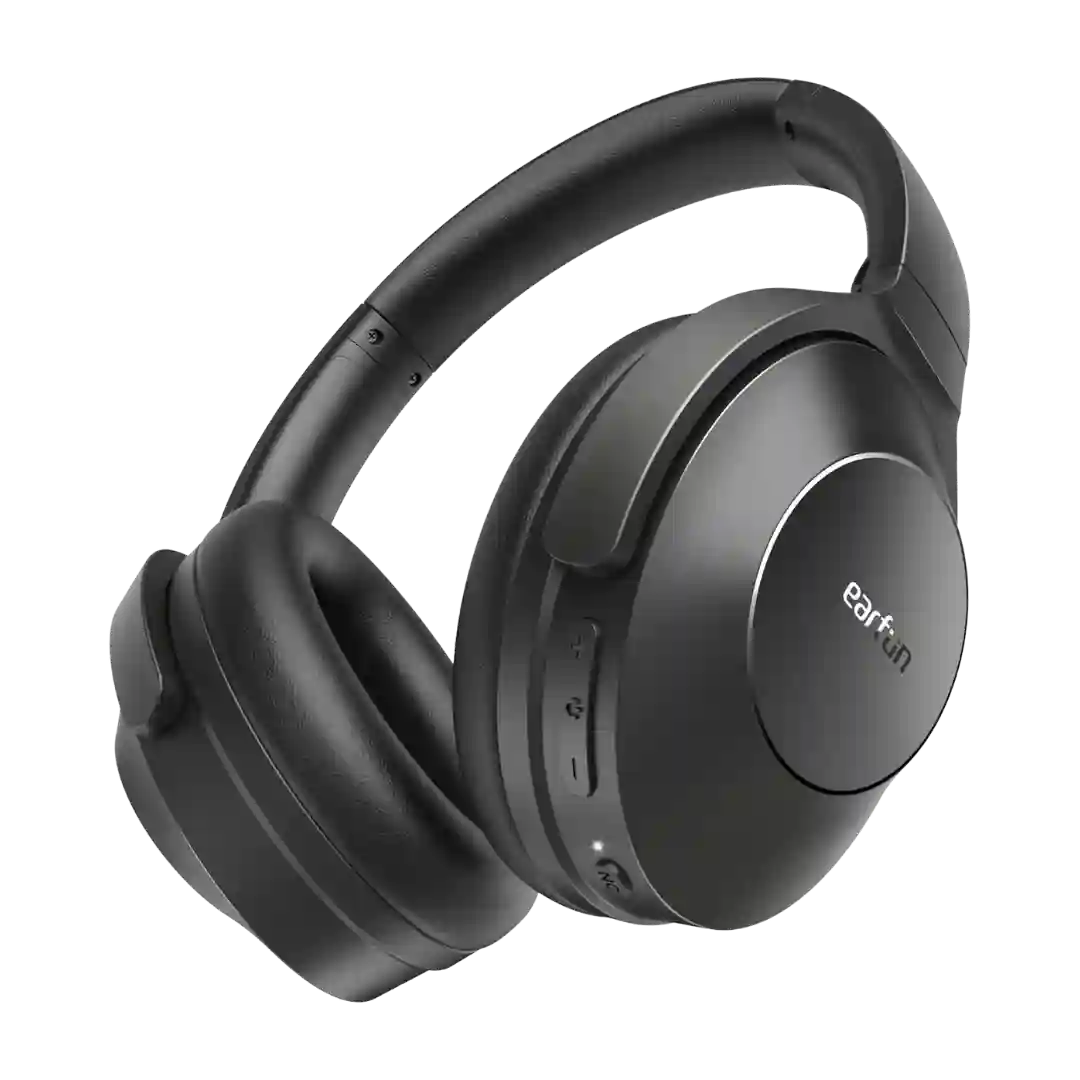
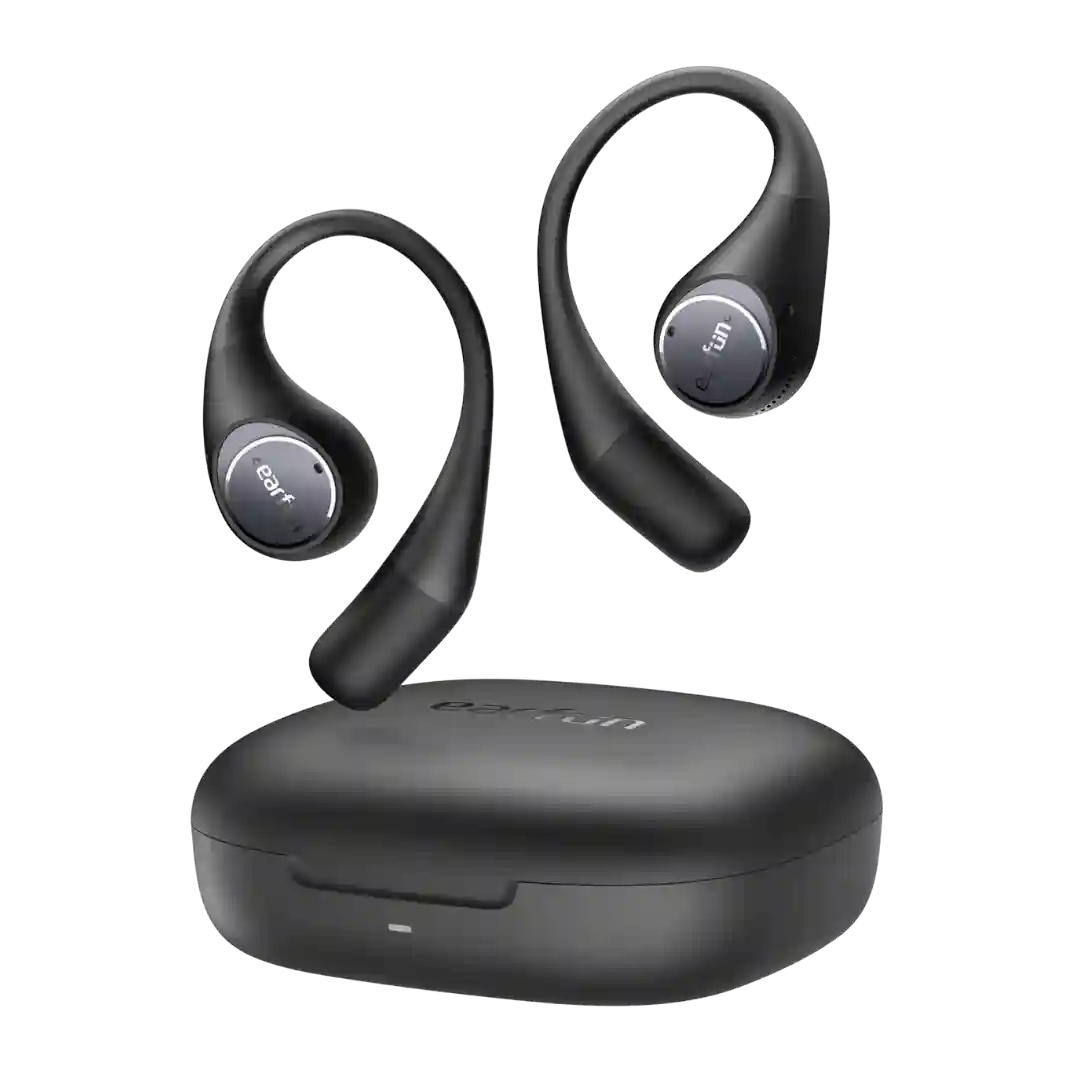
The EarFun app adds real value through EQ tools, control remapping, firmware updates, and extra modes, though several reviewers found the layout clunky.
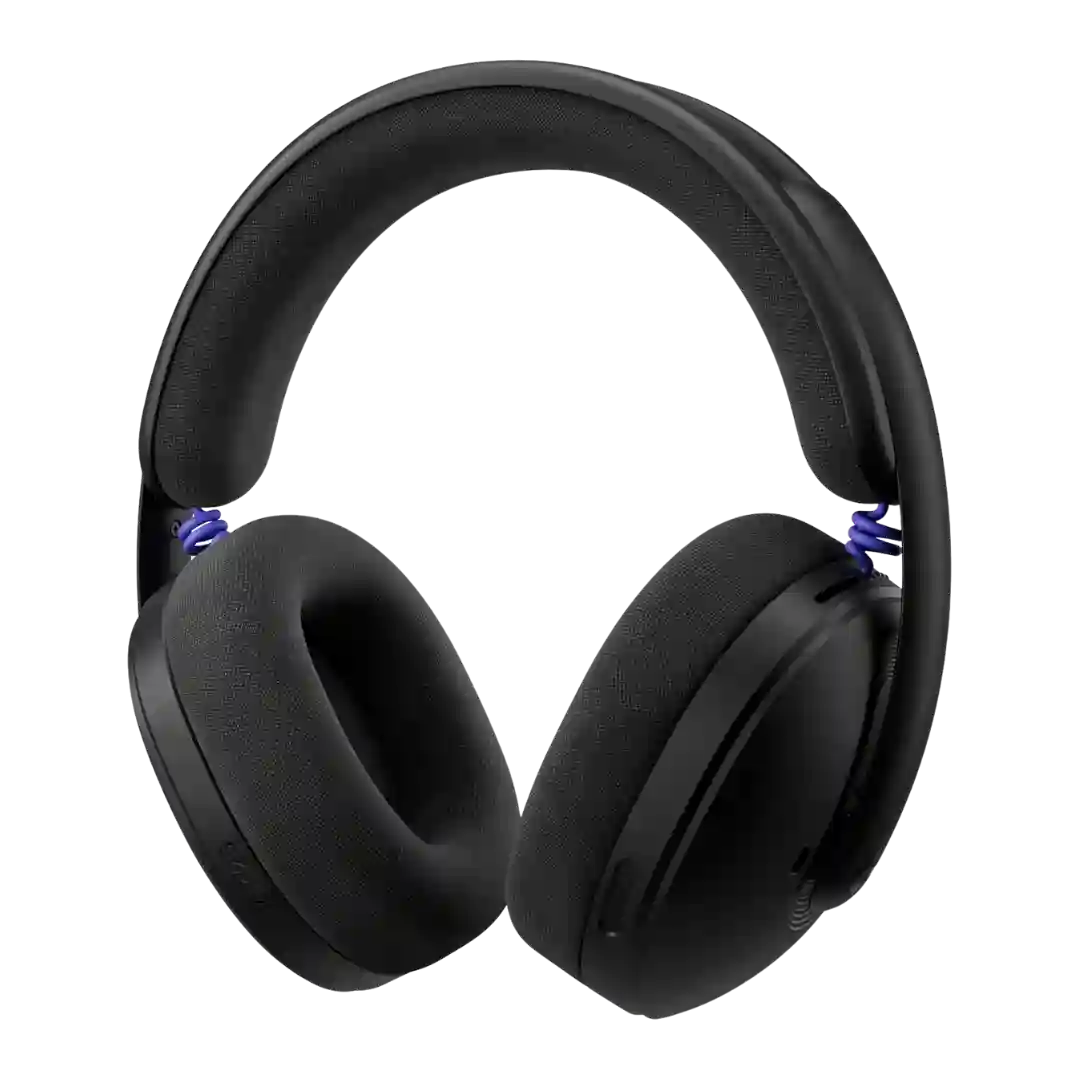
Logitech G Hub is generally seen as a good companion app, but not a feature-rich one for this headset. Reviewers appreciate its usefulness while noting that the G325 itself only exposes a modest set of software options.
The Sony companion app is generally viewed as helpful for EQ, ambient controls, multipoint management, and feature toggles; a few reviewers find parts of the interface or specific tools confusing or limited.
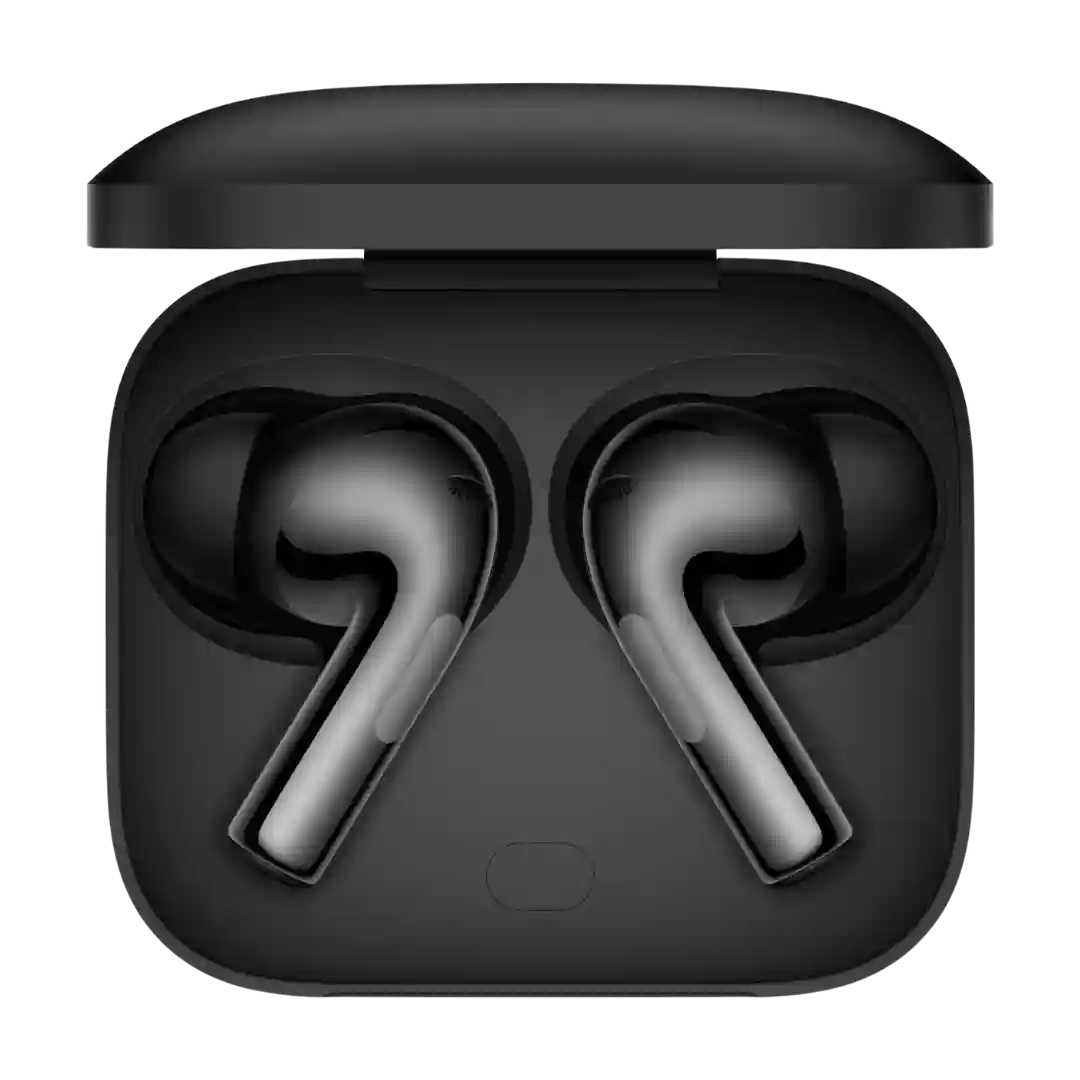
The HeyMelody app (or OnePlus system settings) delivers broad control over modes, EQ, and features. Experiences range from polished and fast to occasionally glitchy, especially when the app fails to detect the buds reliably.
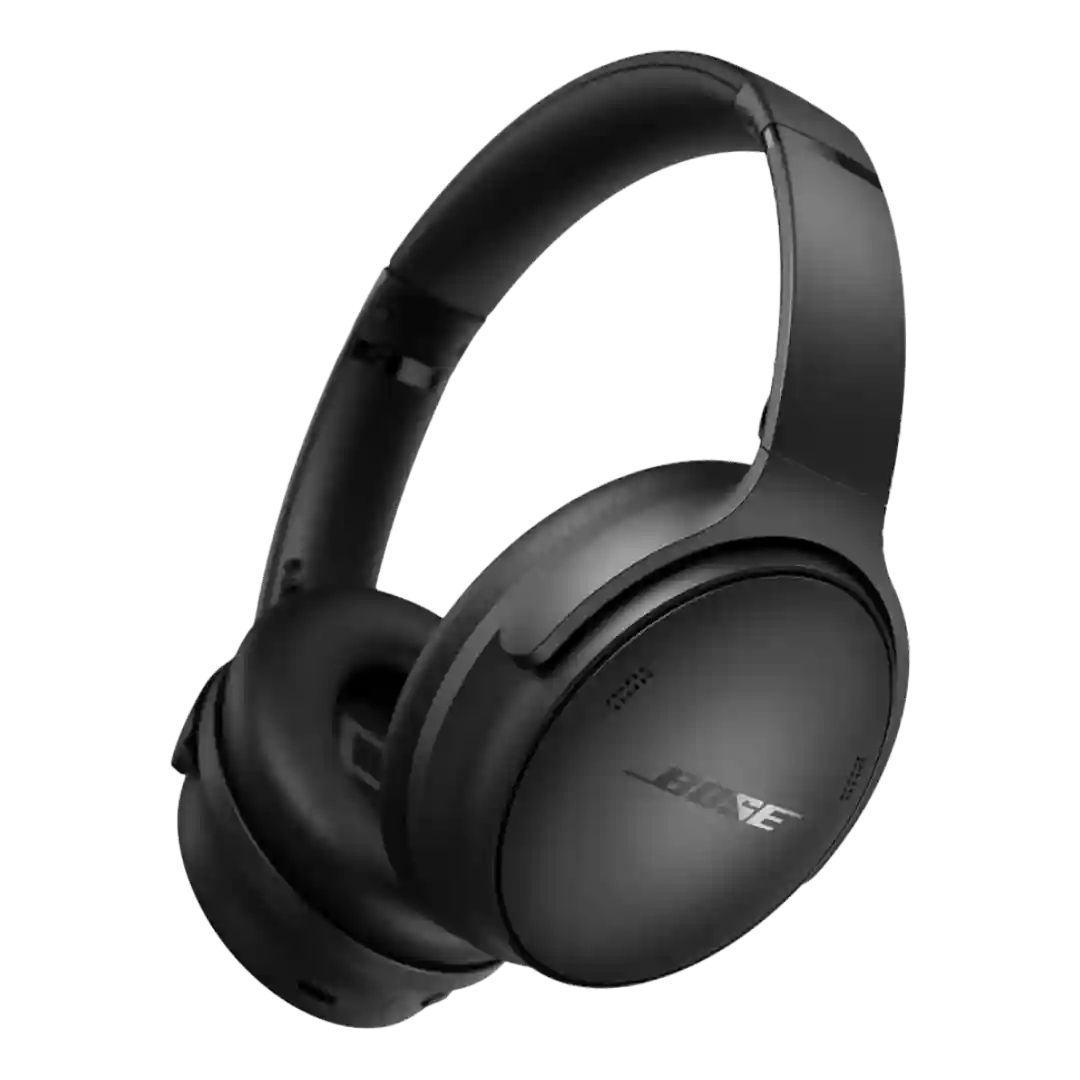
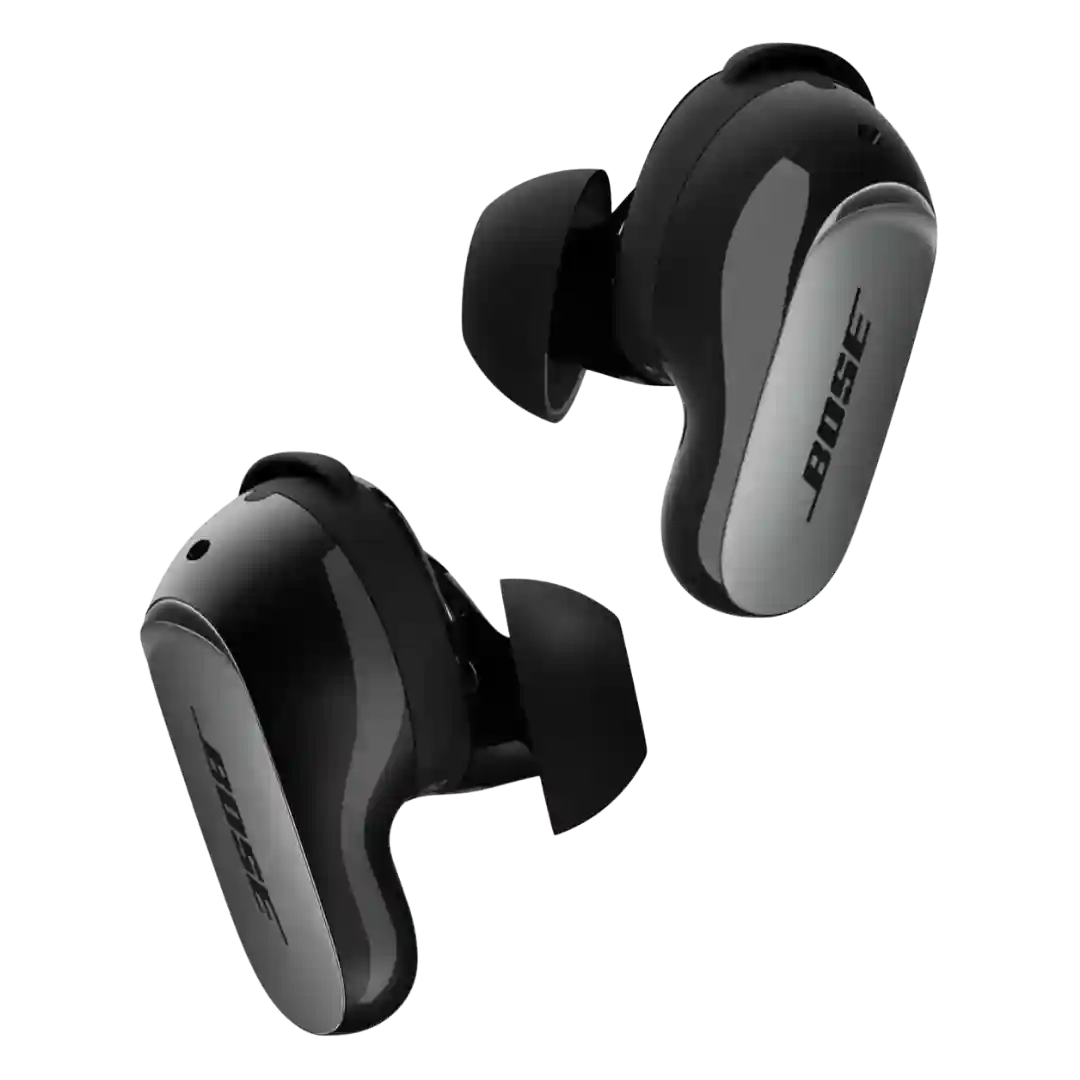
The Bose app is typically described as clean and easy, enabling modes, EQ, and updates; one review criticizes the onboarding privacy prompt and the app being required for full control.
The Status Hub app is generally seen as clean and useful for EQ and features, though some reviewers flag firmware/update hiccups or missing toggles for certain behaviors.
The Bose app is generally seen as essential and functional for modes, device management, and settings, though some workflows (like mode creation) can feel limited or slightly confusing.
The Marshall app is generally well-liked for being clean and functional, giving access to firmware, EQ, ANC levels, control customization, and battery-care features.
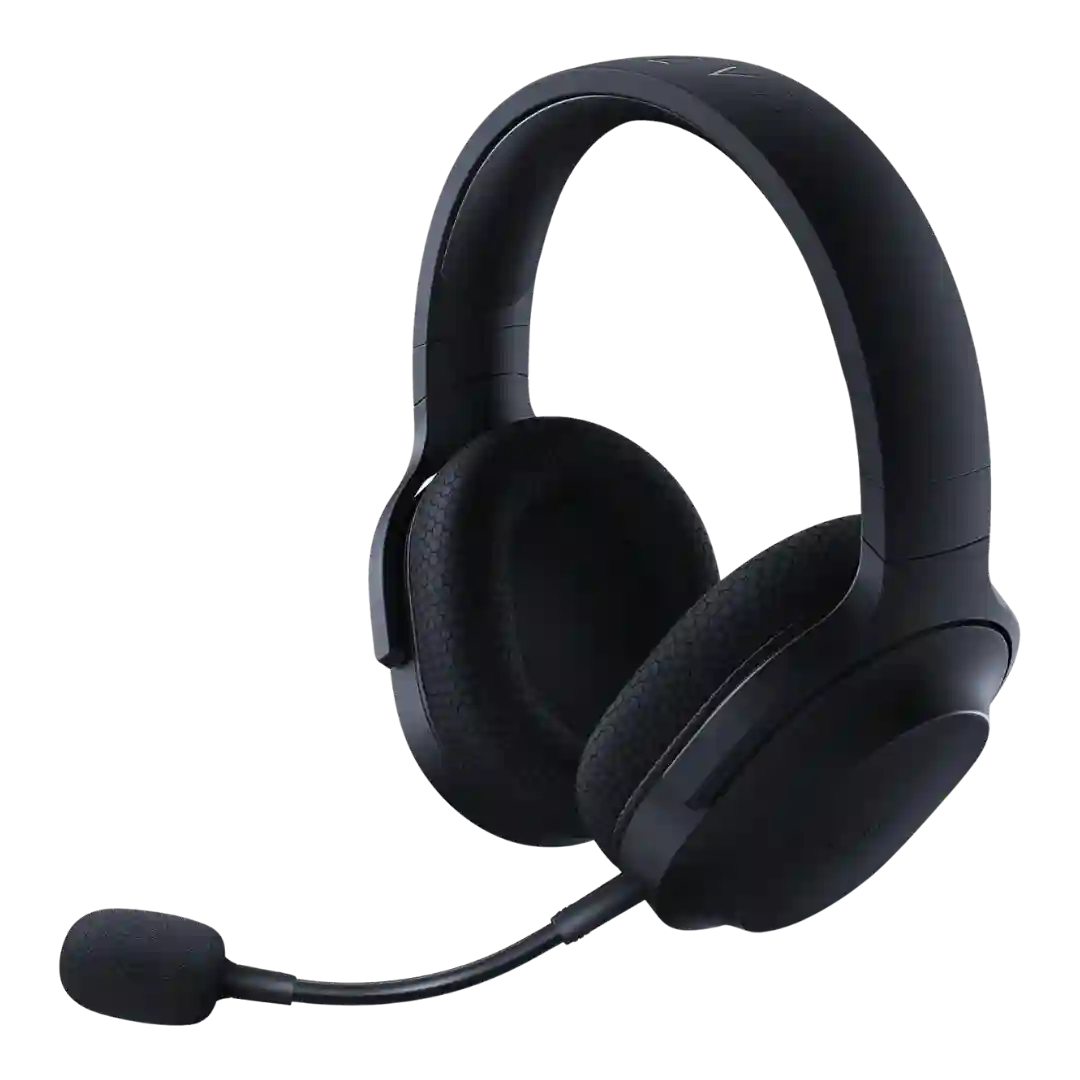
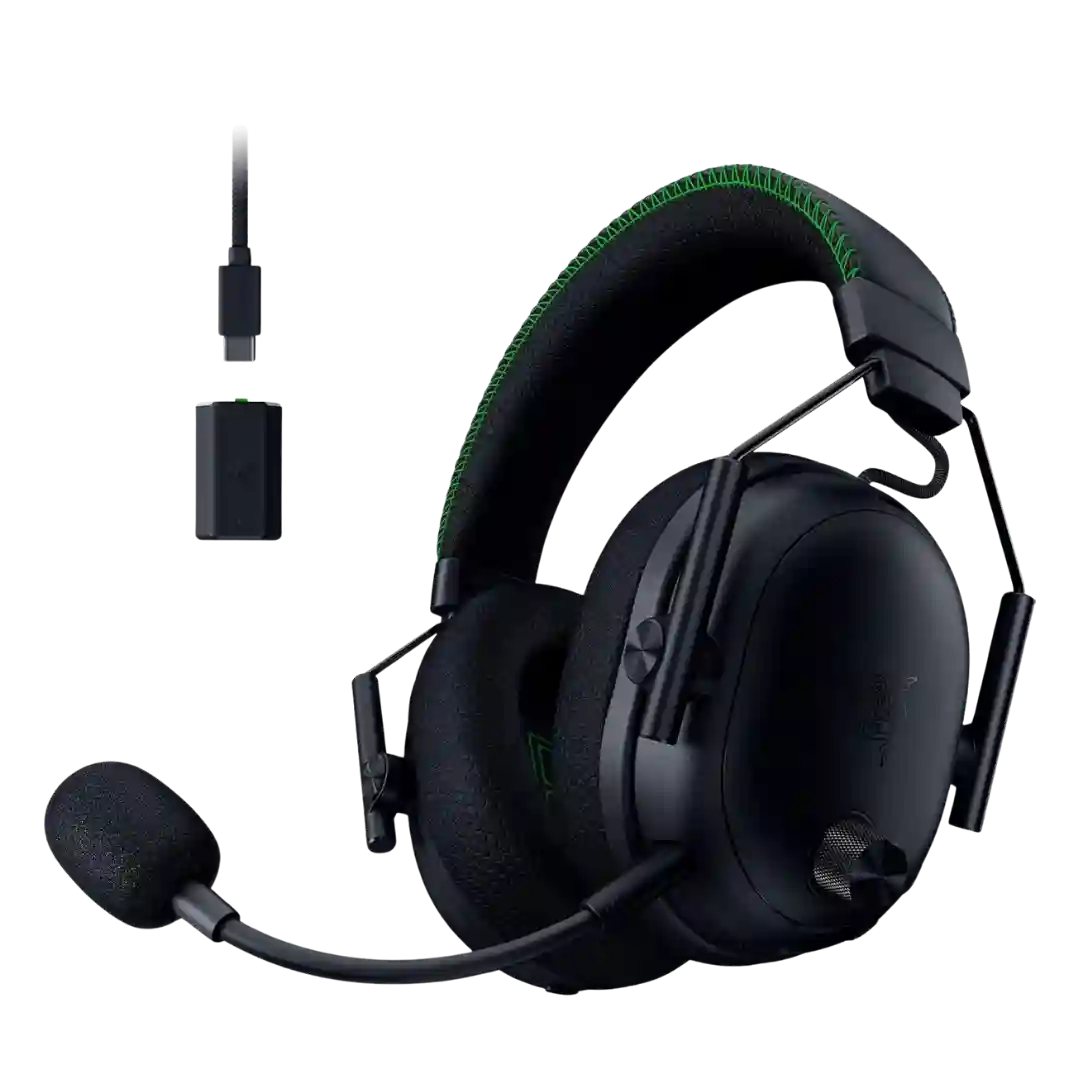
Razer Synapse on PC and the Razer Audio mobile app provide useful control for EQ, mic settings, ANC, and wheel behavior. Reviews note the tools are powerful, though occasional quirks, connection-mode requirements, or finicky behavior can slow setup.
The companion app is generally considered clean and functional, offering key controls and some ecosystem integration. Multiple reviewers still call it simpler than Sony-style apps and note missing power-user features.
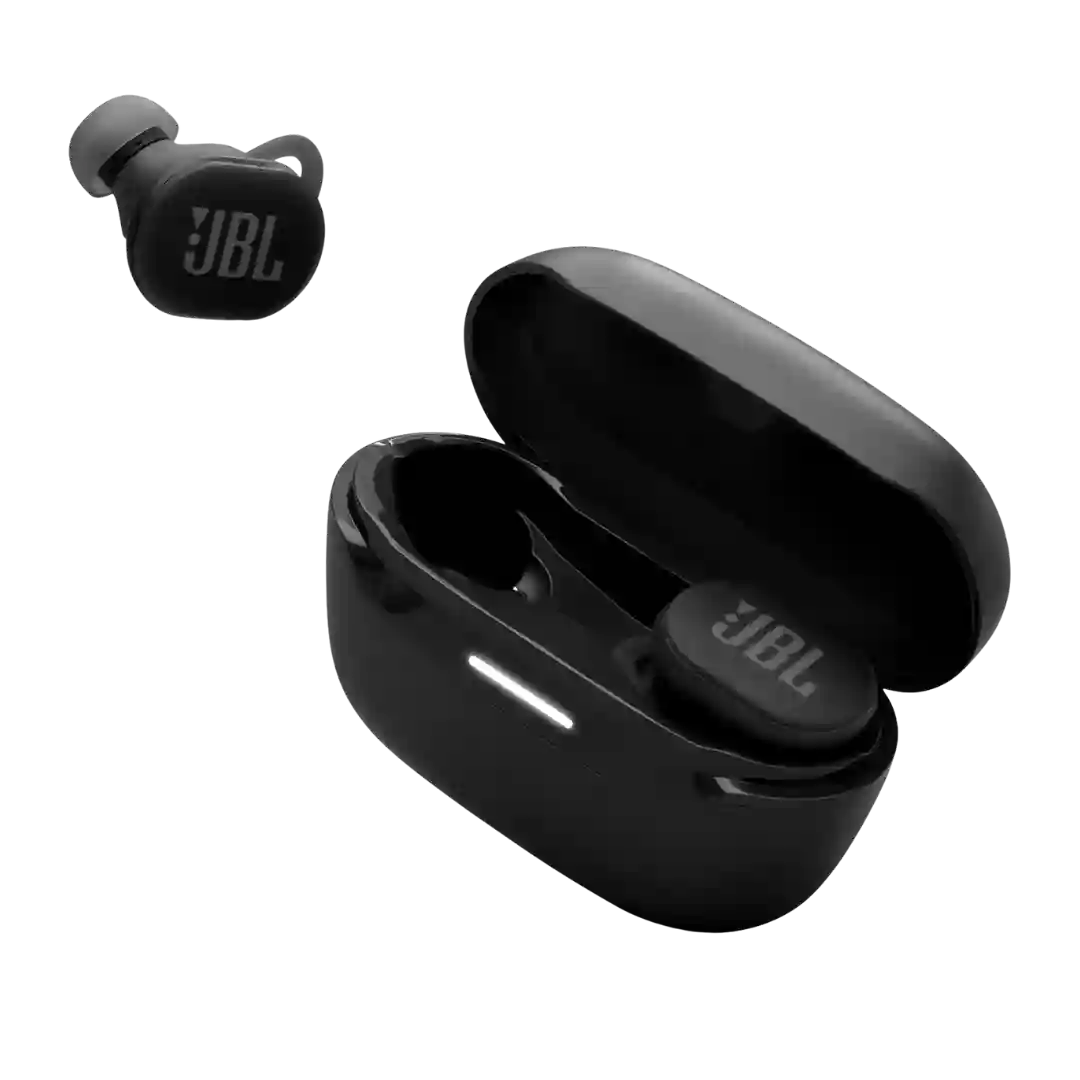
The JBL app adds meaningful tuning options, sports modes, and control customization, but several reviewers found some mode behavior inconvenient or not especially impactful.
Sony's Sound Connect app is widely seen as polished and useful, especially for changing modes, managing features, and handling firmware or device settings.
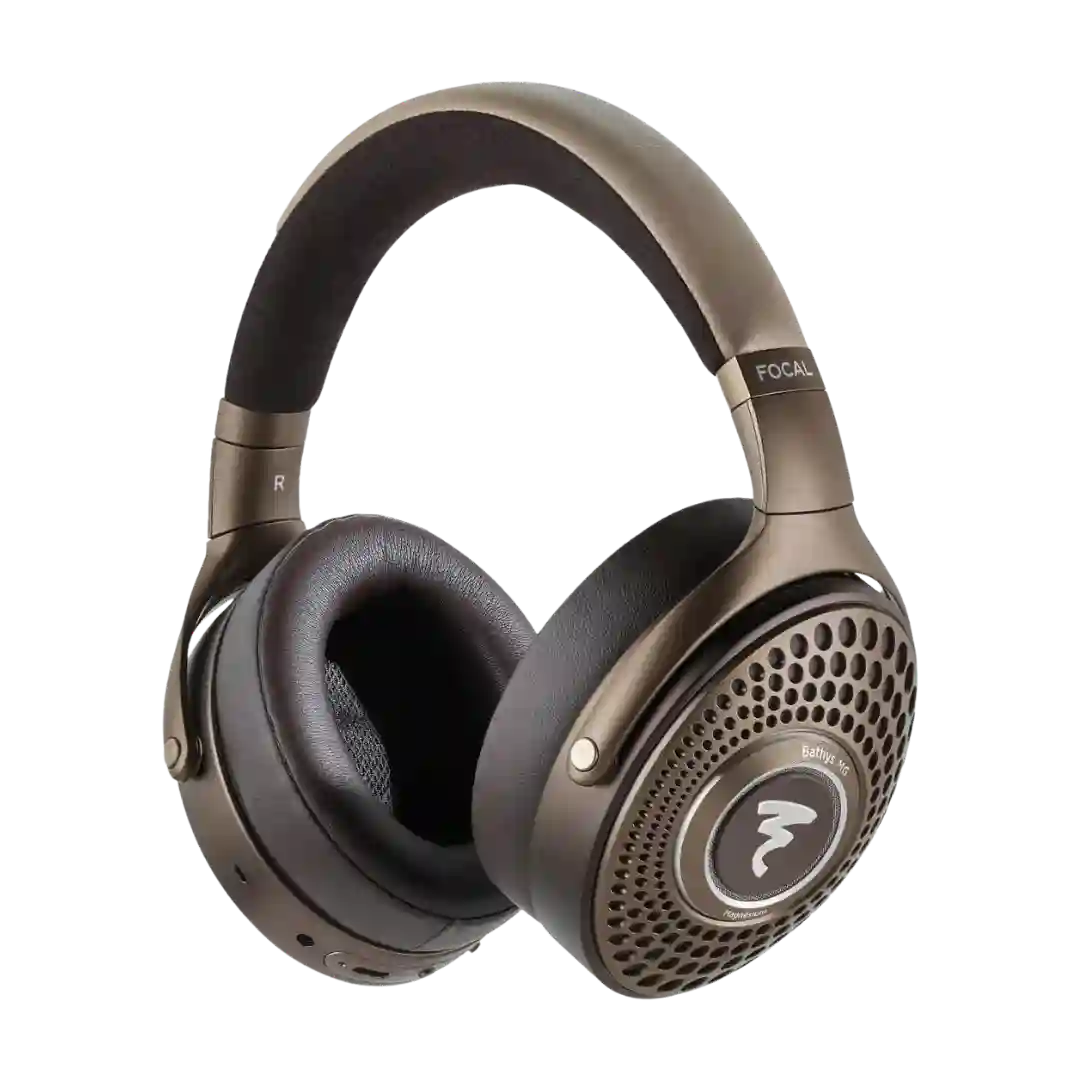
The Focal & Naim app is useful for basics like ANC, EQ, personalization, lighting, and battery view, but several reviewers find it limited or occasionally glitchy.