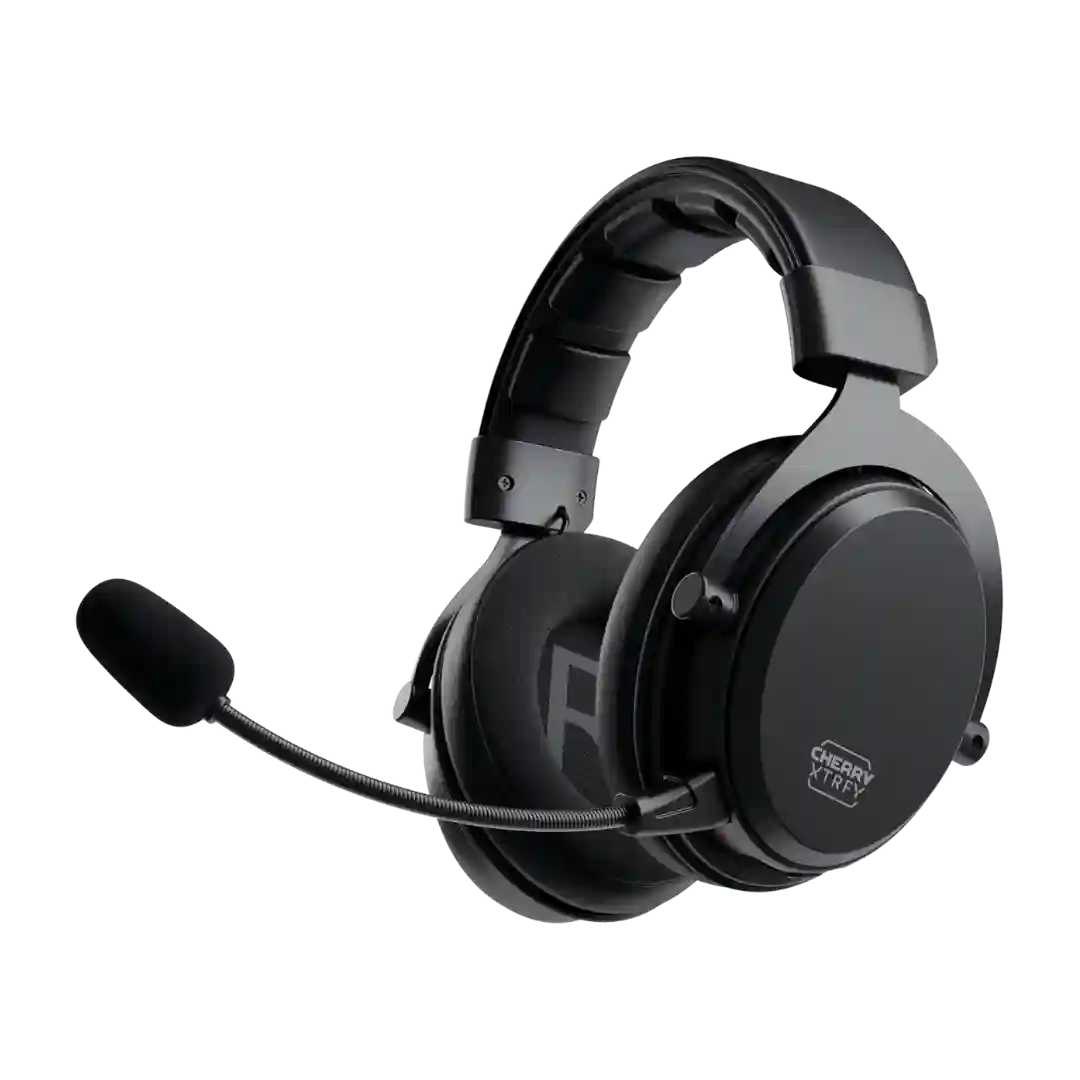
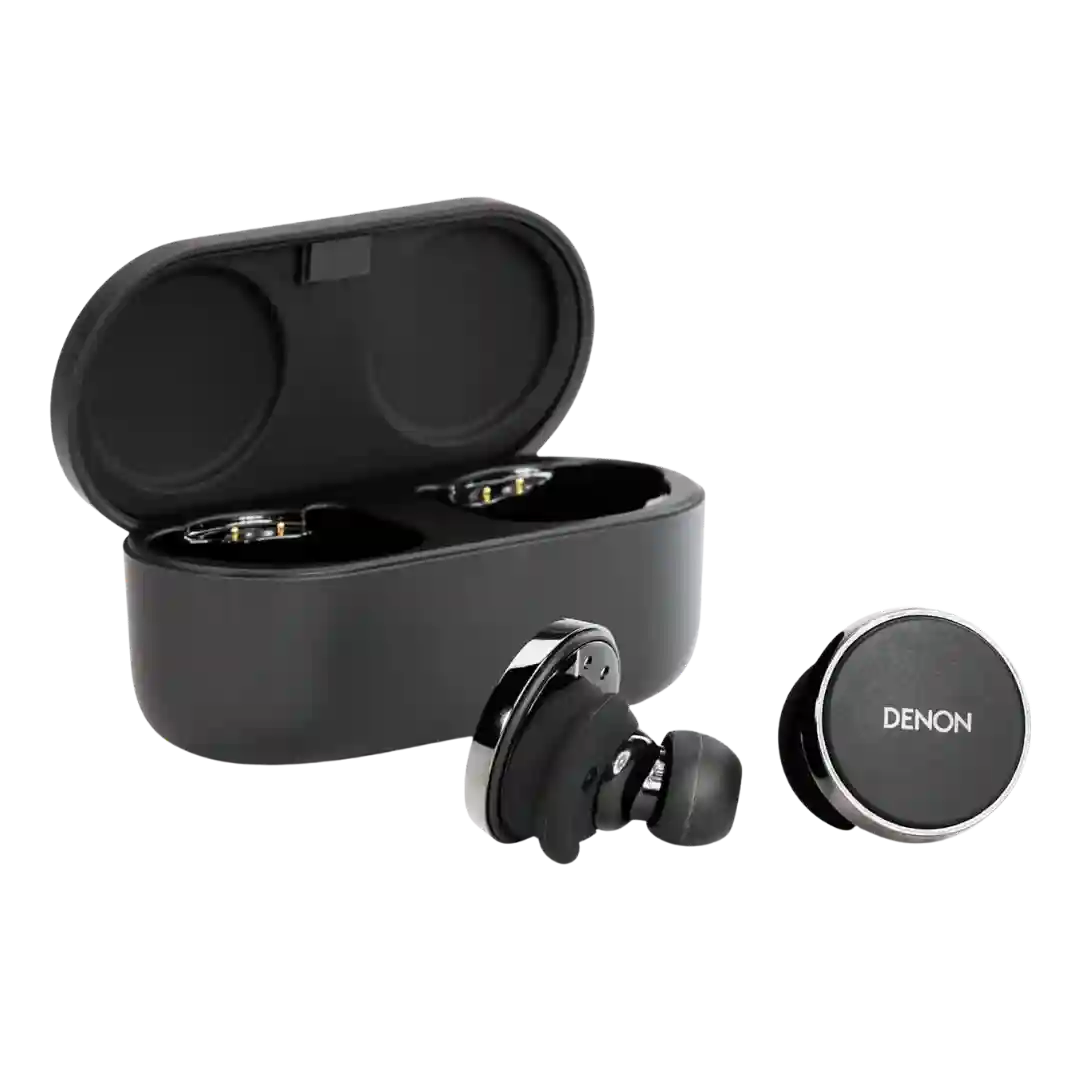
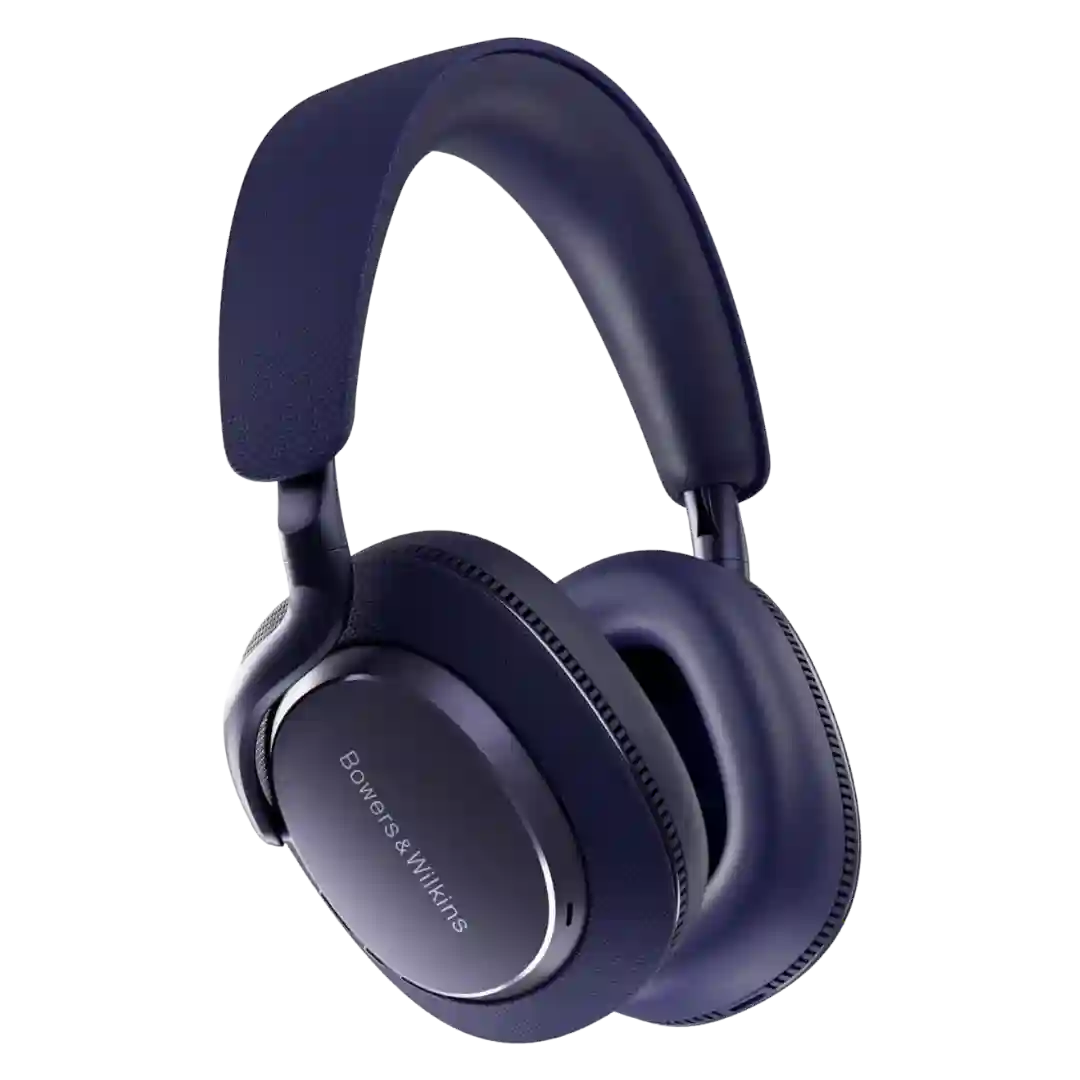
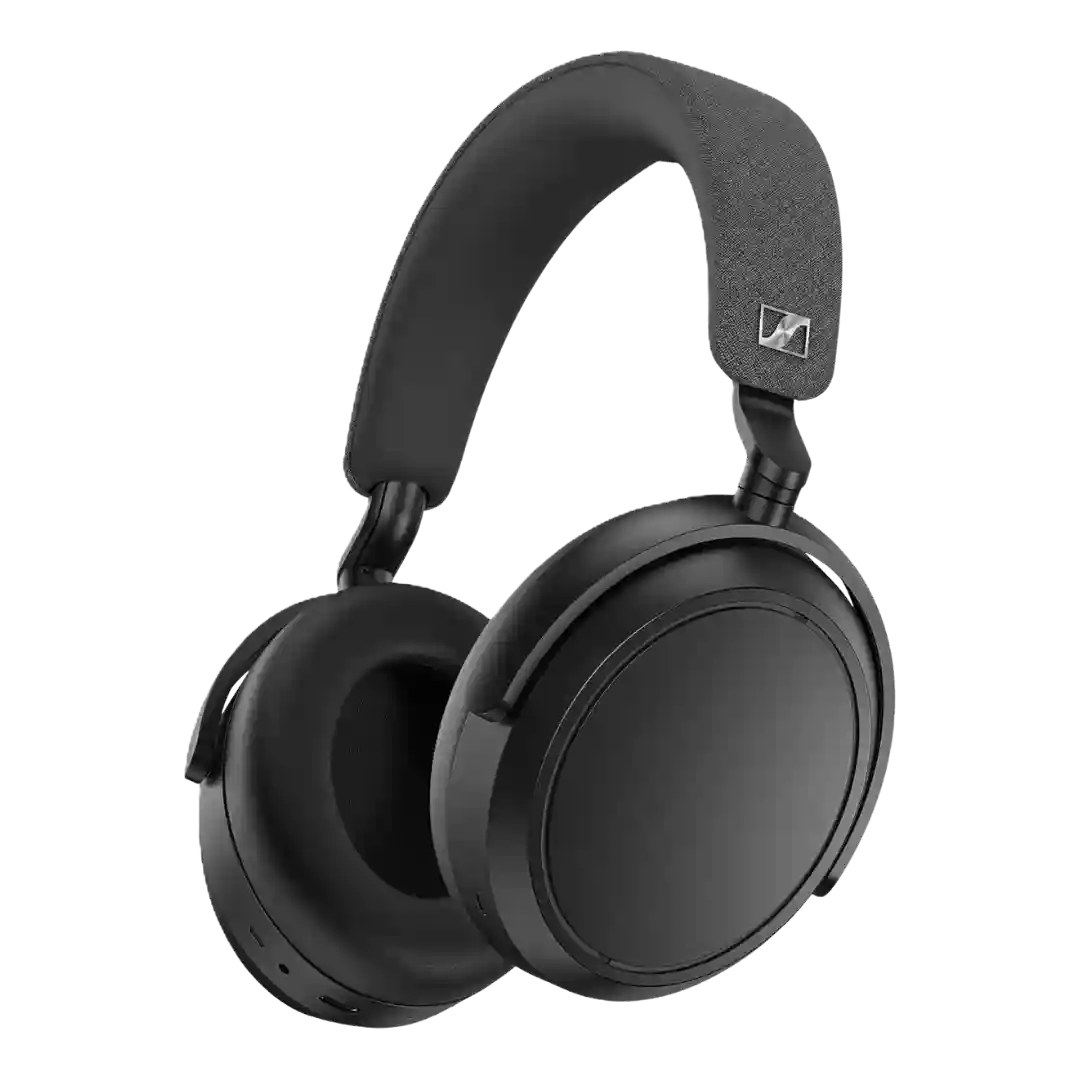
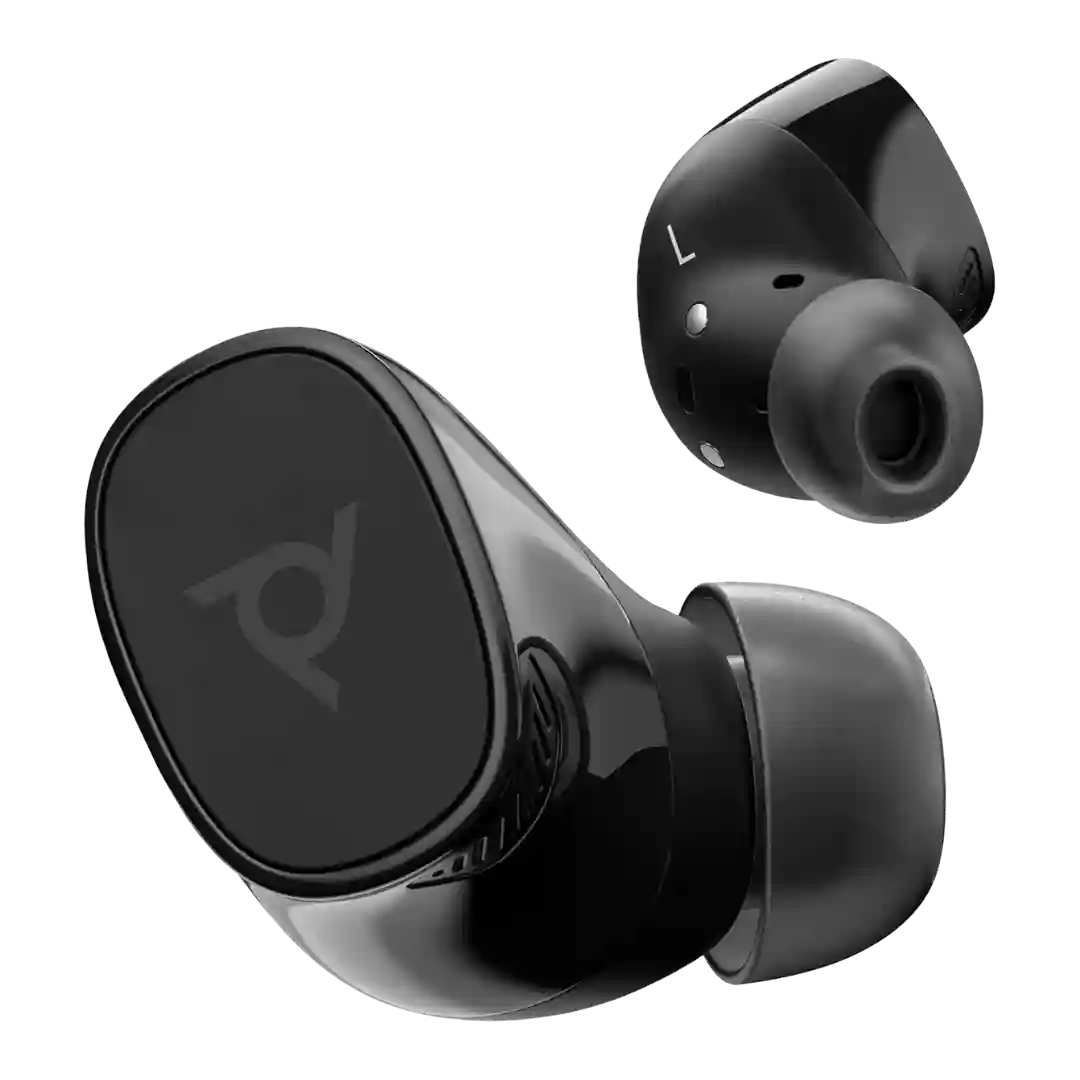
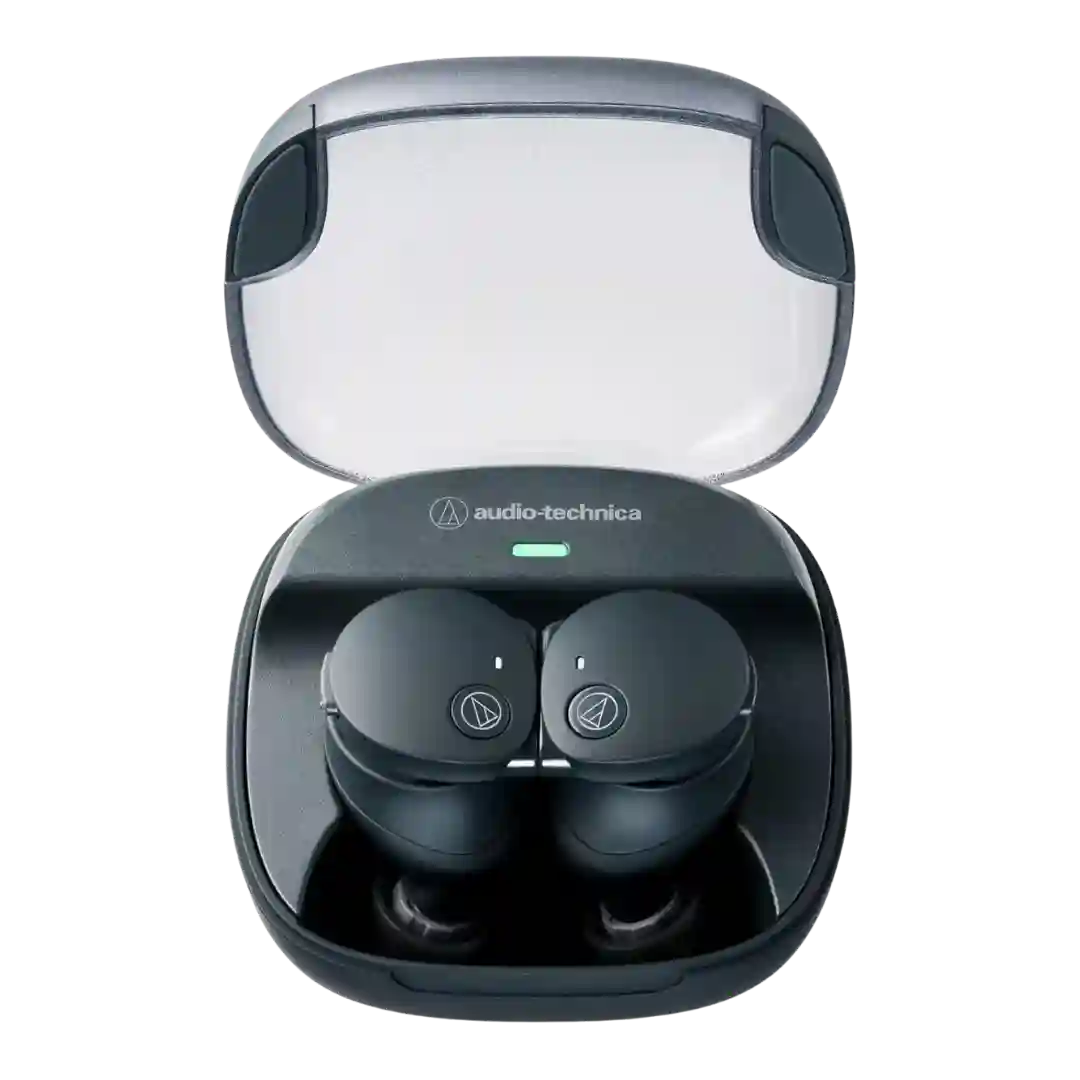
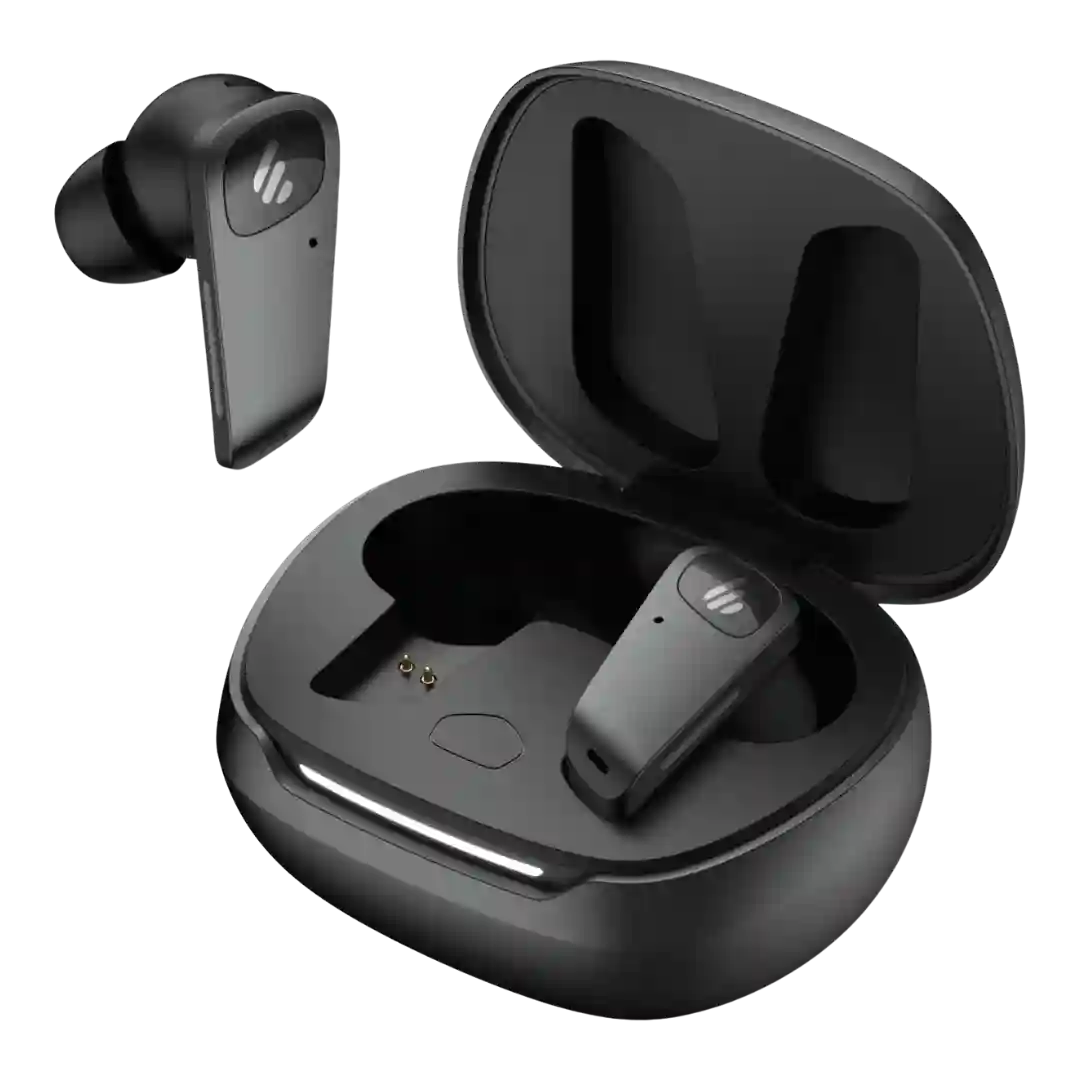
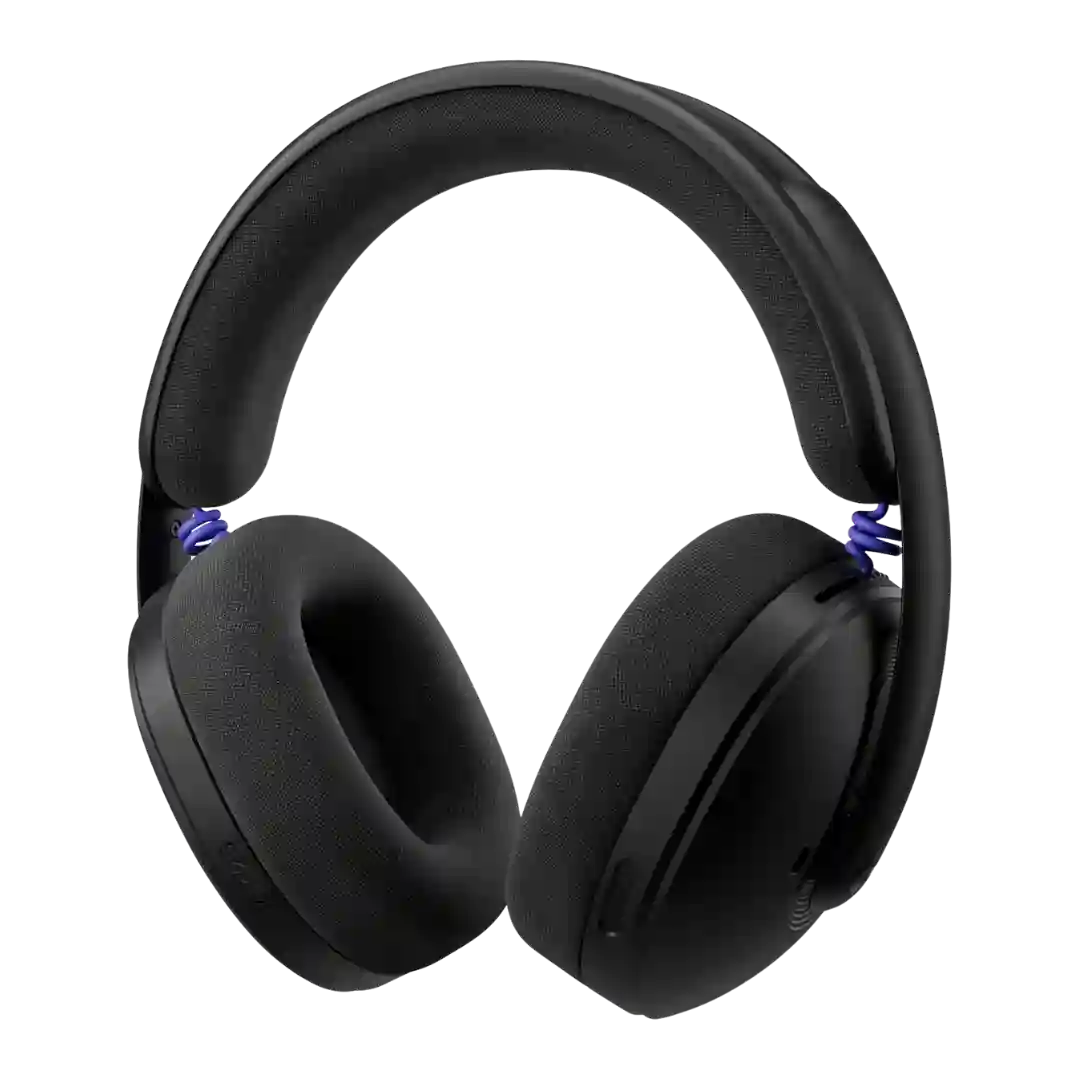
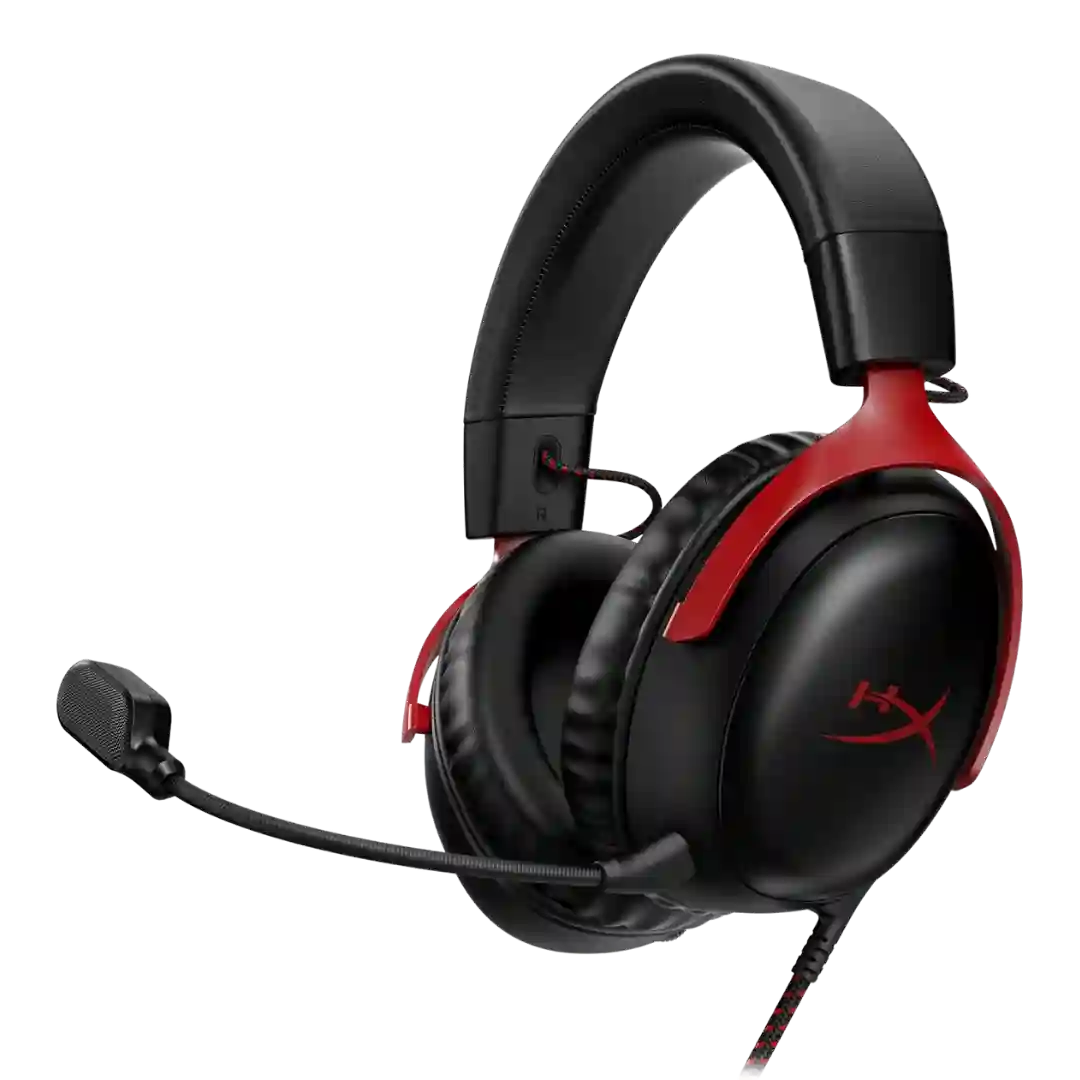
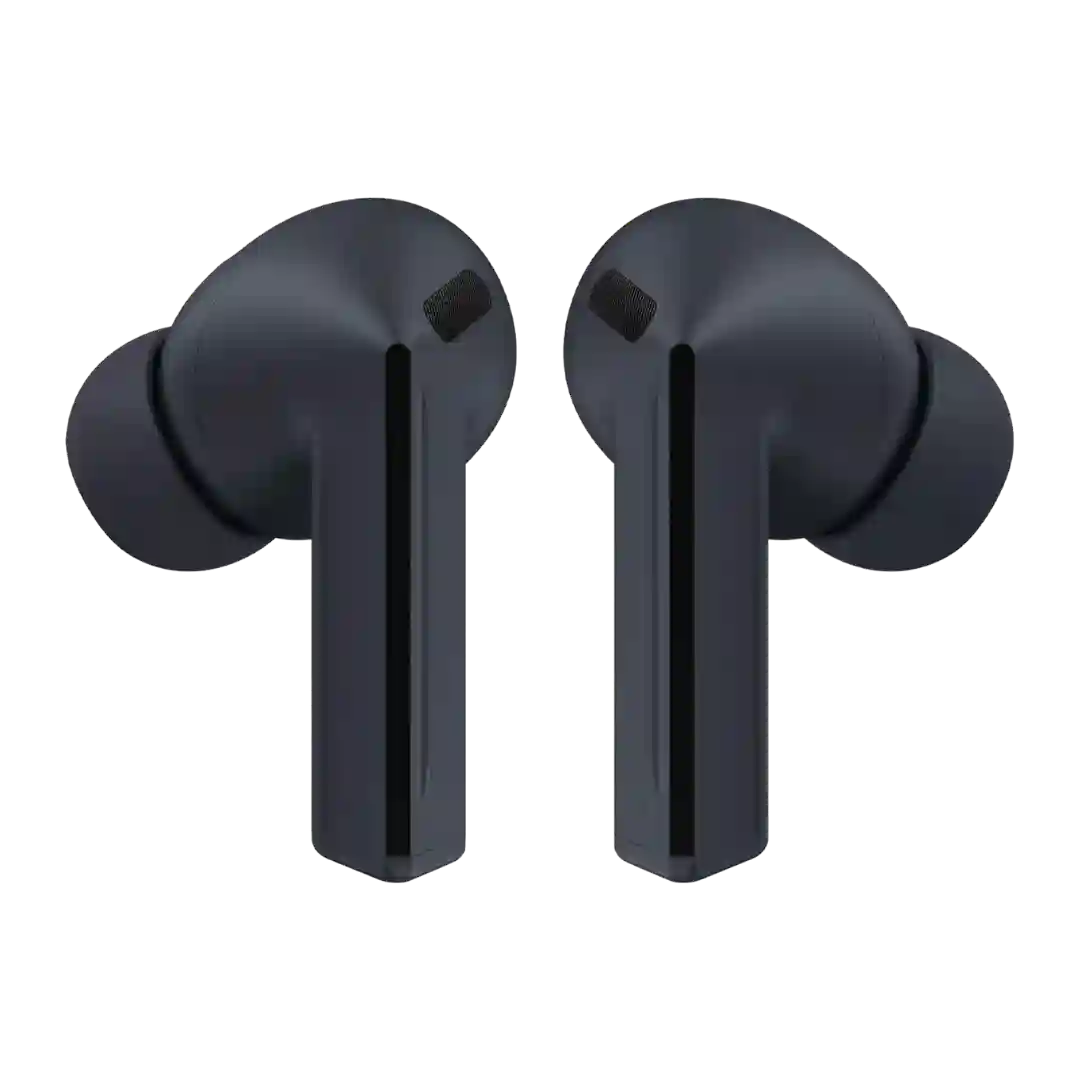
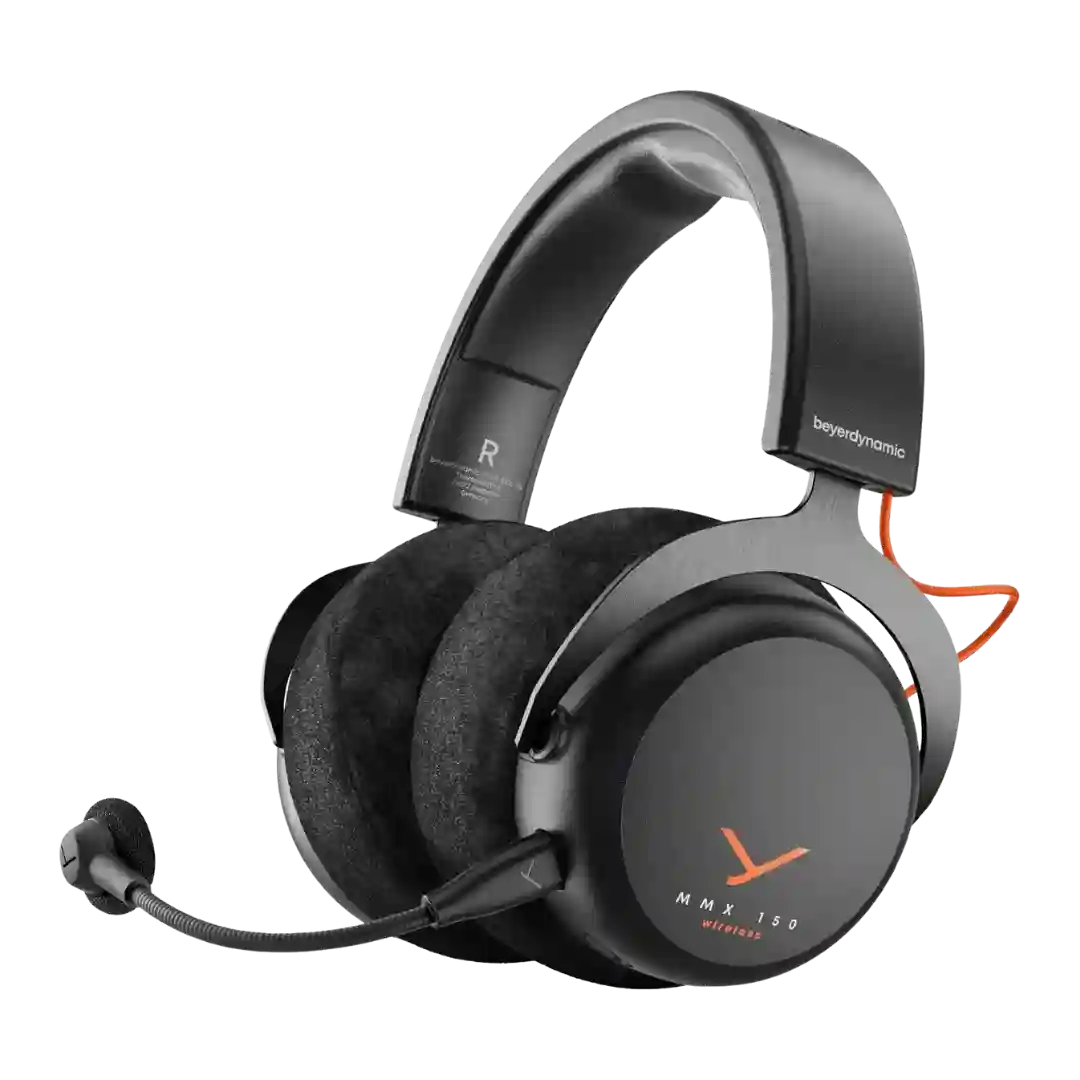
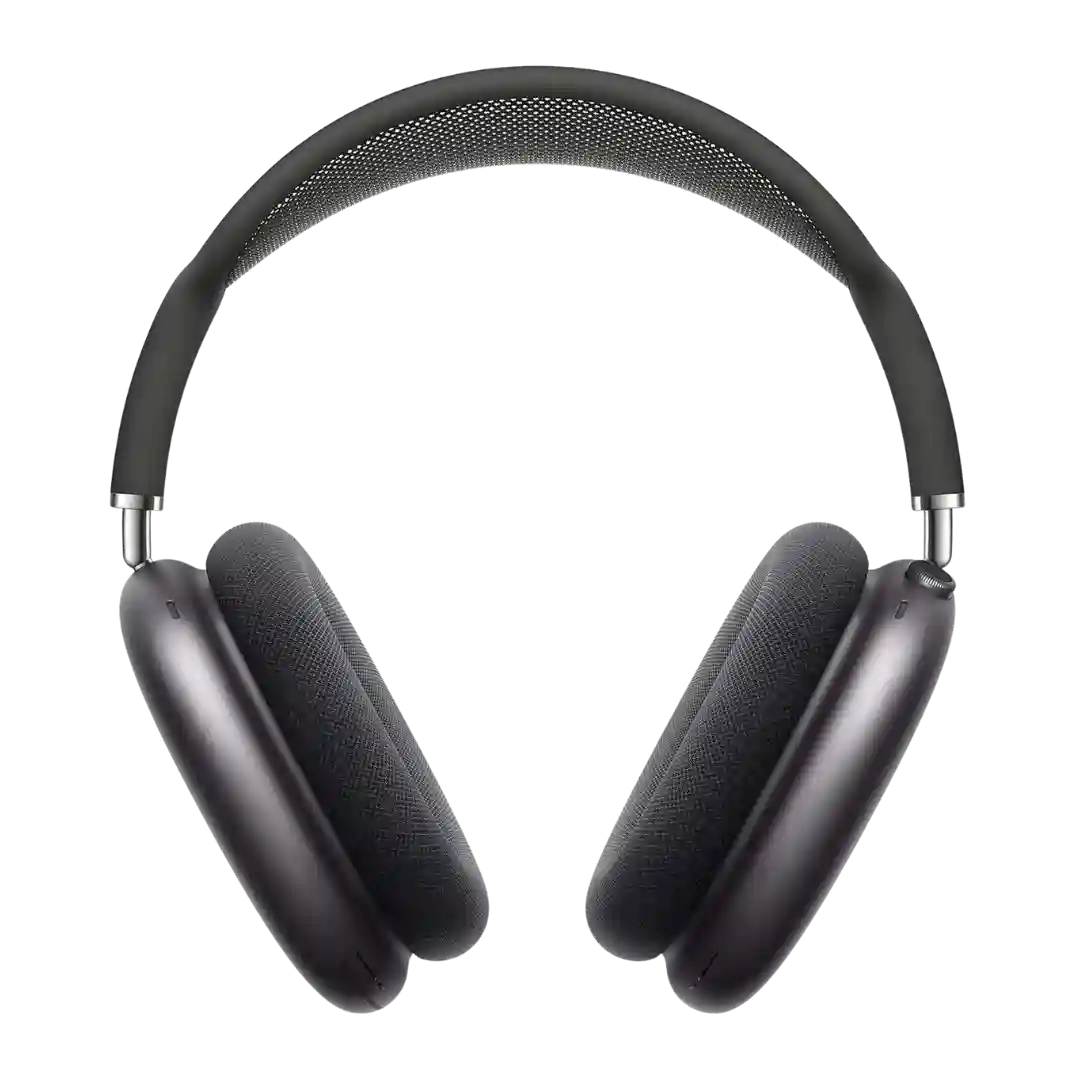
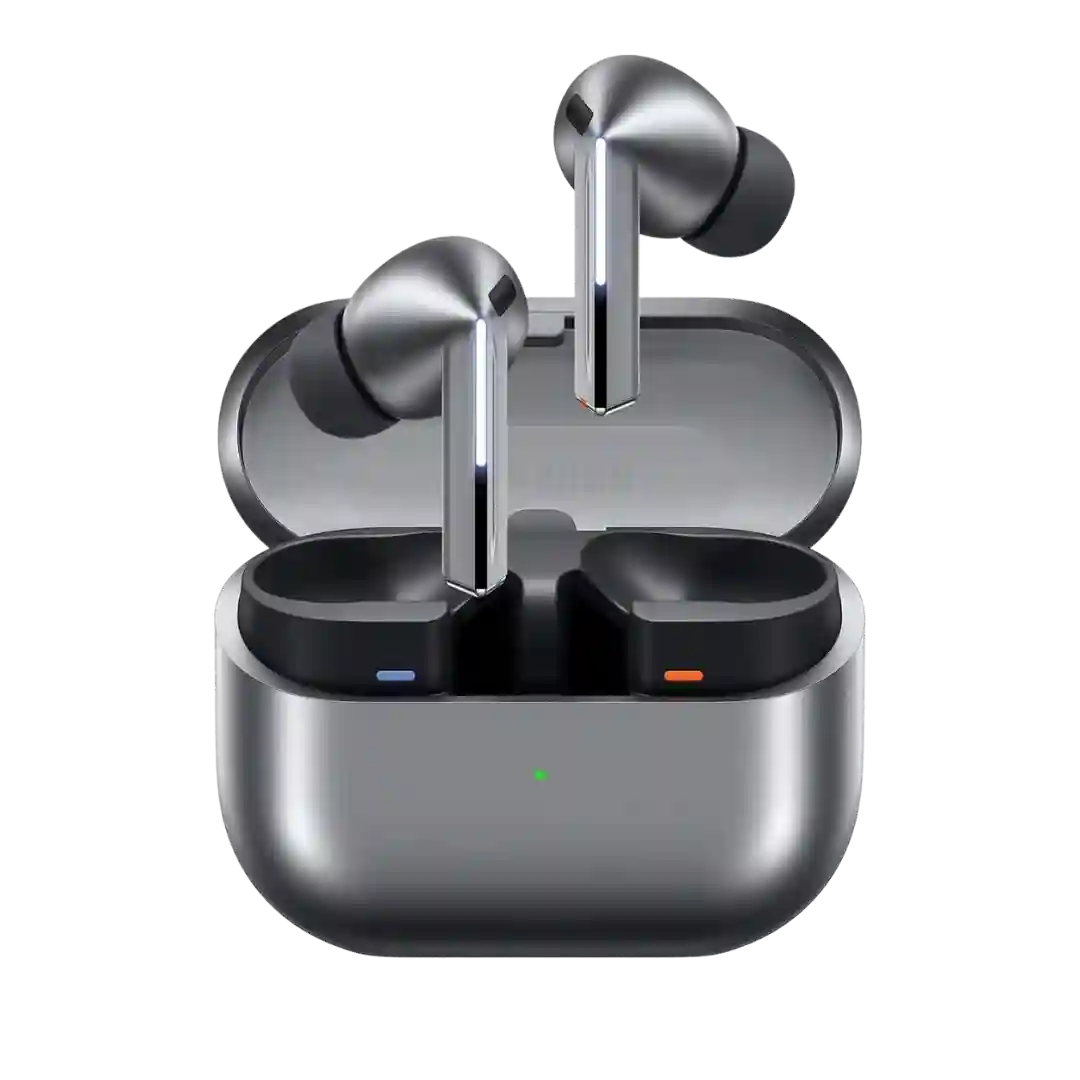
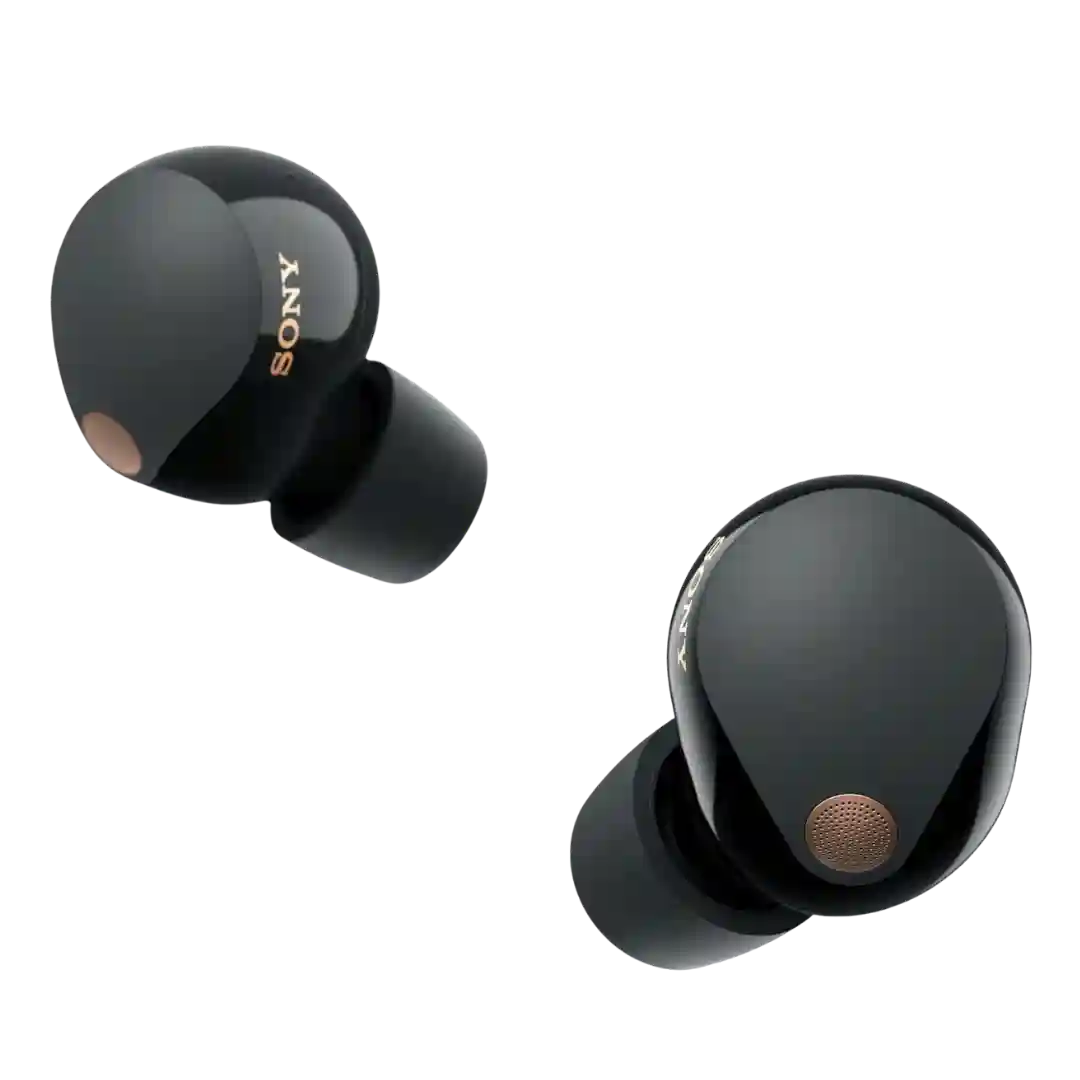
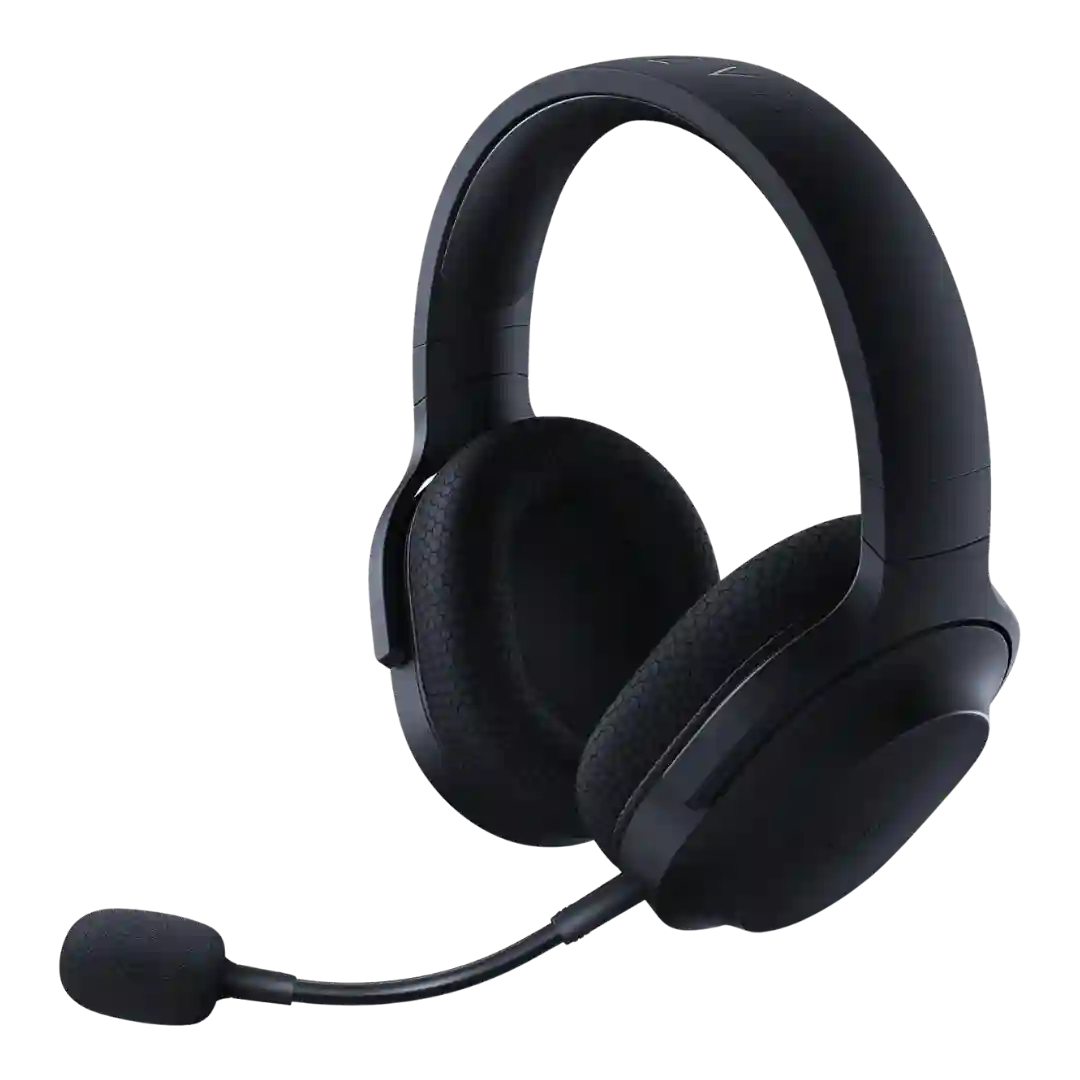
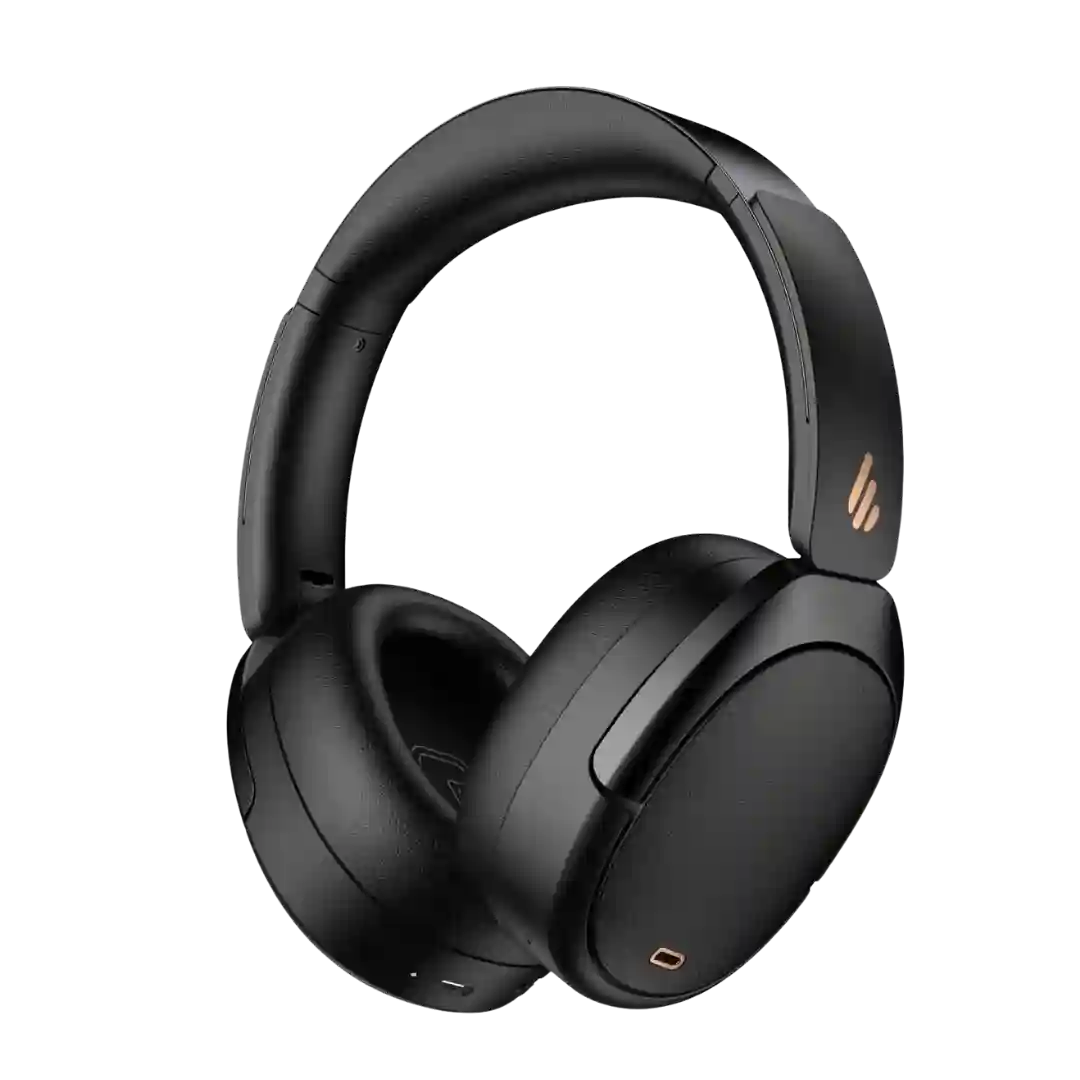
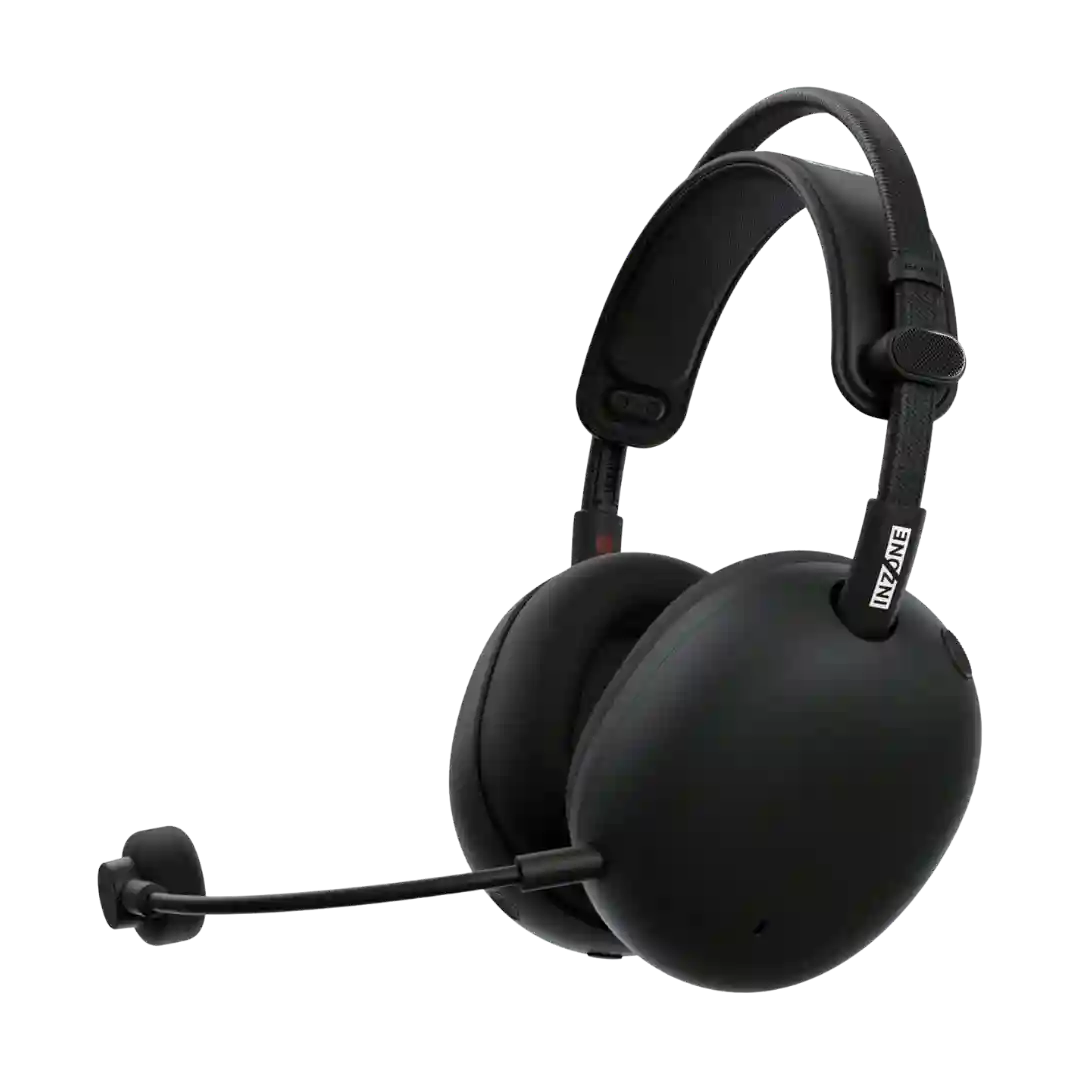
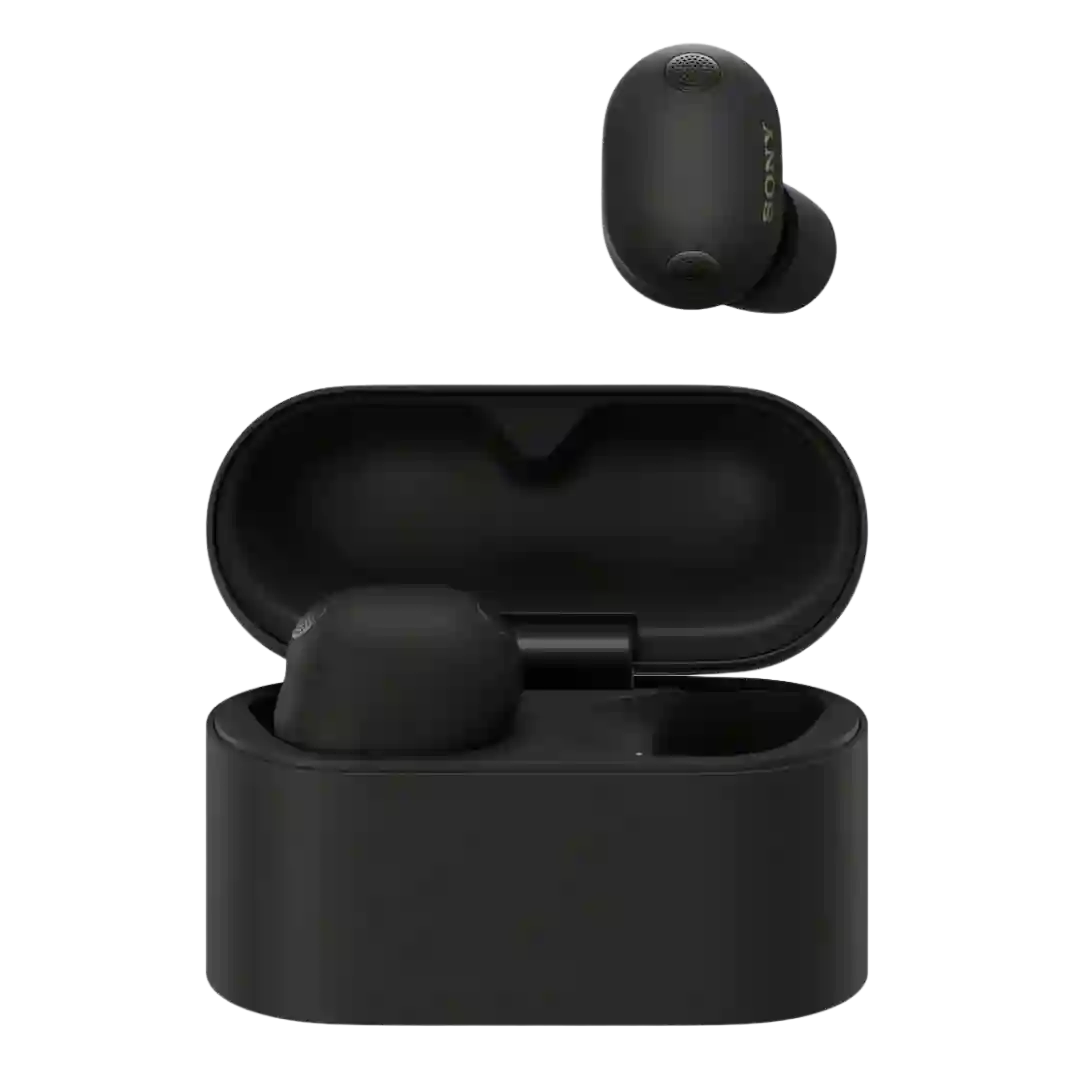
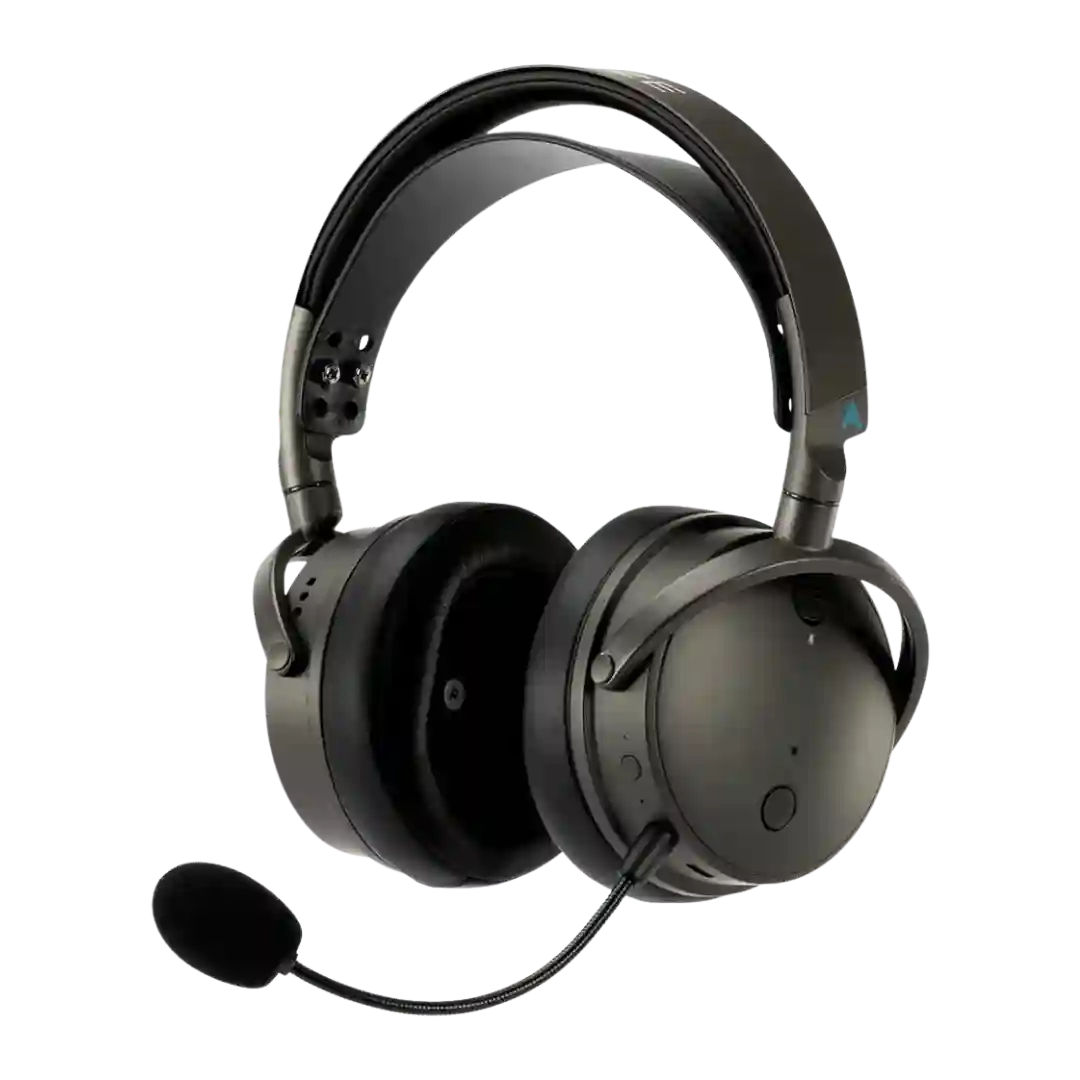
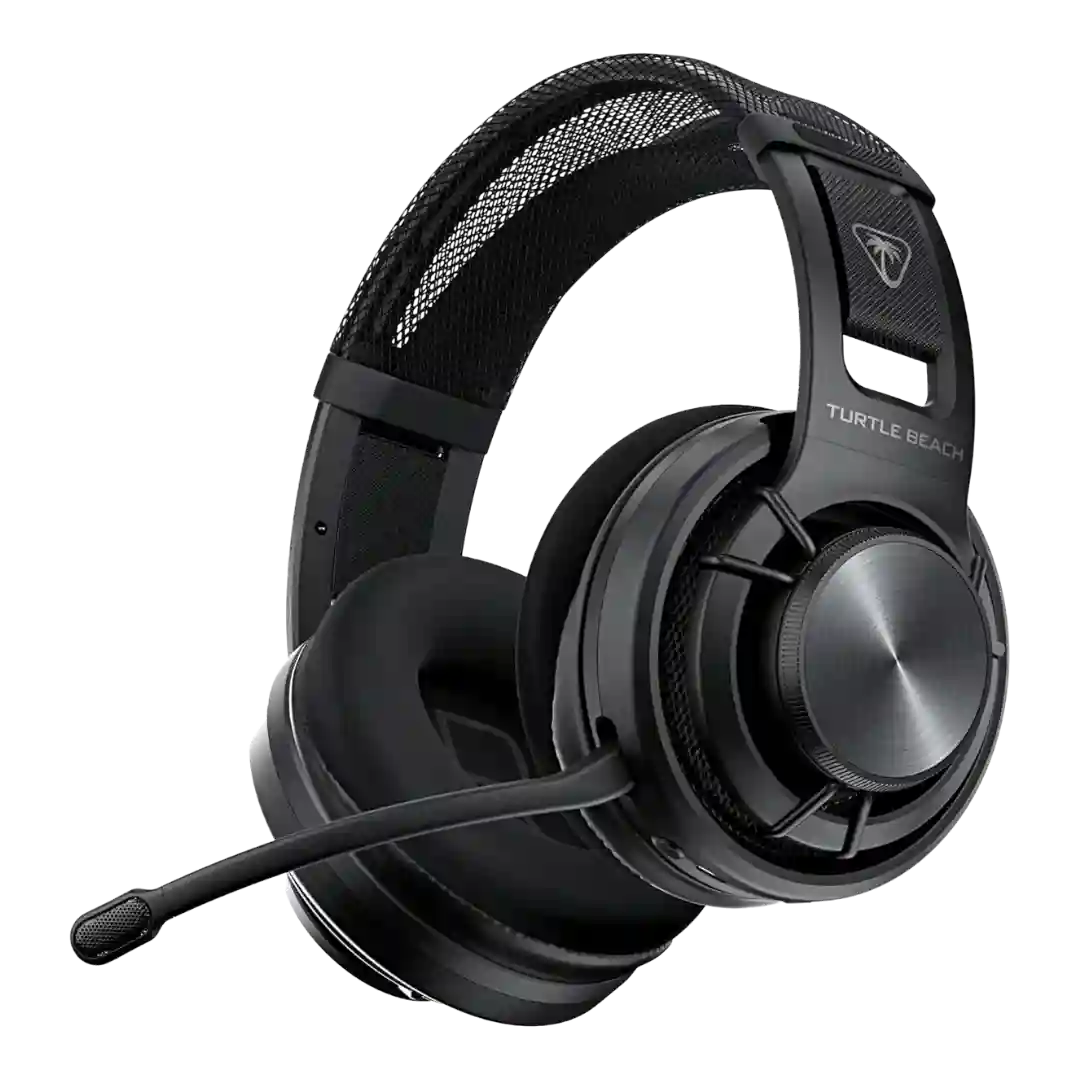
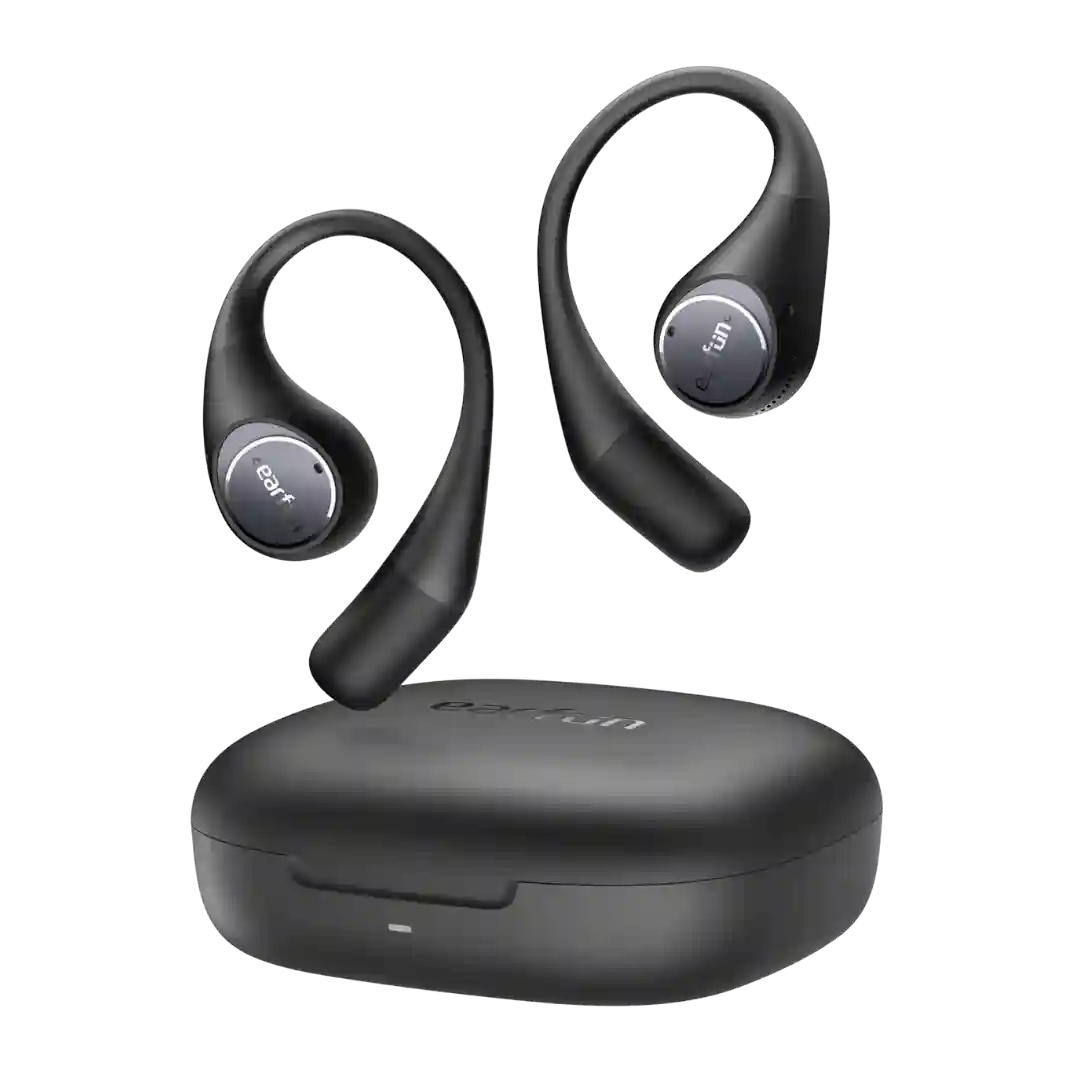
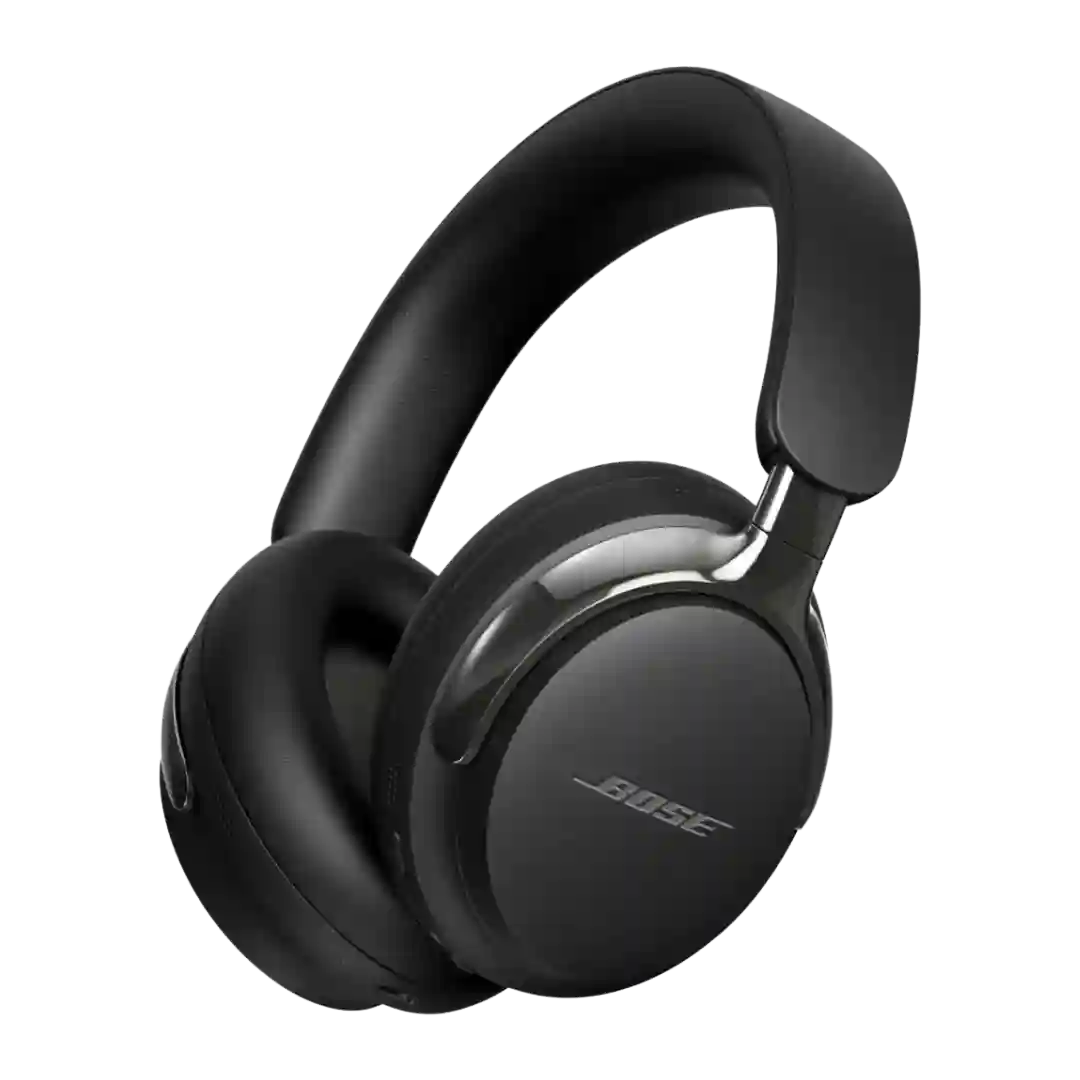
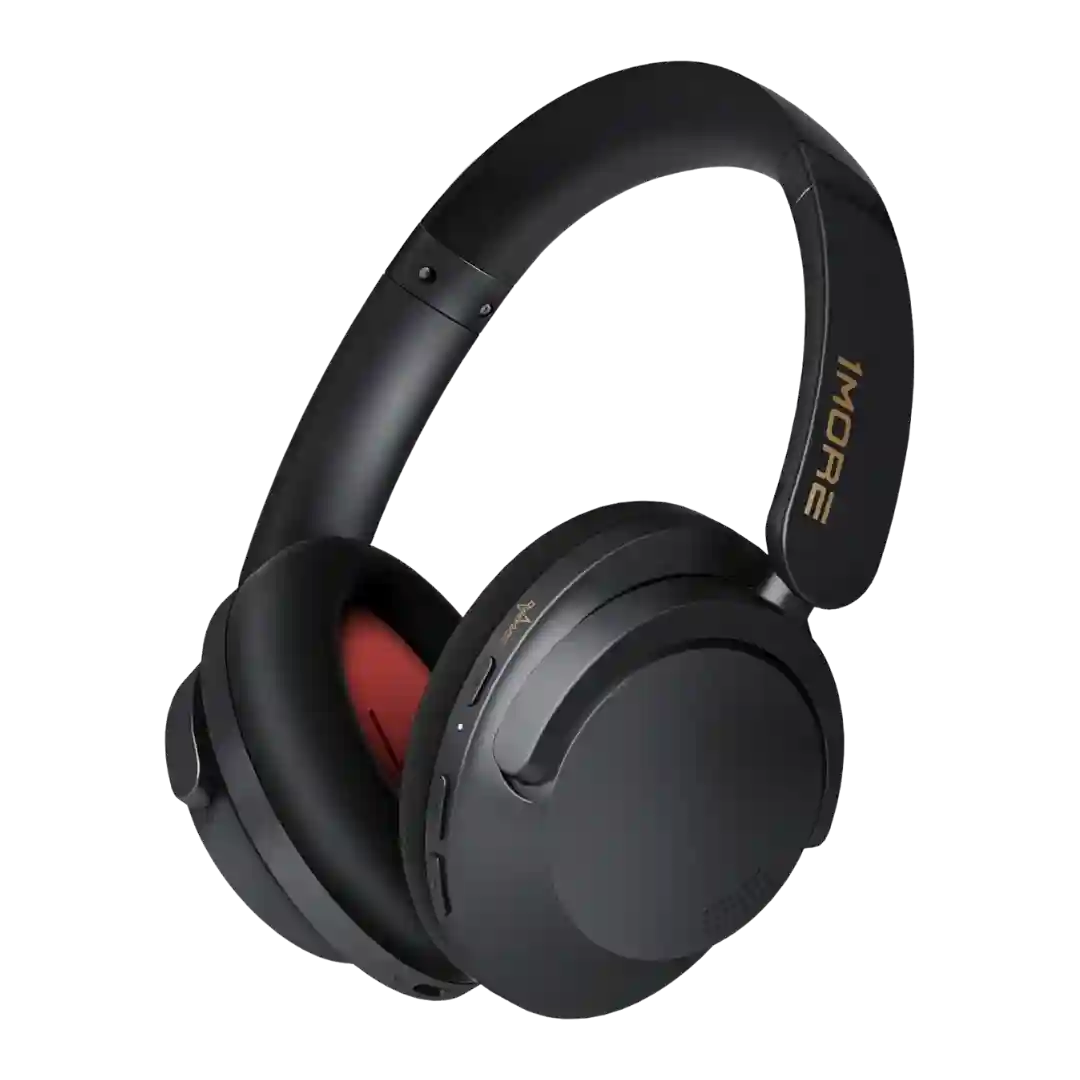
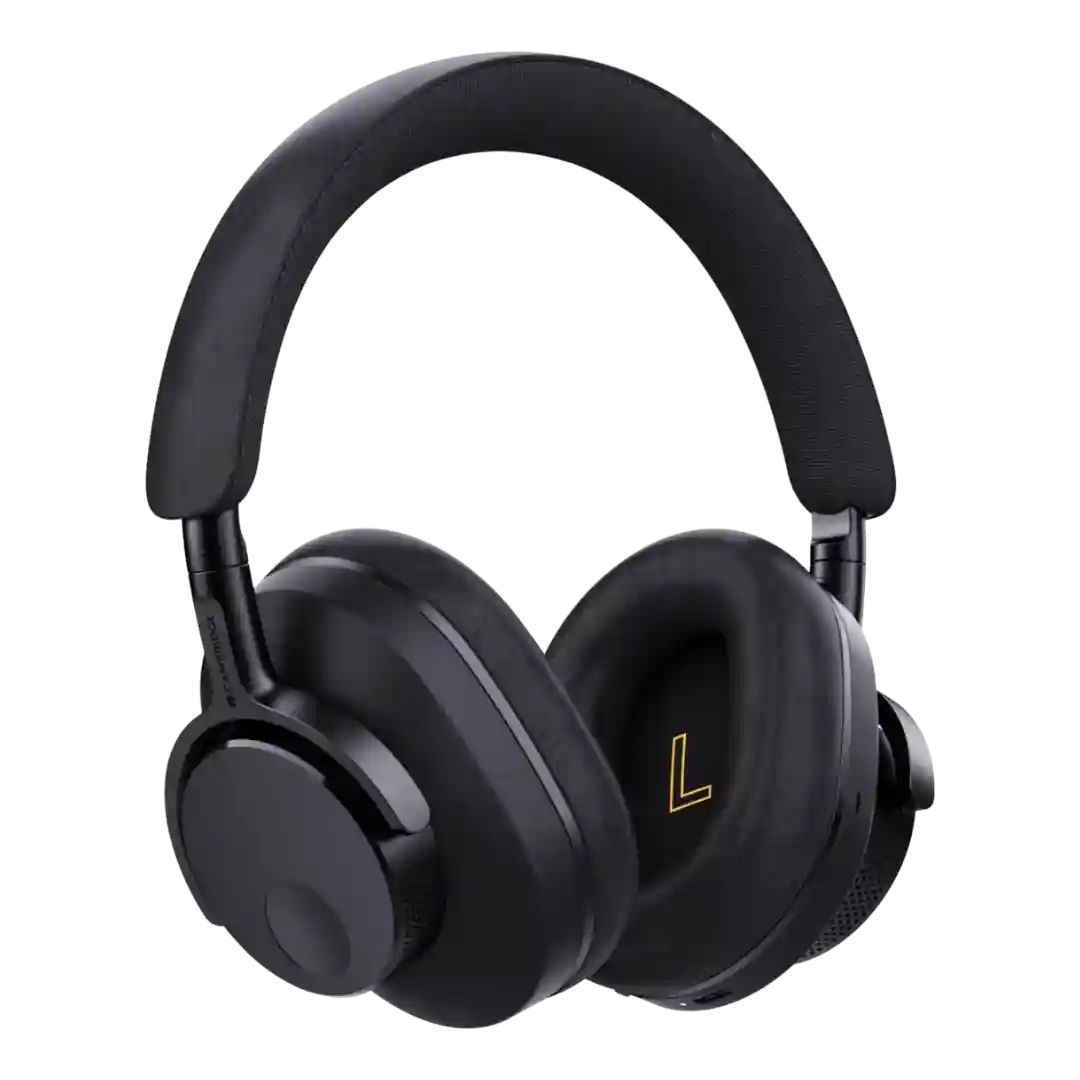
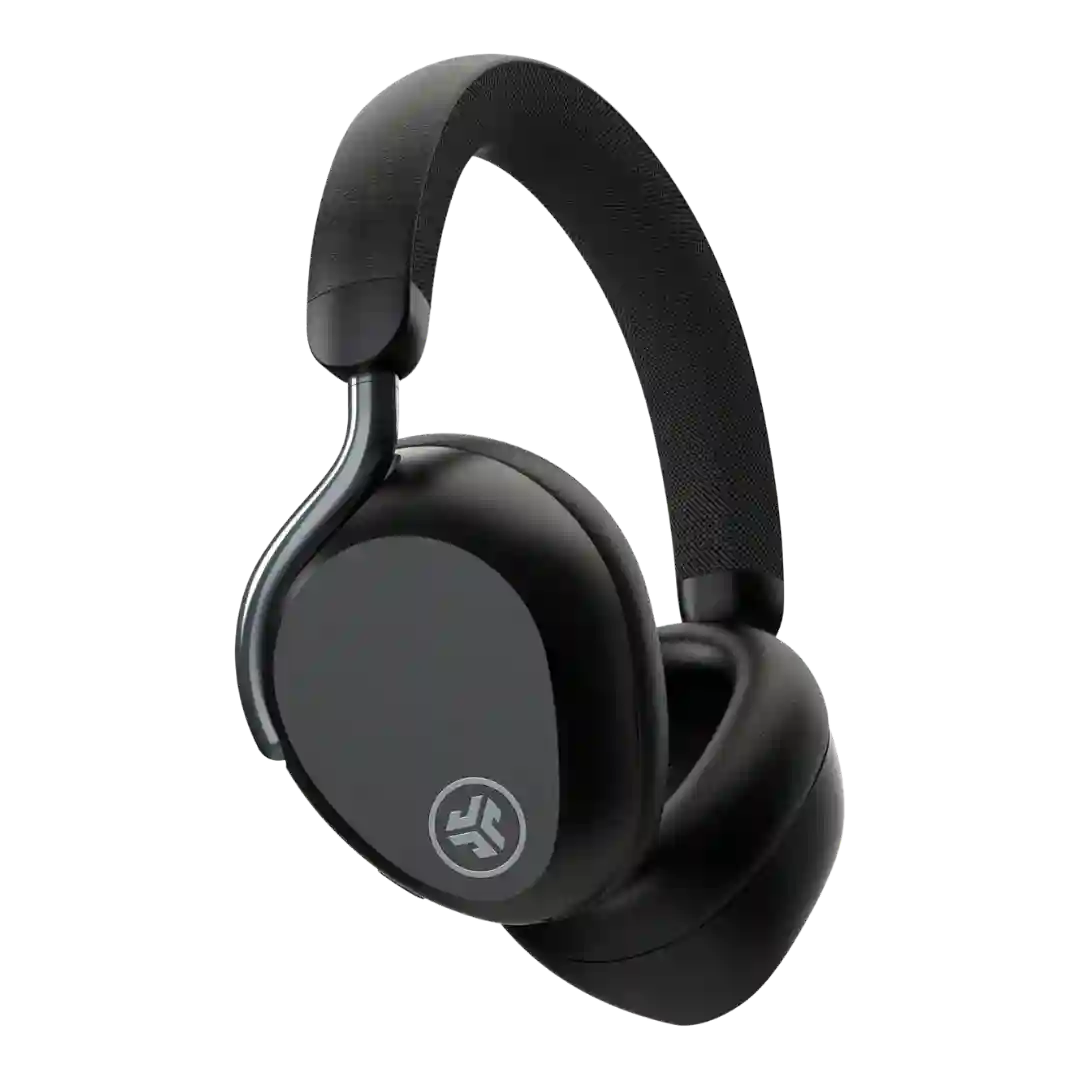
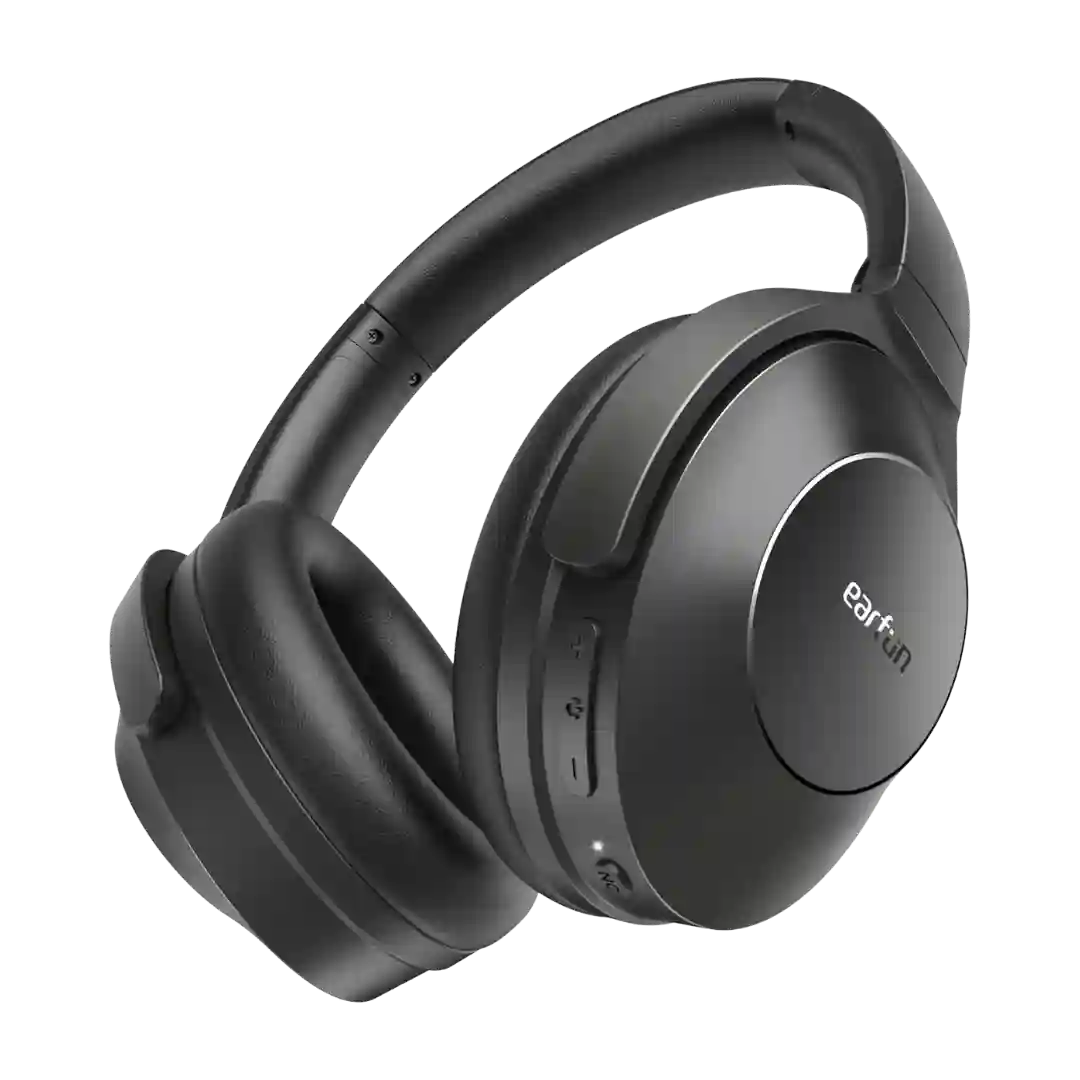
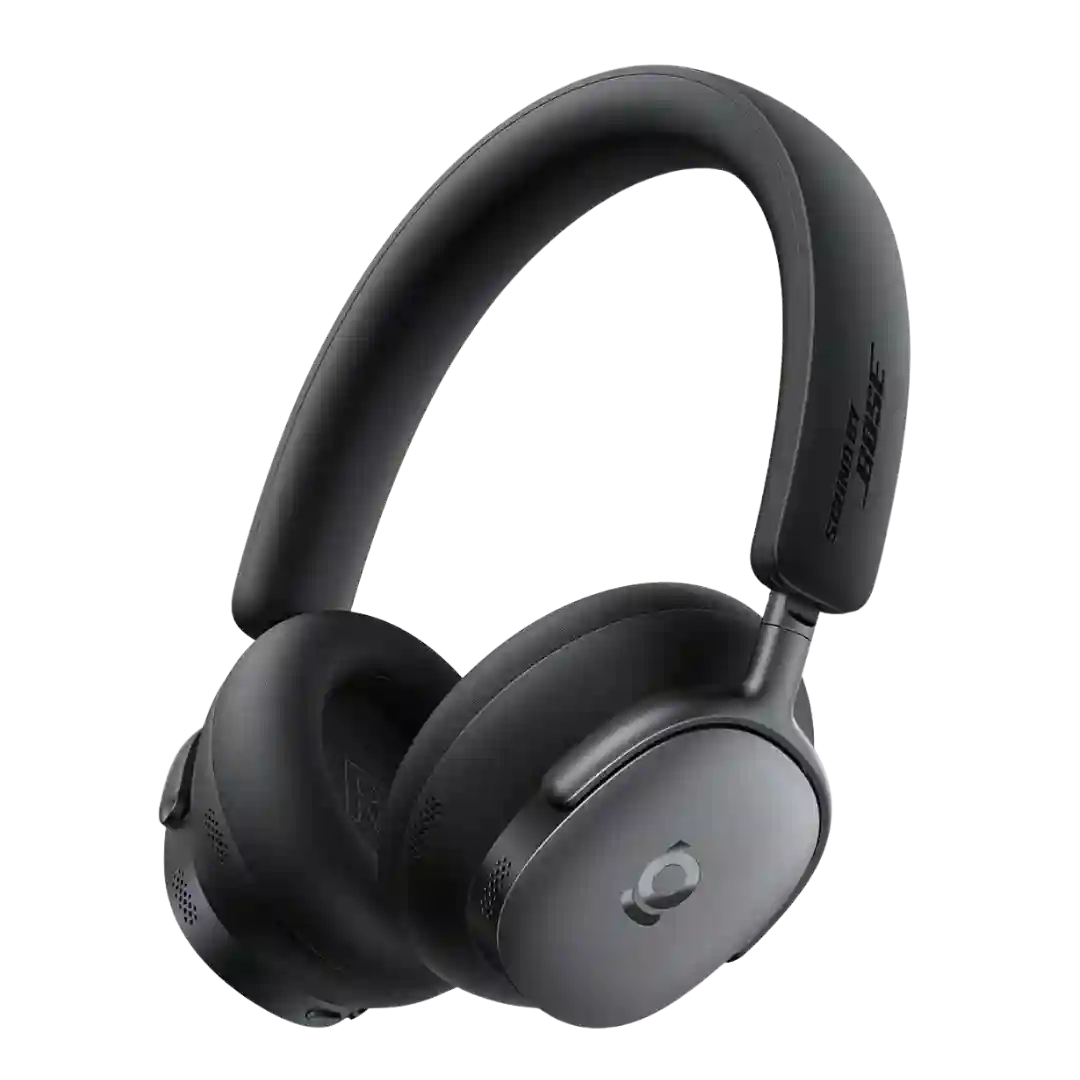
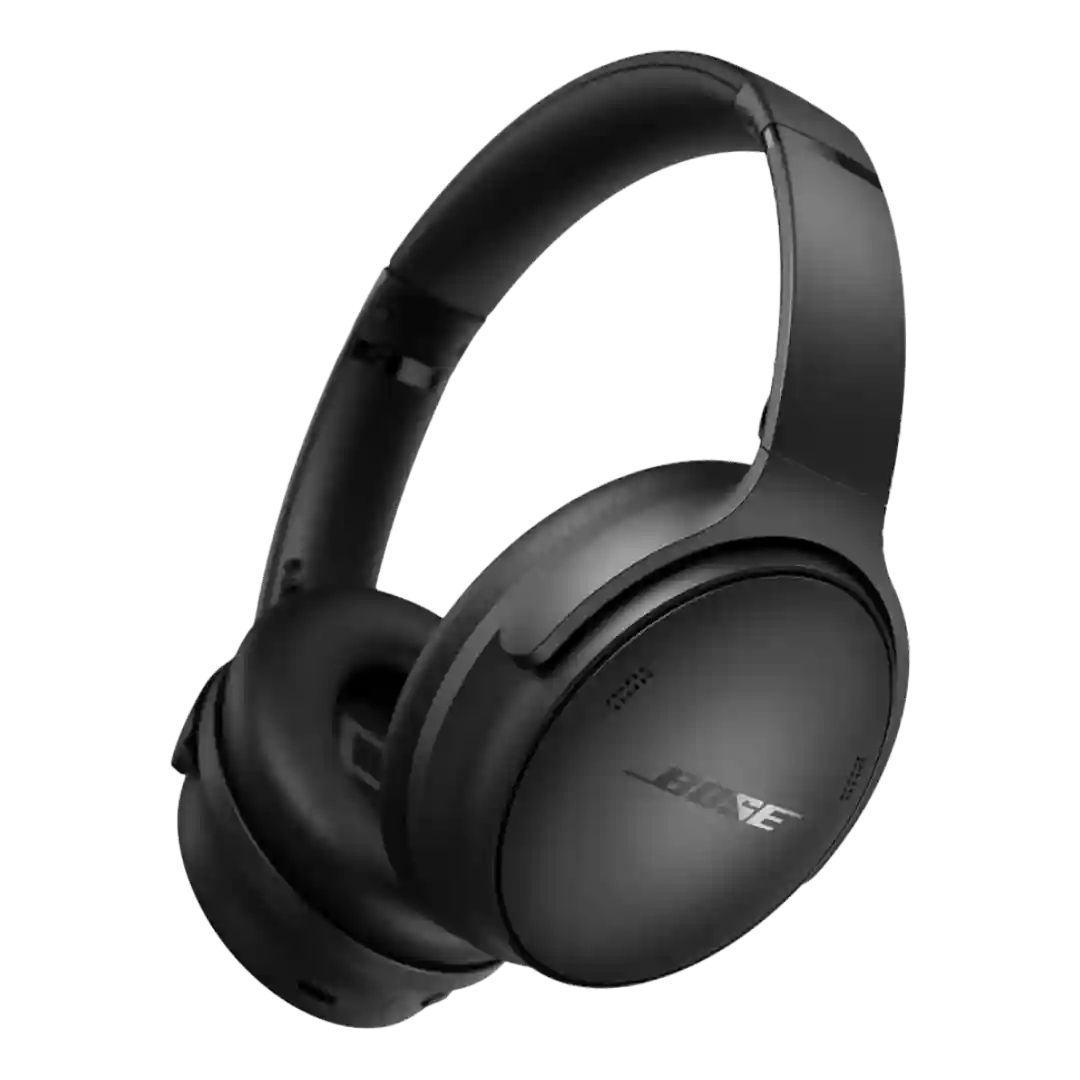
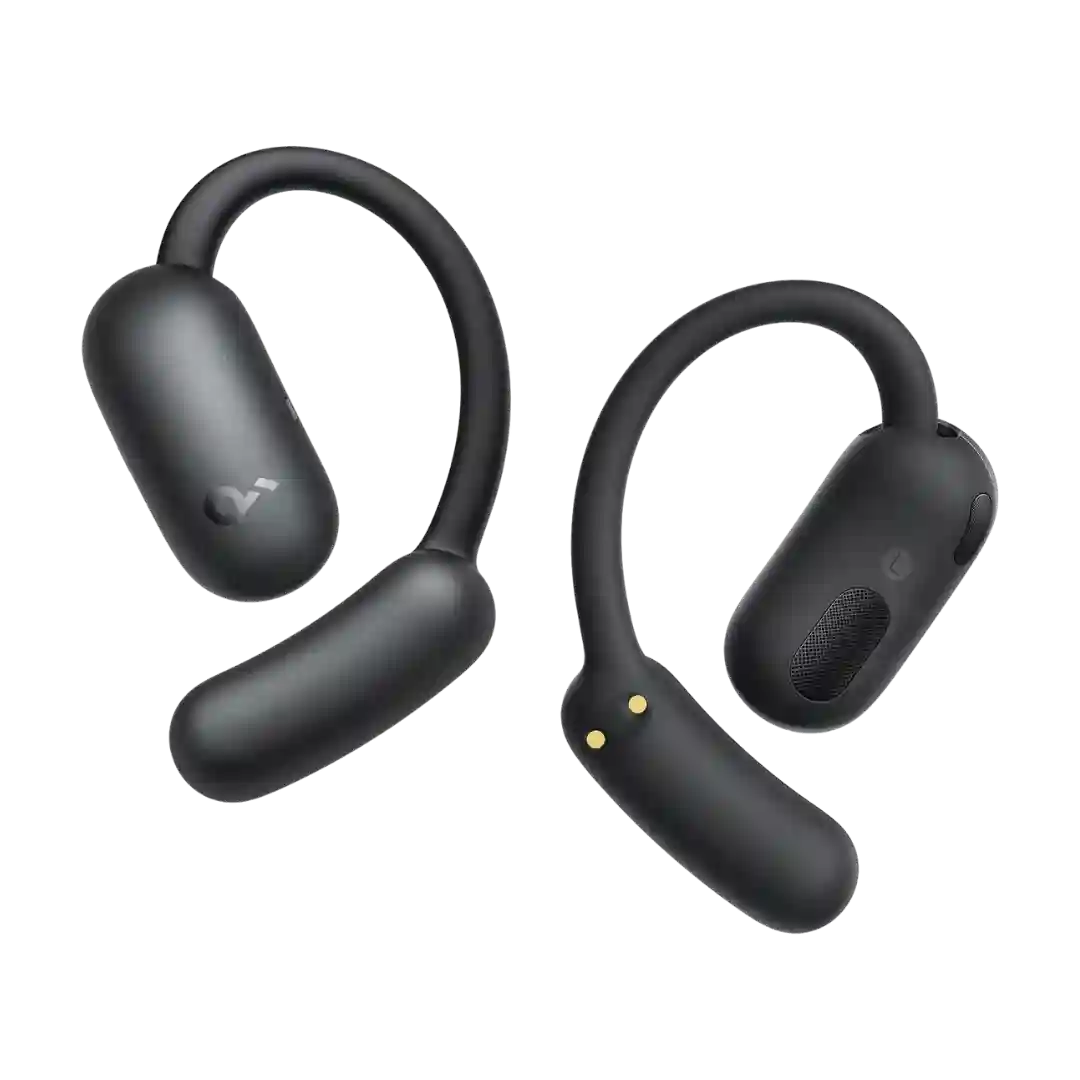
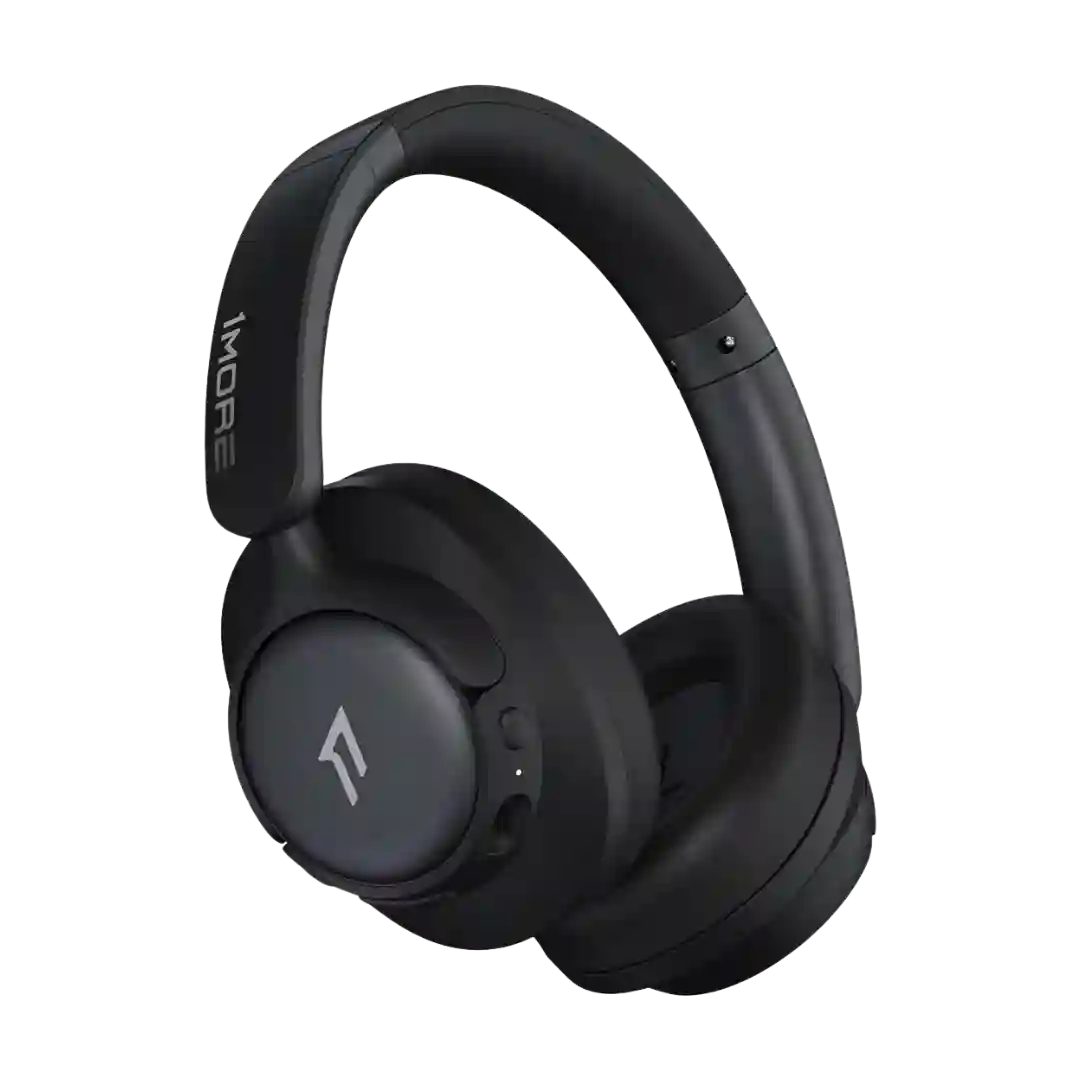
Low-latency performance is a standout across sources: the L500A includes a gaming mode aimed at reducing AV lag, and WL500-focused reviews emphasize near-imperceptible sub-5ms latency for instrument monitoring.
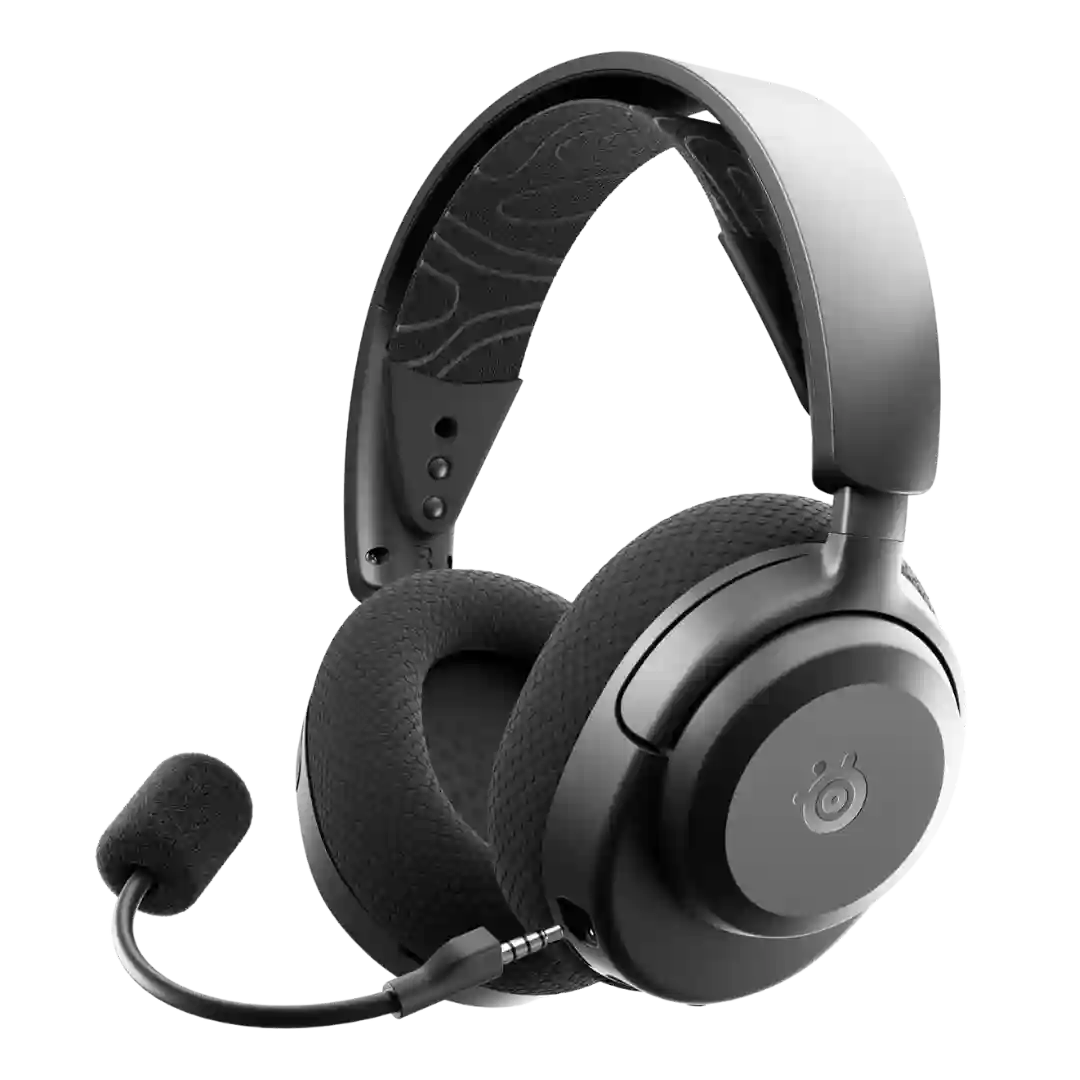
Low-latency 2.4GHz performance is one of the headset's clear strengths. Reviewers repeatedly described gaming and video playback as free of noticeable lag or sync issues.
Video latency is generally reported as well controlled, with reviewers noting little to no audio-video sync issues during typical streaming and YouTube viewing.
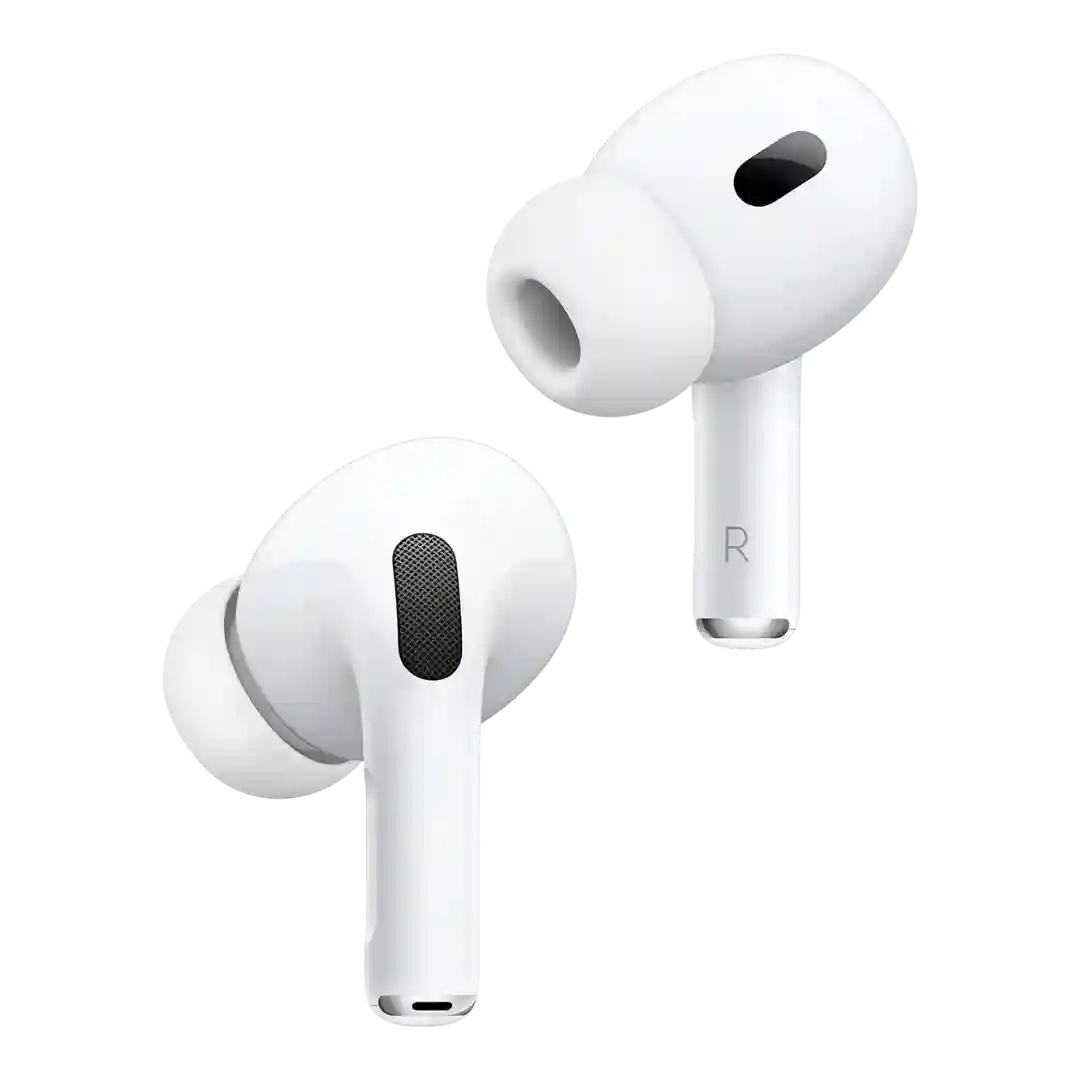
Latency is generally fine for video and typical gaming use, and Apple touts particularly low-latency behavior in its own ecosystem (notably with Vision Pro). Like most Bluetooth earbuds, it is not a universal low-latency solution across every platform.
The 2.4GHz dongle mode is repeatedly praised for low-latency gaming and quick switching between wireless modes, keeping audio and on-screen action in sync.
Latency performance is a clear strength for gaming use. Reviews that tested gameplay specifically report little to no lag, helping the headset feel responsive over wireless connections.
At least one hands-on video reviewer reports no noticeable lip-sync delay when watching video, suggesting good real-world A/V sync in common streaming playback.
Where discussed, reviewers report good lip-sync for videos and casual gaming, with no dedicated gaming mode but acceptable performance for non-competitive use.
Over the primary 2.4GHz link, reviewers typically report very low latency suitable for competitive play. Over Bluetooth, some call out higher latency on SBC for gaming unless you can use LC3 or LC3+.
For video and casual gaming, sync and latency are generally reported as good, aided by low-latency modes and modern Bluetooth. Competitive gaming may still benefit from dedicated dongle-based solutions, but most users should find A/V sync acceptable.
Video lip-sync and general A/V timing are typically good, and low-latency/game modes help in demanding scenarios. Some gaming use can still show slight delay in fast shooters depending on device and settings.
Bluetooth latency is typical for wireless cans, but multiple reviews highlight wired and USB-C paths plus newer updates as improving low-latency editing and sync.
Video and gaming latency is generally reported as good, helped by a low-latency or game mode in some setups, though availability can depend on device and settings.
Low-latency/LE Audio capabilities are mentioned as a benefit for reducing delay in supported scenarios, though real-world results depend on device and settings.
Audio-video sync and latency performance are repeatedly praised when using the 2.4GHz dongle or wired connection, making it well-suited to competitive play. Bluetooth is positioned as secondary, with LE Audio helping but not replacing the dongle for lowest latency.
Latency and sync are generally reported as good for video and casual gaming, especially with LE Audio features on compatible devices. Some modes are described as beta or device-dependent, so results can vary by source device.
Latency performance is generally good for video and casual gaming, with game mode helping and several reviewers reporting no obvious lip-sync problems.
A movie/low-lag mode is referenced for improving lip-sync, and several reviews report little noticeable delay when watching video or gaming, though impacts vary by device.
Latency and A/V sync are generally reported as good, especially for video; gaming modes exist, but several reviewers say improvements are subtle and best for casual mobile gaming.
Several reviews mention low-latency or gaming modes and head-tracking features; real-world A/V performance is generally positioned as competent, not a class-leading differentiator.
Low-latency or gaming mode is commonly mentioned and helps A/V sync, though some testers still notice remaining latency in the most timing-sensitive use cases.
Latency is generally good enough for video and casual media use, with several reviewers noting low-lag behavior, though this is not positioned as a gaming specialist.
Latency performance is solid for budget headphones. Game mode exists, and reviewers generally found video watching and casual mobile gaming suitably in sync.
Low-latency features are mentioned (including a low-latency mode and published latency figures), and reviewers generally position it as suitable for video and gaming at this price.
Most reviewers report acceptable video sync for casual watching, but the limited codec stack means some users may notice lag depending on device and content.
Gaming or low-latency modes are mentioned as helpful for video and games, with generally positive expectations for sync, though deep testing details are limited.
Low-latency performance is generally solid. Reviewers who tested gaming or video playback reported little to no obvious lag, though one review found the mode made little audible difference.