Best for debounce customization
Turtle Beach Burst II Air
4.5 feature score
Highest scored product for this feature based on supporting review evidence.
Highest scored product for this feature based on supporting review evidence.
Balances feature score, supporting reviews, and overall product strength.
Has the broadest review evidence for this feature.
Strongest overall product among items with scored evidence for this feature.
Showing Turtle Beach only. Switch back to all brands anytime.
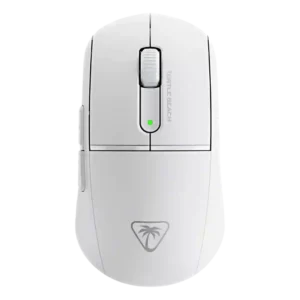
Debounce customization is a strength, with Swarm II exposing debounce/click settings and reviewers testing low debounce without double-click issues.
Pros: balance and weight distribution, weight
Cons: tilt gesture controls, RGB features
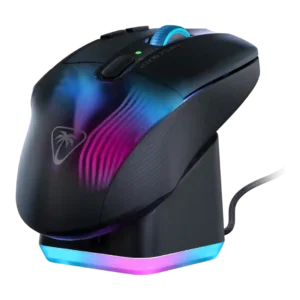
Debounce customization is positively supported by reviews mentioning adjustable debounce or double-click timing.
Pros: Accuracy and tracking precision, programmable buttons
Cons: weight tuning, firmware reliability
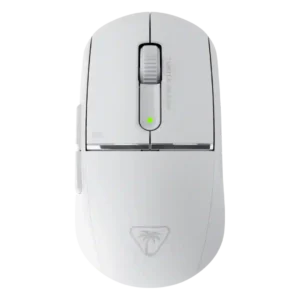
Debounce customization was clearly supported in Swarm II, with reviewers noting adjustable debounce and click behavior tuning.
Pros: polling rate, click latency
Cons: RGB features, handedness options
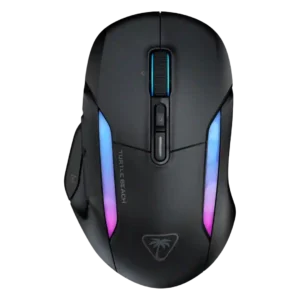
Debounce customization is clearly present in Swarm II, and reviewers appreciated the ability to adjust debounce alongside other advanced settings.
Pros: left and right click quality, onboard memory
Cons: dock compatibility, weight
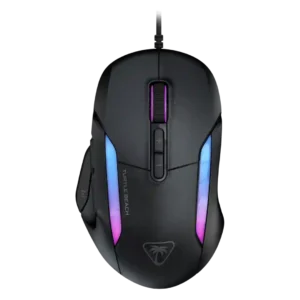
Debounce customization is repeatedly visible in Swarm II controls, though the reviews mostly mention it as a setting rather than test it deeply.
Pros: switch durability, surface compatibility
Cons: handedness options, portability