Best for ecosystem integration
Razer Basilisk V3 Pro 35K
4.5 feature score
Highest scored product for this feature based on supporting review evidence.
Highest scored product for this feature based on supporting review evidence.
Balances feature score, supporting reviews, and overall product strength.
Has the broadest review evidence for this feature.
Strongest overall product among items with scored evidence for this feature.
Showing Razer only. Switch back to all brands anytime.
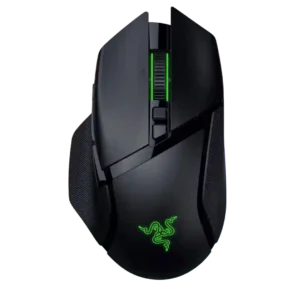
Ecosystem integration is strong through Chroma, Razer multi-device dongles, and synchronized Razer hardware setups.
Pros: programmable buttons, Bluetooth support
Cons: handedness options, firmware reliability

Ecosystem integration is strong for Razer users, including HyperPolling, Synapse, HyperFlux, dock support, and keyboard pairing through the dongle.
Pros: surface compatibility, switch durability
Cons: click noise, AI Prompt Master

Ecosystem evidence is limited but positive, centered on Synapse Web working with the Viper V4 Pro and Razer's software environment.
Pros: build quality, Accuracy and tracking precision
Cons: Bluetooth support, dock compatibility

Ecosystem integration is supported by Synapse RGB syncing with other Razer accessories.
Pros: switch durability, click latency
Cons: wireless performance, wireless latency
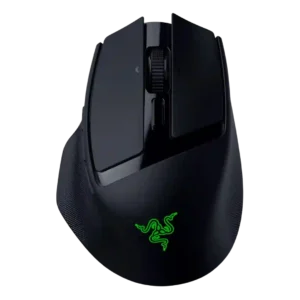
Ecosystem integration is positive where reviewers mention Synapse, Gen-3 optical switches, HyperShift, and HyperSpeed multi-pairing.
Pros: click latency, switch durability
Cons: AI Prompt Master, click noise
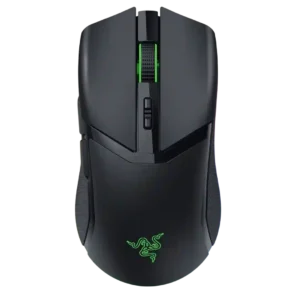
Ecosystem integration is a clear Razer strength, including Chroma lighting, Synapse, HyperSpeed multi-device pairing, dock support, and single-dongle setups.
Pros: surface compatibility, sensor performance
Cons: tilt gesture controls, MOBA gaming suitability
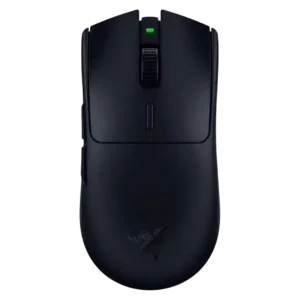
Ecosystem integration is useful through HyperSpeed multi-device pairing and shared dongle support with compatible Razer peripherals.
Pros: DPI range, acceleration control
Cons: RGB features, Bluetooth support
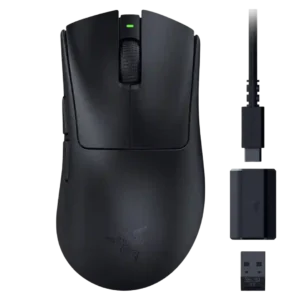
Ecosystem integration is mostly about Razer accessories and Synapse support, especially HyperPolling compatibility across Razer mouse families.
Pros: click latency, wireless latency
Cons: Bluetooth support, RGB features
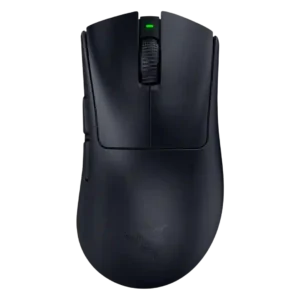
Ecosystem integration centers on Razer Synapse, HyperShift, Razer Exchange, and dongle controls, though the mouse remains performance-focused rather than feature-rich.
Pros: Accuracy and tracking precision, sensor performance
Cons: RGB features, dock compatibility
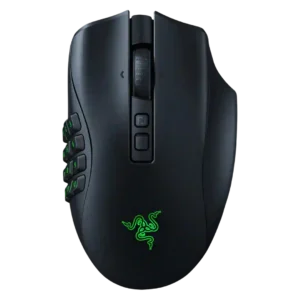
Razer ecosystem integration appears through Synapse, Chroma RGB, dock support, and multi-device/software syncing.
Pros: click latency, switch durability
Cons: handedness options, weight
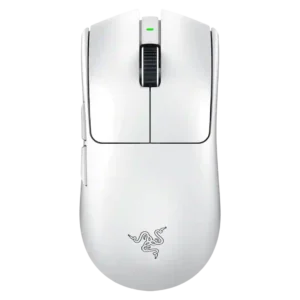
Ecosystem integration is lightly supported through Razer Synapse pairing broadly with Razer products, but the mouse itself remains minimal and non-RGB.
Pros: DPI range, weight
Cons: Bluetooth support, RGB features
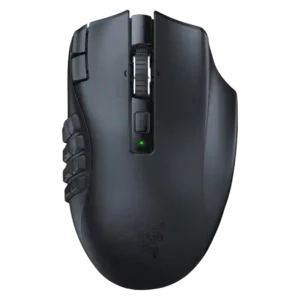
Razer software ecosystem support is present through Synapse remapping, though one review also notes the empty Chroma tab when discussing RGB.
Pros: DPI range, Accuracy and tracking precision
Cons: handedness options, cable flexibility
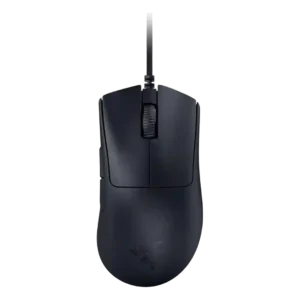
Ecosystem integration is limited because the lack of RGB means no Chroma lighting integration for this mouse.
Pros: battery life, charging convenience
Cons: weight tuning, handedness options