EQ customization is a defining strength: multiple reviews highlight an advanced, multi-band/parametric-style EQ (often with Q control) plus shareable presets/QR codes.
EQ options are a major strength: reviews highlight deep customization (including parametric EQ on PC) and the ability to tune both playback and mic, with mobile controls available for console use.
Equalizer tools are a highlight: a five-band parametric EQ with A/B bypass enables precise tuning that can meaningfully tailor bass and treble without third-party apps.
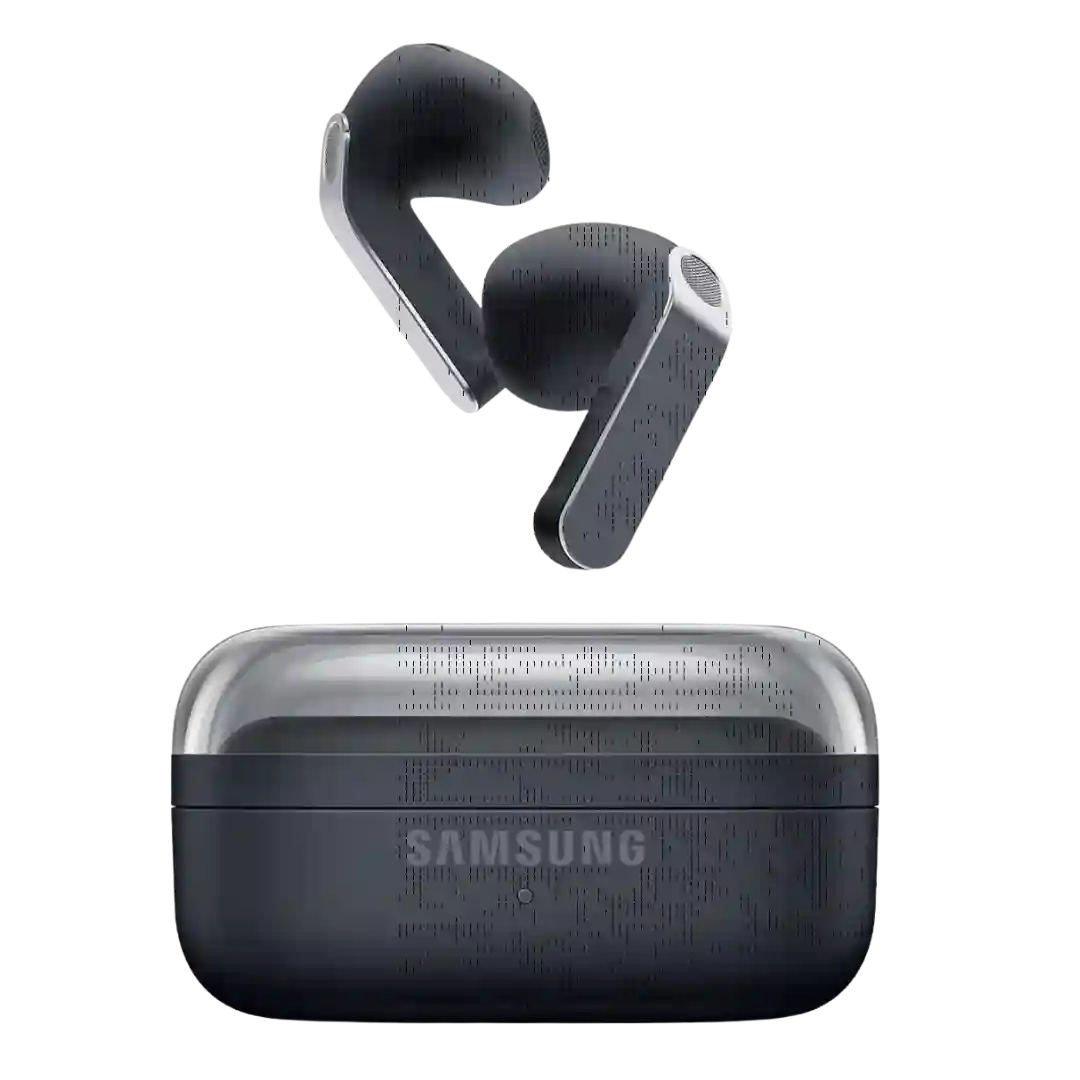
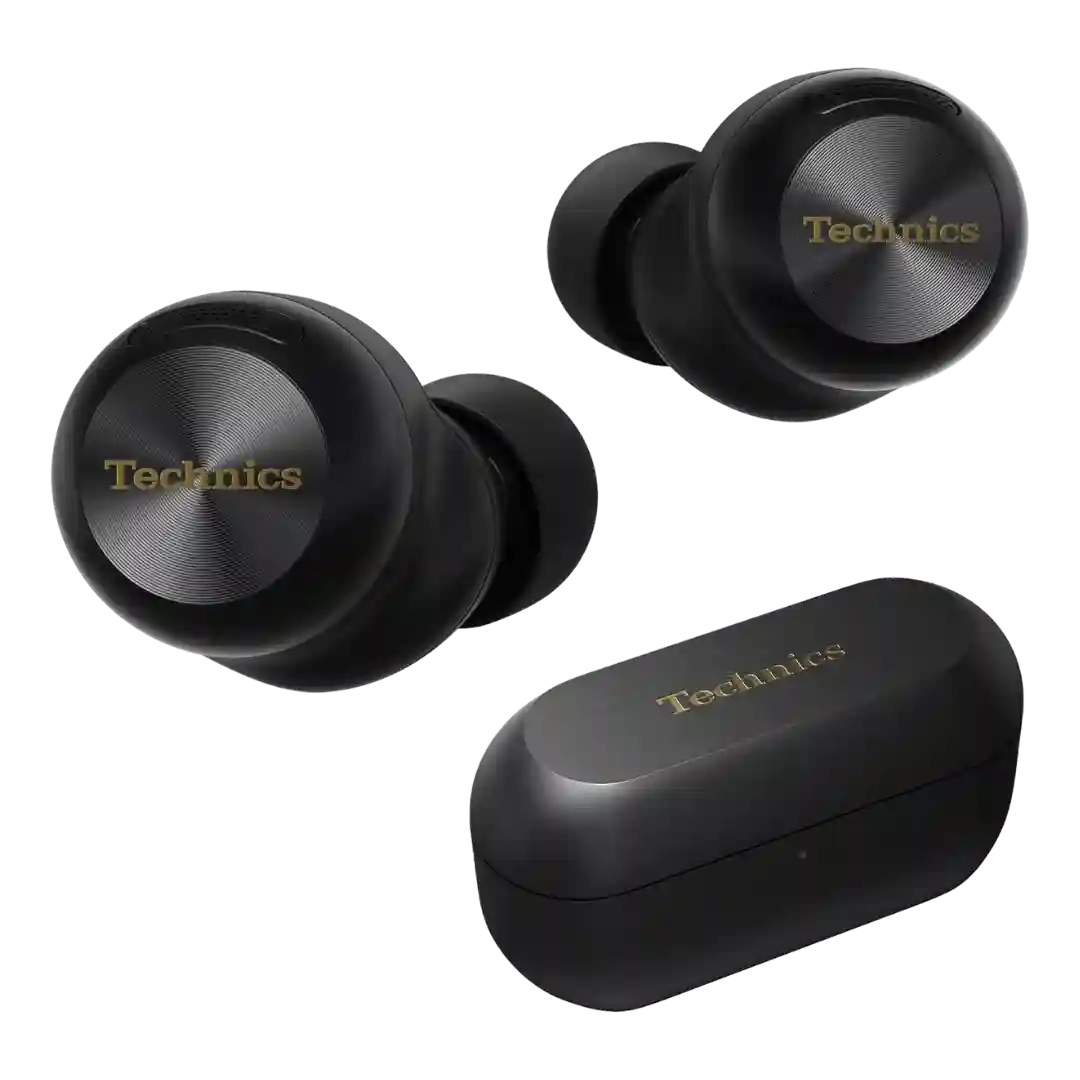
EQ flexibility is unusually strong for mainstream earbuds, with both a multi-band equalizer and preset options available. This gives listeners real room to tailor the sound signature.
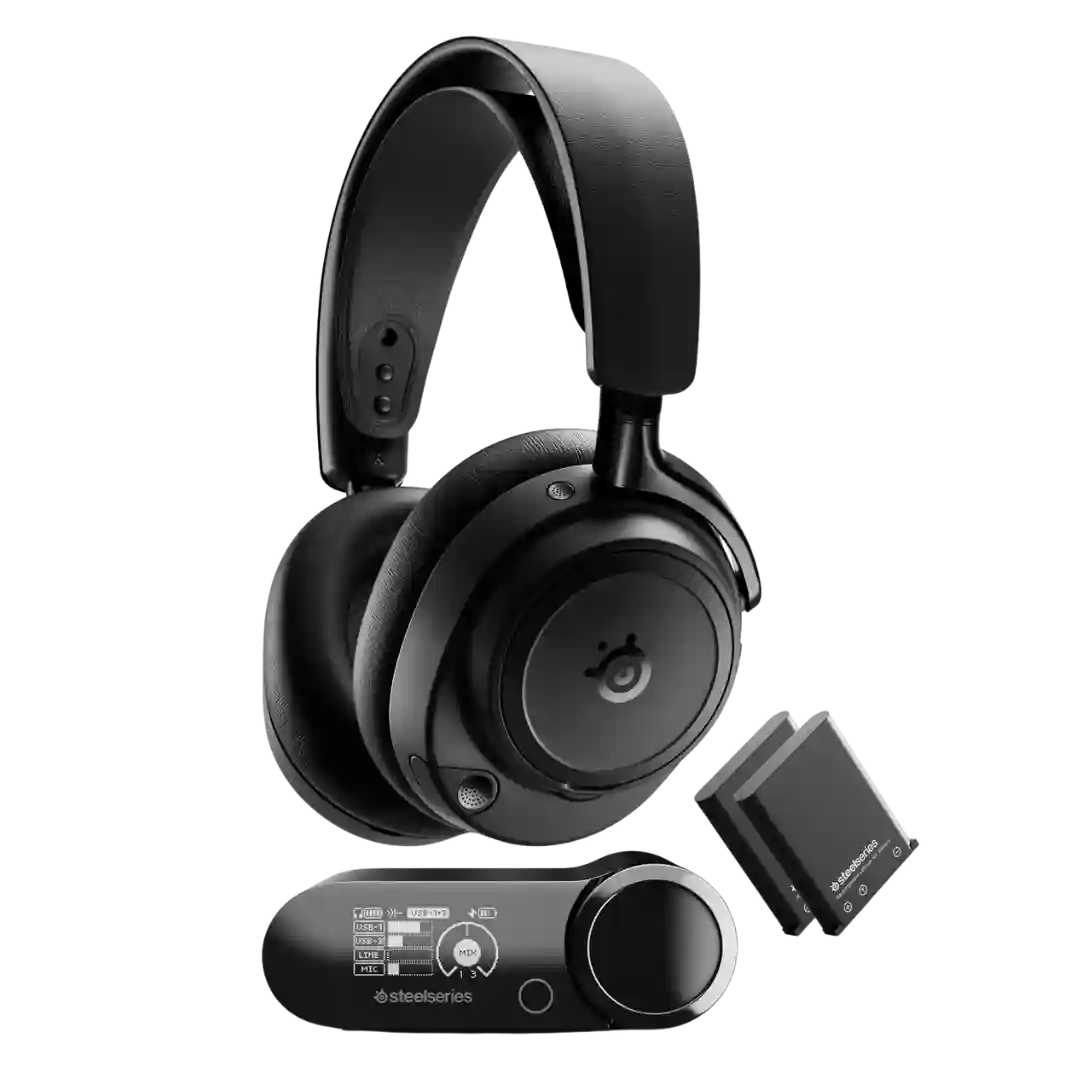
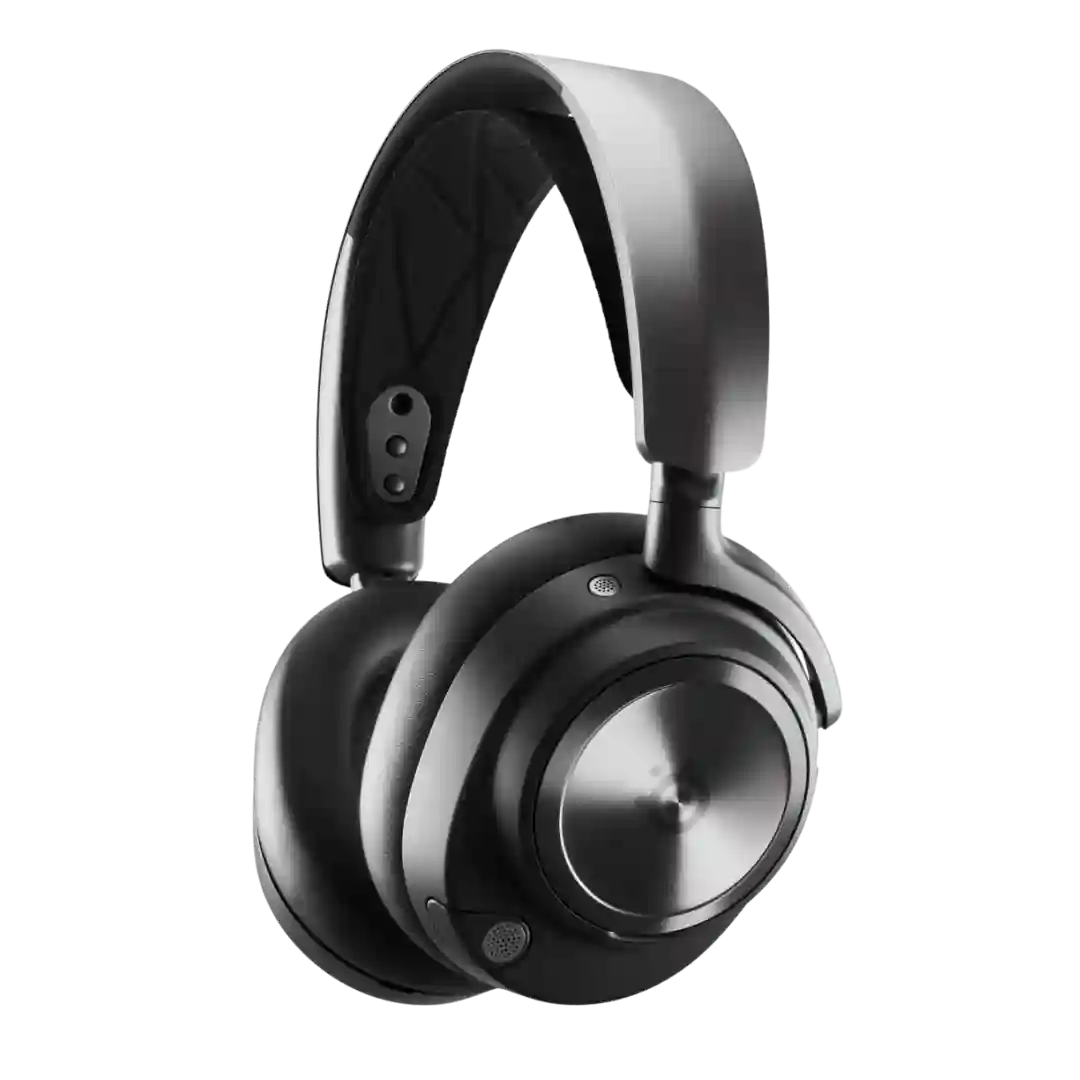
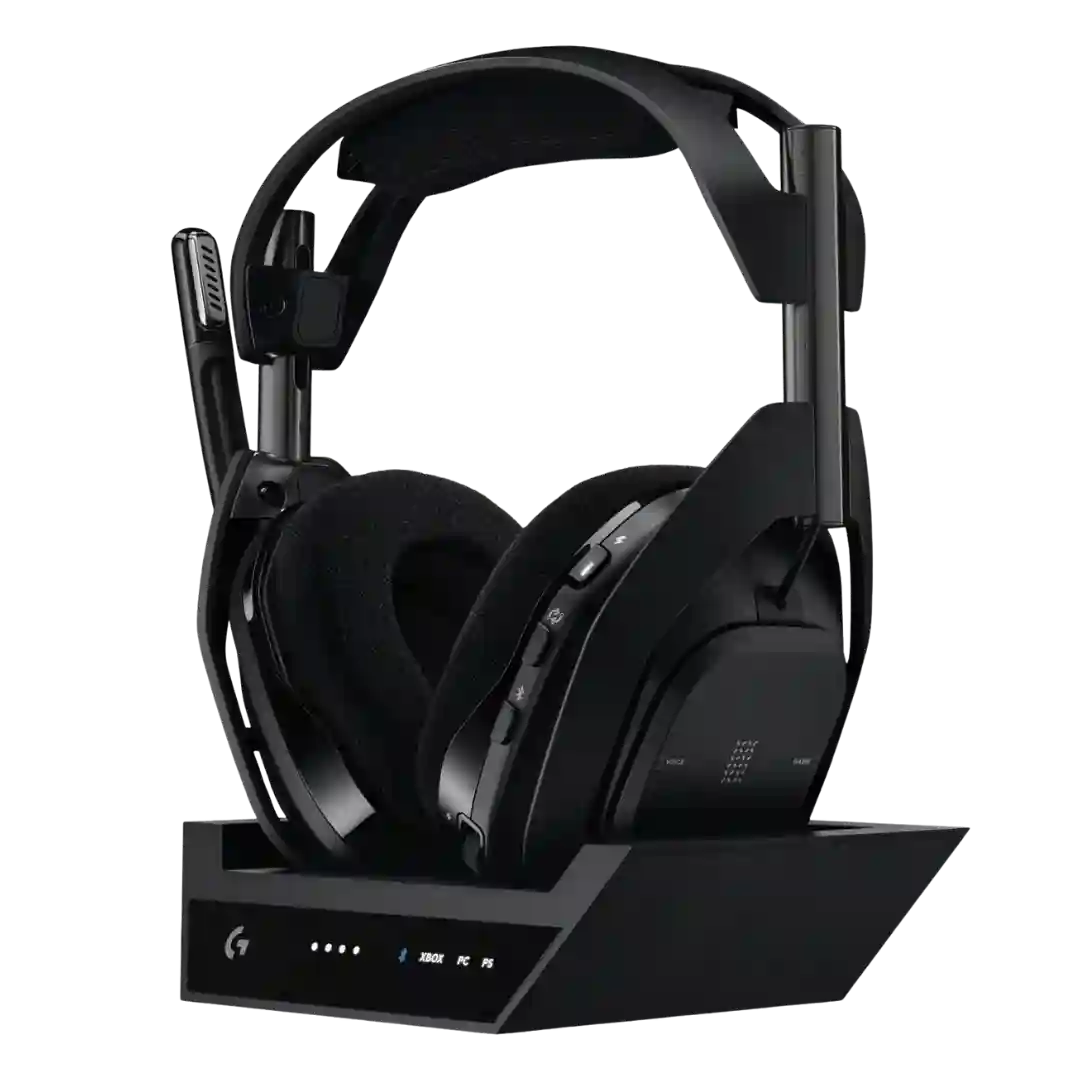
EQ control is a major strength, ranging from simple presets to deep parametric adjustments in Sonar. Several reviewers say EQ changes are clearly audible and can tailor the headset for specific games and music tastes.
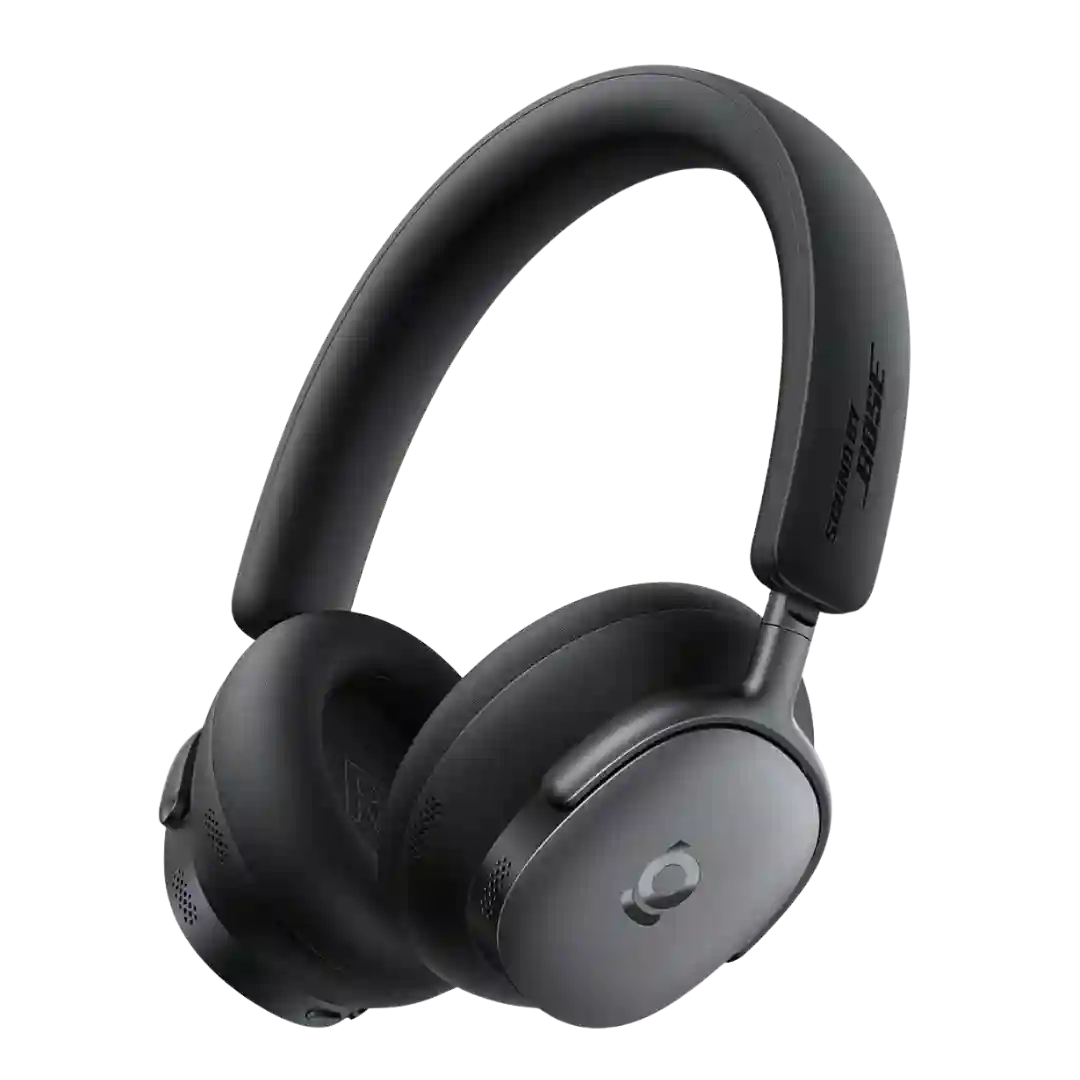
EQ and tuning tools are among the strongest in-class, with multiple presets plus advanced multi-band EQ and Personi-Fi hearing personalization. Reviewers frequently cite these controls as the key to tailoring bass, brightness, and overall balance.
The 10-band EQ is widely praised for giving meaningful control over the sound, including taming bright treble or tuning bass. Find My EQ-style tools and presets make it approachable for non-tweakers.
EQ customization is a major strength: multiple reviews describe a robust, often parametric EQ that updates quickly and can be stored on the headset for use across devices.
EQ customization is one of the standout features, with extensive presets plus custom multi-band control and HearID-style personalization that can noticeably refine mids/highs and bass balance.
EQ customization is widely praised, with 10-band controls, per-game profiles, onboard storage, and separate mic EQ options. Many reviews suggest the best results come from dialing in EQ rather than sticking to defaults.
EQ control is repeatedly called effective and highly responsive, enabling meaningful tuning changes; a minor recurring gripe is limited granularity/labeling of EQ steps.
EQ tools are considered effective for shaping the sound, and many reviewers recommend using them to tailor bass or clarity. A few power users want a more advanced EQ than the built-in 5-band option and report limitations or compression when pushing bands.
EQ customization is one of the standout features, with custom tuning, hearing-test tools, and flexible sliders frequently cited as essential to getting the best sound.
The 7-band EQ is a consistent highlight, offering meaningful tuning control and the ability to save custom curves, though at least one review notes limited labeling or guidance.
EQ customization is a clear strength, with reviewers frequently praising the custom bands and the ability to tune the sound away from the stock profile.
EQ customization is a meaningful strength across reviews, commonly used to tame bass, refine mids, or personalize the overall signature without major distortion issues.
EQ control is a major strength, with multi-band tuning and community profiles frequently praised for making it easy to tailor sound for competitive or cinematic play.
EQ is a key strength: the app provides useful adjustment that can meaningfully transform the tonal balance, and many reviewers treat basic EQ as essential to getting the best sound.
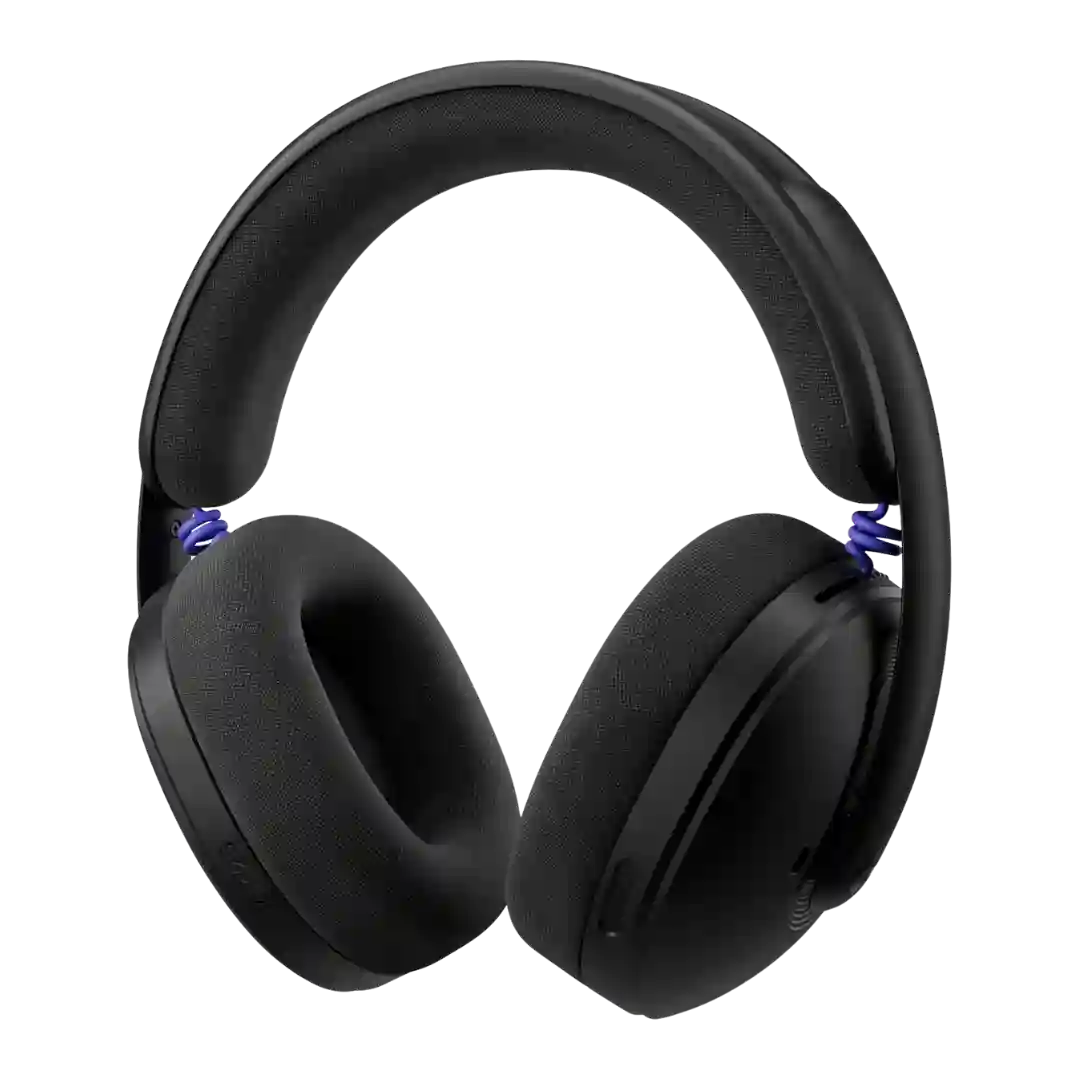
EQ control is a real plus for the G325. Reviewers like having access to useful audio tweaks, with one specifically praising the full parametric EQ support in G Hub.
The EQ tools are a standout software perk. Reviewers repeatedly praise the 10-band EQ, presets, and extra tuning features as meaningful rather than token.
EQ support is a major strength: multiple presets plus a custom multi-band EQ are widely praised for meaningful tuning, though a minority say changes can feel subtle depending on the preset and listening habits.
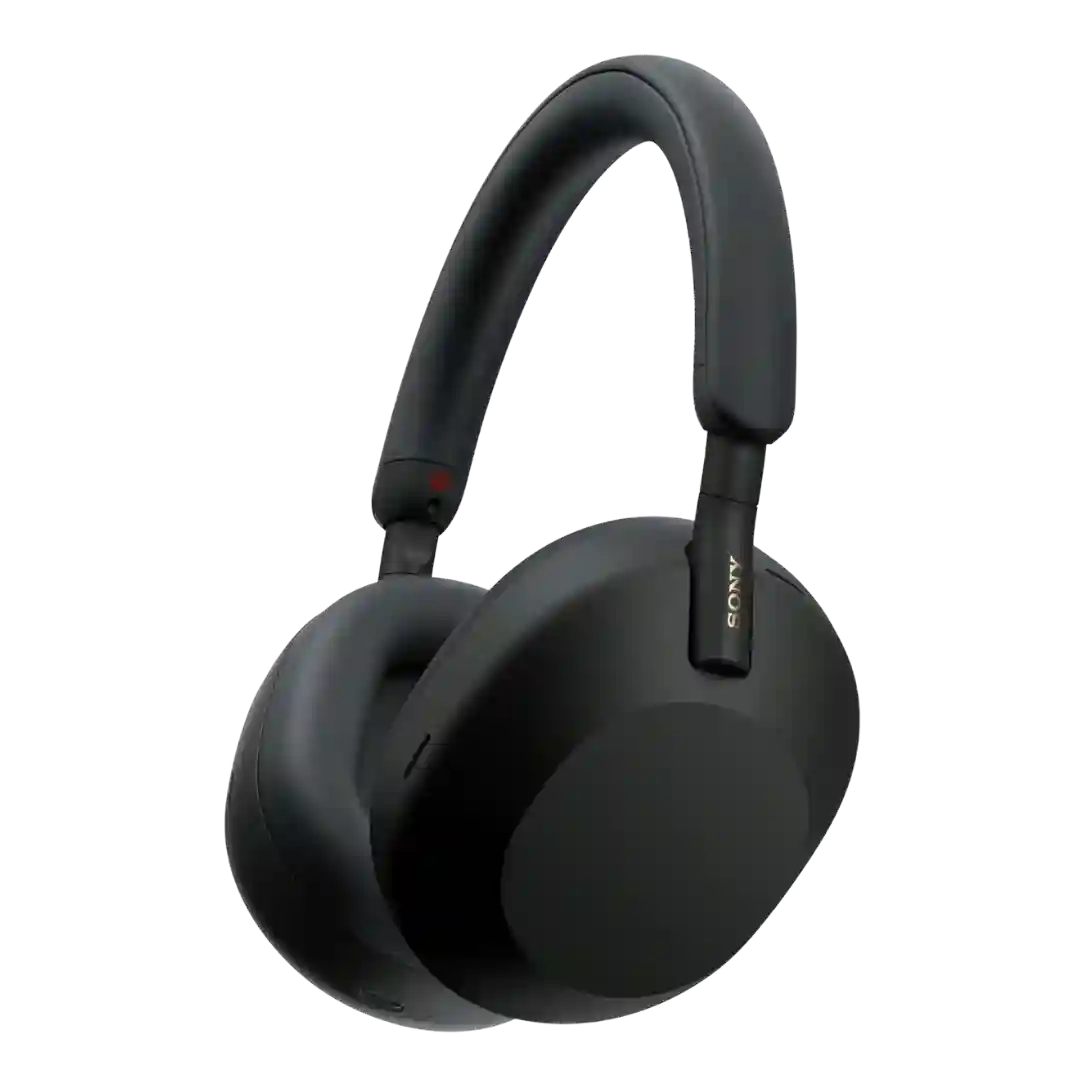
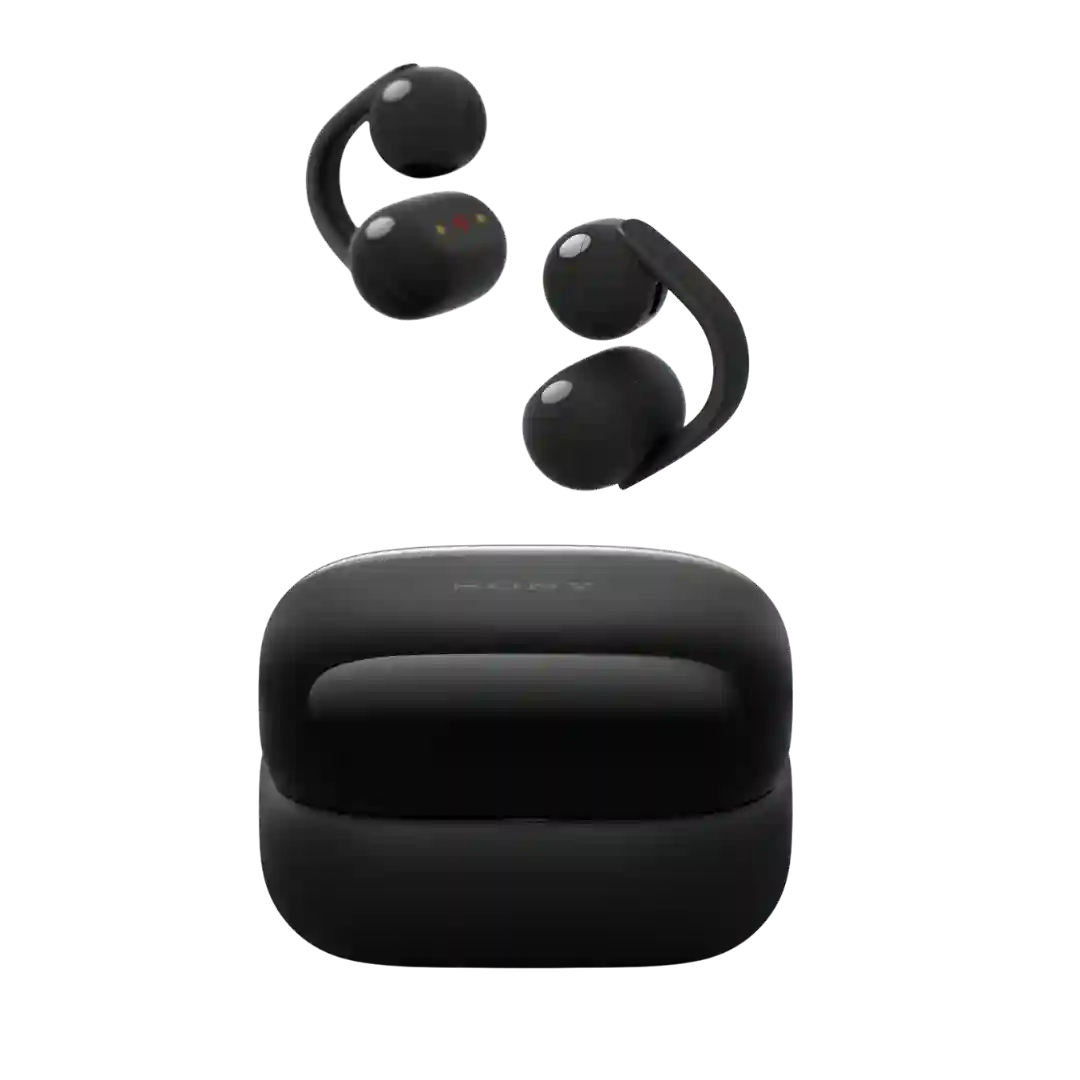
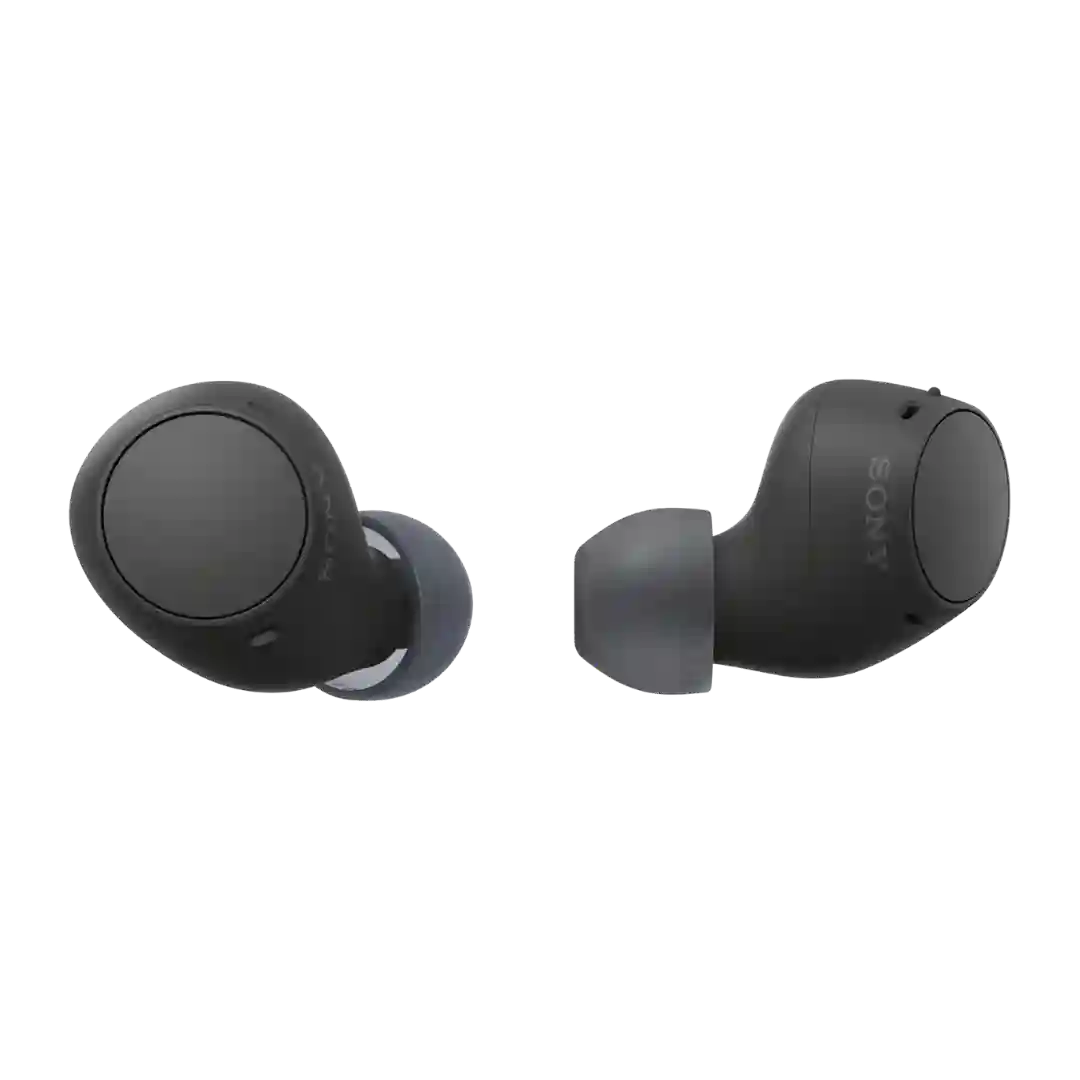
EQ customization is consistently highlighted as a value-add, including manual adjustment and Sony-guided personalization tools. Some reviews call the EQ limited in precision, while others find it effective for tuning bass or clarity.