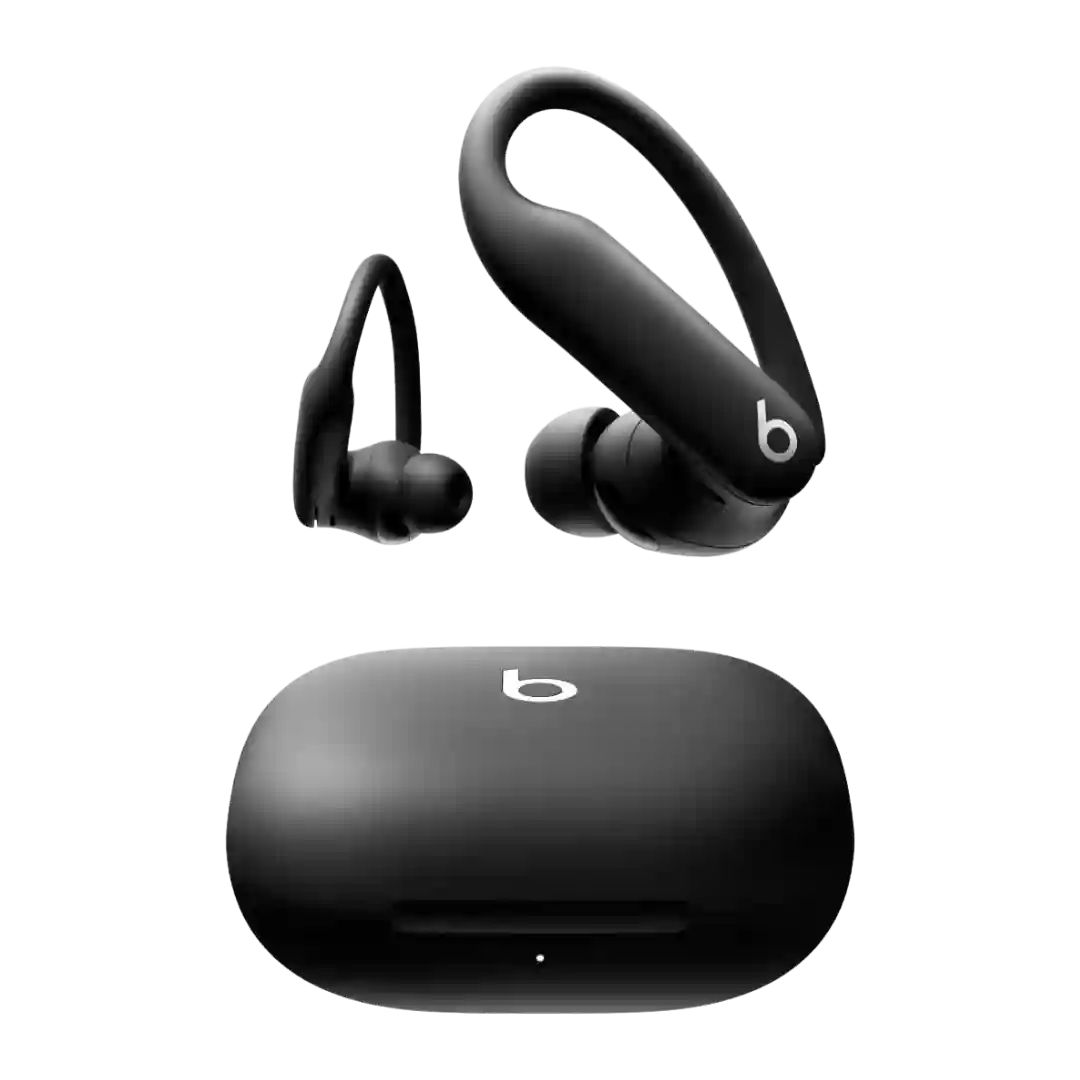
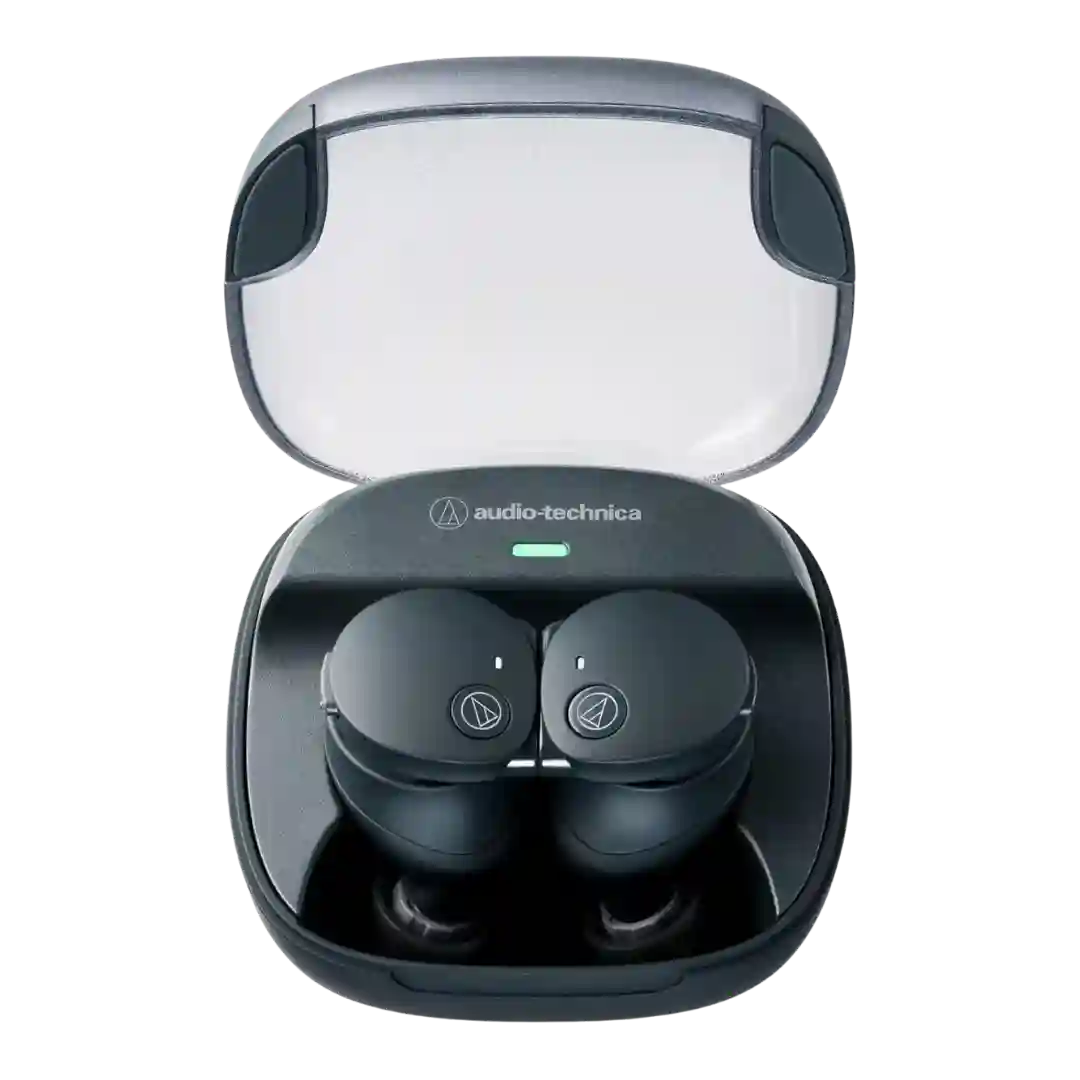
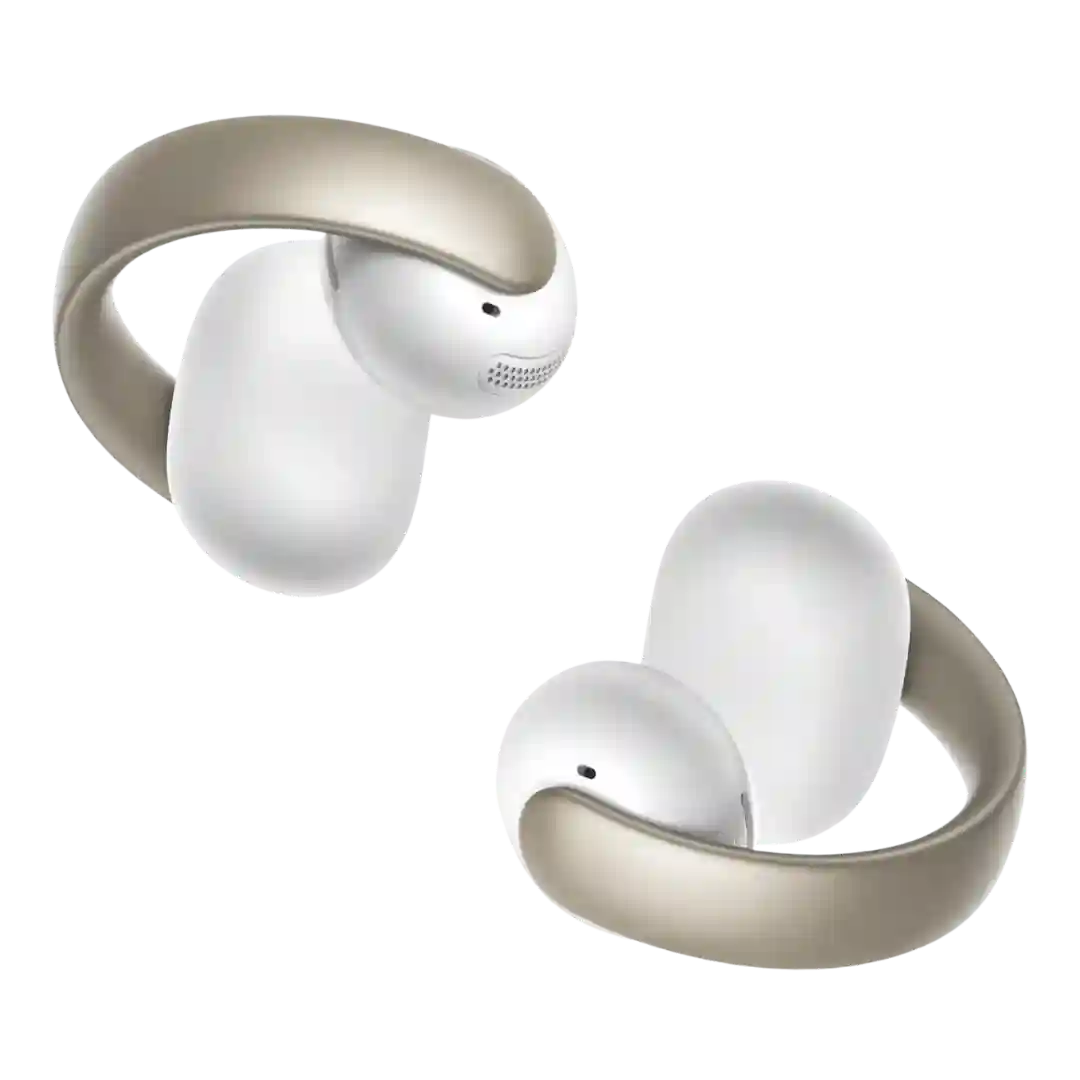
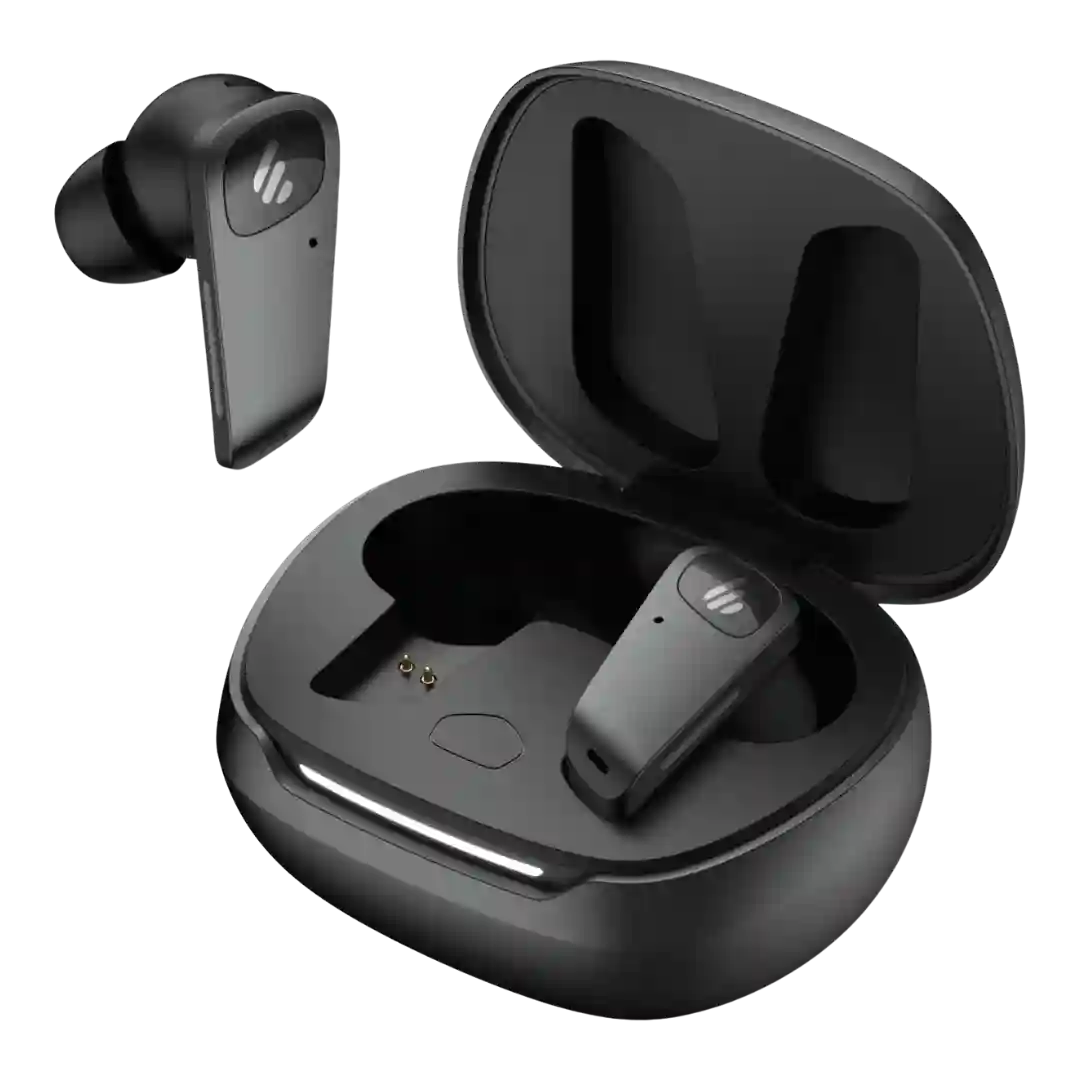
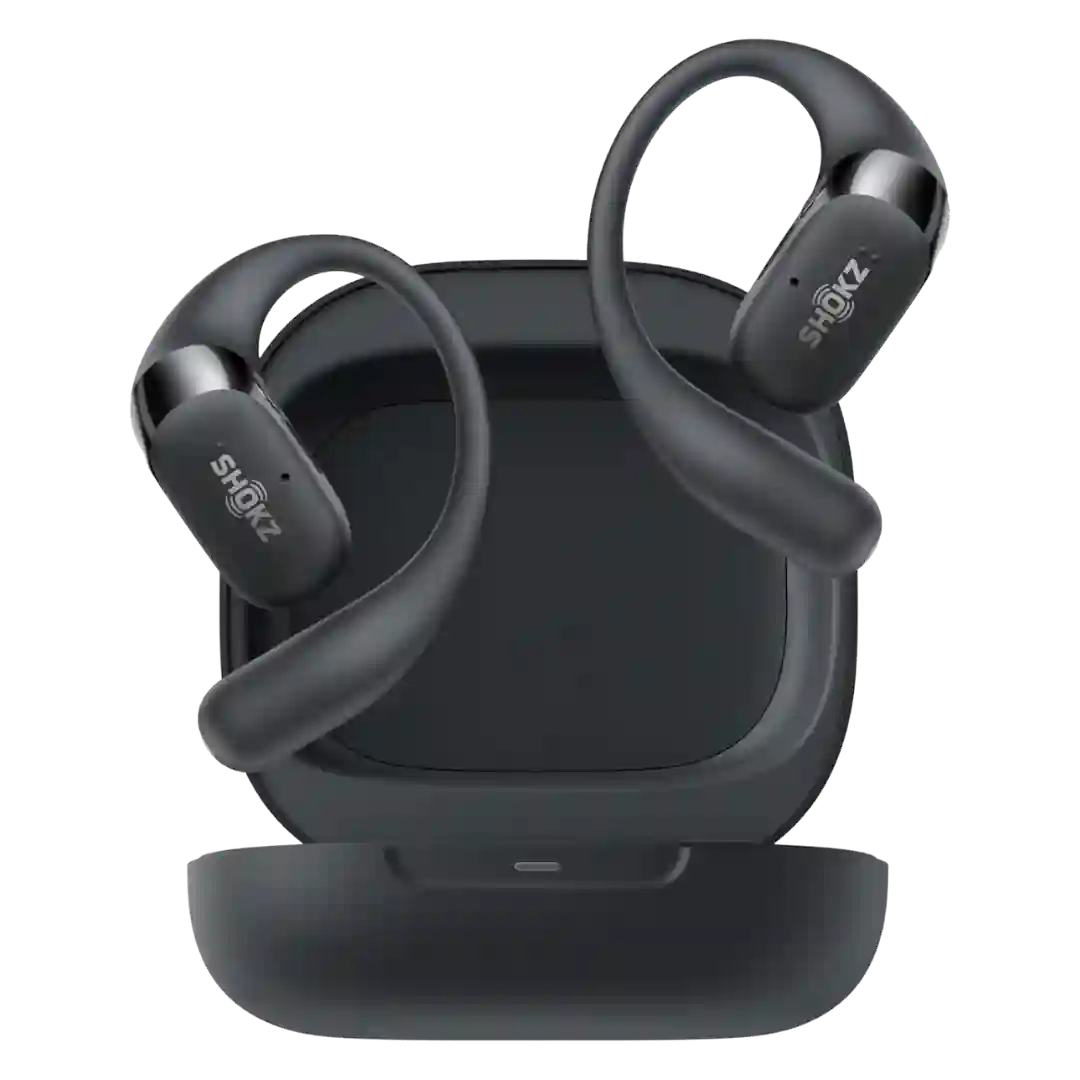
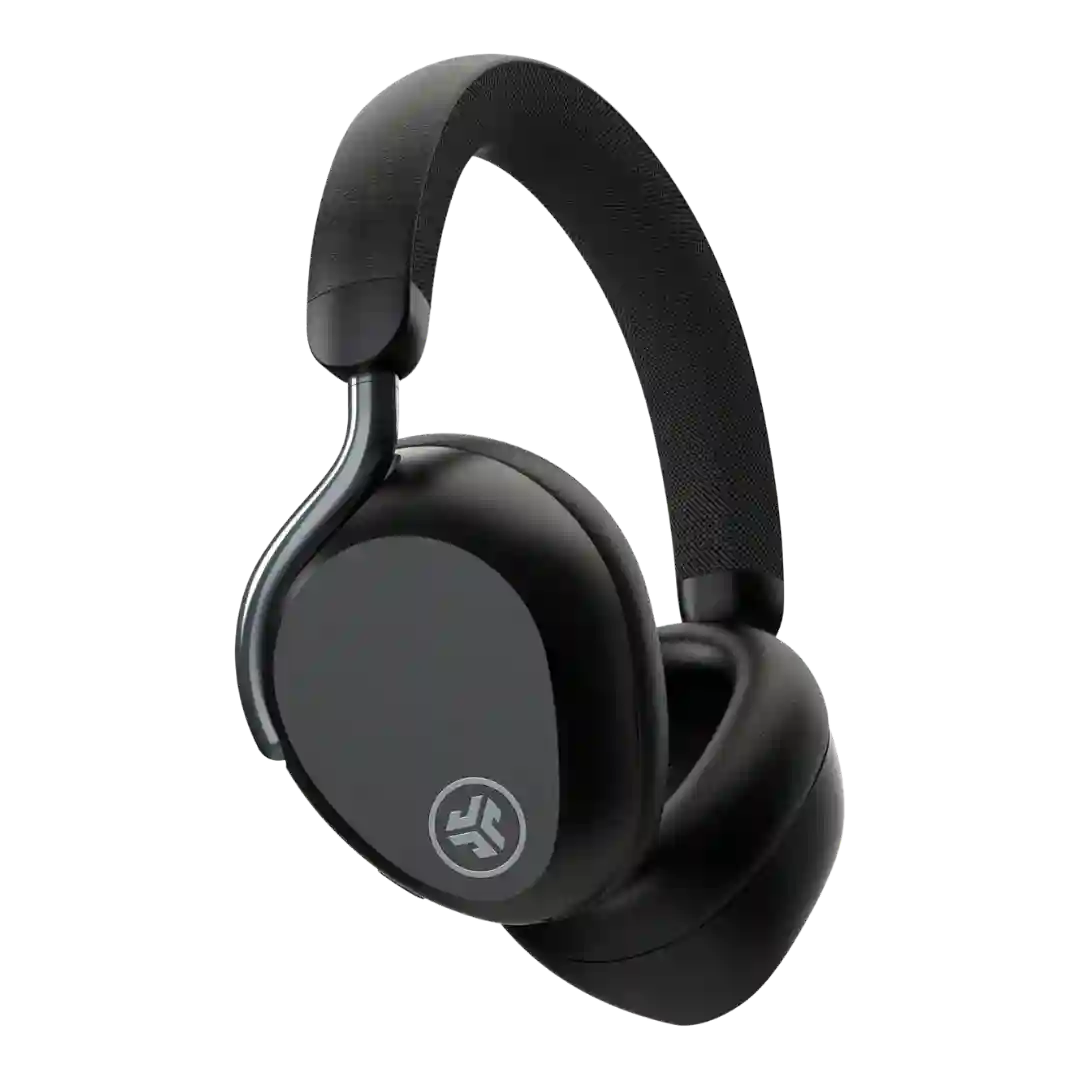
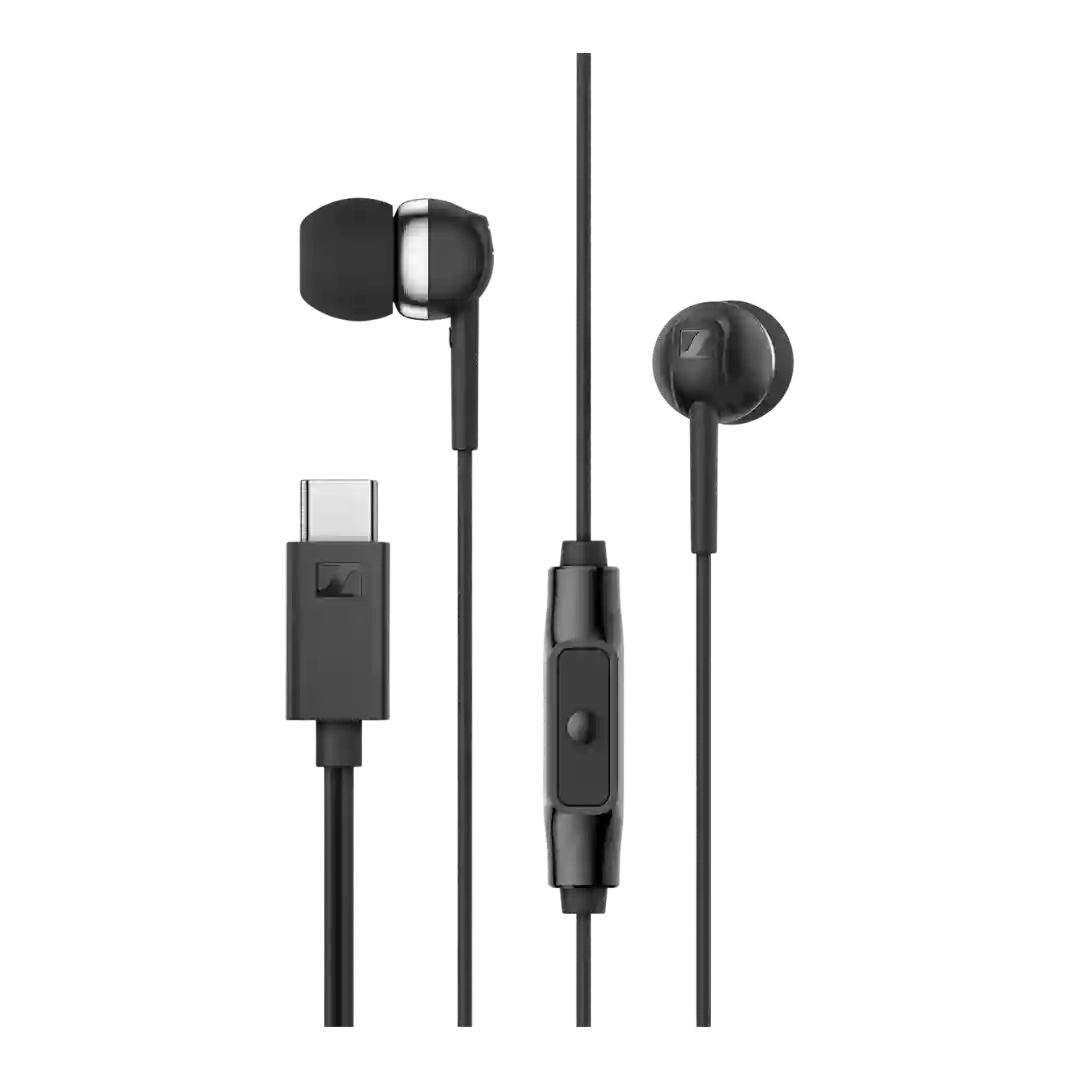
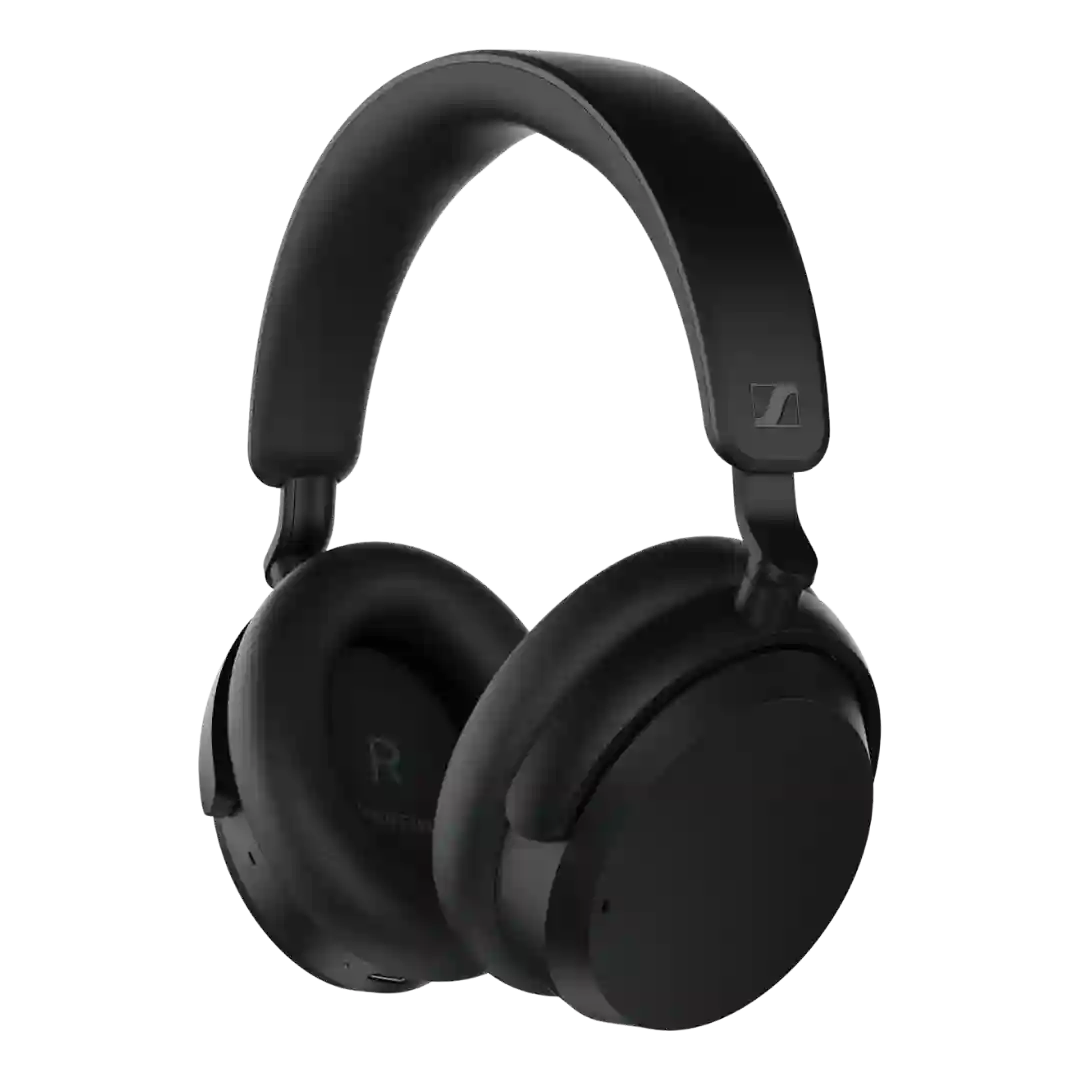
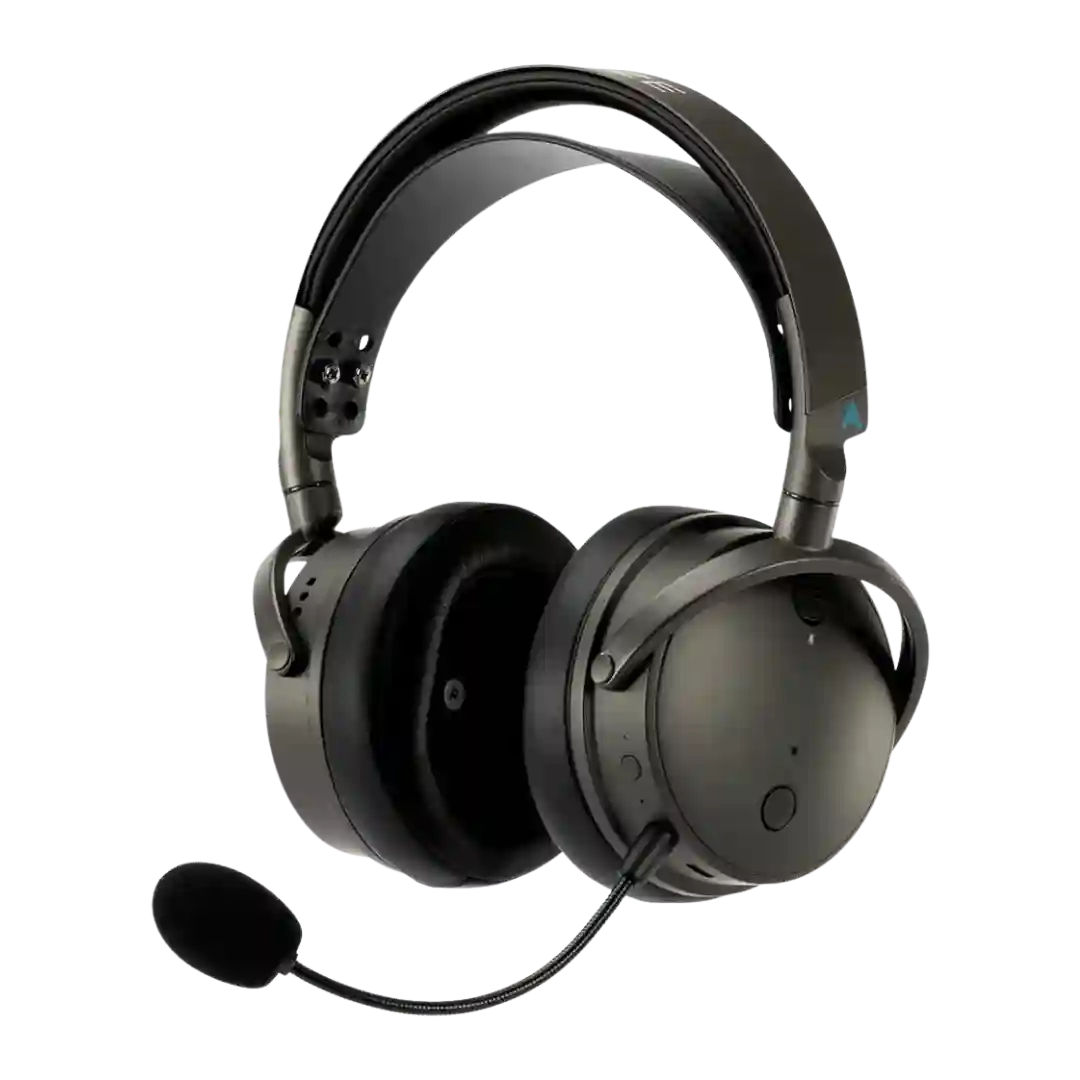
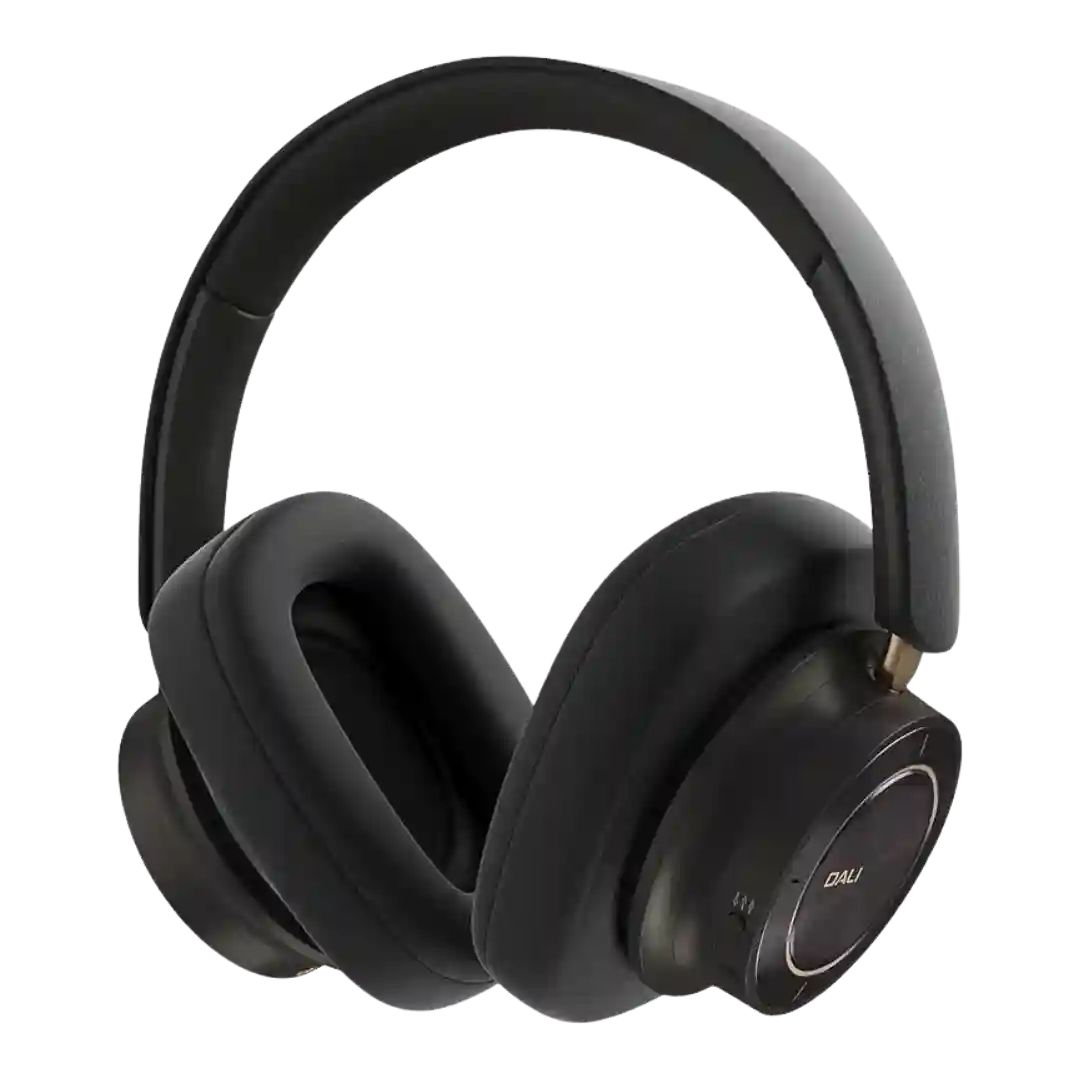
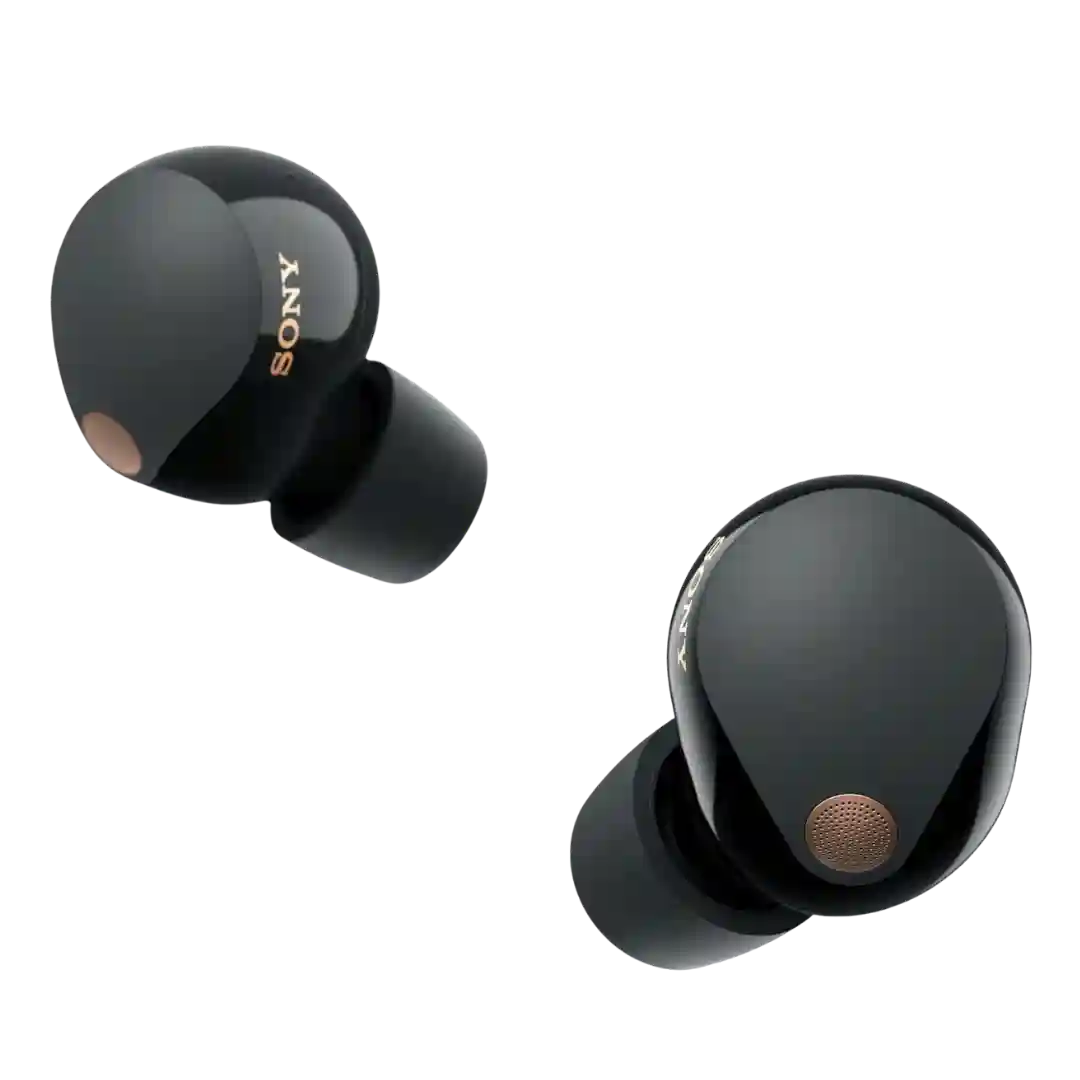
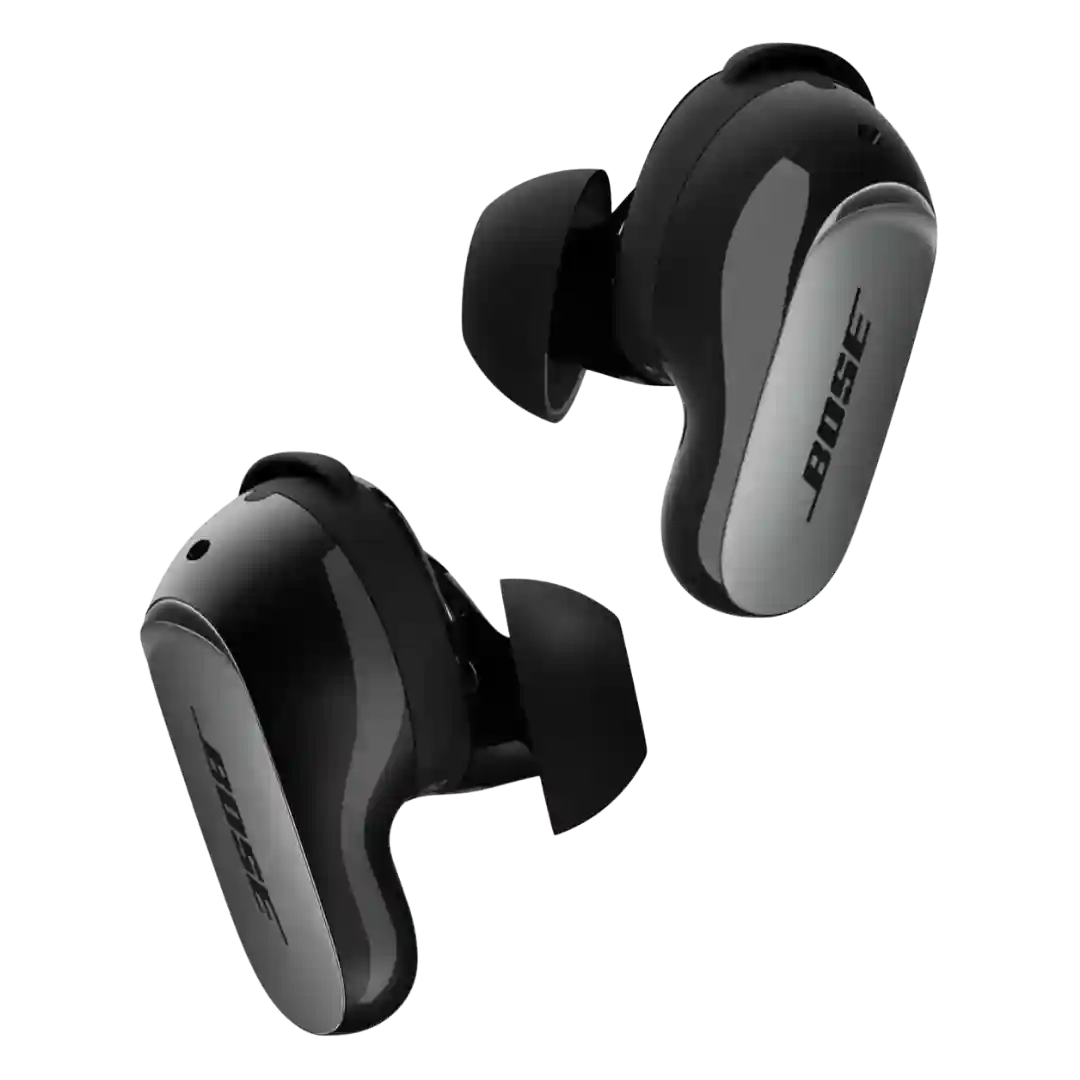
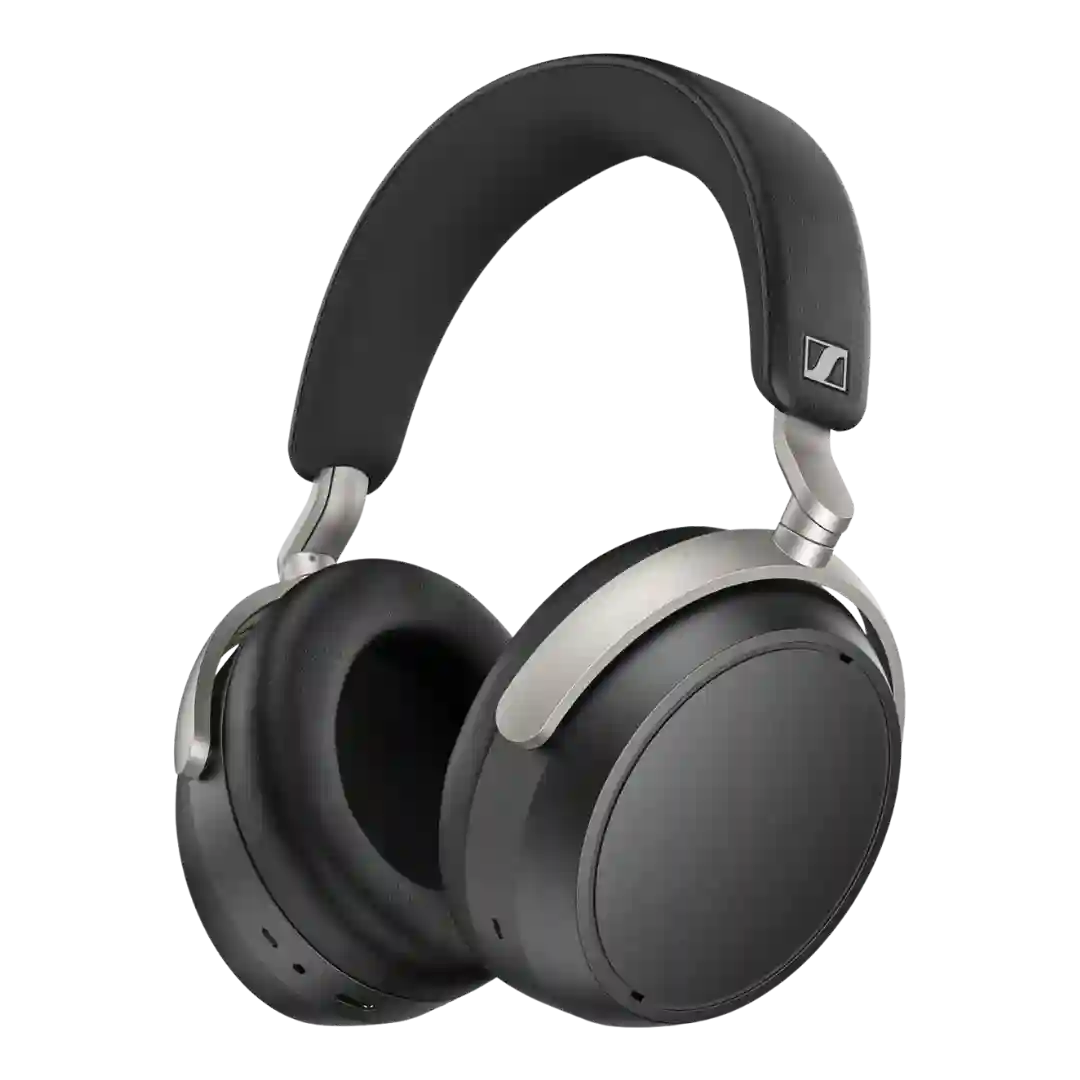
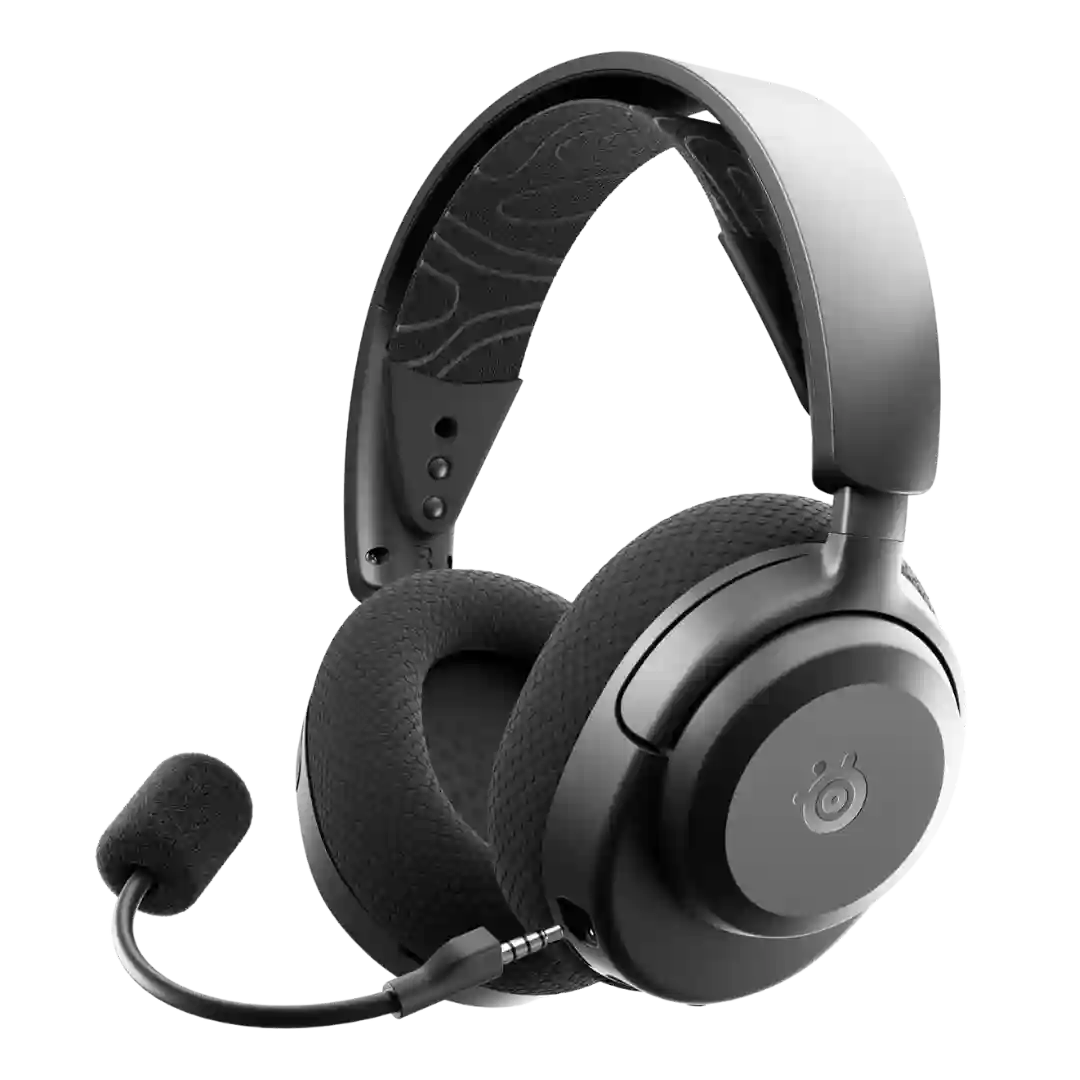
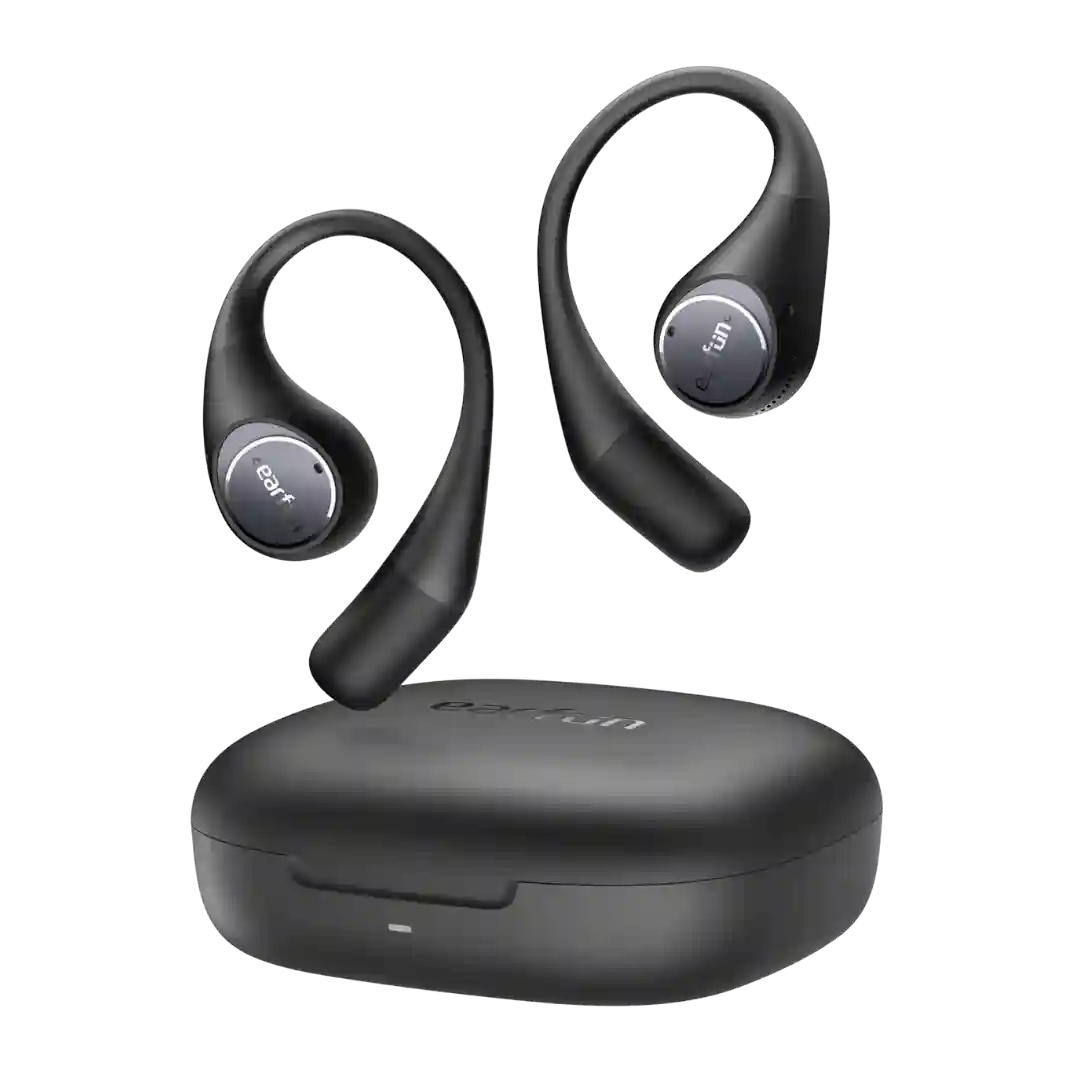
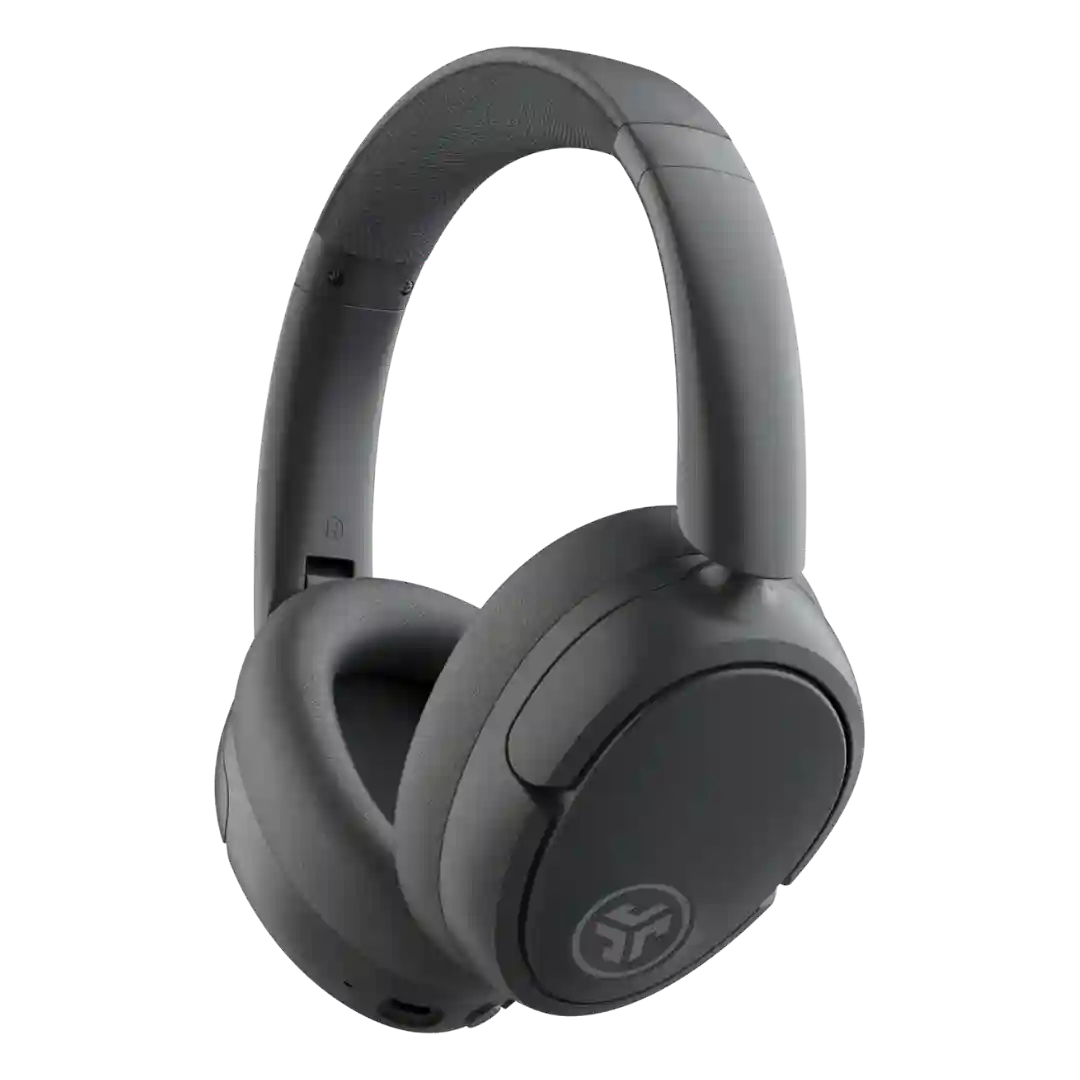
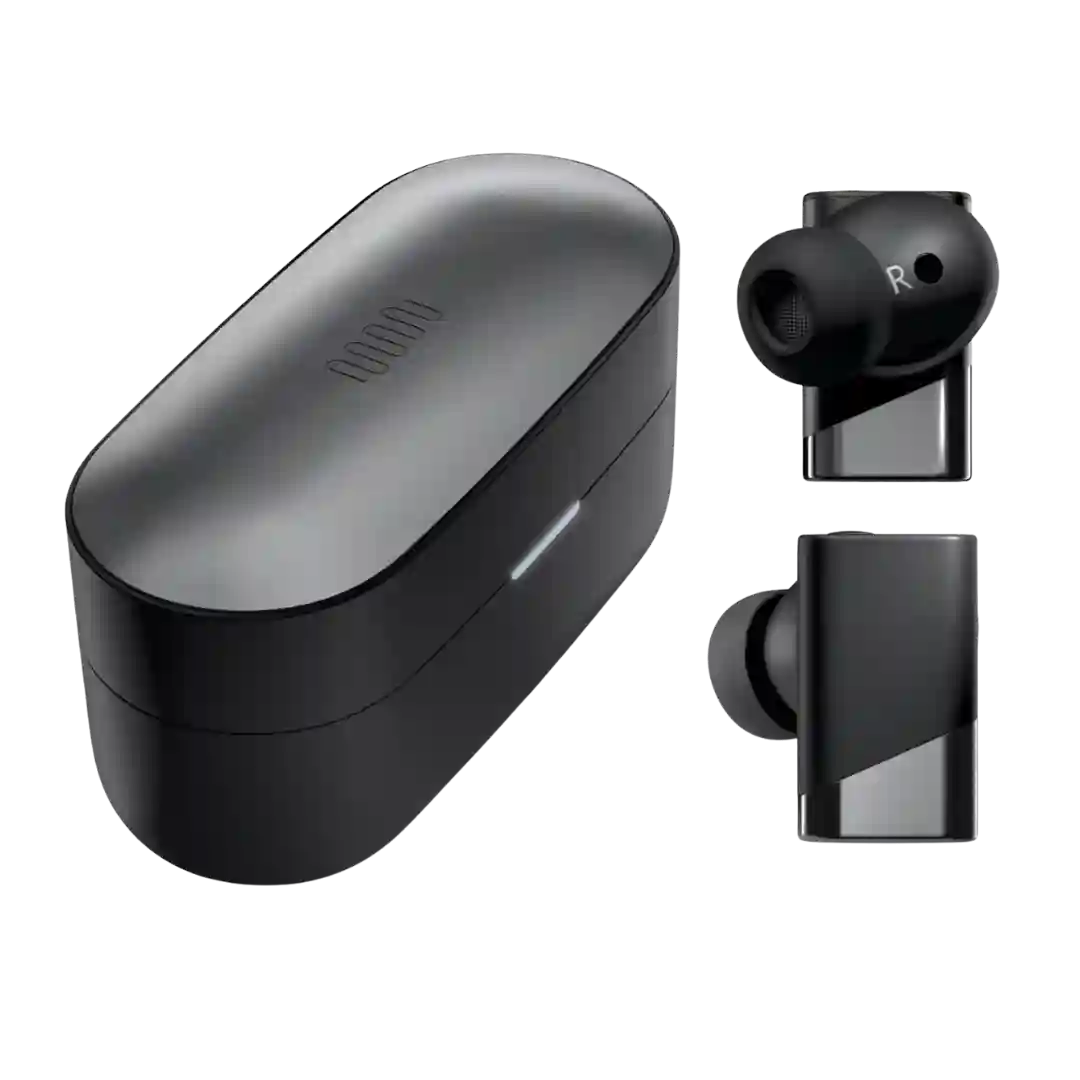
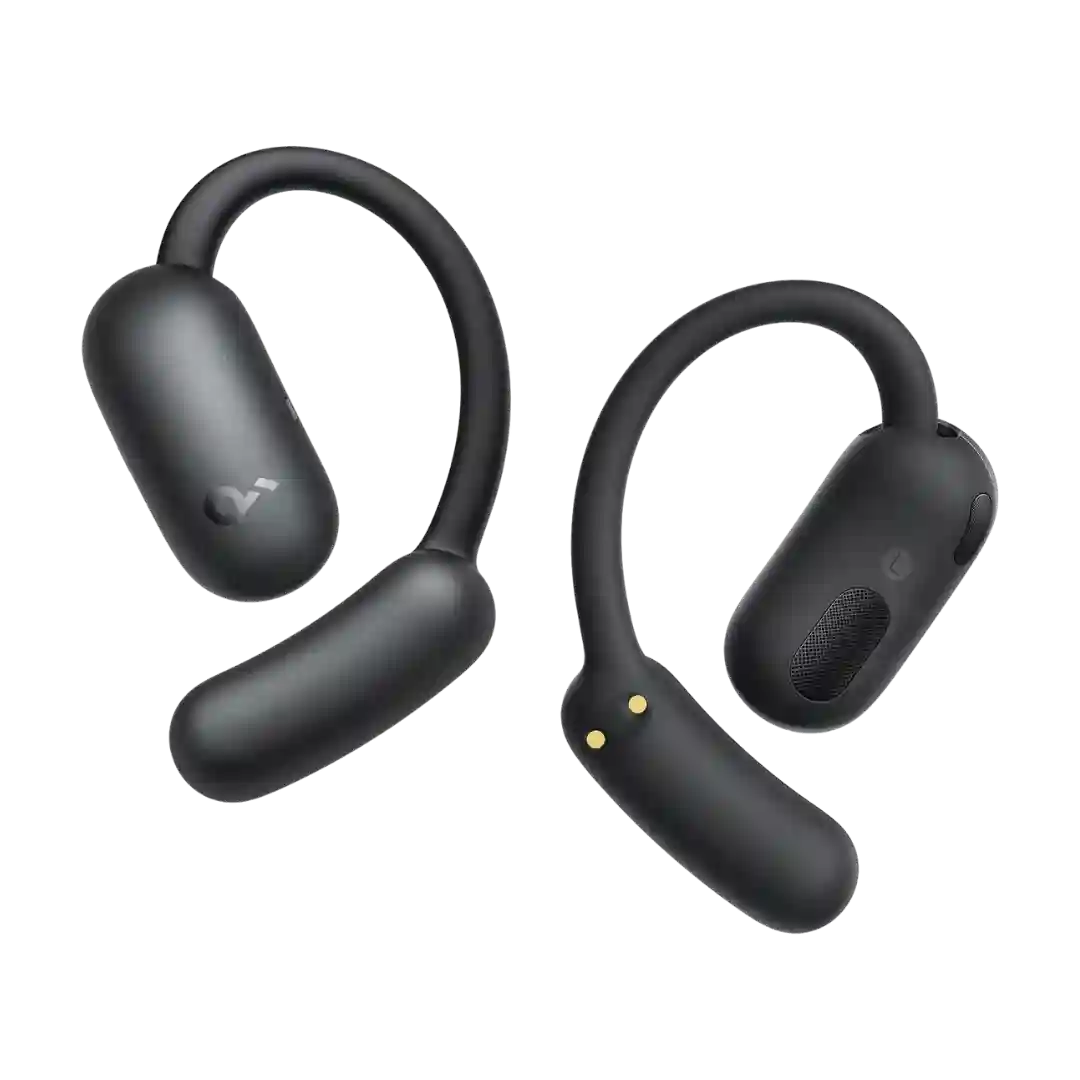
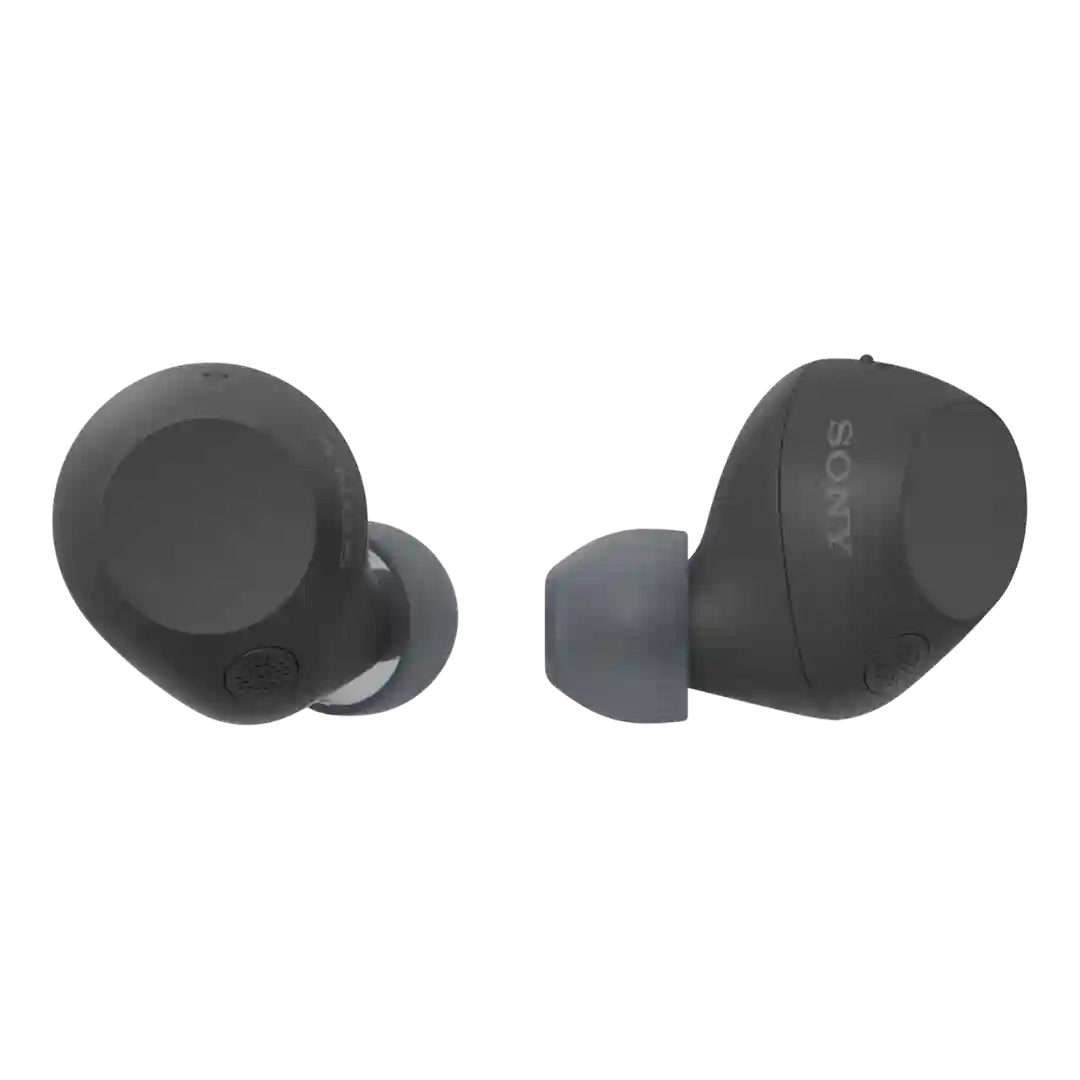
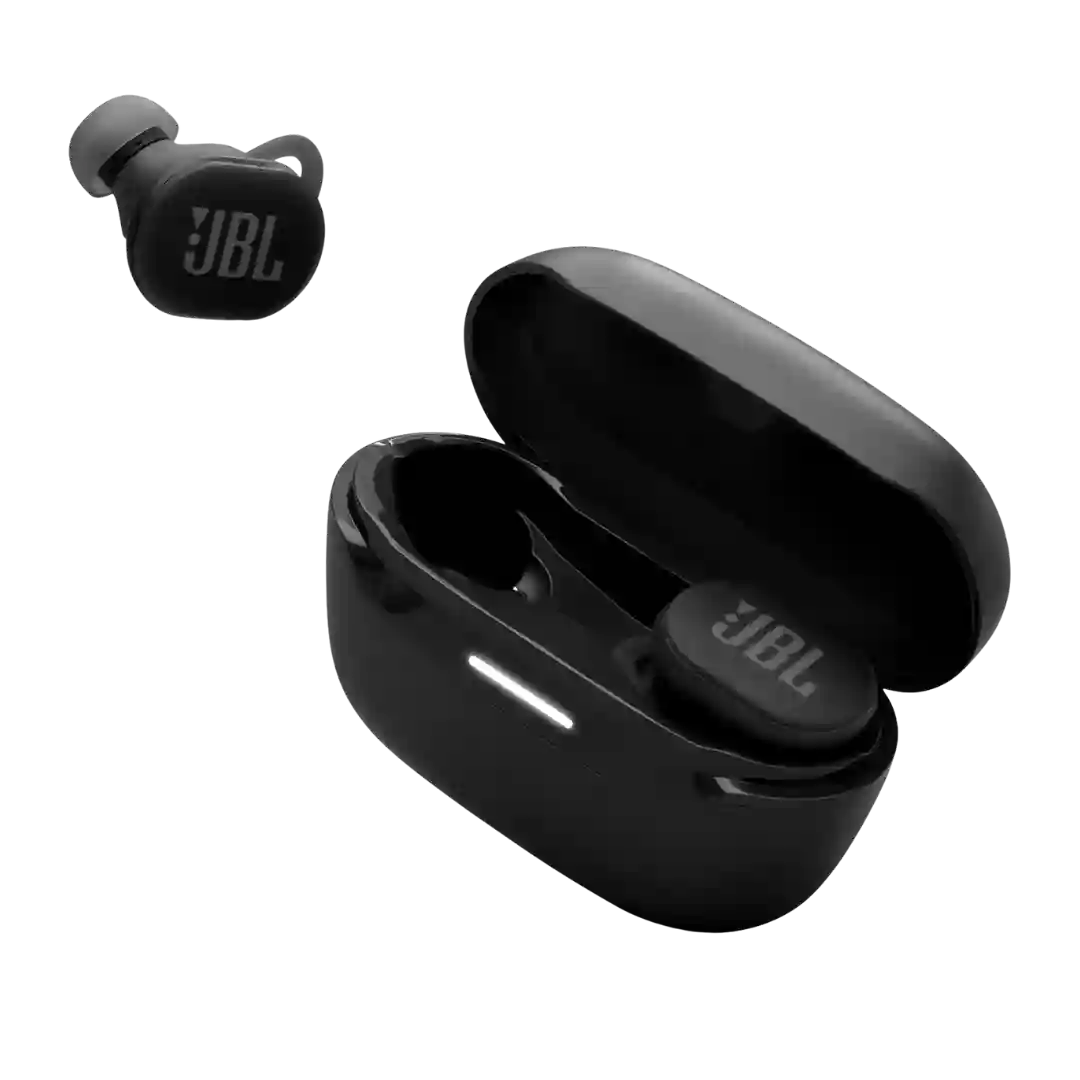
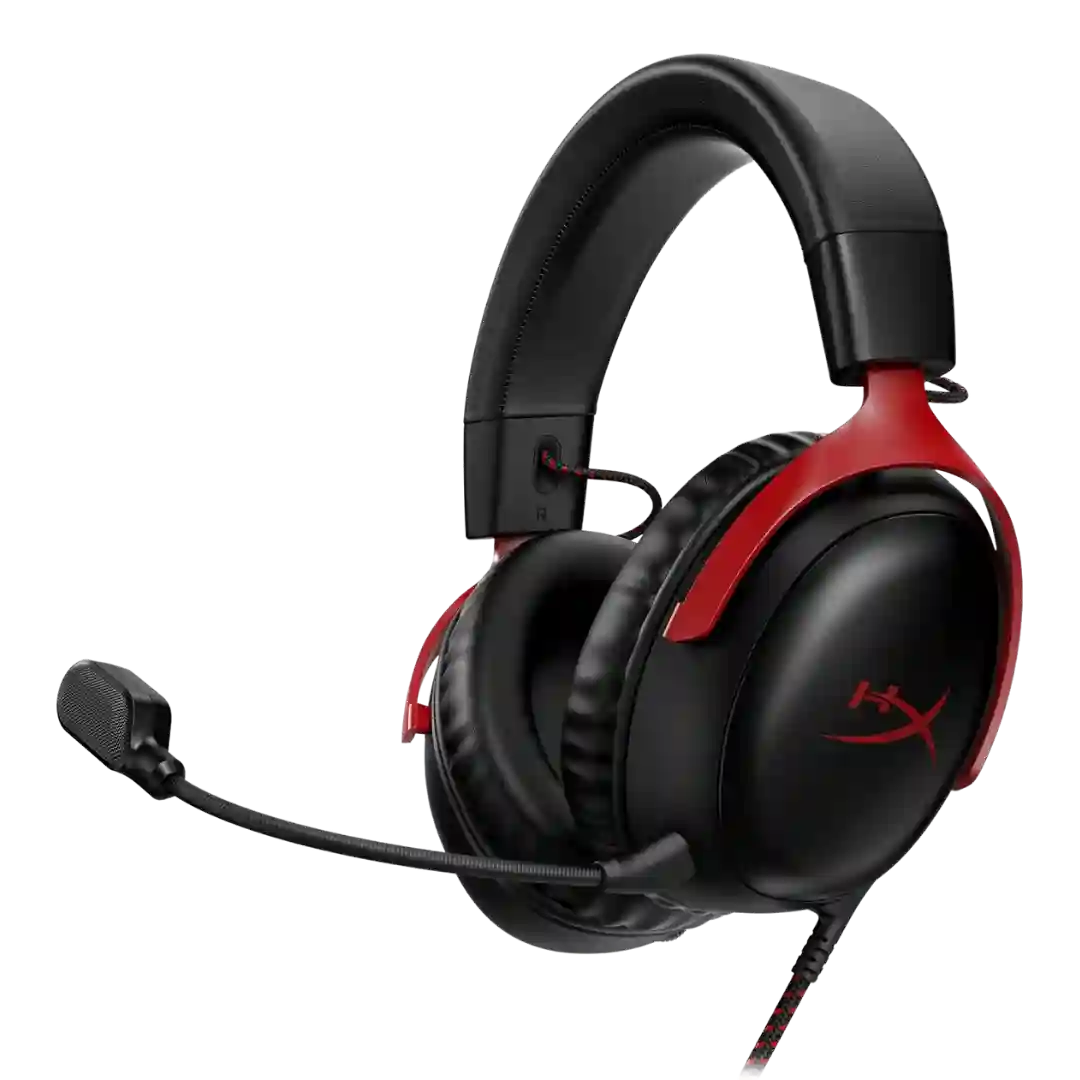
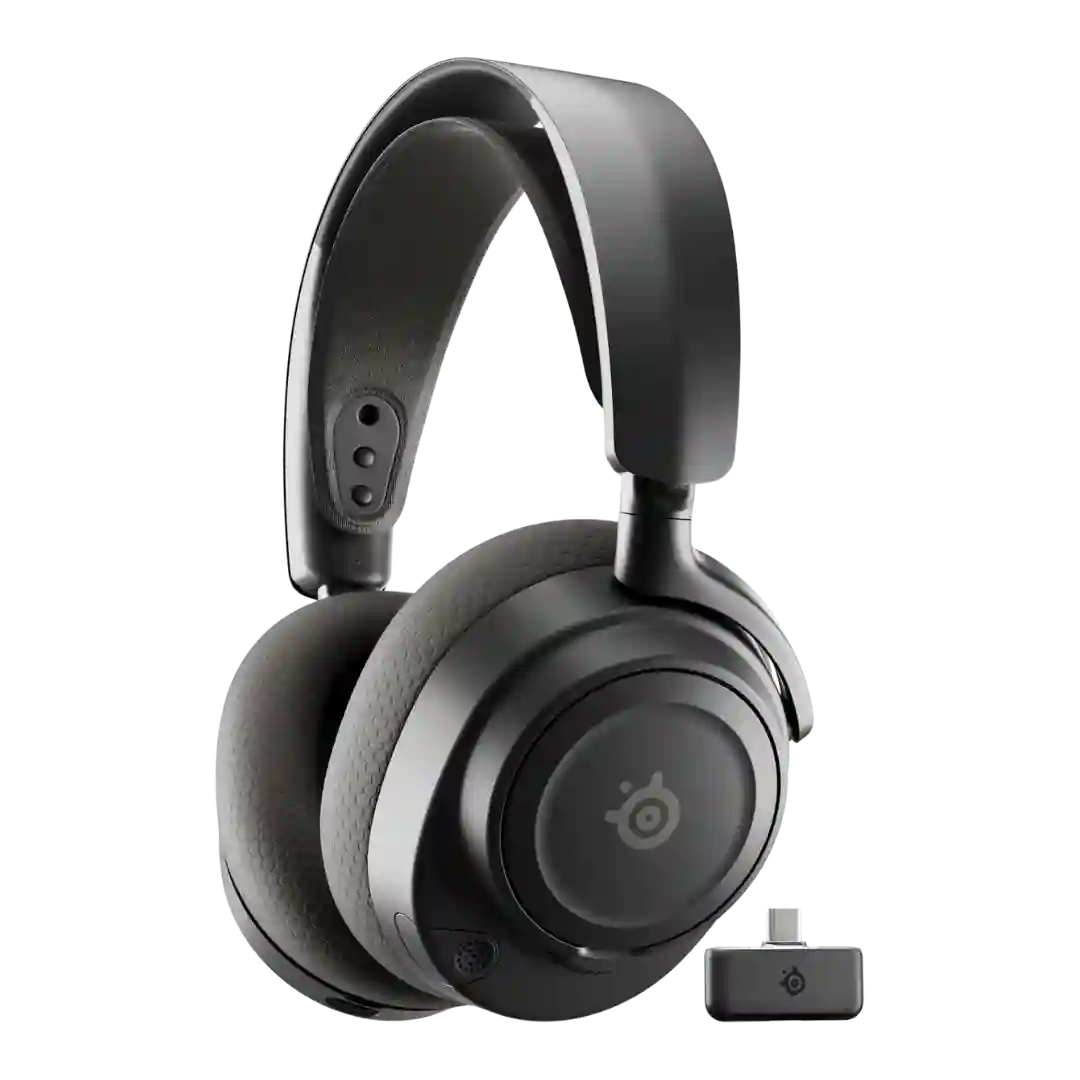
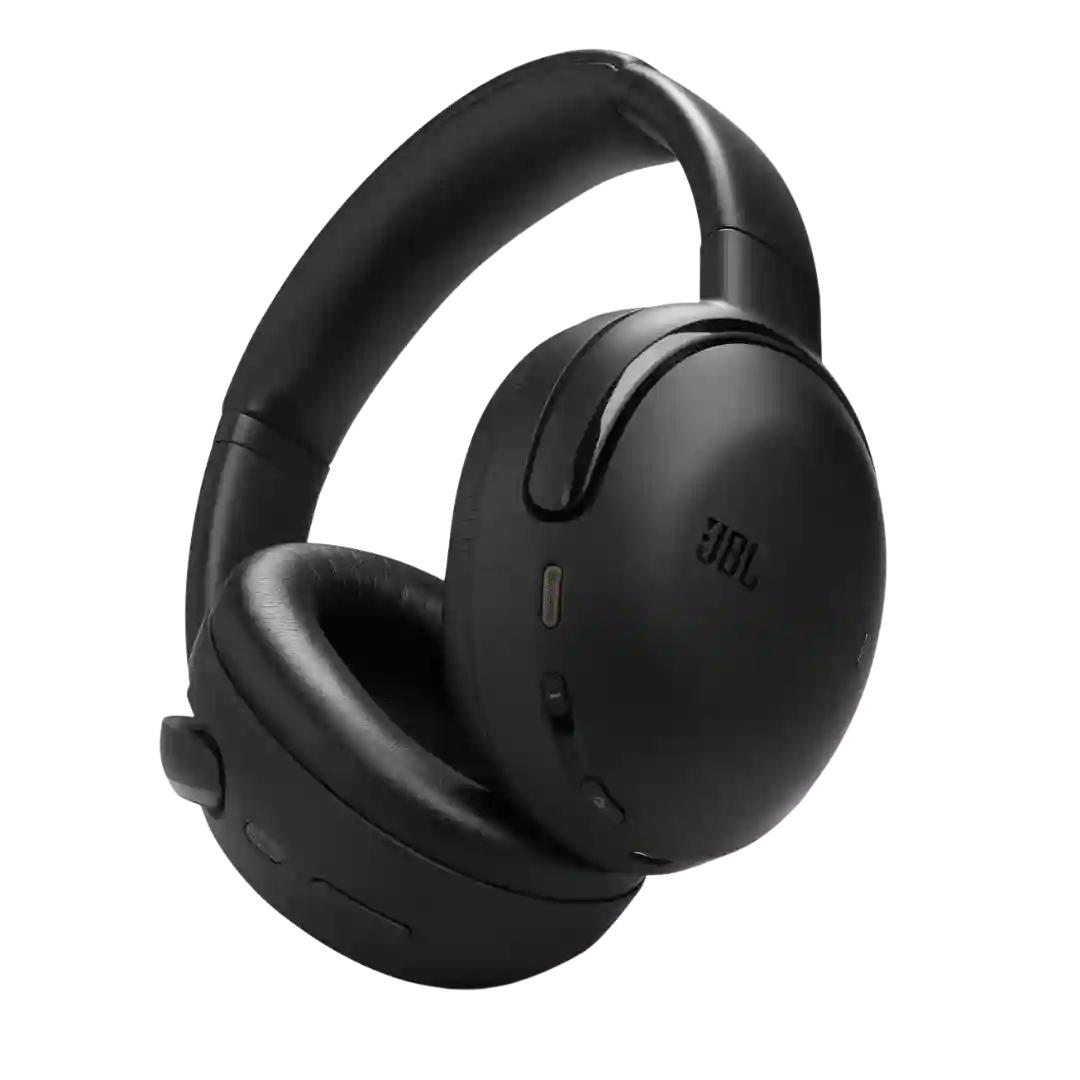
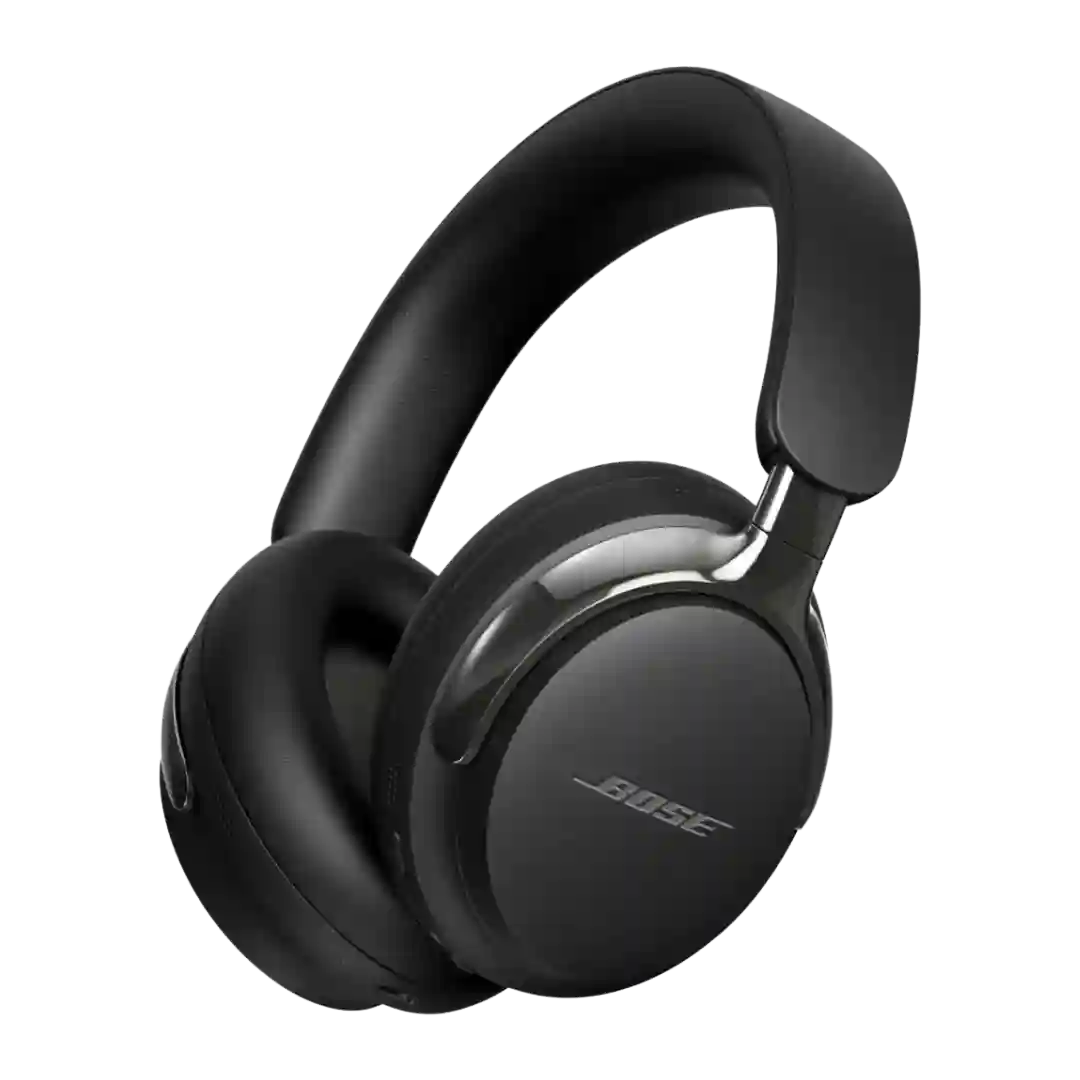
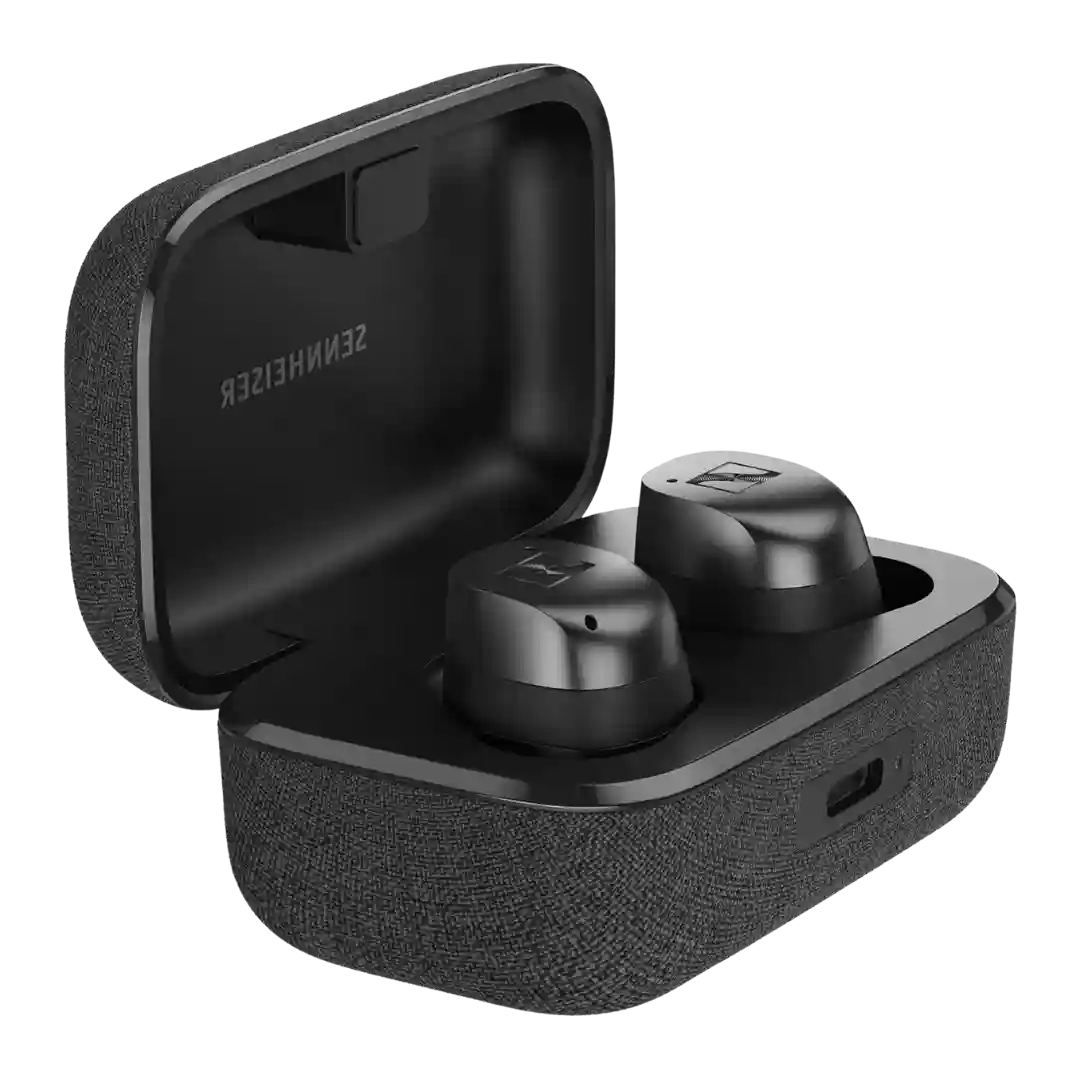
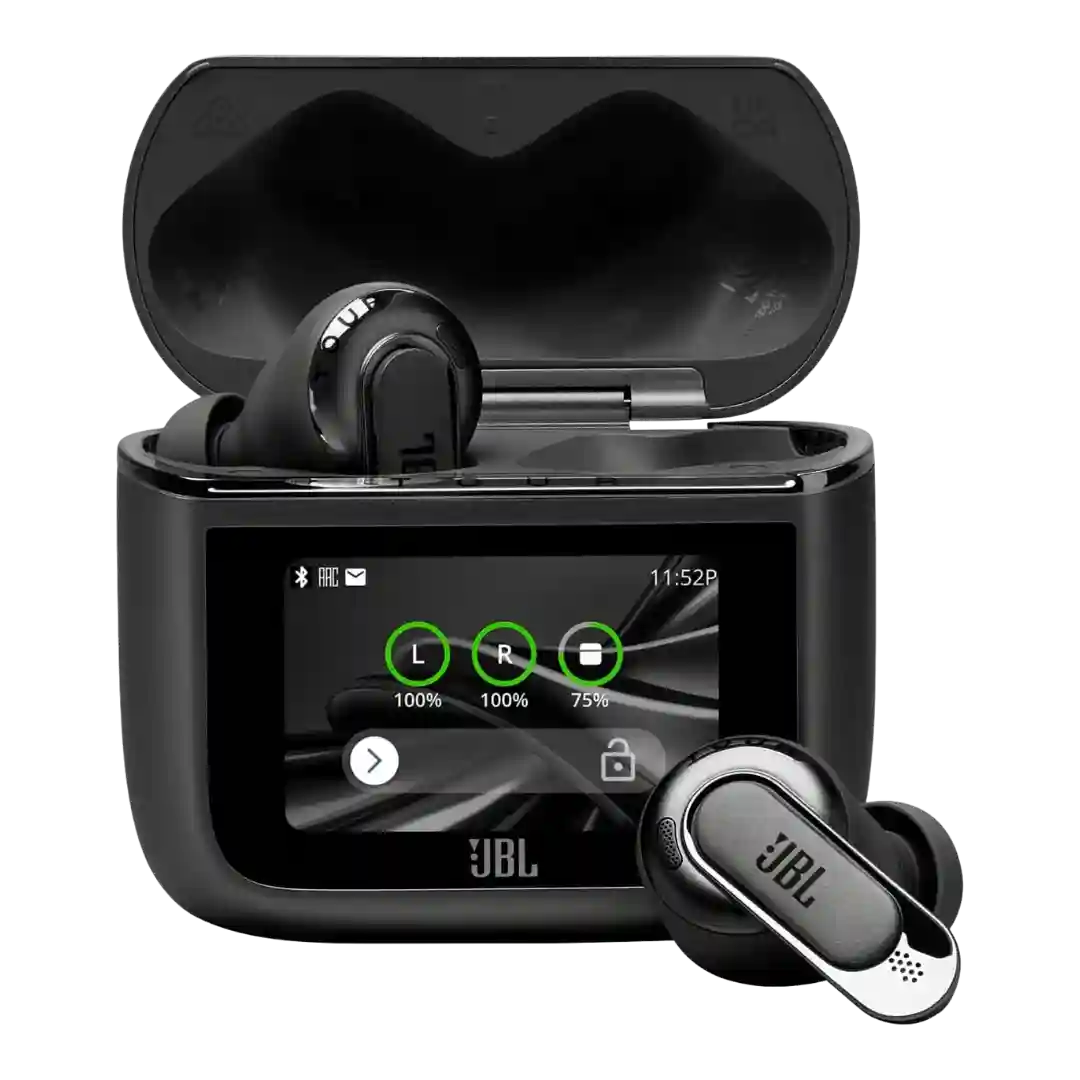
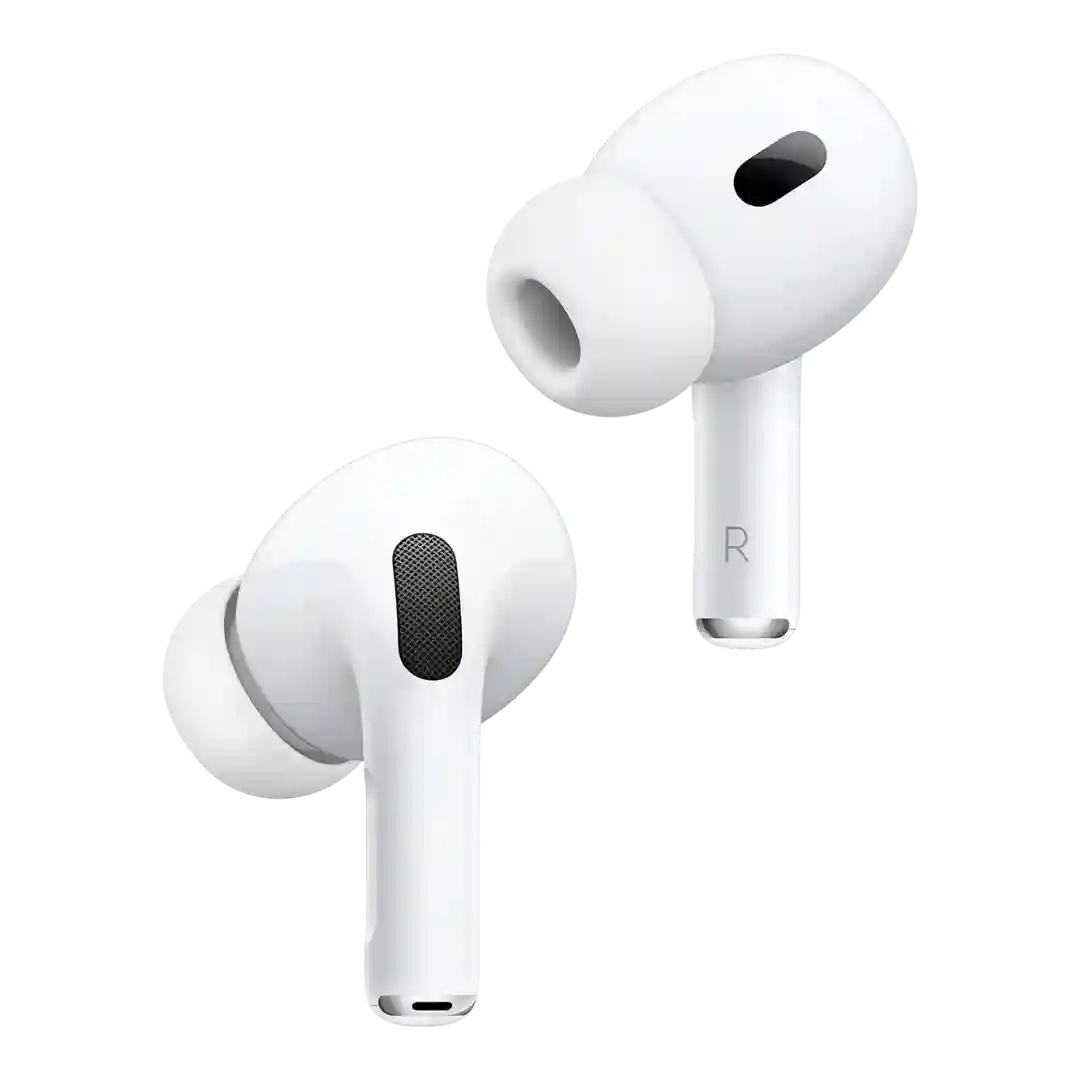
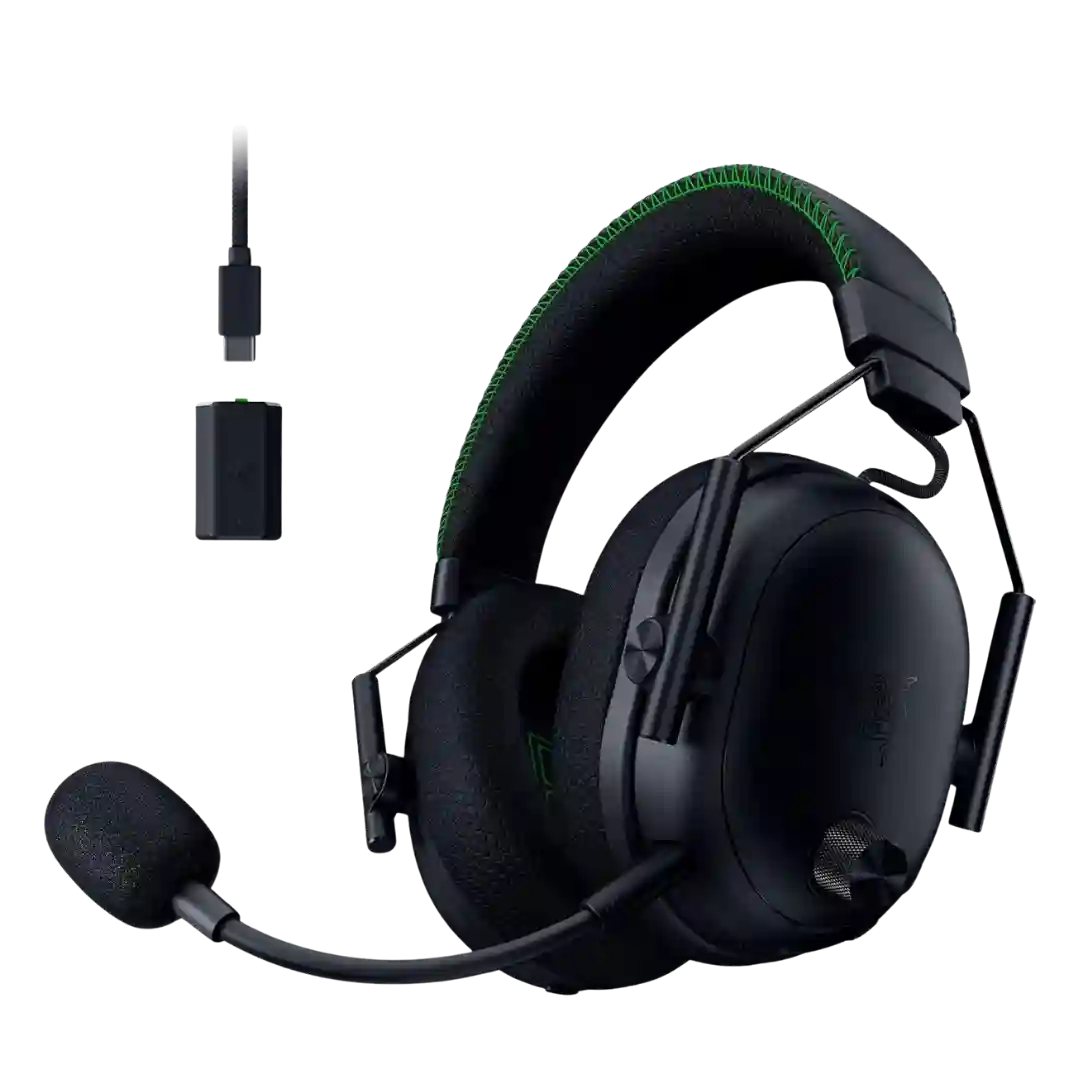
USB-C charging is standard and consistently present, often paired with Qi wireless charging. No major complaints are raised about the USB-C implementation.
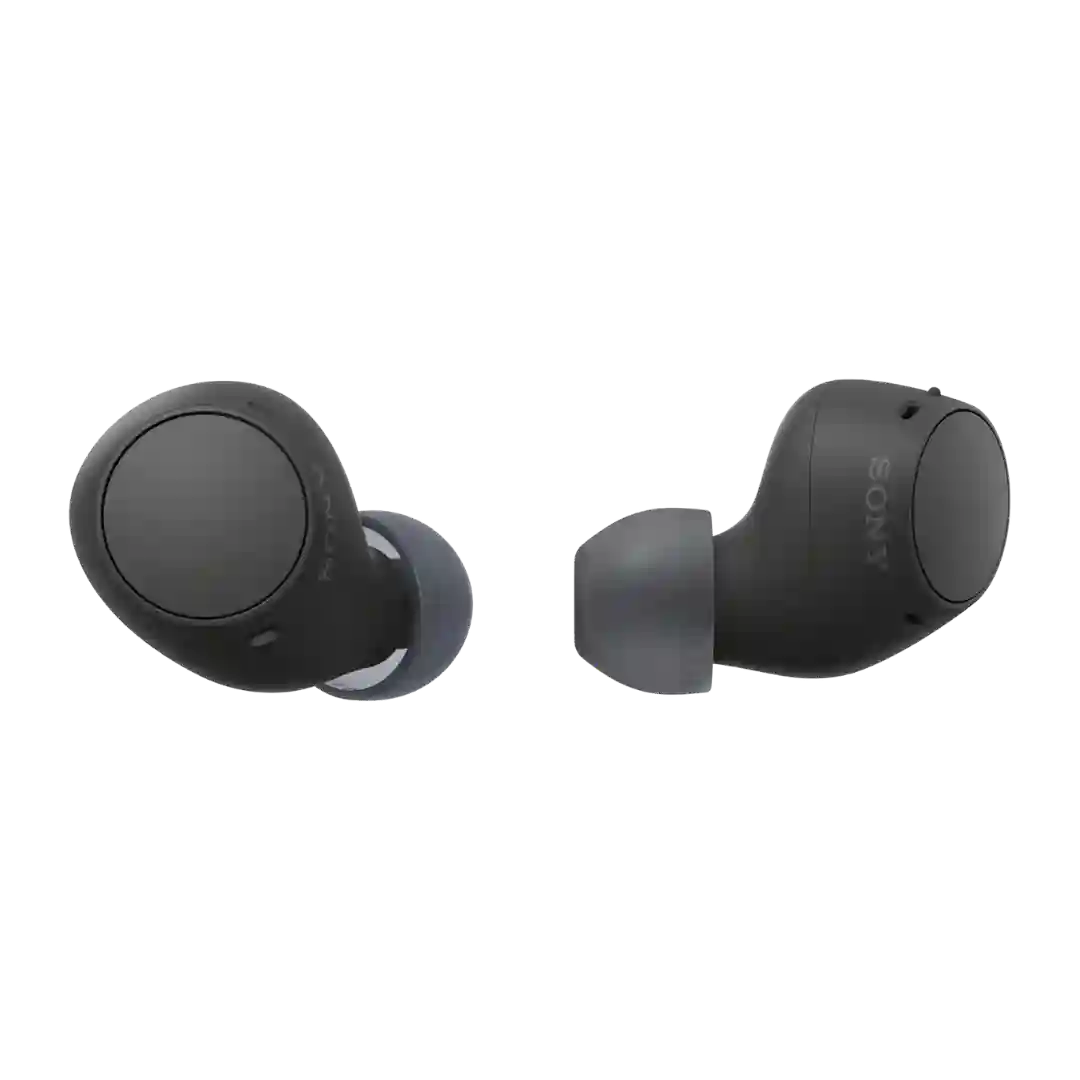
The USB-C case refresh modernizes charging to match newer Apple devices, reducing cable clutter and enabling convenient top-ups in a pinch from USB-C accessories like iPhone 15. Sound and core performance are otherwise largely unchanged versus the Lightning-case version.
USB-C is used for charging and can also serve as a direct digital audio connection to a computer, allowing the headphones to use their internal DAC. Reviews note USB-C playback can support up to 24-bit/96kHz natively, with higher rates downsampled.
USB-C is used for charging and also supports wired USB-C audio, adding flexibility for laptops and phones without headphone jacks. Reviewers appreciate having USB-C and analog options included.
USB-C serves dual duty for charging and digital audio, enabling modern cabling, fast top-ups, and the option to use the headphones as a USB DAC for direct computer listening without Bluetooth. Some bundles include a USB-A to USB-C cable but may omit a USB-C to USB-C cable.
USB-C is central to the product experience for both charging and wired-source retransmission into the case. Reviewers appreciate the USB-C ecosystem compatibility and included cables for travel and laptop use.
The USB-C refresh adds more future-proof charging and enables wired digital audio with compatible sources for higher-quality listening; you may still need to buy a USB-C-to-3.5mm cable for airplane entertainment systems, and wired compatibility can be most seamless within Apple devices.
USB-C is used for wired audio and charging, and it can charge faster than the dock; there is no analog 3.5mm audio jack, which limits certain use cases and contributes to poor Xbox compatibility.
The USB C port handles both charging and digital audio, working seamlessly as a USB sound device on Android and Windows devices even if compatibility can be more limited on some Apple hardware.
USB‑C is used for wired charging and is included with the charging cable in most packages. Port placement on the case is sometimes noted as unusual but overall aligns with modern expectations.
USB-C charging is standard on the case and generally works as expected, with at least one outlet highlighting fast-charge behavior; cable type/length included in the box can be a minor nitpick.
USB-C handles charging and can also serve as a wired audio input on supported devices, expanding compatibility beyond Bluetooth and 3.5mm. Some setups require the headphones to be powered on for USB-C audio, and at least one review notes audible improvements when listening wired.
USB-C is used for both charging and digital audio, enabling up to 24-bit/48kHz lossless playback through the built-in DAC, but USB-C audio generally disables ANC/transparency and some reviewers report adapter or compatibility quirks when trying to use USB-C audio with Lightning iPhones.
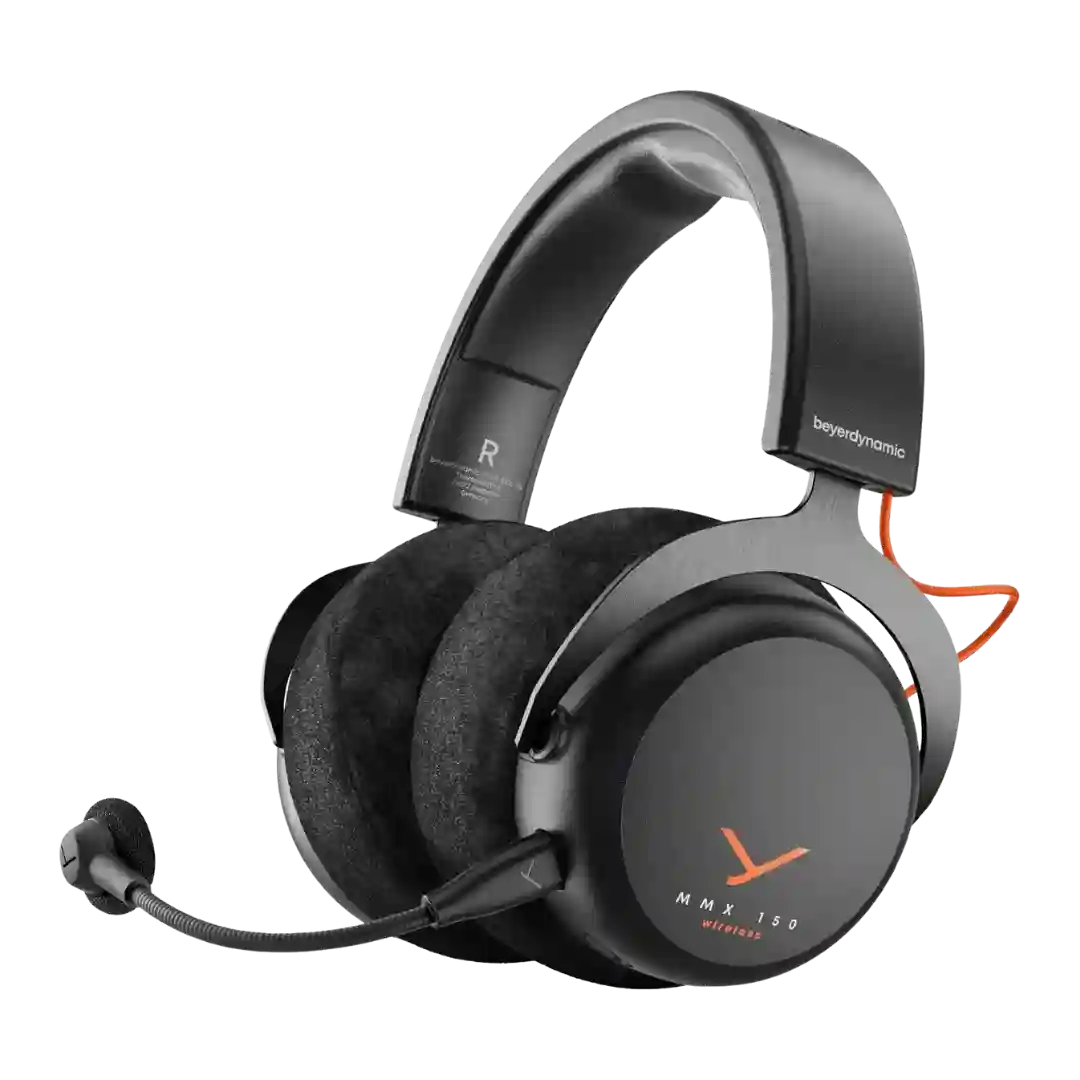
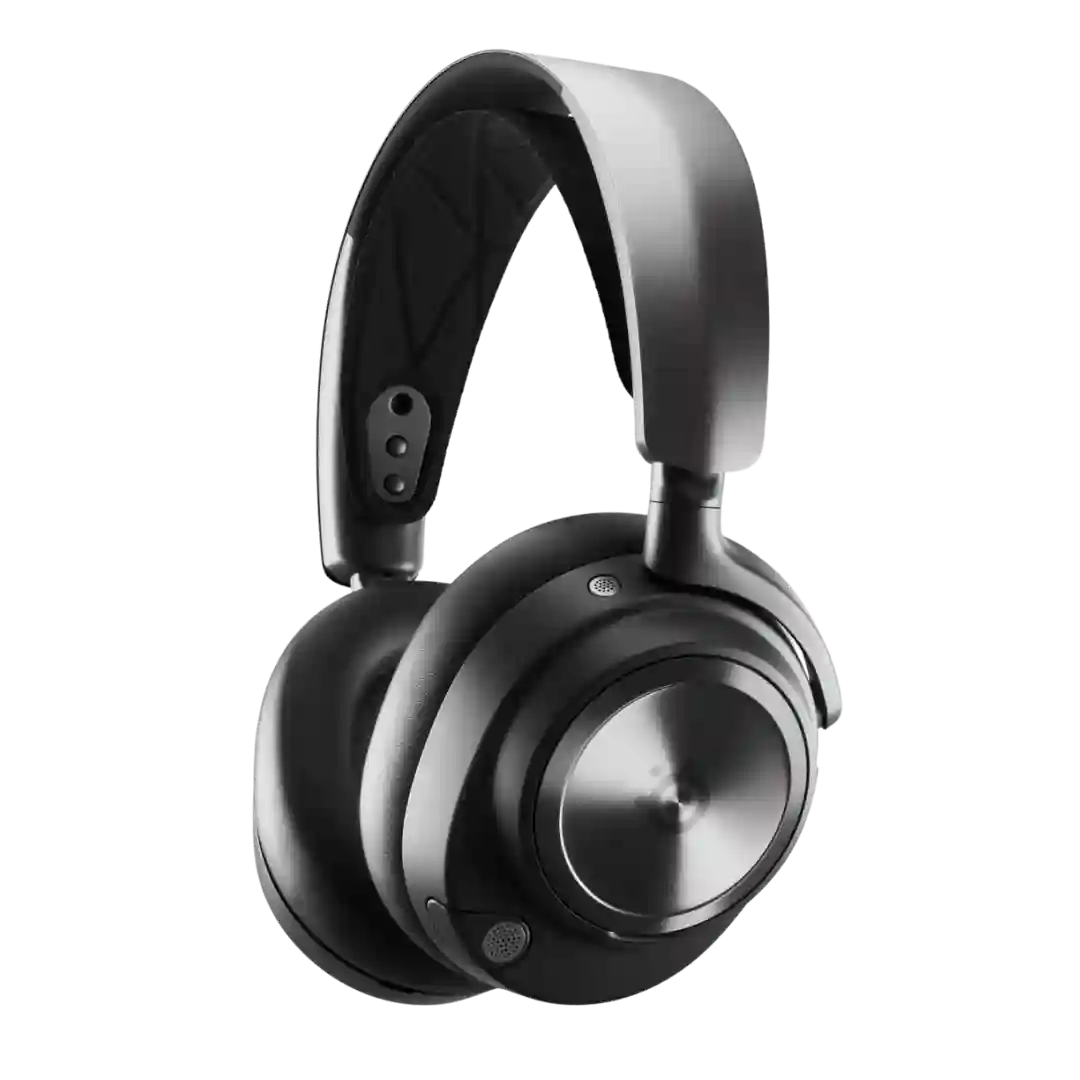
USB-C is used both for charging the headset and for the included low-latency wireless dongle, making it easy to connect to modern PCs and consoles with USB-C ports.
USB-C is used for charging and fast-charging support is frequently mentioned, but multiple reviews note the port does not provide wired digital audio playback. Users wanting wired listening rely on the 3.5mm analog jack instead.
A single USB-C port handles charging and wired playback through the included USB-C to 3.5 mm cable, since there is no built-in 3.5 mm jack on the headset; some reviewers note you cannot simply plug in a standard USB-C cable from a phone or laptop for audio, and you also cannot charge while using a separate analog jack; overall the USB-C approach is clean and compact, but less flexible than dual-port rivals.
The USB-C port is used for charging, but reviewers consistently call out the lack of USB-C audio input, meaning you cannot use a single USB-C cable for digital wired listening or hi-res passthrough.
USB-C is charging-only with no digital USB audio playback, so wired listening requires the 3.5mm analog jack; users of USB-C-only phones/tablets may need an adapter workaround.
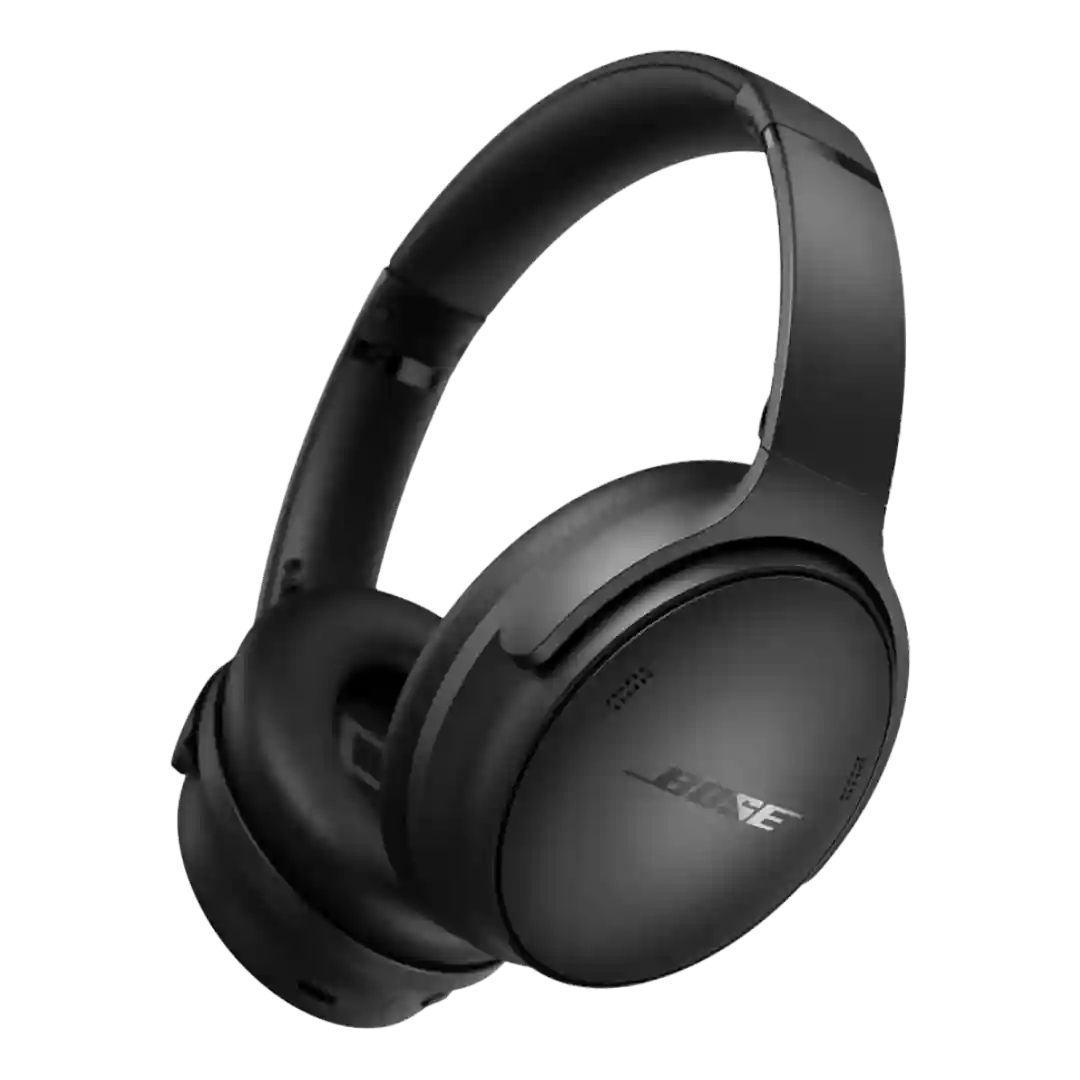
The USB-C port on the QuietComfort Headphones is used solely for charging with no support for wired USB-C audio, and this review reinforces that omission as a missed opportunity now that many similarly priced competitors offer audio passthrough over the charging port.