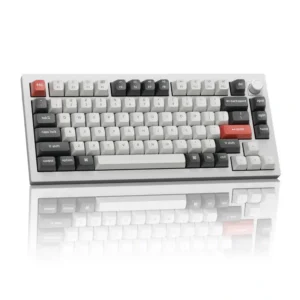
The redesigned metal knob is consistently praised as tactile, convenient, and easy to remap.
Pros: legend visibility, RGB customization
Cons: actuation consistency, rapid trigger support
The redesigned metal knob is consistently praised as tactile, convenient, and easy to remap.
Pros: legend visibility, RGB customization
Cons: actuation consistency, rapid trigger support
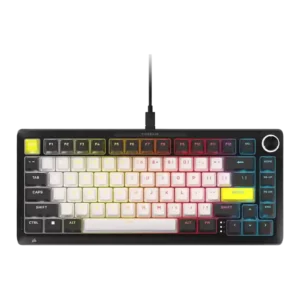
The rotary volume control was consistently praised as useful, tactile, clever, and easy to use.
Pros: per-key lighting control, durability
Cons: portability, noise level
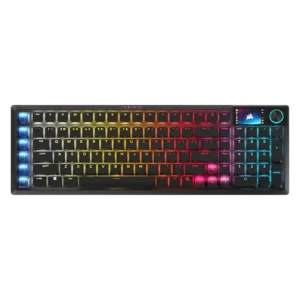
The textured rotary dial has clear steps and makes volume changes fast and precise. It can also be reassigned for brightness, scrolling, or zoom.
Pros: key stability, stabilizer quality
Cons: analog input support, rapid trigger support
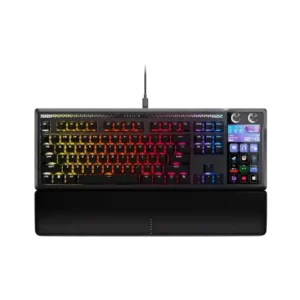
The dual dials are frequently praised for volume and audio control, especially for streamers and multitaskers. Owners like being able to manage separate audio sources directly from the keyboard.
Pros: customization options, ease of switch replacement
Cons: reliability, analog input support
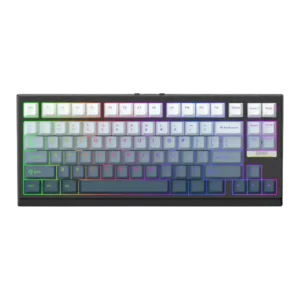
Volume control was mixed-to-positive: one reviewer missed a knob only mildly, while another found VIA remapping straightforward.
Pros: desk space efficiency, layout options
Cons: compatibility
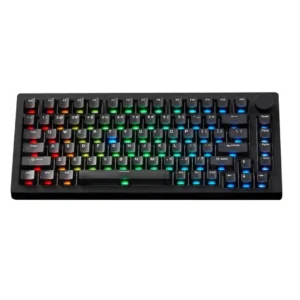
Volume control is mixed but generally useful: the knob can handle volume and mute, while one reviewer saw random volume inputs and another wanted more utility.
Pros: switch options, hot-swappable switches
Cons: portability, cable quality
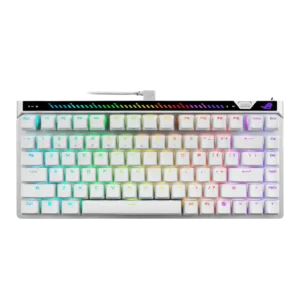
Volume control was useful but mixed because reviewers liked direct control while one wished the roller handled volume more naturally.
Pros: key responsiveness, latency
Cons: analog input support, wrist rest quality
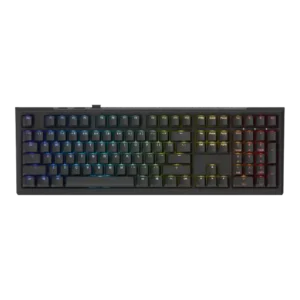
Volume control was present and sometimes appreciated as part of the simple control layout, though some reviews treated it as one of few dedicated controls.
Pros: typing feel, key stability
Cons: profile management, wrist rest quality