Best for layout options
Razer Huntsman V2 TKL
5.0 feature score
Highest scored product for this feature based on supporting review evidence.
Highest scored product for this feature based on supporting review evidence.
Balances feature score, supporting reviews, and overall product strength.
Has the broadest review evidence for this feature.
Strongest overall product among items with scored evidence for this feature.
Showing Razer only. Switch back to all brands anytime.
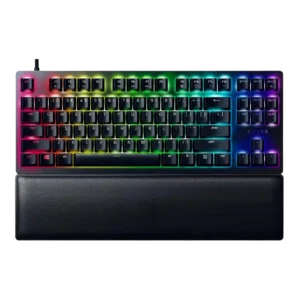
Layout options were praised where the TKL layout was judged one of the best balances for gaming and typing.
Pros: key stability, per-key lighting control
Cons: stabilizer quality, media controls
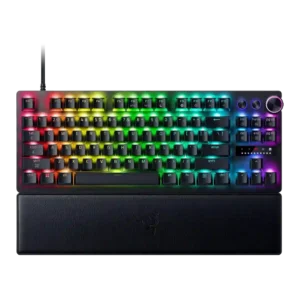
Layout options were praised on the Mini because its dual-step arrow-key implementation felt intuitive and useful.
Pros: key responsiveness, actuation consistency
Cons: switch options, hot-swappable switches
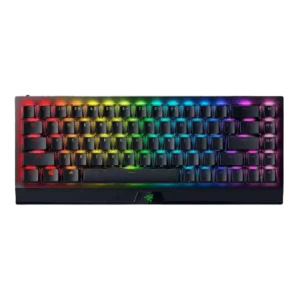
The 65% layout with arrows was widely praised as a useful middle ground, although some reviewers noted a learning curve and missing full-size keys.
Pros: per-key lighting control, backlight brightness
Cons: passthrough features, compatibility
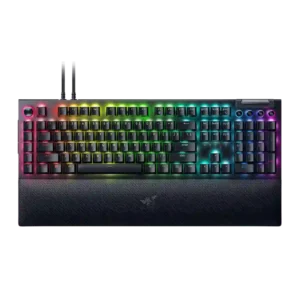
Layout evidence favored the 75% layout as a useful, welcome middle ground while the full-size layout drew space and adjustment complaints.
Pros: key stability, ease of switch replacement
Cons: compatibility, battery life
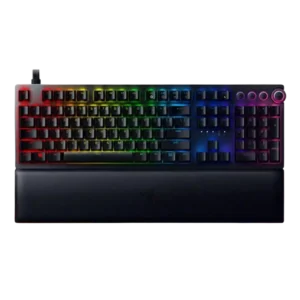
Layout evidence was limited but positive where the standard keycap/bottom-row arrangement made customization easier.
Pros: per-key lighting control, wrist rest quality
Cons: polling rate, portability
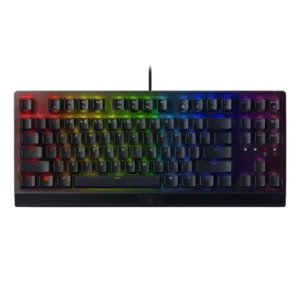
Layout options received limited support, mainly from the suggestion that some users would be better served by the TKL version.
Pros: latency, durability
Cons: sound dampening, passthrough features
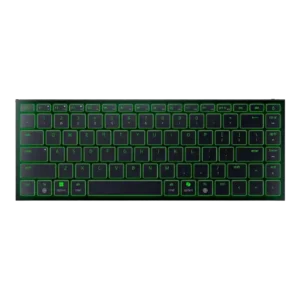
Layout opinions split sharply: some reviewers found the 75% layout efficient, while others disliked the small Shift, spacebar, or right-side key choices.
Pros: frame rigidity, size and form factor
Cons: sound dampening, per-key lighting control