Best for typing comfort
Razer BlackWidow V3
4.2 feature score
Highest scored product for this feature based on supporting review evidence.
Highest scored product for this feature based on supporting review evidence.
Balances feature score, supporting reviews, and overall product strength.
Has the broadest review evidence for this feature.
Strongest overall product among items with scored evidence for this feature.
Showing Razer only. Switch back to all brands anytime.
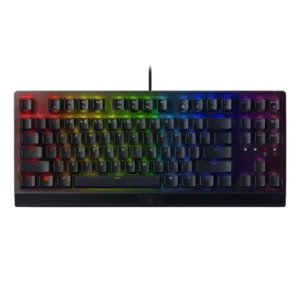
Typing comfort was mostly positive, with reviewers praising easy, enjoyable typing, but some slowed down or needed the wrist rest for longer sessions.
Pros: latency, durability
Cons: sound dampening, passthrough features
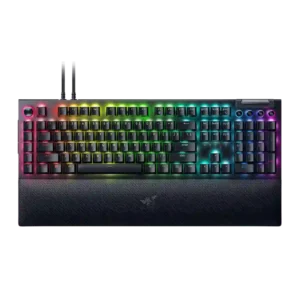
Typing comfort was generally strong when switches and wrist rest suited the reviewer, though one Green-switch reviewer wanted more cushioning for long writing.
Pros: key stability, ease of switch replacement
Cons: compatibility, battery life
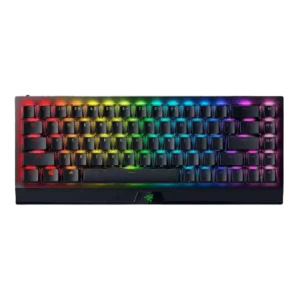
Typing comfort was mostly positive once users adjusted, but prolonged work, cramped keys, and wrist fatigue produced mixed evidence.
Pros: per-key lighting control, backlight brightness
Cons: passthrough features, compatibility
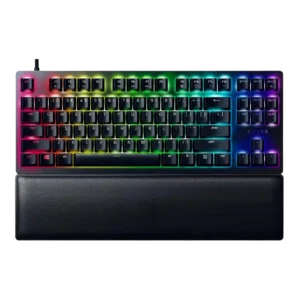
Typing comfort depended on switch feel: several reviewers liked extended typing comfort, while one found the dampened bottom-out painful.
Pros: key stability, per-key lighting control
Cons: stabilizer quality, media controls
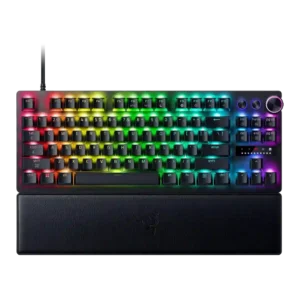
Typing comfort was mixed, with some reviewers finding the board comfortable or a good all-rounder and others not enjoying long typing sessions.
Pros: key responsiveness, actuation consistency
Cons: switch options, hot-swappable switches
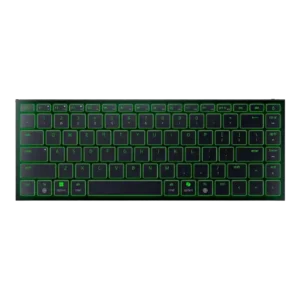
Typing comfort ranged from comfortable long writing sessions to fatigue and frustration, mostly depending on angle and layout tolerance.
Pros: frame rigidity, size and form factor
Cons: sound dampening, per-key lighting control
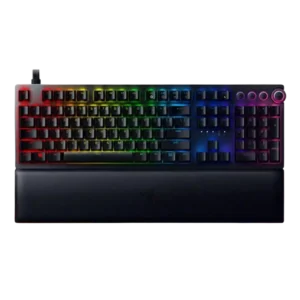
Typing comfort was mixed: some reviewers found long typing pleasant, while others complained about fatigue or tough regular typing.
Pros: per-key lighting control, wrist rest quality
Cons: polling rate, portability

Typing comfort is the clearest tradeoff. Some reviewers enjoy the typing experience, but the most critical take says the high keycaps make finger movement and wrist position uncomfortable.
Pros: polling rate, RGB customization
Cons: key stability, typing comfort