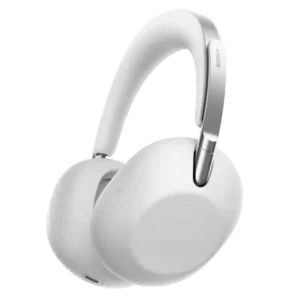
Physical controls are easy to locate, while the touch interface responds quickly and avoids most accidental commands.
Pros: Microphone noise reduction, Multipoint connectivity reliability
Cons: Water/sweat resistance rating, Gaming performance
Physical controls are easy to locate, while the touch interface responds quickly and avoids most accidental commands.
Pros: Microphone noise reduction, Multipoint connectivity reliability
Cons: Water/sweat resistance rating, Gaming performance
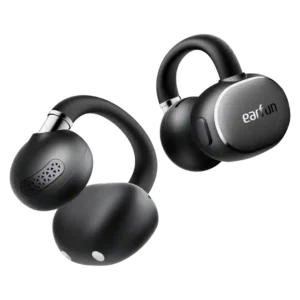
The physical buttons are one of the most praised design choices, registering reliably with sweaty hands and avoiding accidental touch inputs. Actions are customizable in the app.
Pros: Weight comfort, Hinge durability
Cons: Active noise cancellation, Sensors
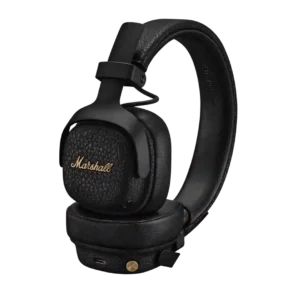
Marshall’s brass joystick is one of the product’s most universally praised features. It is tactile, responsive, easy to find, and simpler than touch gestures.
Pros: Multipoint connectivity reliability, Codec support
Cons: aptX, Smart Pause performance
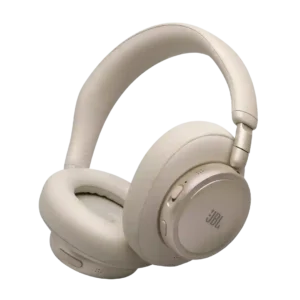
The physical volume, power, and ANC controls are repeatedly praised for tactile feedback and intuitive placement. The hybrid layout is easier to operate by feel than many touch-only designs.
Pros: Maximum volume clarity, Charging
Cons: 3.5mm analog input availability, Cable quality
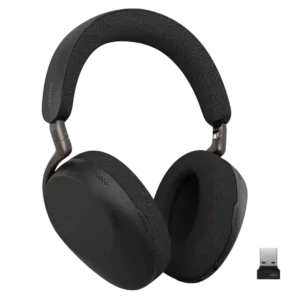
Physical controls are generally clicky, direct, and easy to learn. The main criticism is a fiddly power switch and some right-hand bias in the layout.
Pros: Frequency response accuracy, Clamping force comfort
Cons: Volume output, aptX
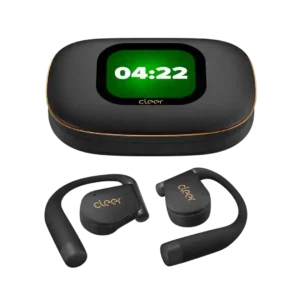
Physical buttons complement the touch controls and give users flexible ways to manage playback and calls. Most found them useful, though one reviewer needed time to learn the case and...
Pros: Instrument separation, Multipoint connectivity reliability
Cons: Noise isolation (passive)

Physical buttons were praised as straightforward, tactile and easier to trust than uncertain touch gestures.
Pros: Smart Pause performance, Wear detection performance
Cons: Water/sweat resistance rating, Wind noise handling

Button controls are a strength, described as simple, easy, tactile and intuitive across sources.
Pros: Audio-video sync accuracy, Battery
Cons: Carry case quality, Maximum volume clarity
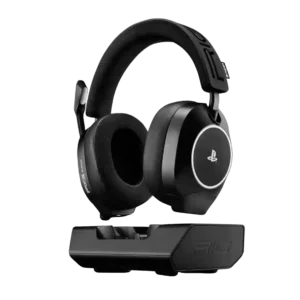
Controls were usually easy to reach and identify, but one reviewer found a button unresponsive or unclear.
Pros: Spatial audio, Positional audio accuracy
Cons: Carry case quality, Detachable microphone convenience
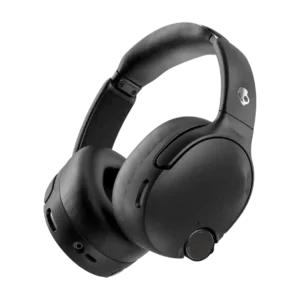
Physical buttons and the joystick are easy to locate and satisfying to use. The main drawback is that the ANC switch sits close enough to the bass dial to cause...
Pros: Treble clarity, Instrument separation
Cons: Codec support, Headband adjustability
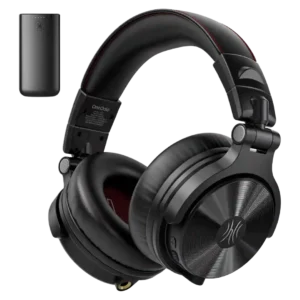
Physical controls were mostly praised as reachable, tactile and easy, though one reviewer disliked the time needed for track navigation.
Pros: Battery, Detachable cable convenience
Cons: Active noise cancellation, Transparency mode quality
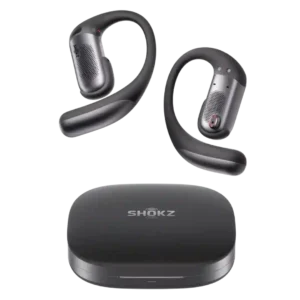
Physical buttons are more dependable than touch controls with sweat, gloves, or movement and are easy to find once learned. The small size and multi-click combinations can feel fiddly.
Pros: Voice assistant integration, Android compatibility
Cons: Maximum volume clarity, Packaging condition
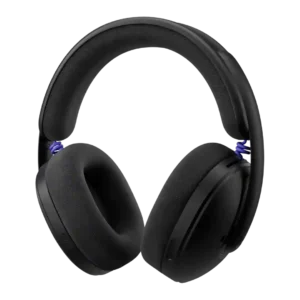
Physical controls were mostly well-liked for clear shapes, easy reach, and tactile feel, though some reviewers missed a volume wheel.
Pros: Wireless latency, Weight comfort
Cons: Microphone noise reduction, Multipoint connectivity reliability
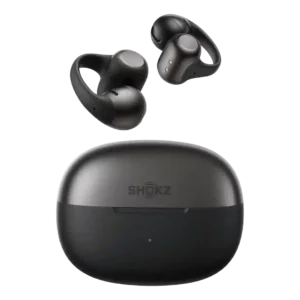
Controls improved over the first generation and can be customized heavily, but they remain one of the more divisive parts of the product. Pinch controls tend to fare better than...
Pros: Android compatibility, Multi-platform compatibility
Cons: Auracast support, Active noise cancellation
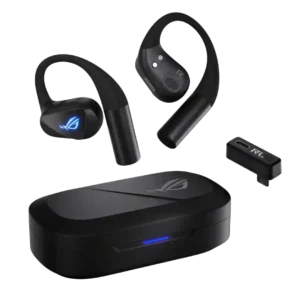
Physical buttons are easy to find and tactile, but the default multi-press scheme is contentious. Four presses for volume and three presses for mute or assistant functions feel unnecessarily cumbersome...
Pros: Transparency mode quality, Touch control responsiveness
Cons: Noise isolation (passive), Packaging condition
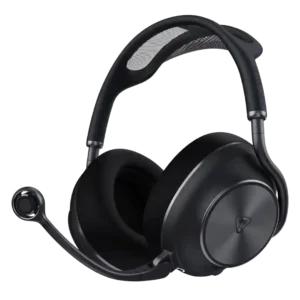
The physical wheels and buttons are generally tactile, logically placed, and partly remappable. Some find the controls crowded, the volume steps too coarse, or individual functions hard to identify by...
Pros: Codec support, Packaging quality
Cons: Multipoint connectivity reliability, Replaceable ear plates
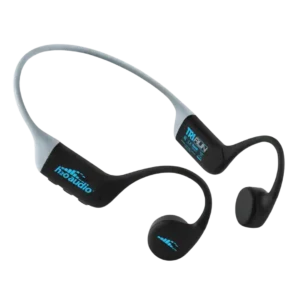
Physical buttons are widely preferred for workouts and are often easy to reach without breaking stride. Experiences were not uniform: some volume controls felt finicky or sticky, and one wearer...
Pros: Weight comfort, Water/sweat resistance rating
Cons: Microphone noise reduction, Equalizer customization
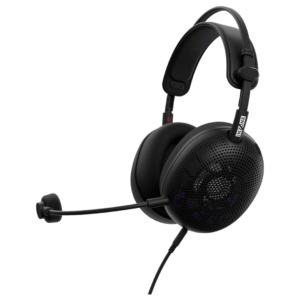
Control usability was mixed: the mute control drew praise, but the volume wheel and lack of mute cues drew criticism.
Pros: Weight comfort, Battery
Cons: Noise isolation (passive), Sound leakage
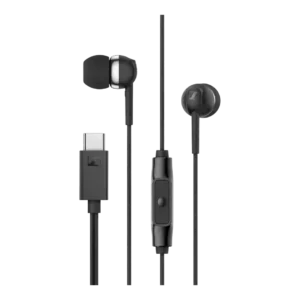
Control usability was mixed: TechRadar disliked the missing volume buttons, while Tom’s Guide praised the button feel and responsiveness.
Pros: Comfort during long use, USB-C
Cons: Microphone noise reduction, Water/sweat resistance rating
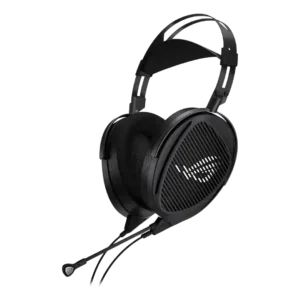
The inline mute and volume controls are convenient, but the wheel can be overly sensitive and some users heard clicks or artifacts when toggling the mic.
Pros: Maximum volume clarity, Frequency response accuracy
Cons: Active noise cancellation, Bluetooth
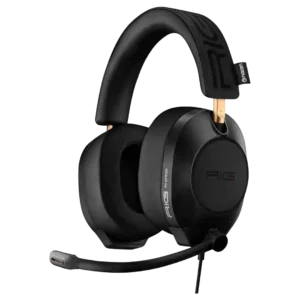
Controls were divisive: flip-to-mute and sliders were convenient for some, but missing cup controls and a poor volume ramp frustrated others.
Pros: Audio-video sync accuracy, Battery
Cons: Bluetooth, Active noise cancellation
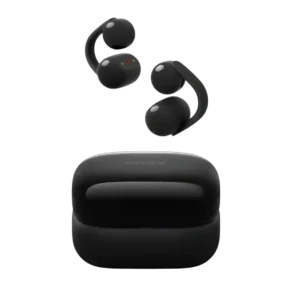
Control usability is limited by restricted customization and repeated tapping, even when the controls themselves work.
Pros: Transparency mode quality, Maximum volume clarity
Cons: Active noise cancellation, Spatial audio