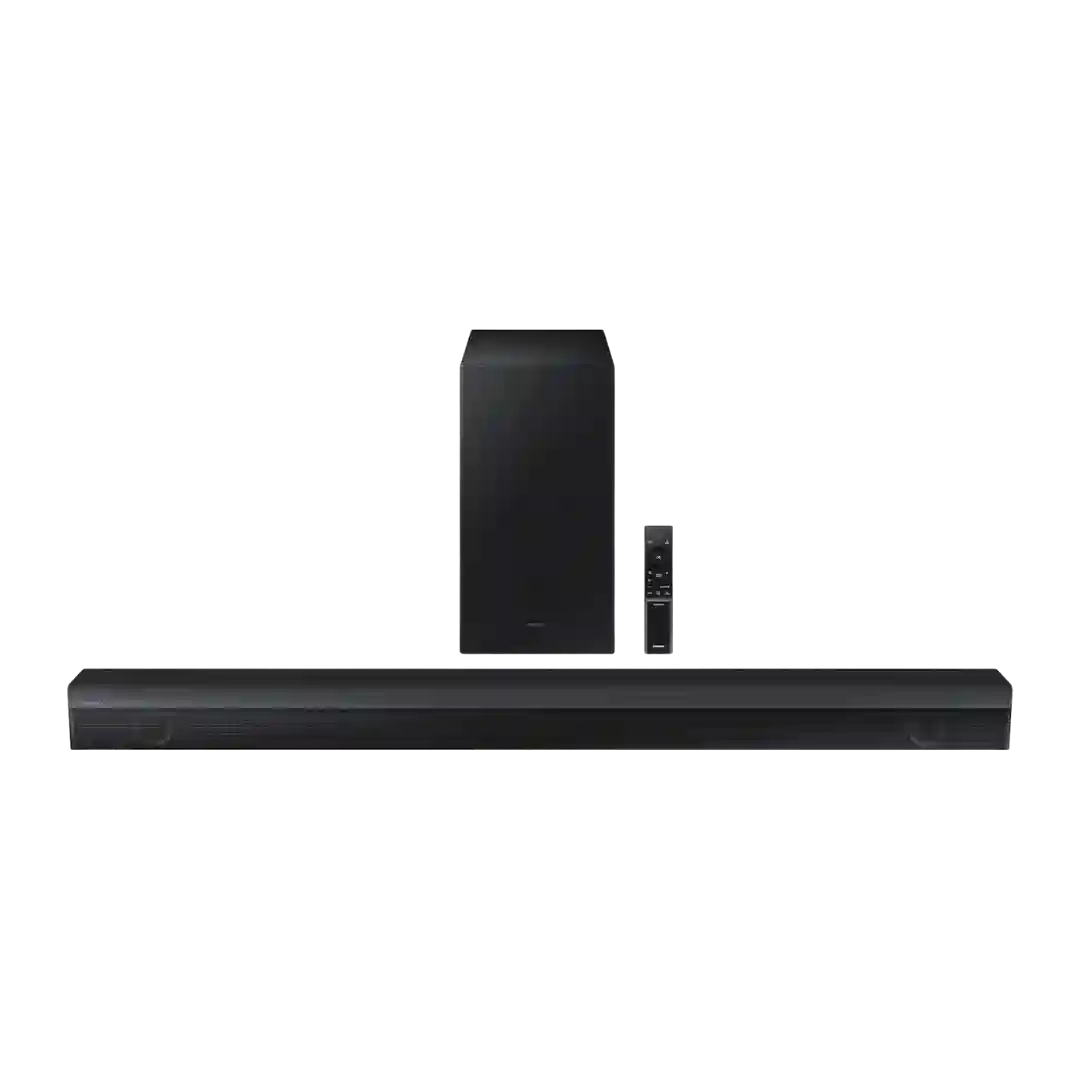
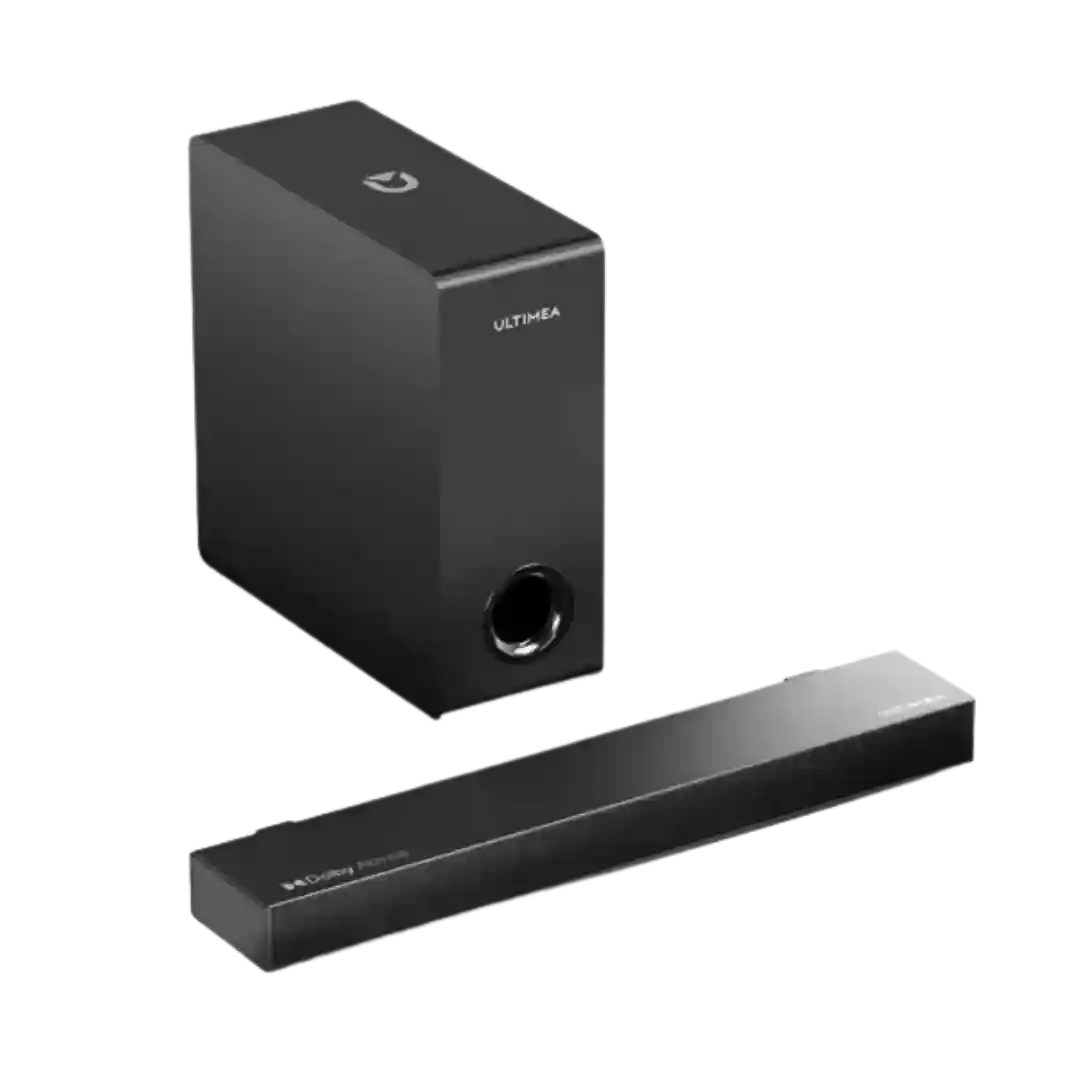
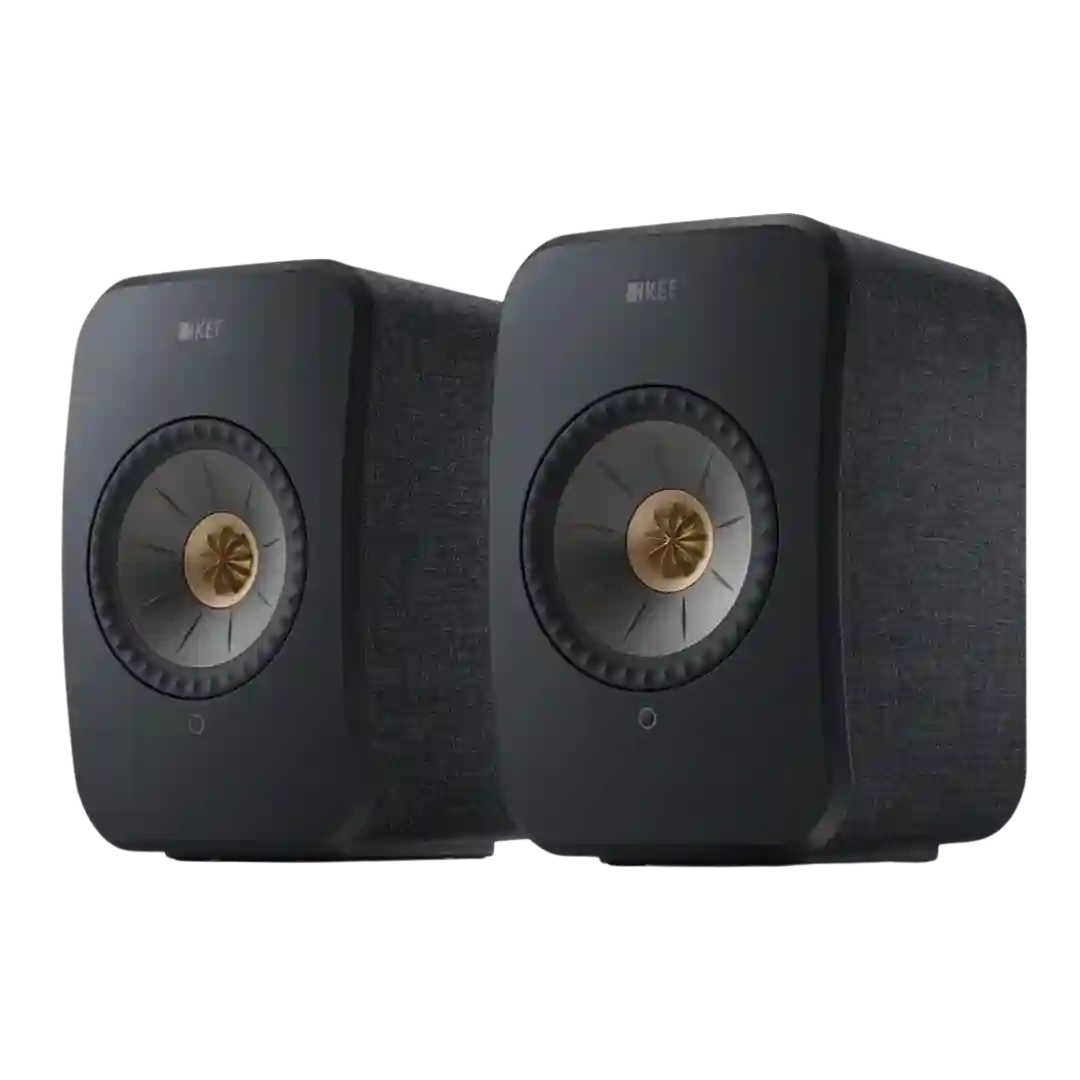
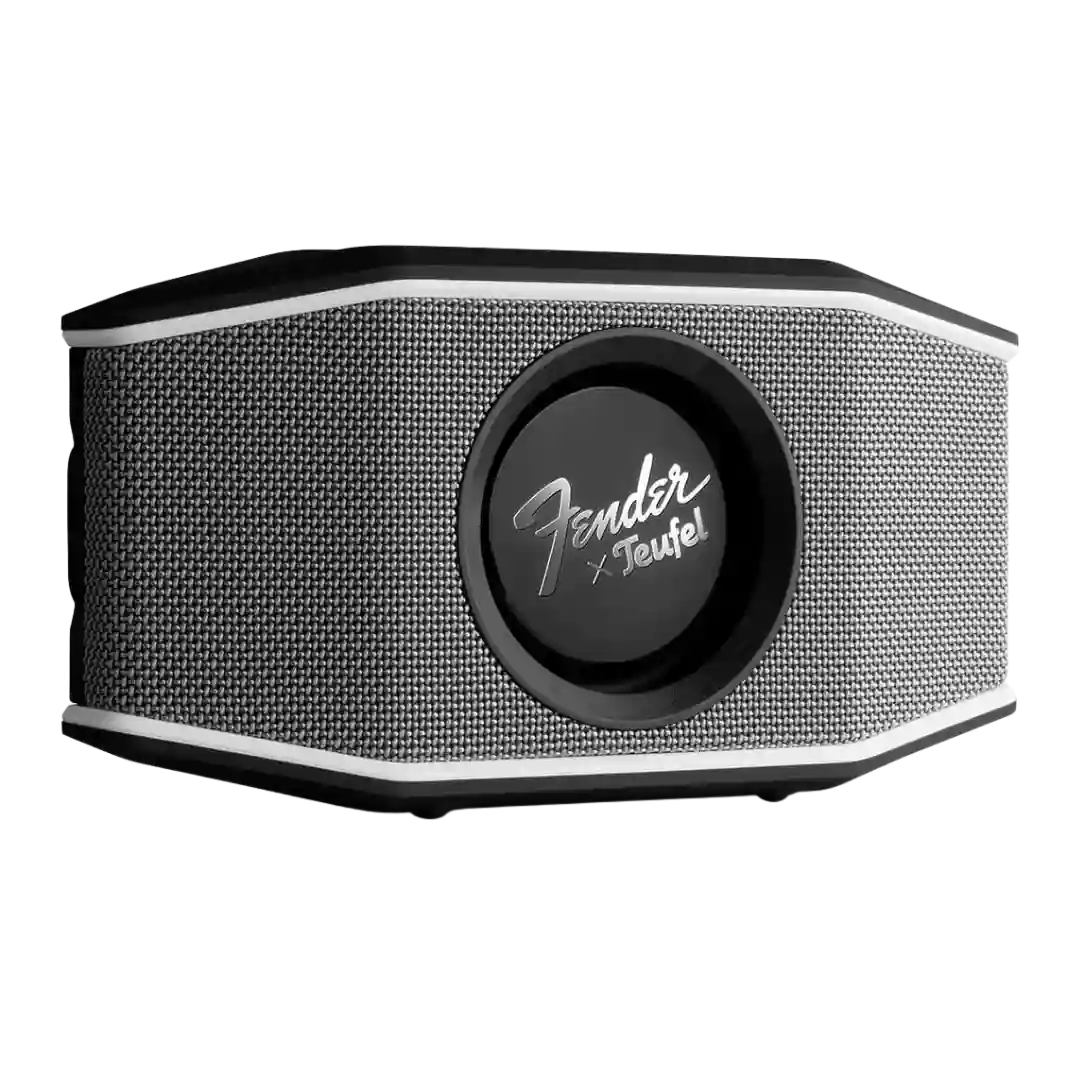
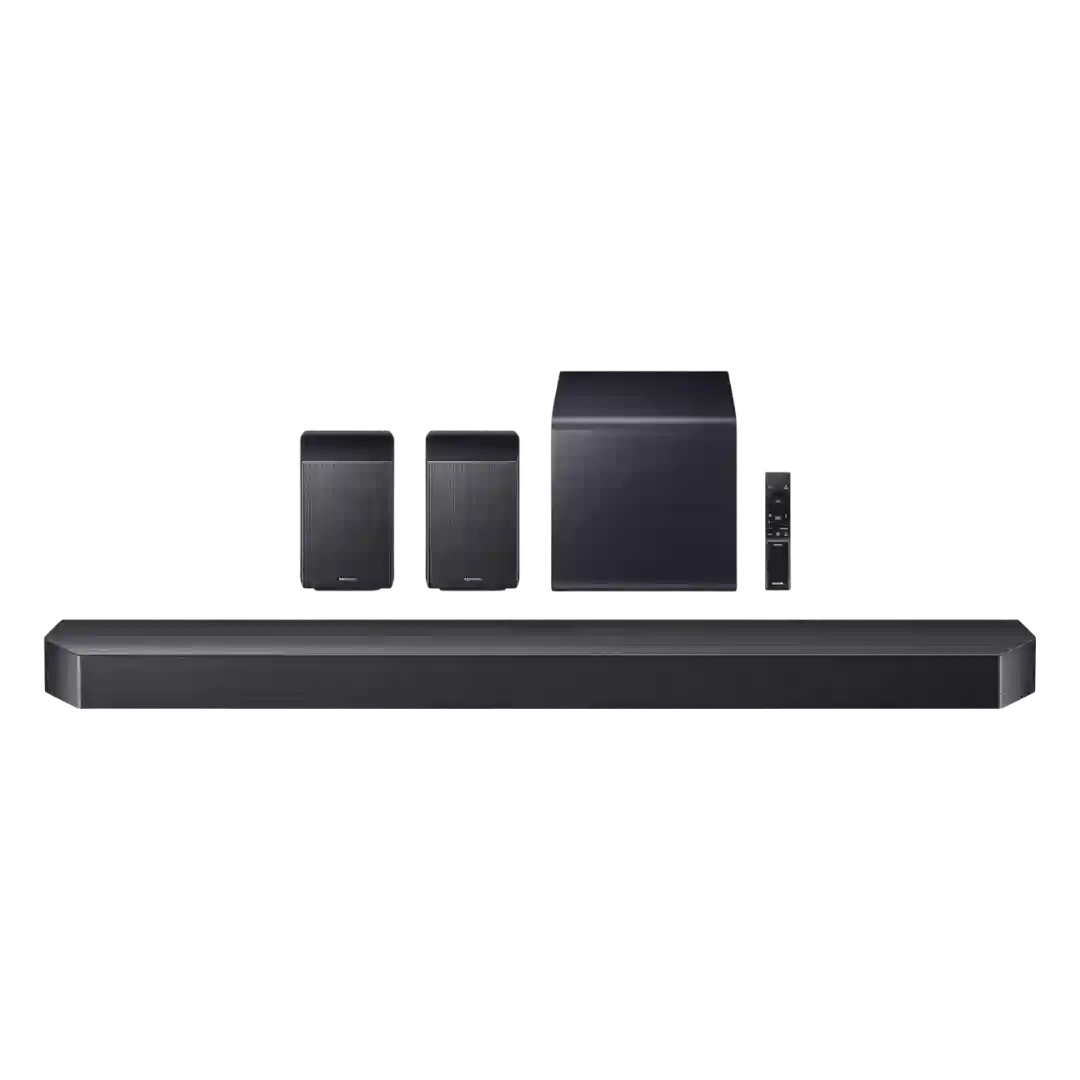
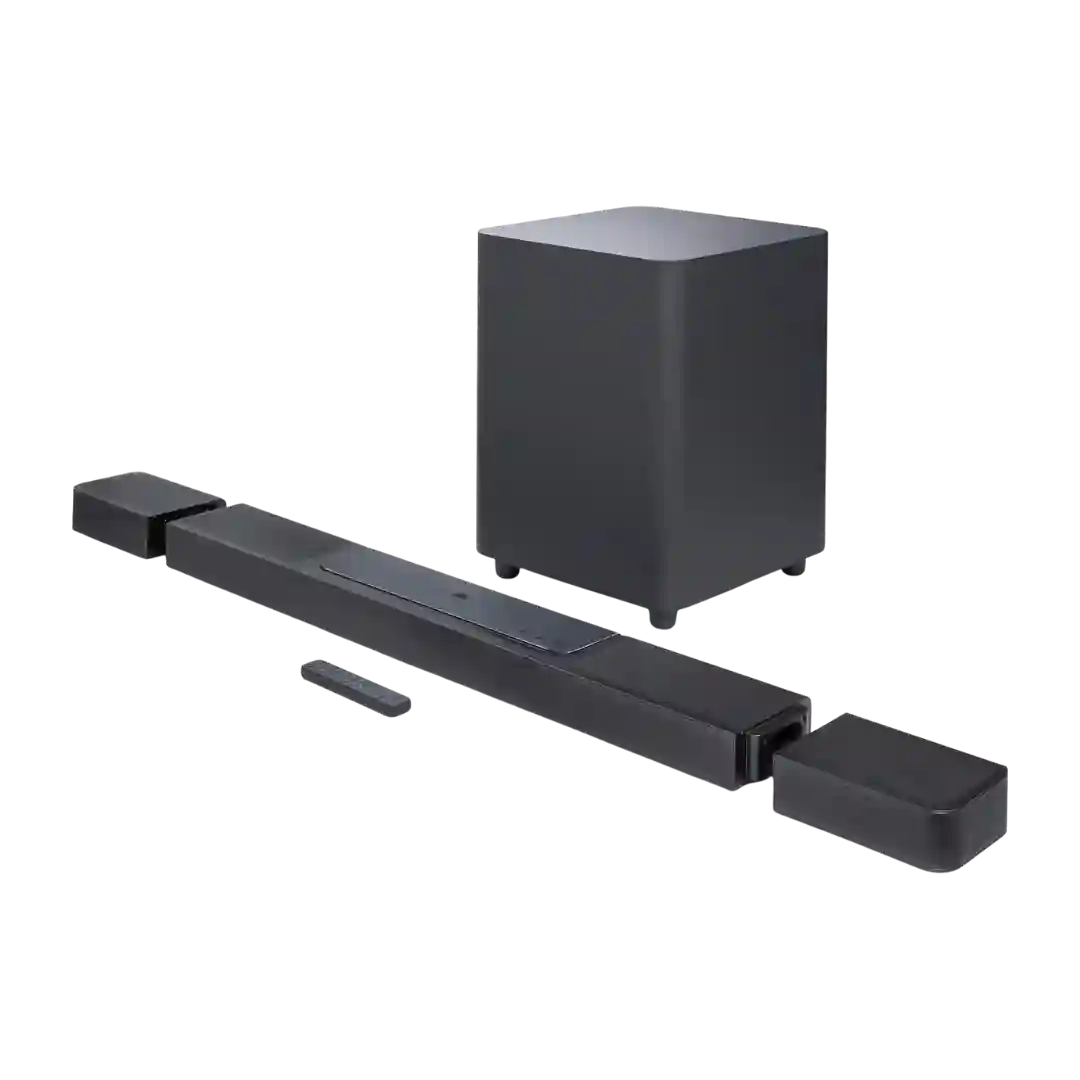
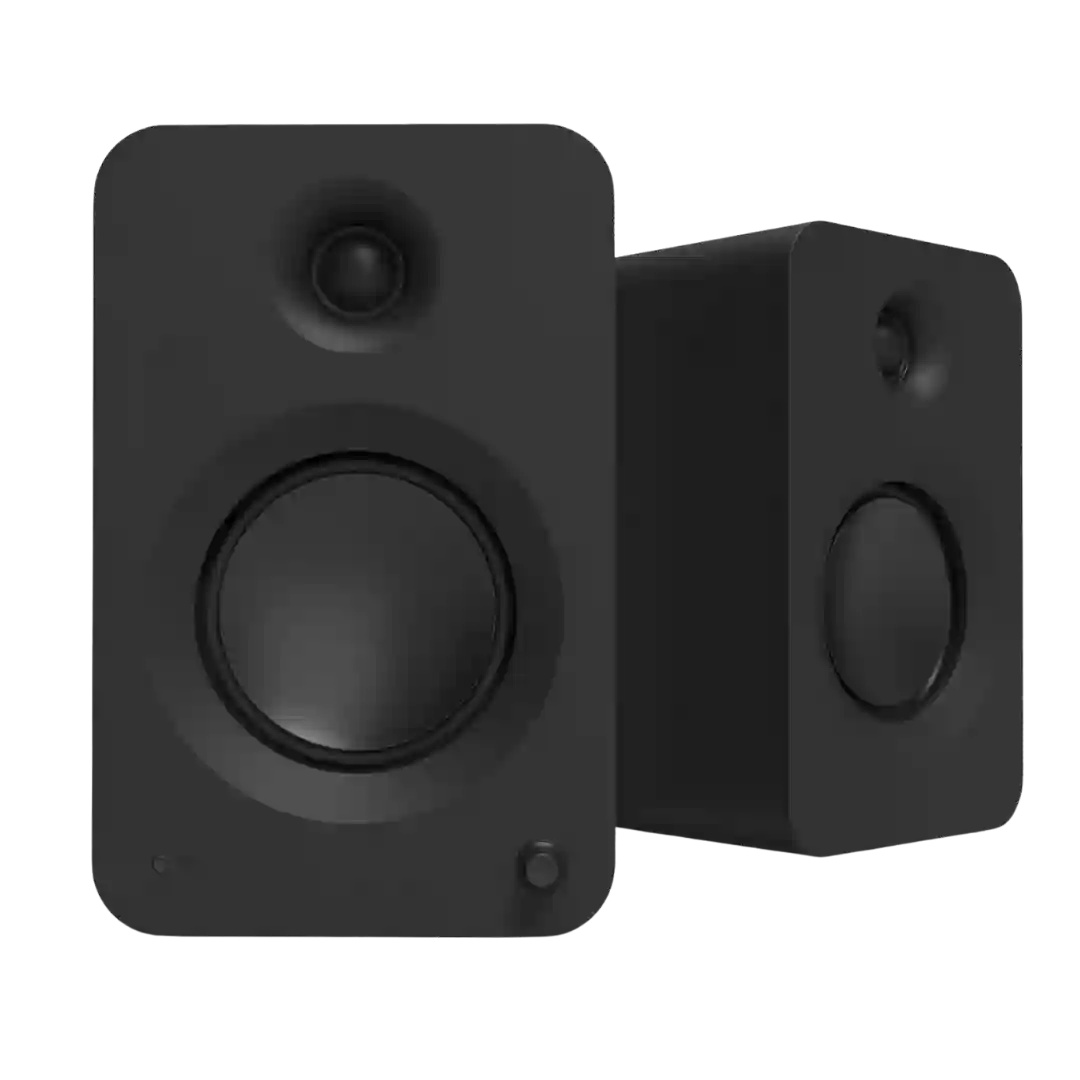
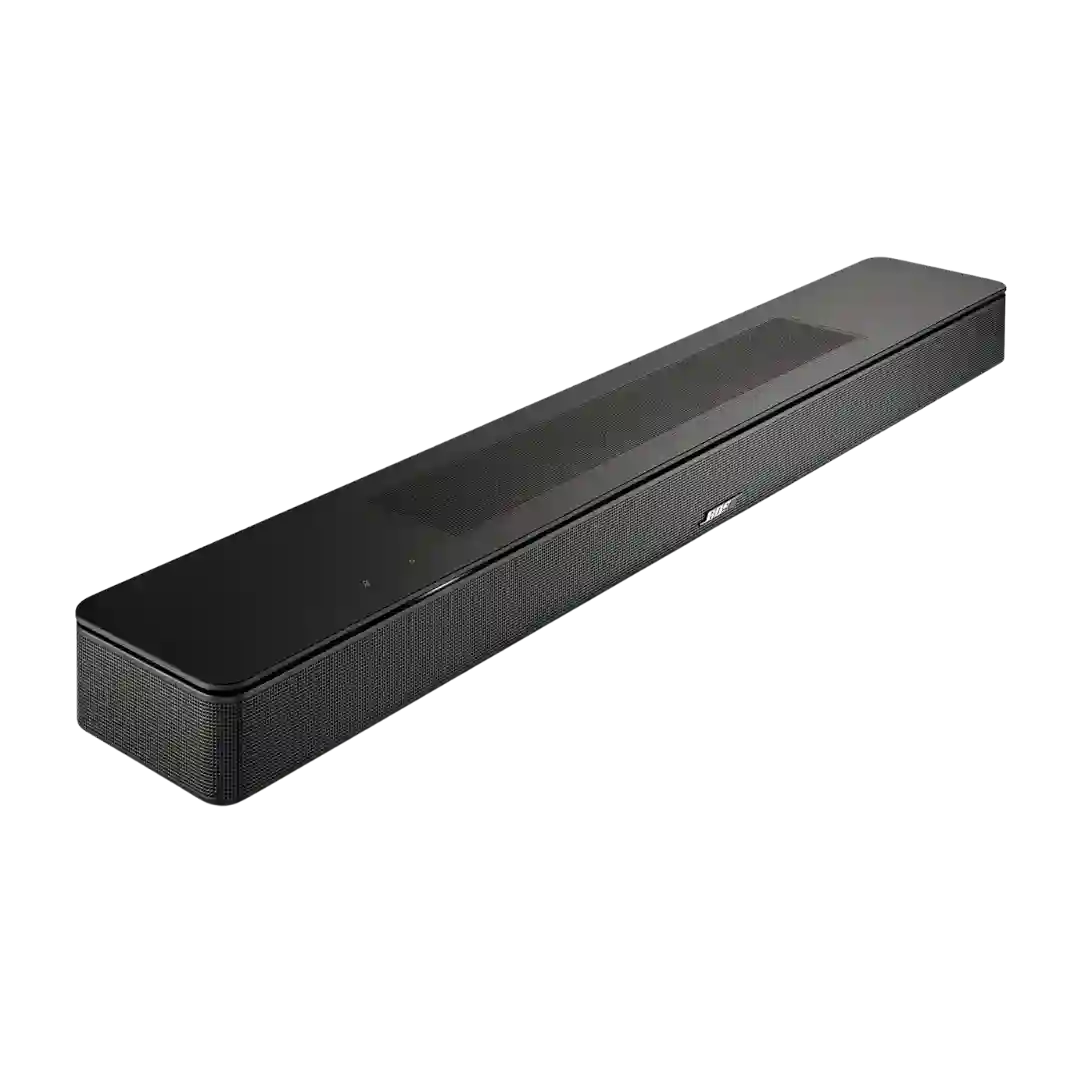
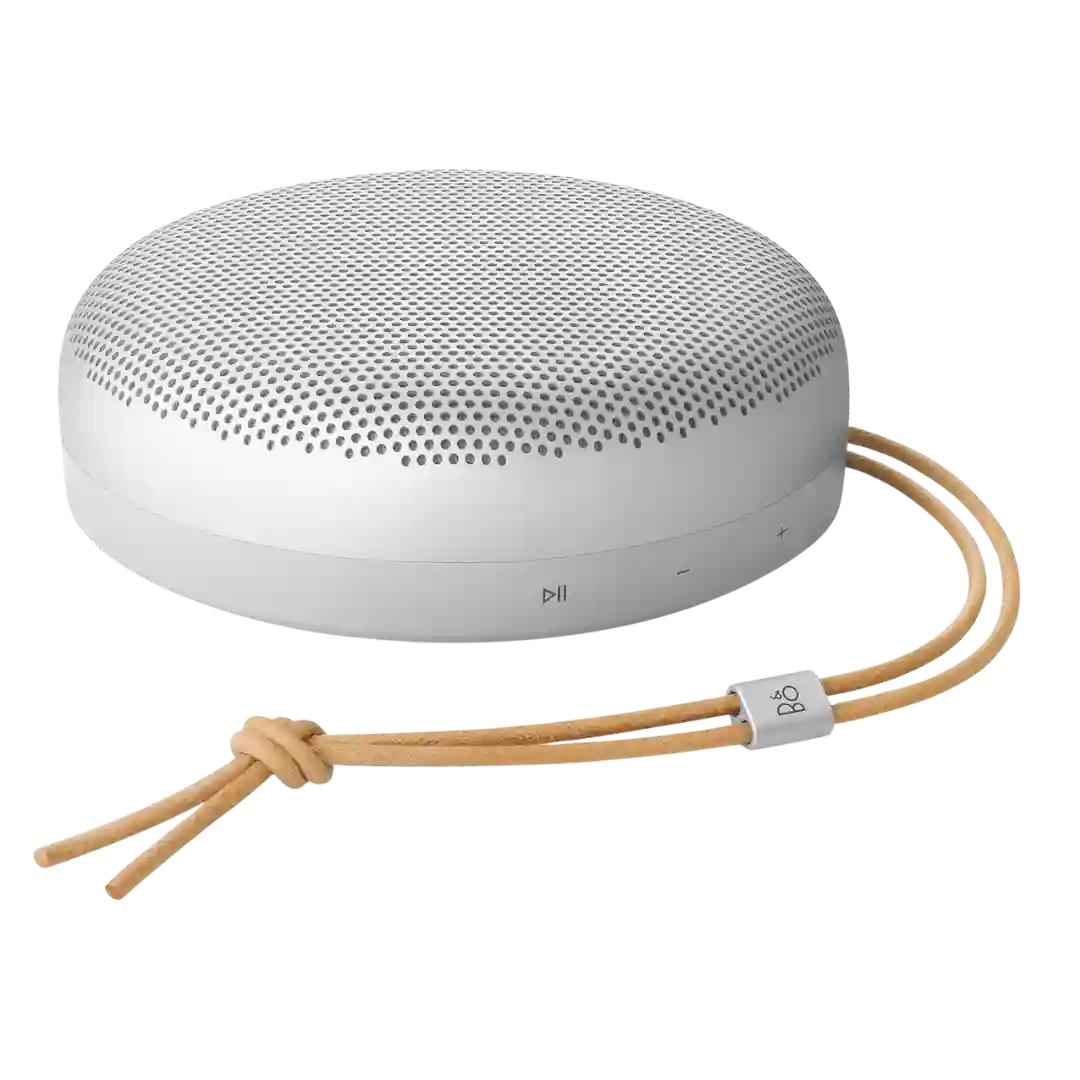
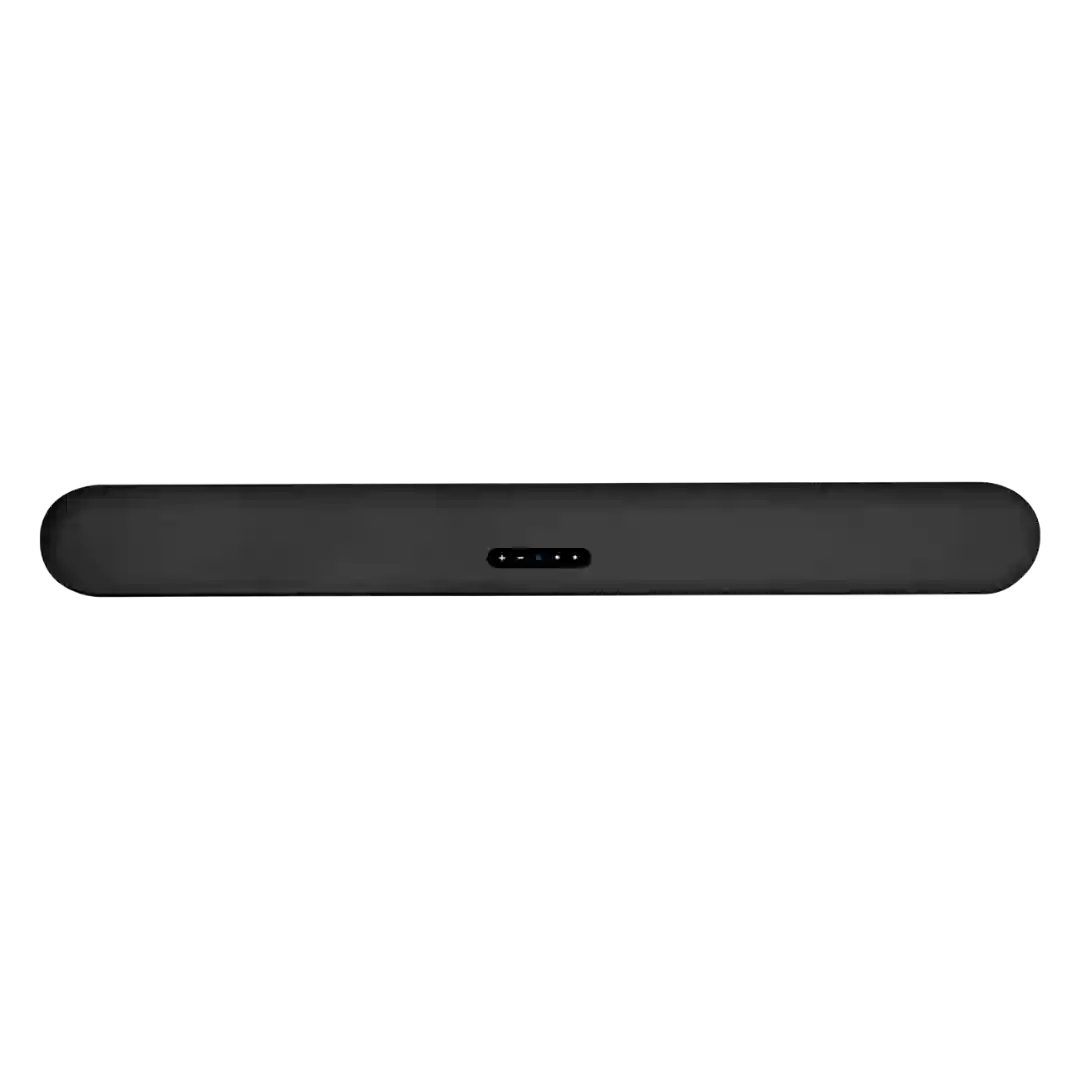
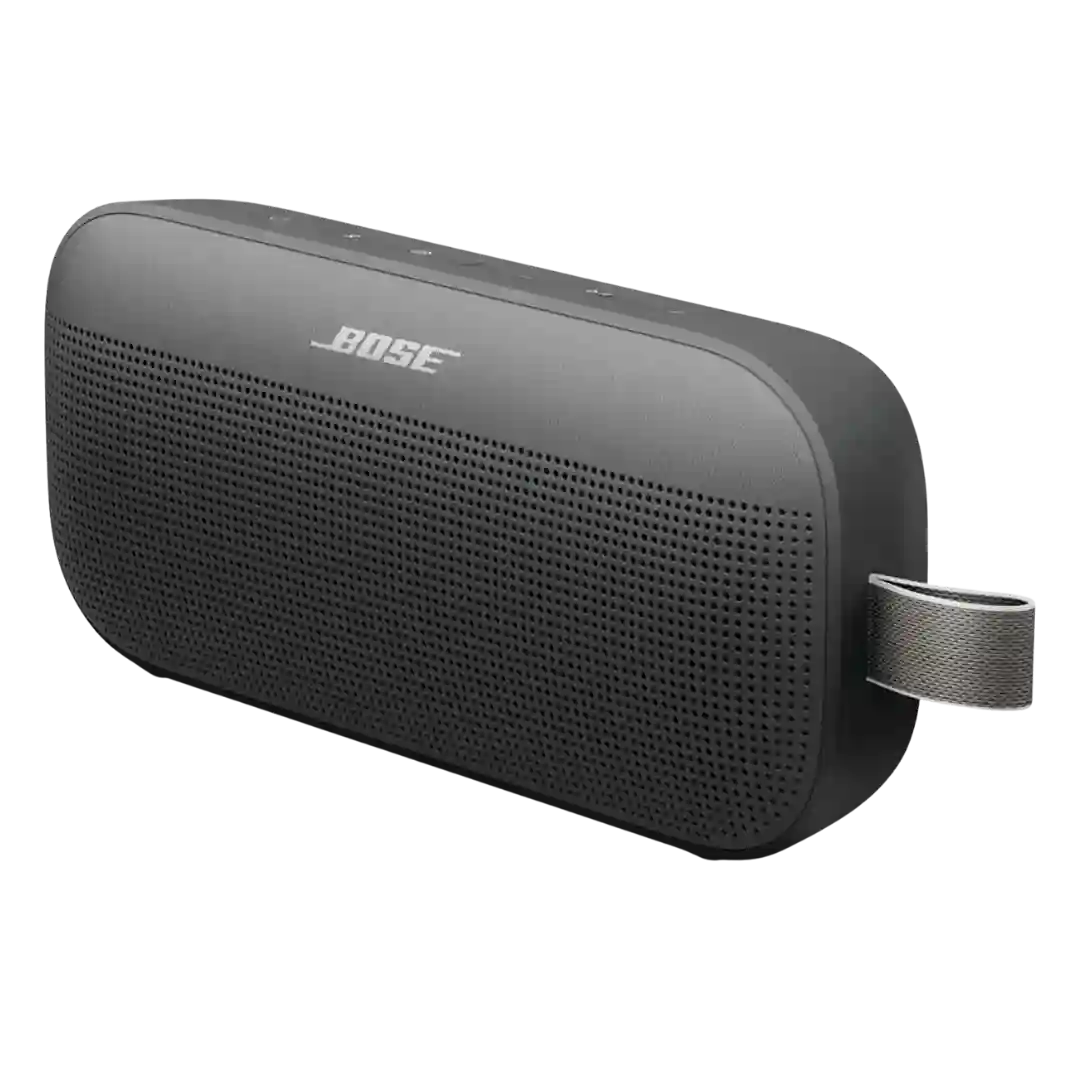
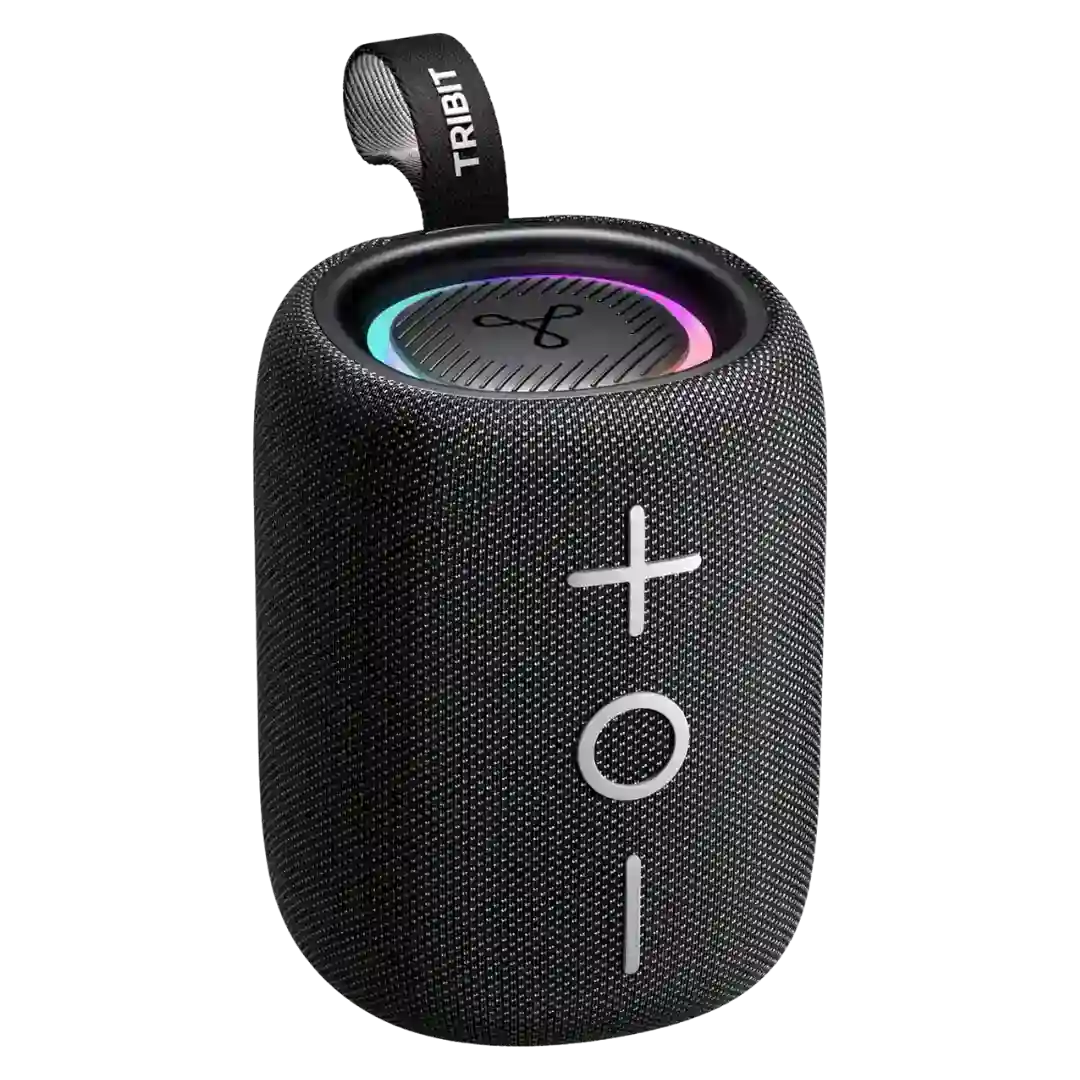
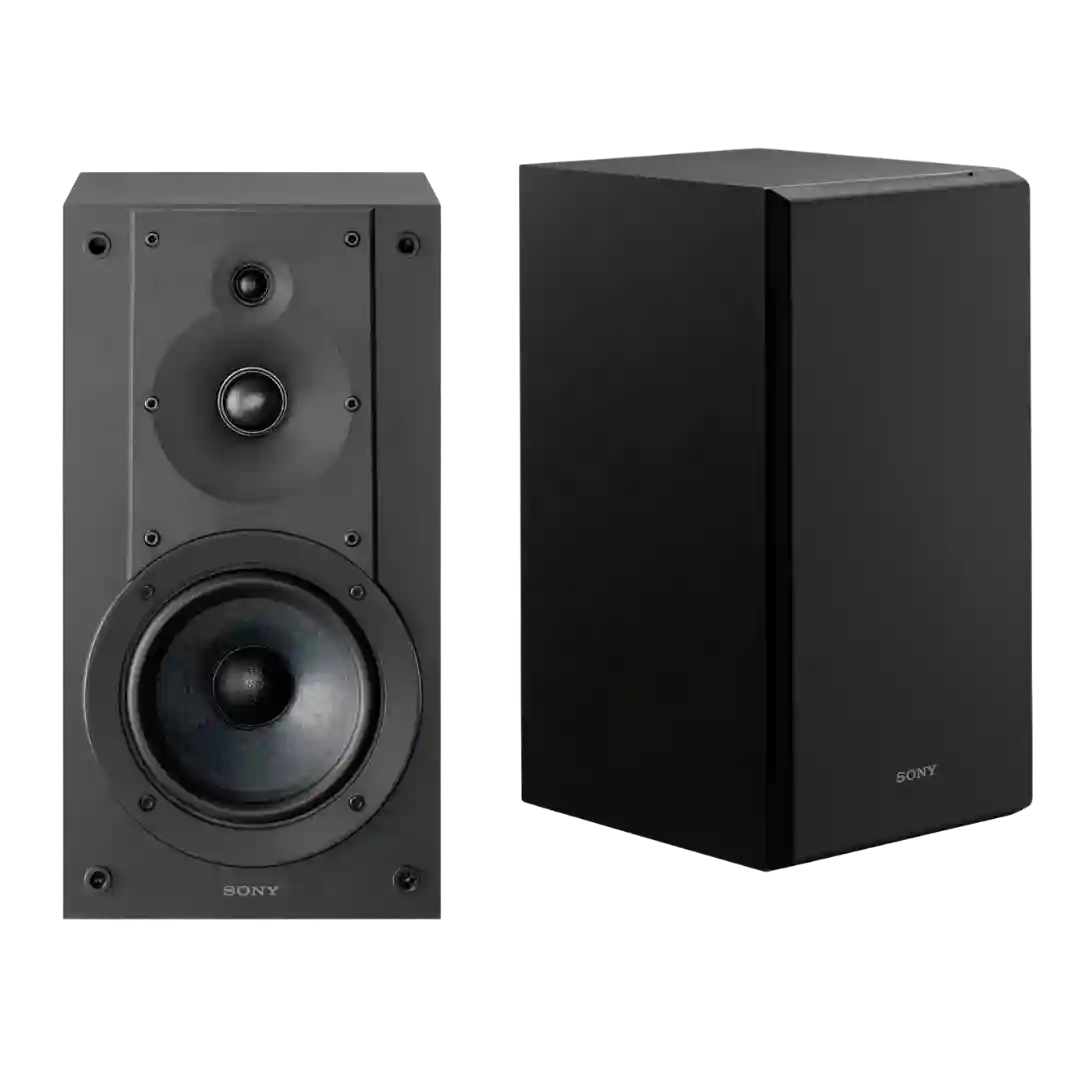
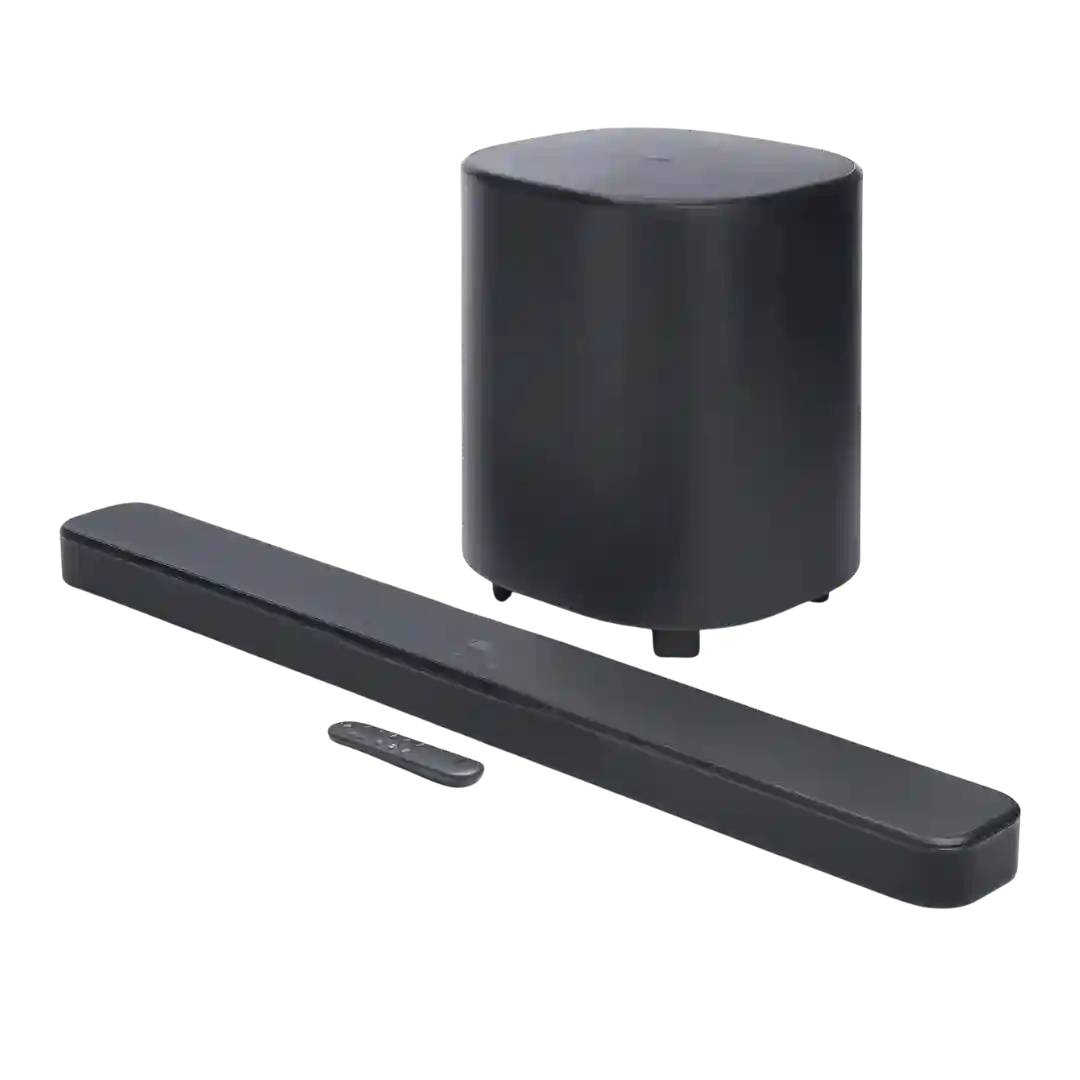
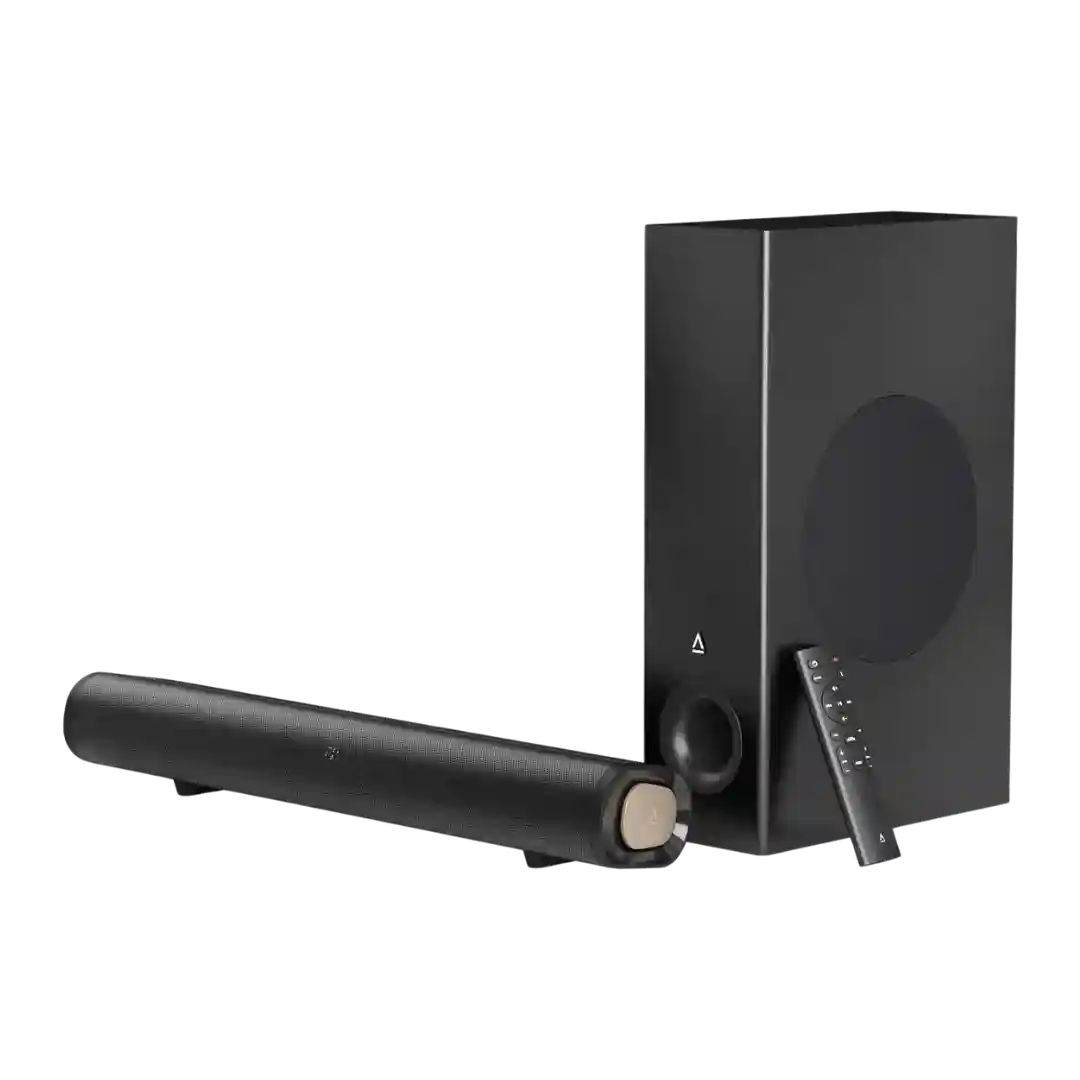
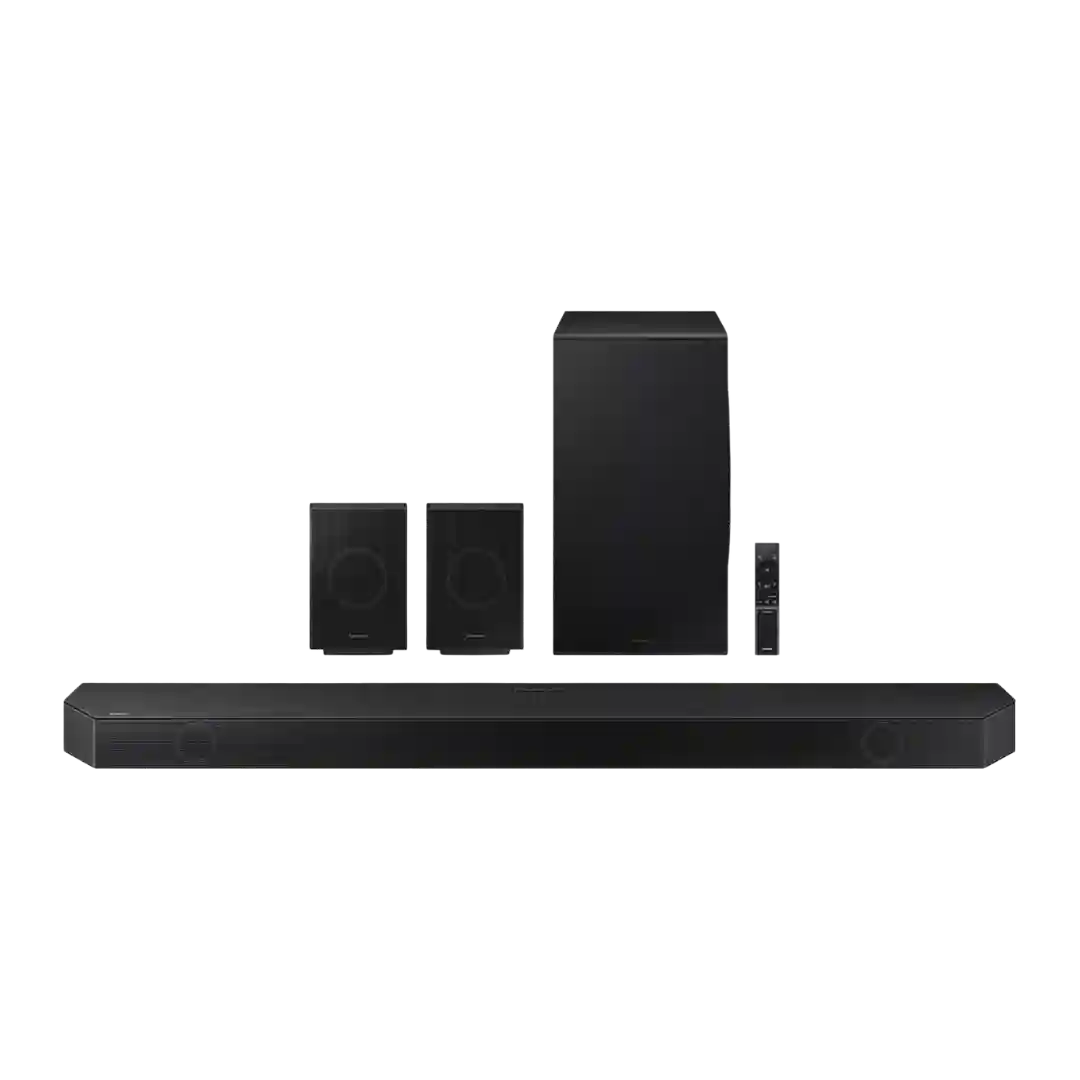
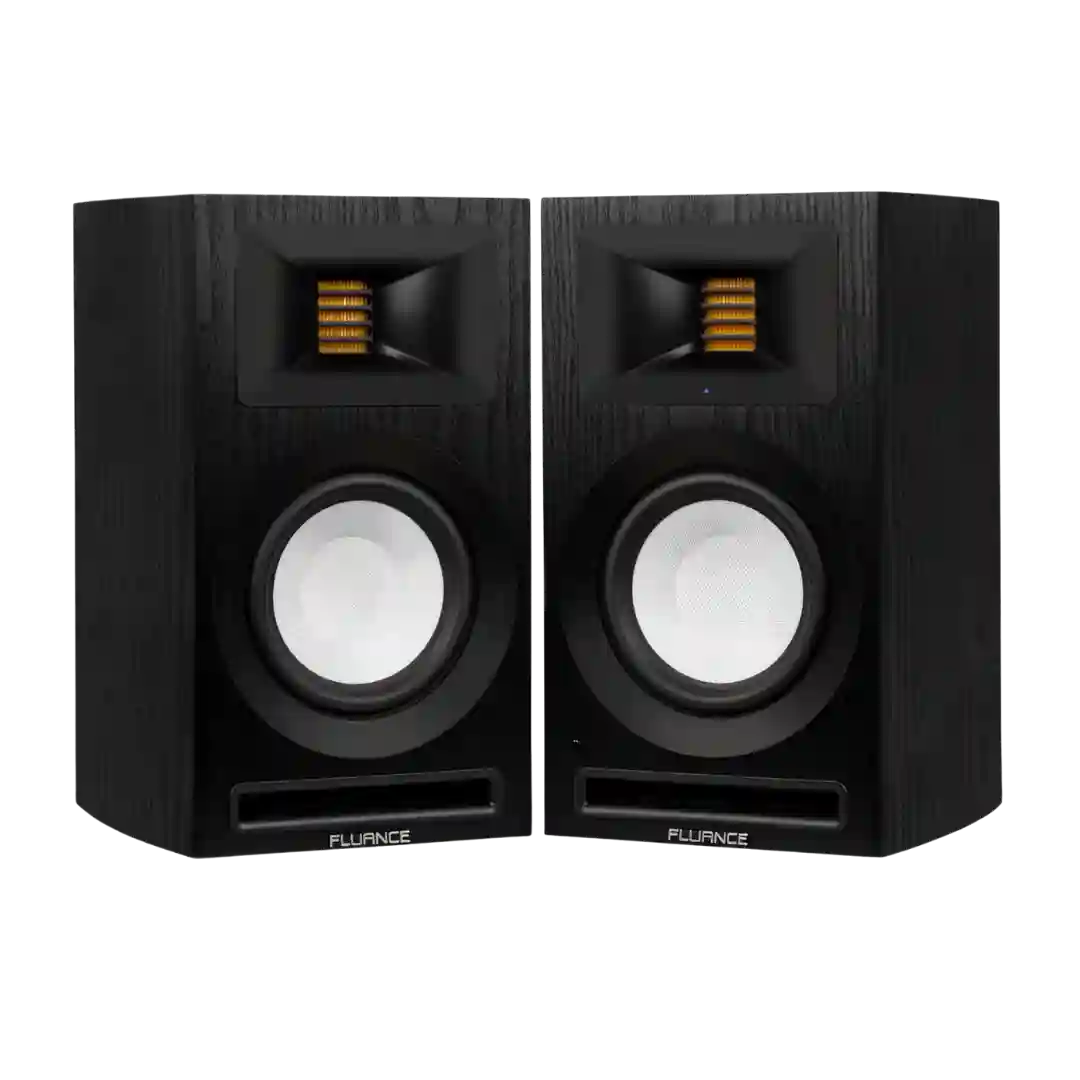
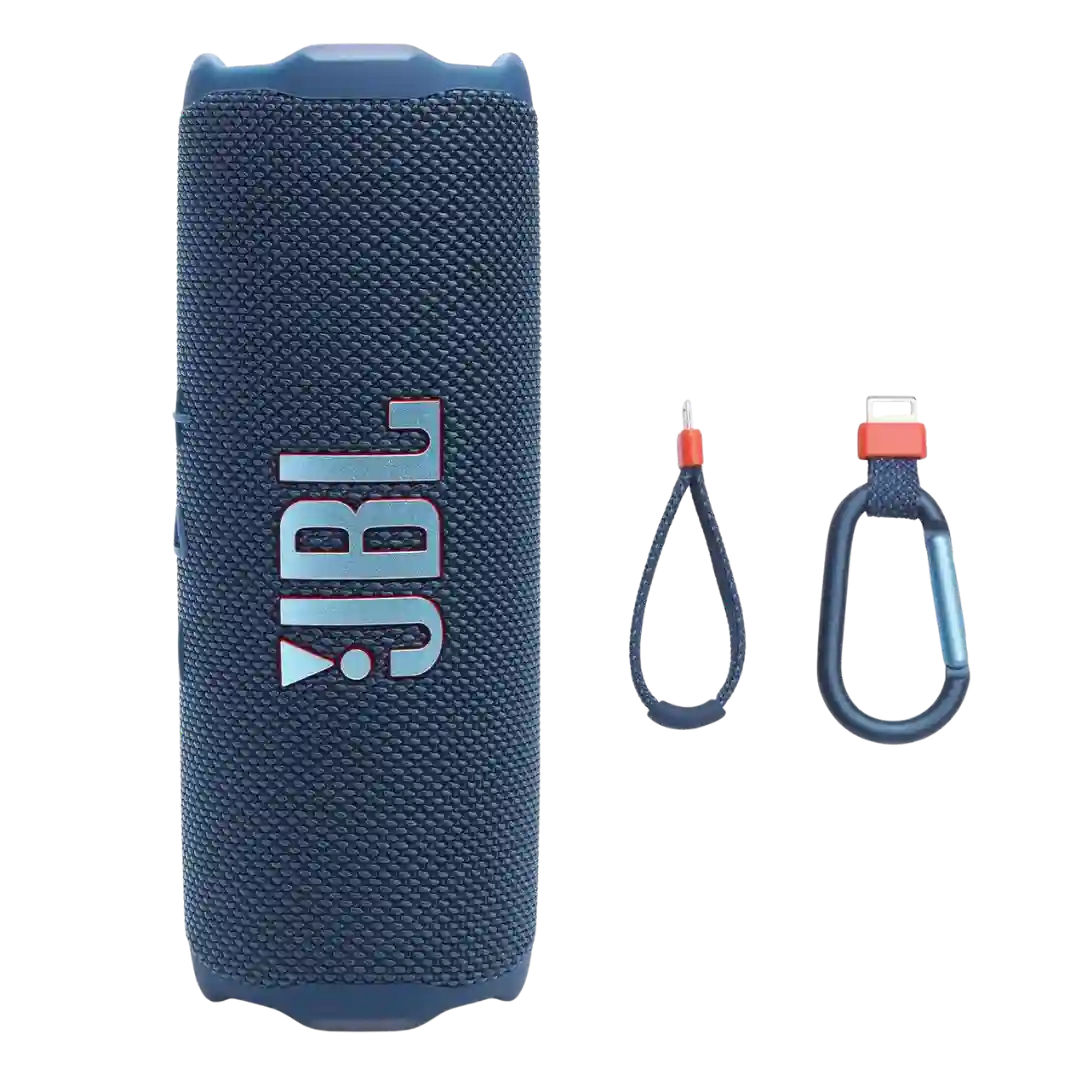
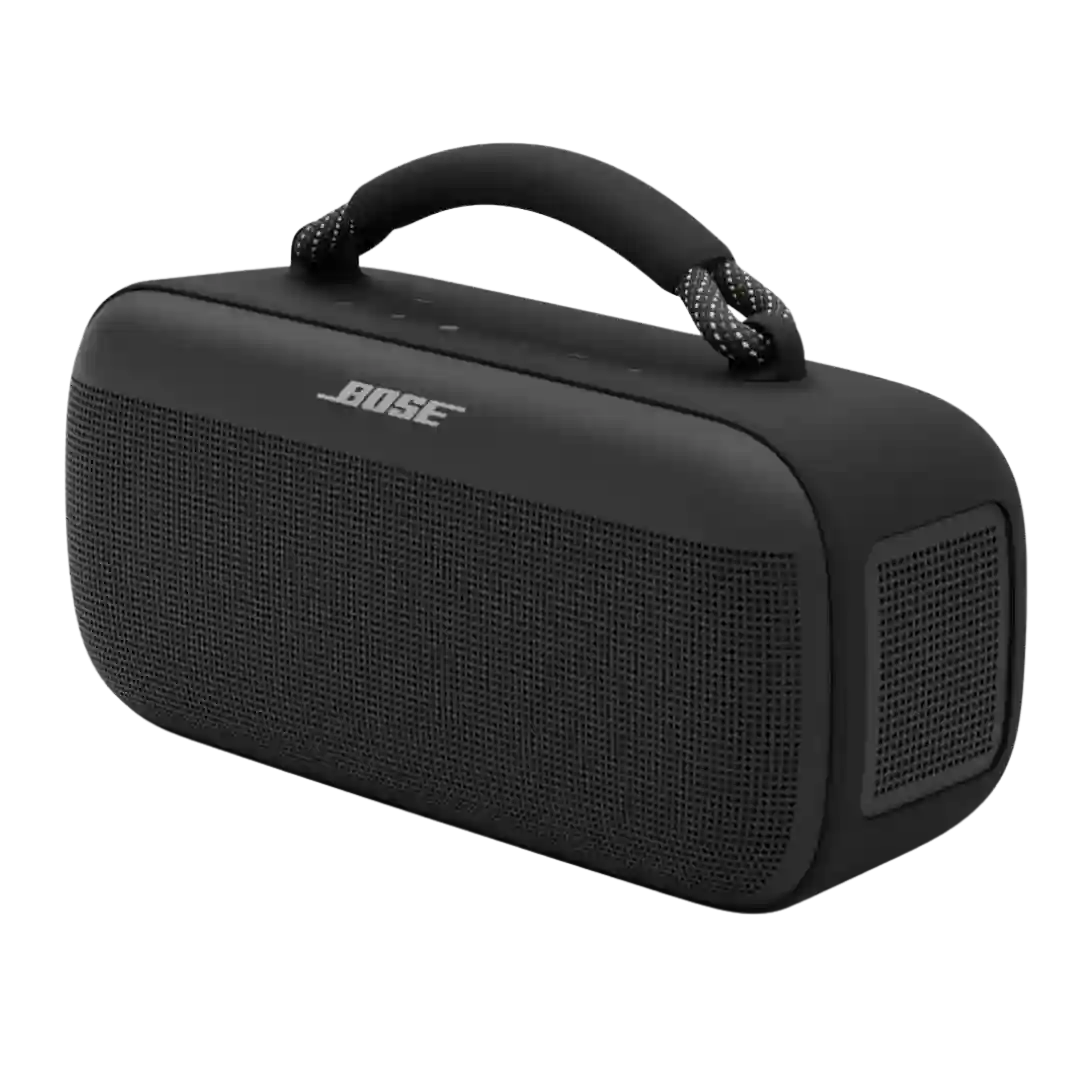
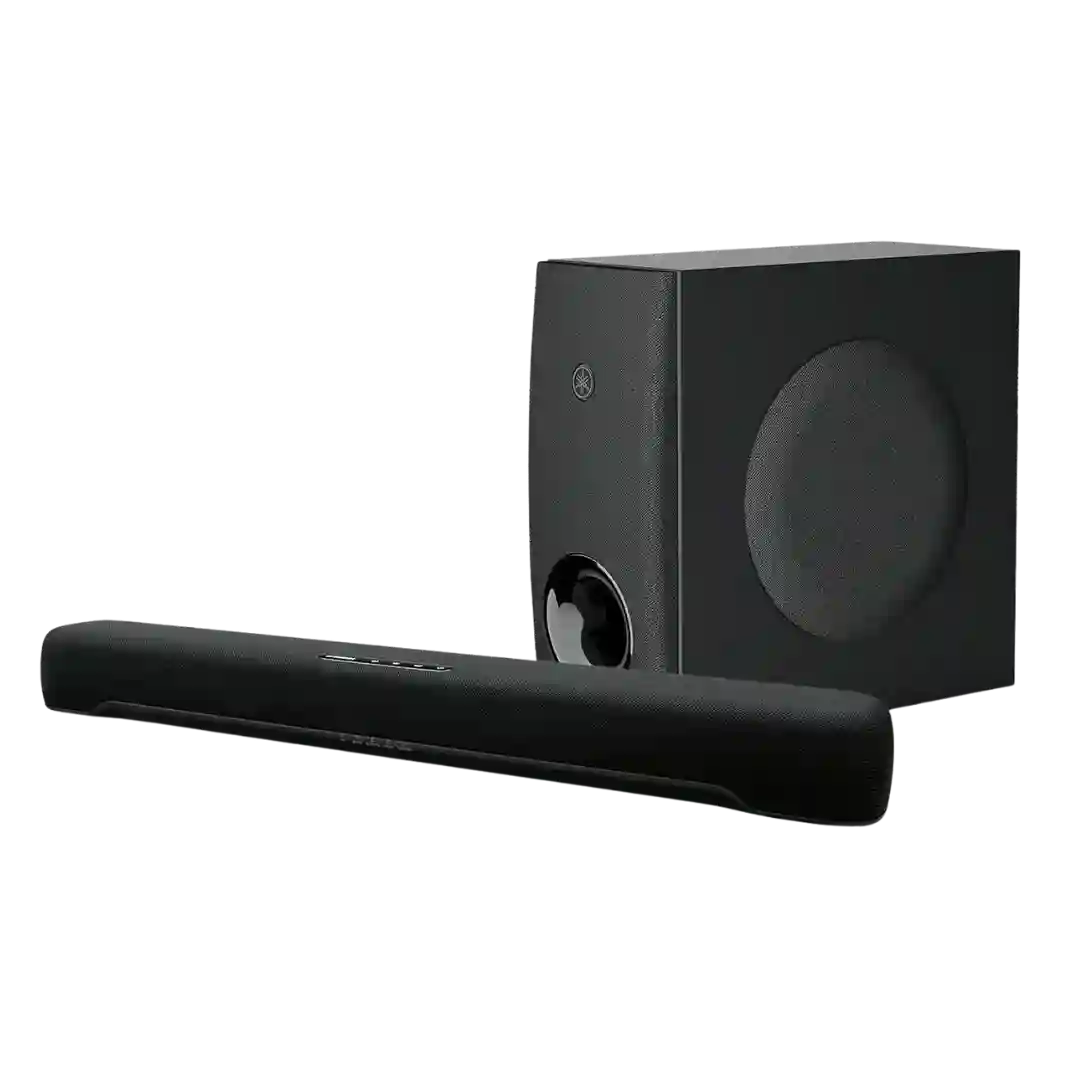
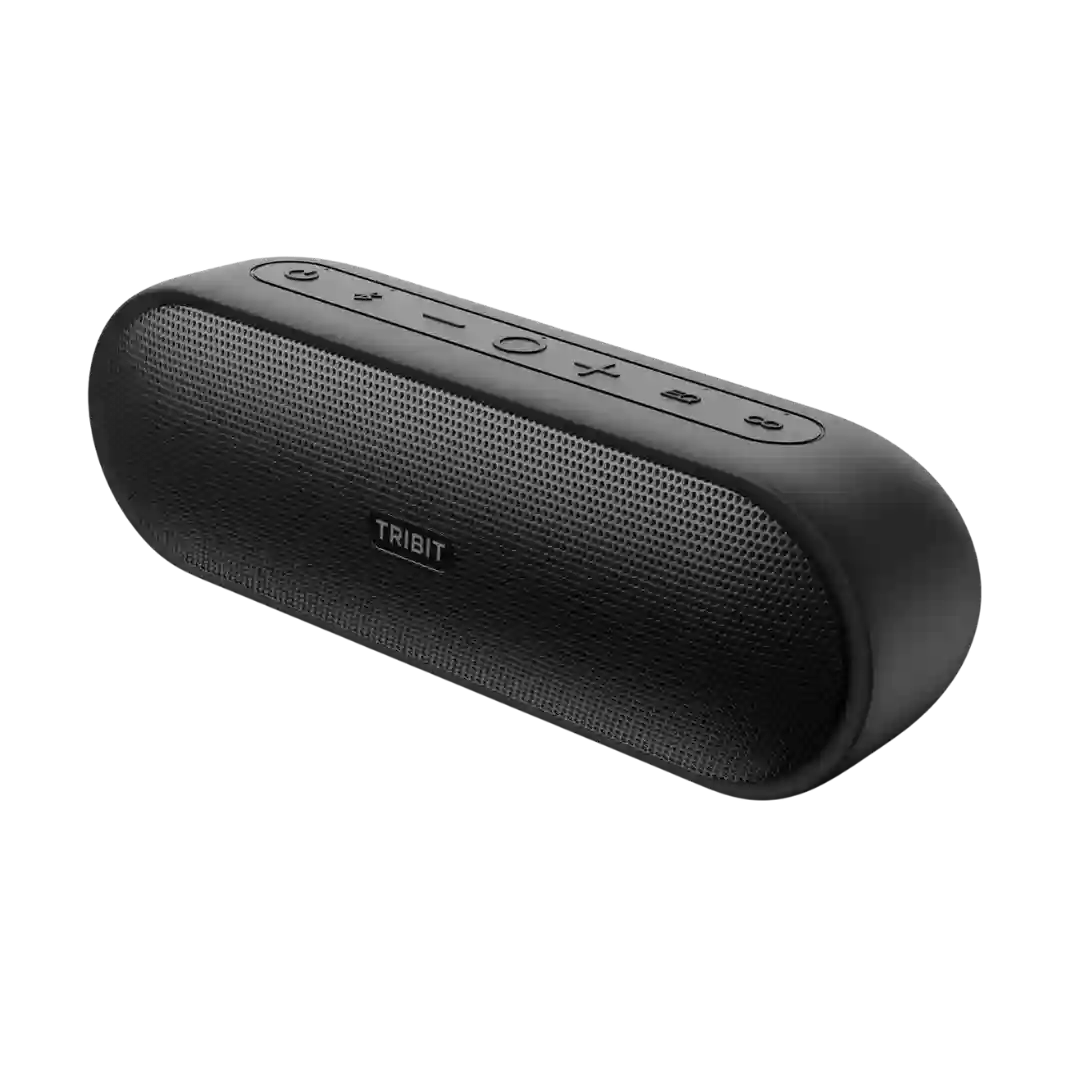
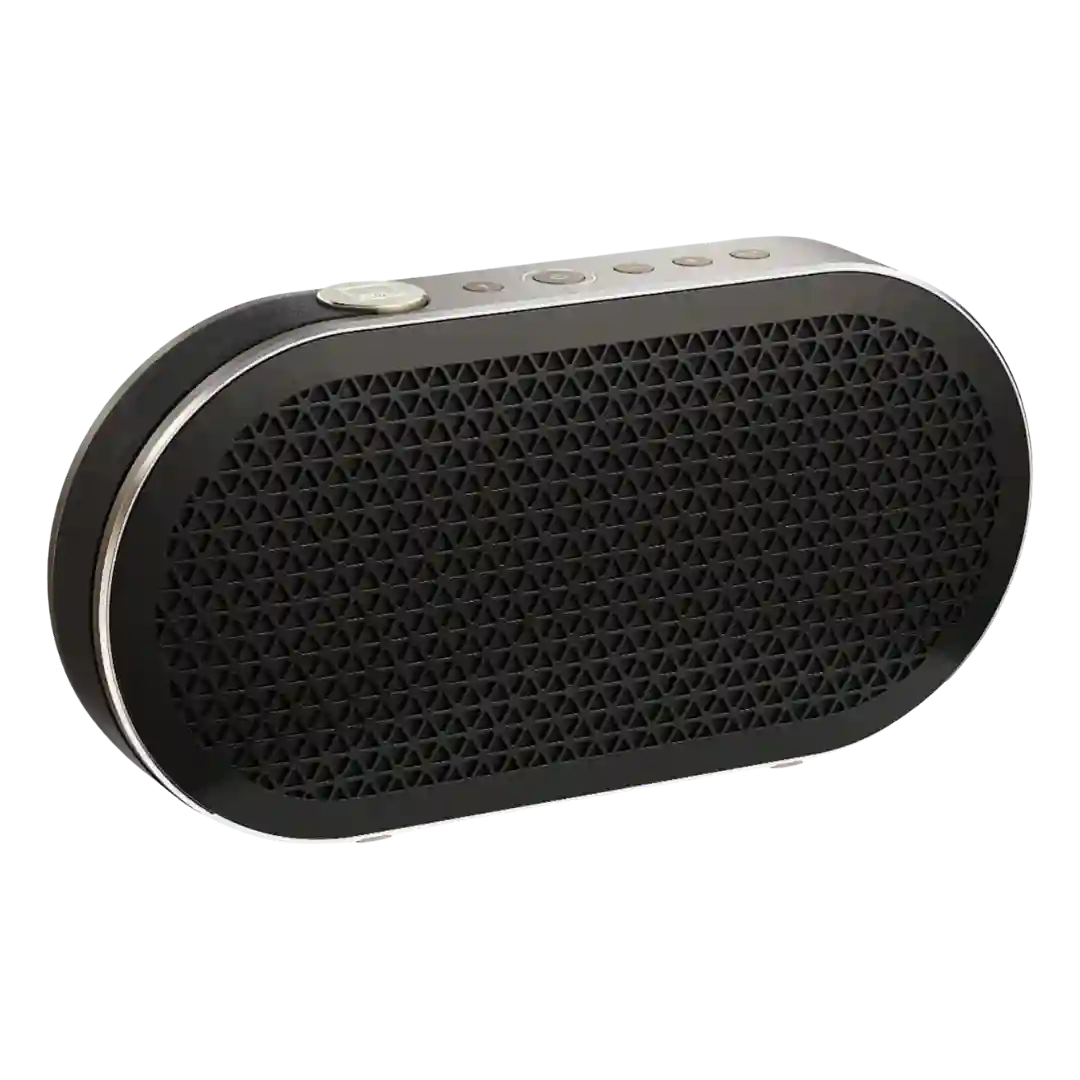
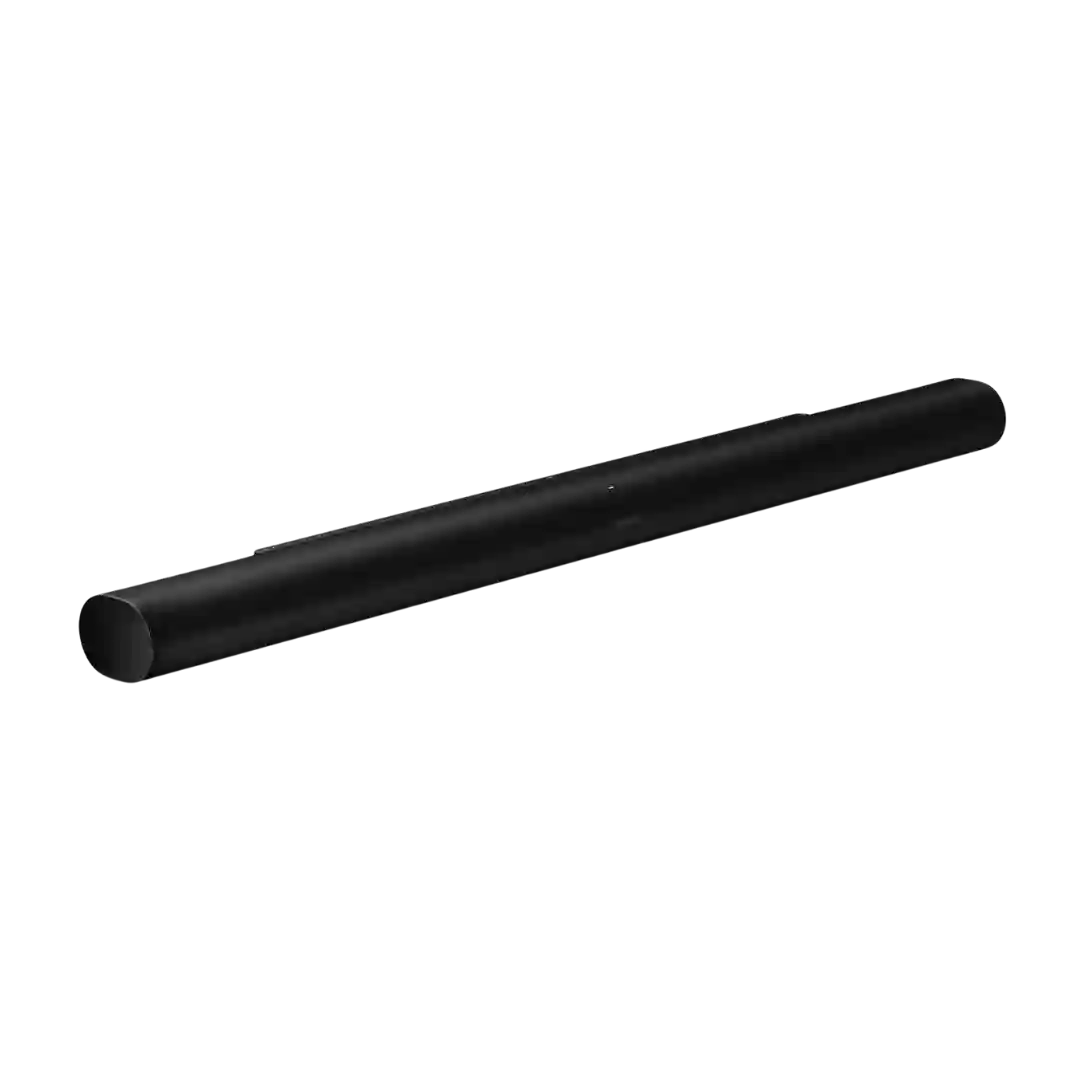
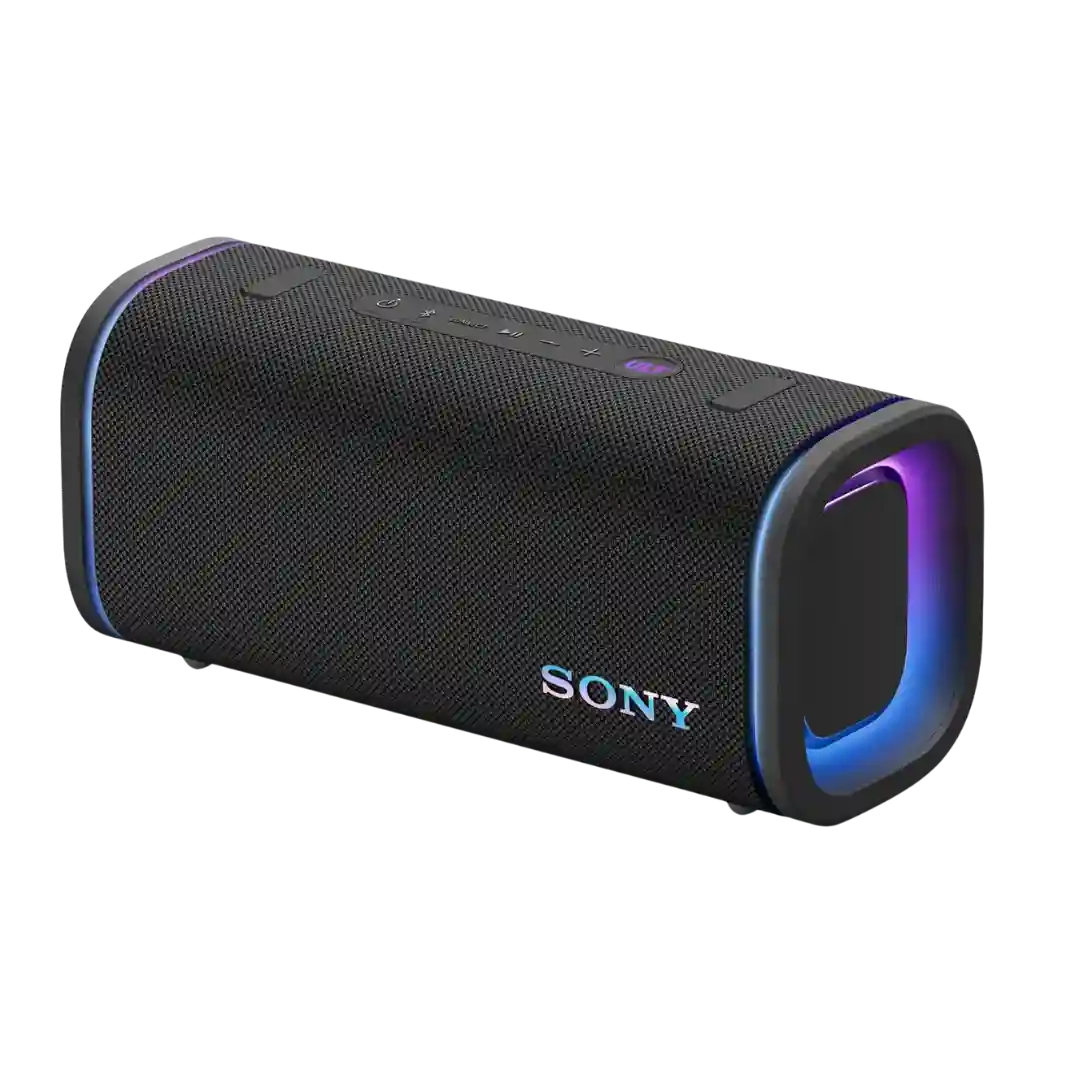
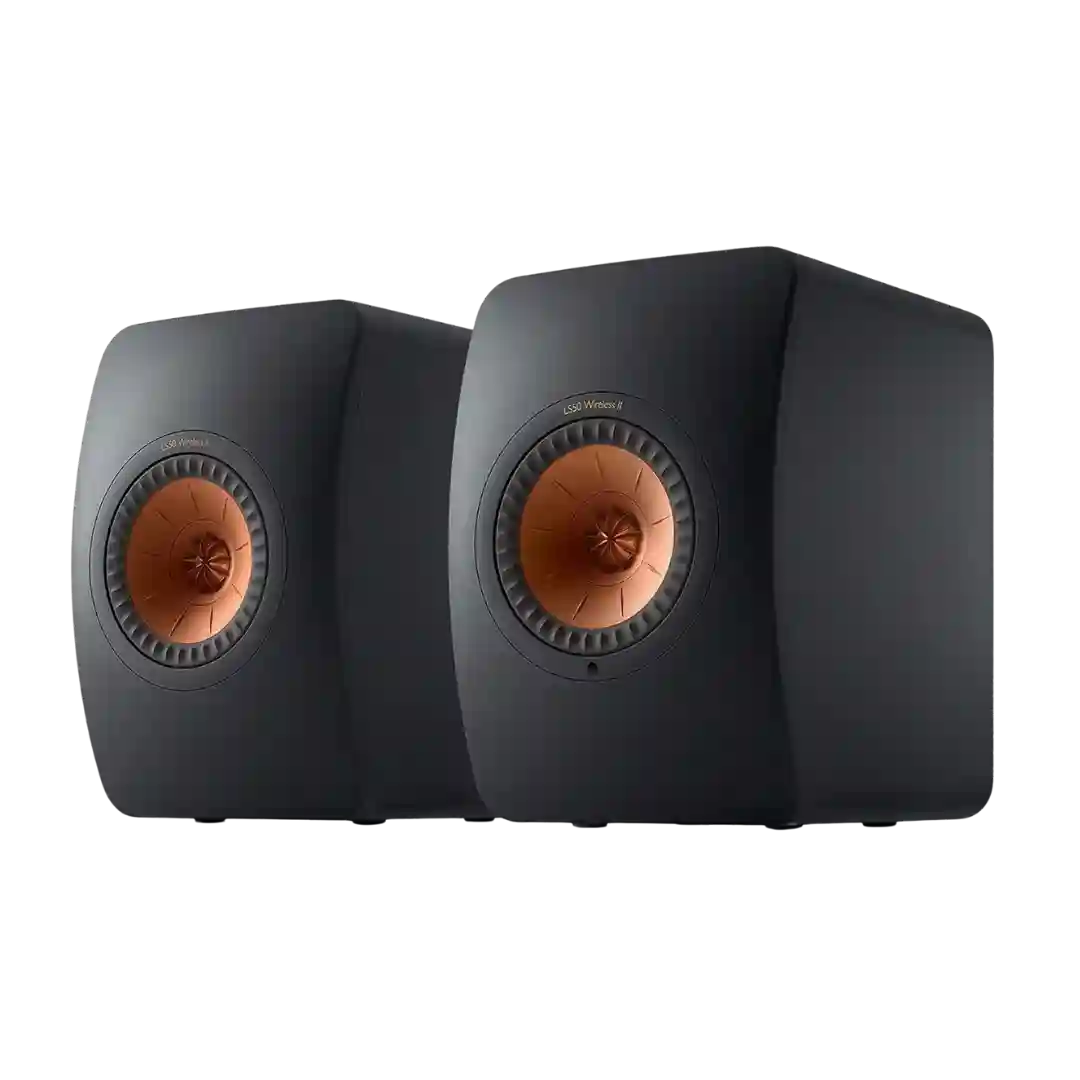
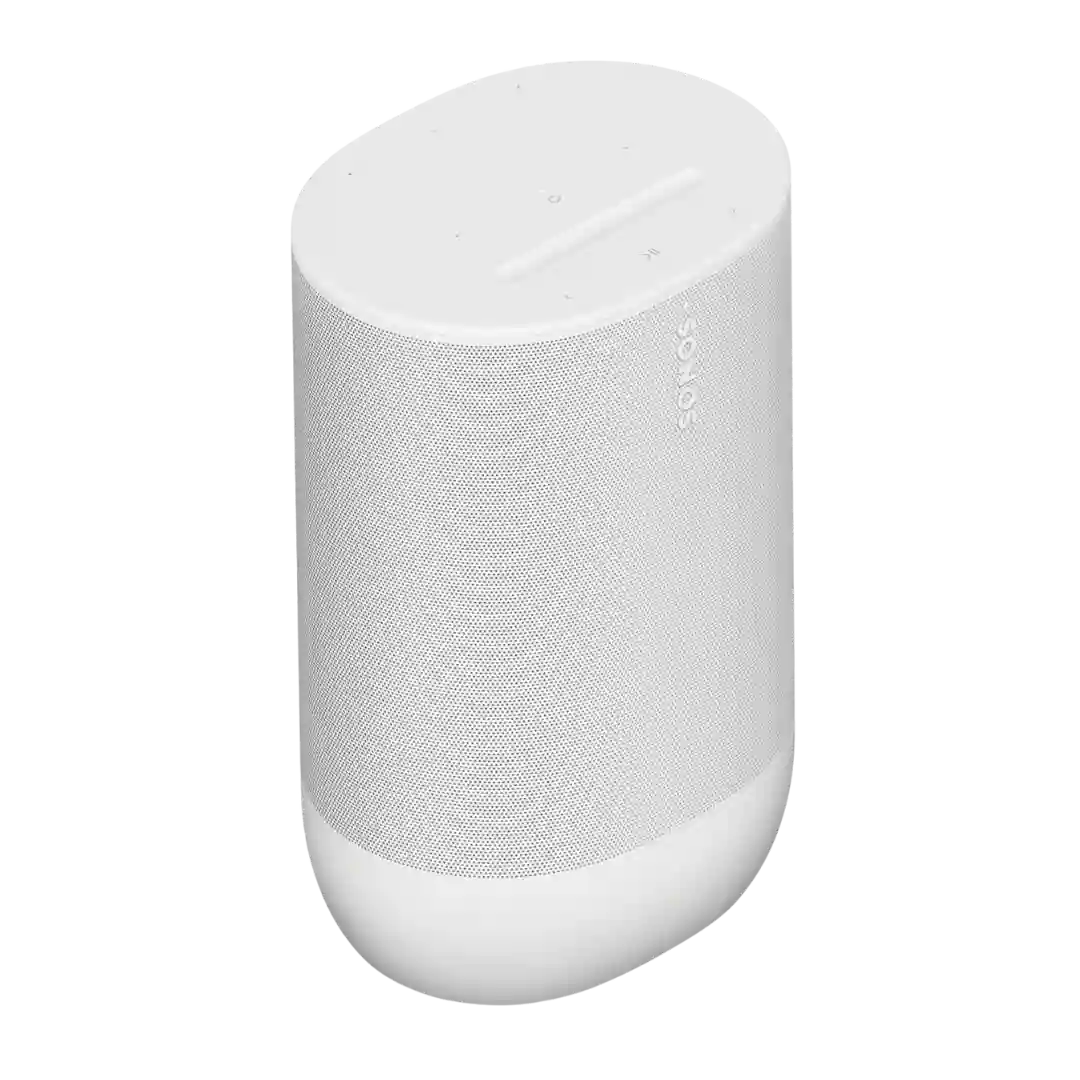
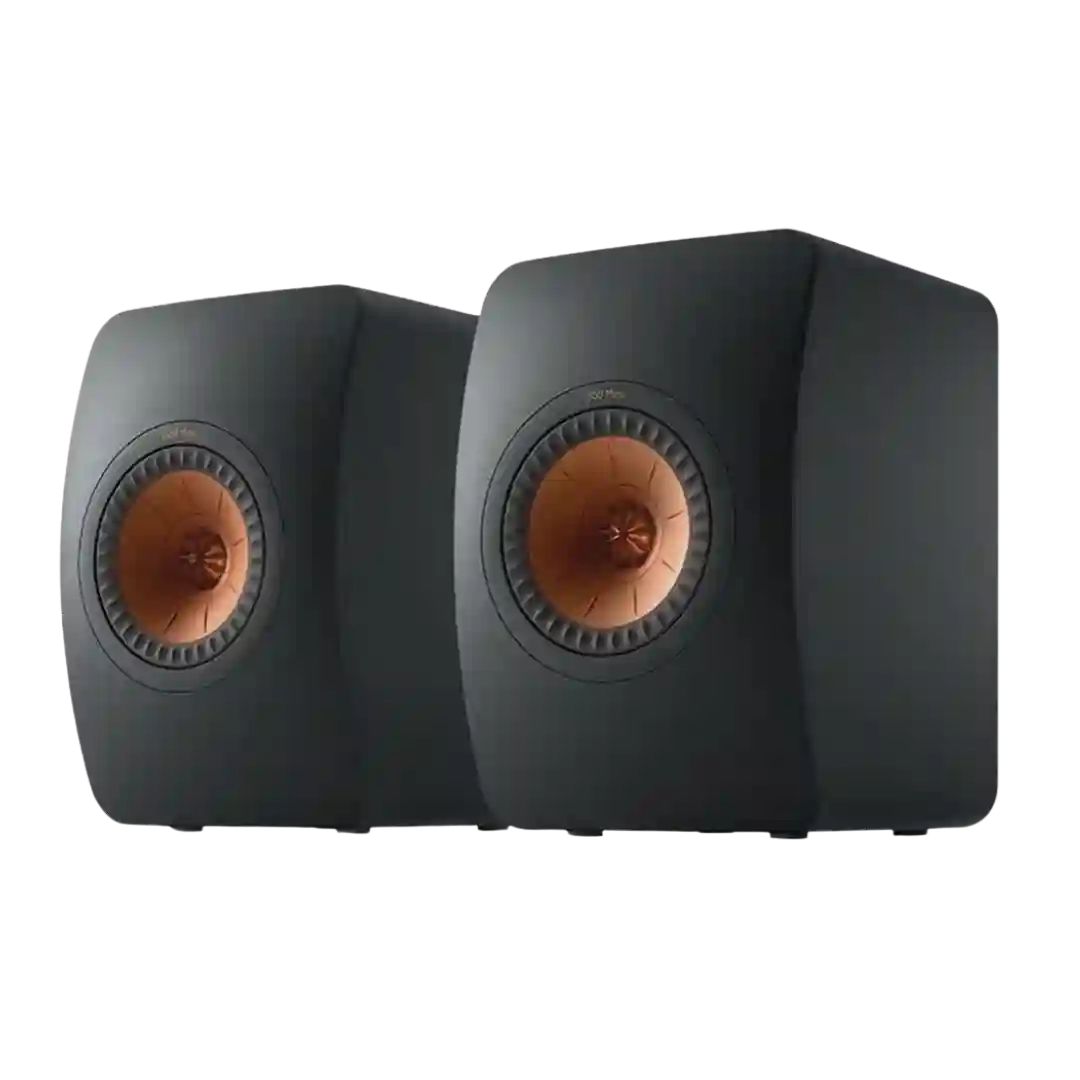
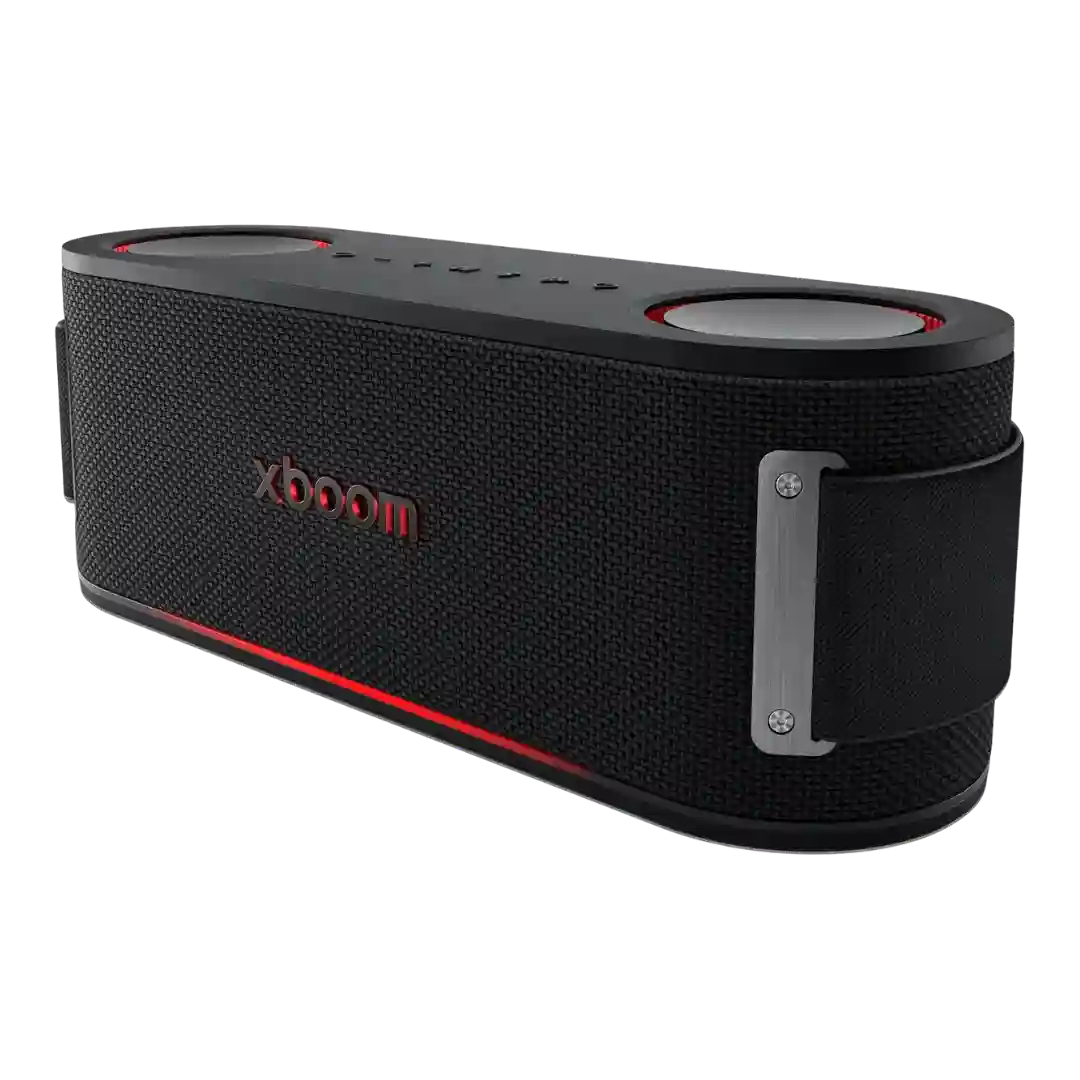
Setup simplicity is a clear strength. Multiple reviewers said the system took only a minute or two to connect and start using, especially over HDMI eARC or ARC.
Setup is widely described as simple and low-friction, with multiple reviewers calling the LSX II easy to get playing from TV, phone, laptop, or network sources.
Setup is widely described as fast and frustration-free. Bluetooth pairing is simple, controls are easy to understand, and several reviewers emphasized how little learning curve the speaker has.
Setup is widely described as plug-and-play: power each speaker, connect HDMI, and pairing happens automatically; a few reviewers note minor manual level tweaks or app steps.
Setup is usually described as easy and guided, especially through the app and calibration flow. Some reviewers still note a learning curve from the unusual detachable design or sparse printed instructions, even though the process is mostly manageable.
Setup is widely described as plug-and-play, especially for HDMI ARC TV use. The main caveats are the need to place the speakers thoughtfully, sometimes change TV audio settings to PCM, and understand the left-right speaker swap behavior.
Setup is usually straightforward and beginner-friendly, especially through HDMI eARC and the Bose app. Initial installation is broadly painless, with only occasional reset or update friction mentioned.
Setup is one of the clearest strengths: most reviewers describe installation as quick, beginner-friendly, and little more than plugging in power plus one cable. Across reviews, setup is repeatedly described as fast and uncomplicated, especially when using HDMI ARC.
Setup is repeatedly characterized as low-maintenance, with quick pairing and reliable reconnection. Stereo pairing is also described as straightforward once you learn the button sequence.
Setup is straightforward by passive-speaker standards: reviewers describe easy integration with common AVRs and small amps, especially in budget stereo or theater systems.
Setup is widely portrayed as straightforward: HDMI eARC to the TV, power for the bar and wireless sub, then quick calibration. Several reviews stress fewer steps than earlier generations and simple day-one usability.
Setup is typically quick and simple, with straightforward Bluetooth pairing; one review notes an occasional pairing hiccup that was resolved with a device restart.
Setup is widely described as straightforward for a four-piece system, with the rears/sub often pairing quickly; optimal placement and app onboarding can add a bit of time.
Basic setup is straightforward: connect the speaker wire, power the active cabinet, choose a source, and go. Ease of setup is one of the Ri71's strongest usability wins, especially for people moving up from TV speakers or a soundbar.
Initial setup is generally described as easy, with fast Bluetooth pairing and a simple app flow. Linking speakers can add complexity, but single-speaker setup is typically straightforward.
Setup is straightforward: standard Bluetooth pairing works quickly, and the companion app is optional but useful for EQ, firmware, and speaker linking.
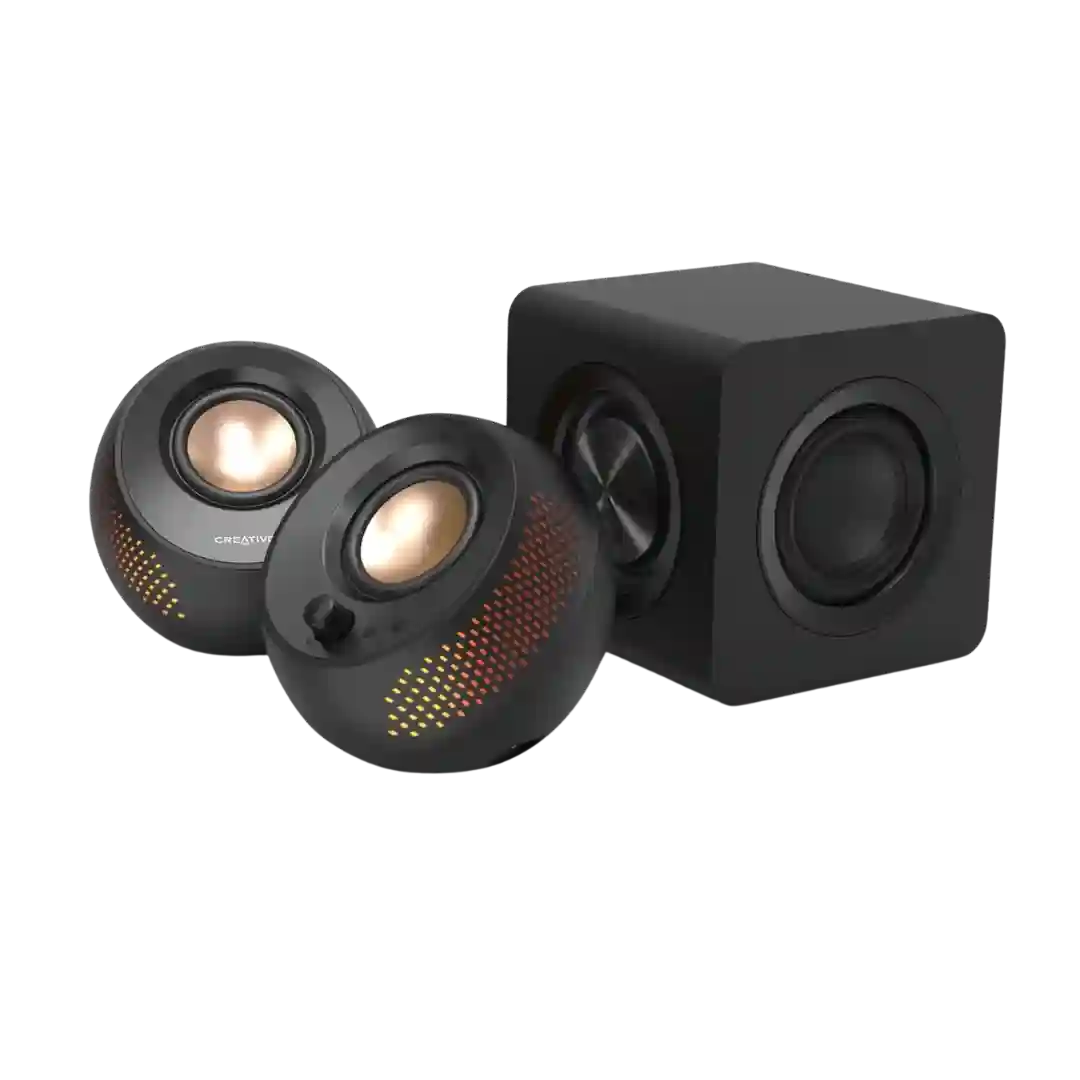
Setup is widely described as quick and straightforward with fast wireless sub pairing, though one reviewer reports HDMI setup frustration while optical worked immediately.
Setup is often described as quick and guided, but Dolby Atmos can require extra TV settings and the right ARC/eARC support, which is where some users hit friction.
Setup is consistently described as easy: microphones auto-connect, on-speaker buttons mirror app controls, and most karaoke/light features can be used without deep configuration, aside from optional app tuning.
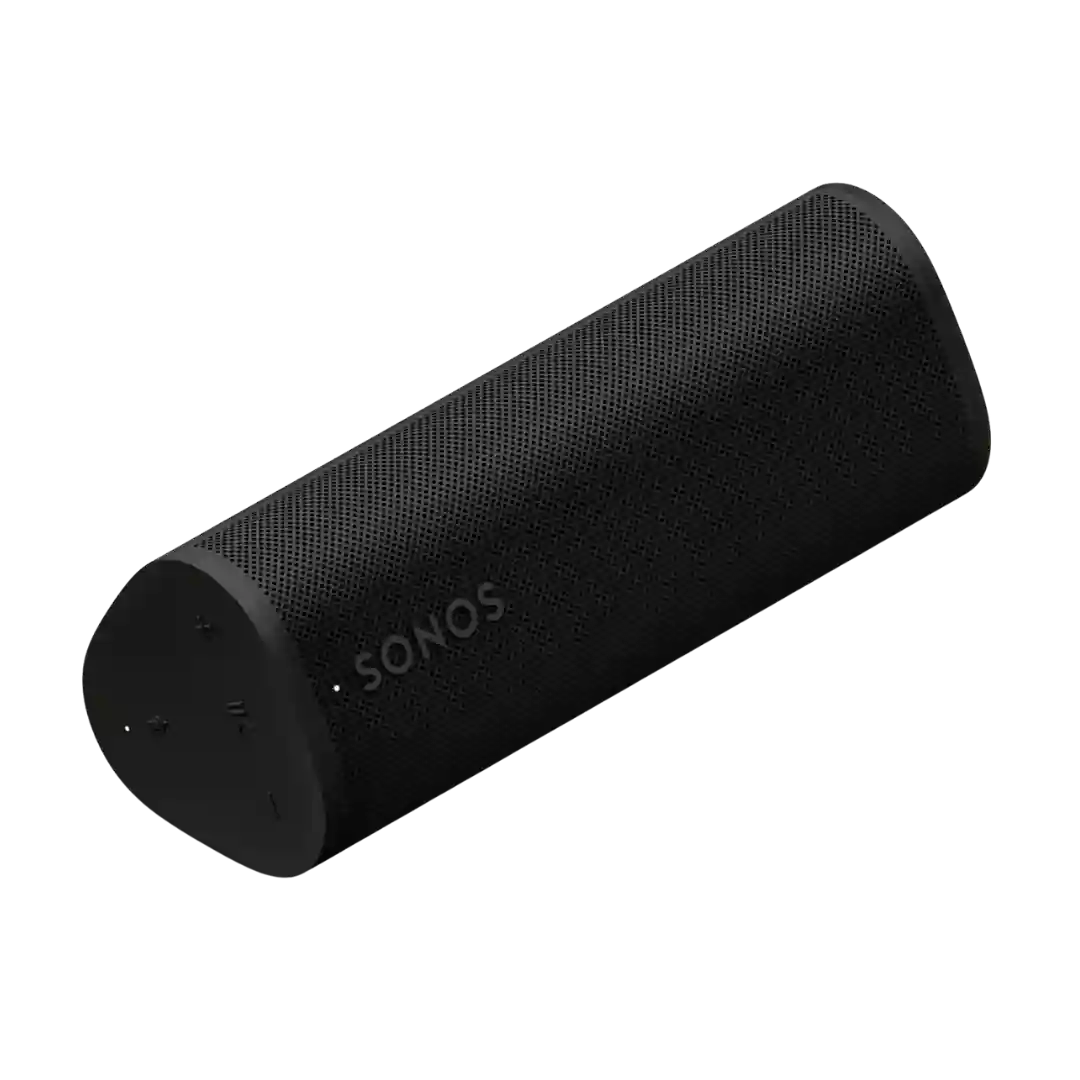
Setup is easier than the first-gen Roam for Bluetooth-first users thanks to the dedicated pairing button, but Wi-Fi and app setup can still be hit-or-miss depending on network conditions.
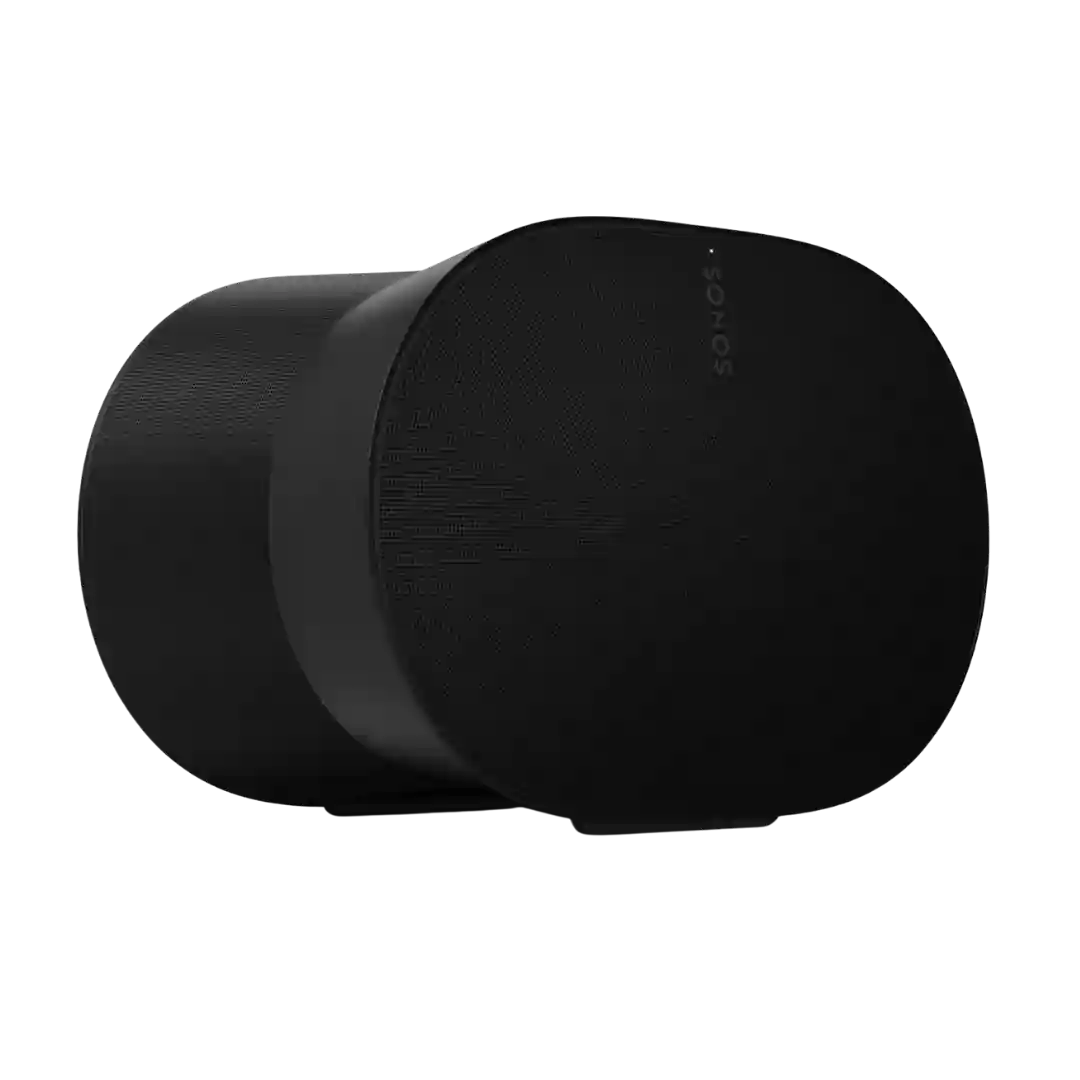
Initial setup is usually fast and friendly, helped by strong onboarding and Trueplay options. The main cautions are account requirements, Wi-Fi dependence, and occasional stereo-pair or advanced-tuning quirks.
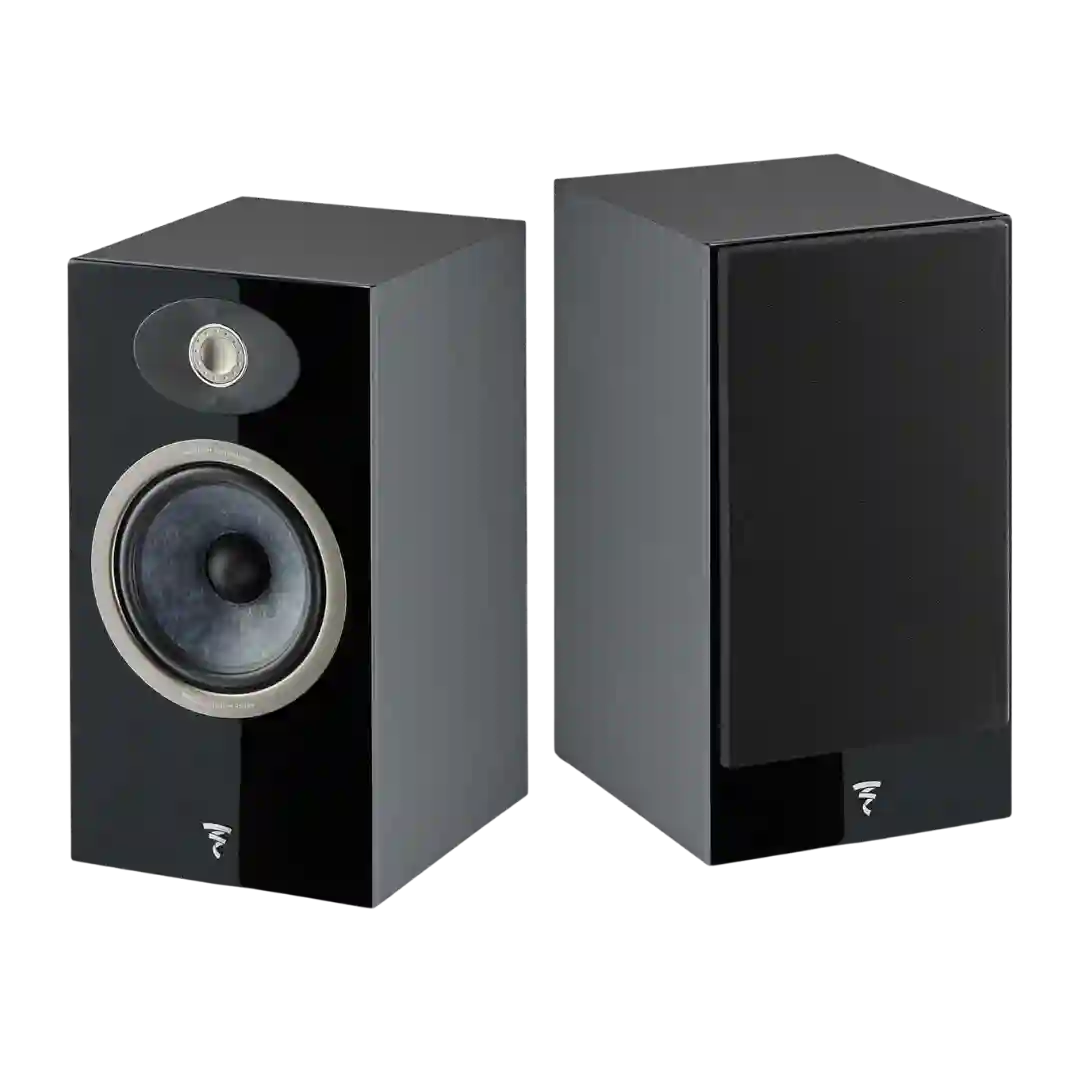
Set-up is mostly straightforward thanks to easy amplifier matching and manageable placement, but the rear port still wants breathing room. Vertical listening height and toe-in can audibly affect tonal balance, so careful positioning pays off.
Basic setup is straightforward, but the cable count and need to think about power delivery keep the experience from feeling truly clean or minimal. It is easy to get running, yet the extra wiring and power-planning demands stop setup from feeling as simple as the compact size first suggests.
Many reviewers call setup quick once power and network are connected, with guided room/placement tuning; however, first-time onboarding can be finicky for some (often involving extra apps or certain TV handshakes).
Setup is not difficult but is placement-sensitive: stands, some distance from walls, and careful toe-in/positioning are repeatedly recommended. Port plugs and room placement tweaks can help if space is tight.
Basic Bluetooth setup is generally described as easy, but the app-driven setup and device-adding workflow can be time-consuming and frustrating depending on the reviewer.