Best for Status indicators
Zvox AccuVoice AV855
5.0 feature score
Highest scored product for this feature based on supporting review evidence.
Highest scored product for this feature based on supporting review evidence.
Balances feature score, supporting reviews, and overall product strength.
Has the broadest review evidence for this feature.
Strongest overall product among items with scored evidence for this feature.
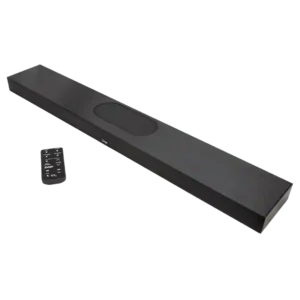
The hidden front display is a welcome touch because it clearly shows volume and setting changes.
Pros: Stereo imaging accuracy, Subwoofer
Cons: Wi-Fi streaming reliability, Dolby Atmos height effects

Status indicators were praised in one review for making remaining battery power easy to judge directly on the speaker.
Pros: Status indicators, Bluetooth connectivity
Cons: Wired input, Power bank function

The small OLED display is one of the most consistently praised design touches, clearly showing input, volume, sound mode, and format. Its only drawback is limited readability from far across...
Pros: Chromecast compatibility, Spotify Connect reliability
Cons: Rear speaker cable length, Gaming HDMI passthrough

Status indicators are praised because the edge lighting clearly communicates power, battery, and pairing status.
Pros: Dust resistance rating, Low-volume performance
Cons: Speakerphone quality, Backwards compatibility

The edge lights provide helpful cues for volume, power, pairing, battery, and Auracast. The same persistent status flashes can be annoying in dark rooms.
Pros: Google, Latency with TV (lip sync)
Cons: Charging cable inclusion, Chromecast compatibility
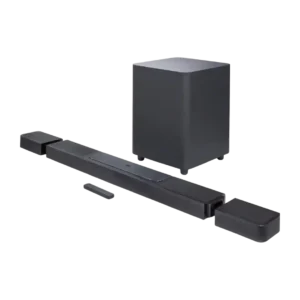
Status displays and indicators were well liked, with reviewers calling the front display helpful, easy to read, and useful for battery/status feedback.
Pros: Inter-speaker connectivity, Audio format support
Cons: optical, Gaming HDMI passthrough
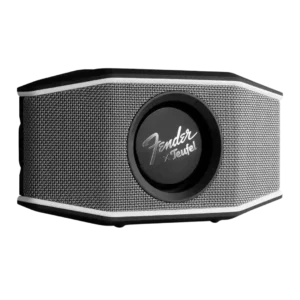
Status indicators were praised as clear and useful for charging, Bluetooth pairing, and battery checks.
Pros: Dust resistance rating, Cohesive presentation
Cons: Speakerphone quality, Microphone

Status feedback is praised when the app provides precise battery level information and the speaker signals low battery.
Pros: Setup simplicity, Latency with TV (lip sync)
Cons: Speakerphone quality, Microphone
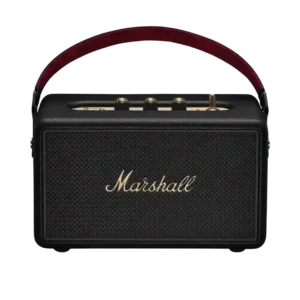
Status indicators are praised where discussed, especially the battery gauge and illuminated knob markers.
Pros: Voice clarity, Bluetooth range
Cons: Multi-speaker pairing reliability, Inter-speaker connectivity
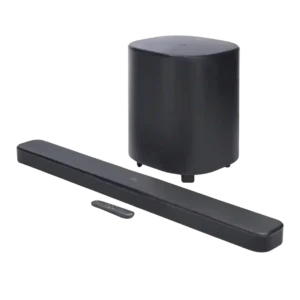
The status display was praised for using plain English instead of confusing light patterns.
Pros: Spotify Connect reliability, Setup simplicity
Cons: On-device controls, HDMI 2.1 gaming

Status indicators receive positive evidence from a reviewer who found the visible battery percentage especially helpful in the app and on-device indicator.
Pros: Google, Dust resistance rating
Cons: Backwards compatibility, Stereo imaging accuracy
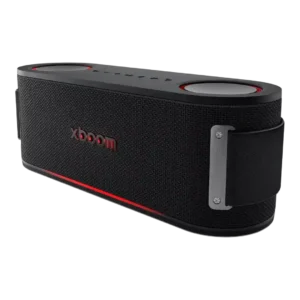
Status indicators scored well in the unboxing review because the Bluetooth light feedback reduced guesswork at noisy parties.
Pros: Dynamic headroom, Drop resistance durability
Cons: Privacy and data, Wired input

Status indicators were praised for being subtle and not overly bright.
Pros: Multi-speaker pairing reliability, Spotify Connect reliability
Cons: Gaming HDMI passthrough, Video passthrough support
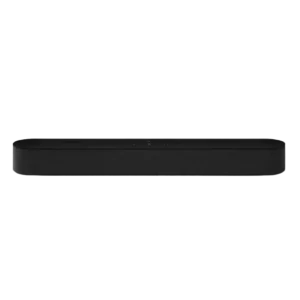
Status indicator design received one positive note for keeping lights hidden and unobtrusive during viewing.
Pros: Dynamic headroom, On-device controls
Cons: Video passthrough support, Bluetooth connectivity
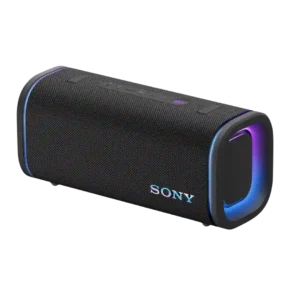
The battery/status readout is a small but appreciated convenience.
Pros: Latency with TV (lip sync), Multi-speaker pairing reliability
Cons: Energy efficiency, Amplifier power requirements
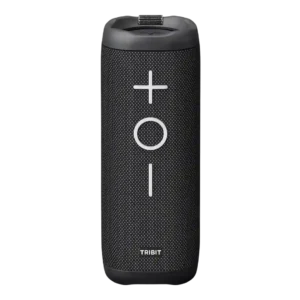
One reviewer praised the backlit buttons for easy visibility and battery indication.
Pros: Cohesive presentation, Stereo imaging accuracy
Cons: Surround sound simulation, App reliability
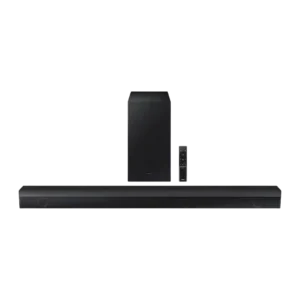
The front display/status indicator was considered simple but handy for seeing the selected input or mode.
Pros: Bluetooth connection stability, Value for money
Cons: Smart assistant integration (Alexa, Video passthrough support
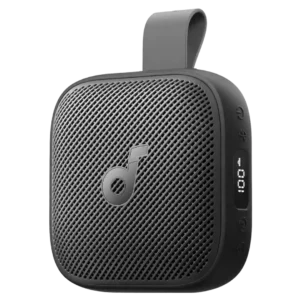
Status indicators were appreciated for the digital battery or mode display, making the speaker feel more informative than simple LED-only rivals.
Pros: Smart features, Lighting effects
Cons: Speakerphone quality, Microphone

The battery/status light was viewed as useful because it makes it clear when the speaker needs recharging.
Pros: Google, Dust resistance rating
Cons: Wired input, Remote control usability

Status indicators were useful for battery visibility, with reviewers noting handy LED and app-based battery information.
Pros: Bluetooth range, App reliability
Cons: Bluetooth codec support, Omnidirectional sound

Status indicators were praised where mentioned, especially the illuminated battery meter and visible volume indicator.
Pros: Latency with TV (lip sync), Setup simplicity
Cons: Multi-speaker pairing reliability, Audio format support
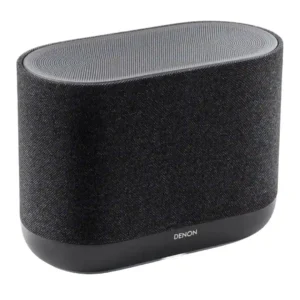
Status indicators are useful and discreet, including a front LED for network feedback. Brightness control helps keep the indicator from distracting in a living space.
Pros: Dialogue clarity (for TV/soundbar use), Setup simplicity
Cons: Battery life (if portable), Water resistance rating

The colorful base ring clearly shows listening, thinking, speaking, and muted states and is widely liked. Its low placement can make it hard to see from some angles.
Pros: Wi-Fi streaming reliability, Inter-speaker connectivity
Cons: Wired input, Frequency response balance
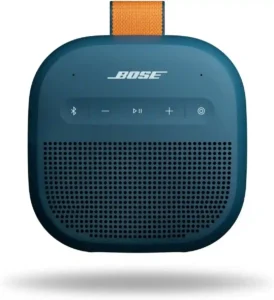
The battery/status readout was appreciated in one review as a convenience added through the Bose app.
Pros: Everyday usability, Bluetooth range
Cons: LED lighting effects, Lighting effects

Status indicator control was praised mainly because the LED brightness can be reduced or turned off.
Pros: HDMI ARC, Stereo imaging accuracy
Cons: Surround sound simulation, Bluetooth codec support
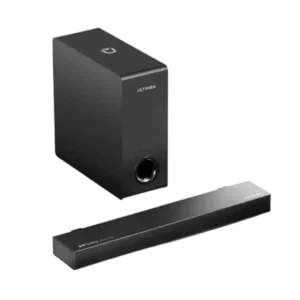
Status indicators are useful because the front LEDs can be turned off to avoid distraction.
Pros: Setup simplicity, Value for money
Cons: Design and build quality, Low-volume performance

Status indicators receive modest positive mention for showing active functions and EQ/button states, though they are basic rather than a showpiece.
Pros: Latency with TV (lip sync), Price / value for money
Cons: Dust resistance rating, Bluetooth codec support
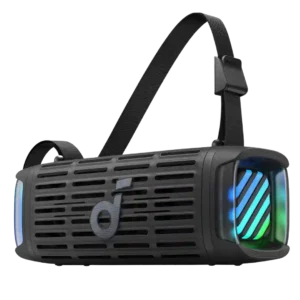
Status indicators were adequate rather than exceptional, with reviewers noting rough battery estimates and useful small button LEDs.
Pros: Price / value for money, On-device controls
Cons: Power bank function, Wired input
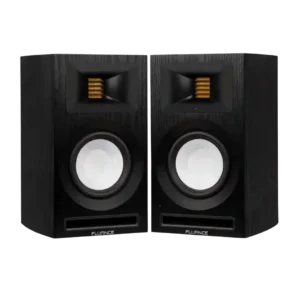
Status indicator evidence was mixed-positive: dimming and shutoff were appreciated, but one reviewer found the LED much too bright.
Pros: Setup simplicity, Bluetooth connection stability
Cons: optical, Smart features

Status indicators are mixed: illuminated controls help at night, but one reviewer wished more top buttons were lit.
Pros: Stereo imaging accuracy, Setup simplicity
Cons: Wired input, Backwards compatibility
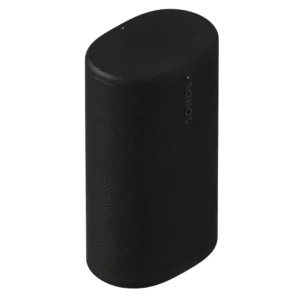
Status feedback is functional but not ideal. Some appreciate the lighting cues, while others find the front LEDs too small or difficult to see from a distance.
Pros: Dialogue clarity (for TV/soundbar use), Multi-speaker pairing reliability
Cons: Surround sound simulation, Protective case inclusion
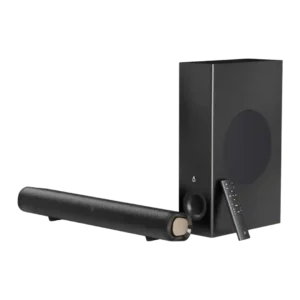
Status indicators are useful but imperfect: reviewers appreciated clear source/input displays, while others found the standby or dark-room display too bright.
Pros: Setup simplicity, Weight convenience
Cons: Smart features, Rear speaker cable length
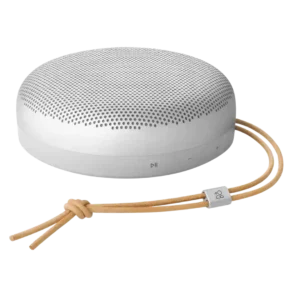
Status indicators worked but drew mild criticism for size and viewing angle.
Pros: Multi-speaker pairing reliability, Handle or strap quality
Cons: Wi-Fi streaming reliability, AirPlay compatibility

Status indicators are mixed: the wet-port warning is useful, but the battery light is described as imprecise.
Pros: Latency with TV (lip sync), Setup simplicity
Cons: Smart assistant integration (Alexa, Speakerphone quality
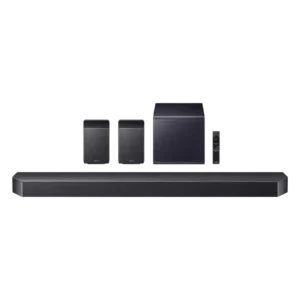
Status indicators are a recurring weak spot because the dot-matrix/front display can be hard to read or tedious for adjustments.
Pros: Multi-speaker pairing reliability, Gaming HDMI passthrough
Cons: Google, Cabinet construction / bracing
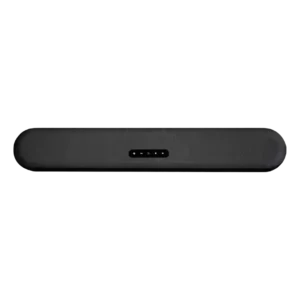
Status feedback could be better. Reviewers like the clean indicators, but one wished for an independent volume level display.
Pros: Distortion at high volume, Loudness / maximum volume
Cons: Chromecast compatibility, Google
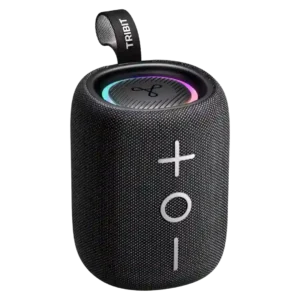
Status indicators are mixed: illuminated rear buttons help in the dark, but WIRED criticized the lack of volume and fuller battery indication.
Pros: Multi-speaker pairing reliability, Drop resistance durability
Cons: Multipoint connectivity, Smart features
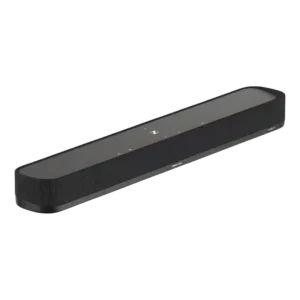
Status indicators are helpful in theory, especially for codec confirmation, but placement can make them hard to see from a seated position.
Pros: On-device controls, Dynamic headroom
Cons: Multi-speaker pairing reliability, Inter-speaker connectivity

The bright center display is one of the most repeated complaints, especially in dark rooms. Later owners report that newer firmware and the app can disable or time out the...
Pros: Bluetooth range, optical
Cons: Home theater integration, Headphone output quality
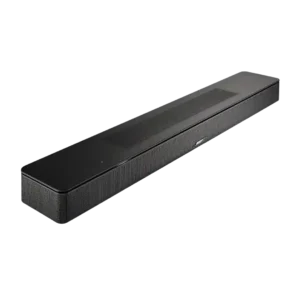
Status feedback is limited because the bar lacks a front alphanumeric display, which one reviewer missed.
Pros: Chromecast compatibility, Spotify Connect reliability
Cons: Google, Privacy and data

Status-indicator usefulness is limited in one review because the LED could not act as an at-a-glance battery indicator.
Pros: Setup simplicity, Bluetooth connection stability
Cons: Wired input, Power bank function
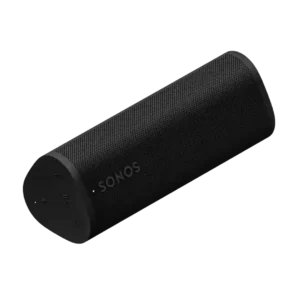
Status indicators were a minor usability weakness, with reviewers wanting larger lights and a clearer battery indicator.
Pros: Voice assistant responsiveness, Wi-Fi streaming reliability
Cons: Wired input, Float capability
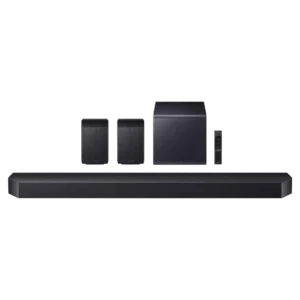
The front display is useful but widely criticized as dated, small, scrolling, and difficult to read.
Pros: Loudness / maximum volume, Stereo imaging accuracy
Cons: Smart assistant integration (Alexa, Status indicators

Status indicator feedback was negative because battery visibility relied too much on the app or lacked an on-speaker percentage indicator.
Pros: Setup simplicity, Water resistance rating
Cons: Smart assistant integration (Alexa, Microphone
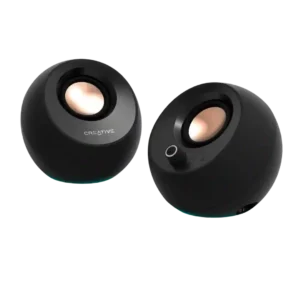
Voice prompts and status LEDs are more intrusive than helpful for some users, especially when reconnecting or in a dark room. Others appreciate the visible mode feedback once they learn...
Pros: Battery life (if portable), Detail retrieval
Cons: optical, Audio format support
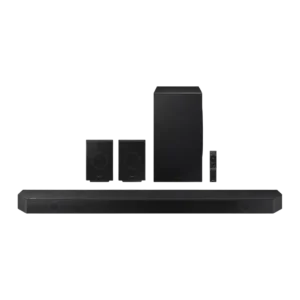
Status indicators were a common complaint because the small front display was hard to read, limited, or nearly useless for settings.
Pros: Soundstage height, Surround sound simulation
Cons: Chromecast compatibility, Google
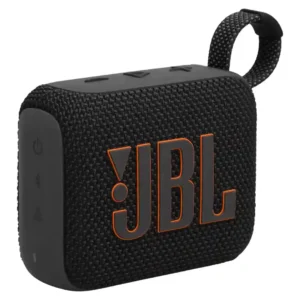
The basic light communicates low battery and operating status, but reviewers wanted a more precise, graduated battery display. The app provides a clearer percentage readout.
Pros: Voice clarity, Multipoint connectivity
Cons: Cohesive presentation, Soundstage height

Status feedback drew criticism, especially the awkward and imprecise battery indicator.
Pros: Stereo imaging accuracy, Bluetooth range
Cons: Low-volume performance, Water resistance rating
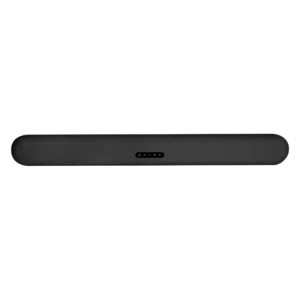
Status indicators drew criticism because the LED color and blink patterns were hard to interpret.
Pros: Distortion at high volume, Voice clarity
Cons: Spotify Connect reliability, Chromecast compatibility

Status feedback is a weak point in limited evidence because one reviewer found missing volume indication frustrating.
Pros: AirPlay compatibility, Chromecast compatibility
Cons: Spotify Connect reliability, Status indicators