Best for surface compatibility
ASUS ROG Harpe II Ace
4.8 feature score
Highest scored product for this feature based on supporting review evidence.
Highest scored product for this feature based on supporting review evidence.
Balances feature score, supporting reviews, and overall product strength.
Has the broadest review evidence for this feature.
Strongest overall product among items with scored evidence for this feature.
Showing ASUS only. Switch back to all brands anytime.
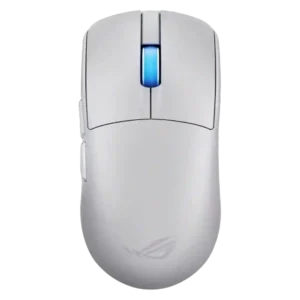
Surface compatibility is strong, with track-on-glass, surface calibration, and good tracking across glass, cloth, hard, wood, and other surfaces.
Pros: polling rate, click latency
Cons: onboard memory, tilt gesture controls
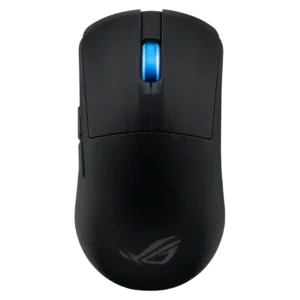
Surface compatibility was strong, with reviewers citing mousepad calibration, different-surface configuration, glass/nylon pad use, and tracking on almost any surface.
Pros: cable flexibility, weight
Cons: debounce customization, handedness options
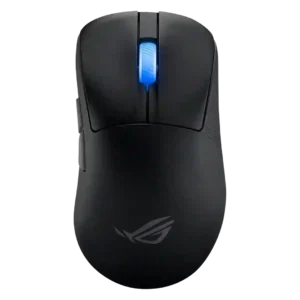
Surface compatibility is excellent, with reviewers citing glass tracking, surface calibration, and reliable behavior across mouse pads, tables, and other surfaces.
Pros: DPI range, weight
Cons: debounce customization, handedness options
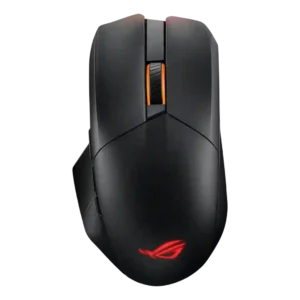
Surface compatibility is strong within the software, with manual calibration, presets, and mousepad-specific sensor calibration mentioned.
Pros: polling rate, charging convenience
Cons: software stability, firmware reliability
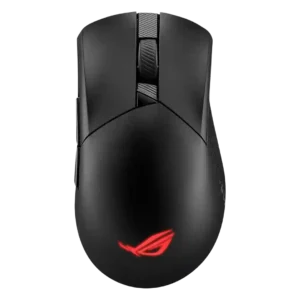
Surface compatibility was positive where reviewed, with calibration support and successful rough testing across glass, cardboard, and mousepads.
Pros: click latency, connection stability
Cons: tilt gesture controls, software stability
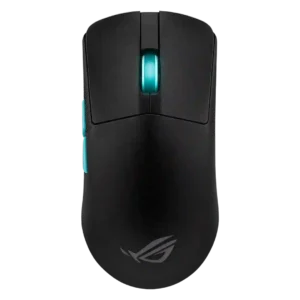
Surface compatibility evidence is limited but positive, with calibration for different surfaces described in software.
Pros: weight, DPI range
Cons: MMO gaming suitability, software stability
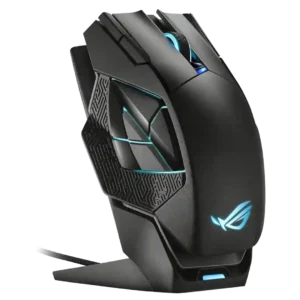
Surface compatibility is supported by calibration features for ASUS mouse mats, manual surfaces, and surface selection.
Pros: motion consistency, wireless latency
Cons: fingertip grip comfort, Bluetooth support
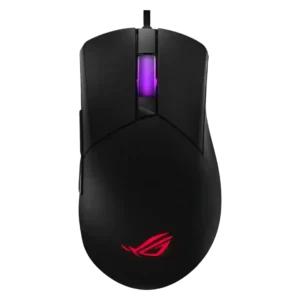
Surface compatibility is well supported through calibration options for preset mousepads, new surfaces, and manual deskmat calibration.
Pros: MMO gaming suitability, software stability
Cons: handedness options
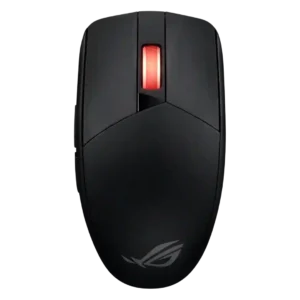
Surface compatibility is good across pads and desk surfaces, though glass is a clear exception.
Pros: click latency, sensor performance
Cons: palm grip comfort, skate durability