Best for ergonomics
Corsair K70 MAX
4.5 feature score
Highest scored product for this feature based on supporting review evidence.
Highest scored product for this feature based on supporting review evidence.
Balances feature score, supporting reviews, and overall product strength.
Has the broadest review evidence for this feature.
Strongest overall product among items with scored evidence for this feature.
Showing Corsair only. Switch back to all brands anytime.
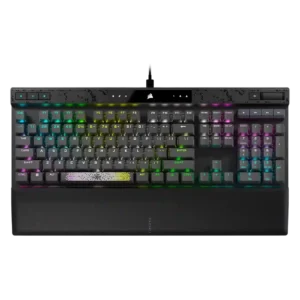
Ergonomics were generally helped by the desk stability, soft palm rest, and incline, though the evidence focused on comfort rather than compactness.
Pros: reliability, key responsiveness
Cons: desk space efficiency, wireless performance
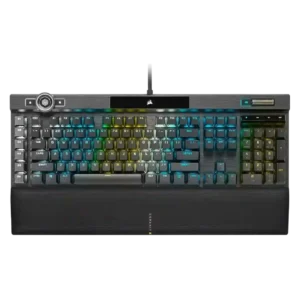
Ergonomics are generally good due to comfort and wrist support, though some reviewers want a better wrist angle or note the large full-size layout.
Pros: actuation consistency, key stability
Cons: hot-swappable switches, switch options
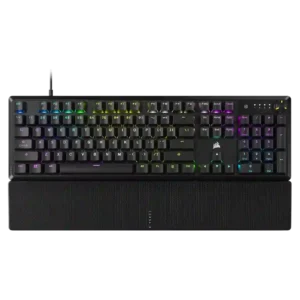
Ergonomics were mixed, with positive comments on height, palm support, and hand comfort but complaints about tall chassis positioning.
Pros: per-key lighting control, compatibility
Cons: ease of switch replacement, hot-swappable switches
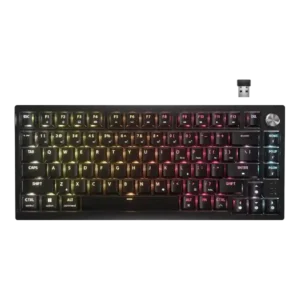
Ergonomic feedback was mixed: adjustable feet helped some reviewers, but sharper edges and the missing wrist rest hurt long-session comfort for others.
Pros: latency, durability
Cons: legend visibility, rapid trigger support
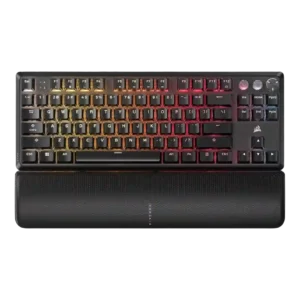
Ergonomics were mixed, with comfortable angle options and wrist slopes offset by palm-rest interference in one review.
Pros: per-key lighting control, key responsiveness
Cons: ease of switch replacement, battery life
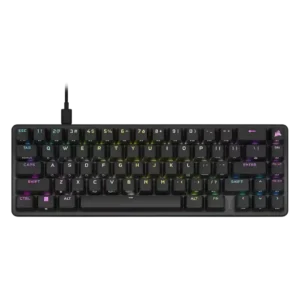
Ergonomics were mixed: some liked the feet and angle, while others wanted more adjustment or found the tall compact body uncomfortable.
Pros: volume control, key responsiveness
Cons: wireless performance, wrist rest quality
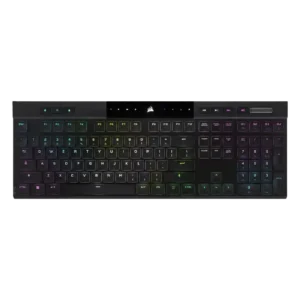
Ergonomic feedback was mixed: concave caps and low height helped comfort, but sharp edges, kickstand issues, and rough frame edges drew criticism.
Pros: backlight brightness, actuation consistency
Cons: sound dampening, stabilizer quality
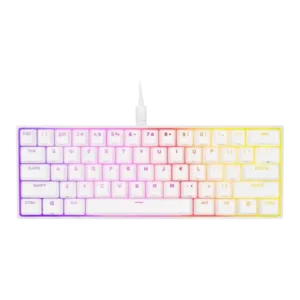
Ergonomics were mixed-to-negative because of fixed height, no angle adjustment, awkward shortcut reaches, and no incline options.
Pros: desk space efficiency, frame rigidity
Cons: sound dampening, ease of switch replacement