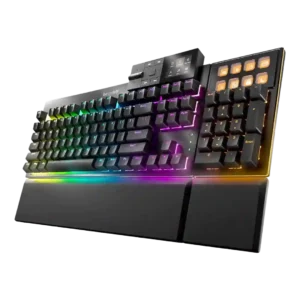
Onboard memory was praised where discussed, especially for saving settings or using board-level controls without constant software dependence.
Pros: key stability, per-key lighting control
Cons: analog input support, wireless performance
Onboard memory was praised where discussed, especially for saving settings or using board-level controls without constant software dependence.
Pros: key stability, per-key lighting control
Cons: analog input support, wireless performance
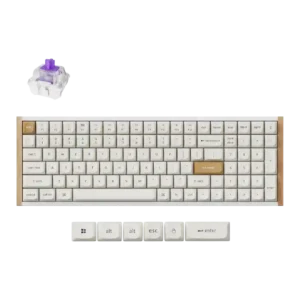
Onboard memory was praised because settings and profiles could be preserved when moving between computers.
Pros: durability, rapid trigger support
Cons: per-key lighting control, stabilizer quality
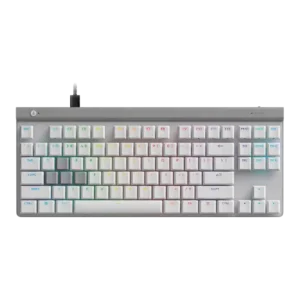
Onboard memory was praised in the one review that evaluated it, because saved setups can follow the keyboard to another PC.
Pros: key responsiveness, ergonomics
Cons: wireless performance, volume control
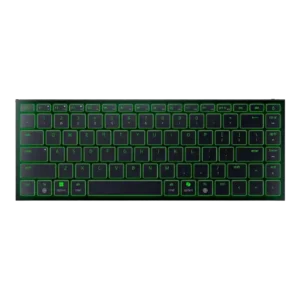
Macworld praised the ability to save function changes directly on the keyboard, supporting onboard memory usefulness.
Pros: frame rigidity, size and form factor
Cons: sound dampening, per-key lighting control
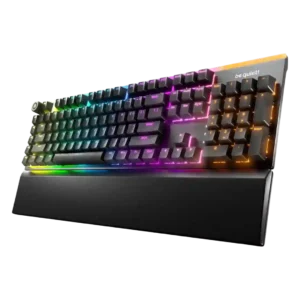
Onboard memory is useful for saved lighting/profile behavior and reducing reliance on always-running software.
Pros: ease of switch replacement, acoustics
Cons: rapid trigger support, analog input support
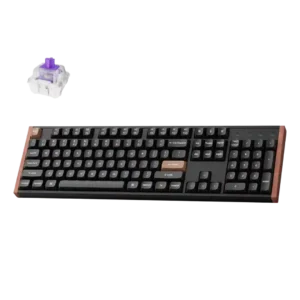
Onboard memory was praised because stored layouts made multi-platform use feel more intentional.
Pros: wireless performance, key responsiveness
Cons: switch options, desk space efficiency
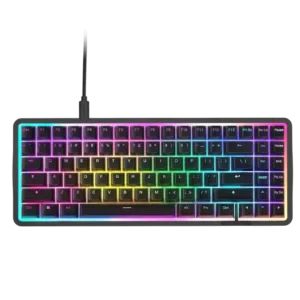
Onboard memory was useful for saving multiple profiles, with reviewers praising profile storage for switching games or setups.
Pros: latency, acoustics
Cons: passthrough features, wireless performance
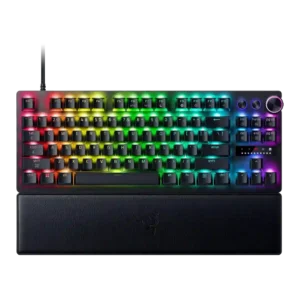
Onboard memory was positively noted because four editable onboard profiles were enough for the reviewer.
Pros: key responsiveness, actuation consistency
Cons: switch options, hot-swappable switches