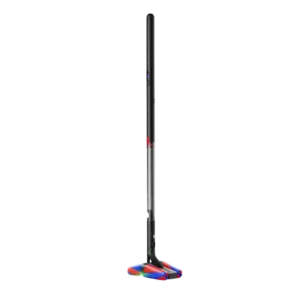
Easiest setup Dyson PencilVac Fluffycones
5.0 / 5
Standout feature: Assembly and Setup.
View Best Home Products for Assembly and SetupReview-backed product matching
Choose a category to get personalized recommendations, or compare two products side by side using the feature scores and review evidence ServiceDig already tracks.
Balanced picks across the major ServiceDig categories, chosen from product features with enough review-backed coverage to be useful.
Standout feature: Assembly and Setup.
View Best Home Products for Assembly and Setup
Standout feature: battery life.
View Best Gaming Products for battery life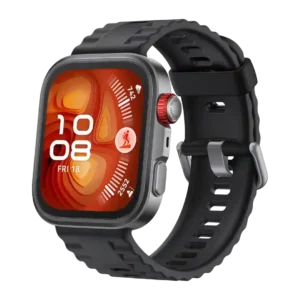
Standout feature: Bluetooth connectivity.
View Best Wearable Tech for Bluetooth connectivity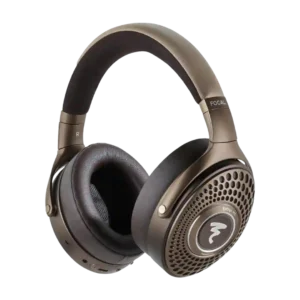
Standout feature: ANC effect on sound signature.
View Best Headphones & Earbuds for ANC effect on sound signature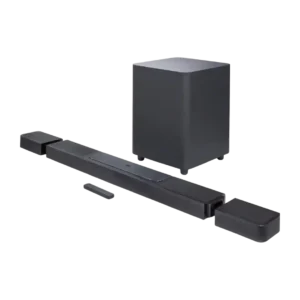
Standout feature: Audio format support.
View Best Speakers for Audio format support
Standout feature: Assembly and Setup.
View Best Home Products for Assembly and Setup
Standout feature: comfort.
View Best Wearable Tech for comfort
Standout feature: ANC sound impact on audio.
View Best Headphones & Earbuds for ANC sound impact on audioStart with brands that have at least 2 reviewed products plus strong ratings, useful lineup depth, and standout picks.
 Top product
Alienware Pro Wireless Gaming Keyboard
4.3 / 5
View brand profile
Top product
Alienware Pro Wireless Gaming Keyboard
4.3 / 5
View brand profile
 Top product
Keychron Q5 HE
4.5 / 5
View brand profile
Top product
Keychron Q5 HE
4.5 / 5
View brand profile
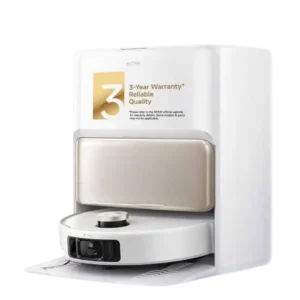 Top product
Mova V50 Ultra Complete
4.4 / 5
View brand profile
Top product
Mova V50 Ultra Complete
4.4 / 5
View brand profile
 Top product
Death Stranding 2: On the Beach
4.3 / 5
View brand profile
Top product
Death Stranding 2: On the Beach
4.3 / 5
View brand profile
Quick head-to-head pages for comparable, highly ranked products shoppers are likely to cross-shop.
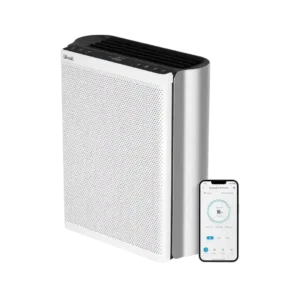 Levoit EverestAir
4.4
vs
Levoit EverestAir
4.4
vs
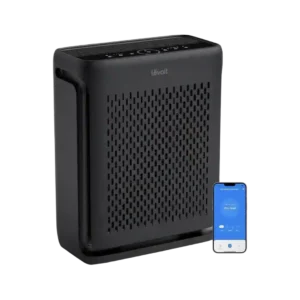 Levoit Vital 100S
4.4
Compare these picks
Levoit Vital 100S
4.4
Compare these picks
 Hades II
4.5
vs
Hades II
4.5
vs
 Donkey Kong Bananza
4.4
Compare these picks
Donkey Kong Bananza
4.4
Compare these picks
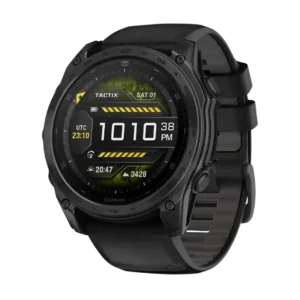 Garmin Tactix 8
4.4
vs
Garmin Tactix 8
4.4
vs
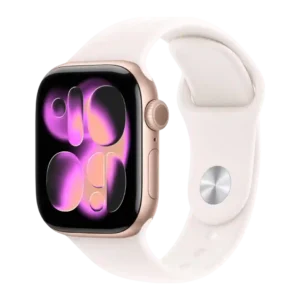 Apple Watch Series 11
4.3
Compare these picks
Apple Watch Series 11
4.3
Compare these picks
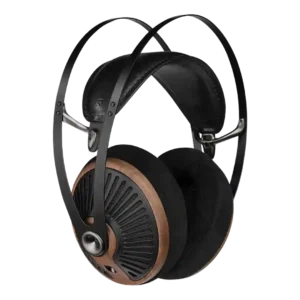 Meze Audio 105 Silva Headphones
4.3
vs
Meze Audio 105 Silva Headphones
4.3
vs
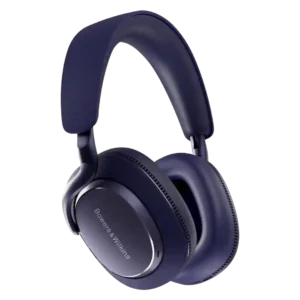 Bowers & Wilkins PX7 S3 Headphones
4.2
Compare these picks
Bowers & Wilkins PX7 S3 Headphones
4.2
Compare these picks
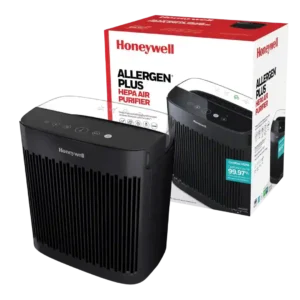
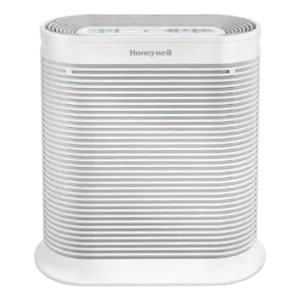
Best for compact room air cleaning, odors, dust, and allergens. Skip it if you need true auto mode, air quality display, silent high speeds, or verified large-room coverage.
Pros: pollen removal, smoke removal
Cons: customer support, auto mode performance
Best for strong room air cleaning, allergies, dust, smoke, and pet mess. Skip it if you need quiet high-speed operation, compact styling, smart automation, or low ongoing costs.
Pros: filter life, allergen reduction
Cons: smart features, child lock
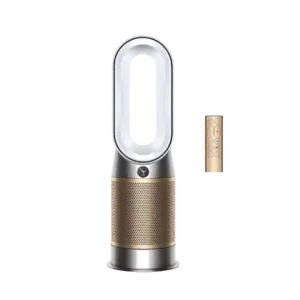
Choose the Dyson HP09 for premium design, heating, smart air data, and broad purification. Skip it if you need budget value, true air conditioning, or maximum clean-air output per dollar.
Pros: dust removal, PM2.5 detection
Cons: mold spore reduction, durability
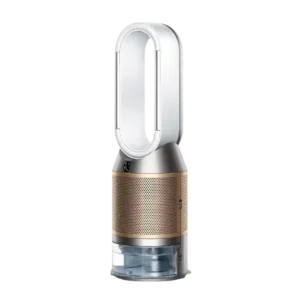
Choose the Dyson PH04 for premium purification, humidifying, formaldehyde/VOC monitoring, and smart controls. Skip it if you need low cost, compact size, quiet max airflow, or proven pump reliability.
Pros: pollen removal, VOC reduction
Cons: documentation quality, condition on arrival
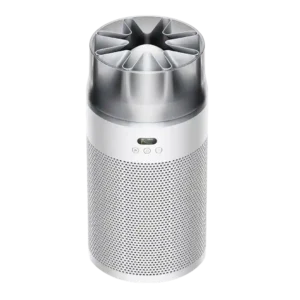
Best for quiet bedroom air cleaning, fast auto response, and strong app controls. Skip it if you need budget value, large-room power, flawless Wi-Fi, or a physical remote.
Pros: particle removal effectiveness, maintenance ease
Cons: VOC sensor accuracy, filter availability
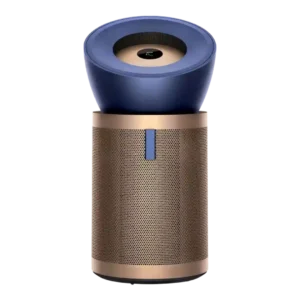
Choose the Dyson BP04 for quiet, sensor-rich purification in large or open rooms. Skip it if price, bulk, or a smaller-room need matters more than premium design and wide pollutant...
Pros: ease of use, noise level
Cons: condition on arrival, durability
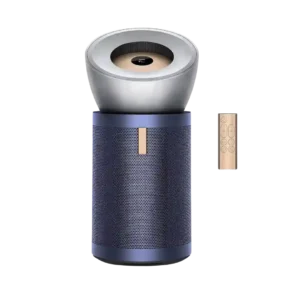
Best for quiet, smart, large-room purification with strong odor and particle cleanup. Skip it if size, price, or support risk matters more than premium performance.
Pros: pet dander removal, HEPA filtration
Cons: condition on arrival, replacement experience
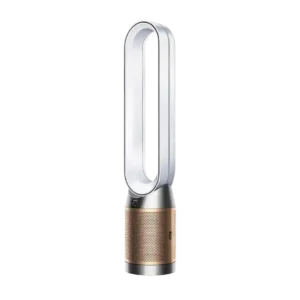
Choose the TP09 for smart monitoring, formaldehyde/VOC focus, and stylish purification. Skip it if you need powerful cooling, quiet long-term operation, low filter costs, or dependable support.
Pros: allergen reduction, smoke removal
Cons: customer support, reliability