Best for Control button responsiveness
Marshall Bromley 450
5.0 feature score
Highest scored product for this feature based on supporting review evidence.
Highest scored product for this feature based on supporting review evidence.
Balances feature score, supporting reviews, and overall product strength.
Has the broadest review evidence for this feature.
Strongest overall product among items with scored evidence for this feature.
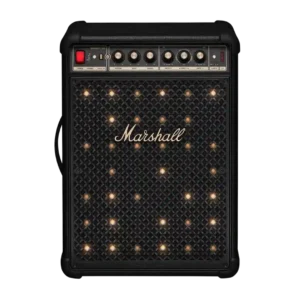
Buttons and knobs give strong tactile feedback, with satisfying resistance that makes accidental adjustments less likely.
Pros: Stereo imaging accuracy, Multi-speaker pairing reliability
Cons: Remote control usability, Bluetooth codec support

The raised physical controls are simple, familiar, and quick to respond. Reviewers report near-instant reactions from both the buttons and companion app.
Pros: Google, Latency with TV (lip sync)
Cons: Charging cable inclusion, Chromecast compatibility
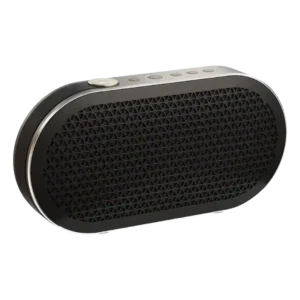
The physical buttons are praised as positively clicky and predictable.
Pros: Wired input, Latency with TV (lip sync)
Cons: Dust resistance rating, Water resistance rating
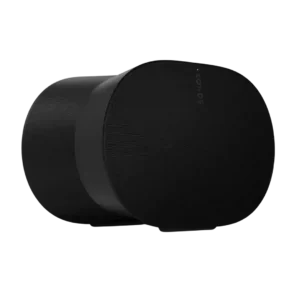
The refreshed top controls were praised for satisfying responsiveness and useful feedback.
Pros: Control button responsiveness, Smart features
Cons: Chromecast compatibility, Google
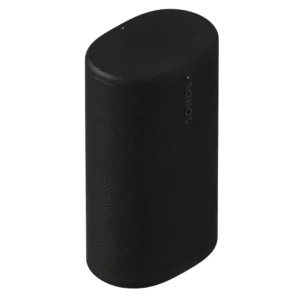
The top controls respond well in use, even though their subtle appearance can make them harder to locate at a glance.
Pros: Dialogue clarity (for TV/soundbar use), Multi-speaker pairing reliability
Cons: Surround sound simulation, Protective case inclusion
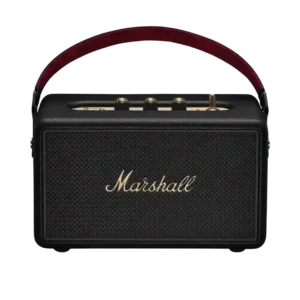
Physical controls are a major strength, with reviewers praising the knobs, switches, tactile buttons, and upgraded control layout.
Pros: Voice clarity, Bluetooth range
Cons: Multi-speaker pairing reliability, Inter-speaker connectivity

Physical buttons are consistently praised as reliable, clicky, tactile, and responsive.
Pros: Latency with TV (lip sync), Setup simplicity
Cons: Smart assistant integration (Alexa, Speakerphone quality
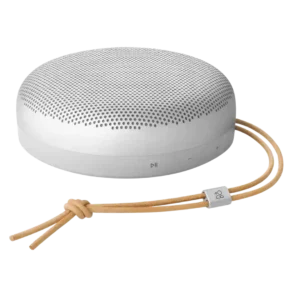
Physical controls were praised for positive, responsive, clicky action.
Pros: Multi-speaker pairing reliability, Handle or strap quality
Cons: Wi-Fi streaming reliability, AirPlay compatibility

Touch controls were praised as responsive and intuitive, though most reviewers expected users to rely more on app or TV remote control.
Pros: Multi-speaker pairing reliability, Voice recognition accuracy
Cons: Bluetooth connectivity, Video passthrough support

Controls are praised in one review for being tactile and distinguishable by touch.
Pros: Dust resistance rating, Low-volume performance
Cons: Speakerphone quality, Backwards compatibility

Button responsiveness was praised for tactile feedback and reliable activation.
Pros: Price / value for money, On-device controls
Cons: Power bank function, Wired input
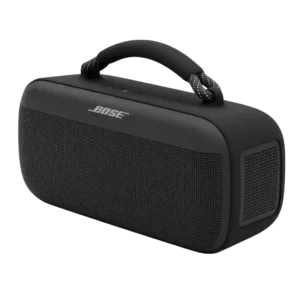
Physical button feel was praised by reviewers who found the controls satisfying, responsive, and pleasant to press.
Pros: Dust resistance rating, Low-volume performance
Cons: Charging time, Microphone

Control responsiveness is praised where tested, with raised buttons that are easy to find and controls reported as working.
Pros: Setup simplicity, Bluetooth connection stability
Cons: Wired input, Power bank function
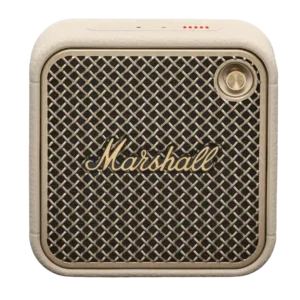
The joystick control was widely liked for feeling intuitive, solid, and easier than typical button combinations on small speakers.
Pros: Status indicators, Bluetooth connectivity
Cons: Wired input, Power bank function

Button feel and placement are praised as firm, intuitive, and easy to use.
Pros: Setup simplicity, Latency with TV (lip sync)
Cons: Speakerphone quality, Microphone
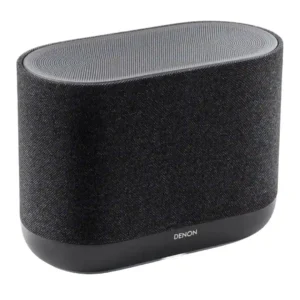
The side controls are easy to understand and use. Physical access to volume, playback, quick selects, and voice control helps reduce dependence on the app.
Pros: Dialogue clarity (for TV/soundbar use), Setup simplicity
Cons: Battery life (if portable), Water resistance rating
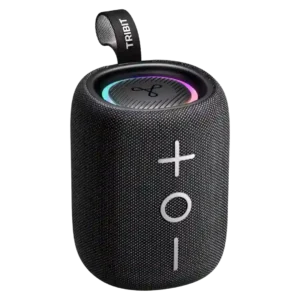
Button feel was widely praised as tactile, responsive, easy to press, and suitable for poolside use.
Pros: Multi-speaker pairing reliability, Drop resistance durability
Cons: Multipoint connectivity, Smart features
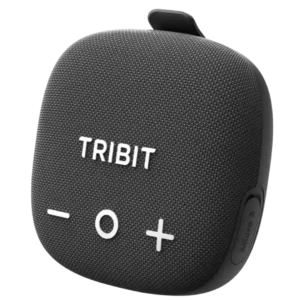
Controls were described as responsive, large, and premium-feeling, with one reviewer saying all touch controls worked perfectly.
Pros: Stereo imaging accuracy, Setup simplicity
Cons: Wired input, Backwards compatibility

The H7’s tactile top buttons are easy to identify and respond well. Their clicky feel and logical layout make basic operation pleasant.
Pros: Chromecast compatibility, Spotify Connect reliability
Cons: Rear speaker cable length, Gaming HDMI passthrough

Control responsiveness and the revised volume slider were widely liked, with reviewers calling the controls nice, precise, and easy to use.
Pros: Latency with TV (lip sync), Wi-Fi streaming reliability
Cons: Chromecast compatibility, Google
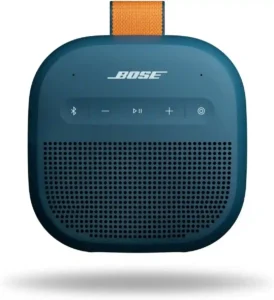
Button feel is praised in the reviews that assessed it, with tactile, responsive controls and pleasant clicks.
Pros: Everyday usability, Bluetooth range
Cons: LED lighting effects, Lighting effects
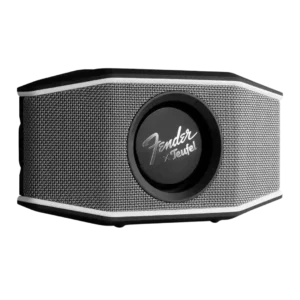
Button responsiveness was positive where tested, with reviewers calling the controls responsive and easy to use.
Pros: Dust resistance rating, Cohesive presentation
Cons: Speakerphone quality, Microphone
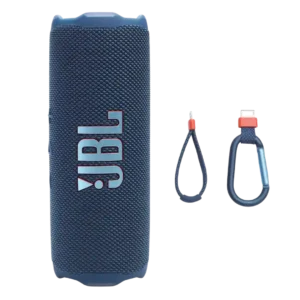
On-unit buttons are praised as tactile or responsive where reviewers discussed them.
Pros: Google, Dust resistance rating
Cons: Backwards compatibility, Stereo imaging accuracy

Physical controls were viewed positively, with reviewers praising straightforward operation and clicky feedback.
Pros: Bluetooth range, App reliability
Cons: Bluetooth codec support, Omnidirectional sound
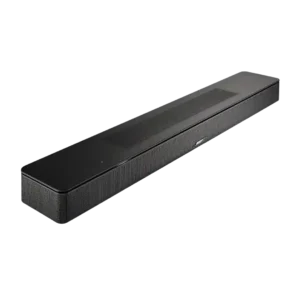
The touch controls receive a positive usability note for being responsive and sensitive.
Pros: Chromecast compatibility, Spotify Connect reliability
Cons: Google, Privacy and data
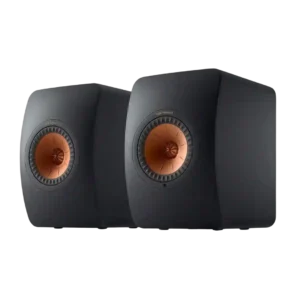
The top touch controls receive positive evidence in the one review that evaluated their responsiveness.
Pros: AirPlay compatibility, Chromecast compatibility
Cons: Spotify Connect reliability, Status indicators
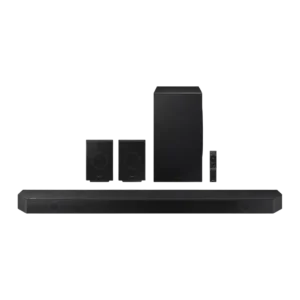
Physical buttons were praised as clicky rather than touch-sensitive, which one reviewer explicitly preferred.
Pros: Soundstage height, Surround sound simulation
Cons: Chromecast compatibility, Google
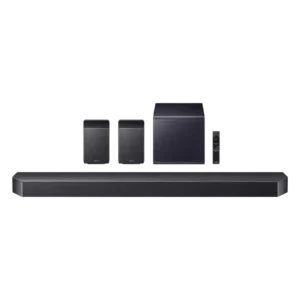
Physical control buttons are praised for being clicky rather than touch-sensitive.
Pros: Multi-speaker pairing reliability, Gaming HDMI passthrough
Cons: Google, Cabinet construction / bracing
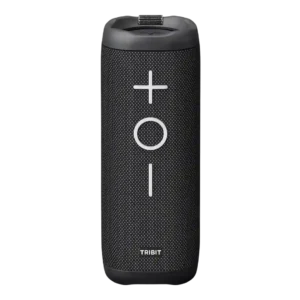
One reviewer praised the large physical buttons as making the speaker very convenient to use.
Pros: Cohesive presentation, Stereo imaging accuracy
Cons: Surround sound simulation, App reliability
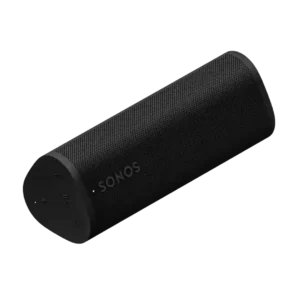
The new dedicated Bluetooth button and physical controls were widely praised for making pairing and daily use easier than the original Roam.
Pros: Voice assistant responsiveness, Wi-Fi streaming reliability
Cons: Wired input, Float capability
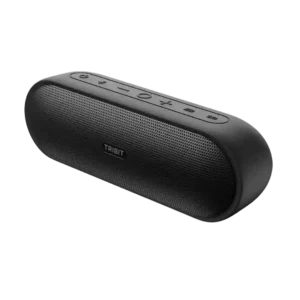
Power and pairing controls earn praise for quick single-press operation, though one reviewer disliked the hard-to-see black buttons.
Pros: Latency with TV (lip sync), Price / value for money
Cons: Dust resistance rating, Bluetooth codec support

Control responsiveness was mostly positive thanks to easy-to-press physical buttons, although one review noted a slight learning curve with the unmarked top controls.
Pros: Google, Dust resistance rating
Cons: Wired input, Remote control usability
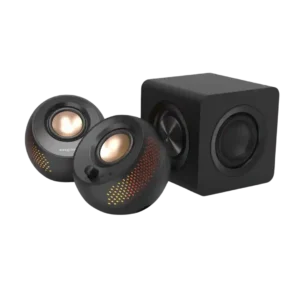
Physical control responsiveness was mixed-positive: several reviewers liked the tactile buttons and dial, while one criticized the cheap-feeling volume knob.
Pros: Bluetooth connection stability, Surround sound simulation
Cons: Bluetooth codec support, Audio format support

The side buttons generally work with a light press, though one reviewer found them slightly stiff.
Pros: Bluetooth range, optical
Cons: Home theater integration, Headphone output quality
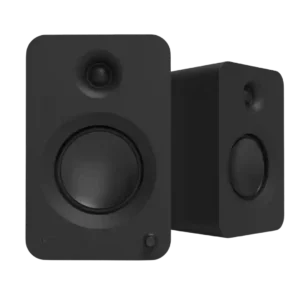
The front knob was described as tactile and easy to use, though most deeper control still depends on the remote.
Pros: HDMI ARC, Stereo imaging accuracy
Cons: Surround sound simulation, Bluetooth codec support
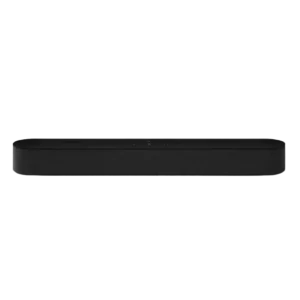
Touch controls were considered useful and straightforward, with reviewers noting practical top-panel volume and playback actions.
Pros: Dynamic headroom, On-device controls
Cons: Video passthrough support, Bluetooth connectivity
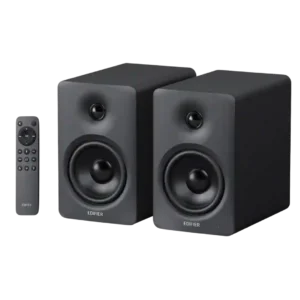
The remote buttons respond quickly, have practical sizing, and remain easy to use in a dark room.
Pros: HDMI ARC, Low-volume performance
Cons: AirPlay compatibility, Wi-Fi streaming reliability

Button feel itself was praised as light, solid, and tactile.
Pros: Stereo imaging accuracy, Bluetooth range
Cons: Low-volume performance, Water resistance rating
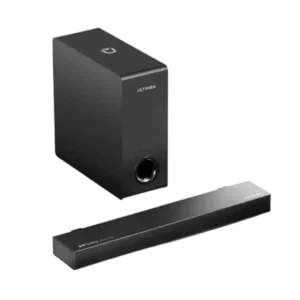
The remote/control buttons drew praise for being tactile, even though broader control behavior was not uniformly perfect.
Pros: Setup simplicity, Value for money
Cons: Design and build quality, Low-volume performance
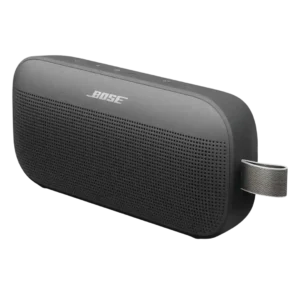
Controls were mixed: some reviewers liked the clearer button layout, while others found buttons mushy or hard to use by touch.
Pros: Bluetooth connection stability, Dust resistance rating
Cons: Wired input, Power bank function

Physical controls were mostly praised as reliable, responsive, and satisfying, though one reviewer wanted more button lighting.
Pros: Setup simplicity, Water resistance rating
Cons: Smart assistant integration (Alexa, Microphone

The hidden touch controls usually respond well, but several reviewers found them overly sensitive or difficult to locate without looking for the indicator dots.
Pros: Wi-Fi streaming reliability, Inter-speaker connectivity
Cons: Wired input, Frequency response balance
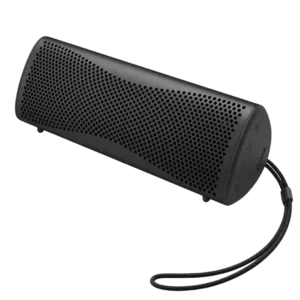
Button quality is mixed: one unit had clicky, tank-like controls, while others found the sealed buttons hard to distinguish or requiring firm presses. Low-light use is the main frustration.
Pros: Dialogue clarity (for TV/soundbar use), Multi-speaker pairing reliability
Cons: Power bank function, Float capability
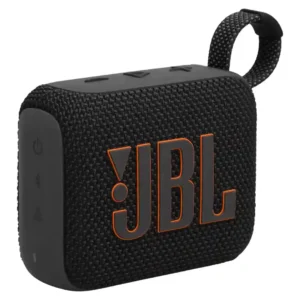
The controls are tactile and generally easy to operate, but some reviewers found that presses register best in the center of each button. The side controls can also be hard...
Pros: Voice clarity, Multipoint connectivity
Cons: Cohesive presentation, Soundstage height
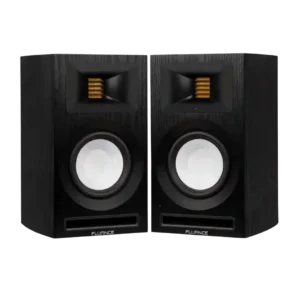
Button and knob response was split: one reviewer praised clicky positive remote buttons, while another disliked the feel and speed of the volume control.
Pros: Setup simplicity, Bluetooth connection stability
Cons: optical, Smart features
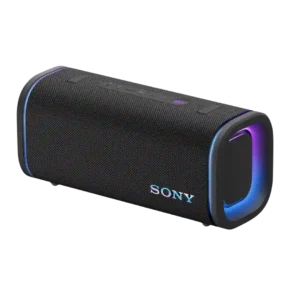
The ULT button feels satisfying, but the other rubberized buttons are less pleasing by comparison.
Pros: Latency with TV (lip sync), Multi-speaker pairing reliability
Cons: Energy efficiency, Amplifier power requirements
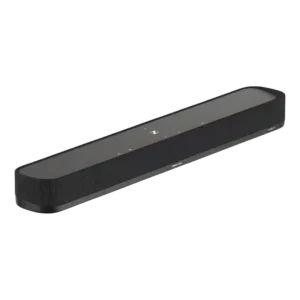
Touch controls are available, but one reviewer disliked the capacitive buttons and wished Sennheiser had used physical controls. The complaint is about feel and accidental operation rather than missing functions.
Pros: On-device controls, Dynamic headroom
Cons: Multi-speaker pairing reliability, Inter-speaker connectivity

One reviewer found the top touch controls unreliable.
Pros: Distortion at high volume, Setup simplicity
Cons: Dolby Atmos height effects, On-device controls
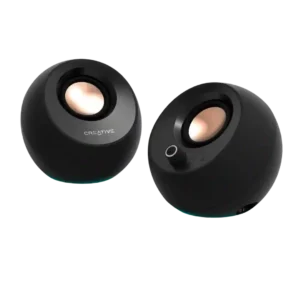
The combined volume and power control is a recurring weak point, with complaints about uneven steps, bent or loose caps, awkward long presses, and inconsistent clicking. Keyboard volume control is...
Pros: Battery life (if portable), Detail retrieval
Cons: optical, Audio format support