Best for On-device controls
Marshall Bromley 450
5.0 feature score
Highest scored product for this feature based on supporting review evidence.
Highest scored product for this feature based on supporting review evidence.
Balances feature score, supporting reviews, and overall product strength.
Has the broadest review evidence for this feature.
Strongest overall product among items with scored evidence for this feature.
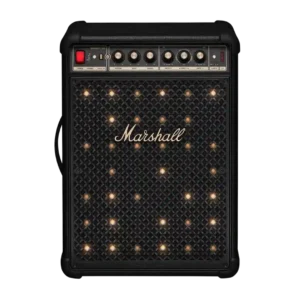
The physical controls are a major strength, with clear source selection and dedicated knobs for volume, tone, instruments, and effects. They are quicker and more satisfying than relying on the...
Pros: Stereo imaging accuracy, Multi-speaker pairing reliability
Cons: Remote control usability, Bluetooth codec support
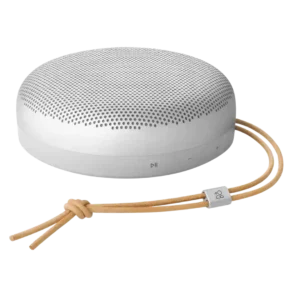
On-device controls were praised as nice and clicky in direct use.
Pros: Multi-speaker pairing reliability, Handle or strap quality
Cons: Wi-Fi streaming reliability, AirPlay compatibility

On-device playback controls are praised as working perfectly.
Pros: Dust resistance rating, Low-volume performance
Cons: Speakerphone quality, Backwards compatibility

On-device controls received limited but strong praise, with one review calling the top touch controls a joy to use.
Pros: Dynamic headroom, On-device controls
Cons: Video passthrough support, Bluetooth connectivity
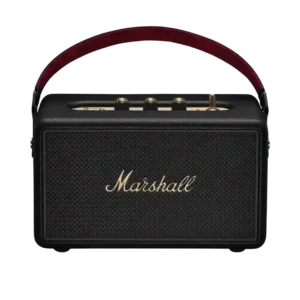
On-device controls are one of the most praised usability features, especially the tactile knobs, playback toggle, power switch, and direct adjustments without relying on the app.
Pros: Voice clarity, Bluetooth range
Cons: Multi-speaker pairing reliability, Inter-speaker connectivity

On-device controls were praised as complete and reliable, including direct buttons and touch controls that worked perfectly.
Pros: Price / value for money, On-device controls
Cons: Power bank function, Wired input
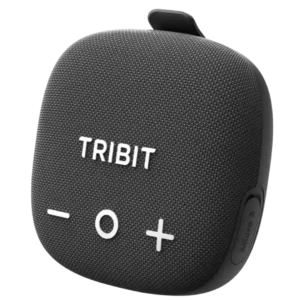
On-device controls were praised for covering core playback, Bluetooth, XBass, and TWS functions without always needing the app.
Pros: Stereo imaging accuracy, Setup simplicity
Cons: Wired input, Backwards compatibility
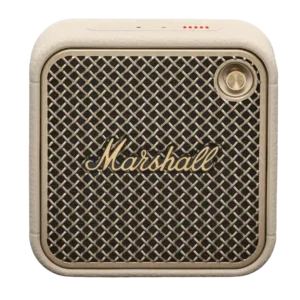
On-device controls were a clear strength, especially the Marshall joystick for playback, volume, and track changes.
Pros: Status indicators, Bluetooth connectivity
Cons: Wired input, Power bank function

The side volume knob and buttons are convenient, responsive, and cover the essentials. Their labels can be hard to see when the bar sits low beneath a screen.
Pros: Bluetooth range, optical
Cons: Home theater integration, Headphone output quality

On-device controls cover the essentials and add convenience alongside the remote, app, and voice options. The only real concern is the feel of touch-sensitive buttons.
Pros: On-device controls, Dynamic headroom
Cons: Multi-speaker pairing reliability, Inter-speaker connectivity

The physical playback, volume, Bluetooth, and Auracast controls are straightforward and dependable. Familiar JBL layouts help returning users operate it immediately.
Pros: Google, Latency with TV (lip sync)
Cons: Charging cable inclusion, Chromecast compatibility

Physical controls were easy to understand and useful for quick speaker, light, and karaoke adjustments without relying entirely on the app.
Pros: Latency with TV (lip sync), Setup simplicity
Cons: Multi-speaker pairing reliability, Audio format support

On-device controls were praised as simple, obvious, and satisfying, especially the large volume buttons and straightforward playback controls.
Pros: Google, Dust resistance rating
Cons: Wired input, Remote control usability
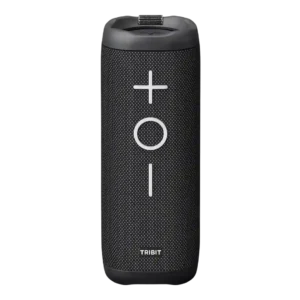
Physical controls were a highlight, with reviewers praising simple, large, visible, and easy-to-use buttons.
Pros: Cohesive presentation, Stereo imaging accuracy
Cons: Surround sound simulation, App reliability

On-device controls were praised as simple, big, and easy to use.
Pros: Bluetooth range, App reliability
Cons: Bluetooth codec support, Omnidirectional sound

The top-edge controls are easy to follow, supporting straightforward on-device operation.
Pros: Wired input, Latency with TV (lip sync)
Cons: Dust resistance rating, Water resistance rating
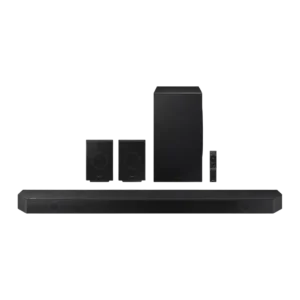
On-device controls received positive but limited evidence as useful when the remote is unavailable.
Pros: Soundstage height, Surround sound simulation
Cons: Chromecast compatibility, Google

On-device controls were praised in one review for working well directly on the unit.
Pros: Multi-speaker pairing reliability, Voice recognition accuracy
Cons: Bluetooth connectivity, Video passthrough support
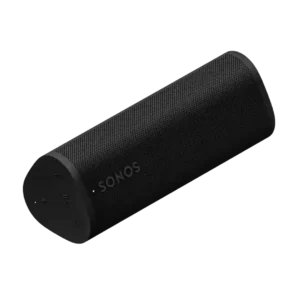
On-device controls were praised for tactile playback, volume and grouping functions, especially because they remain usable around water or without relying on the app.
Pros: Voice assistant responsiveness, Wi-Fi streaming reliability
Cons: Wired input, Float capability

Physical controls are straightforward and convenient for volume, input, playback, and switching speaker modes. They reduce dependence on the app for basic operation.
Pros: Chromecast compatibility, Spotify Connect reliability
Cons: Rear speaker cable length, Gaming HDMI passthrough
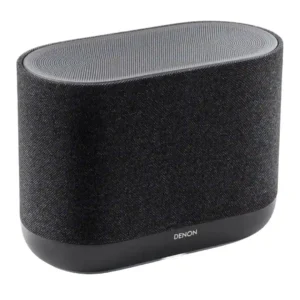
Physical controls are practical and generally well received, with side buttons for playback, volume, presets, Bluetooth, and voice-related functions. They make the speaker easier to use without digging through HEOS...
Pros: Dialogue clarity (for TV/soundbar use), Setup simplicity
Cons: Battery life (if portable), Water resistance rating

On-device controls are generally easy and intuitive, though one review criticizes missing previous/next track control.
Pros: Setup simplicity, Latency with TV (lip sync)
Cons: Speakerphone quality, Microphone

On-device controls are viewed positively, with easy-to-use playback controls and added track-skip behavior noted.
Pros: Google, Dust resistance rating
Cons: Backwards compatibility, Stereo imaging accuracy

On-device controls were mostly praised for responsiveness and convenience, but visibility outdoors drew one criticism.
Pros: Latency with TV (lip sync), Wi-Fi streaming reliability
Cons: Chromecast compatibility, Google

On-device controls were praised because key functions could be accessed manually without relying on the app.
Pros: Setup simplicity, Water resistance rating
Cons: Smart assistant integration (Alexa, Microphone
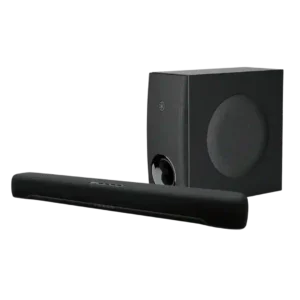
On-device and overall control options are considered clear and convenient where reviewers judged them.
Pros: Inter-speaker connectivity, Stereo imaging accuracy
Cons: Status indicators, Distortion at high volume
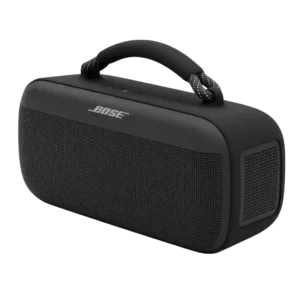
On-device controls were generally good, with praise for responsiveness and positive feel, though one reviewer missed backlighting.
Pros: Dust resistance rating, Low-volume performance
Cons: Charging time, Microphone

On-device controls are adequate-to-strong, with tactile/easy controls in positive reviews and only a mild complaint about button selection.
Pros: Setup simplicity, Bluetooth connection stability
Cons: Wired input, Power bank function
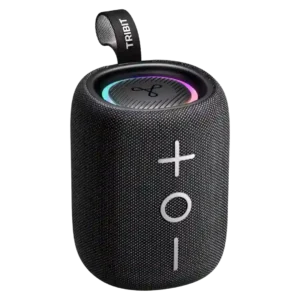
On-device controls were praised as tactile, easy to use, and logically arranged.
Pros: Multi-speaker pairing reliability, Drop resistance durability
Cons: Multipoint connectivity, Smart features
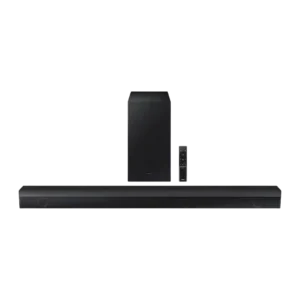
On-device controls were considered basic but useful and cleanly implemented.
Pros: Bluetooth connection stability, Value for money
Cons: Smart assistant integration (Alexa, Video passthrough support
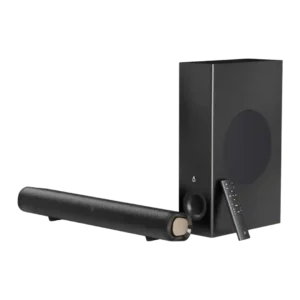
On-device controls are useful as backup basics, with reviewers appreciating physical buttons, though fuller control still depends on the remote.
Pros: Setup simplicity, Weight convenience
Cons: Smart features, Rear speaker cable length
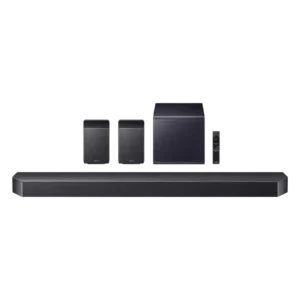
On-device controls are useful and accessible, though the strongest control praise tends to shift toward the app.
Pros: Multi-speaker pairing reliability, Gaming HDMI passthrough
Cons: Google, Cabinet construction / bracing
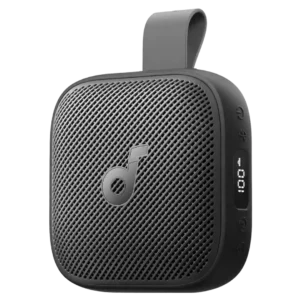
On-device controls were considered adequate to strong, especially when they let the user manage music or lights without pulling out a phone.
Pros: Smart features, Lighting effects
Cons: Speakerphone quality, Microphone

On-device controls are minimal but functional. Reviewers note the clean touch layout, while most deeper control still happens in the BluOS app.
Pros: Distortion at high volume, Loudness / maximum volume
Cons: Chromecast compatibility, Google
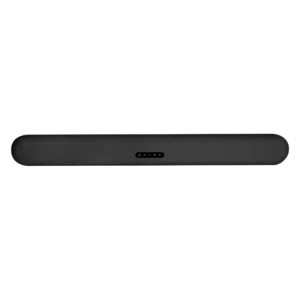
On-device controls received limited but positive evidence, with one reviewer calling the touch controls nice.
Pros: Distortion at high volume, Voice clarity
Cons: Spotify Connect reliability, Chromecast compatibility

On-device controls are praised in one review, which says Bose improved the physical button interface.
Pros: Everyday usability, Bluetooth range
Cons: LED lighting effects, Lighting effects

On-device controls are praised in limited evidence for looking elegant and integrating well with the speaker surface.
Pros: AirPlay compatibility, Chromecast compatibility
Cons: Spotify Connect reliability, Status indicators
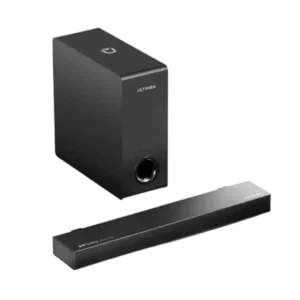
On-device controls were described positively as discreetly placed on the side of the soundbar.
Pros: Setup simplicity, Value for money
Cons: Design and build quality, Low-volume performance
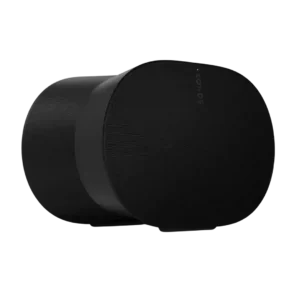
On-device controls were useful and modern, especially the volume slider, though one reviewer still preferred physical buttons.
Pros: Control button responsiveness, Smart features
Cons: Chromecast compatibility, Google
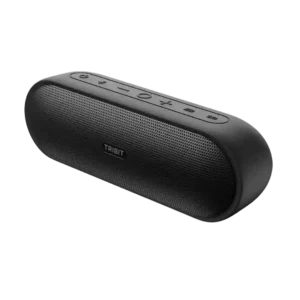
On-device controls are mostly useful and tactile, though repeated volume presses and hard-to-see buttons draw some criticism.
Pros: Latency with TV (lip sync), Price / value for money
Cons: Dust resistance rating, Bluetooth codec support
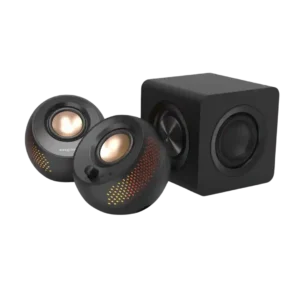
On-device controls were generally useful and tactile, but one reviewer found volume steps coarse and another wanted more sound-shaping control.
Pros: Bluetooth connection stability, Surround sound simulation
Cons: Bluetooth codec support, Audio format support
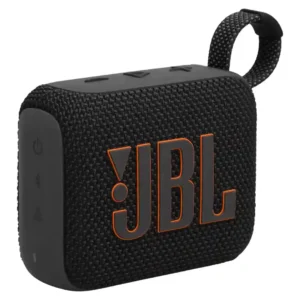
The top-mounted play, skip, and volume controls are simple and useful, with separate power and pairing buttons on the side. A few users found the activation area narrower than the...
Pros: Voice clarity, Multipoint connectivity
Cons: Cohesive presentation, Soundstage height
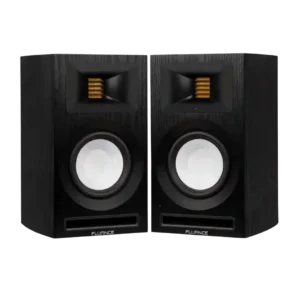
On-device controls were divisive: some found the top/rear volume control substantial and accessible, while others disliked its placement, speed, or learning curve.
Pros: Setup simplicity, Bluetooth connection stability
Cons: optical, Smart features

On-device controls are generally tactile and satisfying, though one reviewer criticizes the lack of a backward-skip control.
Pros: Latency with TV (lip sync), Setup simplicity
Cons: Smart assistant integration (Alexa, Speakerphone quality
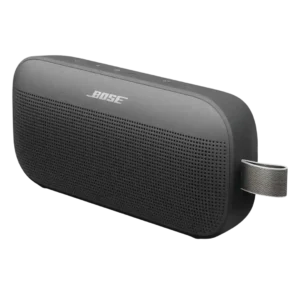
On-device controls were mixed, with praise for the programmable shortcut and clearer play/pause layout but criticism of touch navigation.
Pros: Bluetooth connection stability, Dust resistance rating
Cons: Wired input, Power bank function
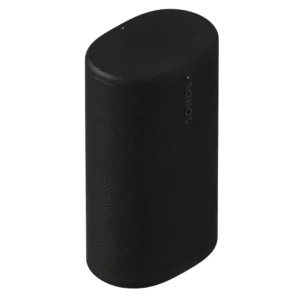
Physical controls are a mixed experience. Some reviewers prefer the tactile buttons, while others find the top controls visually disguised or dislike having the power/wake button on the back.
Pros: Dialogue clarity (for TV/soundbar use), Multi-speaker pairing reliability
Cons: Surround sound simulation, Protective case inclusion

Play, pause, volume, and separate assistant-volume options are useful, but the invisible touch targets make the controls less intuitive than physical buttons.
Pros: Wi-Fi streaming reliability, Inter-speaker connectivity
Cons: Wired input, Frequency response balance

Physical controls range from solid and clicky to awkward in the dark. Hidden button combinations for stereo and USB-C modes make advanced functions less intuitive.
Pros: Dialogue clarity (for TV/soundbar use), Multi-speaker pairing reliability
Cons: Power bank function, Float capability
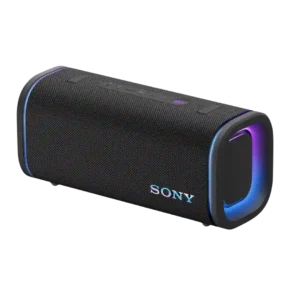
On-device controls cover the basics and are easy to find, but button sounds and rubbery feel create some usability complaints.
Pros: Latency with TV (lip sync), Multi-speaker pairing reliability
Cons: Energy efficiency, Amplifier power requirements
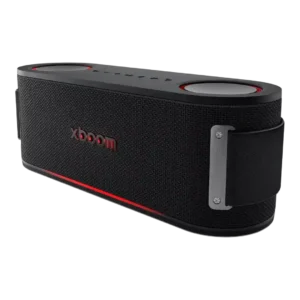
On-device controls were functional and convenient for some reviewers, but others disliked missing skip controls or hard-to-see buttons.
Pros: Dynamic headroom, Drop resistance durability
Cons: Privacy and data, Wired input