Sidetone control is unusually granular in software and is generally well-liked, though a few users report occasional quirks requiring a quick toggle/reset.
Sidetone is highlighted as a useful calling feature when available, feeding some of your own voice back naturally so you do not over-project. Not every review treats it as essential, but those who mention it tend to be positive.
Sidetone is mentioned as available for calls so you can hear yourself, but the control is basic compared with the best implementations. It is helpful, though not a headline feature.
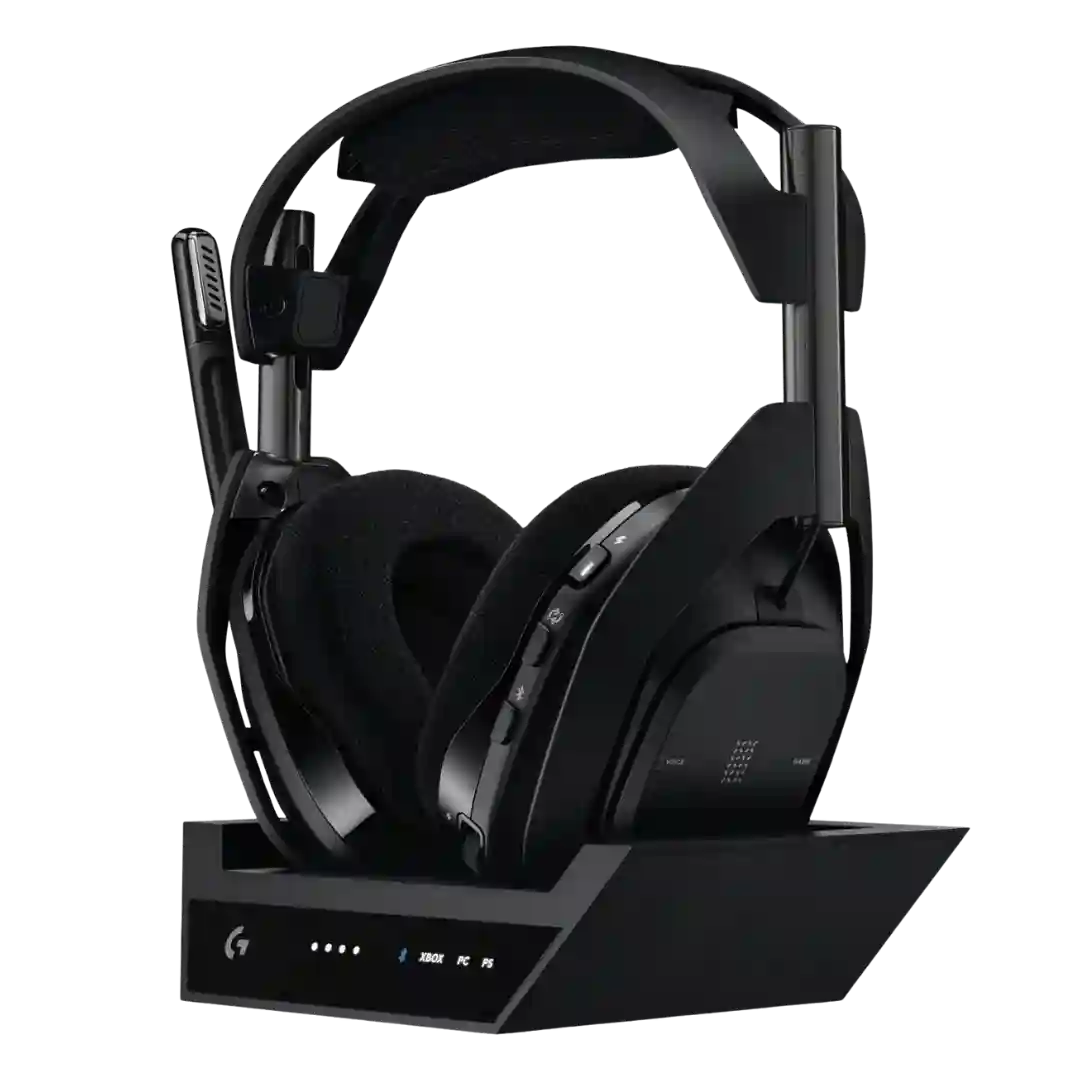
Sidetone is adjustable through the base station and software, helping you monitor your speaking volume. A few reviewers note it can still feel too quiet even at maximum.
Sidetone (mic monitoring) is available and adjustable; some like its clarity, while others find the default-on behavior odd until it is dialed back in the app.
Sidetone controls are useful for avoiding shouting and monitoring your own voice, and several reviews like having the adjustment available on the headset or in software. A few reviewers dislike the sidetone sound character or latency, so quality varies by preference and setup.
Mic monitoring/sidetone is adjustable and often described as hiss-free, but several reviewers found it too quiet unless set very high or noted it doesn’t feel especially strong.
Sidetone control exists but is not perfectly tuned out of the box, with reports of a low default level and a robotic quality when pushed too high. Many users will want to adjust it to a comfortable middle setting.
Sidetone/voice passthrough during calls is mentioned as an area for improvement, with at least one reviewer wanting clearer amplification of their own voice.
Mic-monitoring/sidetone-style modes are mixed: one reviewer reports a noticeable hiss when enabled, while others focus on its usefulness rather than its noise floor.
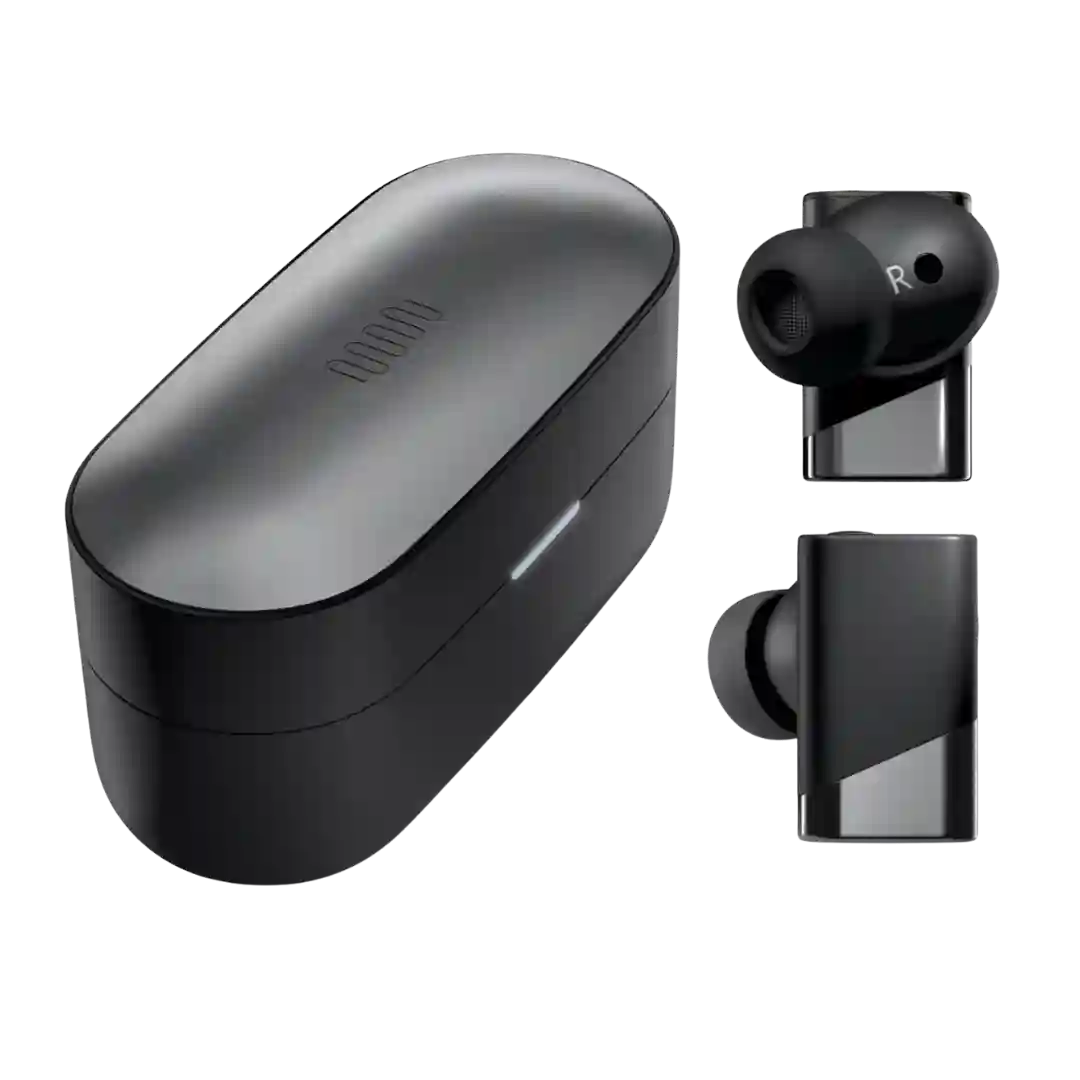
Sidetone coverage is inconsistent: one reviewer says the earbuds do not offer it, while another discusses sidetone-related settings or modes, suggesting either unclear terminology or different behavior depending on mode and platform.