Best for typing comfort
Corsair K70 Core
4.8 feature score
Highest scored product for this feature based on supporting review evidence.
Highest scored product for this feature based on supporting review evidence.
Balances feature score, supporting reviews, and overall product strength.
Has the broadest review evidence for this feature.
Strongest overall product among items with scored evidence for this feature.
Showing Corsair only. Switch back to all brands anytime.
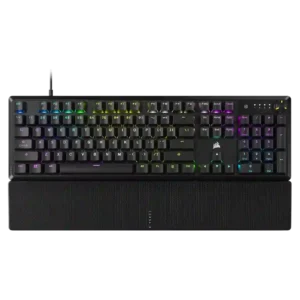
Typing comfort was strongly positive where discussed, with reviewers describing the board as comfortable or useful for long work sessions.
Pros: per-key lighting control, compatibility
Cons: ease of switch replacement, hot-swappable switches
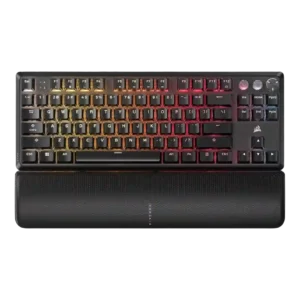
Typing comfort was mostly positive when reviewers discussed comfortable keycaps, wrist support, and long typing sessions.
Pros: per-key lighting control, key responsiveness
Cons: ease of switch replacement, battery life
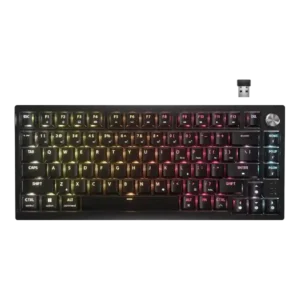
Typing comfort was mostly praised over long sessions, but some reviewers found the edge angle or lack of wrist rest uncomfortable.
Pros: latency, durability
Cons: legend visibility, rapid trigger support
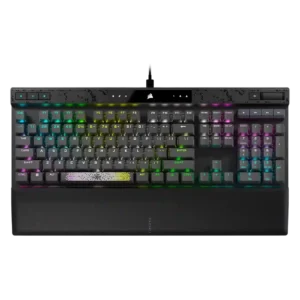
Typing comfort was often good thanks to the wrist rest and smooth keys, but fatigue and loudness made it less ideal for some long typing sessions.
Pros: reliability, key responsiveness
Cons: desk space efficiency, wireless performance
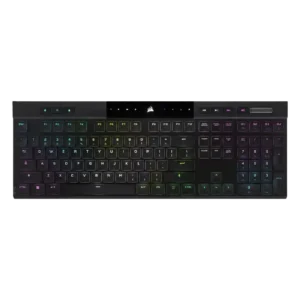
Typing comfort was usually strong, with many reviewers saying it was comfortable for long sessions, though some needed adjustment or felt fatigue initially.
Pros: backlight brightness, actuation consistency
Cons: sound dampening, stabilizer quality
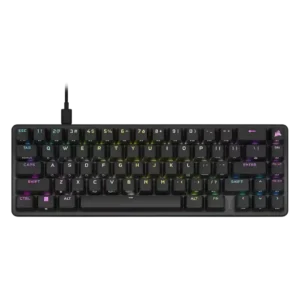
Typing comfort was positive for one reviewer using the OPX switches but another found typing less satisfying than gaming.
Pros: volume control, key responsiveness
Cons: wireless performance, wrist rest quality
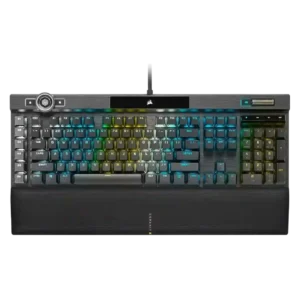
Typing comfort is mixed: some find the K100 comfortable after adjustment, while others call the sensitive switches unforgiving or not for all typists.
Pros: actuation consistency, key stability
Cons: hot-swappable switches, switch options
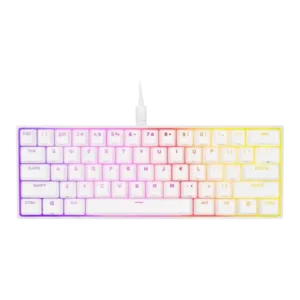
Typing comfort varied widely, from comfortable bottoming-out for some to mispresses, heavy-typing fatigue, and typo-prone adjustment for others.
Pros: desk space efficiency, frame rigidity
Cons: sound dampening, ease of switch replacement