Best for typing comfort
be quiet! Dark Mount
5.0 feature score
Highest scored product for this feature based on supporting review evidence.
Highest scored product for this feature based on supporting review evidence.
Balances feature score, supporting reviews, and overall product strength.
Has the broadest review evidence for this feature.
Strongest overall product among items with scored evidence for this feature.
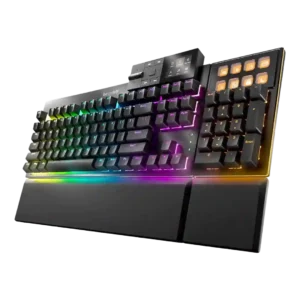
Typing comfort was strongly positive, with reviewers calling the board soft, cushioned, comfortable, and suitable for long writing sessions.
Pros: key stability, per-key lighting control
Cons: analog input support, wireless performance

Typing comfort was praised for low fatigue, productivity gains, and faster-feeling typing once actuation was tuned.
Pros: cable quality, typing comfort
Cons: portability, switch options
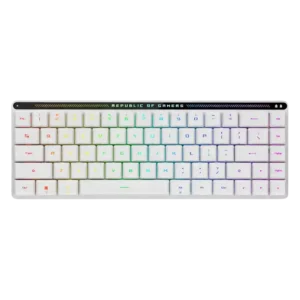
Typing comfort is very positive in the limited evidence, with reviewers describing long typing as joyful and non-cramping.
Pros: reliability, typing comfort
Cons: cable quality, wrist rest quality
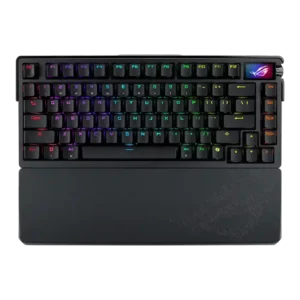
Typing comfort was a major strength, with reviewers calling it excellent for work, comfortable, and satisfying over extended use.
Pros: key spacing, reliability
Cons: rapid trigger support, analog input support
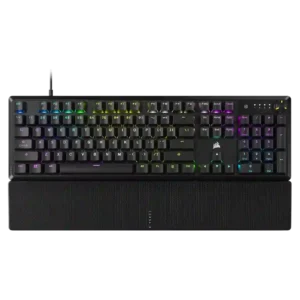
Typing comfort was strongly positive where discussed, with reviewers describing the board as comfortable or useful for long work sessions.
Pros: per-key lighting control, compatibility
Cons: ease of switch replacement, hot-swappable switches
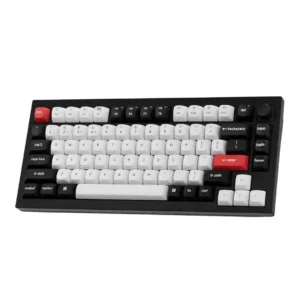
Typing comfort is very strong, with reviewers praising long-session comfort, reduced fatigue, and comfortable typing feel.
Pros: key stability, frame rigidity
Cons: profile management, reliability
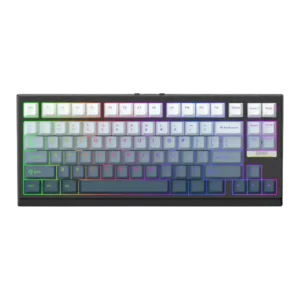
Typing comfort was consistently strong, with reviewers reporting comfort during long typing sessions and little to no discomfort.
Pros: desk space efficiency, layout options
Cons: compatibility

Typing comfort was consistently positive, with reviewers reporting no fatigue, comfortable keycaps, and a satisfying all-day typing experience.
Pros: build quality, extra gaming features
Cons: switch options, hot-swappable switches
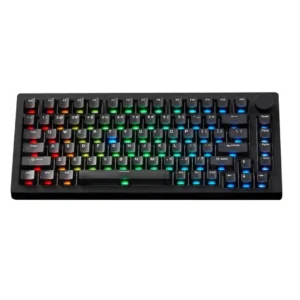
Typing comfort is positive overall, with reviewers calling it comfortable, accurate, pleasant for daily use, or a joy to type on.
Pros: switch options, hot-swappable switches
Cons: portability, cable quality
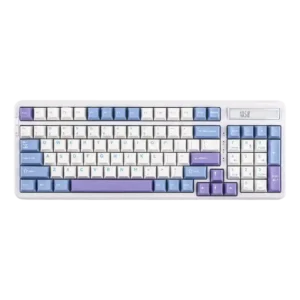
Typing comfort was strongly praised, especially for long sessions, office work and cushioned typing.
Pros: ease of switch replacement, typing feel
Cons: key spacing, layout options
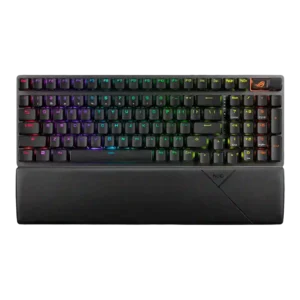
Typing comfort is very strong overall, with reviewers reporting comfortable long sessions, pleasant typing, and reduced hand strain.
Pros: per-key lighting control, wireless performance
Cons: rapid trigger support, analog input support
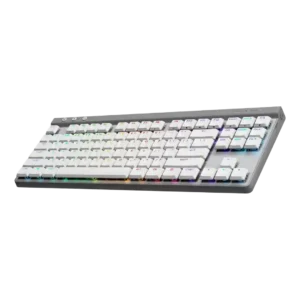
Typing comfort was a major strength, with reviewers adapting quickly and reporting comfortable, accurate, or error-free work sessions.
Pros: latency, wireless performance
Cons: rapid trigger support, ease of switch replacement
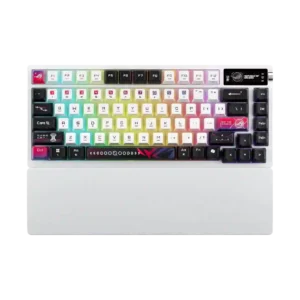
Typing comfort was strong, with reviewers describing long sessions as comfortable, pleasant, and easy.
Pros: latency, wireless performance
Cons: rapid trigger support, analog input support
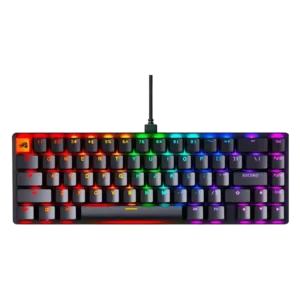
Typing comfort was strong, with reviewers citing low fatigue, smoothness, and easy adjustment during long writing or daily use.
Pros: compatibility, key responsiveness
Cons: wrist rest quality, key spacing
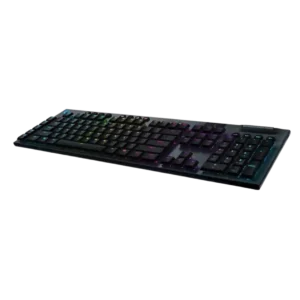
Typing comfort is a strong point thanks to the low profile, stable feel, and reduced wrist angle.
Pros: latency, polling rate
Cons: passthrough features, cable quality
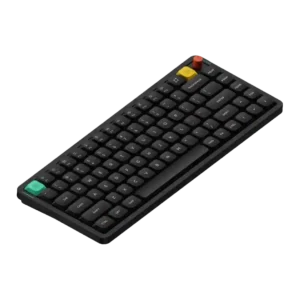
Typing comfort was a repeated strength for long sessions, with reviewers describing it as comfortable and pleasant to use.
Pros: key responsiveness, typing feel
Cons: per-key lighting control, legend visibility
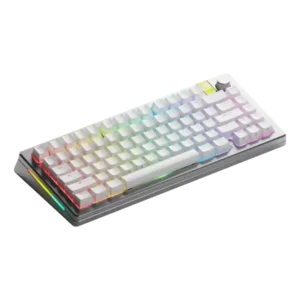
Typing comfort was a clear positive, with reviewers praising the typing angle, overall typing experience, and satisfying use.
Pros: materials quality, customization options
Cons: reliability, actuation consistency
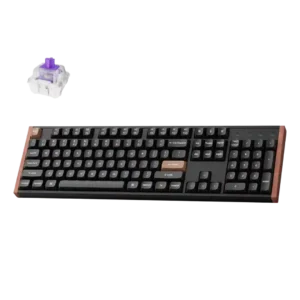
Typing comfort was praised for comfortable work use, a very good in-hand feel, and smooth typing comfort.
Pros: wireless performance, key responsiveness
Cons: switch options, desk space efficiency
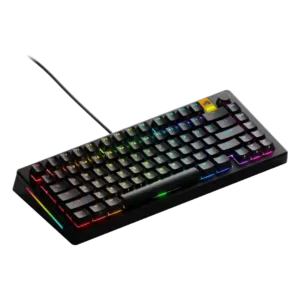
Typing comfort was generally favorable, helped by accurate typing, cushioning, and satisfying feedback, especially with preferred switches.
Pros: RGB lighting quality, layout options
Cons: frame rigidity, value for money
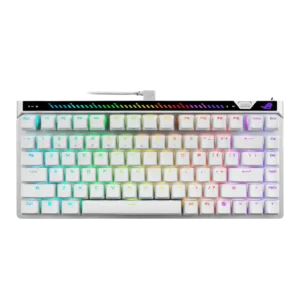
Typing comfort was positive, with reviewers mentioning low fatigue and comfortable long-session use.
Pros: key responsiveness, latency
Cons: analog input support, wrist rest quality
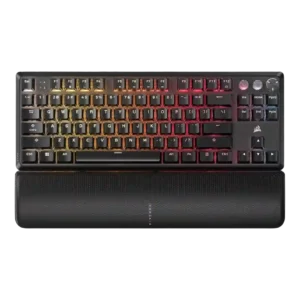
Typing comfort was mostly positive when reviewers discussed comfortable keycaps, wrist support, and long typing sessions.
Pros: per-key lighting control, key responsiveness
Cons: ease of switch replacement, battery life
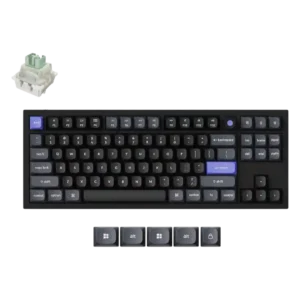
The shaped keycaps were praised for improving typing comfort.
Pros: key responsiveness, polling rate
Cons: switch options, portability
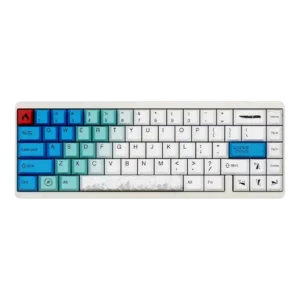
Typing comfort was praised in limited evidence, especially for long typing sessions.
Pros: durability, key responsiveness
Cons: reliability, RGB customization
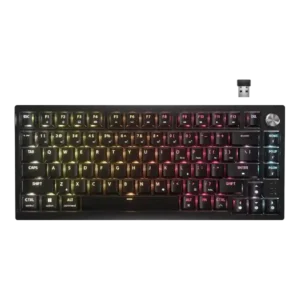
Typing comfort was mostly praised over long sessions, but some reviewers found the edge angle or lack of wrist rest uncomfortable.
Pros: latency, durability
Cons: legend visibility, rapid trigger support
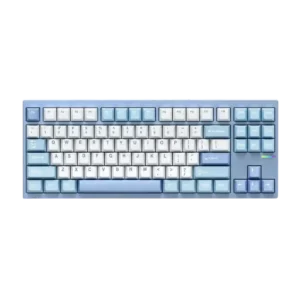
Typing comfort was praised across reviews for its bouncy gasket feel, smooth typing, and balanced flex, though one reviewer found it slightly firm.
Pros: value for money, customization options
Cons: cable quality, portability
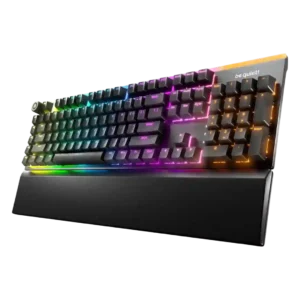
Typing comfort is strong thanks to quiet switches, cushioned feel, supportive rest, and low-fatigue long-session use.
Pros: ease of switch replacement, acoustics
Cons: rapid trigger support, analog input support
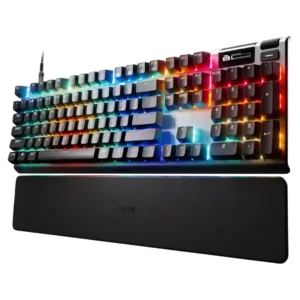
Typing comfort was often excellent for long writing sessions, but TechRadar disliked the taller keycap typing experience.
Pros: key responsiveness, durability
Cons: passthrough features, analog input support
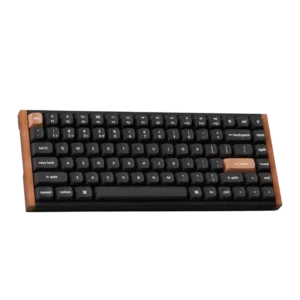
Typing comfort was usually positive thanks to smooth switches and low fatigue, but height caused discomfort for some reviewers.
Pros: wrist rest quality, onboard memory
Cons: per-key lighting control, switch options
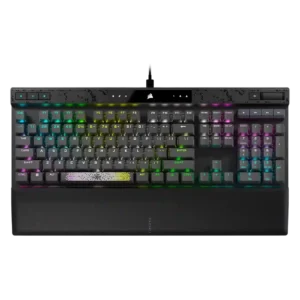
Typing comfort was often good thanks to the wrist rest and smooth keys, but fatigue and loudness made it less ideal for some long typing sessions.
Pros: reliability, key responsiveness
Cons: desk space efficiency, wireless performance
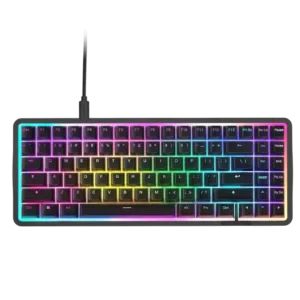
Typing comfort was usually praised for pleasant long-session use, but some reviewers disliked the keycap feel or missing layout features.
Pros: latency, acoustics
Cons: passthrough features, wireless performance
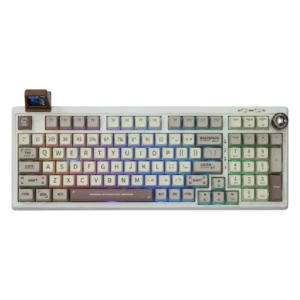
Typing comfort is highly praised when users like the switch profile, but tall MDA caps and light switches are uncomfortable for some reviewers.
Pros: noise level, acoustics
Cons: rapid trigger support, actuation consistency

Typing comfort was mostly positive for key shape and feel, but one reviewer noted hand fatigue from the heavier press.
Pros: key stability, frame rigidity
Cons: portability, switch options
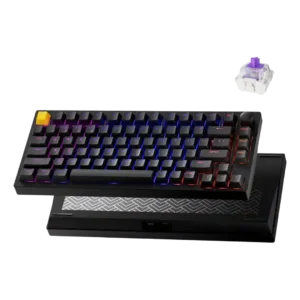
Typing comfort was praised due to light switch force, lower fatigue, and a more cushioned productivity feel.
Pros: frame rigidity, stabilizer quality
Cons: per-key lighting control, RGB customization
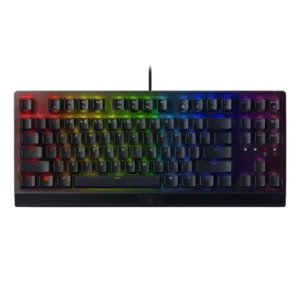
Typing comfort was mostly positive, with reviewers praising easy, enjoyable typing, but some slowed down or needed the wrist rest for longer sessions.
Pros: latency, durability
Cons: sound dampening, passthrough features
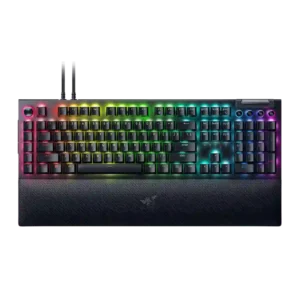
Typing comfort was generally strong when switches and wrist rest suited the reviewer, though one Green-switch reviewer wanted more cushioning for long writing.
Pros: key stability, ease of switch replacement
Cons: compatibility, battery life
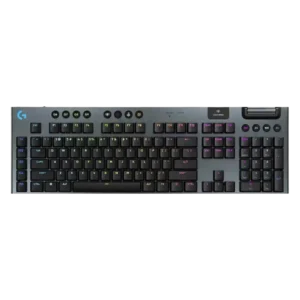
Typing comfort was generally positive for low-profile use and long sessions, but cramped layout, shallow angle, and enthusiast feel concerns created mixed opinions.
Pros: stabilizer quality, latency
Cons: ease of switch replacement, hot-swappable switches
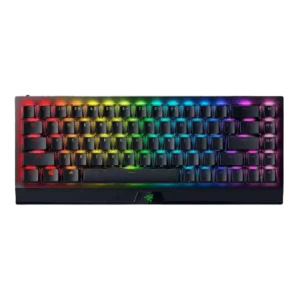
Typing comfort was mostly positive once users adjusted, but prolonged work, cramped keys, and wrist fatigue produced mixed evidence.
Pros: per-key lighting control, backlight brightness
Cons: passthrough features, compatibility
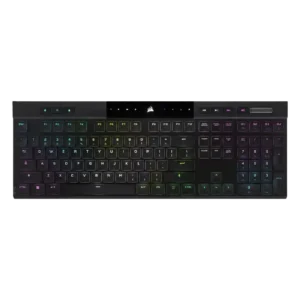
Typing comfort was usually strong, with many reviewers saying it was comfortable for long sessions, though some needed adjustment or felt fatigue initially.
Pros: backlight brightness, actuation consistency
Cons: sound dampening, stabilizer quality
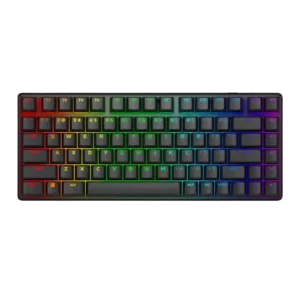
Typing comfort was mostly positive for longer sessions, but not universal, with one reviewer finding the stroke too long for their productivity preference.
Pros: key stability, backlight brightness
Cons: rapid trigger support, wrist rest quality
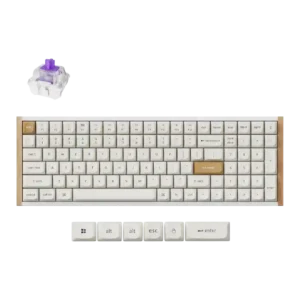
Typing comfort was mixed: several reviewers loved the layout and long-session feel, while others lost speed or preferred different switches for typing.
Pros: durability, rapid trigger support
Cons: per-key lighting control, stabilizer quality
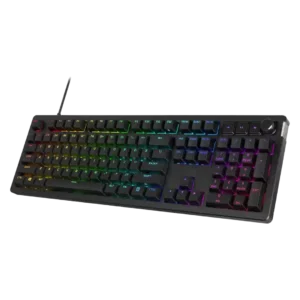
Typing comfort is usually strong thanks to softness and reduced fatigue, but some reviewers found the board harsh or palm pressure problematic.
Pros: compatibility, legend visibility
Cons: wrist rest quality, cable quality
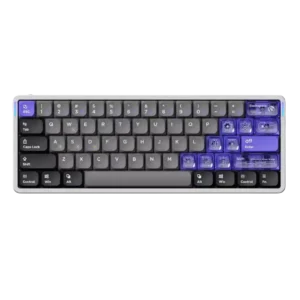
Typing comfort was praised by some reviewers as excellent, but others reported accuracy issues from the flat/light low-profile feel.
Pros: frame rigidity, rapid trigger support
Cons: switch options, legend visibility
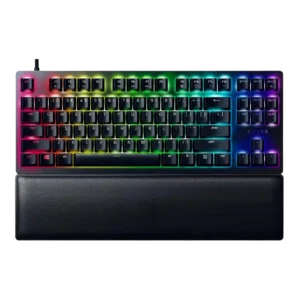
Typing comfort depended on switch feel: several reviewers liked extended typing comfort, while one found the dampened bottom-out painful.
Pros: key stability, per-key lighting control
Cons: stabilizer quality, media controls
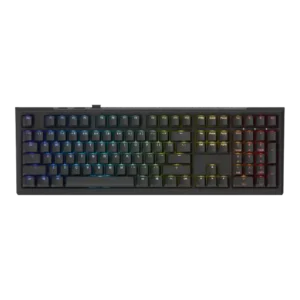
Typing comfort was generally strong, especially for long sessions, though one full-size reviewer felt strain during typing-heavy workdays.
Pros: typing feel, key stability
Cons: profile management, wrist rest quality
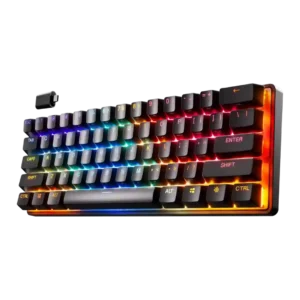
Typing comfort was polarized: some reviewers found long sessions or on-the-go writing comfortable, while others reported typos or discomfort from the tiny layout.
Pros: latency, key responsiveness
Cons: hot-swappable switches, ease of switch replacement
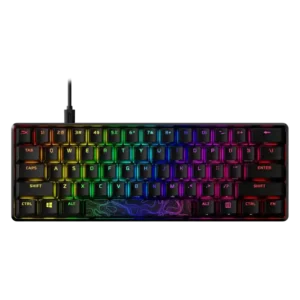
Typing comfort is mixed but generally favorable, with several reviewers enjoying daily typing while others note sensitivity or wrist comfort issues.
Pros: latency, actuation consistency
Cons: ease of switch replacement, reliability
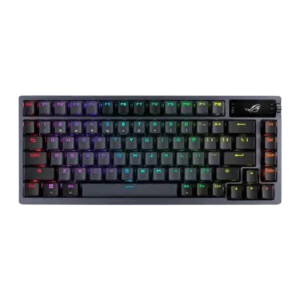
Typing comfort was mostly positive, especially for quiet office/home use and pleasant daily typing, but one reviewer struggled with typos.
Pros: durability, wireless performance
Cons: passthrough features, onboard memory
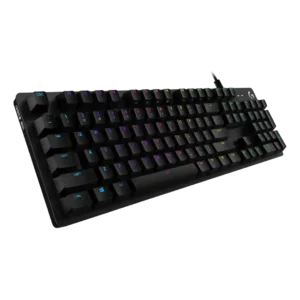
Typing comfort is mixed: several reviewers typed comfortably, but one strongly disliked the tiring Romer-G feel.
Pros: key spacing, key responsiveness
Cons: reliability, connectivity
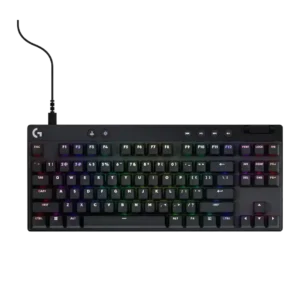
Typing comfort is generally good after adjustment, helped by PBT texture and familiar switch feel, but compact layouts can hurt comfort.
Pros: durability, per-key lighting control
Cons: noise level, sound dampening
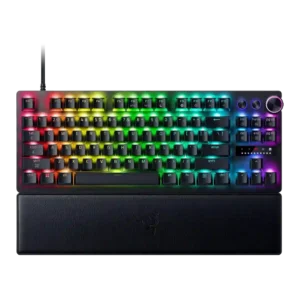
Typing comfort was mixed, with some reviewers finding the board comfortable or a good all-rounder and others not enjoying long typing sessions.
Pros: key responsiveness, actuation consistency
Cons: switch options, hot-swappable switches