Best for software quality
Corsair K65 RGB MINI
4.4 feature score
Highest scored product for this feature based on supporting review evidence.
Highest scored product for this feature based on supporting review evidence.
Balances feature score, supporting reviews, and overall product strength.
Has the broadest review evidence for this feature.
Strongest overall product among items with scored evidence for this feature.
Showing Corsair only. Switch back to all brands anytime.
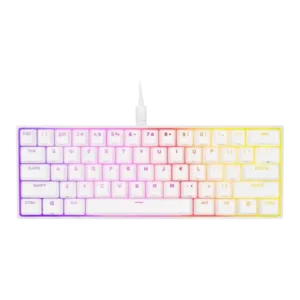
Software quality was a strong point overall, with reviewers praising iCUE's customization depth, clearer interface, and hardware/software profile support.
Pros: desk space efficiency, frame rigidity
Cons: sound dampening, ease of switch replacement
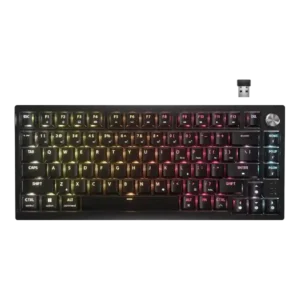
Software feedback was mostly positive for iCUE’s options and ease, but reviewers also cited limited dial control, hardware-profile limits, and occasional dependence on software.
Pros: latency, durability
Cons: legend visibility, rapid trigger support
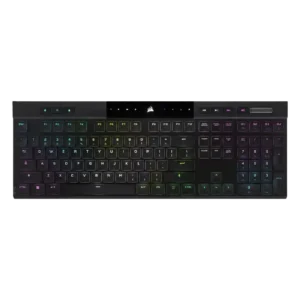
iCUE was usually praised for power and depth, but a few reviewers found it complex, resource-heavy, or not ideal.
Pros: backlight brightness, actuation consistency
Cons: sound dampening, stabilizer quality
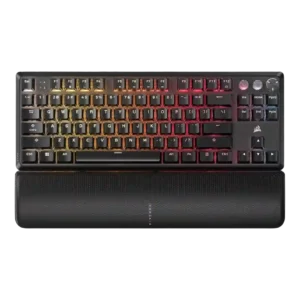
Software quality was generally positive, with iCUE praised for depth and control, though some reviewers found it confusing, heavy, or occasionally frustrating.
Pros: per-key lighting control, key responsiveness
Cons: ease of switch replacement, battery life
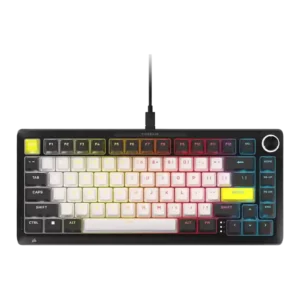
Software opinions were split: several reviewers praised Web Hub as polished, easy, or powerful, while others found iCUE/Web Hub frustrating, dense, sluggish, or limited.
Pros: per-key lighting control, durability
Cons: portability, noise level
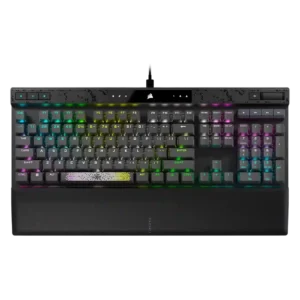
Software quality was polarizing: several reviewers found iCUE powerful, clear, or easy enough, while others called it messy or harder than it should be.
Pros: reliability, key responsiveness
Cons: desk space efficiency, wireless performance
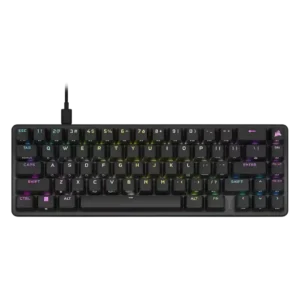
Software reactions were mixed, ranging from clean and easy iCUE setup to clunky behavior, crashes, complexity, and frequent-update complaints.
Pros: volume control, key responsiveness
Cons: wireless performance, wrist rest quality
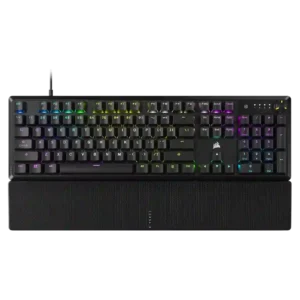
Software quality was mixed: iCUE was powerful and sometimes easy, but several reviewers called it convoluted, complicated, or difficult for newcomers.
Pros: per-key lighting control, compatibility
Cons: ease of switch replacement, hot-swappable switches
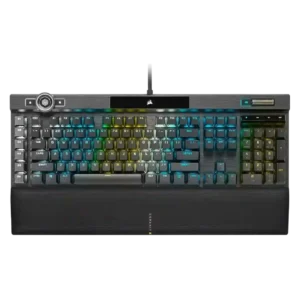
Software quality is the most divisive area, combining deep iCue functionality with repeated complaints about clunkiness, confusing workflows, and tedious setup.
Pros: actuation consistency, key stability
Cons: hot-swappable switches, switch options