Best for handedness options
Corsair M75 Wireless
4.7 feature score
Highest scored product for this feature based on supporting review evidence.
Highest scored product for this feature based on supporting review evidence.
Balances feature score, supporting reviews, and overall product strength.
Has the broadest review evidence for this feature.
Strongest overall product among items with scored evidence for this feature.
Showing Corsair only. Switch back to all brands anytime.
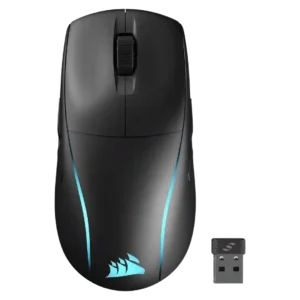
Handedness support is the standout consensus strength, with many reviews highlighting true ambidextrous use and left-handed side buttons.
Pros: motion consistency, connection stability
Cons: tilt gesture controls, water and dust resistance
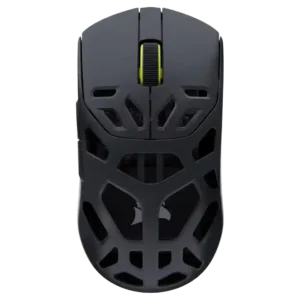
Handedness support is based on the safe symmetrical/ambidextrous shape, though the evidence does not establish true left-handed button symmetry.
Pros: Accuracy and tracking precision, build quality
Cons: RGB features, debounce customization
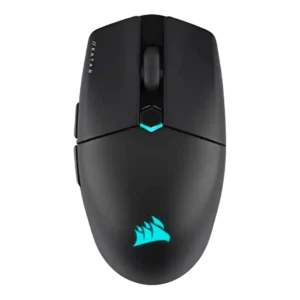
Handedness support is mixed: the body is often described as ambidextrous or nearly so, but side-button placement still favors right-handed use.
Pros: balance and weight distribution, software stability
Cons: MMO gaming suitability, durability over time
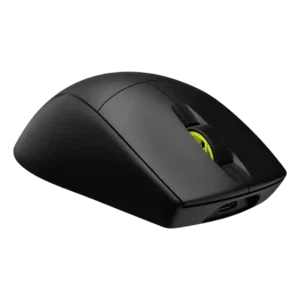
Handedness is a weakness for the M75 Air because the symmetrical shape still uses left-side buttons, making it primarily right-handed; one regular M75 review differs.
Pros: click latency, wireless latency
Cons: weight tuning, skate durability
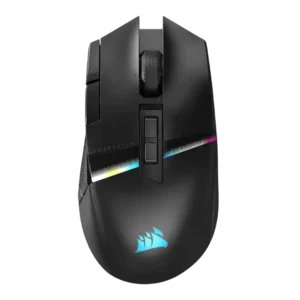
Handedness support is limited because reviewers described it as right-handed and explicitly warned left-handed gamers away.
Pros: programmable buttons, DPI range
Cons: handedness options, cable flexibility
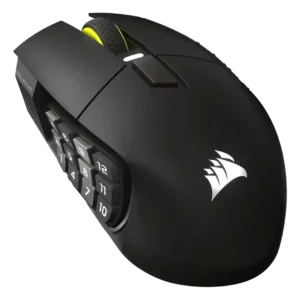
Handedness is limited because the available review evidence describes it as a right-handed mouse without left-handed options.
Pros: macro support, click latency
Cons: dock compatibility, firmware reliability
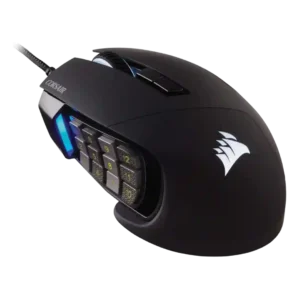
Handedness options were poor because reviewers repeatedly identified the mouse as right-handed or unusable for left-handed gamers.
Pros: programmable buttons, build quality
Cons: handedness options, tilt gesture controls