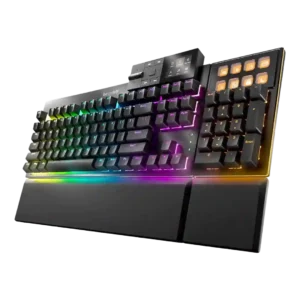
Typing comfort was strongly positive, with reviewers calling the board soft, cushioned, comfortable, and suitable for long writing sessions.
Pros: key stability, per-key lighting control
Cons: analog input support, wireless performance
Typing comfort was strongly positive, with reviewers calling the board soft, cushioned, comfortable, and suitable for long writing sessions.
Pros: key stability, per-key lighting control
Cons: analog input support, wireless performance
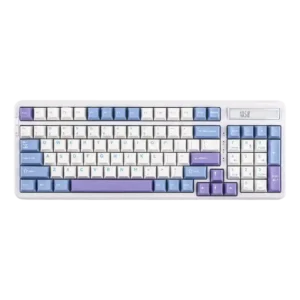
Typing comfort was strongly praised, especially for long sessions, office work and cushioned typing.
Pros: ease of switch replacement, typing feel
Cons: key spacing, layout options
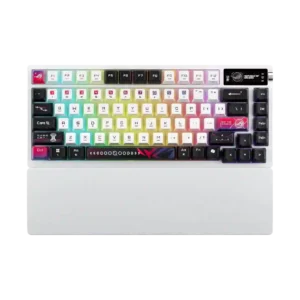
Typing comfort was strong, with reviewers describing long sessions as comfortable, pleasant, and easy.
Pros: latency, wireless performance
Cons: rapid trigger support, analog input support
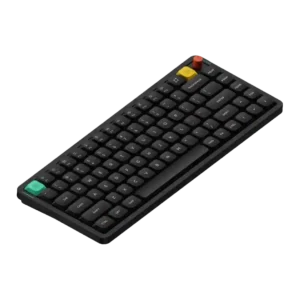
Typing comfort was a repeated strength for long sessions, with reviewers describing it as comfortable and pleasant to use.
Pros: key responsiveness, typing feel
Cons: per-key lighting control, legend visibility
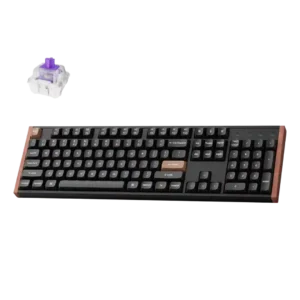
Typing comfort was praised for comfortable work use, a very good in-hand feel, and smooth typing comfort.
Pros: wireless performance, key responsiveness
Cons: switch options, desk space efficiency
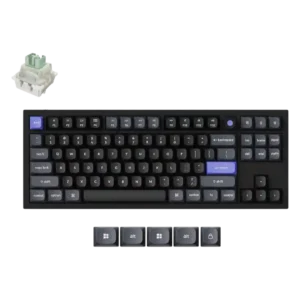
The shaped keycaps were praised for improving typing comfort.
Pros: key responsiveness, polling rate
Cons: switch options, portability
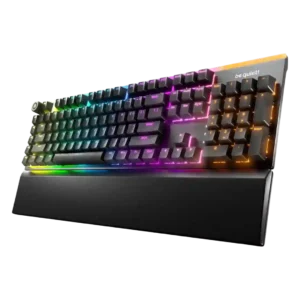
Typing comfort is strong thanks to quiet switches, cushioned feel, supportive rest, and low-fatigue long-session use.
Pros: ease of switch replacement, acoustics
Cons: rapid trigger support, analog input support
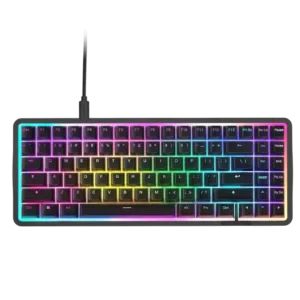
Typing comfort was usually praised for pleasant long-session use, but some reviewers disliked the keycap feel or missing layout features.
Pros: latency, acoustics
Cons: passthrough features, wireless performance

Typing comfort was mostly positive for key shape and feel, but one reviewer noted hand fatigue from the heavier press.
Pros: key stability, frame rigidity
Cons: portability, switch options
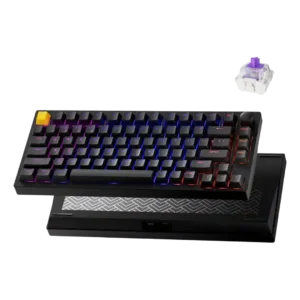
Typing comfort was praised due to light switch force, lower fatigue, and a more cushioned productivity feel.
Pros: frame rigidity, stabilizer quality
Cons: per-key lighting control, RGB customization
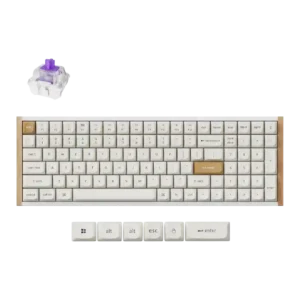
Typing comfort was mixed: several reviewers loved the layout and long-session feel, while others lost speed or preferred different switches for typing.
Pros: durability, rapid trigger support
Cons: per-key lighting control, stabilizer quality
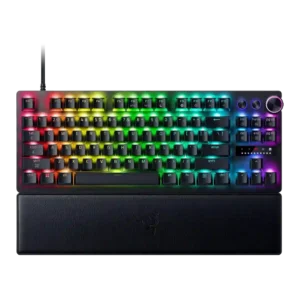
Typing comfort was mixed, with some reviewers finding the board comfortable or a good all-rounder and others not enjoying long typing sessions.
Pros: key responsiveness, actuation consistency
Cons: switch options, hot-swappable switches
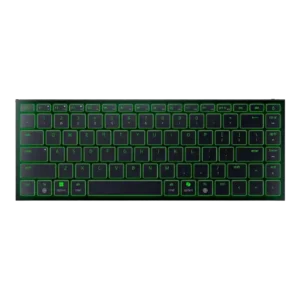
Typing comfort ranged from comfortable long writing sessions to fatigue and frustration, mostly depending on angle and layout tolerance.
Pros: frame rigidity, size and form factor
Cons: sound dampening, per-key lighting control
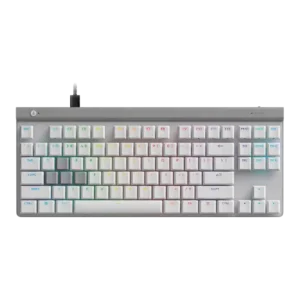
Typing comfort was highly preference-dependent, ranging from smooth and comfortable for long sessions to too soft or uncomfortable for extended productivity.
Pros: key responsiveness, ergonomics
Cons: wireless performance, volume control
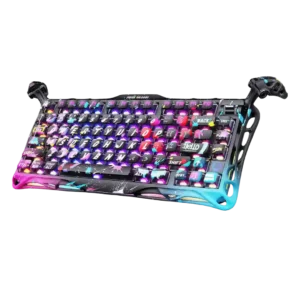
Typing comfort was acceptable but not excellent in one review, mainly because the keycap feel limited the experience.
Pros: legend visibility, key responsiveness
Cons: connectivity, cable quality