Best for side button quality
SteelSeries Aerox 3 Wireless Gen 2
3.9 feature score
Highest scored product for this feature based on supporting review evidence.
Highest scored product for this feature based on supporting review evidence.
Balances feature score, supporting reviews, and overall product strength.
Has the broadest review evidence for this feature.
Strongest overall product among items with scored evidence for this feature.
Showing SteelSeries only. Switch back to all brands anytime.

Side button feedback was mixed: several reviewers liked the improved feel and reach, while others found them too long or easy to hit accidentally.
Pros: click latency, motion consistency
Cons: palm grip comfort, fingertip grip comfort

Side button quality was mixed, ranging from thin and less premium to easily accessible and functional.
Pros: connection stability, left and right click quality
Cons: palm grip comfort, profile switching

Side button quality was the most divided attribute: some found the grid tactile and easy, while others found it cramped, stiff, or hard to distinguish.
Pros: motion consistency, surface compatibility
Cons: onboard memory, handedness options
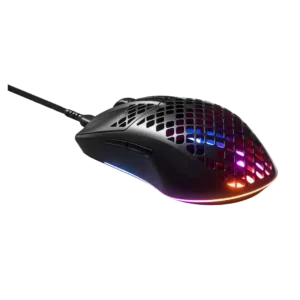
Side-button feedback ranged from sharp, uncomfortable buttons to comfortable placement with no accidental activation.
Pros: click latency, acceleration control
Cons: palm grip comfort, onboard memory
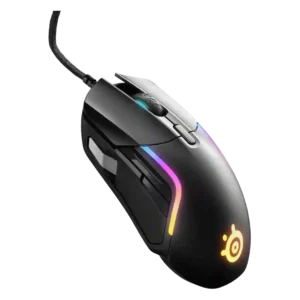
Side-button quality was the most divisive area: some liked the paddle or natural placement, while many struggled with the front/silver button or crowded layout.
Pros: switch durability, surface compatibility
Cons: weight tuning, portability

Side button quality was the most repeated ergonomic issue, especially the forward button and up/down rocker being hard to reach or actuate.
Pros: motion consistency, connection stability
Cons: weight tuning, fingertip grip comfort

Side buttons were the most repeated control complaint, often described as thin, finicky, hard to hit, or easy to mis-click, though one reviewer found them improved.
Pros: build quality, ergonomic design
Cons: handedness options, RGB features
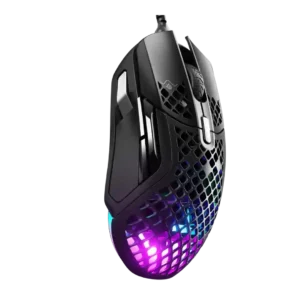
Side button quality was the most divisive area: some found the buttons natural and reachable, while others reported narrow, uncomfortable, or misclick-prone controls.
Pros: glide smoothness, click latency
Cons: handedness options, DPI range
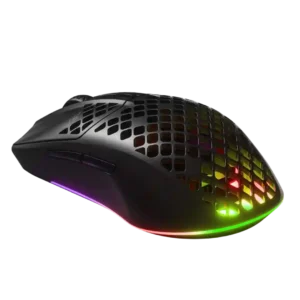
Side buttons were the most consistent control complaint, often described as too slim, cheap-feeling, mushy, or easy to misclick.
Pros: Accuracy and tracking precision, surface compatibility
Cons: firmware reliability, palm grip comfort