If you want better long-session comfort
Choose Logitech G203 LightSync. It scores 4.6 vs 4.3 for long-session comfort, with a 4.1 overall score.
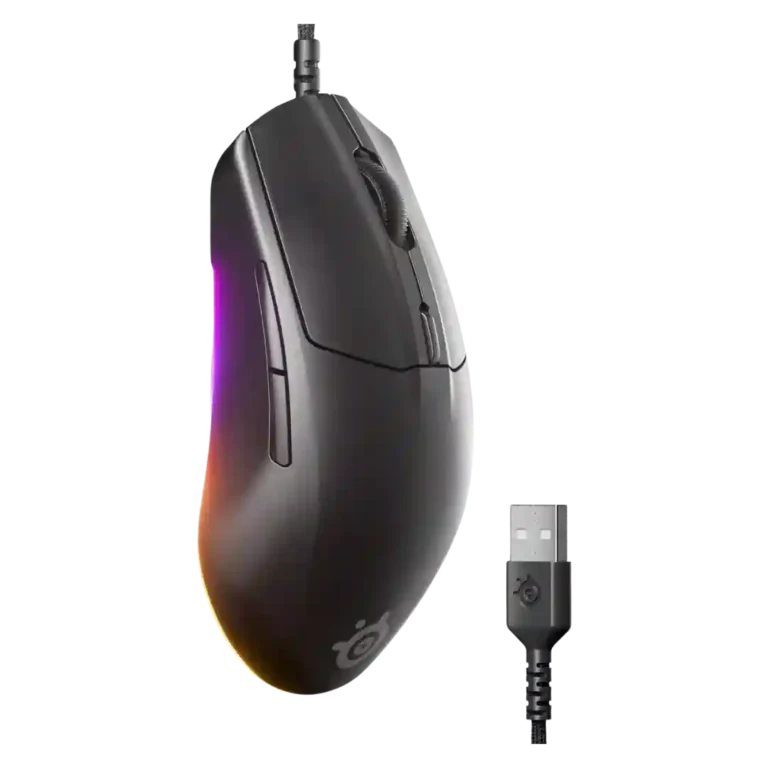
Choose the SteelSeries Rival 3 Gen 2 Wired for a cheap, light gaming mouse with smooth glide, responsive clicks, and useful RGB. Skip it if you need palm-grip contouring, premium side buttons, or cleaner software.
Best for budget-focused PC gamers who use claw or fingertip grips and want a light wired mouse with responsive clicks, smooth glide, useful RGB, and dependable FPS performance.
Not for users who need a palm-filling sculpted shape, premium side buttons, ultra-high polling/DPI specs, wireless features, or a cleaner software experience.
The SteelSeries Rival 3 Gen 2 Wired comes across as a budget mouse that nails the basics: reviewers repeatedly praised its price, light 77g feel, flexible braided cable, responsive primary clicks, smooth PTFE glide, and dependable FPS performance. The tradeoff is that it is intentionally simple rather than premium. Its 8,500 DPI sensor and 1,000Hz polling rate were generally enough for normal competitive play, but not as advanced as higher-end mice. Comfort also depends on grip style: claw and fingertip users fared well, while palm-grip users and those wanting deeper contours may be disappointed. SteelSeries GG adds useful customization, though several reviewers found the software cluttered or unintuitive.
Compared with other Gaming Mice, this product is above average in cable flexibility, value for money, RGB features, near average in sensor performance, DPI range, below average in palm grip comfort, premium feel, profile switching.
| Attribute | This product | Category average | Difference |
|---|---|---|---|
| palm grip comfort | 2.3 | 3.9 | -1.6 |
| cable flexibility | 4.6 | 3.6 | +1.0 |
| value for money | 4.6 | 3.7 | +0.9 |
| premium feel | 3.2 | 4.0 | -0.9 |
| RGB features | 4.4 | 3.6 | +0.8 |
| fingertip grip comfort | 4.5 | 3.7 | +0.8 |
| software stability | 3.8 | 3.0 | +0.8 |
| profile switching | 3.0 | 3.8 | -0.8 |
Choose Logitech G203 LightSync. It scores 4.6 vs 4.3 for long-session comfort, with a 4.1 overall score.
Choose NZXT Lift 2 Ergo. It scores 4.7 vs 2.3 for palm grip comfort, with a 4.2 overall score.
Choose Razer Cobra. It scores 4.9 vs 4.3 for sensor performance, with a 4.2 overall score.
Choose Razer DeathAdder V3. It scores 4.8 vs 3.2 for premium feel, with a 4.4 overall score.
Products reviewers directly compared with this model, grouped into quick takeaways.
Yes. Reviewers used it in games such as Counter-Strike 2, Valorant, Call of Duty, and aim trainers, reporting accurate shots, predictable movement, and delay-free response.
Most reviewers said it is enough for regular gaming and budget competitive play. One reviewer did note that the lower peak sensitivity could be a dealbreaker for users who want very fast movement.
The braided or paracord-style cable was one of the most consistently praised parts. Reviewers said it avoided drag, did not create friction, and became almost unnoticeable in fast-paced play.
Palm grip is a weak spot. Multiple reviewers said the mouse is better for claw and fingertip grips, while palm users may find it too small or insufficiently contoured.
The software is useful for DPI, polling, button, profile, and RGB customization, but reactions were mixed. Some found it user-friendly or helpful, while others called it cluttered or unintuitive.
Yes. Reviewers praised the wired model’s base underglow as tasteful, useful, and extensively customizable through SteelSeries GG or Prism.
These are a few of the reviews included in our analysis.

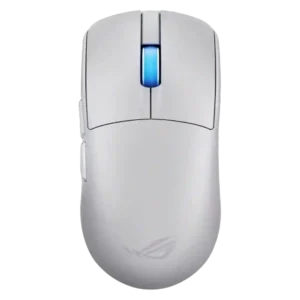
Choose the ROG Harpe II Ace for ultralight FPS play, precise tracking, smooth glide, and web-based tuning. Skip it if you need palm-grip support, MMO buttons, onboard profiles, or long...
Pros: acceleration control, wireless latency
Cons: onboard memory, MMO gaming suitability
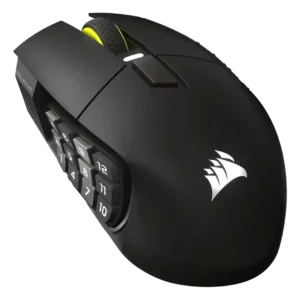
Choose it if you want a premium MMO/productivity mouse with 12 adjustable side buttons, strong battery life, and Stream Deck integration. Skip it if you need an ultralight FPS mouse,...
Pros: click latency, macro support
Cons: firmware reliability, tilt gesture controls
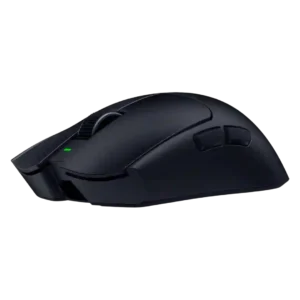
Best for ultra-light, competition-focused speed, precise tracking, stable wireless, and long battery life. Skip it if you need quieter clicks, left-handed support, Bluetooth, more buttons, or better value for casual...
Pros: balance and weight distribution, build quality
Cons: dock compatibility, Bluetooth support
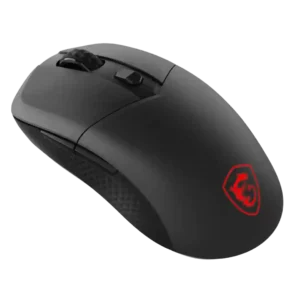
Best for precise wireless tracking, smooth glide, strong battery life, and unusually good 8K value. Skip it if you need polished software, quiet snappy clicks, true left-handed controls, or gentle...
Pros: Accuracy and tracking precision, click latency
Cons: software stability, profile switching