Best for dock compatibility
Glorious Model D3
4.8 feature score
Highest scored product for this feature based on supporting review evidence.
Highest scored product for this feature based on supporting review evidence.
Balances feature score, supporting reviews, and overall product strength.
Has the broadest review evidence for this feature.
Strongest overall product among items with scored evidence for this feature.
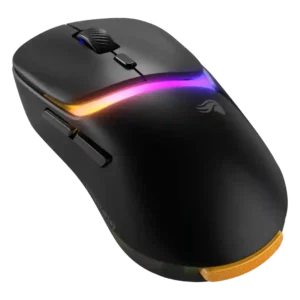
The dock is central to the product experience, acting as a receiver base, spare-battery charger, indicator panel, and customizable control.
Pros: switch durability, DPI range
Cons: grip texture, portability
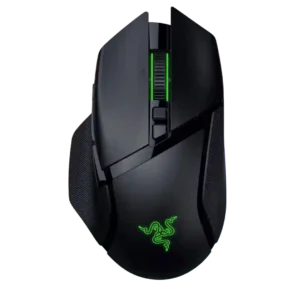
Dock compatibility is well supported, with repeated mentions of Mouse Dock Pro and related charging or high-polling features.
Pros: programmable buttons, Bluetooth support
Cons: handedness options, firmware reliability
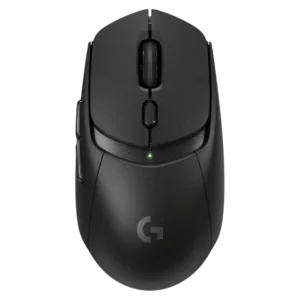
Powerplay compatibility is one of the defining strengths, enabling battery-free use and continuous mouse-pad power.
Pros: motion consistency, dock compatibility
Cons: tilt gesture controls, RGB features
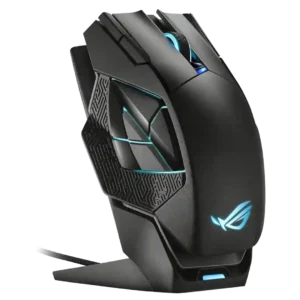
Dock compatibility is strongly supported because the dock charges, holds the mouse, and often doubles as the receiver.
Pros: motion consistency, wireless latency
Cons: fingertip grip comfort, Bluetooth support
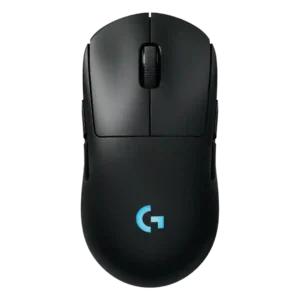
Dock or charging-mat compatibility is supported through Logitech Power Play puck and mat support.
Pros: handedness options, DPI range
Cons: Bluetooth support, MMO gaming suitability
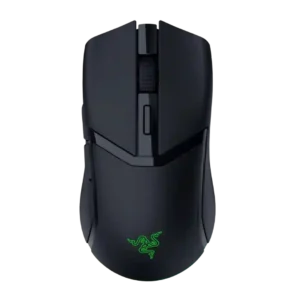
Dock compatibility is well supported through references to Mouse Dock Pro, HyperFlux, wireless charging pucks, and charging docks.
Pros: surface compatibility, switch durability
Cons: click noise, AI Prompt Master
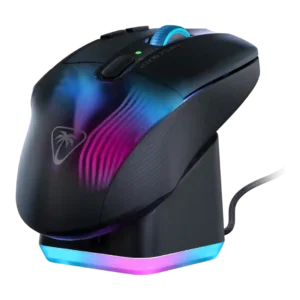
Dock compatibility is mostly praised because the dock is easy, convenient, and useful, though a few reviewers mention sensitivity or flimsiness.
Pros: Accuracy and tracking precision, programmable buttons
Cons: weight tuning, firmware reliability
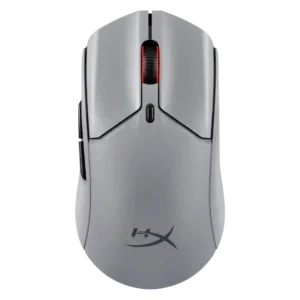
Dock compatibility is supported through the included round dock/hub setup that can extend the mouse connection path.
Pros: wireless latency, connection stability
Cons: palm grip comfort, software stability
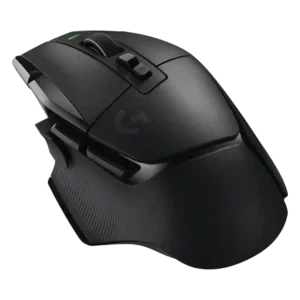
Dock and charging-mat compatibility is strong because PowerPlay support is repeatedly noted.
Pros: acceleration control, long-session comfort
Cons: Bluetooth support, weight tuning
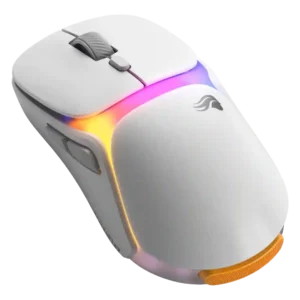
Dock compatibility and usefulness are mostly positive, but the dock can take desk or bag space and was criticized by one reviewer.
Pros: switch durability, connection stability
Cons: MOBA gaming suitability, MMO gaming suitability
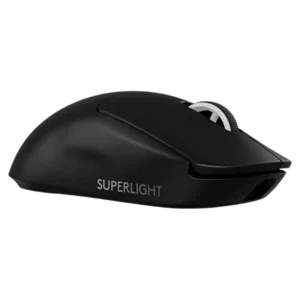
PowerPlay and charging-mat compatibility are repeatedly mentioned, though accessory costs and compatibility caveats keep it from being universal praise.
Pros: wireless performance, Accuracy and tracking precision
Cons: Bluetooth support, tilt gesture controls
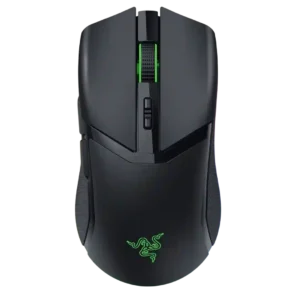
Dock compatibility is present but accessory-dependent, with reviewers noting Mouse Dock Pro support and separate-purchase limitations.
Pros: surface compatibility, sensor performance
Cons: tilt gesture controls, MOBA gaming suitability
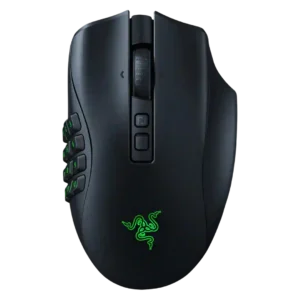
Dock compatibility is well documented, but the dock or charging puck is usually optional and costs extra.
Pros: click latency, switch durability
Cons: handedness options, weight
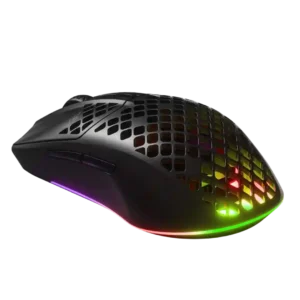
Dock compatibility was only indirectly supported as a missing feature, with one review noting that a charging dock option would have been welcome.
Pros: motion consistency, surface compatibility
Cons: firmware reliability, dock compatibility
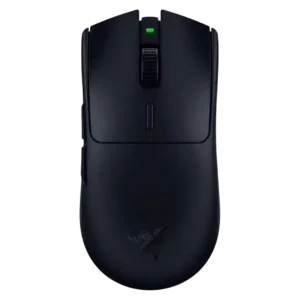
Dock compatibility is poor because the mouse is AA-powered and reviewers note it lacks Mouse Dock Pro or rechargeable dock convenience.
Pros: DPI range, acceleration control
Cons: RGB features, Bluetooth support
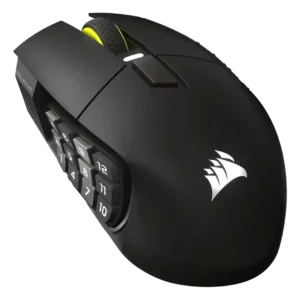
Dock compatibility is weak because the mouse has no wireless charging option or dock, even though USB-C charging is convenient.
Pros: macro support, click latency
Cons: dock compatibility, firmware reliability
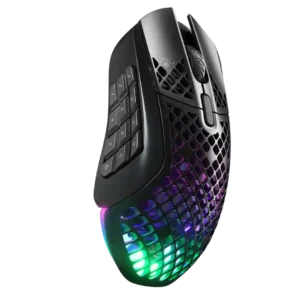
Dock compatibility is weakly supported only as a drawback, with one reviewer explicitly noting the absence of a charging stand.
Pros: programmable buttons, MOBA gaming suitability
Cons: dock compatibility, handedness options
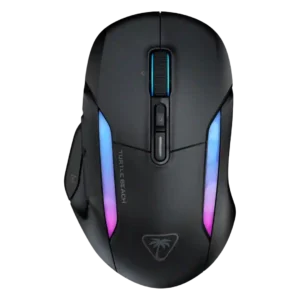
Dock support is weak because one review noted Turtle Beach removed the previous charging dock approach.
Pros: left and right click quality, onboard memory
Cons: dock compatibility, weight
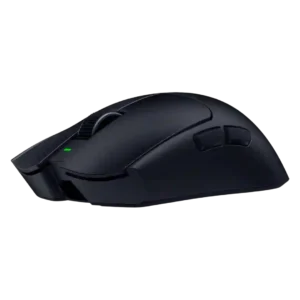
Dock compatibility is poor: reviews note there is no dock and that the mouse is not dock-compatible.
Pros: build quality, Accuracy and tracking precision
Cons: Bluetooth support, dock compatibility
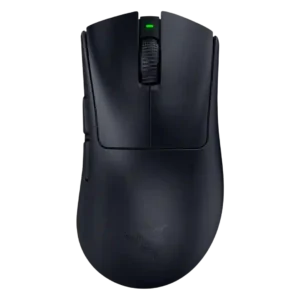
Dock compatibility is weak because reviewers explicitly say the mouse is not battery-dock compatible and does not support charging or docking.
Pros: Accuracy and tracking precision, sensor performance
Cons: RGB features, dock compatibility