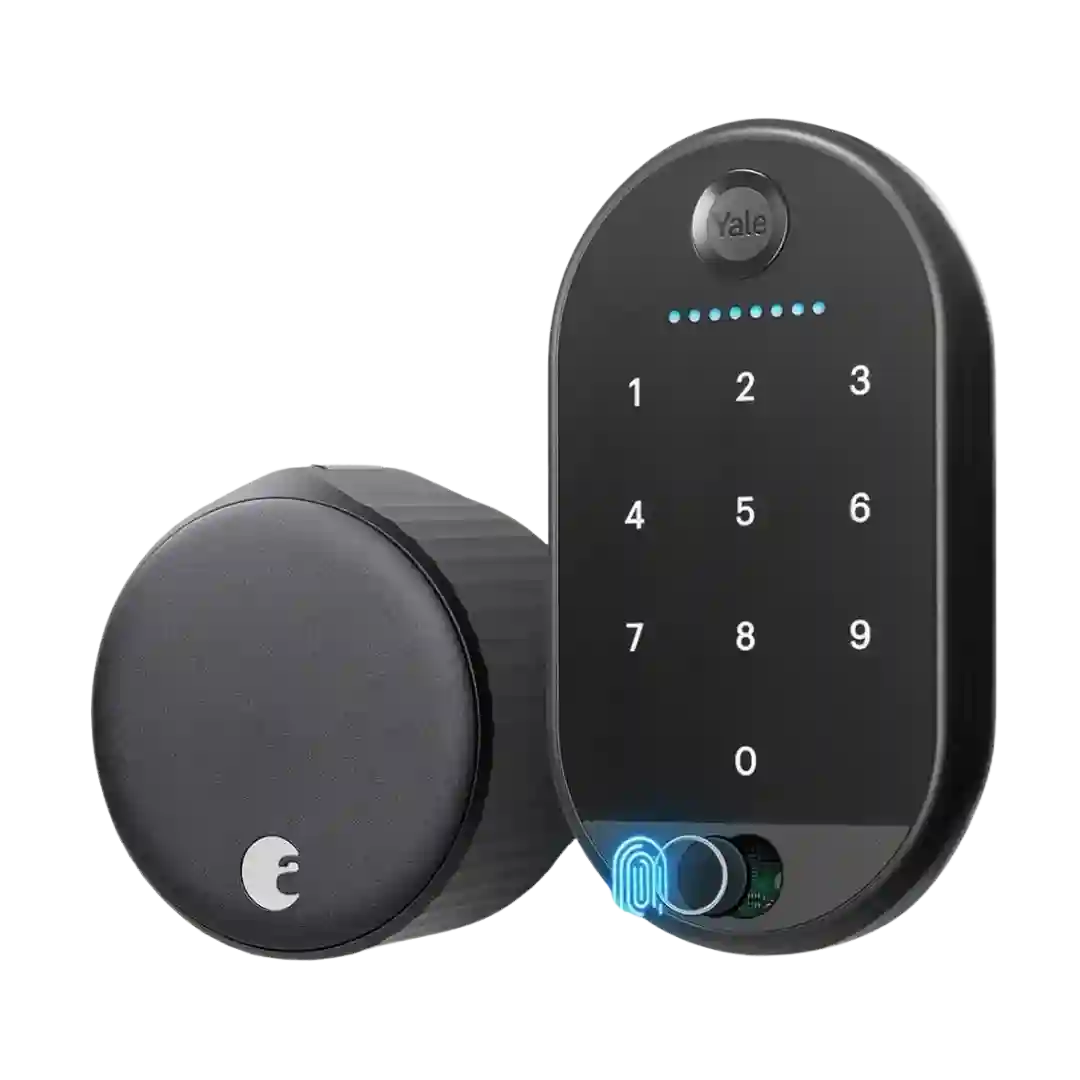
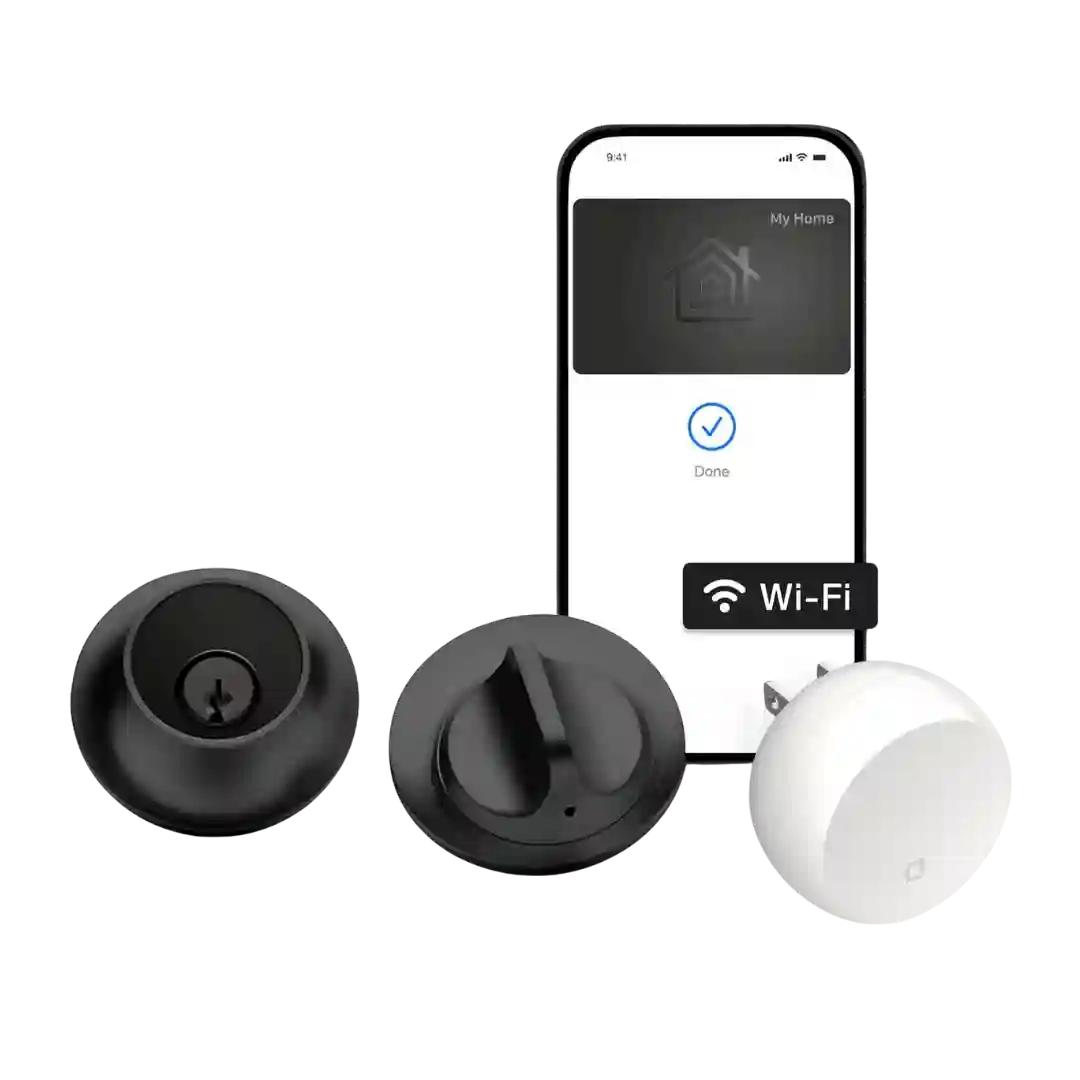
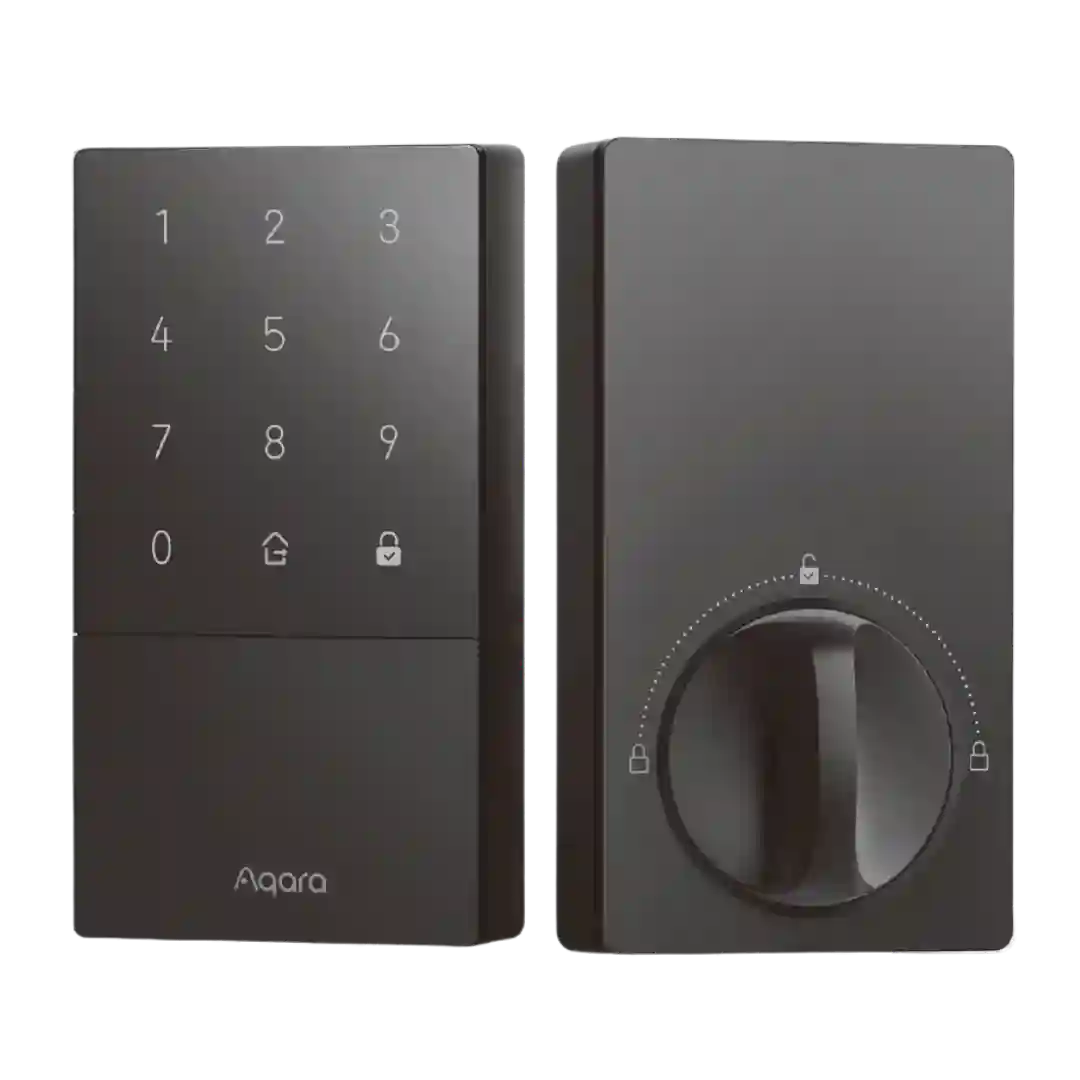
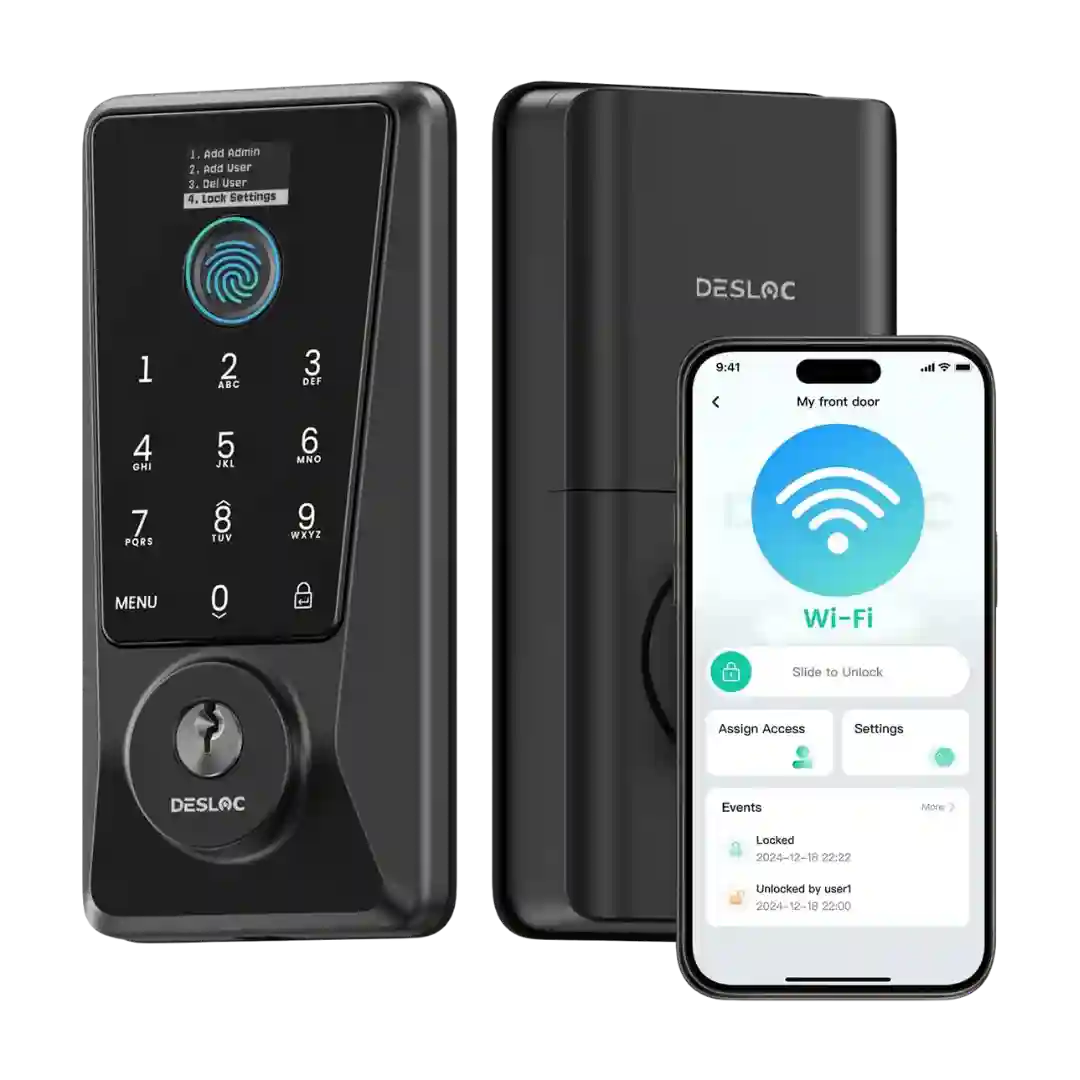
Bluetooth pairing is generally described as straightforward and reliable for local control. Bridge-based setups rely on Bluetooth to link the lock to the bridge, and most reviewers report good day-to-day operation once paired.
Bluetooth is commonly used for local control and platform pairing; it is generally responsive, but some reviewers note Bluetooth-based control in certain ecosystems can feel slower at times.
Bluetooth is mentioned as a local fallback and pairing method, helping nearby control even when the internet is down; locksmith reviews call out modern, encrypted Bluetooth as a positive differentiator.
Bluetooth is described as both a local control method and a fallback when Wi-Fi drops, with multiple reviews calling the connection quick and practical for local use.
Bluetooth performance is usually fast and stable for in-range control, though at least one review reports occasional trouble discovering the lock on some phones during setup.
Bluetooth is commonly mentioned as part of the lock-to-bridge communication path. Reviewers generally describe it as functional, primarily as an invisible link in the overall system.
Bluetooth-first operation is consistent across reviews: local control works, and keypad-to-lock Bluetooth can feel very fast thanks to an always-on link. However, phone-to-lock Bluetooth connection time can add noticeable delay in some situations.
Bluetooth control is typically quick and responsive, and several reviewers note it can feel faster than hub-based control; it also underpins proximity features like Auto-Unlock on many configurations.
Bluetooth helps with setup and is mentioned by some reviewers as an available unlock path, though Wi-Fi and fingerprint are the primary day-to-day methods.
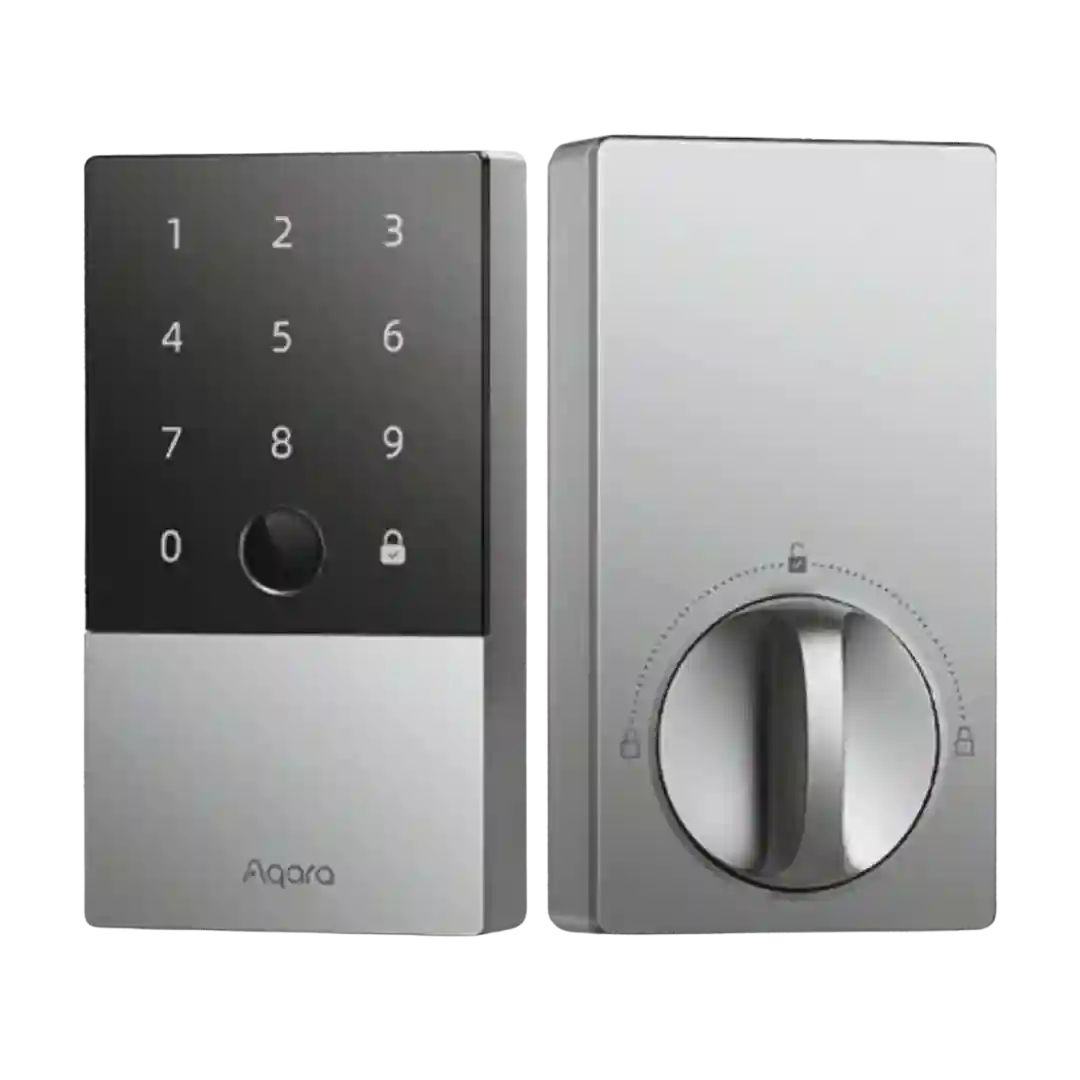
Bluetooth is the default direct connection and usually works reliably within range, though initial connections can take a few seconds. Binding to an Aqara hub can shift more traffic to Zigbee and feel snappier for remote tasks.
Bluetooth is required for initial setup and enrolling faces/fingerprints; it usually works, though some reviewers reported short connection windows or limited range (and noted the use of older Bluetooth versions).
Bluetooth is mentioned as part of the internal module/antenna during installation, but Wi-Fi remains the primary path for remote control and camera features.
Bluetooth is used for close-range control and proximity-based features (including aspects of auto-unlock), and while it works well for many, some users describe occasional slow or inconsistent proximity behavior.
Bluetooth is central for local operation and some features, but it draws mixed feedback: some reviewers find it stable, while others call it temperamental and prefer Thread-class reliability. A boost-range option can help at the cost of battery life.
Bluetooth is central for HomeKey/HomeKit-style setups and works well up close, but it is also the main source of perceived latency or flakiness in remote-style control when a hub is not handling communication.
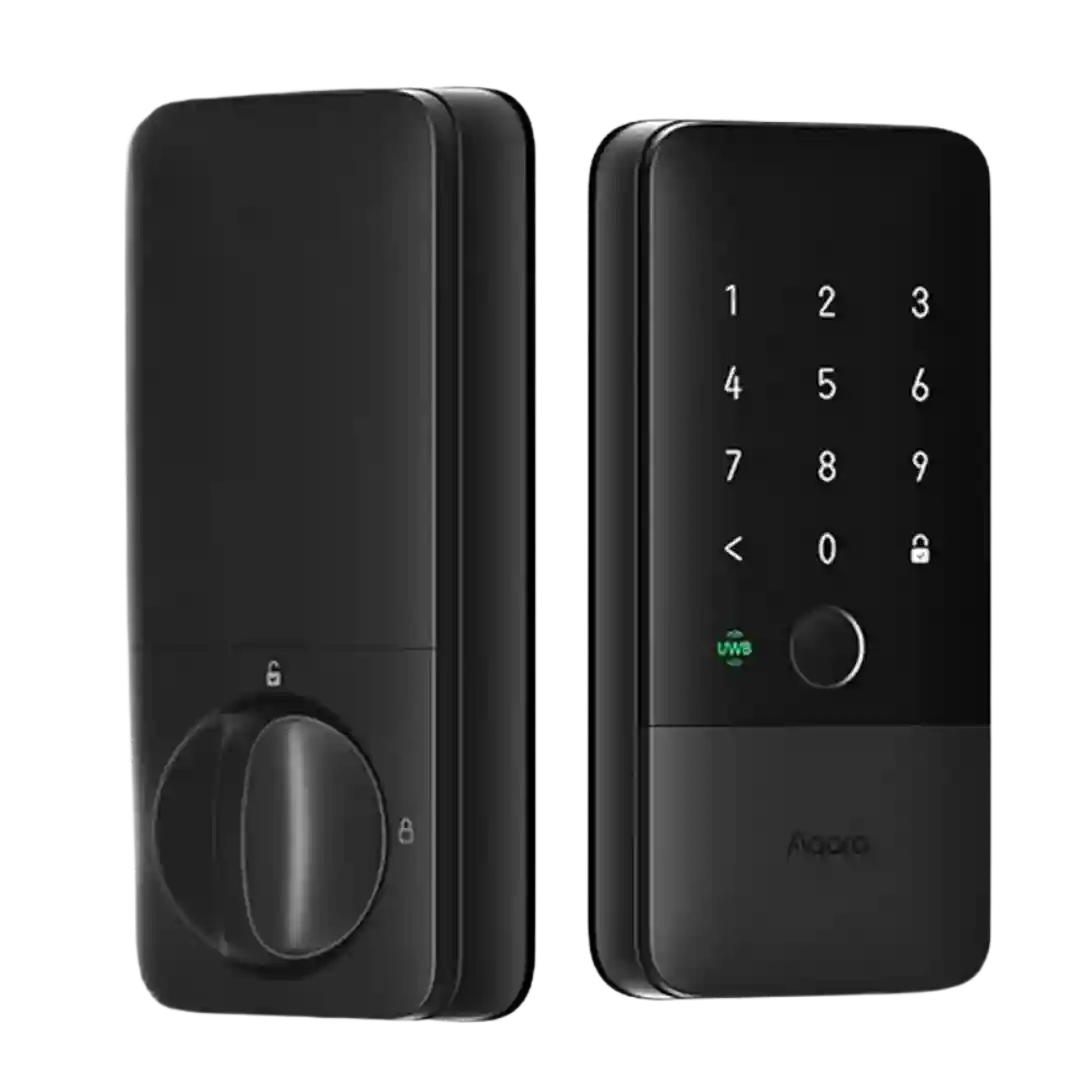
Bluetooth is present and often used for certain local interactions or setup flows, but reviewers generally position Thread/UWB as the main performance story. Some call out Bluetooth-based auto-unlock on other locks as unreliable compared with UWB.
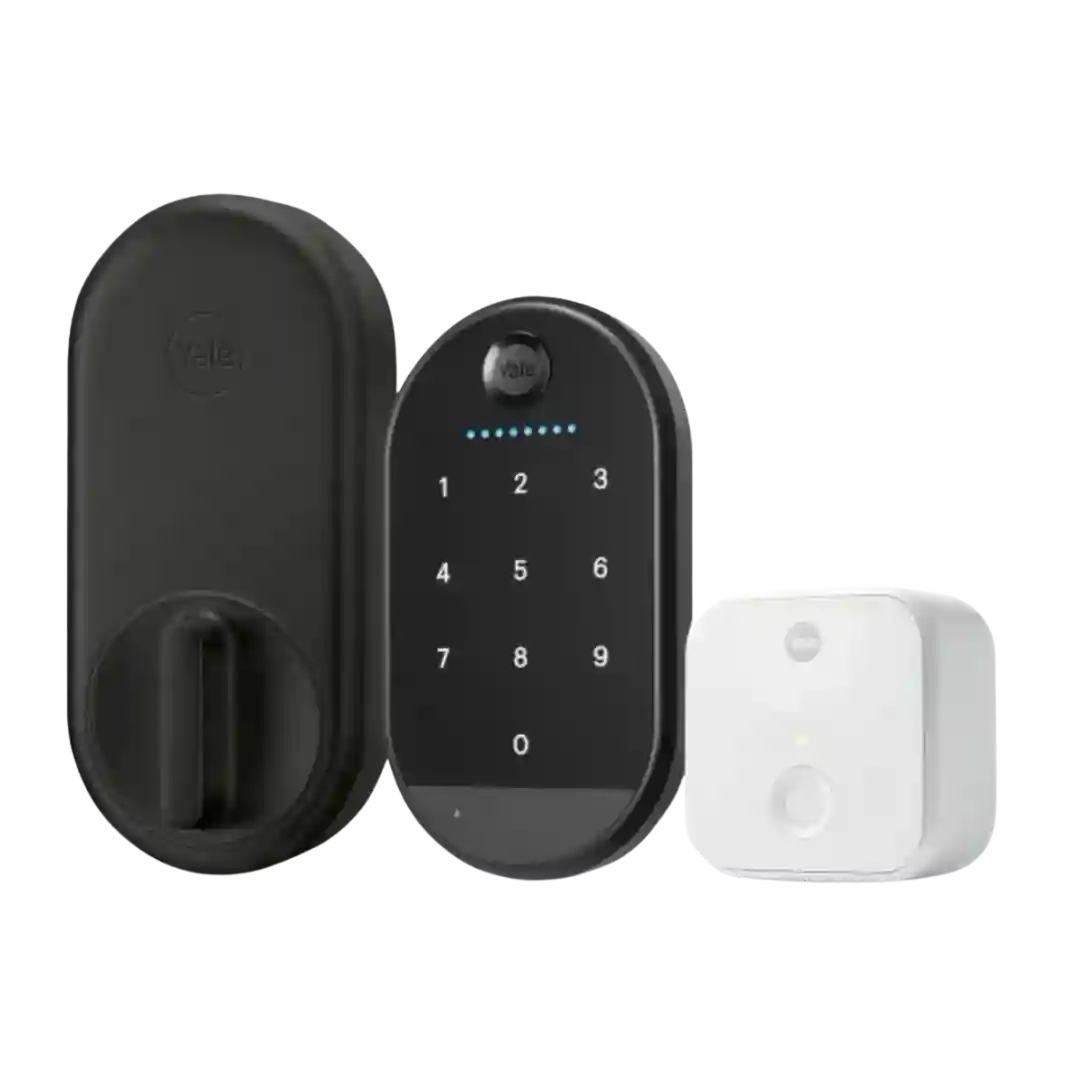
Bluetooth is central for local control and for linking the lock to the Wi-Fi bridge and keypad. Some reviewers report limited range or scenarios where Bluetooth is required for certain settings, even when the lock is otherwise connected via Wi-Fi through the bridge.
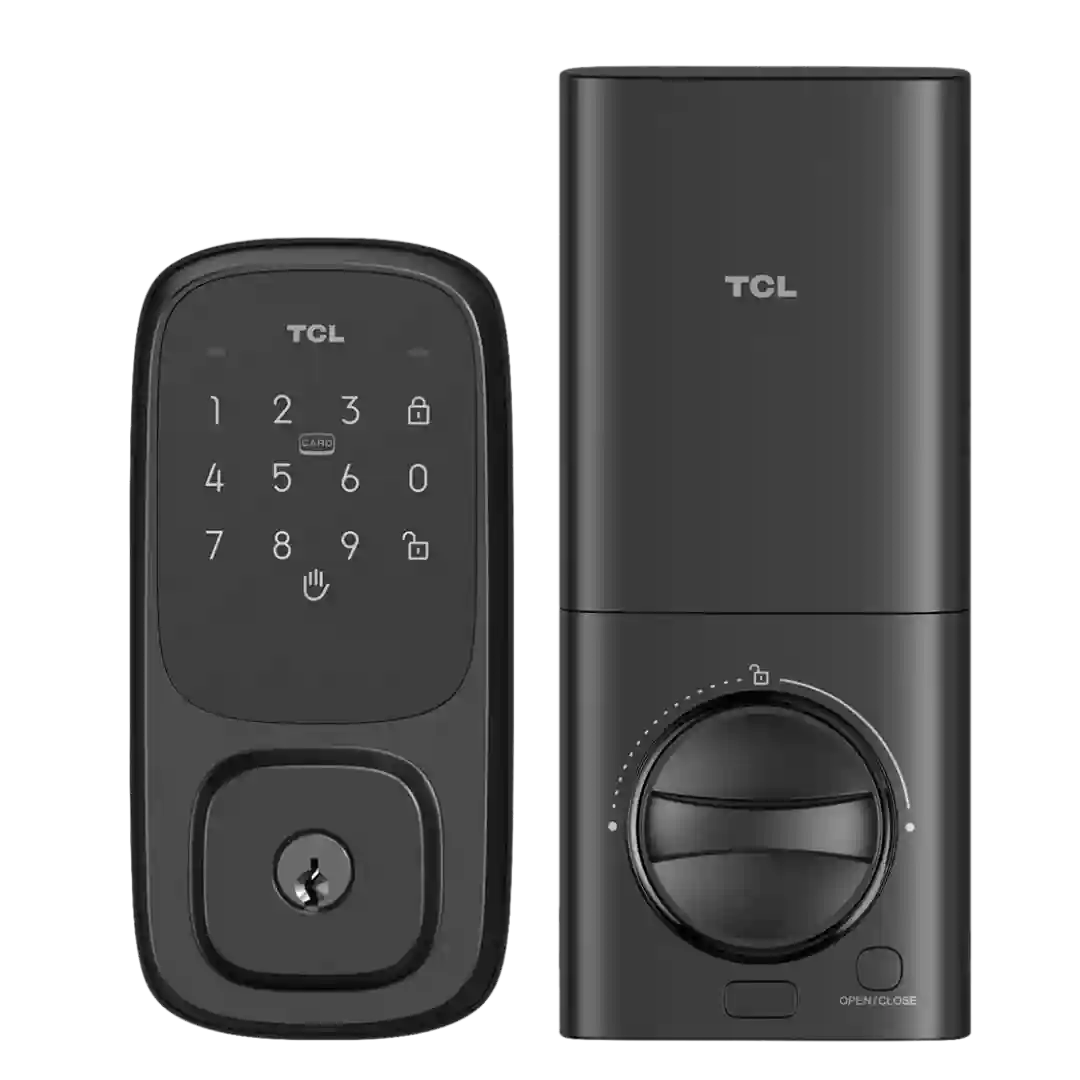
Bluetooth is listed as present in at least one review for local connectivity, but other TCL-lock coverage warns there may be no practical Bluetooth fallback when Wi-Fi drops. Expect Wi-Fi to be the primary path for remote features.