Multipoint and multi-device behavior is commonly praised, with reviewers highlighting stable management of multiple Bluetooth devices and the overall reliability of switching between sources.
Multipoint is supported and usually works as expected for switching between two devices. Some reviewers note occasional quirks or platform-specific issues, but overall reliability is viewed as solid after firmware updates.
Multipoint is widely reported as reliable for switching between a phone and laptop with minimal lag. It is frequently highlighted as a key work-and-travel convenience feature.
Multipoint is a standout convenience feature here, with most reviews praising smooth two-device switching, though a few noticed occasional prioritization hiccups.
Multipoint connectivity is widely praised as reliable and convenient, often highlighted as a standout value feature for quickly switching between two devices.
Multipoint generally works reliably, but usability varies: some note the app does not show connected devices or make switching as effortless as certain rivals.
Multipoint is a meaningful quality-of-life feature and is mostly described as seamless for switching between two devices, with occasional notes that pausing one stream before starting another helps.
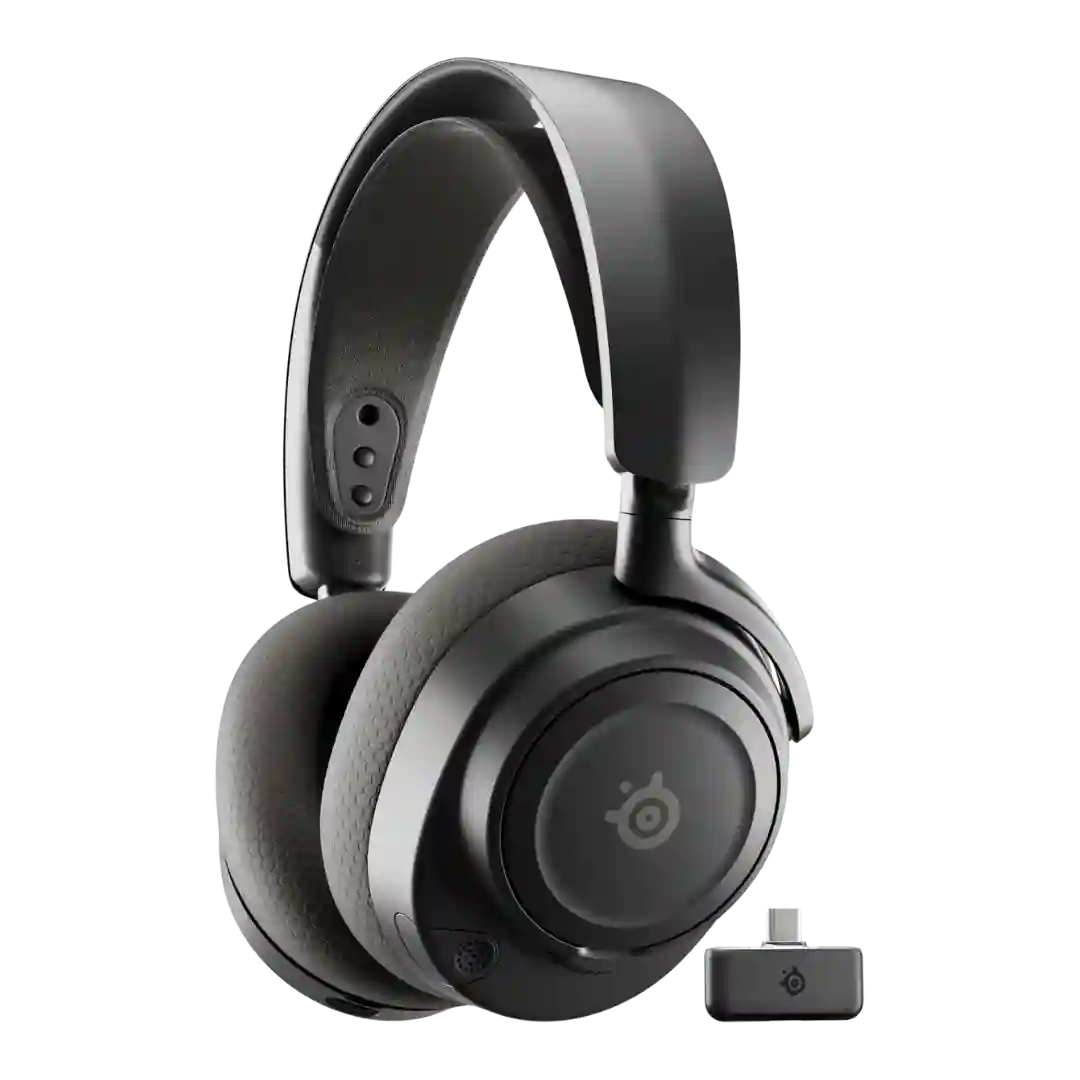
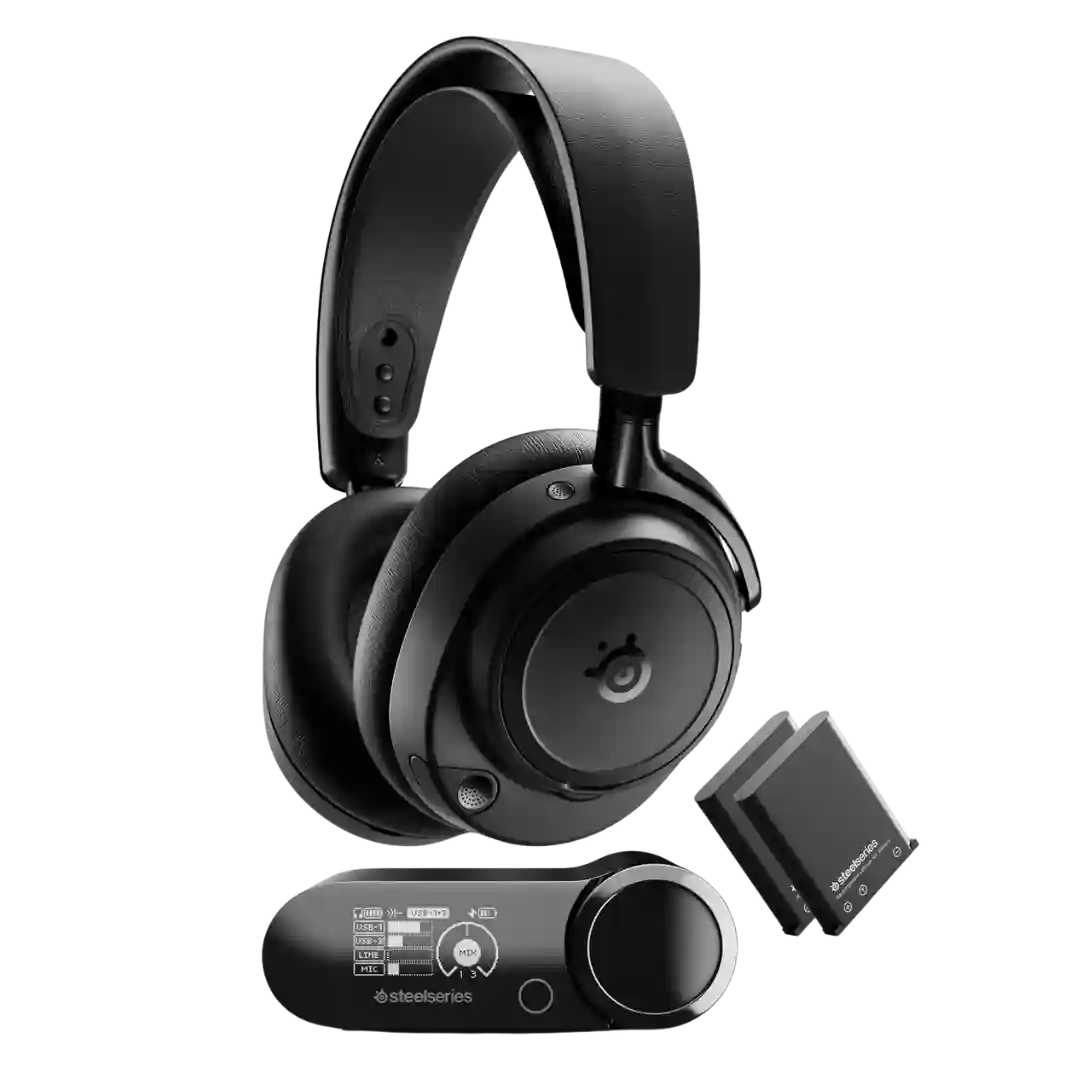
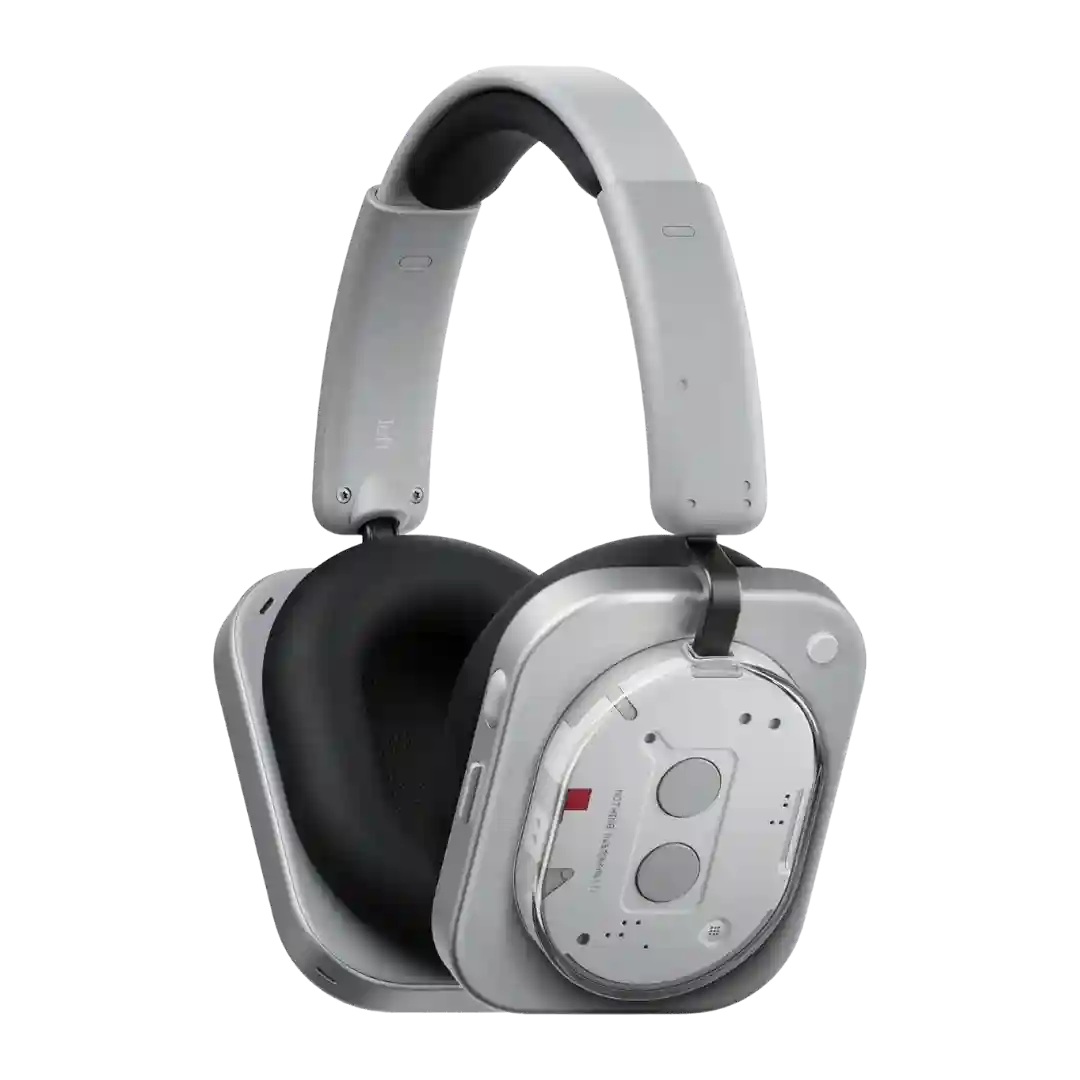
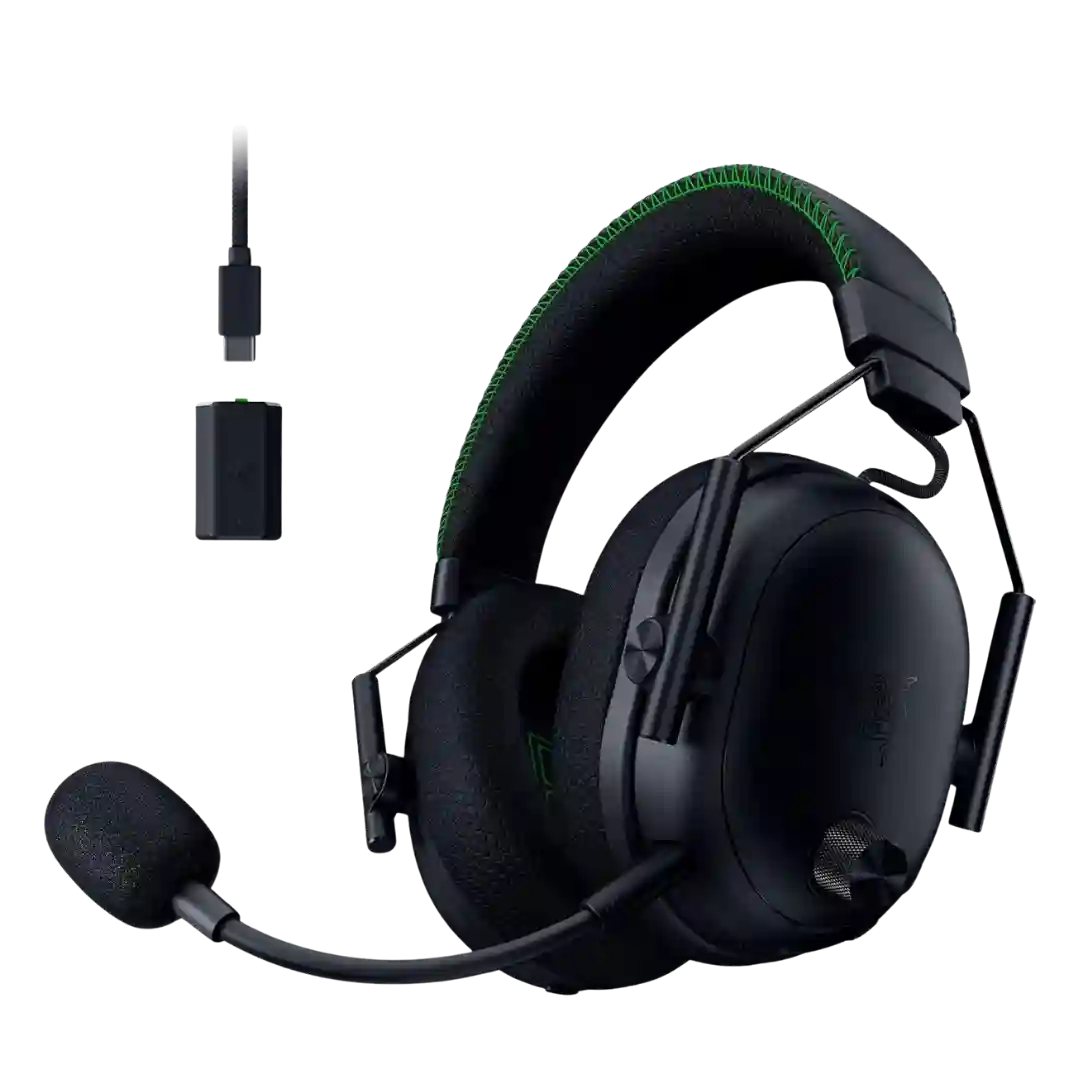
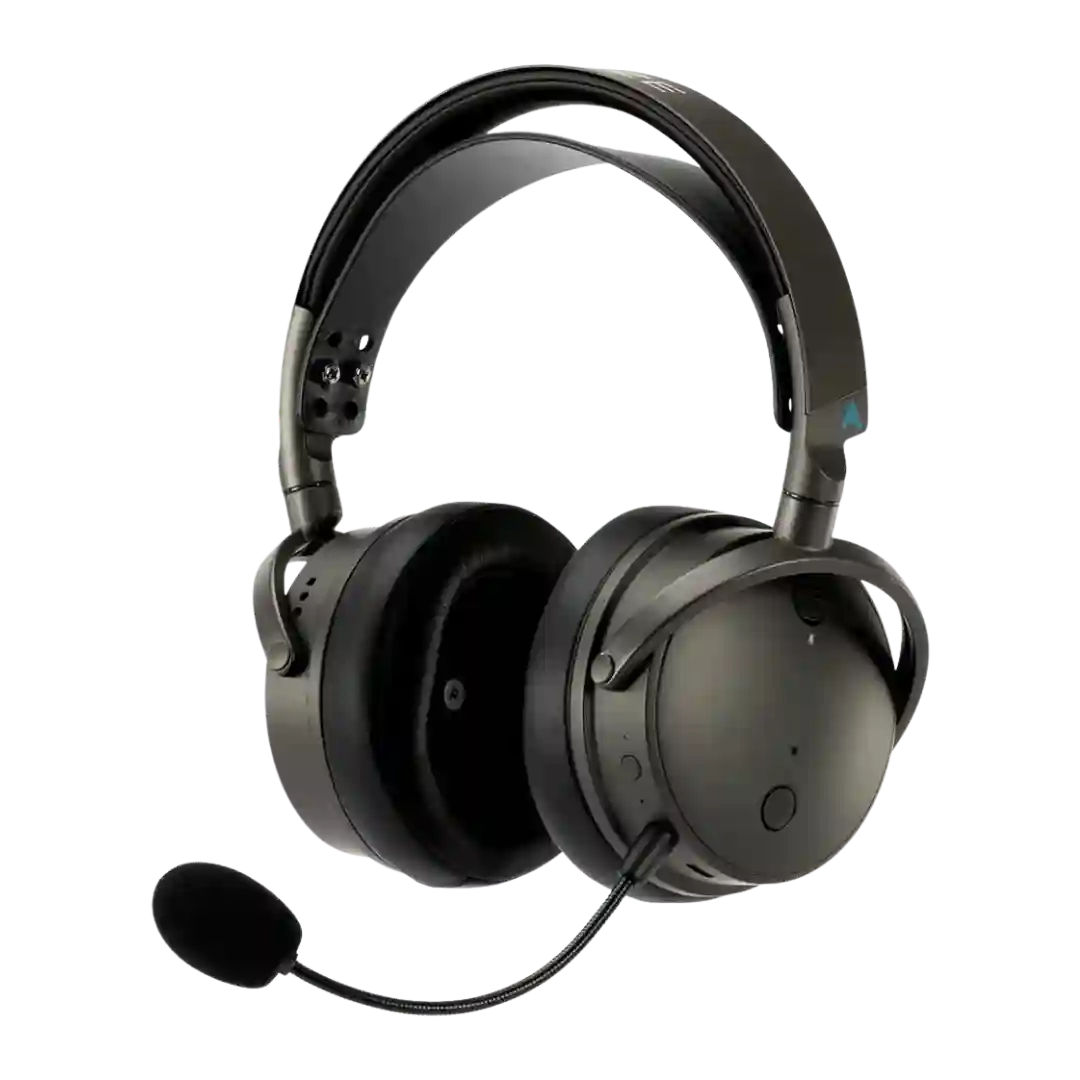
The dual-USB base station plus Bluetooth mixing is repeatedly called a standout for reliability and convenience. The main pain points are juggling source volumes and, in some cases, awkward switching between Bluetooth devices or modes.
Multipoint is frequently praised as seamless and convenient, with quick device switching; minor edge-case glitches are mentioned but are not the dominant experience.
Multipoint pairing is commonly praised for easy switching between two devices, but some note feature tradeoffs depending on settings and codec choices.
Multipoint or dual-connection behavior is often praised in practice, particularly for maintaining two sources while mixing. Limitations mainly come from mode rules, such as wired connections overriding wireless and some app controls requiring a specific connection mode.
Multipoint is frequently highlighted as a standout convenience feature, with several reviewers calling it excellent or flawless for switching between two devices. Using multipoint can reduce available hi-res bandwidth on some setups.
Multipoint is widely praised as seamless for two devices with smooth switching; a couple edge cases (e.g., juggling TV/phone or certain setups) can be finicky.
Multipoint is widely praised as easy and reliable once enabled, with smooth switching between phones, tablets, and laptops aside from occasional app-side quirks.
Multipoint is widely reported to work well for two devices, though some wish for a device-management list and note occasional confusion when mixing wired and Bluetooth sources.
Multipoint and device switching are a major feature and usually work smoothly once set up. Some reviewers experienced occasional wrong-source switching or needed to toggle Bluetooth settings to recover, especially in multi-device workflows.
Multipoint is supported and often works well, though several reviewers mention occasional switching quirks that keep it from feeling completely polished.
Multipoint/dual-device connectivity is commonly praised as smooth and dependable, but at least one source claims it is missing and others note tradeoffs (like dropping to AAC/SBC when enabled).
Multipoint is repeatedly highlighted as a standout, with smooth switching across phones, tablets, and computers. A few reviewers mention small delays or occasional playback quirks when switching between PC and phone.
Multipoint use (two devices) is supported and often works well, but there are limitations when mixing the dongle with other connections and occasional reports of source confusion.
Multipoint is repeatedly mentioned as a key convenience feature and usually works well, though some report occasional switching wobbles that resolve on a second try or after enabling it in-app.
Multipoint is commonly praised for convenience and generally works well for hopping between phone and laptop. One review reports clunky or inconsistent behavior, so it is not universally flawless.
Multipoint is widely reported to work, but switching behavior is sometimes manual (for example, pausing on one device before playing on another) and auto-switching is not always present.